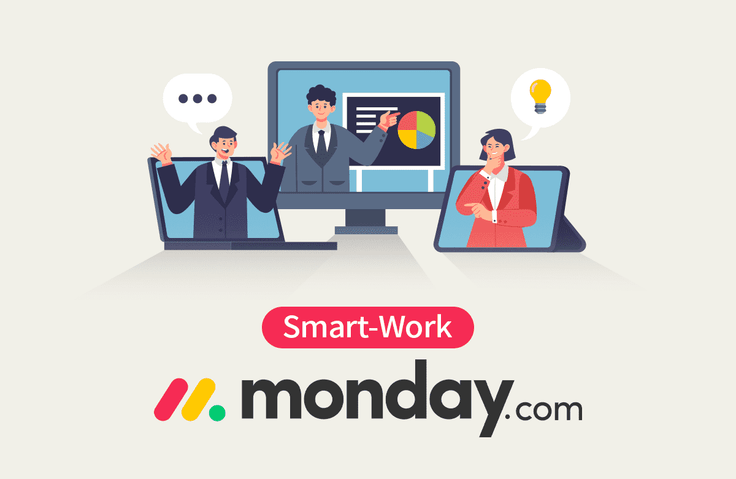
[Smart Working in Practice] Working Smarter with Monday.com
A course to effectively master the core features of monday.com in a short period, enabling anyone to automate and manage work easily and freely!
Learn how to work smarter by using monday.com to effectively handle work instructions, schedule management, task status, and reporting anytime, anywhere, while also tracking performance in real-time.
Although smart working tools are said to be easy to use, it takes a lot of time and effort to learn them on your own. This course was very useful because it helped me easily learn the main essential core functions!
5.0
enchongseo
100% enrolled
I think it will be possible to manage schedules efficiently. However, I think it would have been better if you had explained the automation part with a more detailed example. Thank you.
What you will gain after the course
Achieving high organizational performance through efficient individual and team task management via seamless communication in non-face-to-face environments.
Improving work efficiency and performance through effective time and task management
Manage not only your own work but also your team's tasks all in one place, without the need for multiple complex tools.
Work reporting and collaboration perfectly suited for the MZ generation through easy and fast sharing of schedules and task progress.
Boost your work efficiency with Monday! Work smarter and increase your productivity.
📖Effective task processing and fast, accurate schedule sharing!
Now, you must keep up with the times by developing efficient online work management skills, and effective task processing and fast, accurate schedule sharing are necessary to ensure the competitiveness of individuals and organizations.
-Is there a way to reduce the time spent on meetings and distribute tasks more efficiently?
-When a teammate working on a collaborative project is working from home, it's so cumbersome to communicate via calls and messages every time; isn't there a more efficient way to communicate?
-I want to check the progress of the work, but is there a way to do it easily whenever I want?
A situation everyone has experienced at least once—walking on eggshells while asking a teammate about their work progress! Now you can check work progress without having to worry about how others feel.
Have you been searching for tool usage tips every single time because you didn't know how to use them? That's why we at Maso Campus have prepared this. Condensing all concepts for immediate application,Work Smart with monday.com!
🔑 We recommend this to the following people
- Those who want to manage the functions of multiple tools all at once through Monday.com
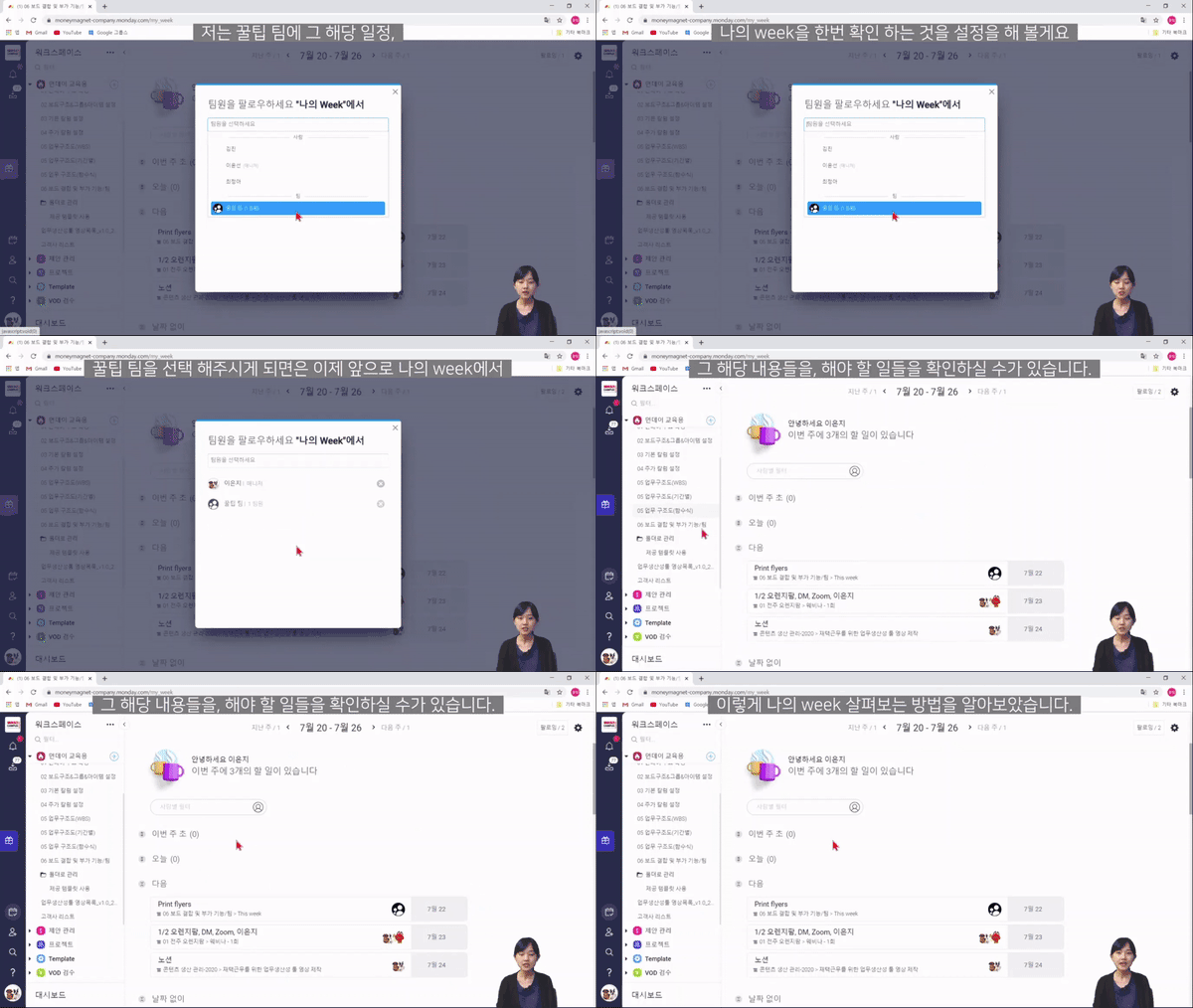
- Those who want to check work instructions, schedule management, etc., anytime and anywhere
- Those who want to share work progress, work reports, etc., quickly and easily
- Those who want to design workflows as individuals or teams desire and wish for easy task automation
Maso Campus's <Working Smart with Monday> is a course for those who want to work smartly and efficiently. No prior knowledge is required, and anyone with the will can comfortably learn how to use the tool through hands-on practice.
Therefore, anyone who wants to get started in data science will be able to analyze data with ease!
✨ Course Features Lectures that only list difficult concepts? No! Lectures that require prerequisites or prior knowledge? No!
By utilizing various tools, you can build a workspace for everyone to use together and increase work efficiency. We have structured the course with essential, systematic content—not fragmented pieces—so that you can learn only what you need in a short amount of time.
Focusing on the core functions necessary for work at the price of a cup of coffee per month, we provide practical methods that can be applied to real-world tasks for mastering the Monday tool..
📜 After listening to "Working Smart with Monday"
IT Campus's <Working Smart with Monday>After taking this course, you will be able to apply Monday to your practical work immediately in just 1 hour and 30 minutes.
-Manage budgets easily. Effortless work-sharing capabilities with anyone you want
-Project progress can be checked quickly and easily
-Sharing team members' schedules can be checked at any time
-Handing over tasks quickly and easily
Working Smart with Monday ensures that even without meeting face-to-face, you can clearly hand over tasks through Monday.
📚Learning Content
💬Frequently Asked Questions Q&A
Q. I've never heard of the tool called Monday. Will it be okay? A. Yes, it's perfectly fine! This course provides kind and detailed explanations so that even complete beginners can easily follow along. So don't worry and just try taking the course. After finishing the lectures, you will be able to utilize Monday 'properly'!
Q. Do I need to take additional courses other than this one to use Monday? A. This course covers an overall explanation of Monday and the tools available within it, so you can actively utilize Monday just by taking this course.
Q. Are there any requirements or prerequisites for taking the course? A. Since this is a practice-oriented course, it is recommended to have a dual monitor or an extra device to separate the lecture screen from the practice screen. Also, since the practice is conducted based on Windows OS, we recommend taking the course in a Windows environment.
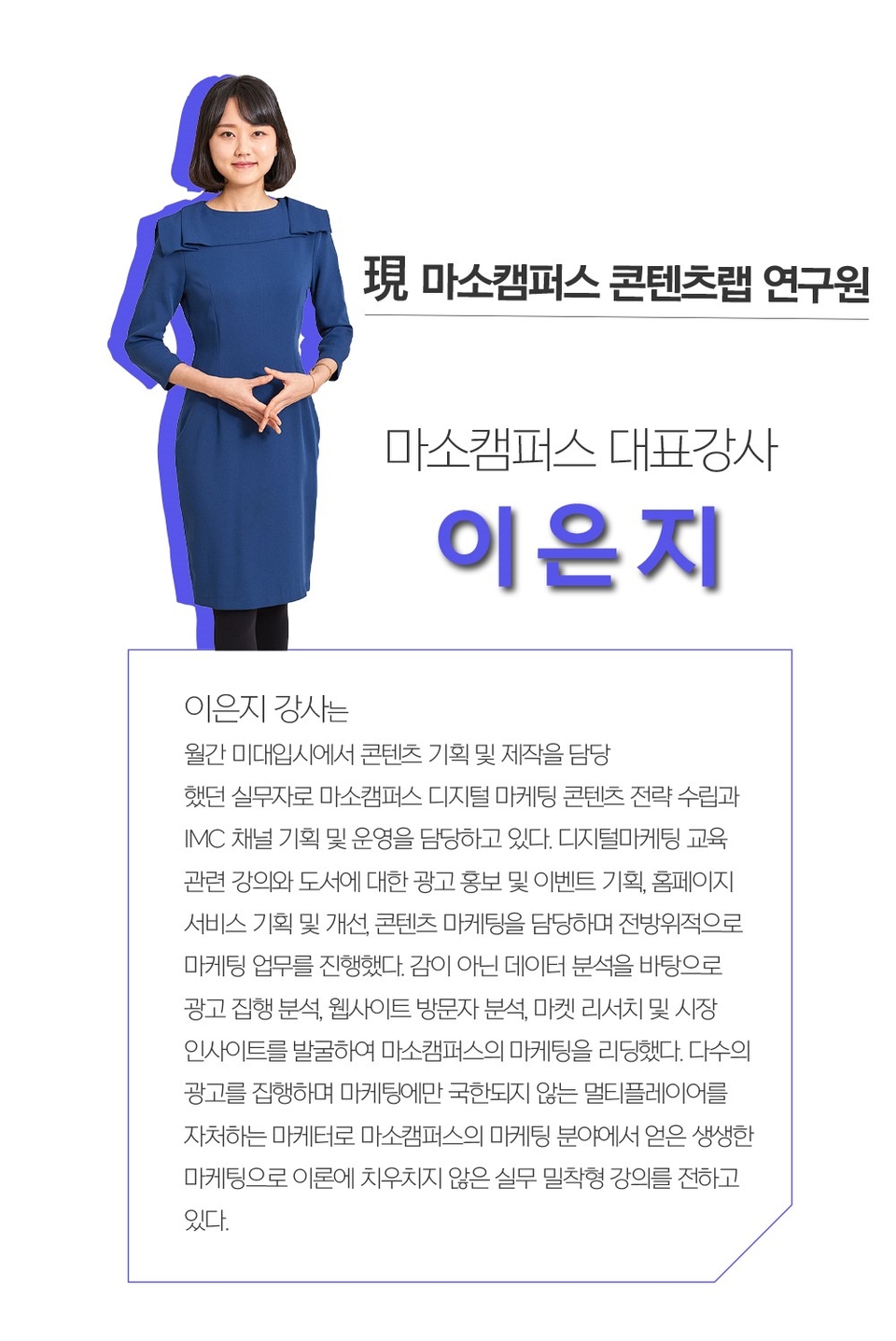
✒ ️Instructor Introduction
✔️ Please check before taking the course!
-Since this is a practice-oriented course, it is recommended to prepare a dual monitor or an extra device to separate the lecture screen and the practice screen. Additionally, as the practice is conducted based on Windows OS, we recommend taking the course in a Windows environment.
-The lecture materials and practice files are located in 00 Section.
-The audio for this lecture was recorded at a somewhat low volume. Please be sure to check the [Preview] lesson before taking the course.
Recommended for these people
Who is this course right for?
Those who want to learn effective work-sharing methods in line with the "on-tact" era, such as remote work and non-face-to-face meetings.
Those who currently search for tool instructions every time they use them, but now want to master them in a short period of time.
Those who want to increase work efficiency by learning easy and simple ways to use tools
Those who want to systematically manage and check their own tasks, team members' tasks, and schedules.
Those who want to communicate effectively with team members using tools
Those who want to collaborate smartly through Digital Transformation in everyday life
Need to know before starting?
There are no special requirements or prerequisites, and anyone can take the course.
All you need is the willingness to learn how to work smartly and efficiently.
As this is a practice-oriented course, we recommend using dual monitors or an extra device to separate the lecture screen from your practice screen.
"I will grow more than yesterday. And, I will help those who strive to grow more than yesterday."
With Actionable Content that embodies the sincerity and aspirations of Maso Campus,
100 million cumulative hours of lectures shared online and offline since 2013!
This precious experience and time are always the source of growth for both Maso Campus and our students.
The Miso Campus team strictly adheres to two principles for the growth of us all. 1. Actionable Content that can be put into practice immediately after learning. 2. Respecting the time and effort of participants.
The Miso Campus team strictly adheres to two principles for the growth of us all.
1. Actionable Content that you can actually use after learning
2. Time-Saving Curriculum that respects the participant's time and effort
Grow with Miso Campus's Actionable and Time-Saving Curriculum
1. Actionable Content that you can surely use once you learn it
2. Time-Saving Curriculum that respects the time and effort of participants
We hope you will walk the path of growth together with Masocampus's Actionable and Time-Saving Curriculum.
We hope you will walk the path of growth together with Maso Campus's Actionable and Time-Saving Curriculum.
Although smart working tools are said to be easy to use, it takes a lot of time and effort to learn them on your own. This course was very useful because it helped me easily learn the main essential core functions!
I think it will be possible to manage schedules efficiently. However, I think it would have been better if you had explained the automation part with a more detailed example. Thank you.













![[Smart Working Practice] Working Smarter with NotionCourse Thumbnail](https://cdn.inflearn.com/public/courses/328128/cover/11115dce-68f1-4f5c-a63c-76d9c725772b/328128-eng.png?w=420)











![[RPA] UiPath Studio Advanced Development CourseCourse Thumbnail](https://cdn.inflearn.com/public/files/courses/334859/cover/ai/0/b11c8640-2939-4c35-9f89-bf7c540c1b6c.png?w=420)

.png?w=420)
![[Basic Part 2.5] OpenClaw.AI Master Class: Fundamentals of Multi-Agent Team Design and Role SeparationCourse Thumbnail](https://cdn.inflearn.com/public/files/courses/341784/cover/01knxyn4p6xrrydvz16tkf6yvb?w=420)
![[30 Years of Planning] Romance of the Three Kingdoms 'Rule of 3' Strategic Planning / 150-page TextbookCourse Thumbnail](https://cdn.inflearn.com/public/files/courses/340446/cover/01kf9rwyvmwrbgsee6v60dtrra?w=420)
![[AI Literacy Author-Led Lecture] All-in-One AI Utilization Guide for Every Professional (Full Renewal June 2026)Course Thumbnail](https://cdn.inflearn.com/public/files/courses/338197/cover/01kv21w77rdj8nd7he7g1esz2s?w=420)

![[30 Years of Planning Experience] The Rule of Romance of the Three Kingdoms 3 / Self-Study / 150-page Textbook + 333-page WorksheetCourse Thumbnail](https://cdn.inflearn.com/public/files/courses/340999/cover/01khqrpwr7s0yy748na4jhdk1p?w=420)
![[30 Years of Planning] 600 Pages / Romance of the Three Kingdoms: Rule of Three / Reference BookCourse Thumbnail](https://cdn.inflearn.com/public/files/courses/340964/cover/01khf3fpcaftgj2604r79c2g4v?w=420)