Open Software 2.5D CNC Makercam Lecture
gremaza
$38.50
Basic / CAD, CNC
3.7
(3)
※ Various products can be manufactured using free 2.5D CNC machining-related CAM software (Makercam).

Basic
CAD, CNC

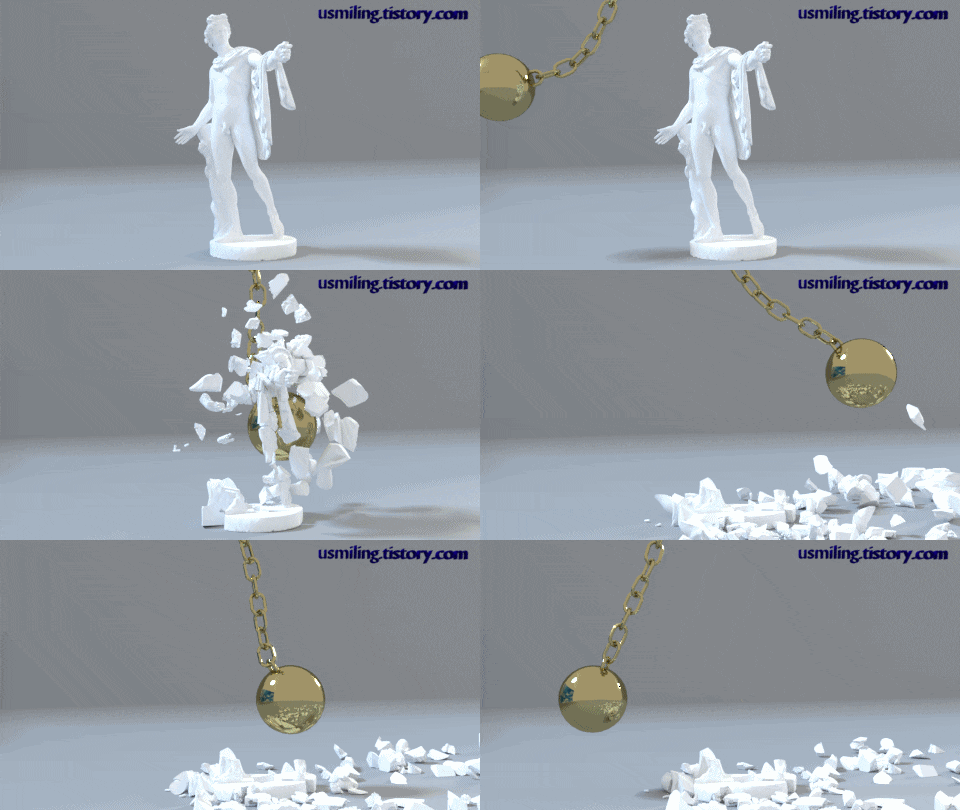
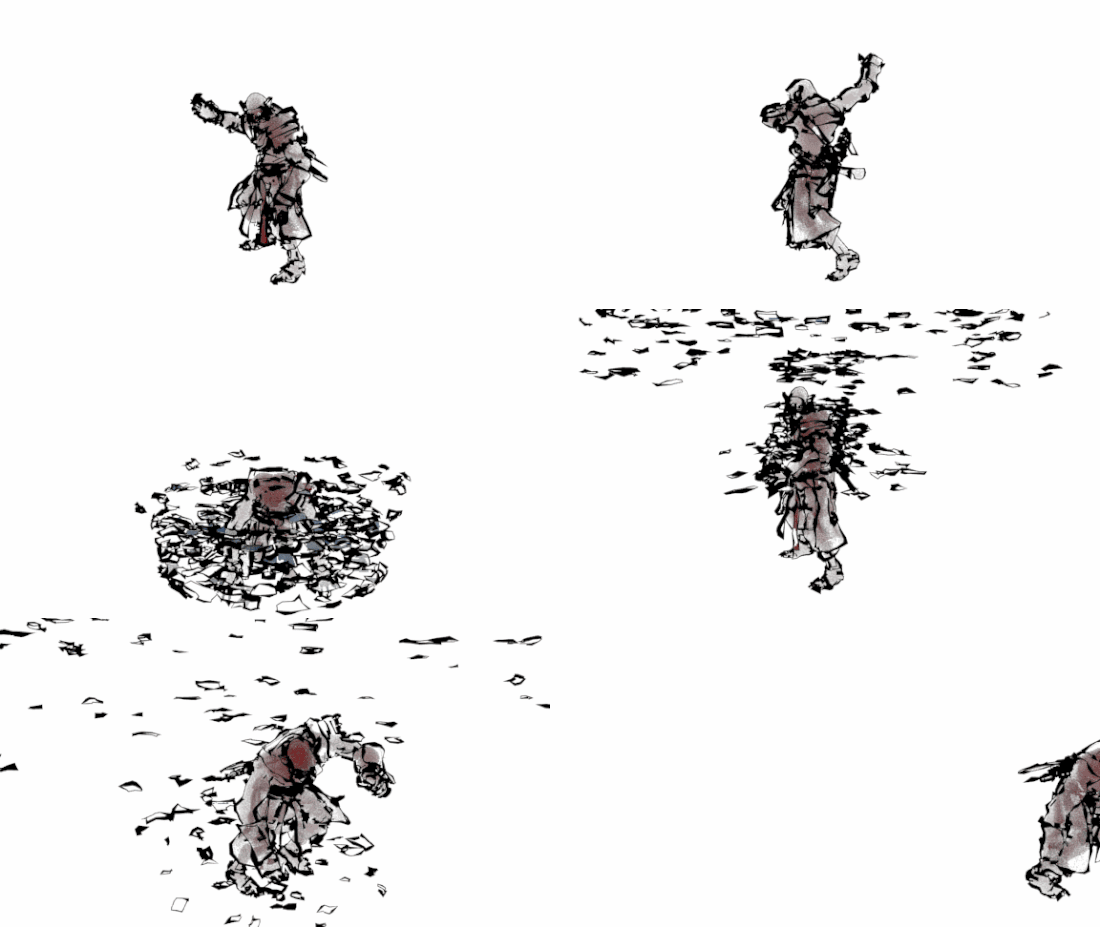
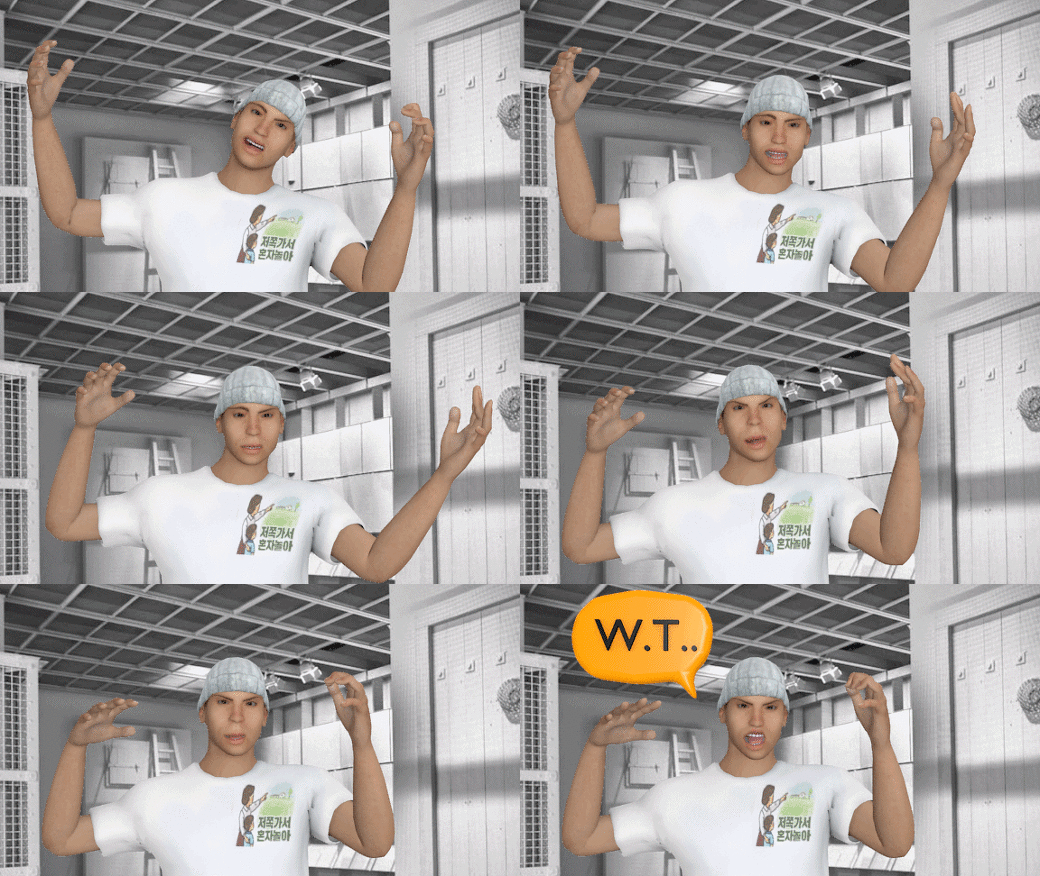
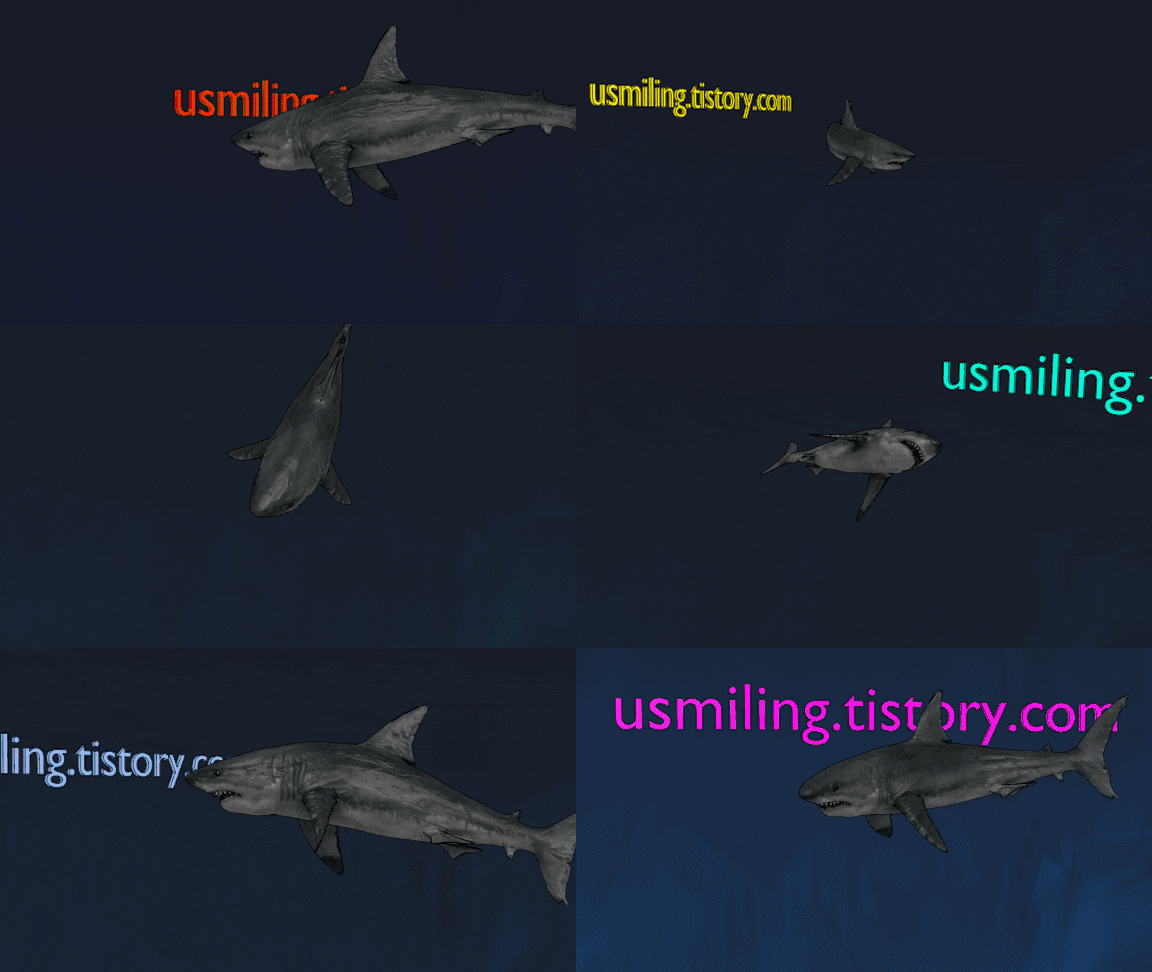
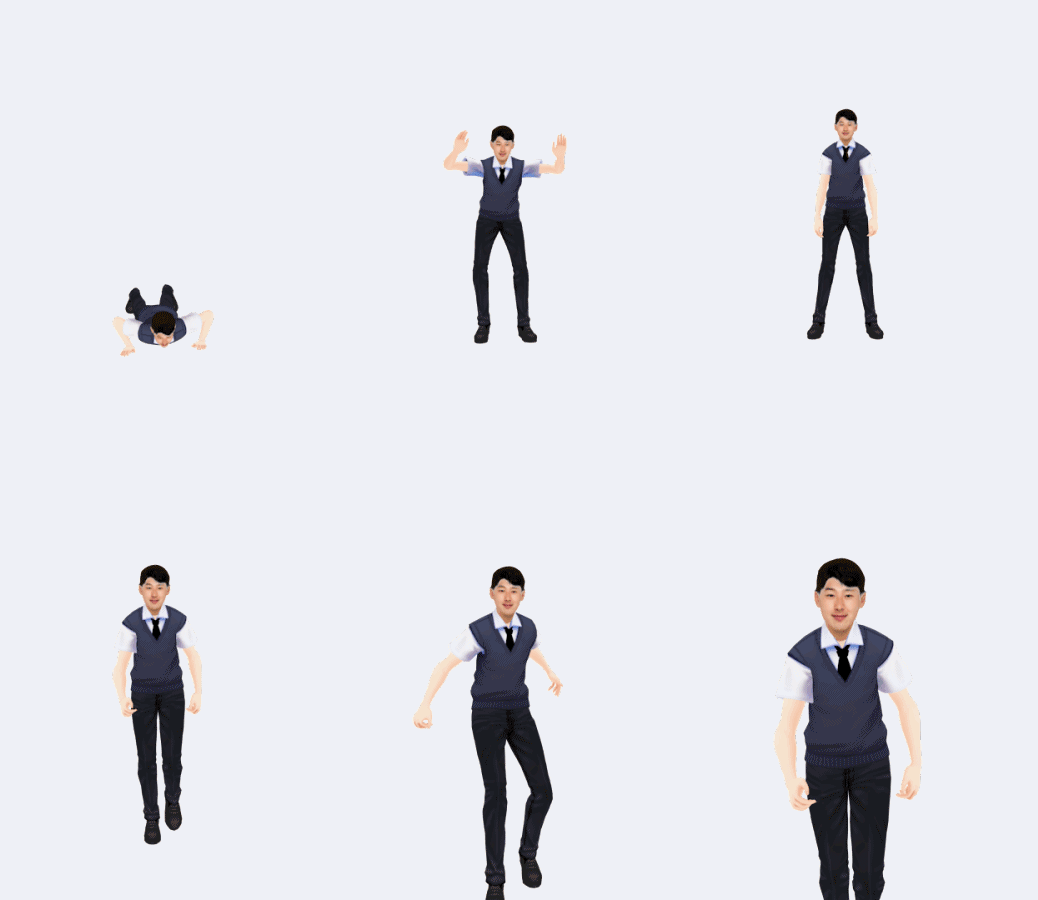
※ Students, please be sure to check the announcements (news). (Related materials are attached)
* Please check the news bulletin board to download the Blender 2.79b version required for training.
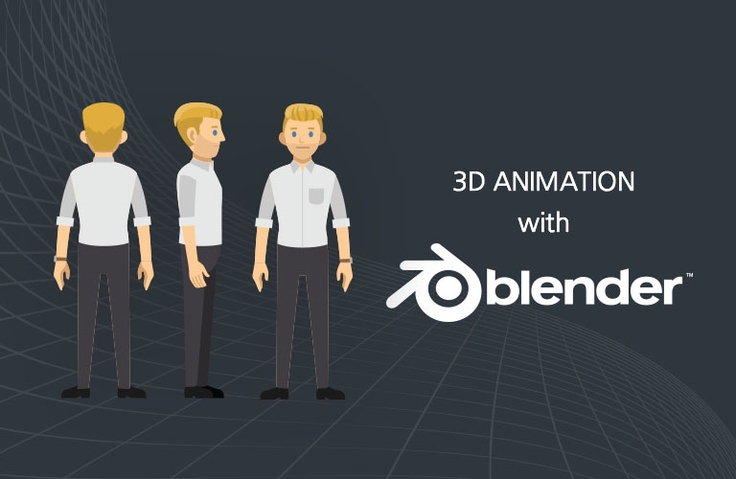
We would like to show you how to easily and simply create animations using Blender, a famous 3D modeling open source software, and 3D characters.
Blender offers a wide range of features, including animation, particles, texture painting, cloth simulation, and sculpting. It also includes its own cross-platform game engine, making it incredibly useful for mobile game development. One of the most striking features of Blender's UI is its 3D cursor.
This 3D cursor saves you a lot of work by allowing you to click on a polygon point with a single click, much like in an FPS game. It will then be instantly created, locking onto that exact point like a bullet. It can be set as the center of the viewport camera, temporarily storing the position of a specific object, or even defining a center axis when using proportional editing. We hope you'll explore the diverse and fascinating world of Blender step by step through this course.
- Create various 3D character animations using Blender


- Create 3D characters and apply movement
- Input and texture map 3D character files into Blender, and edit them.
- Apply 3D character motion
- Rendering and animation creation
Note
- Internet + Computer / Blender 2.79 (https://www.blender.org/download)
Kim Yong-il
Currently operating Gremaza Workshop ( gremaza.modoo.at )
Majored in mechanical design automation programming and worked at a machinery-related company.
2D & 3D mechanical design (using AutoCAD, Inventor, CATIA, Rhino, and Solidworks) General mechanical engineer,
Possess qualifications such as tool design engineer, electrician, etc.
CAM software (Mastercam, Powermill, Visualcam, CamBam, Makercam)
CNC equipment (MACH3, FAGOR) and 3D modeling (Blender, Rhino),
3D printing prototype production and equipment training

Currently operating Gremja Workshop and serving as a Section Manager in the Production and Development Department of a jewelry components manufacturing and sales company. Majored in Mechanical Design and Automation Programming with experience working in machinery-related firms. Proficient in 2D & 3D mechanical design (utilizing AutoCAD, Inventor, CATIA, Rhino, and SolidWorks). Holds certifications including Engineer General Machinery, Industrial Engineer Jig & Fixture Design, and Craftsman Electricity. Experienced in CAM software (Mastercam, PowerMill, VisualCAM, CamBam, MakerCAM), CNC equipment (MACH3, DSP controllers), 3D modeling (Blender, Rhino), and prototyping using 3D printing. Skilled in manufacturing various products using CNC engravers, laser markers, and UV printers.
(Using CAM) Prototype production using CNC equipment (MACH3, DSP controllers), 3D modeling (Blender, Rhino), and 3D printing; manufacturing various products using CNC engravers, laser markers, and UV printers.
It is helpful in understanding the flow of 3D animation production, but overall, it is a very disappointing lecture. The volume is different for each lecture, and it seems like they explain what they think of on the screen at that time without a lecture script. Although it is not mentioned in the current lecture introduction, Mixamo is mainly used for rigging and animation, and then some modifications are made to complete it. However, things like breaking objects with iron balls or shark swimming motions that are mentioned in the lecture introduction are not learned. It seems less necessary for those who know Mixamo to take this course.
I wanted to learn about modeling and rigging, but I don't know what I learned up to the second lecture. It seems like a lecture to learn how to use Mixamo. And the sound is so stuffy and there is noise in the high-frequency shooting sound, so I'm having a hard time holding it in and listening. I'll listen to the end even if it's because I don't want to waste money, but it's still a really disappointing lecture.
Since the instructor did not set the menu environment settings together, it is difficult to follow because my screen is different and the version is different.