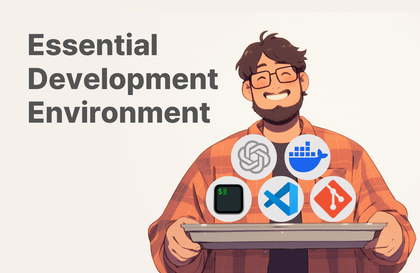
삽질없이 쉽게 따라하는 윈도우 개발 환경 셋업
Kenu 허광남
2시간 안에 git, VS Code, Node.js, Python, Java 개발 환경을 삽질없이 쉽게 윈도우에서 설정하는 방법입니다.
Beginner
Git, VSCode, Microsoft Windows
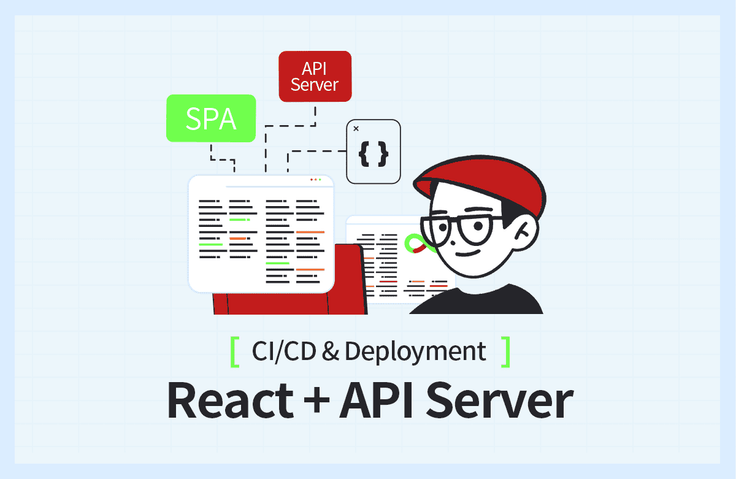
Create a React development environment, the hallmark of SPAs, and automatically generate API documentation through a Node.js-based API Server and Swagger. Understand the differences between local development environments and development servers, and easily follow along to use AWS. Course materials: https://bit.ly/okreactapi

React Development Environment and Server Configuration
Creating a Vite-based React Development Environment
Node.js-based API Server
API Documentation Automation with Swagger
Differences between local development environment and development server
Resolving CORS Issues
AWS EC2 Server Setup Basics
Nginx (Web Server) Basic Usage
Connecting Nginx and Node.js
Free HTTPS Certificate Issuance
GitHub Actions for CI/CD Automation
Build your SPA project local development environment
and challenge yourself with automated server deployment! ✌
📢 Please check before taking the course!
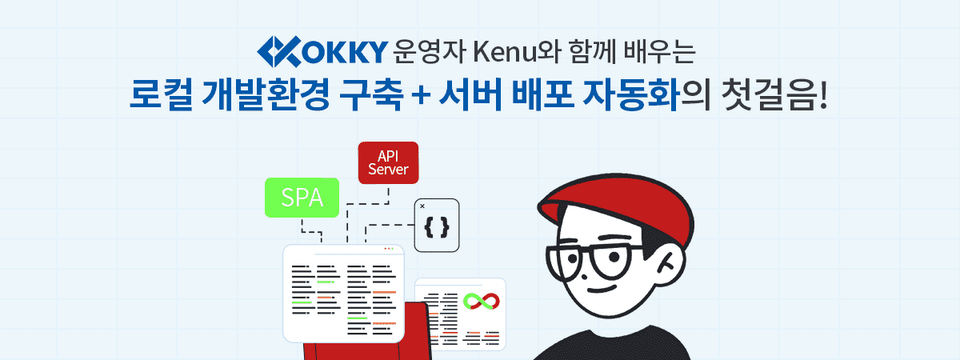
Have you developed a frontend environment and API server but feel overwhelmed about how to deploy them? Do you want to learn the unfamiliar development environment setup and the flow for deployment CI/CD?
In this course, you'll directly experience the process of setting up a local development environment for React projects and automating server deployment. We'll cover the React-based Single Page Application (SPA) development environment, which differs from traditional web development approaches, and introduce methods for deploying and serving these applications on servers. Additionally, we'll explore API documentation automation using Swagger and learn about the differences between local development environments and deployed server environments.
The videos were created based on Windows, but you can follow along almost identically on Mac and Linux as well. Check out in the course how everything from development environment setup to deployment and automation works!
VSCode

Node.js

Git

GitHub

GitHub Actions

AWS EC2

AWS Route53

Nginx + HTTPS
(SSL Certificate)
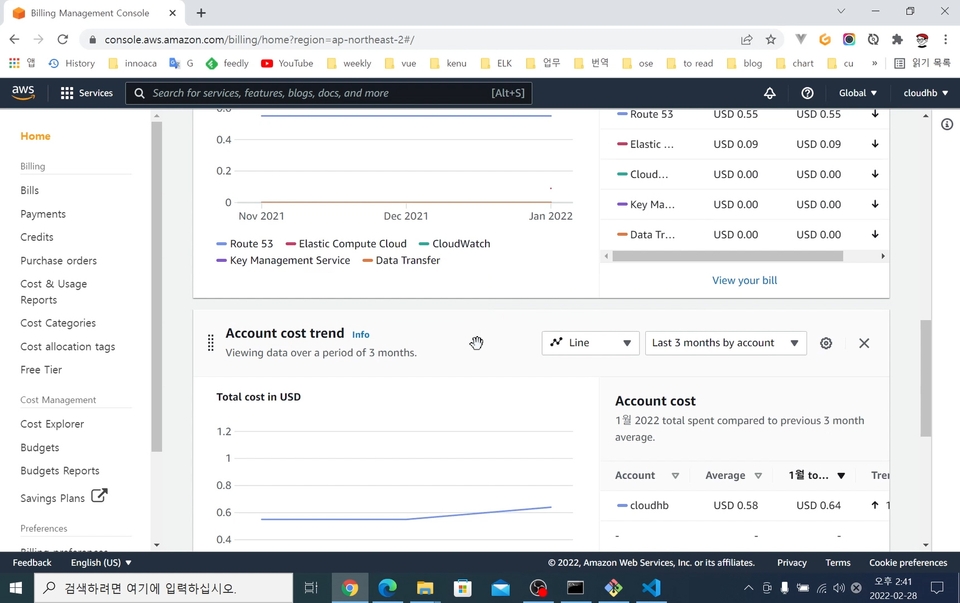
01. Getting Ready
Introduction to Essential Development Platforms, Development Tools, and Related Account Registration
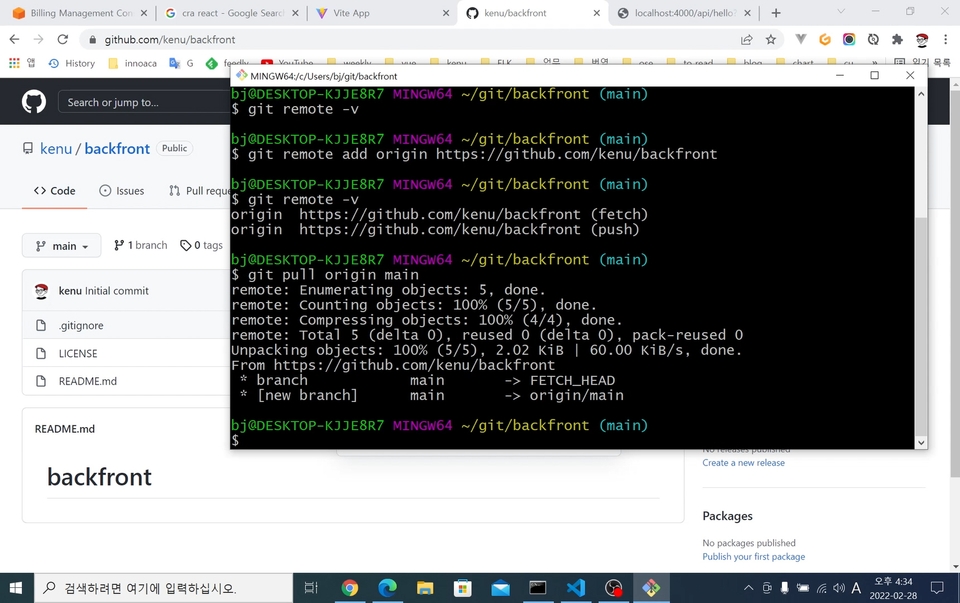
02. SPA Development Environment Setup
Basic project environment setup for frontend and backend to work on a local computer
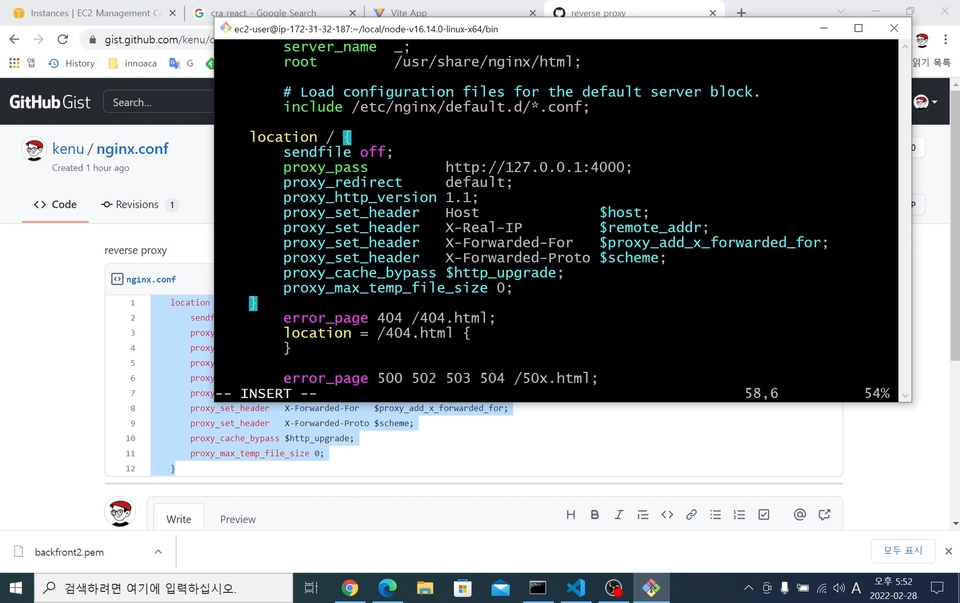
03. Deployment Process
Introduction to procedures and methods for deploying to servers for service
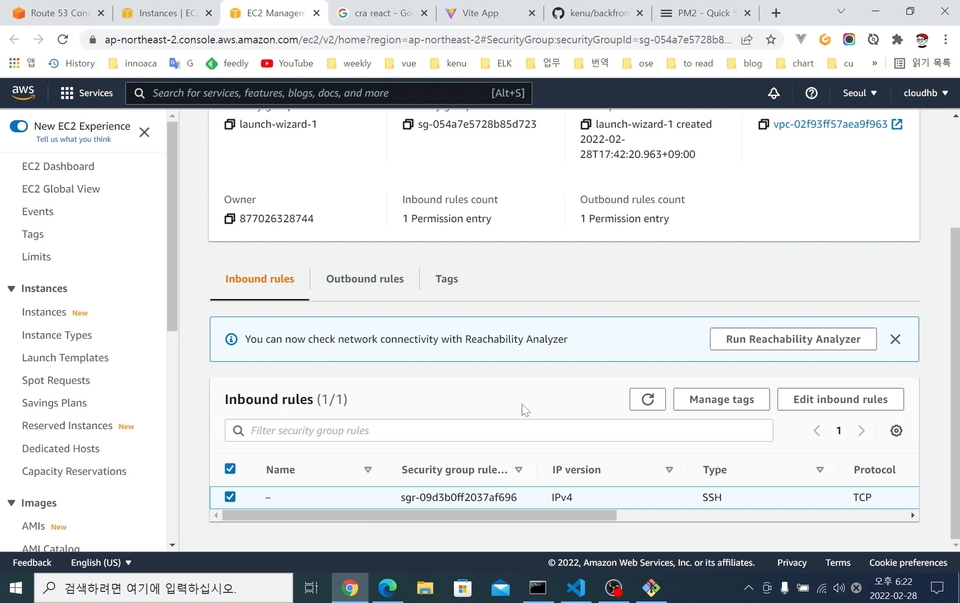
04. Domain Registration and HTTPS Setup
Introduction to connecting domains and servers, and methods for HTTPS connections
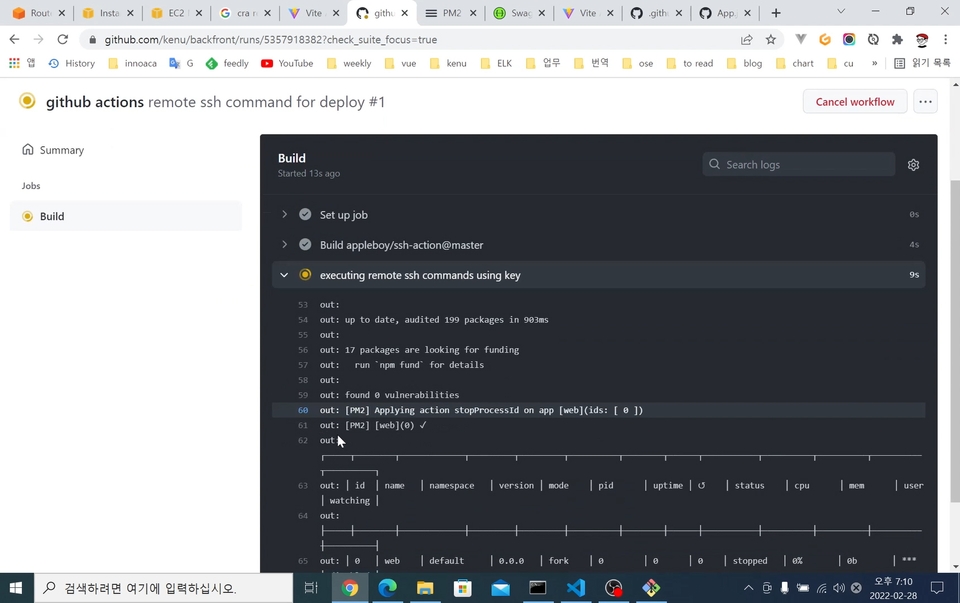
05. Automating Deployment
Description of the process where code changes are automatically deployed to the development server
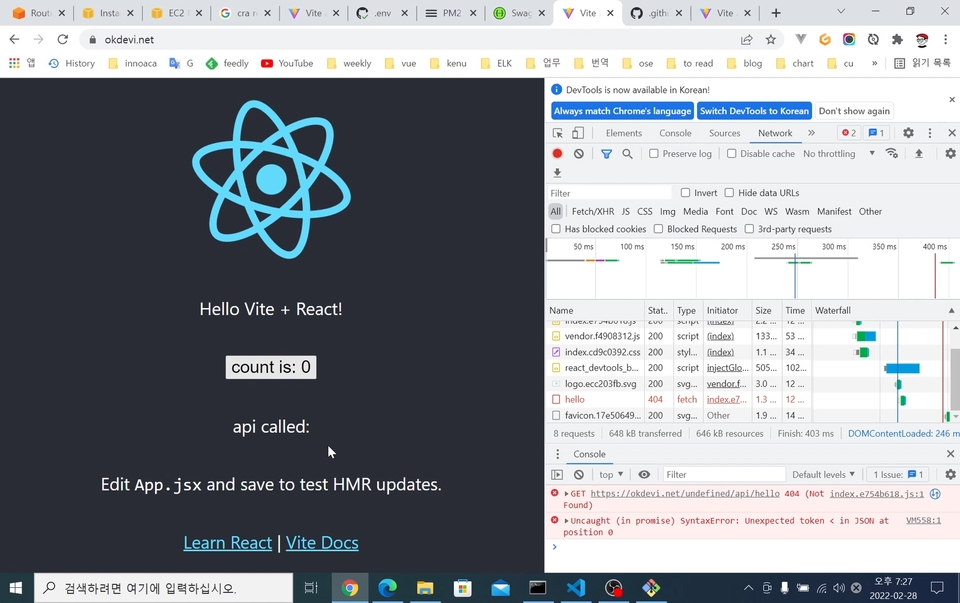
06. CORS Configuration
CORS Issues in Local Development Environment and Build Environment Variable Configuration

I often do programming broadcasts on YouTube.
Once you print Hello World, you're ready to start developing! It's not just about having experience writing code, but gaining the confidence to deploy your own code to a server so people can actually use the applications you create.
Q. Can non-majors also take this course?
Yes, non-majors can definitely take this course. We'll explain everything thoroughly, starting from installing the relevant programs!
(You should have JavaScript as prerequisite knowledge!)
Q. What level of content does the class cover?
This explains development environment setup, deployment, and automation without covering React and Node.js syntax.
Q. When the versions of technologies used in the courses are updated, are the courses updated as well?
If the major version upgrade makes it difficult to proceed with the course, updating the course content will be necessary. Therefore, we are considering updates until 2025.

Who is this course right for?
Someone who joined as a startup developer but has no mentor
For those new to SPA development environments and server deployment
People who are new to using AWS
Those who want to learn HTTPS server configuration
CI/CD Beginner
Need to know before starting?
JavaScript
767
Learners
51
Reviews
43
Answers
4.6
Rating
3
Courses
https://okky.kr 창립자이며, https://github.com/kenu/okdevtv 에서 배운 것을 공유하고 있습니다.
https://mp4.okdevtv.com 에 개발관련 채널의 최신 영상을 모으고 있습니다.
KenuHeo 유튜브에서 프로그래밍 방송을 500회 이상 진행하고 있습니다.
All
8 lectures ∙ (1hr 48min)
Course Materials:
All
46 reviews
4.6
46 reviews
Reviews 9
∙
Average Rating 4.4
5
강의에서도 언급을 하지만 React나 Node.js에 대해서 다루는 강의는 아닙니다. 배포와 도메인 등록, CI/CD 설정 등의 과정에 초점이 맞춰진 강의입니다. 주니어 개발자의 경우 개발에 비해 CI/CD 같은 요소에 소홀하기 쉬운데 CI/CD는 프로그램의 지속적인 발전을 위해서는 꼭 필요한 과정이죠. 이 강의를 통하여 CI/CD가 실제로 어떻게 이루어지는지 쉽게 배울 수 있었습니다. 좋은 강의 잘 들었습니다 :)
좋은 수강평 감사합니다. 행복하세요. 😊
Reviews 4
∙
Average Rating 5.0
5
프로그래밍에 입문하고 이제 막 로컬에서 개발해서 프로젝트를 간단하게 만들 수 있게 되었는데 이런 개발 환경 셋팅과 배포 CI/CD에 대해서는 생소하기도 하고 이해가 어려워 접하기가 까다로웠습니다. 특히, 서버에서 무엇을 한다는 것에 대한 이해가 어려웠는데 설치하는 페이지 안내부터 환경 셋팅까지 설명해 주고 전체적인 생성 - 셋팅 - 간단한 오류 해결 - 배포까지 다뤄주어 한 싸이클을 돌릴 수 있게 되었습니다. 배울 때 제일 어려운 게 경험해 보지 못한 것을 그렇구나 하고 어쩔 수 없이 추상적인 이해로 넘어가야 하는 부분인데 이렇게 한 싸이클을 돌리고 다시 강의 자료를 보니 경험을 기반으로 '아, 아까 했던 그거!' 하면서 얻어 가는 게 더 많아지는 것 같습니다. 개발 환경 셋팅에서 배포까지 사용되는 프로젝트(React..등)나 상세 설명을 얻기 위한 분들보다는 '도대체 프로젝트를 어떻게 만들어서 셋팅하고 배포하고, 그것을 자동화하지?'에 대한 궁금증을 해결하지 못 한 분들이 들으면 매우 좋을 것 같습니다. 아직 현업에서 일을 해 본 경험이 없어서 강의에서 습득한 지식을 얼마나 활용할 수 있을지는 모르겠지만 나중에 프로젝트나 현업에서 일을 할 때 강의를 통해 얻은 경험을 떠올려 학습의 기반을 마련할 수 있을 것임을 확신하며, 이 강의가 저와 같은 초보자에게 많이 알려졌으면 좋겠네요! 좋은 강의 감사합니다.
수강 후기 감사합니다. 도움이 되어서 저도 기쁩니다. 개발+배포 환경을 구축하는 것은 기본입니다. 여기에 원하는 서비스를 만드는 것은 더 많은 노력이 필요합니다. 좋은 서비스 만드시길 바랍니다. 응원합니다!
Reviews 4
∙
Average Rating 5.0
Reviews 1
∙
Average Rating 5.0
5
for 결제고민하는 수강생 - 매번 로컬에서만 동작해보고 CI/CD를 고려한 초반 개발환경 구축은 안해봤는데 본 강의를 통해 간단하지만 전체 과정이 어떤식으로 진행되야 하는지 알 수 있어서 좋았습니다. - 그렇다보니 환경 설정을 위해 작성한 코드나 설치한 패키지/프레임워크 설명은 생략되었다는 점을 염두해 두셔야할 듯 싶습니다. - 아마 웹 개발자체도 처음인데 '요즘 CI/CD는 필수니까 그냥 수강해야겠다'라는 생각으로 강의를 들으신 초급자분들도 많으실겁니다. 그러신 분들은 본 강의를 학습하시고 훗날 진행하실 프로젝트에 맞게 CI/CD를 커스텀해야할 때가 올건데 그 때 본 강의에서 익힌 기본 골격에서 강의에 첨부된 코드들의 의미를 참고 + 조사하시면 CI/CD를 제대로 이해하게 되지않을까 싶네요. 결론 - CI/CD 큰 틀 잡는 목적으로 들으실 개발자분들께서 추천 - 심도있게 커스텀해야할 때는 본 강의 코드를 분석해가면서 필요한 부분을 추가 학습한다면 실력증진에 도움이 많이 될 것으로 기대 - 좋은 강의를 열어주셔서 감사합니다!
수강평 감사합니다. 말씀하신 것처럼 더 좋은 기능들도 많이 있으니 잘 이용하시길 바랍니다. 행복한 프로그래머 되세요.
Reviews 4
∙
Average Rating 4.5
5
좋은 강의 감사합니다! 배포 자동화에 대한 내용뿐만 아니라 기초적인 툴 사용방법까지 상세하게 알 수 있어서 많은 도움이 되었습니다. 계속 PHP만 해와서 프론트 백 분리를 제대로 못해봤는데 좋은 강의를 보며 처음으로 분리해보고 직접 배포까지 해봤습니다. 더불어 github 사용까지 배울 수 있는 기회가 있어서 많은 도움이 되었습니다. 감사합니다.
좋은 리뷰 감사합니다. SPA는 다룰 게 프론트엔드가 하나 더 있어서 그 부분에 집중했습니다. 행복한 프로그래머 되세요.
$34.10
Check out other courses by the instructor!
Explore other courses in the same field!