SQL: Mastering the Essentials the Easy Way
Masocampus
Skip the complex theories and concepts, and jump right into writing, practicing, and following along with SQL syntax!

Beginner
SQL, MySQL
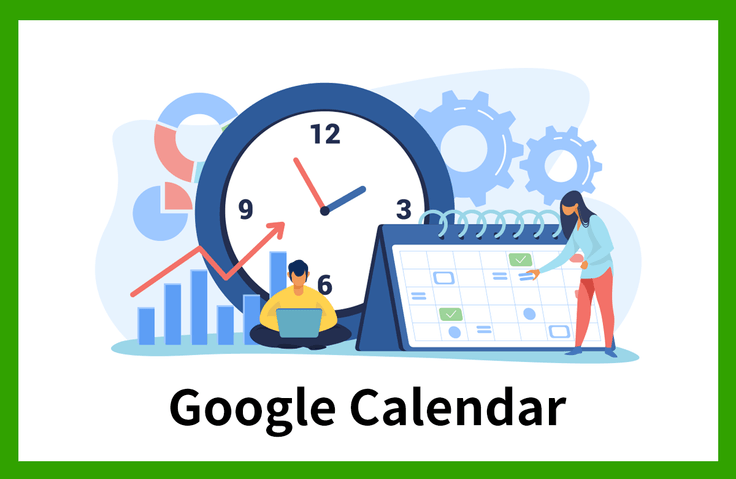
Constant contemplation for collaboration,
the answer was found in Google Calendar!
In an era where collaboration across online and offline environments is essential, I felt the need for meticulous schedule management to adapt. Whether it's needing to know a colleague's schedule to set up a meeting, quickly sharing meeting agendas or details, or changing meeting times on short notice, a 'shared scheduler' is necessary. That is why I have constantly searched for the right task management tool for collaboration, and I ultimately chose to manage schedules using Google Calendar.
In just one hour, you can enhance your skills and immediately implement an efficient schedule management system.
We will guide you step-by-step from the basic functions to the advanced features of Google Calendar.
Once you try following along, you'll be amazed by the improved work efficiency!
This course concisely presents the core features among Google Calendar's many useful functions. To ensure you can apply what you learn to your work immediately, the course is designed with hands-on content to maximize educational efficiency. With each clip delivering key information in about 90 seconds, it is the perfect course for busy modern professionals. Through this process, we invite you to master Google Calendar within an hour and experience the ultimate boost in work efficiency.
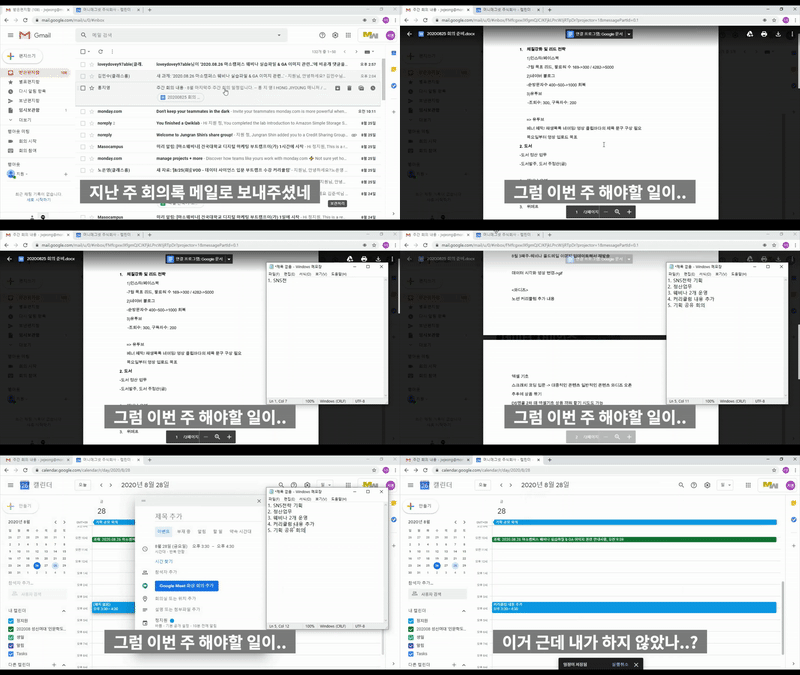
1) Find all your to-dos at once!
Find everything by date at once without having to check messengers and emails one by one!
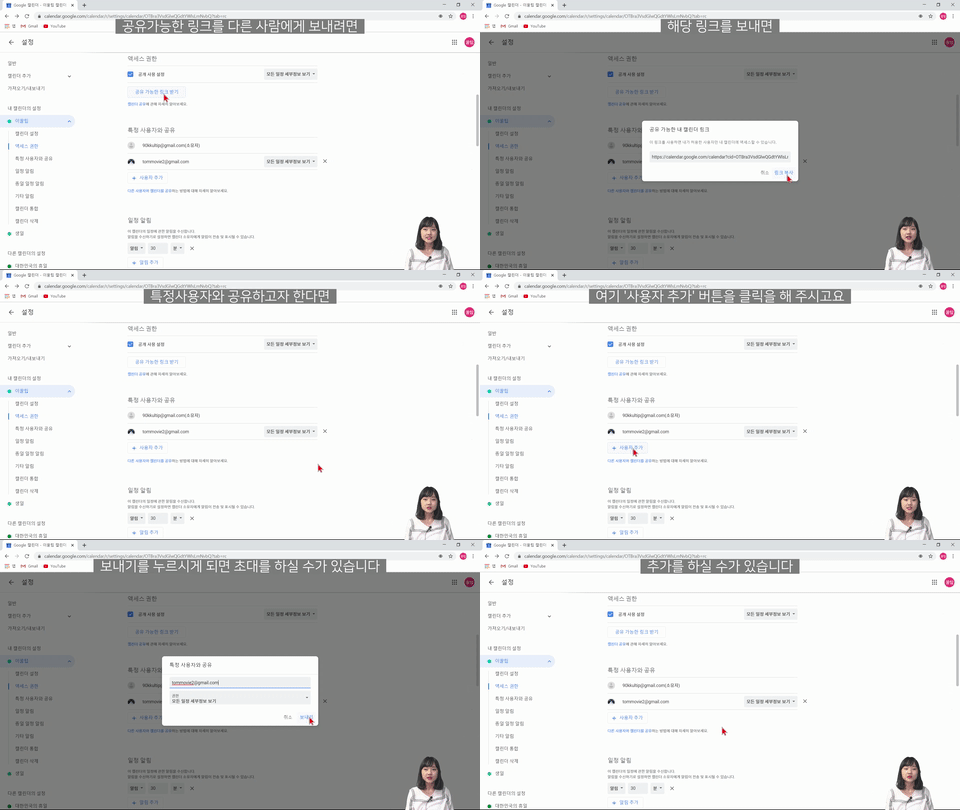
2) Sharing calendars with team members!
There's no need to relay information individually via messenger; once shared, schedules are updated continuously.
Q. Do I need any prior knowledge of Google Calendar?
None at all. This course provides kind and detailed explanations so that even absolute beginners to Google Calendar can easily follow along. So don't worry and just give it a try. After completing the course, you will be able to manage your work "properly" with Google Calendar.
Q. Do I need to take additional courses other than this one to utilize Google Calendar?
This course covers an overall explanation of Google Calendar and the tools you can use, so you will be able to actively utilize Google Calendar just by taking this course.
Q. Are there any requirements or prerequisites for taking this course?
Since this is a practice-oriented course, it is recommended to prepare a dual monitor or an extra device so you can separate the lecture screen from the practice screen. Additionally, as the practice sessions are based on Windows OS, we recommend taking the course in a Windows environment.