inflearn logo
inflearn logo

Google Calendar 90 Seconds Tip

Do you remember the dinner menu you had the day before yesterday? The reality is that with an overflowing schedule, even today's schedule is forgotten. Schedule management is no longer an option but a necessity.

(4.2) 5 reviews

38 learners

Level Beginner

Course period Unlimited

Google Calendar
Google Calendar
Google Calendar
Google Calendar

What you will gain after the course

  • The ability to manage schedules to plan and execute on time without missing anything.

  • Ability to share collaborative work to easily check progress and communicate

  • Hand over work quickly and easily

  • Ability to manage public scope by designating only certain members to manage section-specific work

Constant thinking about collaboration,
I found the answer in Google Calendar!

With Google Calendar
Maximize work efficiency 📖

In an era where collaboration across both online and offline platforms is essential, I've realized the need for meticulous schedule management. Whether it's needing to know a colleague's schedule to schedule a meeting, quickly sharing meeting schedules or content with colleagues, or last-minute changes to meeting plans, a "shared scheduler" is essential. Therefore, I've been constantly exploring calendar management tools for collaboration. And that's why I chose Google Calendar as my preferred method for managing my schedule.


🗓️ Why Google Calendar?

  • ✔️ Scheduling software designed for teams
  • ✔️ Available on both mobile and web
  • ✔️ Excellent compatibility allows you to check your schedule on other devices
  • ✔️ Manage your entire schedule by categorizing it
  • ✔️ Useful tools to improve work efficiency

🎲 After listening to this lecture

You can build your skills in just one hour and implement an efficient scheduling system right away.

  • ✔️ Ability to manage schedules to plan and execute on time without missing anything
  • ✔️ Ability to share collaborative work to easily check progress and communicate
  • ✔️ Easy and quick handover of work
  • ✔️ Ability to manage public scope by designating only specific members to manage section-specific tasks

We'll explain Google Calendar's basic features to advanced functions step by step.
Just try it once and you'll be amazed at the difference in your work efficiency!

Key points of this lecture 👀

This course concisely presents the core features of Google Calendar. It maximizes learning efficiency by providing hands-on, practical content that allows students to immediately apply what they learn to their work. Each clip is approximately 90 seconds long, focusing on key concepts, making it the perfect course for busy modern professionals. Through this course, you'll master Google Calendar in under an hour and experience maximum work efficiency.


Check out what you've learned 📚

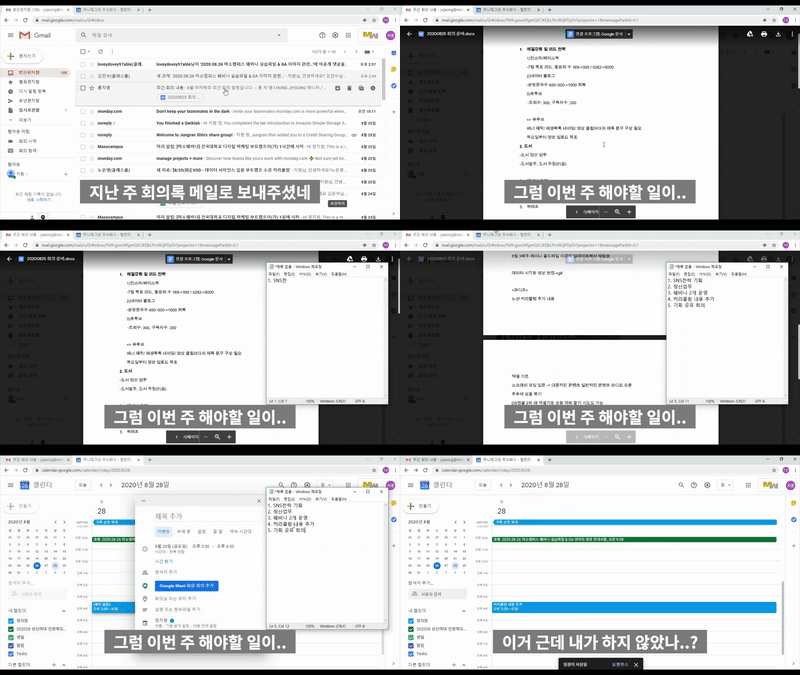
1) Find all the things you need to do at once!
Search by date at once without having to check messengers and emails one by one!


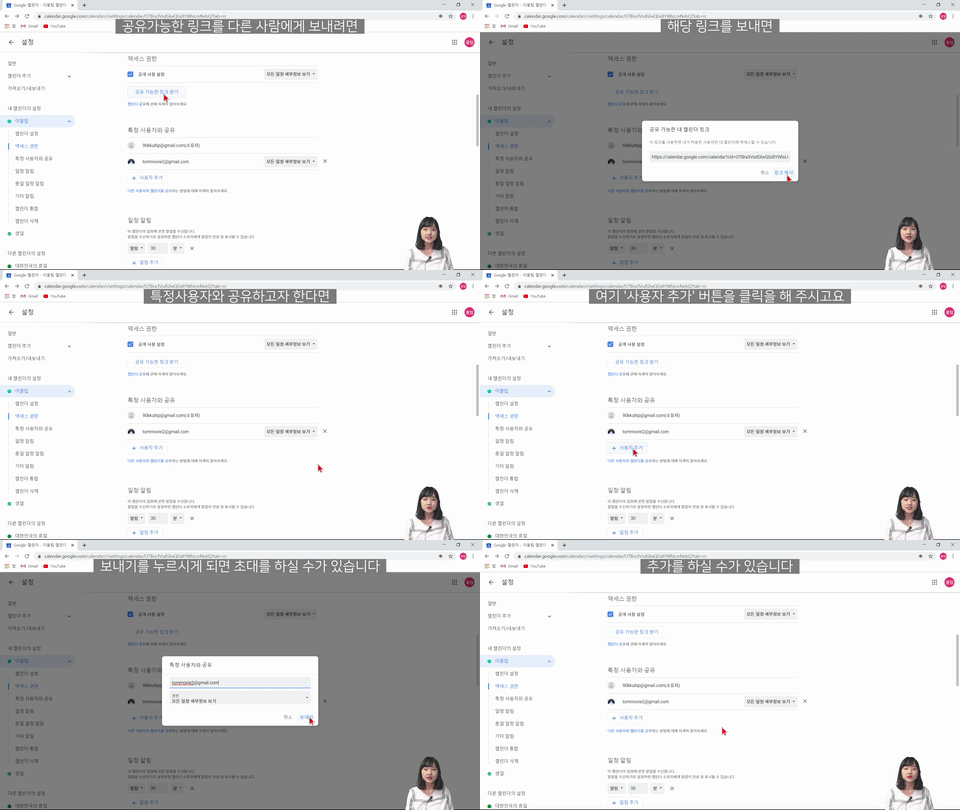
2) Share your calendar with your team members!

You only need to share it once and your schedule will be reflected continuously without having to send it through messenger one by one.


Expected Questions Q&A 💬

Q. Do I need prior knowledge of Google Calendar?

You don't need any. This course provides detailed and friendly explanations so even complete beginners can easily follow along. So, don't worry, just take the course. After completing the course, you'll be able to properly manage your work with Google Calendar.

Q. Do I need to take additional courses besides this one to use Google Calendar?

This course covers a comprehensive overview of Google Calendar and the tools it can be used with, so you'll be able to actively utilize Google Calendar just by taking this course.

Q. Are there any requirements or prerequisites for taking the course?

Since this is a hands-on course, we recommend bringing a dual monitor or a spare device that allows you to separate the lecture and practice screens. Furthermore, since the practical training will be conducted on a Windows OS, we recommend taking the course in a Windows environment.


Maso Campus instructor Eunji Lee
We are with you ✒️


Please check before taking the class! ✅

  • Since this is a hands-on course, we recommend bringing a dual monitor or a spare device that allows you to separate the lecture and practice screens. Furthermore, since the practical training will be conducted on a Windows OS, we recommend taking the course on a Windows environment.
  • Lecture notes and practice files are available in the <0. Textbook Download Center> section.

Recommended for
these people

Who is this course right for?

  • I still haven't found the right tool for me.

  • We need a workspace that we can all use together.

  • I want to learn only what is necessary in a short period of time.

  • I want to take a lecture that is complete and that I can use.

  • I want to listen to a lecture that is systematic and informative, not fragmented.

Hello
This is Masocampus

10,006

Learners

1,404

Reviews

122

Answers

4.7

Rating

102

Courses

"I will grow more than yesterday. And, I will help those who strive to grow more than yesterday."

With Actionable Content that embodies the sincerity and aspirations of Maso Campus,

100 million cumulative hours of lectures shared online and offline since 2013!

This precious experience and time are always the source of growth for both Maso Campus and our students.

The Miso Campus team strictly adheres to two principles for the growth of us all. 1. Actionable Content that can be put into practice immediately after learning. 2. Respecting the time and effort of participants.

The Miso Campus team strictly adheres to two principles for the growth of us all.

1. Actionable Content that you can actually use after learning 2. Time-Saving Curriculum that respects the participant's time and effort Grow with Miso Campus's Actionable and Time-Saving Curriculum

1. Actionable Content that you can surely use once you learn it

2. Time-Saving Curriculum that respects the time and effort of participants

We hope you will walk the path of growth together with Masocampus's Actionable and Time-Saving Curriculum.

We hope you will walk the path of growth together with Maso Campus's Actionable and Time-Saving Curriculum.

More

Curriculum

All

29 lectures ∙ (48min)

Course Materials:

Lecture resources
Published: 
Last updated: 

Reviews

All

5 reviews

4.2

5 reviews

  • n03192297068khj4912님의 프로필 이미지
    n03192297068khj4912

    Reviews 1

    Average Rating 5.0

    5

    62% enrolled

    • masocampus
      Instructor

      Thank you for leaving a review😊

  • cityhunter님의 프로필 이미지
    cityhunter

    Reviews 5

    Average Rating 5.0

    5

    97% enrolled

    This course is suitable for those who are new to Google Calendar.

    • masocampus
      Instructor

      I'm glad it was helpful😊 This is a lecture that explains step by step from the beginning, so beginners can easily follow along. Thank you for your support and encouragement^^

  • violet35155845님의 프로필 이미지
    violet35155845

    Reviews 8

    Average Rating 4.5

    4

    62% enrolled

    I think it's a pretty good lecture.

    • n03392451936dhtm5334님의 프로필 이미지
      n03392451936dhtm5334

      Reviews 2

      Average Rating 5.0

      5

      31% enrolled

      • masocampus
        Instructor

        Thank you for leaving a course review😊

    • somongchi4893님의 프로필 이미지
      somongchi4893

      Reviews 1

      Average Rating 2.0

      Edited

      2

      100% enrolled

      To be honest, for anyone who has ever opened Google Calendar and clicked around, most of the content felt like common knowledge, which was a great disappointment. There was a lack of immediately practical pro tips or lesser-known usage methods. While it might be fine for complete beginners, those with basic usage experience might find it a bit bland.

      • masocampus
        Instructor

        Thank you for your course review! As you noted, this was made as a basic introductory lecture, a process for beginners to easily get acquainted with Google Calendar. So, you likely already knew much of it. Still, I sincerely thank you for completing it and for your feedback!

    Masocampus's other courses

    Check out other courses by the instructor!

    Limited time deal ends in 8 days

    $8,250.00

    25%

    $8.80