The Ultimate Guide to Design Automation: Mastering Canva AI Generative Design
Masocampus
The era of creating designs one by one is over. Experience the speed of turning "thoughts" into "results" with Canva AI.
입문
AI, canva, Generative AI
Google's Excel, Google Spreadsheet! Learn how to use and reference functions in Google Spreadsheet. After taking the course, you will be able to skillfully conduct data analysis with Google Spreadsheet.
25 learners are taking this course
Level Basic
Course period Unlimited

Data analysis using functions and references
Various visualization techniques for each purpose
Ability to import, preprocess, and manage external data
The ability to easily analyze data with pivot tables
From data analysis to collaboration and pivot tables.
Learn how to use spreadsheets 🗂️
💎 Please check before taking the class!
Google Drive serves similar purposes to Excel, but has the advantage of being free. It offers access to all essential Excel features, including the VLOOKUP function, charting, and pivot tables, all of which are readily available to any office worker.
We'll begin by learning how to manipulate data freely using functions, references, and conditional calculations. Then, through hands-on examples, you'll learn data visualization techniques as powerful as those found in Excel. We'll also cover how to securely work with Google Spreadsheets' collaborative features, using various sharing settings and permissions.
With Google Spreadsheets
Those who want to do full-scale data analysis
With free business tools
People who want to increase productivity
Starting a business, joining a company, changing jobs, etc.
Dreamers
💡 You can acquire these capabilities.

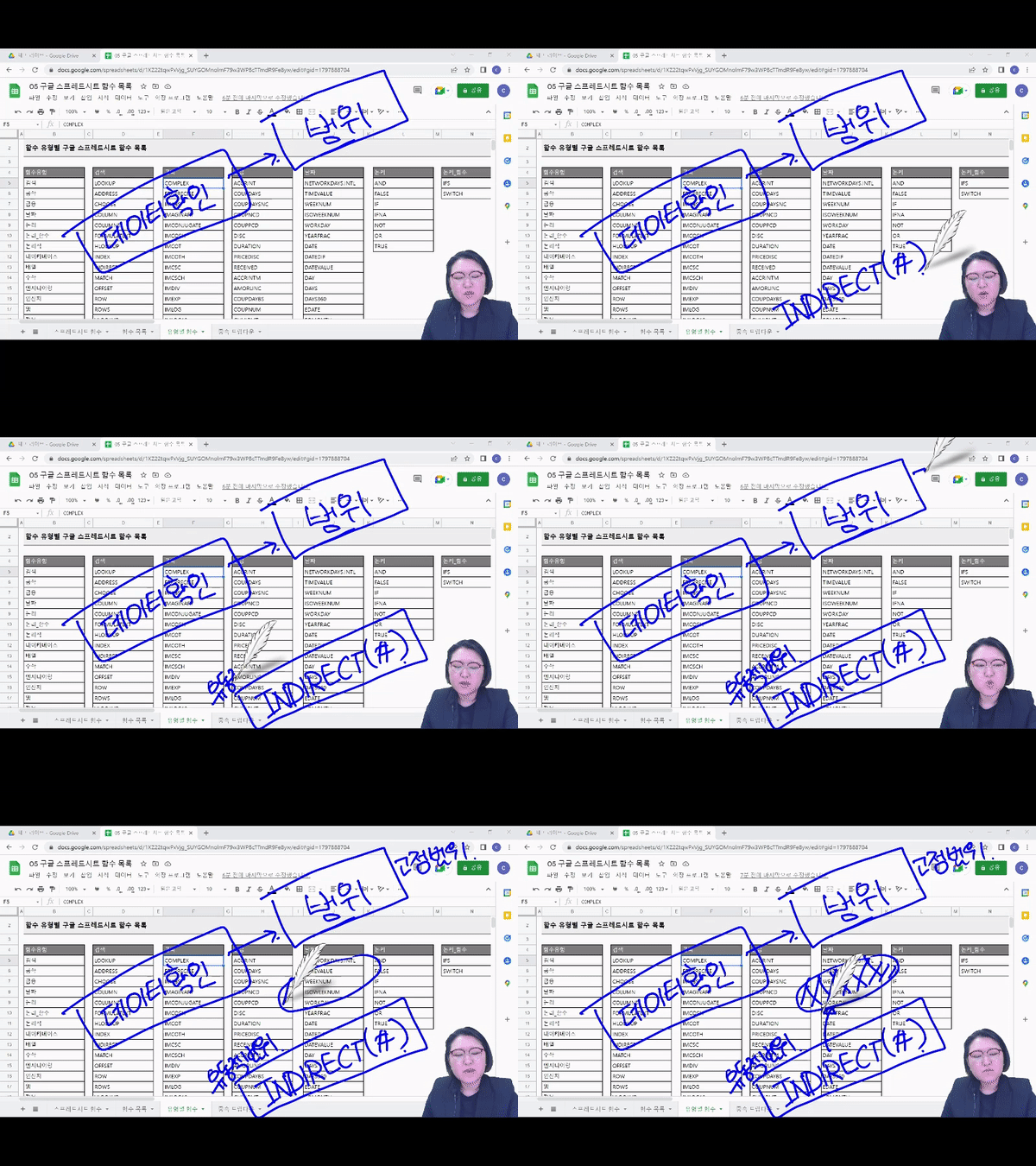
1. Using functions and references
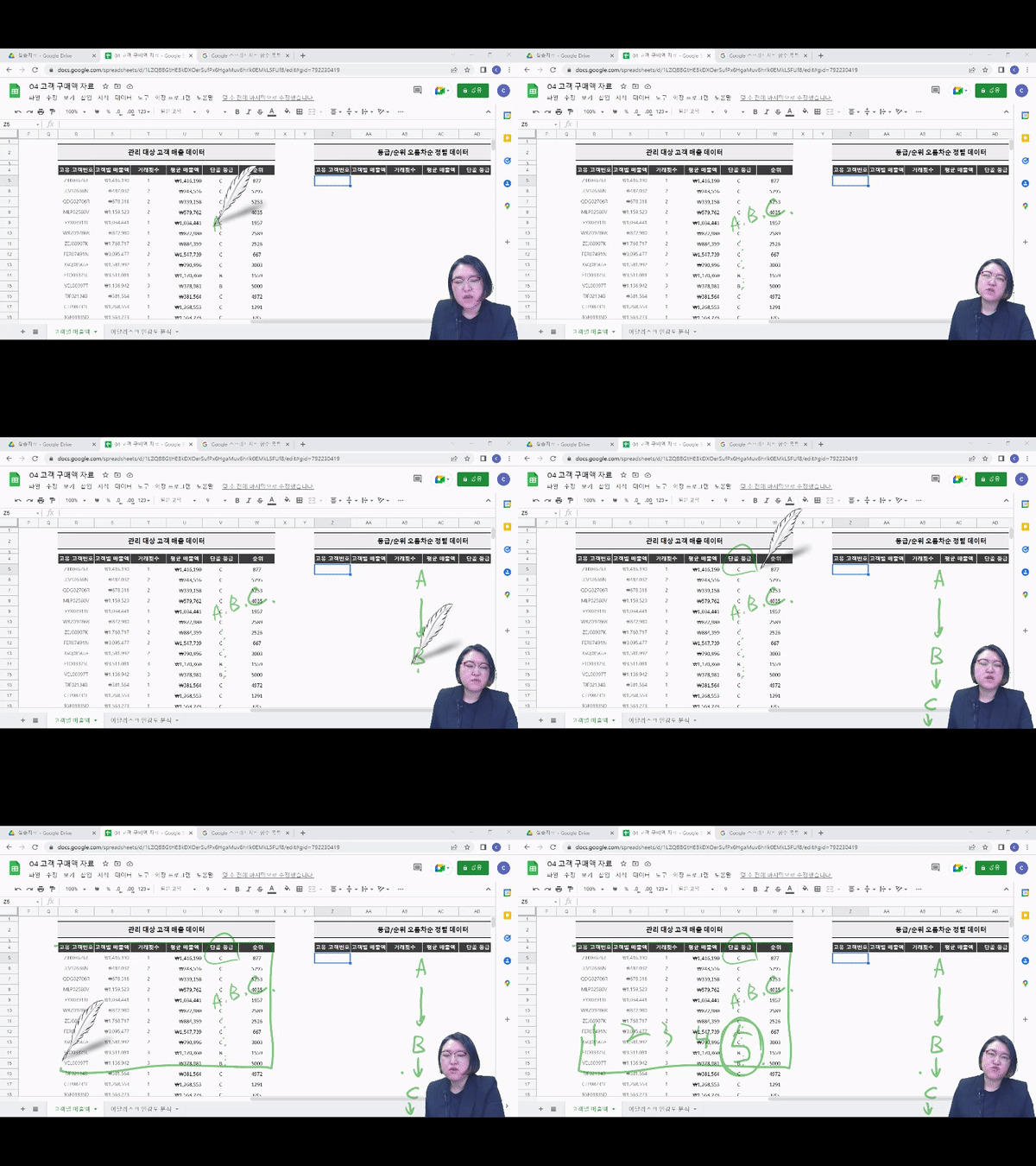
Performing a sensitivity analysis

2. With LOOKUP data
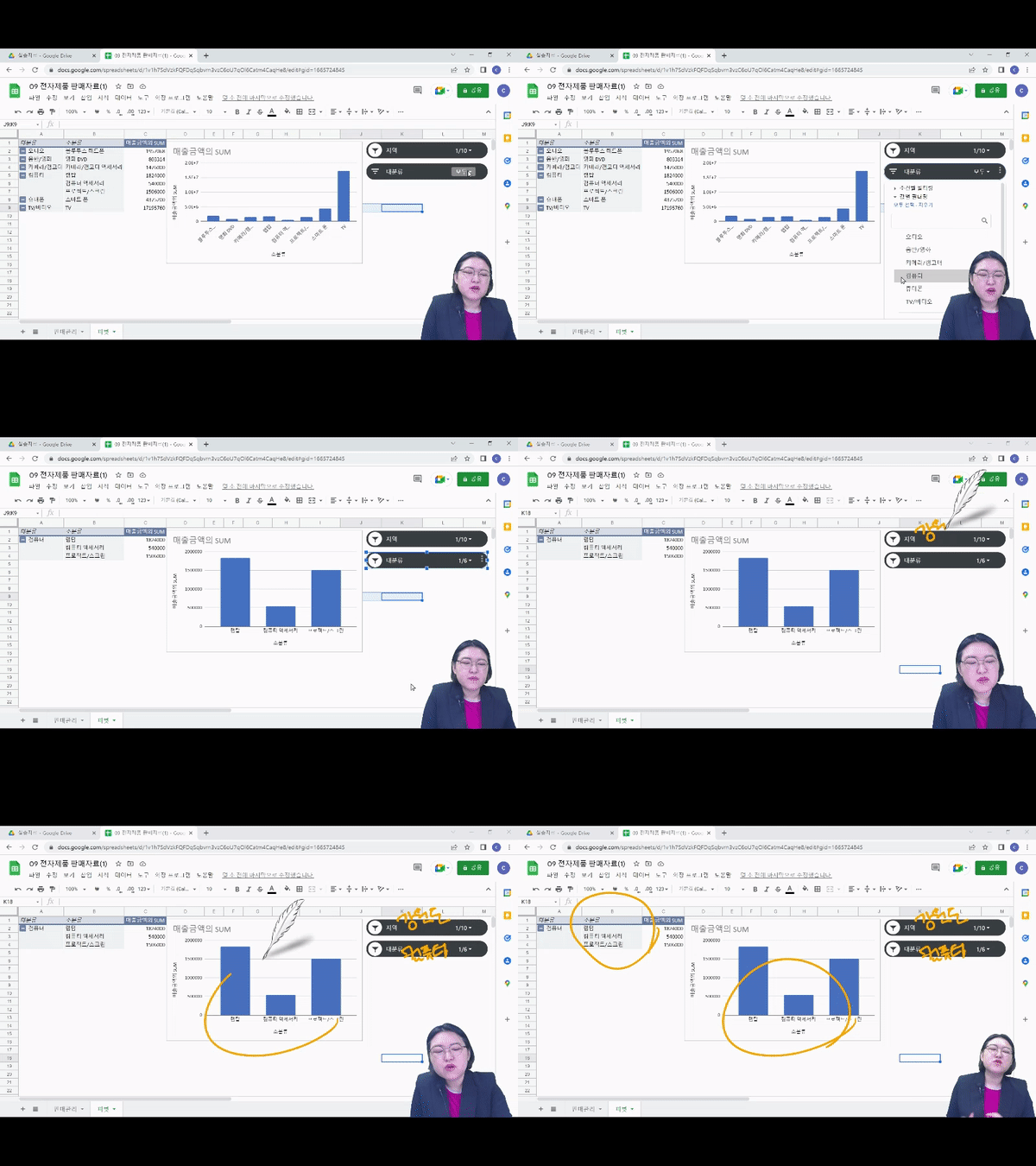
Create a drop-down menu to view all at once

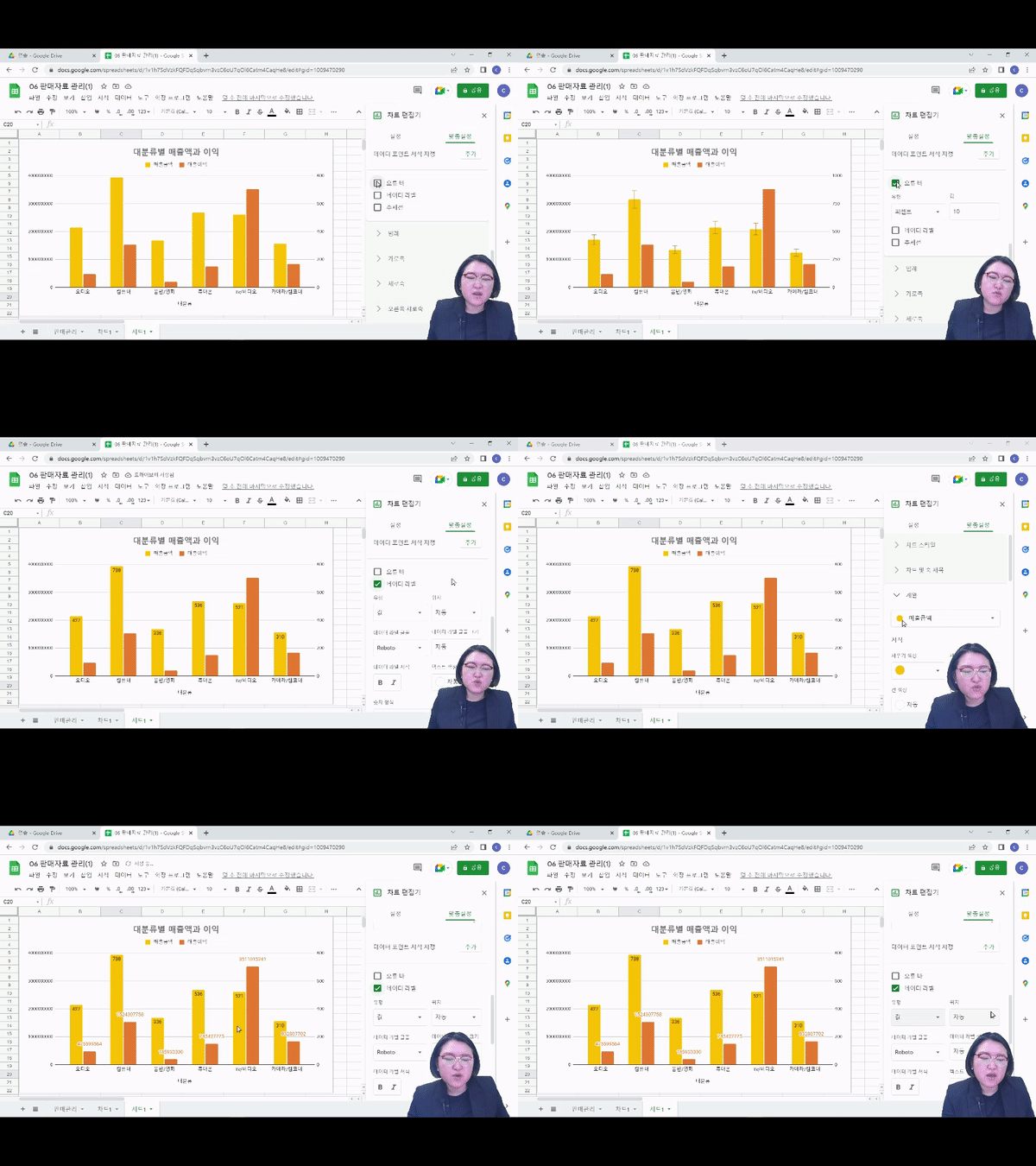
3. Create a chart
Customize

4. With Pivot Table
Analysis and visualization all in one!
Q. Do I need to know how to use Excel pivot tables or references to take this course?
Don't worry if you don't know anything. This course isn't designed for students with Excel knowledge, but rather for those willing to learn Google Spreadsheets.
Q. Can I take the course even if I don't know anything about Google Spreadsheets?
Basically, it is composed of functions similar to Excel, so if you are proficient in Excel, it may not be difficult to take the course. However, if you take Maso Campus' 'Google Spreadsheet Practical Introduction' course, you will be able to take the course with less difficulty, so we recommend taking that course first.
Q. Are there any requirements or prerequisites for taking the course?
Since this is a hands-on course, we recommend bringing a dual monitor or a spare device that allows you to separate the lecture and practice screens. Furthermore, since the practical training will be conducted on a Windows OS, we recommend taking the course in a Windows environment.
Who is this course right for?
People who dream of starting a business/joining a company/changing jobs/re-skilling/talent transformation
For those who want to perform full-scale data analysis using Google Spreadsheets
For those who want to create an efficient insight sharing environment with appropriate visualization
For those who want to increase productivity with free business tools
9,422
Learners
1,337
Reviews
114
Answers
4.7
Rating
99
Courses
"I will grow more than yesterday. And, I will help those who strive to grow more than yesterday."
With Actionable Content that embodies the sincerity and aspirations of Maso Campus,
100 million cumulative hours of lectures shared online and offline since 2013!
This precious experience and time are always the source of growth for both Maso Campus and our students.
The Miso Campus team strictly adheres to two principles for the growth of us all. 1. Actionable Content that can be put into practice immediately after learning. 2. Respecting the time and effort of participants.
The Miso Campus team strictly adheres to two principles for the growth of us all.
1. Actionable Content that you can actually use after learning 2. Time-Saving Curriculum that respects the participant's time and effort Grow with Miso Campus's Actionable and Time-Saving Curriculum
1. Actionable Content that you can surely use once you learn it
2. Time-Saving Curriculum that respects the time and effort of participants
We hope you will walk the path of growth together with Masocampus's Actionable and Time-Saving Curriculum.

We hope you will walk the path of growth together with Maso Campus's Actionable and Time-Saving Curriculum.
All
16 lectures ∙ (7hr 0min)
Course Materials:
$61.60
Check out other courses by the instructor!
Explore other courses in the same field!