

강의

멘토링

커뮤니티

NEW
Programming

/

Programming Tool/Software

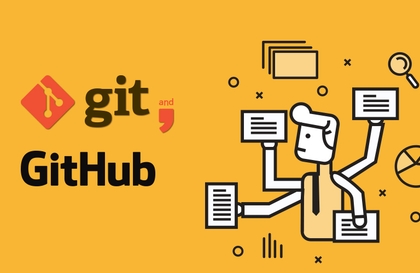
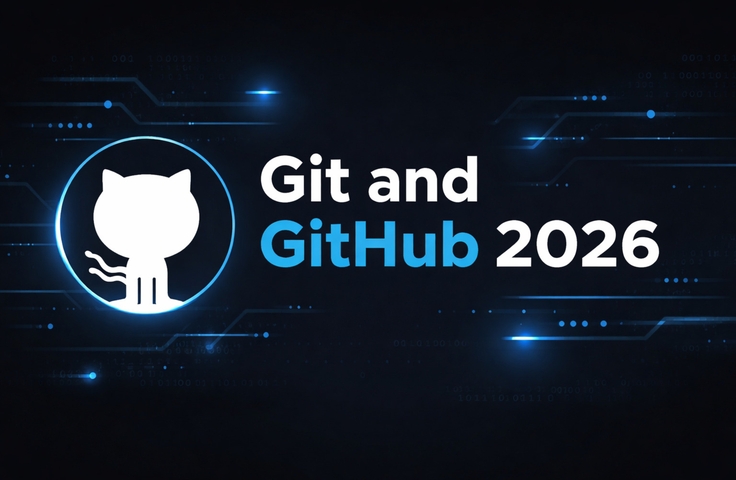
The Ultimate Git and GitHub Course 2026

This course is a complete, hands-on Git and GitHub masterclass designed to help students master version control from the ground up. Through years of working with Git in real-world projects and helping learners overcome common Git frustrations—such as merge conflicts, broken histories, and collaboration issues—I’ve designed this course to be clear, structured, and practical. Each concept is explained step by step, followed by real examples and workflows used by professional developers. Whether you are working alone or in a team, you will learn how Git really works, not just commands to memorize. By the end of the course, you will confidently manage repositories, collaborate using GitHub, and maintain a clean, professional project history.

2 learners are taking this course

Level Beginner

Course period Unlimited

  • Brendan LI
Git
Git
GitHub
GitHub
Team Collaboration Tool
branching-and-merging
Version Control System
Git
Git
GitHub
GitHub
Team Collaboration Tool
branching-and-merging
Version Control System

What you will gain after the course

  • Understand Git fundamentals and how version control works in real projects

  • Confidently create, manage, and maintain Git repositories

  • Use branches, merges, rebase, stash, and cherry-pick effectively

  • Collaborate with teams using GitHub (pull requests, issues, releases)

  • Resolve merge conflicts and recover from common Git mistakes

  • Maintain a clean and professional commit history

Master Git & GitHub: Version Control for Real-World Development (2026)

Learn how professional developers use Git and GitHub to manage code, collaborate efficiently, and ship projects with confidence.
This course is widely applicable in web development, software engineering, DevOps, open-source projects, and team-based tech environments.

💡 Instructor’s Note
This course was created after years of helping students and junior developers who felt overwhelmed by Git errors, merge conflicts, and confusing workflows. Instead of memorizing commands, this course focuses on understanding how Git actually works, using real-world scenarios and practical demonstrations.

What You’ll Learn

Section (1): Core Keywords

In this section, students will build a strong foundation in Git, starting from zero.

You will learn how to:

  • Understand what version control is and why Git is the industry standard

  • Install and configure Git correctly on your system

  • Track file changes using the working directory, staging area, and commits

  • Create clean and meaningful commits

  • Read and understand Git history with confidence

Section (2): Core Keywords

This section focuses on real-world Git usage, teamwork, and advanced workflows.

You will learn how to:

  • Work with branches to organize development safely

  • Merge branches and resolve conflicts professionally

  • Use GitHub for collaboration (pull requests, issues, releases)

  • Rewrite history using rebase, amend, and reset

  • Recover lost commits and fix common Git mistakes

  • Apply professional workflows such as feature branches and GitFlow

Before You Enroll

Prerequisites & Important Notices

Prerequisites

  • No prior Git knowledge is required

  • Basic computer skills are enough

  • Programming experience is helpful but not mandatory

Course Format & Quality

  • Clear, step-by-step explanations

  • High-quality audio and screen recordings

  • Real project demonstrations instead of isolated commands

How to Learn Effectively

  • Practice alongside the videos

  • Pause and experiment with commands

  • Revisit sections as needed—this course is structured progressively

Questions & Updates

  • Students can ask questions in the course discussion area

  • The course will receive updates to stay aligned with modern Git & GitHub workflows

Copyright & Intellectual Property

  • All course materials are protected by copyright

  • The content is for personal learning only and may not be redistributed or resold

Recommended for
these people

Who is this course right for?

  • Beginners who are confused by Git commands and want a clear, step-by-step learning path

  • Developers and designers who struggle with collaboration, merge conflicts, or messy repositories

  • Students and junior developers preparing for professional development environments

  • Freelancers and solo developers who want to manage projects like a professional team

Need to know before starting?

  • No prior knowledge is required. Basic computer skills are enough. Programming experience is helpful but not mandatory. The course starts from the fundamentals and gradually moves toward advanced Git and GitHub workflows.

Hello
This is

Brendan is a UCLA grad and ex-Technology Investment Banker specialized within the AI/ML field. He has helped leading founders in the AI / no-code space implement growth strategies and exit businesses at 9 figure valuations.

He has a strong passion for helping anybody build complex apps with AI, even with no technical knowledge.

Curriculum

All

105 lectures ∙ (6hr 14min)

Course Materials:

Lecture resources
Published: 
Last updated: 

Reviews

Not enough reviews.
Please write a valuable review that helps everyone!

Limited time deal

$44,550.00

10%

$37.40

Brendan LI's other courses

Check out other courses by the instructor!

Similar courses

Explore other courses in the same field!