AI Agents for Immediate Use: Fully Automate Your Work with Claude Co-work

Just say it, and AI will do it! From files and reports to emails. The Claude Cowork practical course for full automation without coding!

1 learners are taking this course

Level Basic

Course period Unlimited

claude
claude
AI
AI
AI Agent
AI Agent
Business Productivity
claude
claude
AI
AI
AI Agent
AI Agent
Business Productivity

What you will gain after the course

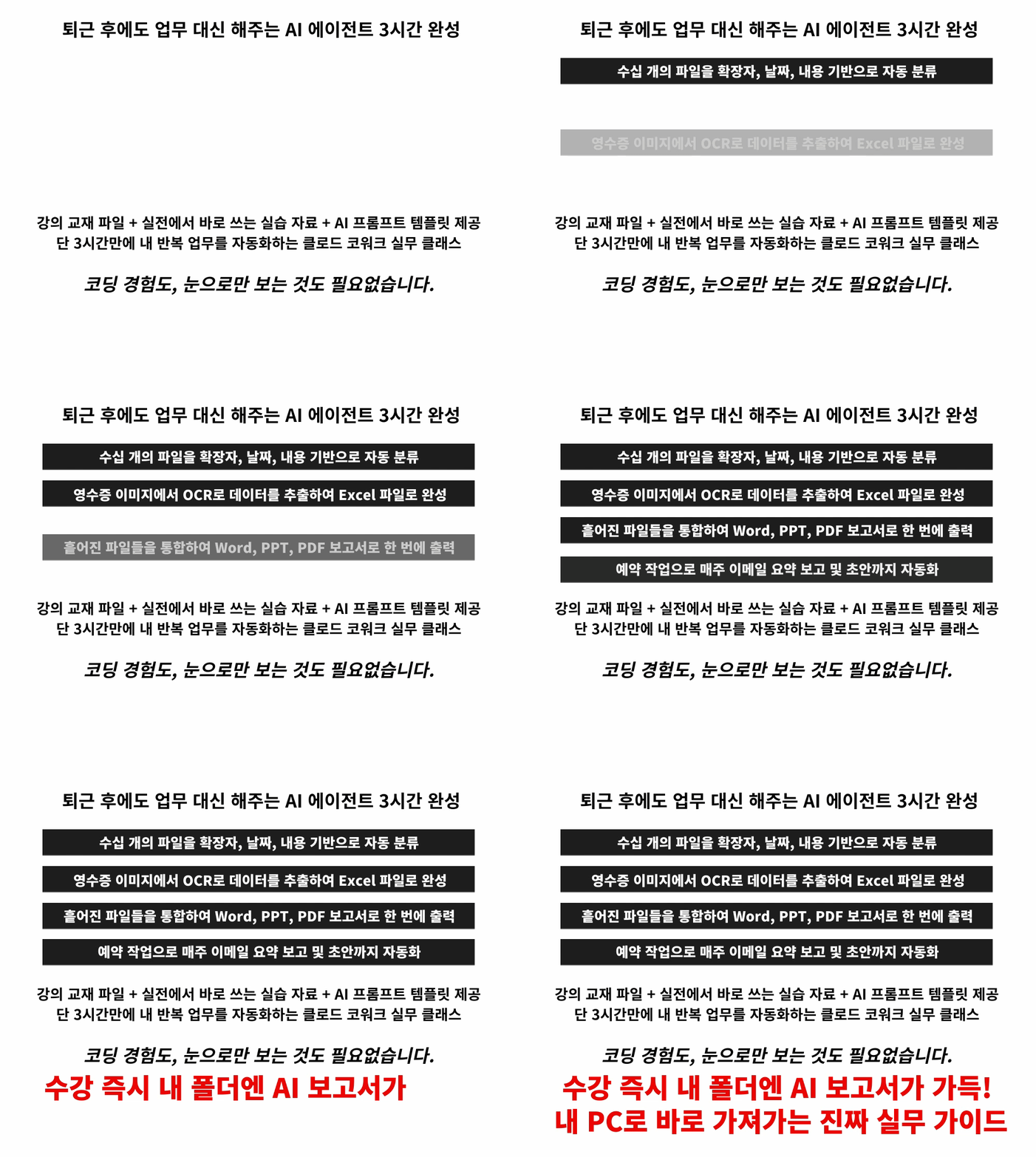
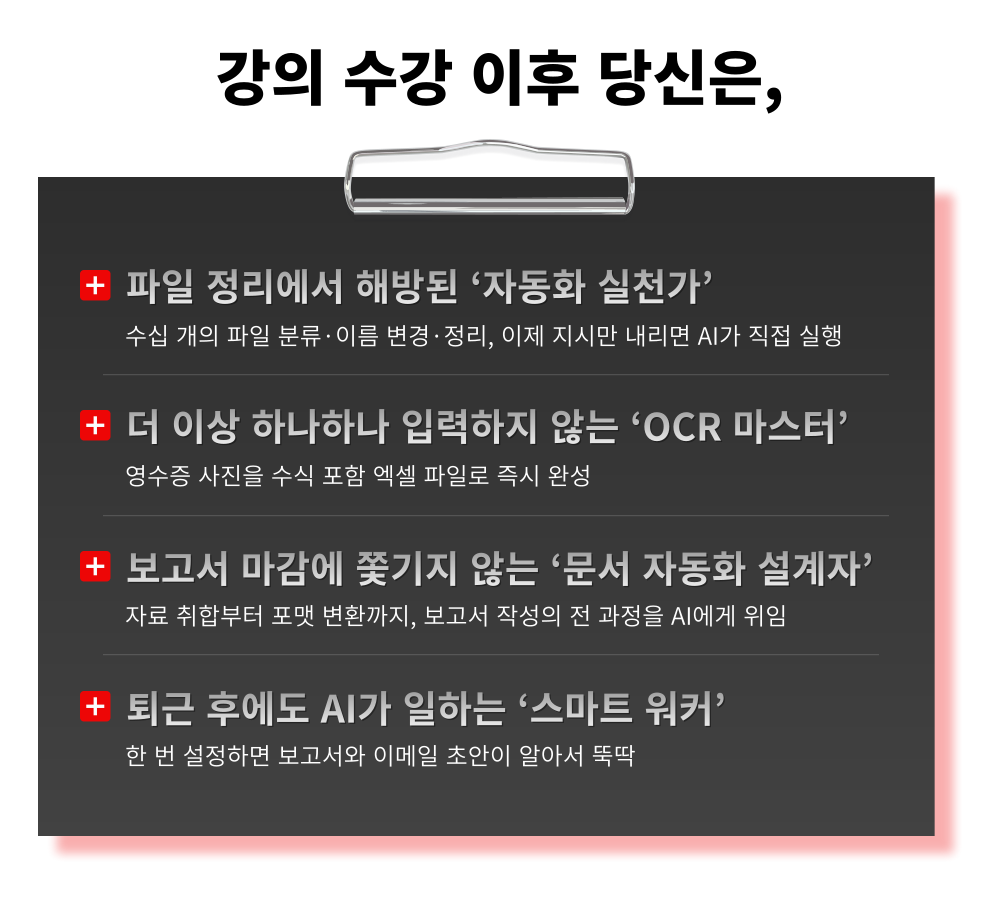
  • The ability to design automatic classification and organization systems that allow you to retrieve any file in just 3 seconds.

  • OCR data extraction technology that converts receipt photos into Excel.

  • Document automation strategies for simultaneously completing scattered files as Word, PPT, and PDF documents

  • The ability to build scheduled automation workflows that prepare reports and email drafts before starting work.

Just say it, and AI will do it!
From files and reports to emails. A practical Claude Cowork course for full automation without coding!


Curriculum Features for Fully Automating Your Work with Claude Cowork, the AI Agent You Can Use Right Now

This is a practical course that increases work efficiency by automating repetitive tasks with a single word, without any coding.

1. Understanding the principle of AI executing tasks directly rather than just explaining how
From the critical difference between Chat and Cowork to agent loops and security structures – once you understand the principles, you can apply them to any task yourself

2. Automatic classification to organize dozens of mixed files in 3 minutes
File organization automation that creates folders based on extensions, dates, etc., and renames them in bulk

3. OCR Practice: Turning Receipt Photos into Excel Files
From the limitations of reading data from images to verification methods – Creating an expense management routine for immediate practical use

4. Document automation where scattered files are simultaneously completed as Word reports, PPTs, and PDFs
Consolidate meeting minutes, feedback, and sales data all at once and generate multiple outputs in parallel with a single prompt

5. Scheduled Task Practice: Reports and email drafts automatically created every week with a single setup
Save today's practice tasks as skills to complete your own workflow where AI keeps working even after you leave the office

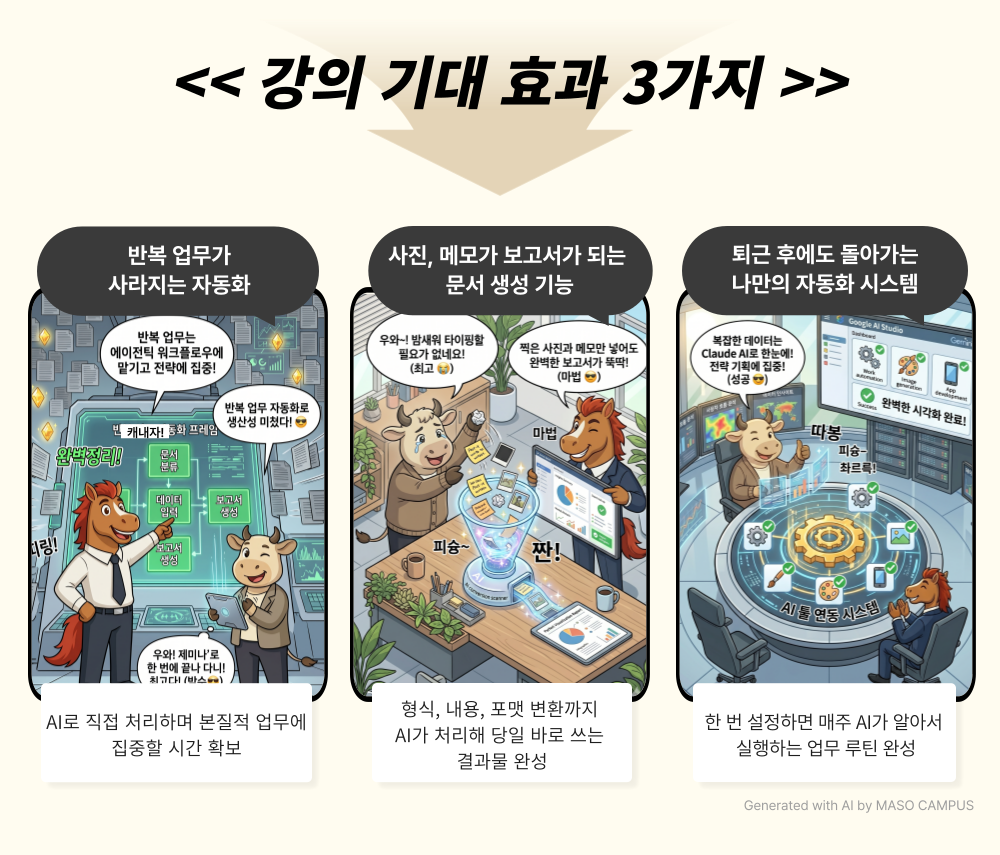
AI that runs on its own every week once you learn it,

Experience ‘Claude Cowork Unmanned Automation’ that works even after you leave the office.


Practical Claude Cowork Lecture: Automating Work Without Coding

1. Sign up for the course

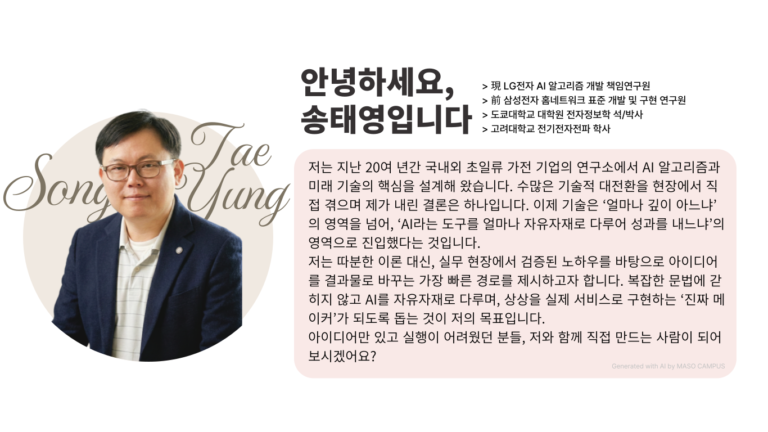
2. Practicing Core Features of Claude Cowork with Instructor Taeyoung Song

3. Completing work automation prompts to learn today and use immediately tomorrow

Start Claude Cowork now and boost your work efficiency by 10 times!

The ultimate in AI utilization, real automation to handle tedious chores for you!


How much longer are you going to keep manually executing tasks while looking at the same predictable answers from AI?

From instruction → execution → to saving,
complete your own automated workflow with Claude Cowork.


I confidently recommend it to these people.

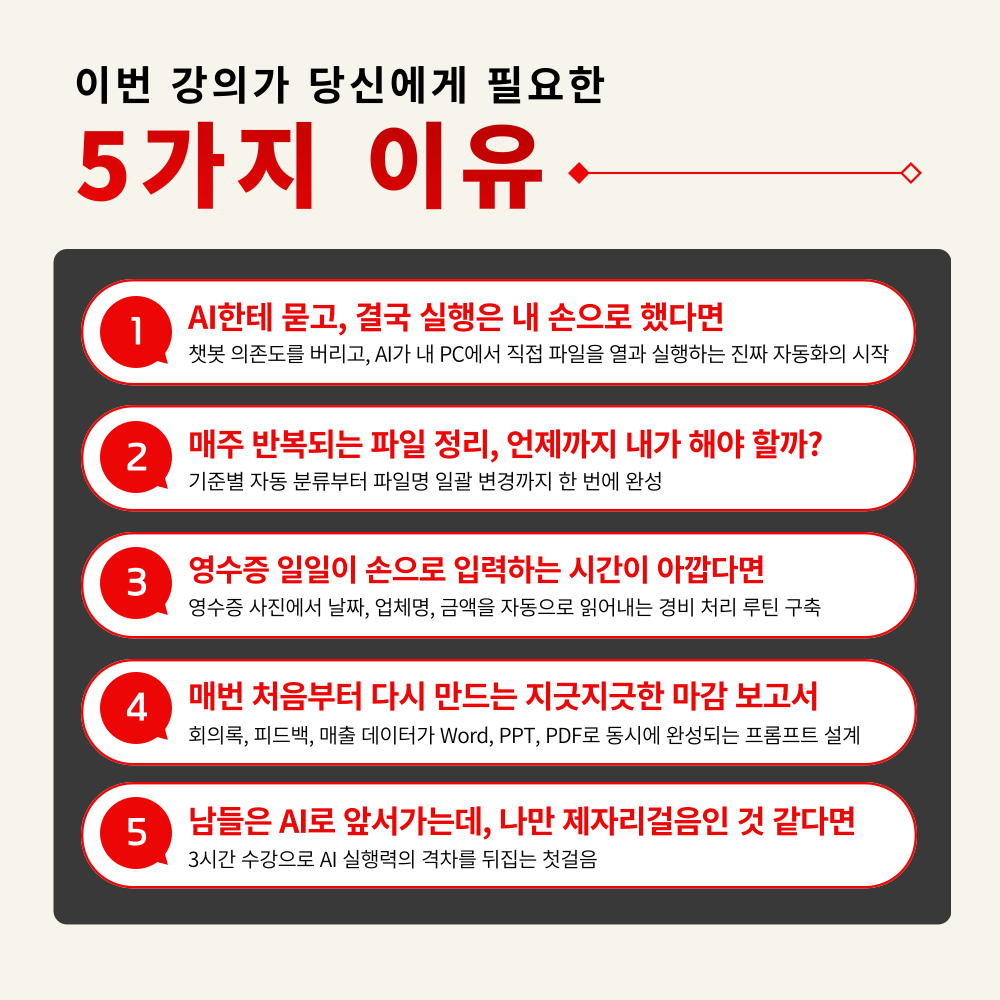
– Office workers tired of repetitive weekly file organization and report tasks
– Non-developers who want to use AI but are unfamiliar with coding
– Those who get answers from ChatGPT or Claude but cannot apply them to actual file tasks
– Practitioners with many routine tasks such as expense processing, meeting minutes, and weekly reports
– Middle managers considering AI adoption to improve team work efficiency
– Office workers and freelancers who do not want to fall behind AI trends

From file organization to report generation and email automation,
create your own work automation skills that you can learn and use immediately.


Course Features


STEP 1. [AI Assistant Setup] Building an 'AI assistant that works directly on my PC' rather than just simple chatting

No need to explain every time; immediately activate an AI secretary that remembers your own behavioral rules with a single 'Global Instructions' setup

STEP 2. [Automatic File Organization] File organization that you used to do by eye and hand, now completed with a single word

Establish an automatic classification routine that creates folders and renames files based on extension, date, and content


STEP 3. [Data Extraction and Document Creation] Zero manual receipt entry, zero repetitive report consolidation

Receipts into Excel, 3 scattered files into a report – completing the output without lifting a finger


STEP 4. [External Service Integration] AI that reaches your inbox – Direct connection with Gmail, Slack, and Notion

Expanding the scope of automation across all tasks, from email summaries to generating reply drafts


STEP 5. [Repetitive Task Automation] Complete an 'Unmanned Work System' that runs even after you leave the office with a one-time setup

AI automatically handles weekly recurring reports and email drafts through scheduled tasks and skill saving


Today is the last day you will ever do that same repetitive weekly task.
Don't just be someone who asks AI questions; be the person who makes AI work for you.

A workflow where AI executes directly when you speak, and the results pile up in your folder


If you set it up now, AI will create next week's report.
If you miss today, every day will repeat the same way.

Frequently Asked Questions Q&A

Q. Do I need prior knowledge of AI to take this course?
A. This course is designed to provide anyone interested in AI with the skills to immediately apply it to their work, so no prior knowledge of AI is required. However, we recommend installing Claude Desktop, creating an account, and subscribing to the Claude Pro plan in advance for the hands-on practice sessions.

Q. Do I have to have a paid subscription to generative AI to take the course?
A. Yes, that is correct. While Claude itself can be used for free, the Cowork feature is only available on paid plans of Claude Pro ($20/month) or higher. Before taking the course, you will need to upgrade to a Pro plan at Claude.ai.

Q. I am a Windows Home user; can I take the course?
A. Unfortunately, the Windows Home edition does not support Hyper-V (virtualization technology) required for the Cowork feature, so the Cowork tab will not be activated. We recommend taking the course on Windows 10/11 Pro, Edu, or Enterprise editions or higher, or macOS 11 (Big Sur) or higher (Apple Silicon M1+ required).


Please check before taking the course!

  • Since this is a practice-oriented course, it is recommended to prepare a dual monitor or an extra device so that you can separate the lecture screen from the practice screen.

  • Additionally, as the practice sessions are based on Windows OS, we recommend taking the course in a Windows environment.

  • The lecture syllabus and practice files are located in the <00. Textbook Download Center> section.


Recommended for
these people

Who is this course right for?

  • Office workers tired of repetitive weekly file organization and report tasks

  • Non-developers who want to use AI but are unfamiliar with coding

  • Those who receive answers from ChatGPT or Claude but are unable to use them for actual file tasks.

  • Practitioners with many routine tasks such as expense processing, meeting minutes, and weekly reports

  • A middle manager considering the implementation of AI to improve team work efficiency

  • Office workers and freelancers who don't want to fall behind on AI trends

Need to know before starting?

  • This course is designed to provide anyone interested in artificial intelligence with the skills they can immediately apply to their work, and no prior knowledge of AI is required. However, we recommend that you install Claude Desktop, create an account, and subscribe to the Claude Pro plan in advance for the hands-on practice sessions.

  • Claude itself is available for free, but the Cowork feature is only available on paid plans starting from Claude Pro ($20/month). You need to upgrade to the Pro plan on Claude.ai before taking the course.

  • Unfortunately, the Windows Home edition does not support Hyper-V (virtualization technology) required for the Cowork feature, so the Cowork tab will not be activated. We recommend taking the course on Windows 10/11 Pro, Edu, or Enterprise editions or higher, or on macOS 11 (Big Sur) or higher (Apple Silicon M1+ required).

Hello
This is Masocampus

11,524

Learners

1,688

Reviews

141

Answers

4.7

Rating

112

Courses

"I will grow more than yesterday. And, I will help those who strive to grow more than yesterday."

With Actionable Content that embodies the sincerity and aspirations of Maso Campus,

100 million cumulative hours of lectures shared online and offline since 2013!

This precious experience and time are always the source of growth for both Maso Campus and our students.

The Miso Campus team strictly adheres to two principles for the growth of us all. 1. Actionable Content that can be put into practice immediately after learning. 2. Respecting the time and effort of participants.

The Miso Campus team strictly adheres to two principles for the growth of us all.

1. Actionable Content that you can actually use after learning 2. Time-Saving Curriculum that respects the participant's time and effort Grow with Miso Campus's Actionable and Time-Saving Curriculum

1. Actionable Content that you can surely use once you learn it

2. Time-Saving Curriculum that respects the time and effort of participants

We hope you will walk the path of growth together with Masocampus's Actionable and Time-Saving Curriculum.

We hope you will walk the path of growth together with Maso Campus's Actionable and Time-Saving Curriculum.

More

Curriculum

All

18 lectures ∙ (2hr 57min)

Course Materials:

Lecture resources
Published: 
Last updated: 

Reviews

Not enough reviews.

Please write a valuable review that helps everyone!

Masocampus's other courses

Check out other courses by the instructor!

Similar courses

Explore other courses in the same field!

Limited time deal

$34,650.00

30%

$38.50