

inflearn logo

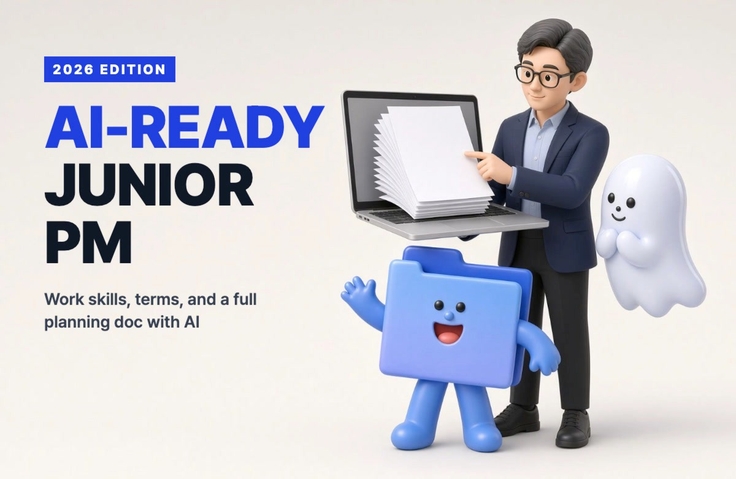
Practical Guide for Junior Planners in the AI Era: From Work Skills and Terminology to Proposals and Screen Designs (2026 Revised Edition)

AI handles the first draft; I handle the judgment and polish. Learn the practical skills and terminology that junior planners use from day one, and work with Claude to create a complete set of deliverables for a study café reservation service: a project proposal, menu structure, screen designs, and functional specifications.

9 learners are taking this course

Level Beginner

Course period Unlimited

Service Planning
Service Planning
Planning Document
Planning Document
UX Planning
UX Planning
claude
claude
quality assurance
quality assurance
Service Planning
Service Planning
Planning Document
Planning Document
UX Planning
UX Planning
claude
claude
quality assurance
quality assurance

What you will gain after the course

  • How to quickly write work requests, meeting minutes, and report emails with AI—and catch mistakes yourself

  • The ability to understand implementation, development, business, and AI terminology that comes up in meetings

  • A complete set of planning deliverables, from interview questions to personas, PRDs, menu structure (IA), user flows, screen designs, and feature definitions.

  • How to Hand a Project Plan to a Developer (or AI Coding Tool) and Organize a QA Checklist and Issues

Recommended for
these people

Who is this course right for?

  • Entry-level or 1–3-year junior planners and PMs handling planning on their own without a mentor.

  • Job seekers and career changers preparing for planning roles who need a set of planning documents to include in their portfolio

  • People who use AI but are unsure how much to trust it and what they should do themselves

  • People who just nod along when terms like RFP, API, MVP, and MCP come up in meetings.

Need to know before starting?

  • No planning experience or coding knowledge is required. Let’s follow along together from the beginning.

  • We use Claude (claude.ai) in class. You can start for free, and a paid plan is more convenient if you want to use it extensively.

Hello
This is codingai

655

Learners

62

Reviews

30

Answers

4.3

Rating

11

Courses

Hello! I'm Ake, a planner with 20 years of experience and an expert in AI coding and Figma.

I have been planning web and app services and working as a PM for 20 years. I am also an expert in AI-assisted coding and UI/UX planning using Figma.

Introducing AI tools like Claude and ChatGPT into the planning process has innovated the way I work. Target analysis and persona creation, which used to take days, have been shortened to just a few hours, and by combining Figma with AI, anyone can now create professional-level planning documents.

I have accumulated know-how in utilizing AI throughout the entire process from planning to development, and I have personally experienced how it enables faster and more efficient service development.

Now, I want to share with you the planning expertise and AI proficiency I have accumulated over the past 20 years. Let’s take the first steps toward a new way of service development—from planning to execution—together with AI.

Service planning and development used to be complex and difficult, but now anyone can do it with AI!

More

Curriculum

All

30 lectures ∙ (3hr 4min)

Course Materials:

Lecture resources
Published: 
Last updated: 

Reviews

Not enough reviews.
Please write a valuable review that helps everyone!

codingai's other courses

Check out other courses by the instructor!

Similar courses

Explore other courses in the same field!

25% off for new members

$48.20

25%

$68.20