
inflearn logo

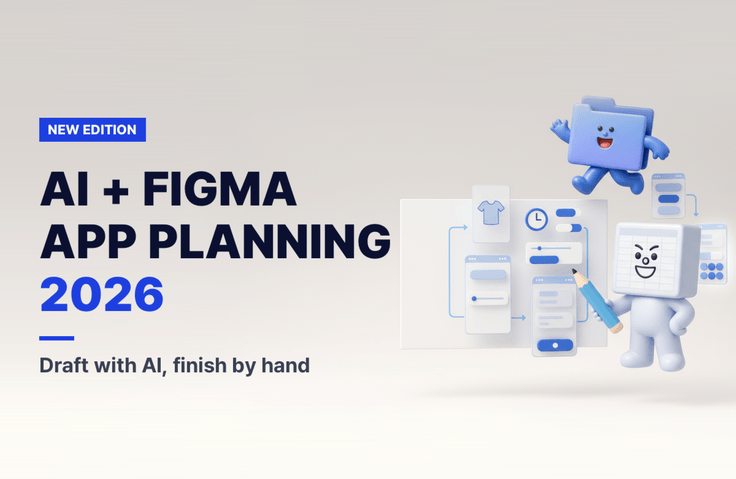
Planning App Services with AI Tools and Figma (2026 Revised Edition)

AI creates the first draft; I make the decisions and refine it. Using Figma’s free plan and free AI tools, I design a set of screens for a laundry pickup app, then create a clickable prototype and a feature specification to hand off to developers.

2 learners are taking this course

Level Beginner

Course period Unlimited

AI
AI
Figma
Figma
Service Planning
Service Planning
UX Planning
UX Planning
UIUX
UIUX
AI
AI
Figma
Figma
Service Planning
Service Planning
UX Planning
UX Planning
UIUX
UIUX

What you will gain after the course

  • Use Claude to map out the target audience, core features, and menu structure in 15 minutes, then fill in what the AI missed.

  • Create a screen that can be refined using practical Figma features (Auto Layout, component variants, variables, and constraints).

  • Quickly generate screen drafts with Figma Agent, Google Stitch, and Claude Artifacts, and choose which one to use and when.

  • Test the clickable prototype on a phone, then write a functional specification and hand it off to a developer (or an AI coding tool).

  • Save time with 8 practical plugins

Recommended for
these people

Who is this course right for?

  • Aspiring founders and non-developers who want to organize their app ideas into screens

  • Job seekers preparing for planning/PM roles, and junior professionals with 1~3 years of experience (a set of screens for a portfolio)

  • Those who generated screens with AI but couldn’t turn them into “editable Figma files”

Need to know before starting?

  • No prior knowledge is required. It’s okay if you’ve never opened Figma before, and you don’t need to know how to code.

  • You’ll need a computer (Mac or Windows) and a browser. I’ll share keyboard shortcuts for both Mac and Windows.

  • I use Figma Free (Starter), Claude Free, and a Google account (Google Stitch). Let’s sign up together in Section 1.

  • We’ll mark paid features (Dev Mode, variables mode, publishing libraries, and Figma agent, which may not be available on free accounts) as “Paid,” and show you free alternatives too.

Hello
This is codingai

620

Learners

60

Reviews

30

Answers

4.3

Rating

10

Courses

Hello! I'm Ake, a planner with 20 years of experience and an expert in AI coding and Figma.

I have been planning web and app services and working as a PM for 20 years. I am also an expert in AI-assisted coding and UI/UX planning using Figma.

Introducing AI tools like Claude and ChatGPT into the planning process has innovated the way I work. Target analysis and persona creation, which used to take days, have been shortened to just a few hours, and by combining Figma with AI, anyone can now create professional-level planning documents.

I have accumulated know-how in utilizing AI throughout the entire process from planning to development, and I have personally experienced how it enables faster and more efficient service development.

Now, I want to share with you the planning expertise and AI proficiency I have accumulated over the past 20 years. Let’s take the first steps toward a new way of service development—from planning to execution—together with AI.

Service planning and development used to be complex and difficult, but now anyone can do it with AI!

More

Curriculum

All

28 lectures ∙ (2hr 29min)

Course Materials:

Lecture resources
Published: 
Last updated: 

Reviews

Not enough reviews.
Please write a valuable review that helps everyone!

codingai's other courses

Check out other courses by the instructor!

Similar courses

Explore other courses in the same field!

Limited time deal

$19,800.00

70%

$51.70