Introduction to Deep Learning
Masocampus
What is deep learning? A course to introduce deep learning and how to use it in practice by completely organizing the concept of deep learning!
Basic
Deep Learning(DL), Keras
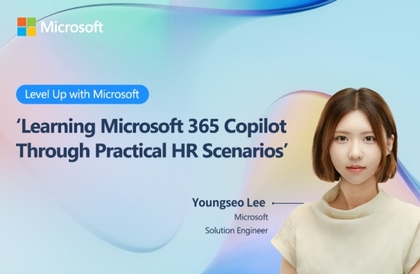
Adding Copilot to MS Office? The perfect guide to maximizing work productivity! We provide a systematic learning process for effectively utilizing M365 Copilot in practice.
215 learners
Level Beginner
Course period Unlimited


Reviews from Early Learners
5.0
안용기
Explained easily with examples and hands-on practice
5.0
박희상
I think it would have been better if it had been structured with actual Copilot usage cases rather than a general theory of AI, but overall, I found it helpful. Thank you.
5.0
jaewon4.jang
The structure and content of the lecture seem good, but the instructor's pronunciation broke my immersion and concentration. Examples include reading "의" as "무조건," "WWW" as "따따따," and pronouncing "양질의" as "양지으."
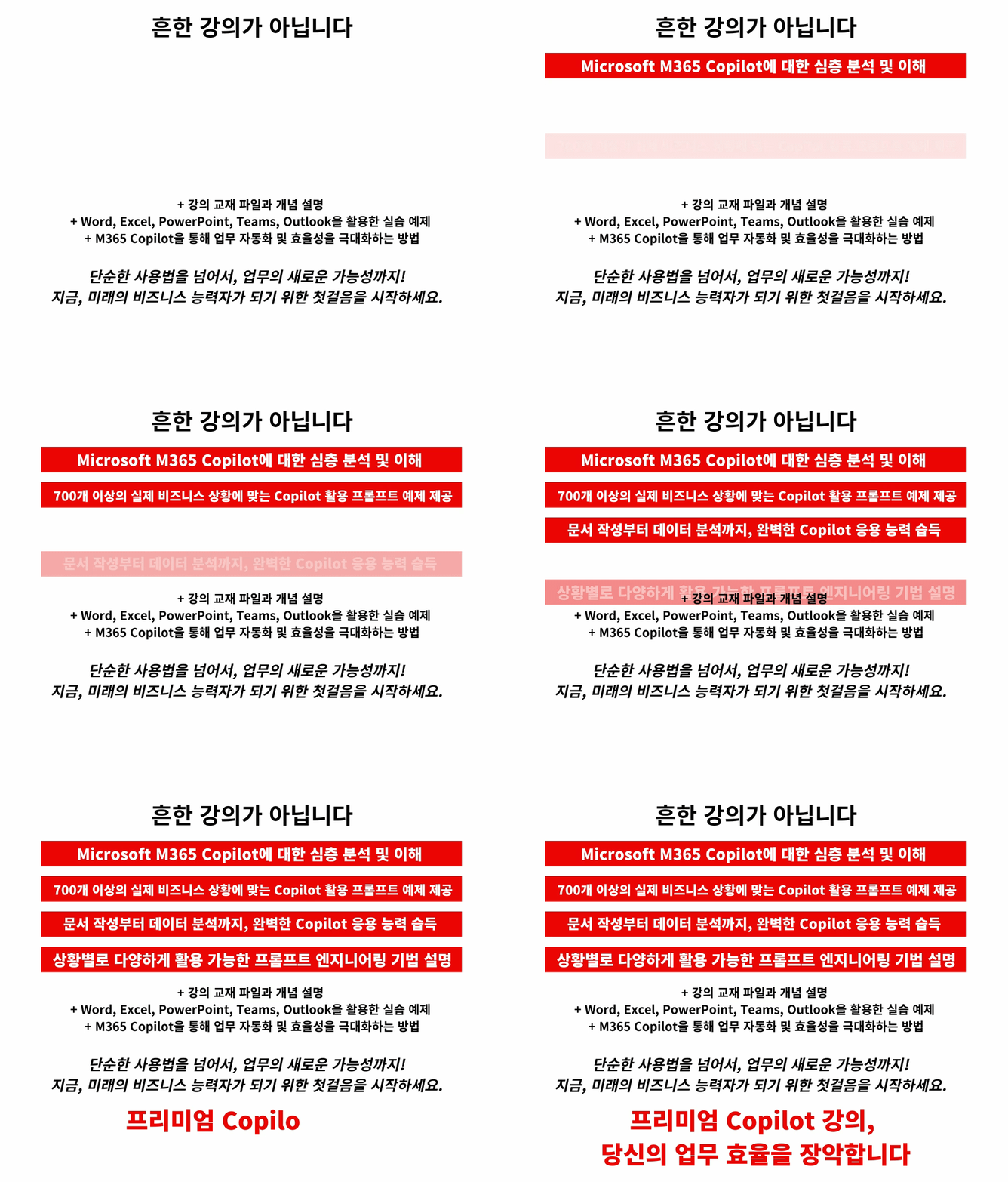
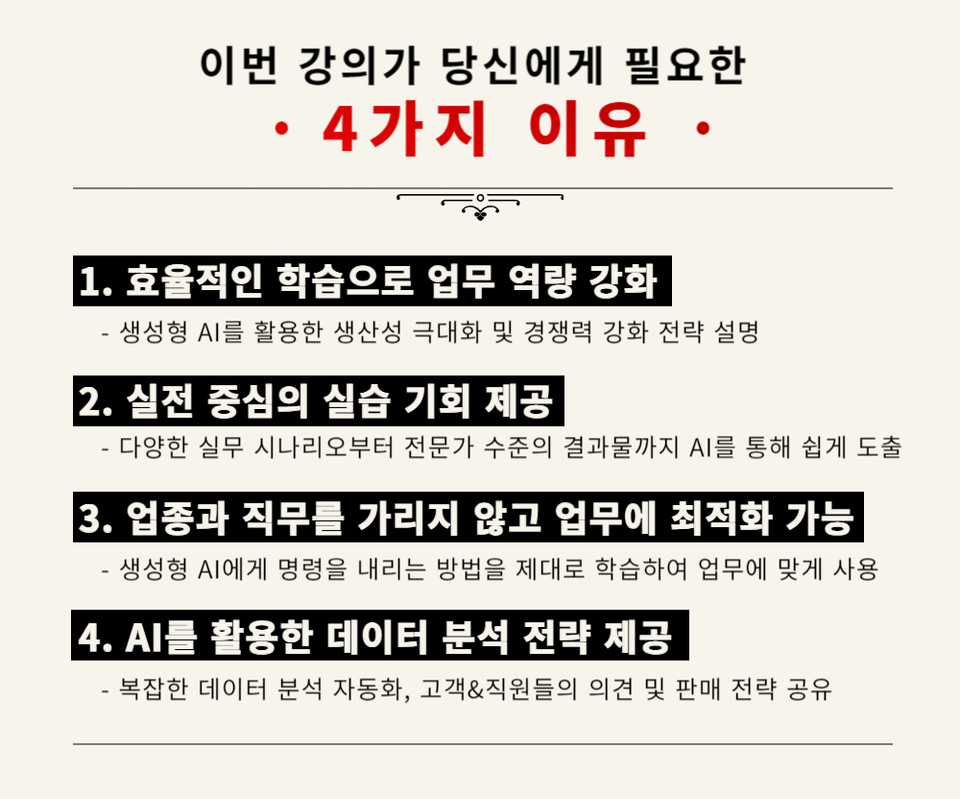
Systematic learning of Copilot Prompt Engineering, from basic concepts to advanced techniques.
Understanding and Practical Use of Diverse AI Models (Language, Image, Code, etc.)
Strategies to effectively utilize Copilot in various business situations
How to analyze unstructured and structured data
Through AI-based consulting techniques, data analysis capabilities and consulting skills
About 750 Generative AI Business Prompts Provided

M365 Copilot is something that anyone can use effectively if they know how!
Company tasks that used to take a long time can now be completed in a short time.
– Basic usage and essential features of M365 Copilot
– Various prompt engineering techniques that significantly improve the quality of results
- Strengthening data analysis and consulting capabilities utilizing generative AI that can be applied directly to practice.
I'm currently in my third year of work!
I never thought that my work efficiency would increase this much after learning Microsoft M365 Copilot properly.
I used to spend a lot of time writing product plans or work emails, but after learning how to use Copilot, I was able to save a lot of time and it became really convenient.
I believe I will be able to receive assistance in various tasks in the future. Thank you.
-Review from the experience group (J*****)
When I used generative AI to write documents, I never got the results I wanted perfectly, so I had a hard time revising them all the time😭😭
But it was great to be able to learn about these various prompt engineering techniques , learn how to use them effectively in various situations, and see the results directly in the lecture .
Above all, I'm proud that I now have a solid understanding of what business automation is!
-Review of the experience group (N**)
Through the lecture, I was able to discover new opportunities by learning about the various functions of AI and M365 Copilot.
In particular, I learned how Copilot can help me make better decisions and gain insights through data analysis.
Thanks to the instructor's explanation, I'm now convinced that AI like Copilot isn't just a tool; if used well, it can help me grow.
-Review from the experience group (Go**)
Learn how to improve work efficiency by linking Copilot with MS Office Word, Excel, PowerPoint, and other tools used by all office workers.
Learn how to understand and practically utilize various generative AI models, including language, image, and code models.
Sharing prompt writing methods tailored to each specific work situation through explanations and practice of various prompt engineering techniques.
Learn unstructured and structured data analysis and consulting techniques using generative AI.
A one-course course that provides practical know-how on creating various business documents, such as plans, reports, and proposals, using Copilot.
1. Apply for a class
2. Follow the instructor and use Copilot.
3. Improve work productivity and performance
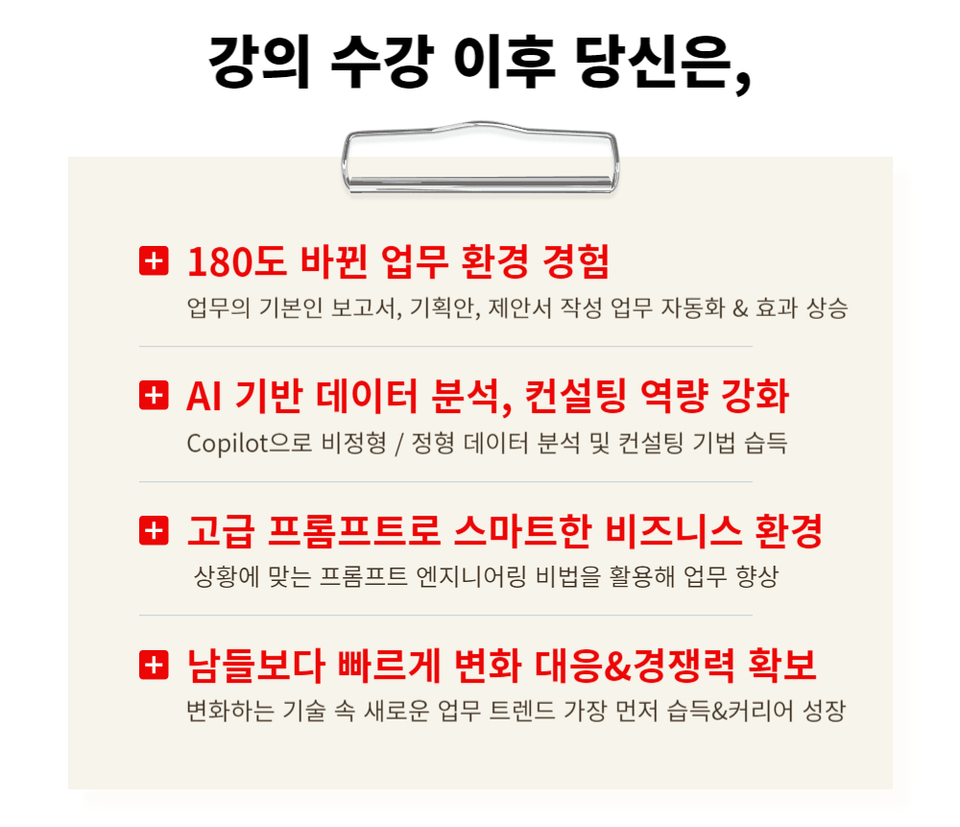
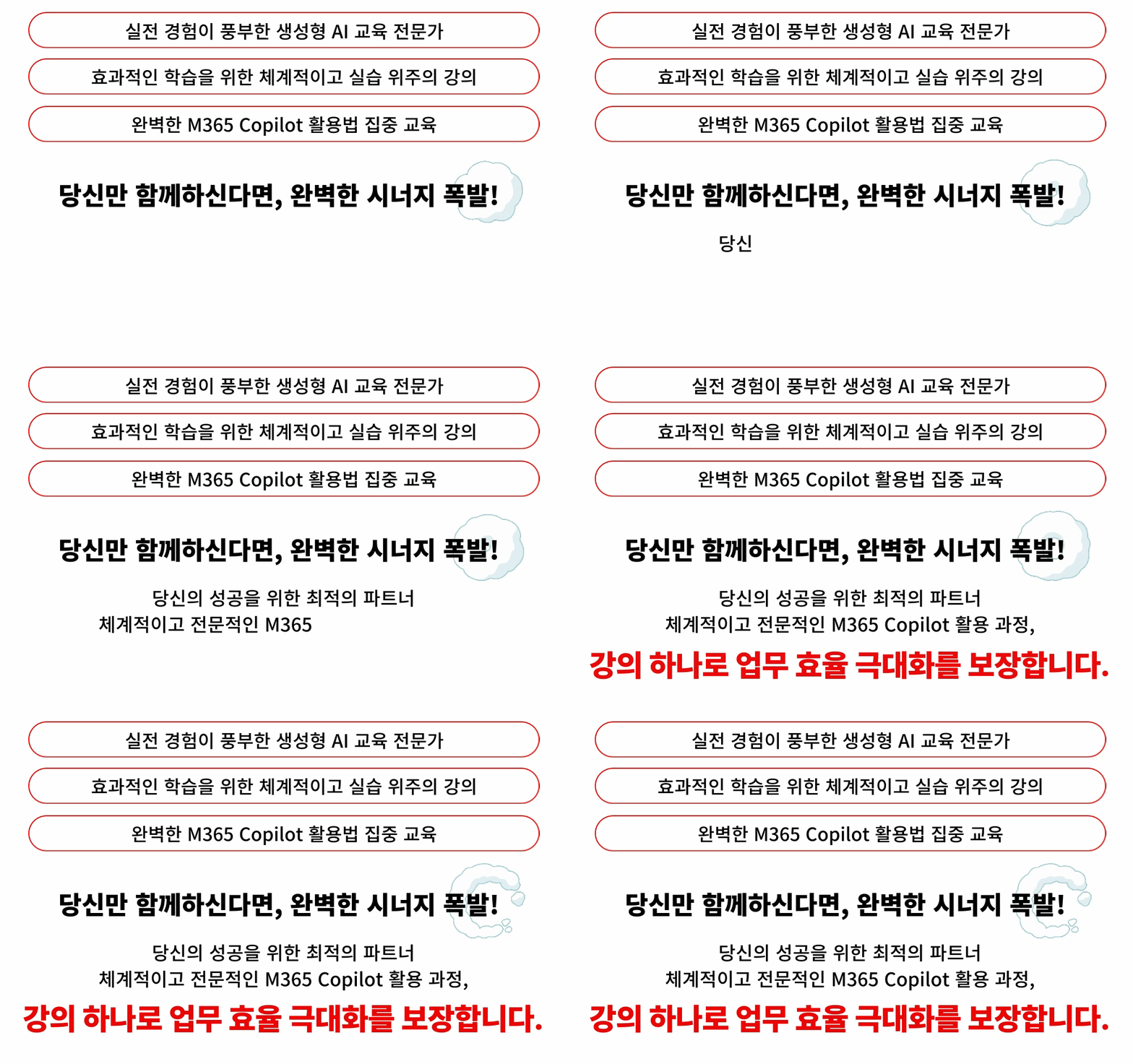
Using Copilot, you can get basic yet
Automate complex tasks and maximize efficiency
Precisely analyze various data
Strengthen consulting capabilities to support effective decision-making
In a rapidly changing digital environment
Grow into a key figure who responds to business trends and drives innovation.
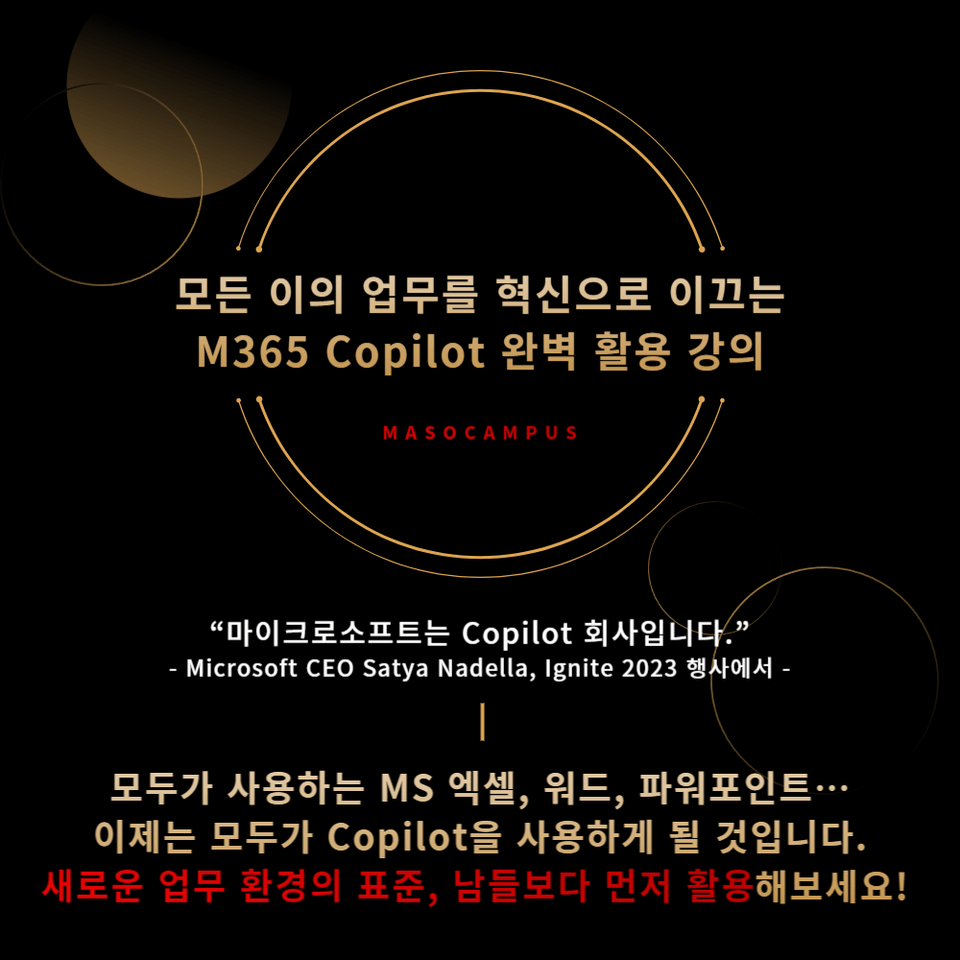
MS Office, which everyone is already using, next is M365 Copilot.
– Office workers and business owners who want to increase productivity by utilizing M365 Copilot
– IT professionals who want to utilize the latest AI features of M365 Copilot for their work
– Data analysts who seek to derive business insights by applying AI and data to practice.
– Microsoft M365 general users and organizations considering implementing Copilot
With AI technology becoming essential in every field, are you worried that you're falling behind?
If you want to become a recognized employee in your company,
Master Microsoft 365 Copilot today with this course.
Improve business efficiency and develop the ability to apply AI technology in practice with Copilot!
Understand the basic service overview and key features of Microsoft 365 Copilot
Learn how to understand and practically utilize AI models that can be used in a variety of fields, including text, image generation, and coding.
Learn how to write effective prompts tailored to your business goals and receive templates
Strengthen your ability to apply data analysis and document automation technologies in practice using Copilot.

Q. What are the technical requirements for using M365 Copilot?
A. To effectively use M365 Copilot, you need a Microsoft 365 subscription. Additionally, installing the latest versions of Office apps and having an internet connection is sufficient. No complex technical setup or additional software installation is required.
Q. Are there any requirements or prerequisites for taking the course?
A. Since this is a practice-oriented lecture, it would be a good idea to prepare a dual monitor or extra device that can separate the lecture and practice screens.
Q. What are the main topics covered in the lecture?
A. This course covers everything from basic usage to advanced features of M365 Copilot. Through hands-on exercises, you'll learn how to automate and streamline tasks like document creation, data analysis, and email management. It also includes case studies demonstrating how M365 Copilot can be utilized in real-world business scenarios.
Since this is a practice-oriented lecture, it would be a good idea to prepare a dual monitor or extra device that can separate the lecture screen and the practice screen.
Additionally, since the training is conducted based on Windows OS, we recommend taking the course in a Windows environment.
Who is this course right for?
Office workers and executives aiming to boost productivity with M365 Copilot
IT professionals looking to leverage M365 Copilot's latest AI features for work
Data analyst who aims to apply AI and data in practice to derive business insights
Microsoft M365 general users and organizations considering Copilot adoption
10,309
Learners
1,475
Reviews
125
Answers
4.7
Rating
104
Courses
"I will grow more than yesterday. And, I will help those who strive to grow more than yesterday."
With Actionable Content that embodies the sincerity and aspirations of Maso Campus,
100 million cumulative hours of lectures shared online and offline since 2013!
This precious experience and time are always the source of growth for both Maso Campus and our students.
The Miso Campus team strictly adheres to two principles for the growth of us all. 1. Actionable Content that can be put into practice immediately after learning. 2. Respecting the time and effort of participants.
The Miso Campus team strictly adheres to two principles for the growth of us all.
1. Actionable Content that you can actually use after learning 2. Time-Saving Curriculum that respects the participant's time and effort Grow with Miso Campus's Actionable and Time-Saving Curriculum
1. Actionable Content that you can surely use once you learn it
2. Time-Saving Curriculum that respects the time and effort of participants
We hope you will walk the path of growth together with Masocampus's Actionable and Time-Saving Curriculum.

We hope you will walk the path of growth together with Maso Campus's Actionable and Time-Saving Curriculum.
All
75 lectures ∙ (5hr 48min)
Course Materials:
All
39 reviews
4.3
39 reviews
Reviews 1
∙
Average Rating 5.0
Reviews 6
∙
Average Rating 5.0
Reviews 2
∙
Average Rating 3.5
Reviews 2
∙
Average Rating 4.5
Reviews 2
∙
Average Rating 4.5
Check out other courses by the instructor!
Explore other courses in the same field!
$77.00