









inflearn logo

Game developer who reads AI code 「Unity 6」 「Claude」 「Github Copilot」 「3D」

Design by me, code by AI: Learn object-oriented design with Unity 6 and C#, Copilot / Claude prompting, and AI code verification to complete a 60-second survival 3D game. Become a game developer who knows how to work with AI.

2 learners are taking this course

Level Basic

Course period 12 months

Unity
Unity
VSCode
VSCode
github-copilot
github-copilot
AI
AI
AI Agent
AI Agent
Unity
Unity
VSCode
VSCode
github-copilot
github-copilot
AI
AI
AI Agent
AI Agent

What you will gain after the course

  • Complete a 60-second survival 3D game from start to finish using Unity 6 and C#.

  • I accurately convey the Mermaid design to Copilot and Claude and entrust them with the coding.

  • I read the code created by AI myself, find the errors, and fix them.

  • Develop design, prompting, and code-reading routines that can be reused for the next game.

Developing games with artificial intelligence (AI)
guides you along the right path

If we pave a path to the lake, AI has no choice but to reach it.

Even with just the words “Make me a game,” you can create something that looks plausible, but the moment you try to fix it, you get stuck. That’s because you made it walk without first creating a path.
So we change the order. First, we create a path through design, then have AI implement it according to that design, and finally read through the resulting code ourselves.
Even if you’re new to game development or work in another field, as long as you know how to create a path, you can build a 3D game from start to finish with AI.

With every lesson, we’ll build together using this process.

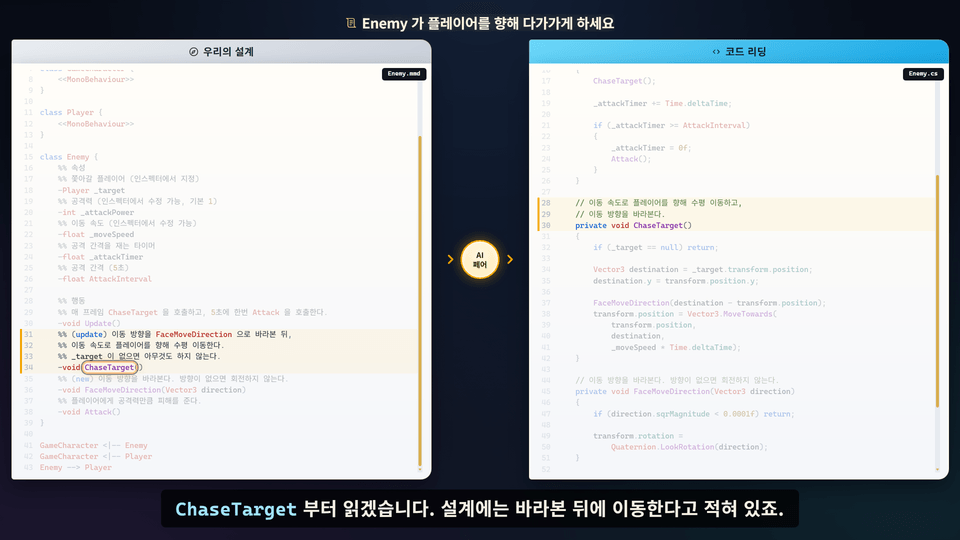
Read the Design and Code Side by Side

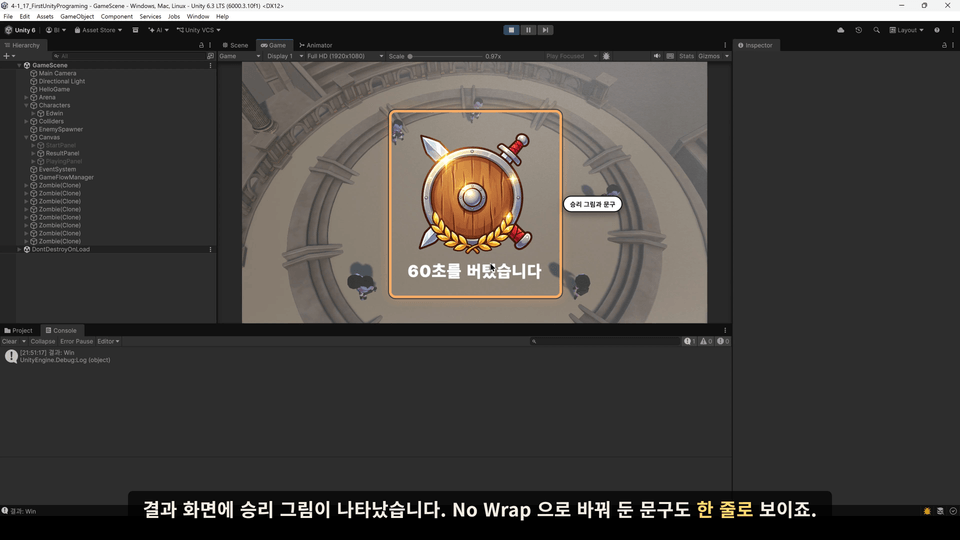
Compare my design with the code created by AI on one screen.

Have Claude handle the implementation

Turn your design into a prompt, send it, and review the results.

Complete Your Own 3D Game: Survive for 60 Seconds

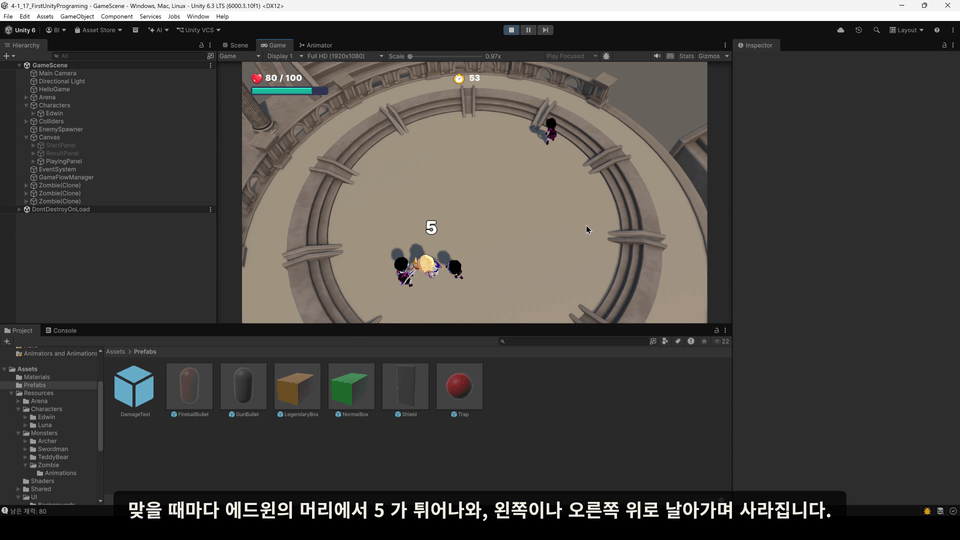
Implement the health bar, timer, and damage numbers yourself.

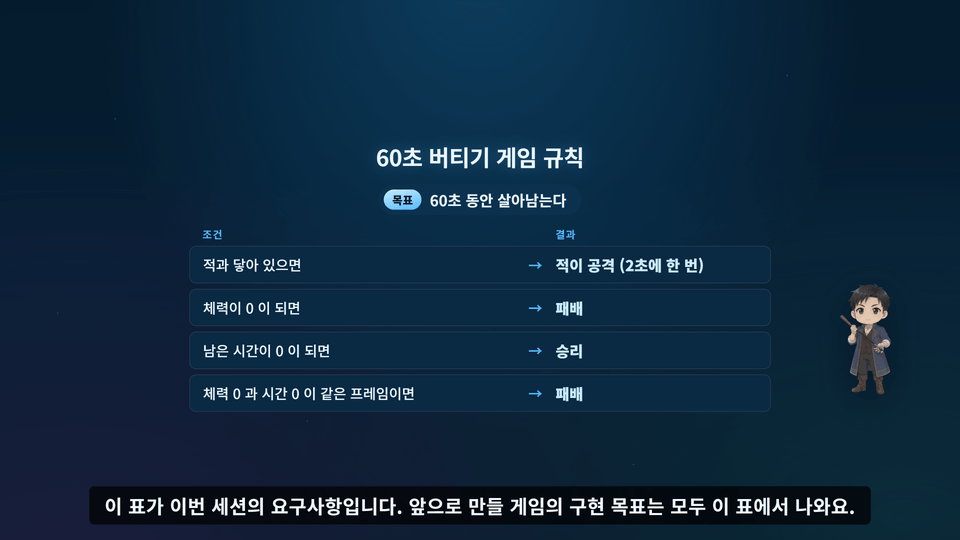
An easy-to-follow course explained through illustrations

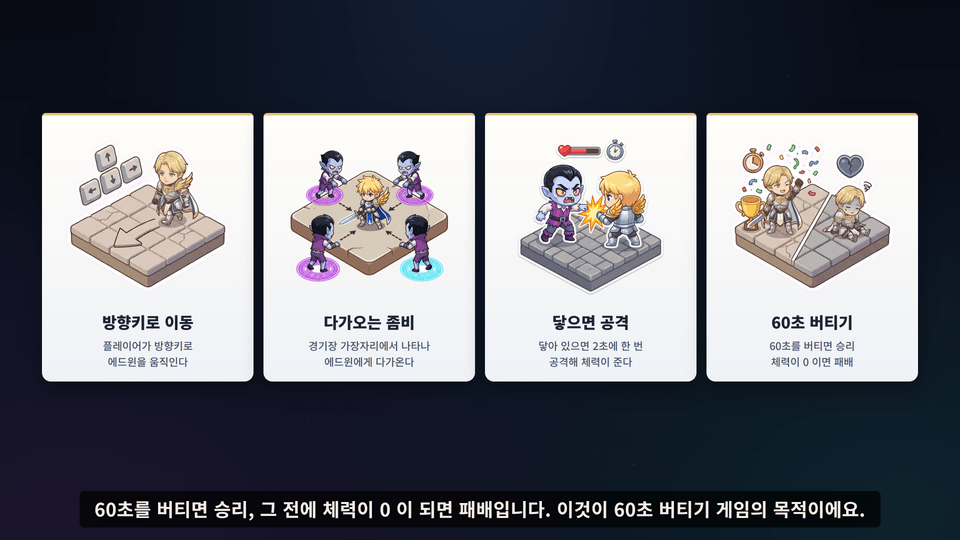
I’ll explain everything from the game rules to coding concepts through visuals.

  • You’ll go from a developer who simply pasted AI-generated code to one who can read and make informed decisions.


  • You’ll be able to create the next game on your own as well, following the flow of design, prompting, and code reading.

Learn in 7 sessions, starting with syntax and progressing to pair programming with AI.

S1. The right way to develop with AI and the development environment

We explore the value of coding in the AI era and how to use AI as a weapon without being controlled by it. We also install Unity Hub, Unity 6 (유니티6), Visual Studio Code (VSCode), and GitHub Copilot (github-copilot) together.

S2. Getting Started with Unity and C#, Drawing Structures with Mermaid

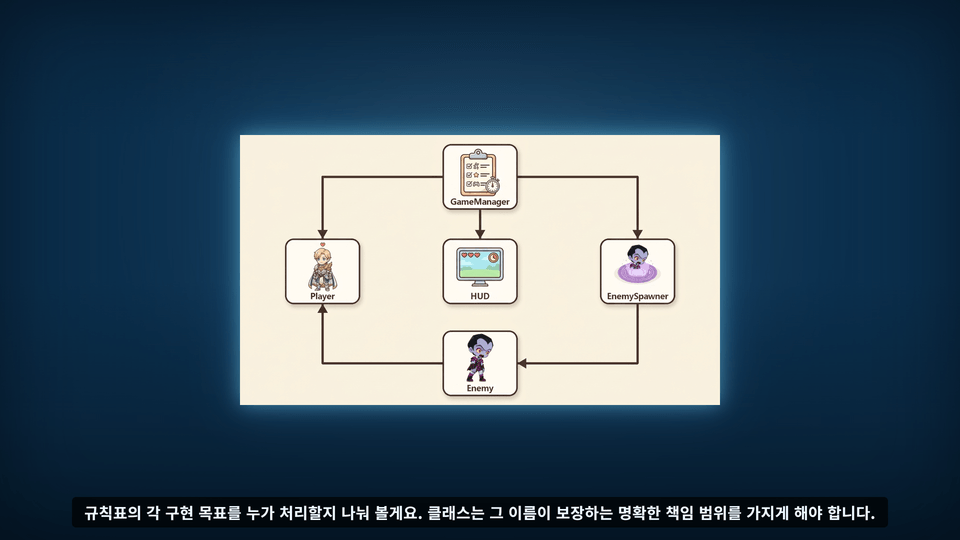
Learn how to print “Hello World” and understand the order in which the engine calls the code. First, diagram the structure with Mermaid, then create a Player and an Enemy to explore object-oriented design, encapsulation, and the limitations of AI.

S3. Learn the Basics of C# with AI

We cover variables, arrays and lists, value types and reference types, classes and properties, access modifiers, inheritance, static, delegates, and lambdas. We learn in the order of designing ourselves, having AI write the code, and reading it ourselves.

S4. Mermaid Design Specifications and Refactoring

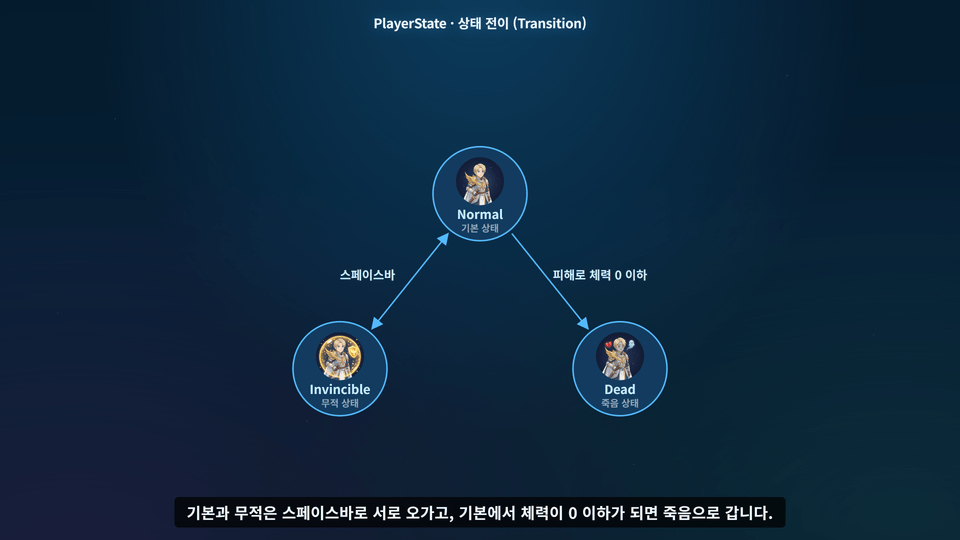
We define our own Mermaid prompt specification for communicating with AI. Using that specification, we implement player death handling, refactor enum states, and create a circular shield spawner that rotates using trigonometric functions.


S5. Setting Up Claude and the 3D Space

Install the Claude AI Agent and define our specifications in CLAUDE.md. Manipulate the 3D space to create an arena, then establish the foundation for a 3D game with characters, materials, prefabs, cameras, and lighting.

S6. 3D Zombie AI: Navigation, Pursuit, Attacks, and Animation

Turn the game design into prompts and implement, step by step, the zombie’s search and pursuit of the player, state-based animations, zombie spawning, melee attacks, and player death handling.


S7. HUD, game flow, and 3D game completion

You will add a health display, game flow and win/loss determination, screen transitions, and buttons, then polish the game with wandering zombies and damage numbers. Finally, you will review the overall design together and complete the course.

It's okay if you're new to game development
This course was created for anyone who wants to make games with AI.

Game developer

Those who want to read and verify AI-generated code and use it in game development

Students and hobbyist developers

People who have opened a basic programming book, only to close it again.

Graphic Artist

Those who want to see their drawings come to life in a game

Planner

Those who felt frustrated because they couldn’t explain why the results turned out this way

Preparing for Solo Development and Starting a Business

Whether AI or human, for those who need to know what to understand first before assigning a task.

Industry Developer

Those who want to leverage their web, server, or app experience to take on Unity game development

Notes Before Enrolling

Practice environment

  • Operating system: Windows 10 or later recommended

  • Game engine: Unity 6.3 LTS (6000.3.10f1 to 6000.3.26f1 recommended; 6000.3.XX patch versions may also be used)

  • Coding tools: Visual Studio Code + GitHub Copilot Chat (installed together during the course)

  • VS Code extensions: C# Dev Kit, Unity, Mermaid Preview, Korean Language Pack (installation instructions provided in the course)

Learning Materials

  • Unity projects provided for each session (including starter and completed projects, as well as character, zombie, and arena resources)

  • A collection of prompts for each session (Prompts.md) and work rules for CLAUDE.md are provided.

  • Code reading notes PDF provided (with an explanation for each line)

Course Asset Usage Guidelines

  • The assets in the course materials (Edwin, zombies, stadiums, etc.) may only be used for the exercises and learning in this course.

  • Redistribution, sale, or use in commercial projects is not permitted.

  • The assets in the course materials were developed directly by Allen, and Allen holds the copyrights and usage rights.

Recommended for
these people

Who is this course right for?

  • Web, server, and app developers learning C# and Unity for the first time

  • A solo developer who wants to quickly make a game with AI but finds it difficult to verify the generated code

  • A programmer looking to use Microsoft Copilot and Claude for practical software development.

  • Non-developer roles, such as planners, artists, and data engineers, who want to collaborate with AI to create games.

  • Beginner to intermediate learners who want to use Unity and C# in real projects beyond the basics

Need to know before starting?

  • No prior knowledge is required. We’ll start together by setting up the development environment.

  • Even if you’ve never written a single line of code, that’s fine; if you have experience with another language, you’ll progress faster.

Hello
This is blueobject

Career Verified

CEO of the game development company Blue Object, operator of the website Alen World

Alen World: https://alenworld.com

YouTube: https://www.youtube.com/@AlenGameLab


Key Career Highlights

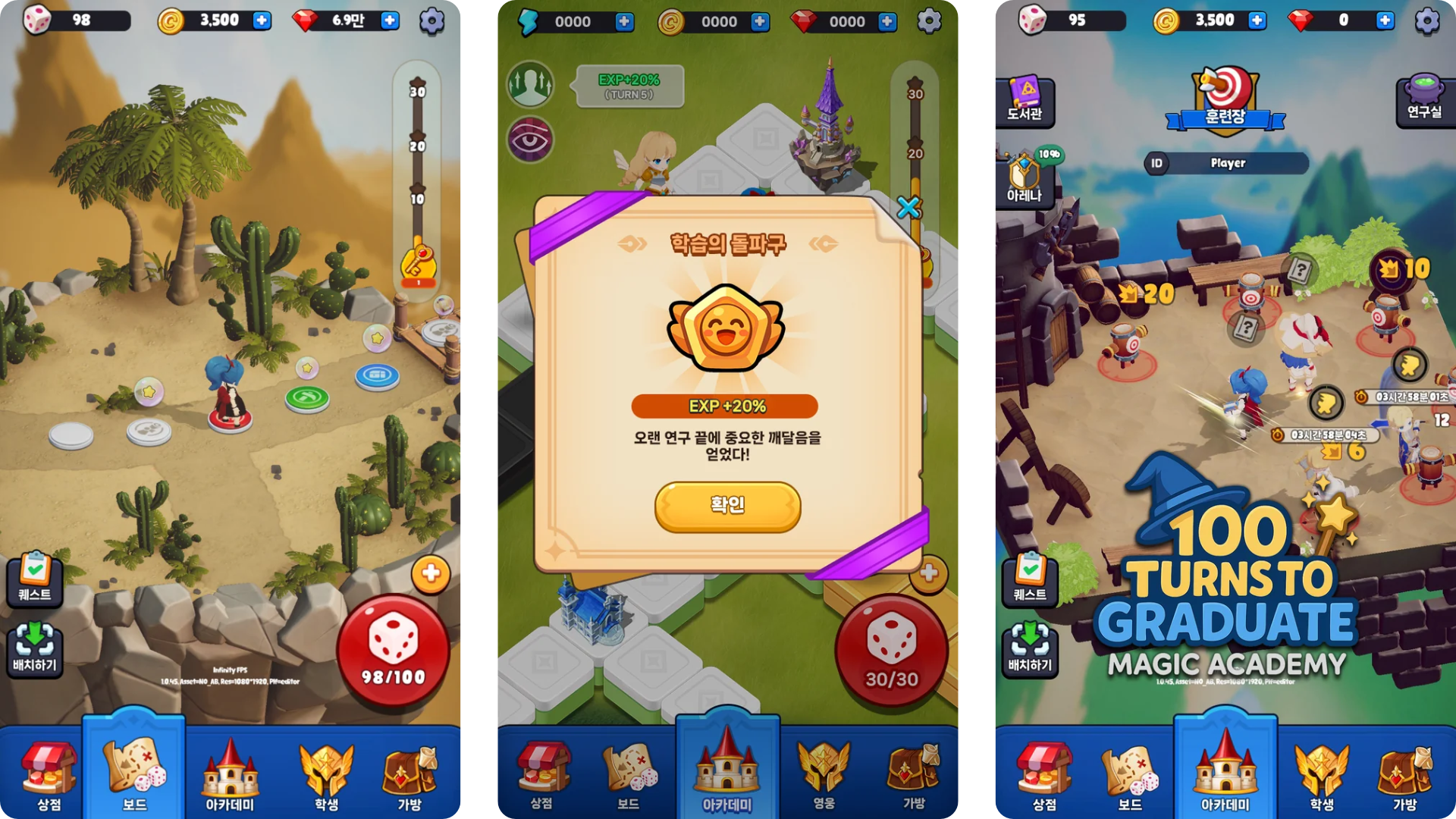
  • CEO of Blue Object (currently in office), "100 Turns Until Graduation" North American launch

  • CEO of Enfany Games (Founded a startup), launched "Miracle Pendion"


  • Smilegate Entertainment “CrossFire 2” Client Team Leader

  • Softon Entertainment “Dark Eden 2” Client Team Lead

  • Taught game programming at Korean Animation High School, Sejong Education, Busan Content Academy, and other institutions.

... Performed projects at numerous other companies


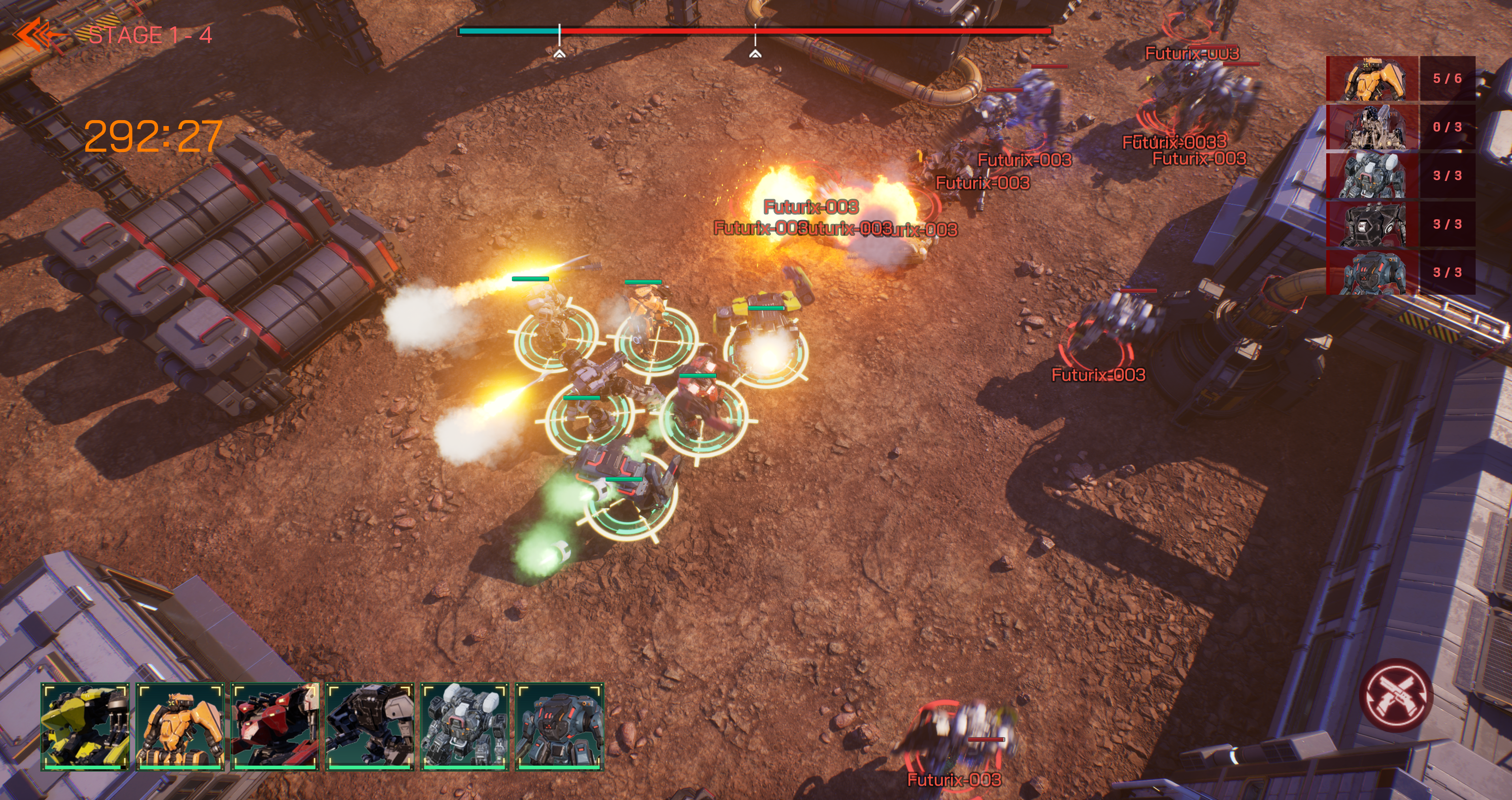
Major games developed while serving as CEO

cz5.png


졸업까지100턴.png


미궁3.png
More

Curriculum

All

41 lectures ∙ (8hr 19min)

Course Materials:

Lecture resources
Published: 
Last updated: 

Reviews

Not enough reviews.
Please write a valuable review that helps everyone!

Similar courses

Explore other courses in the same field!

Limited time deal

$44,000.00

50%

$68.20