


Kotlin Grammar Summary - 1 hour
survivalcoding
This is a comprehensive lecture on Kotlin grammar that can be learned in 1 hour.

입문
Kotlin
This course aims to provide direction on how to create a simple service app using Firebase and Flutter.
497 learners
Level Basic
Course period Unlimited

Reviews from Early Learners
5.0
김성재
Thank you for the great lecture.
5.0
김재철( Jay kim)
Okay, thank you.
5.0
Lavender
Thank you for always uploading good lectures. If you listen to the various lectures you uploaded one by one, you will be able to explain a lot of the content necessary for Flutter development. You created a video with a good structure from the basics to API and clean architecture, and I liked that there was good content that I needed in this Instagram clone coding. I look forward to good lectures in the future. Thank you.
How to use Firebase in Flutter
Log in/log out with your Google account using Firebase authentication
How to use Firestore, a NoSQL database
How to save files using Firebase Storage and its relationship with DB
How to design data structures in NoSQL databases
Reactive Programming Using Stream, StreamBuilder
Asynchronous programming using Future
Instagram clones that follow suit,
Flutter + Firebase is OK.
Until the first half of 2019, I wasn't entirely confident in Flutter. But as I launched the app and conducted offline training, I gradually gained confidence. I'm convinced that Flutter is the way to go for simple app development.
So, we've upgraded the Instagram clone example from our previous Flutter introductory course and released the Instagram Clone 2.0 course.
There is some overlap in the areas covered with existing courses, so the two courses are complementary to each other.
Google login/logout, using Google profiles, attaching photos, and writing posts are all covered in previous lectures.
In the Instagram Clone 2.0 tutorial, we will implement additional features such as follow/unfollow, post display, like/unlike, comment, comment list, and display number of likes/last comment on a post .
If you know how to create UI with Flutter and are familiar with Dart syntax, you can take this course.
Please note that configuration and UI creation are not covered in this course.
Since I will be implementing functions on top of the UI code I have written in advance, I recommend that you first watch the Flutter Introduction course for the basics.
In fact, when building an app with Flutter, UI coding and logic coding can be completely separated. In this course, you can think of the logic as the primary focus.
Dart grammar is included in the Flutter introductory course and is also available as a YouTube video, so you can watch it whenever you need.
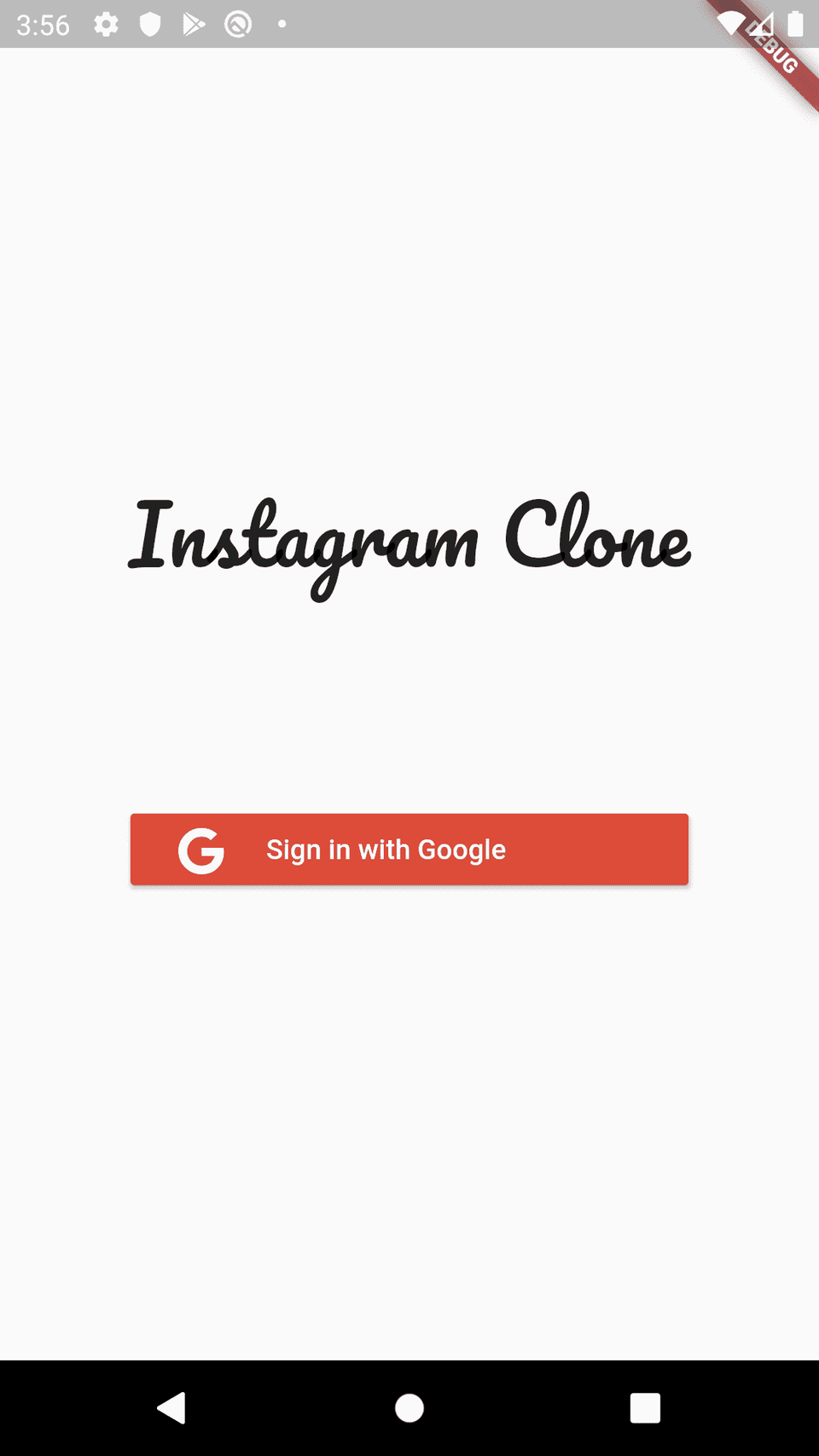
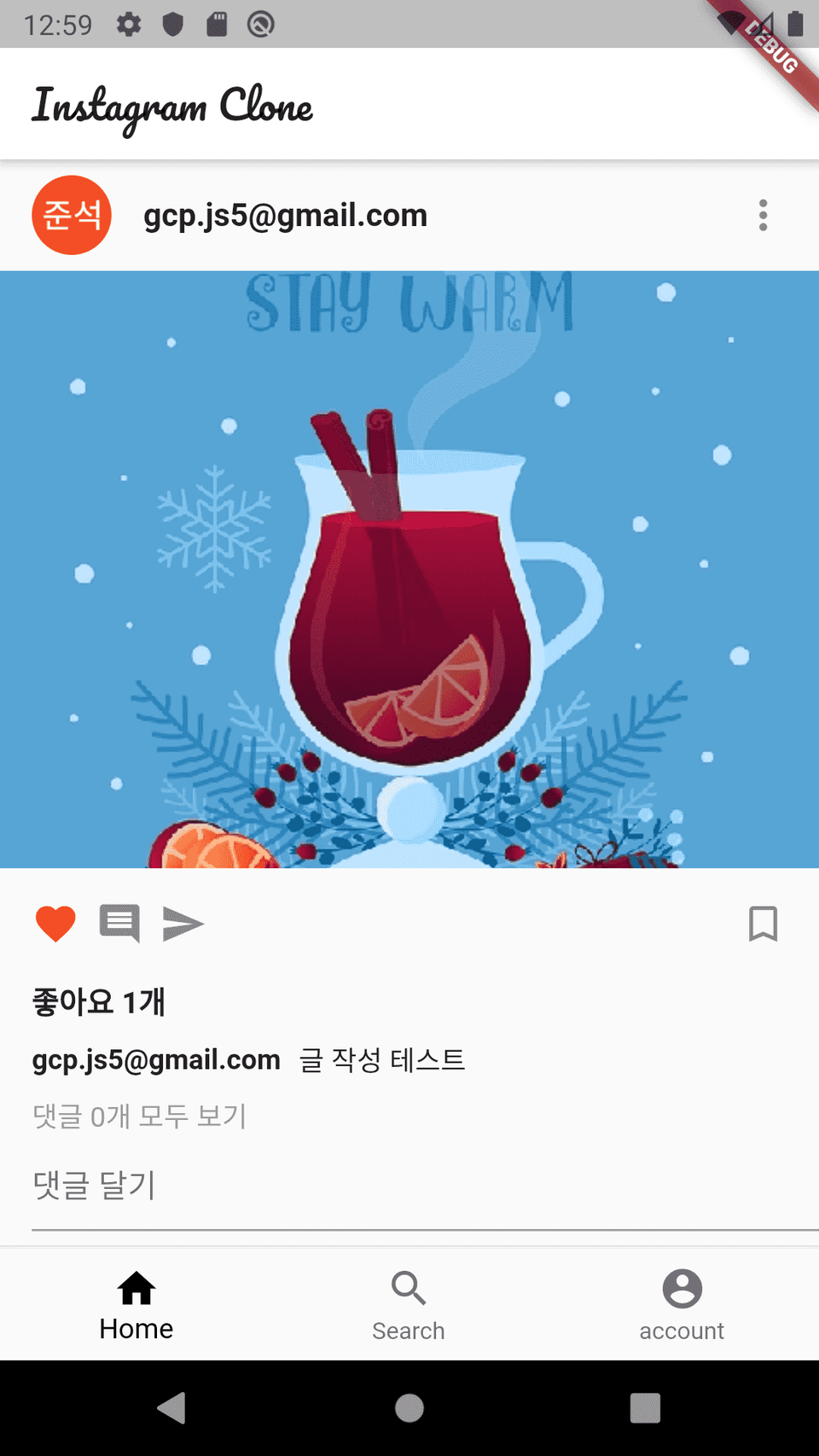
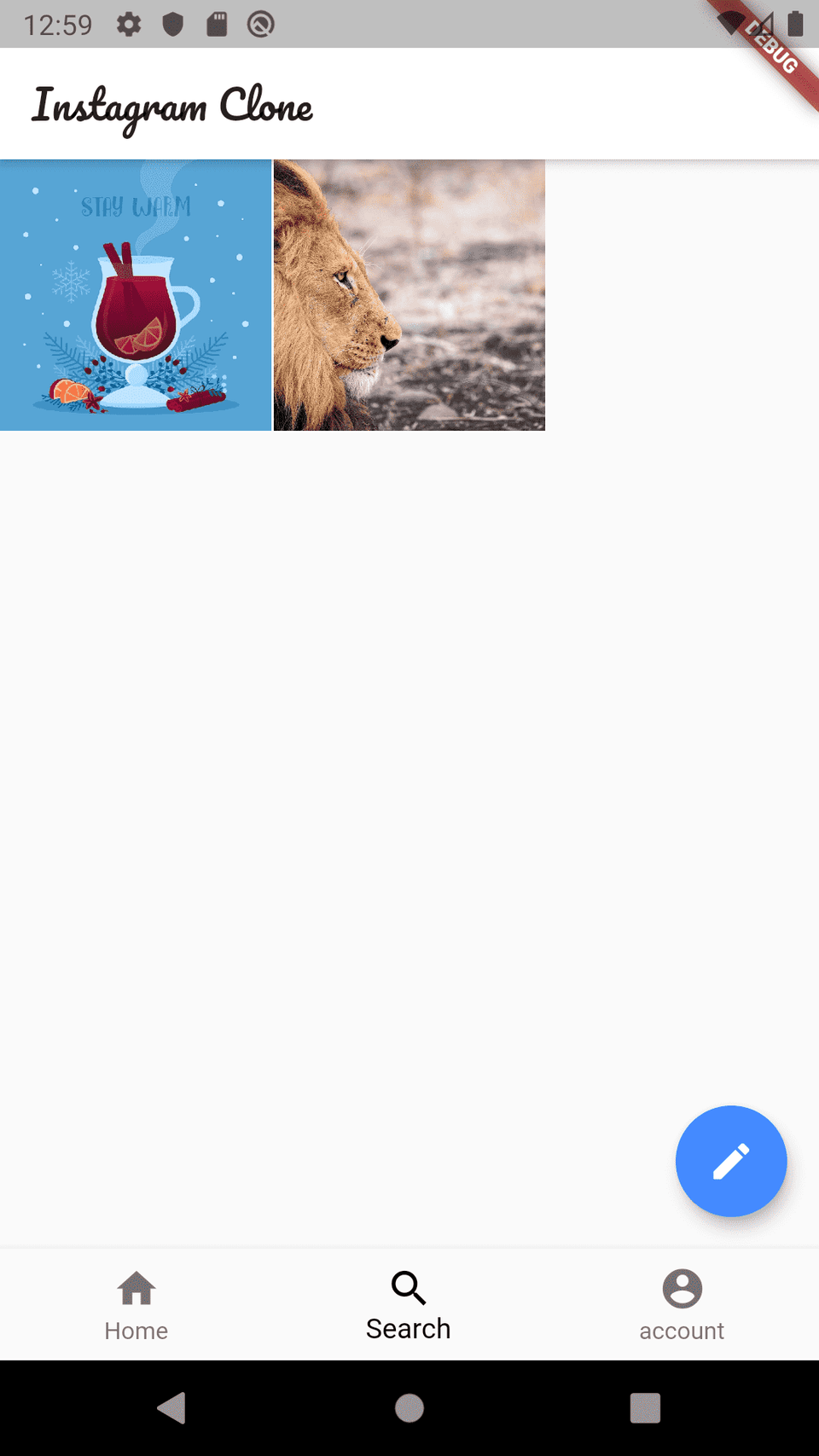
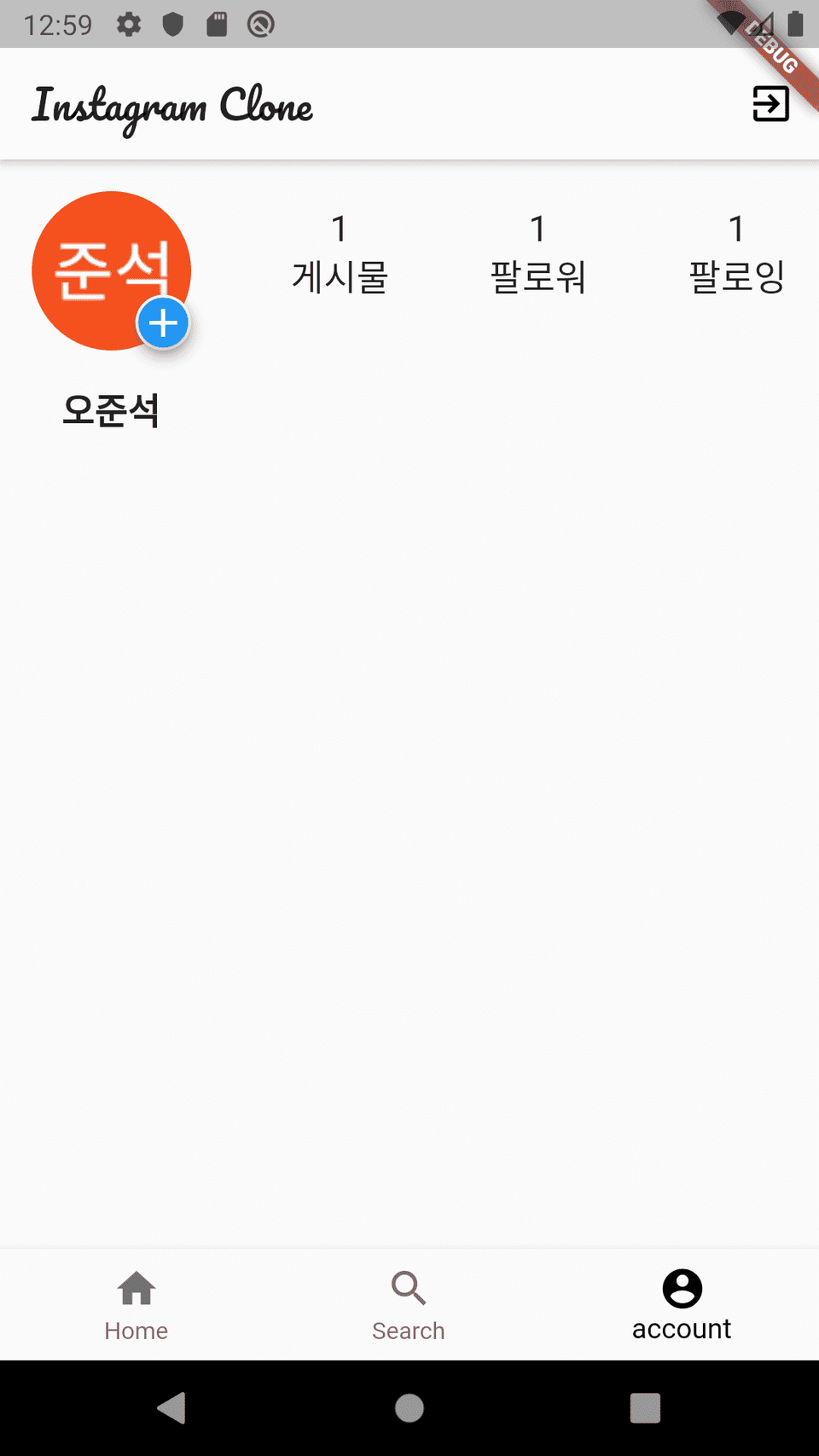
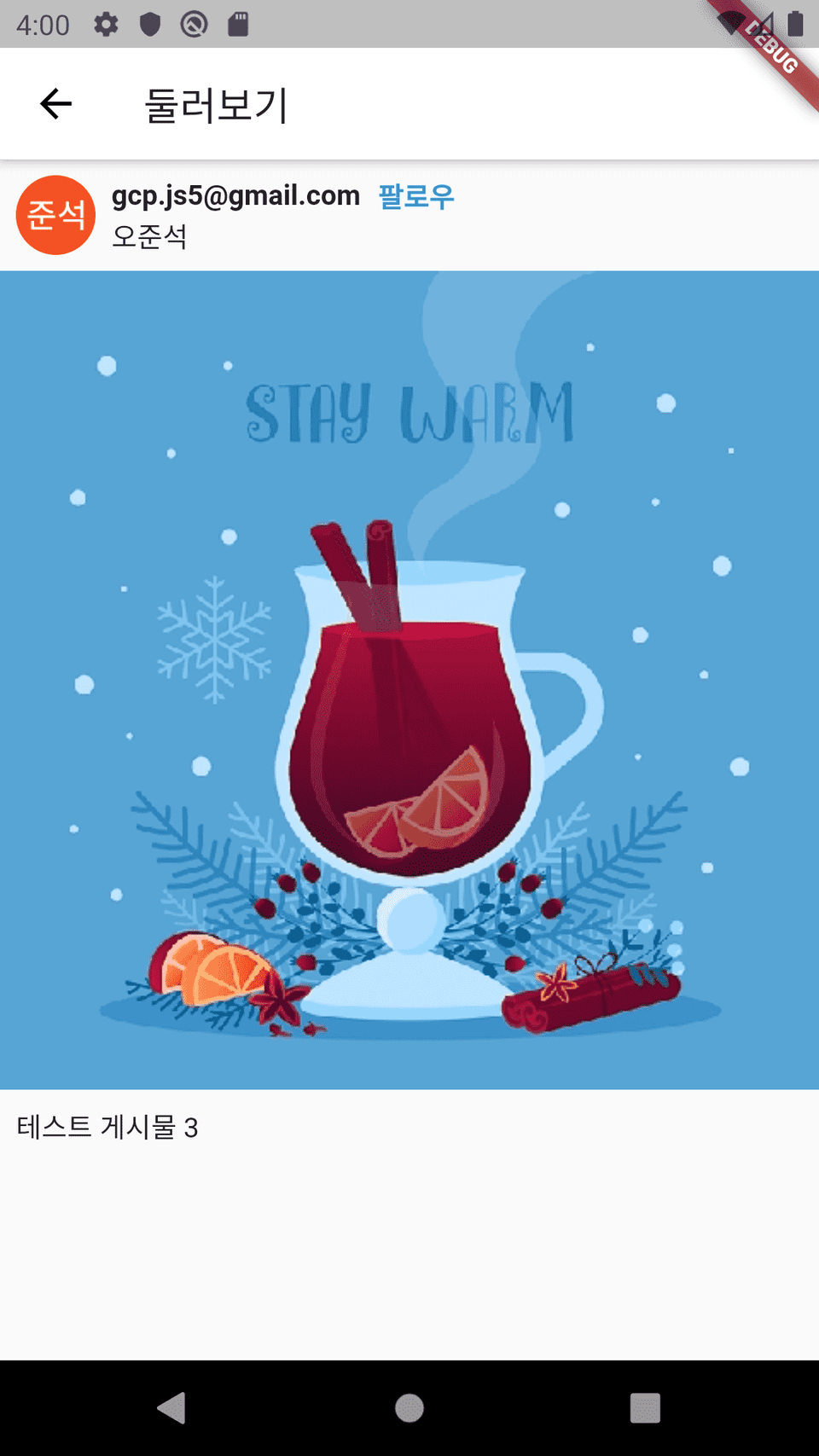
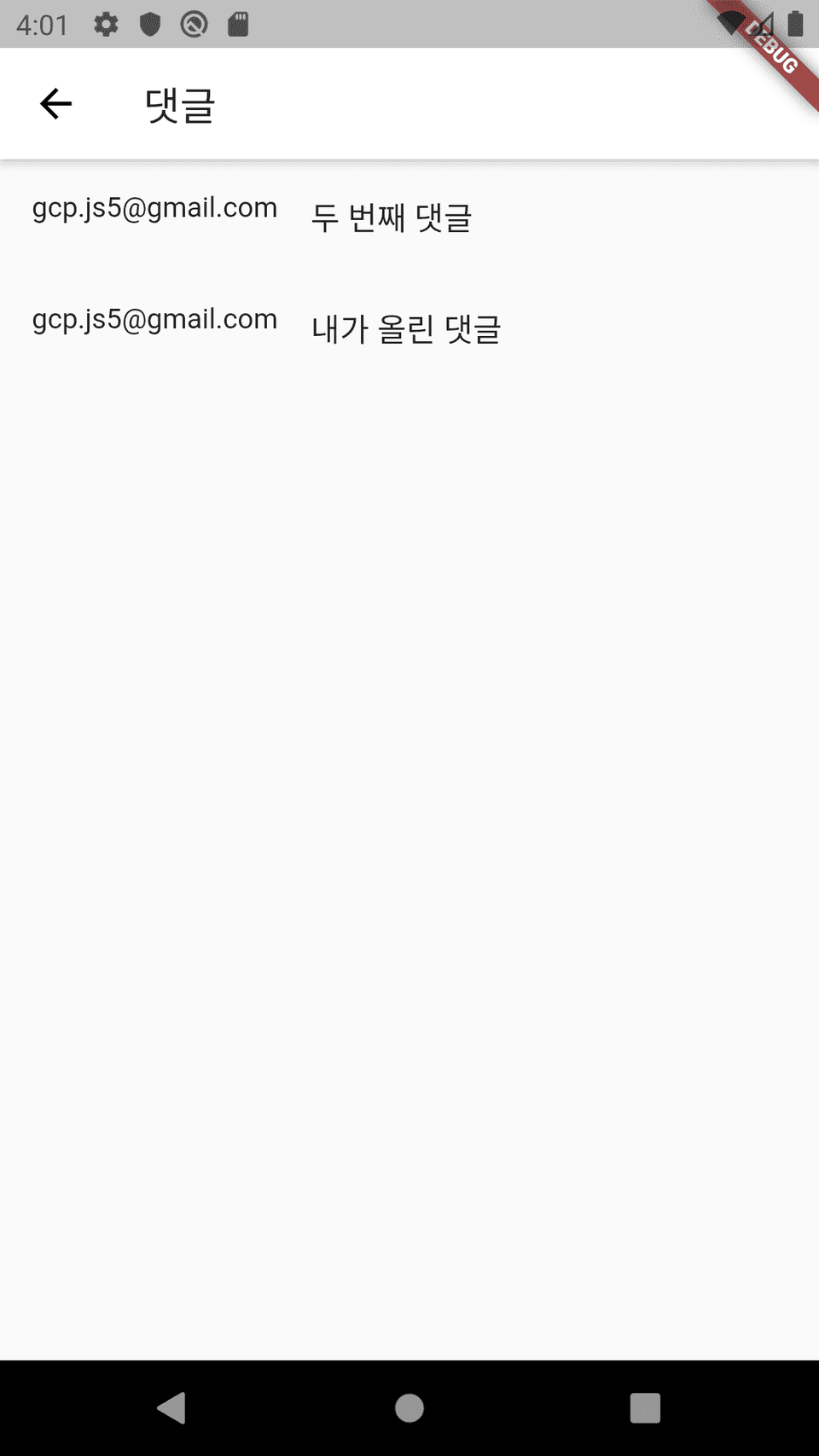
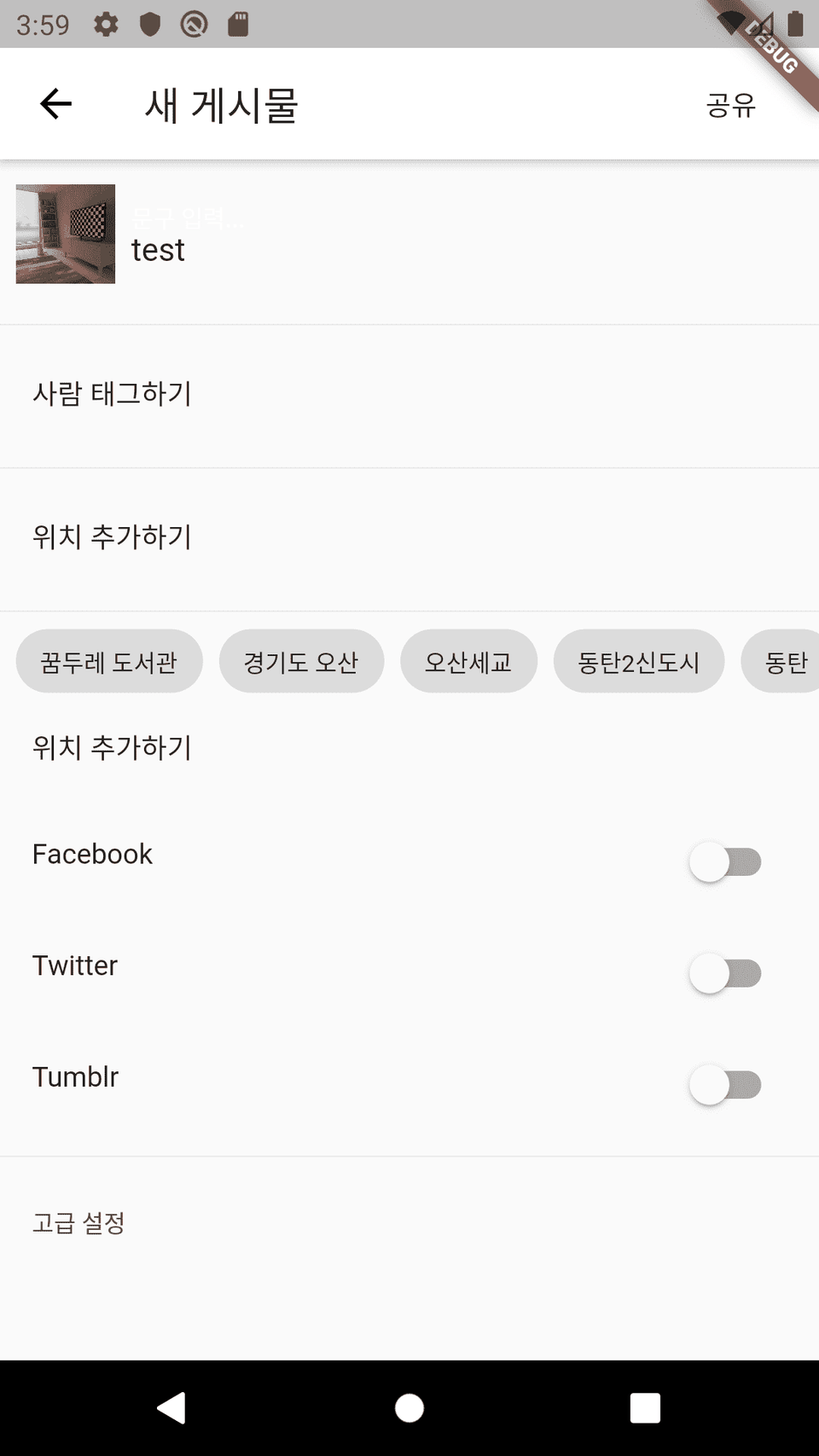
Here are the features we'll be cloning in this course. Features added from the original "Introduction to Flutter" course are highlighted in bold .
Flutter for Beginners - Android and iOS Development at Once
Mobile App Development with Flutter
Please note before taking the class!
Q. What program do you use in this course?
We use Flutter and Firebase.
Q. Can non-majors also take the course?
It's possible. However, I recommend taking the Flutter introductory course first (please check your prerequisite knowledge).
Q. What can I do after completing this course?
You will learn how to create a simple service app.
Introduction to Flutter -
Android and iOS development at once
With one code
Android and iOS Development, Introduction to Flutter
Who is this course right for?
Anyone who wants to learn how to develop a simple service app
For those who want to upgrade the Instagram clone covered in the Flutter introductory course
Need to know before starting?
How to create a basic Flutter UI
Dart language

12,564
Learners
913
Reviews
865
Answers
4.7
Rating
16
Courses
I am Junseok Oh, a developer who teaches and writes books.
I run the 'Junseok Oh's Survival Coding' YouTube channel and the Survival Coding (https://survivalcoding.com) educational platform.Specialties: Android, Flutter
Books
Oh Jun-seok's Flutter Survival Coding (Hanbit Media 2020)
Oh Jun-seok's Android Survival Coding: Kotlin Edition (Hanbit Media 2018)
Android Until It Works (Ruby Paper 2018)
Key Experience
CEO of OhRange
IT Development Vocational Training Instructor at Semin Vocational Training School
Director of Suwon Smart App Development Academy
LG Electronics MC Division
Security Division, Tokai Rika Co., Ltd., Aichi Prefecture, Japan
IT Division, Nihon Techseed Co., Ltd., Aichi Prefecture, Japan
LinkedIn: https://www.linkedin.com/in/junsuk5/
All
31 lectures ∙ (3hr 25min)
All
29 reviews
4.5
29 reviews

Reviews 17
∙
Average Rating 5.0
Reviews 1
∙
Average Rating 5.0
Reviews 2
∙
Average Rating 5.0
Reviews 8
∙
Average Rating 5.0
5
Thank you for always uploading good lectures. If you listen to the various lectures you uploaded one by one, you will be able to explain a lot of the content necessary for Flutter development. You created a video with a good structure from the basics to API and clean architecture, and I liked that there was good content that I needed in this Instagram clone coding. I look forward to good lectures in the future. Thank you.
Reviews 4
∙
Average Rating 3.3
1
If possible, I tried not to leave a review. Isn't this an Instagram 'clone' course? I guess you don't understand the meaning of clone.. The UI code is the same as the code used in the introductory course, and some of the functional codes are copied and pasted as they were used in the introductory course. Is this a clone course or just a code explanation course?.. I made a mistake of not looking into the features of the course properly, so I was going to just listen, but while listening, what is this.. Even if it's true that the code used in the introductory course for UI code was used as it was in the introductory course, the functional code that was left blank for this course was copied and pasted as it was used in the introductory course, and there was no detailed explanation of why it had to be set up like this when setting up Firebase. If you're going to do this, it would be better to change it to the introductory course 2. Considering the content and time of the course, the price is not cheap at Infraon.. I don't want to recommend it to others.
Check out other courses by the instructor!
Explore other courses in the same field!
![[Advanced Android] The Ultimate Guide to Background Services – From Flavor Configuration to MVI Architecture강의 썸네일](https://cdn.inflearn.com/public/files/courses/341342/cover/01kkc914rtrr9am0fetn6hh89x?f=avif&w=420)

![[Vibe Coding] Flutter Practical Level-Up: Step 3 Build Flavors and Environment Switching Without Code Modification강의 썸네일](https://cdn.inflearn.com/public/files/courses/340102/cover/ai/1/fad17e6b-9616-4edd-b9b7-7d285ad6f68e.png?f=avif&w=420)


![MAUI [Cross-Platform Applications & C#]강의 썸네일](https://cdn.inflearn.com/public/courses/332442/cover/89ee60dc-f139-4b63-ae28-abd8a6036cb8/332442-eng.png?f=avif&w=420)


