Creating AI Videos Using Gemini / Flow
stanlee
Free
Beginner / gemini
4.4
(53)
600+
We will create a simple AI video using Google Gemini and Flow.

Beginner
gemini

A comprehensive AI video production course that even those without a related background can easily follow. You will build your creative production skills by practicing the entire process—from image generation and video creation to editing—using both free and paid AI tools. Experience every stage of AI-powered content creation through hands-on projects.
82 learners
Level Beginner
Course period Unlimited
Independent Production of Image and Video Content Using AI Tools
Comparison of the Features of Free and Paid AI Video Creation Tools and the Ability to Choose Between Them
Complete a high-quality AI video project from planning to editing
All courses excluding the bonus have been fully opened.
For those who watched the previous live lecture and made a payment
We sincerely apologize for the late update to those who made their purchase when only the Section 2 lessons were available.
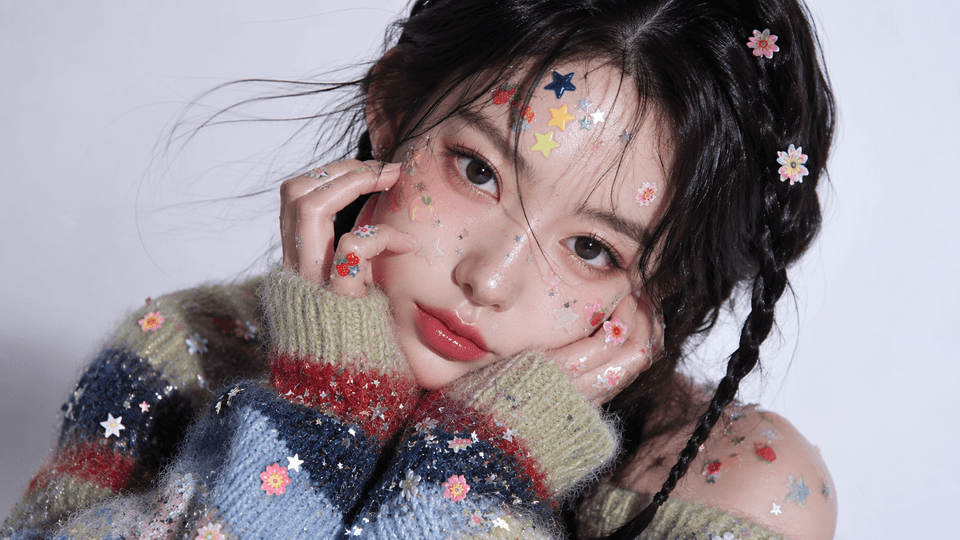
These are images created with AI.


You may be eager to create content yourself using AI tools, but
when it comes time to actually get started, you may feel overwhelmed by not knowing where to begin, right?
This course helps you easily complete the entire AI video production process, from planning and image generation to video creation and editing.
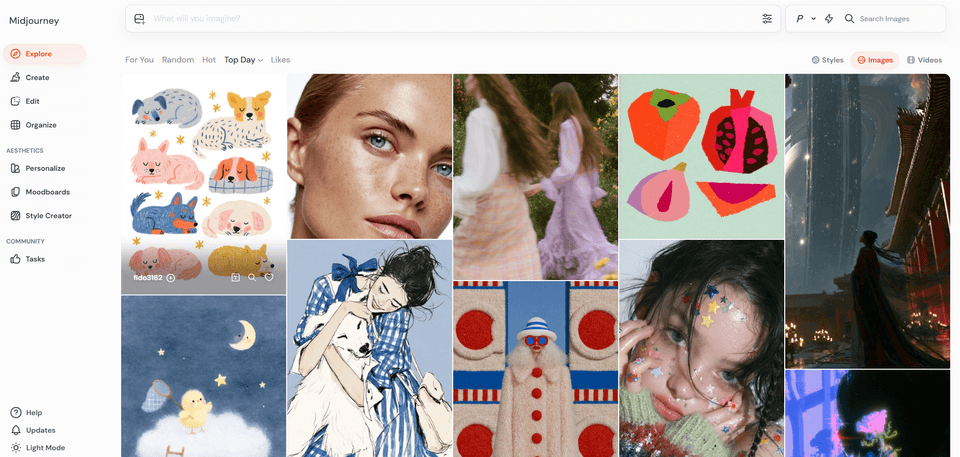
Midjourney, ChatGPT, and CapCut, etc.
Develop your ability to use AI video production tools,
and build the skills to compare and choose free/paid tools.
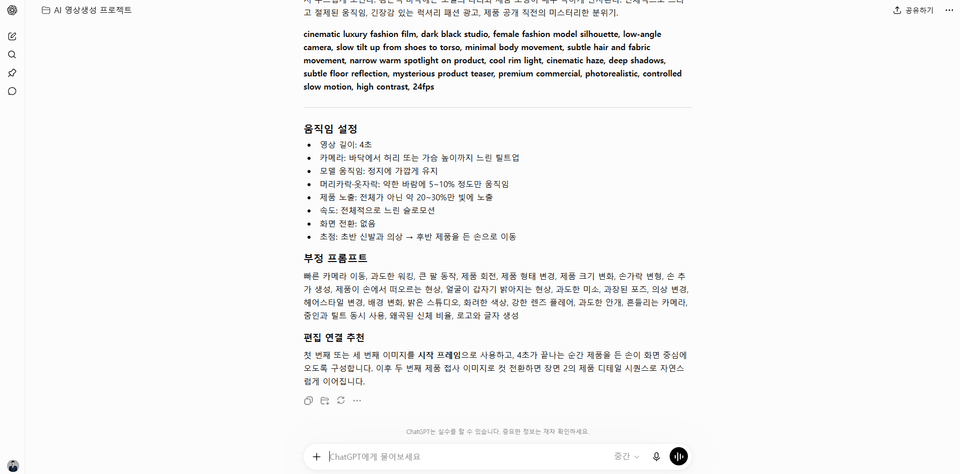
Experience the actual AI video production process step by step, from planning to image generation and video editing
.
Complete AI short-form videos, YouTube videos,
and even thumbnails that drive clicks
to build practical skills.
qua đó phát triển năng lực thực tiễn.
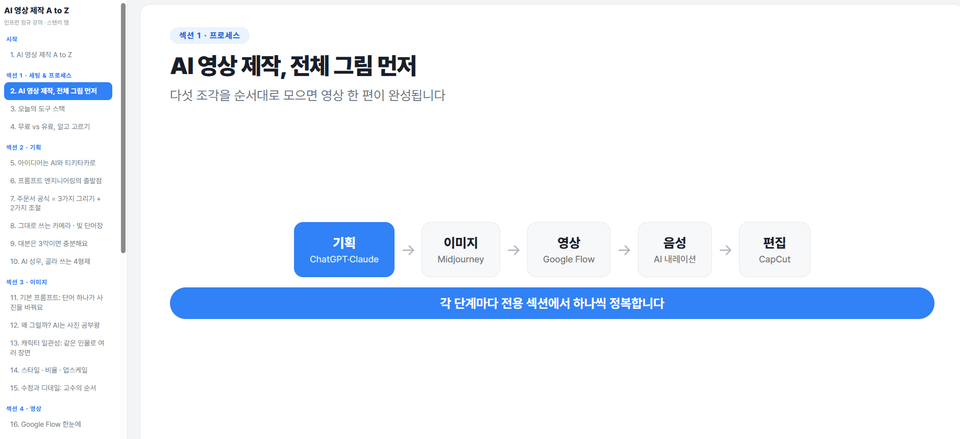
Understand the overall AI video production process and learn how to sign up for and set up essential AI tools such as ChatGPT, Claude, Midjourney, Google Flow, and CapCut. Learn effective subscription selection strategies by comparing free and paid tools.
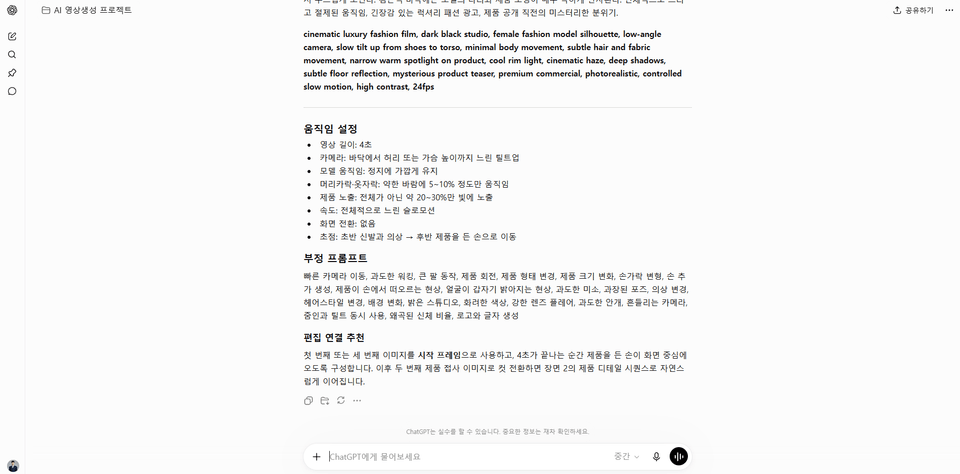
Use ChatGPT and Claude to discover engaging video topic ideas, apply prompt engineering techniques to write short-form and long-form scripts, and practice planning storyboards and generating narration using AI voice actors.
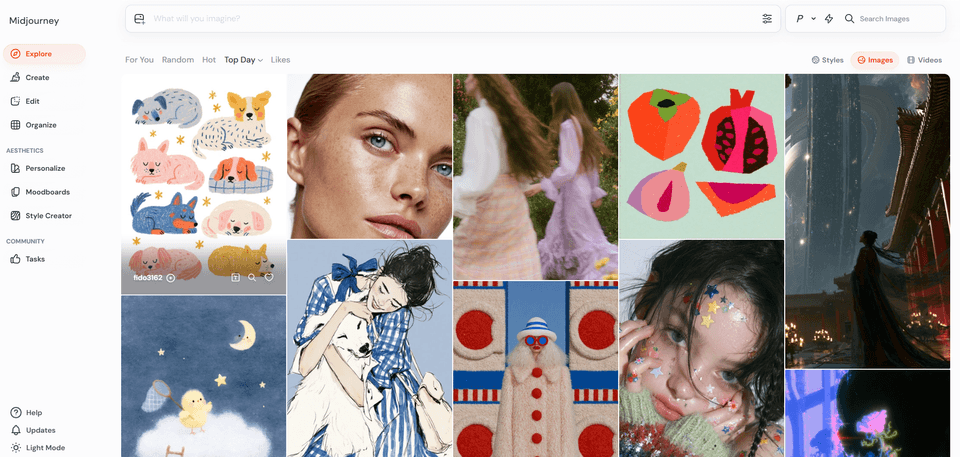
Learn the basics of writing prompts for Midjourney, generate images in various styles, and learn how to maintain character consistency. This section includes hands-on practice with adjusting image aspect ratios, upscaling, and enhancing details in generated images.
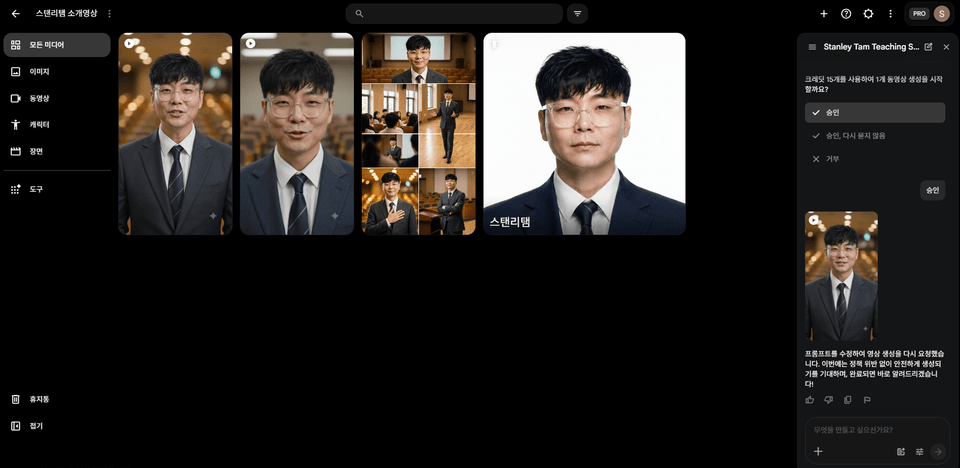
Explore the key features of Google Flow and practice converting images into videos or generating videos directly using text. Learn to create natural-looking videos through camera movement and motion control techniques.
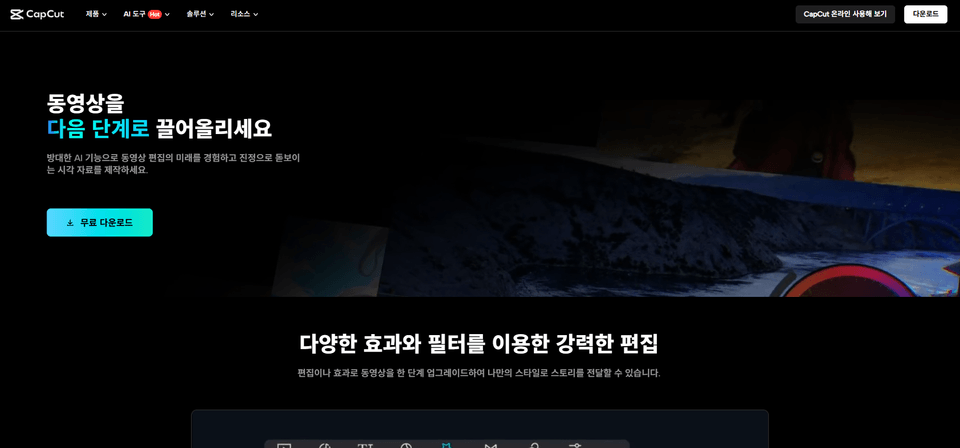
Learn how to import video sources into CapCut, edit cuts, use the AI automatic caption feature, and apply transitions and effects. Practice adding background music and sound effects, mixing audio, exporting the final video, and configuring optimization settings for each platform.
Complete a hands-on project to create your own short-form and informational YouTube videos. Strengthen your skills by understanding copyright issues, keeping up with AI tool trends, and developing continuous learning methods.
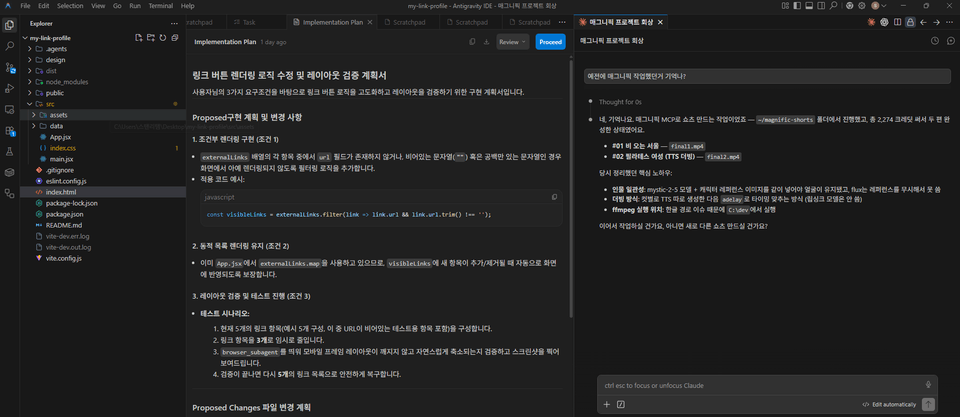
In the bonus section, you’ll learn advanced techniques for integrating Claude and Higgsfield to build a multimodel automation workflow through an MCP connector.
✔️ Non-majors who want to create videos themselves using AI tools
Those who want to easily create videos with AI without complicated video editing software
Those who want to systematically learn the entire AI video production process, from image generation to video editing
Those who want to create their own distinctive videos without specialized equipment or expertise
✔️ Creators who want to produce their own marketing and social media videos
For those who want to capture potential customers’ attention with engaging content
Those who want to strengthen their content creation capabilities by using the latest AI tools, such as ChatGPT, Midjourney, and CapCut
Those who want to build a high-quality AI video content production pipeline, from planning to final editing
✔️ Practitioners who want to improve work efficiency with AI technology
Those who want to save time by incorporating AI into repetitive video production tasks
Those who want to improve their performance by using AI tools to create work-related videos
Those who want to learn about new AI technology trends and strengthen their professional competitiveness
Practice environment
Operating system: Windows or macOS can be used.
Required tools to install: CapCut (free), Google Flow (web-based), Midjourney (Discord-based), and ChatGPT/Claude (web-based), among others.
Recommended specifications: For smooth AI image/video generation, a PC with at least 8GB of RAM and a powerful graphics card is recommended.
Prerequisite Knowledge and Notes
No prior experience using AI tools is required. The course is designed so that even those without a related background can follow along easily.
A basic understanding of image generation and video editing will be helpful for learning.
It is important to understand the features of the free and paid versions of each AI tool and choose the plan that suits you.
Learning Materials
Course materials: Lecture slides (PDFs) containing the key content for each unit are provided.
Practical materials: We provide images, video sources, prompt examples, and more used during the lectures.
Reference materials: We continuously provide the latest trends and useful information related to AI video production.
Who is this course right for?
A non-specialist who wants to create video content using AI tools
Creators who want to produce their own videos for marketing and social media.
Professionals looking to improve work efficiency using AI technology
Need to know before starting?
Basic computer operation and Internet use experience
Interest in and willingness to learn about video content production
Whether an account can be created to use AI tools

3,594
Learners
166
Reviews
6
Answers
4.4
Rating
8
Courses
(Current)TeamSparta Inc. Naeil Baeum Camp AI Designer KDT Bootcamp Tutor (1st, 2nd, 4th Cohorts)
(Former) NextRunners Co., Ltd. OZ Coding School Product Designer KDT Bootcamp Lead Instructor (2nd Cohort)
(Former) Codeit Co., Ltd. Codeit Sprint Product Designer KDT Bootcamp Mentor
2026 Conducted Google Antigravity lecture for a major corporate affiliate
2026 Conducted Claude Code AI agent practical training for employees of a large corporation's HRD affiliate
2026 Conducted Codex practical training for managers at a large corporation
2025 Conducted Gemini / flow AI video practical training for experienced employees at HDC Hyundai Development Company
2025 Conducted practical Adobe Firefly training for employees of large corporations, hosted by Adobe distributor Dimoa
2024 Conducted Adobe Firefly practical training for Art Directors at Pentacle, a Megazone affiliate.
In addition, conducted numerous AI lectures at Seoul Techno Park, Busan Metropolitan Office of Education, Ulsan Center for Creative Economy & Innovation, Gyeongnam Center for Creative Economy & Innovation, Busan Health University, Inje University, Dongseo University, and others.
All
30 lectures ∙ (7hr 14min)
Course Materials:
All
3 reviews
3.3
3 reviews

Reviews 2
∙
Average Rating 5.0

Reviews 2
∙
Average Rating 3.0
1
The course content is incomplete, yet it’s a paid course?? There’s no content at all starting from Section 4. Shouldn’t it be made free? Are you deceiving consumers?
Hello :) Thank you for sharing your feedback. This course was released through sequential updates, and the filming and uploading of the entire course, totaling approximately 7 hours, have now been completed. It seems that you felt inconvenienced at the time of writing your review because some of the lectures had not yet been released. All lectures are now available, so we would appreciate it if you could check again.
Check out other courses by the instructor!
Explore other courses in the same field!
25% off for new members
$31.80
25%
$41.80
-001 (4).png?w=420)