ChatGPT Latest Model Prompt Engineering Bible
Masocampus
Apply the latest trends in generative AI directly to your work! The bible of prompt engineering lectures, containing only the essentials.
Beginner
AI, ChatGPT, prompt engineering
AI writes on Slack and Notion for me? Work smarter with MCP, which goes beyond the limits of existing AI!
283 learners
Level Beginner
Course period Unlimited
Reviews from Early Learners
5.0
최선
It's great that you explained everything in detail one by one.
5.0
이경재
It's good for getting started with MCP
5.0
shroh
This is a very beneficial and helpful lecture. I was able to learn about Claude MCP concepts and use cases.
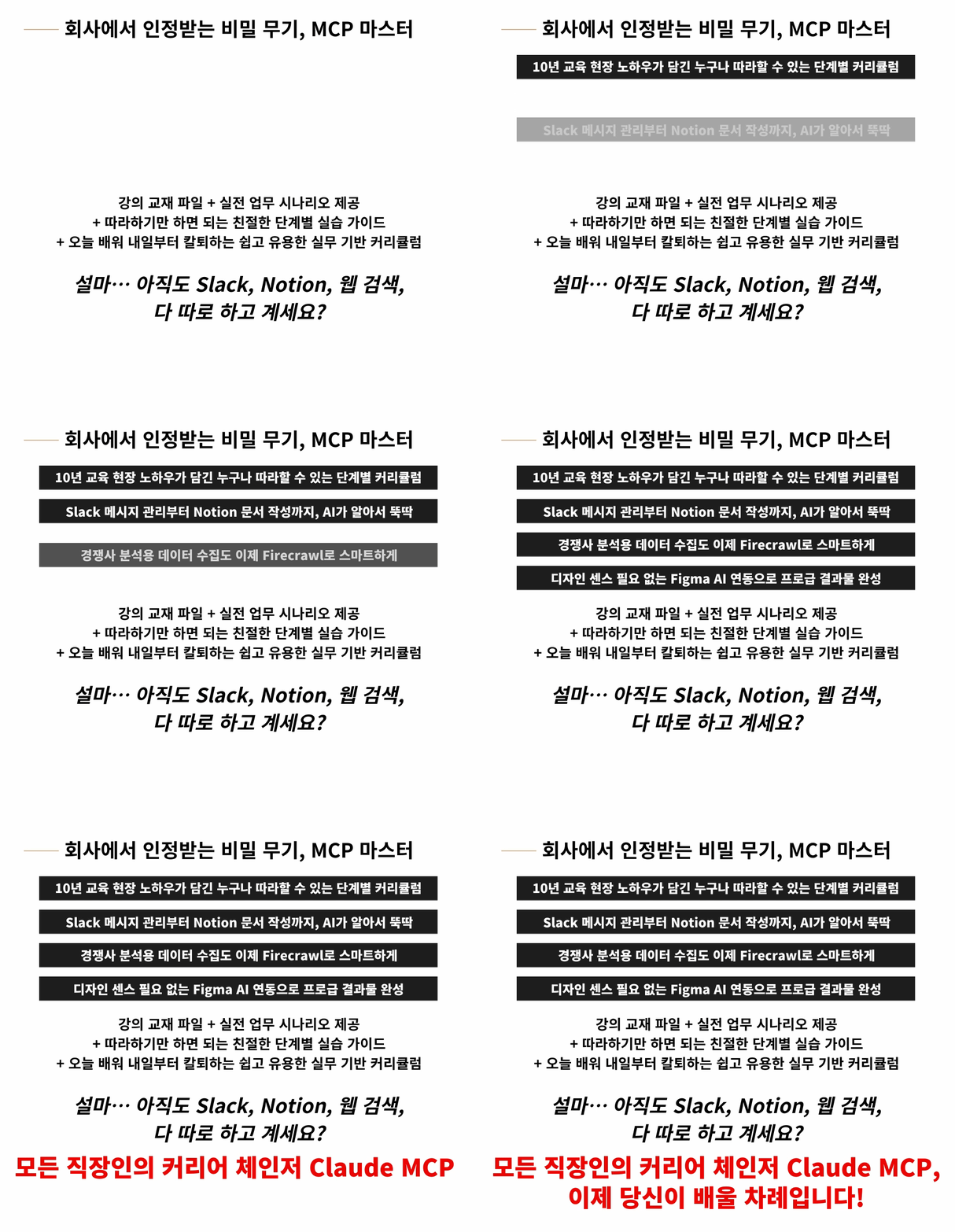
Mastering MCP Basic Concepts and Setup Methods
Seamless integration between AI agents and the work tools you use every day
Reduce research time with web crawling automation
Maximizing creative productivity by integrating Figma and AI
AI writes on Slack and Notion for me?
Work smarter with MCP, which goes beyond the limits of existing AI!

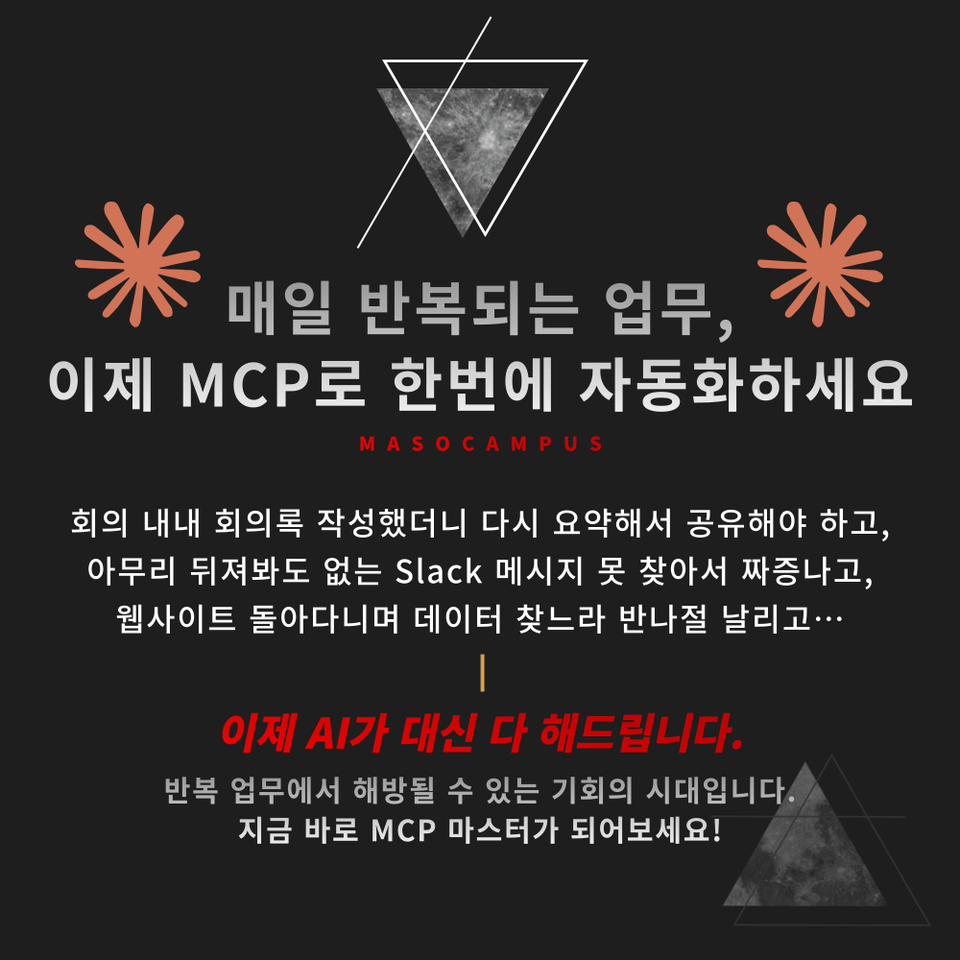
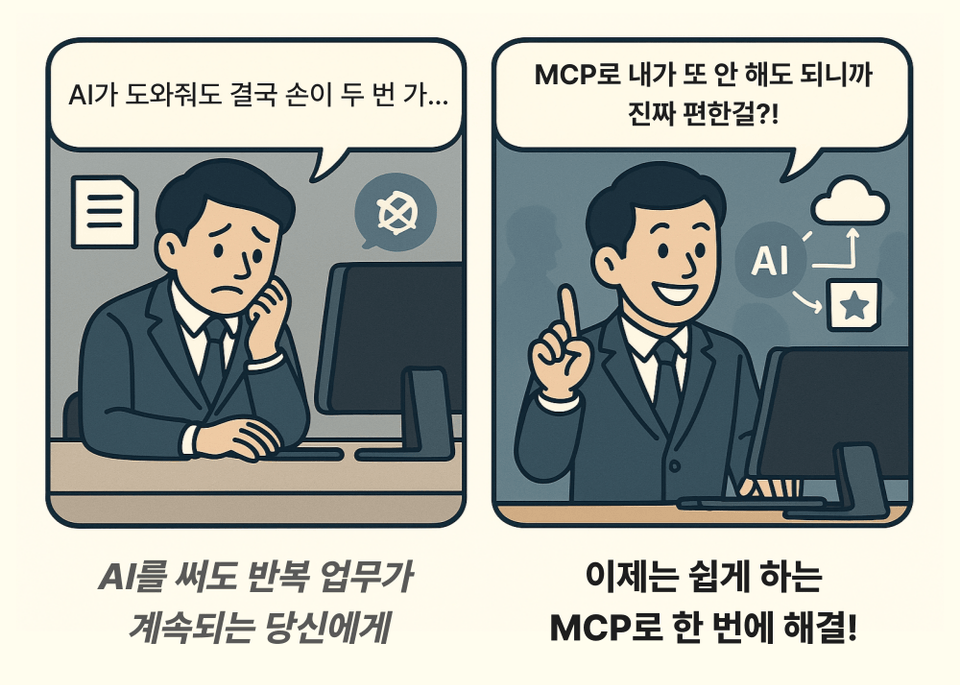
You get answers from AI, but are you still manually organizing, sharing, and writing documents?
From now on, don't do anything yourself.
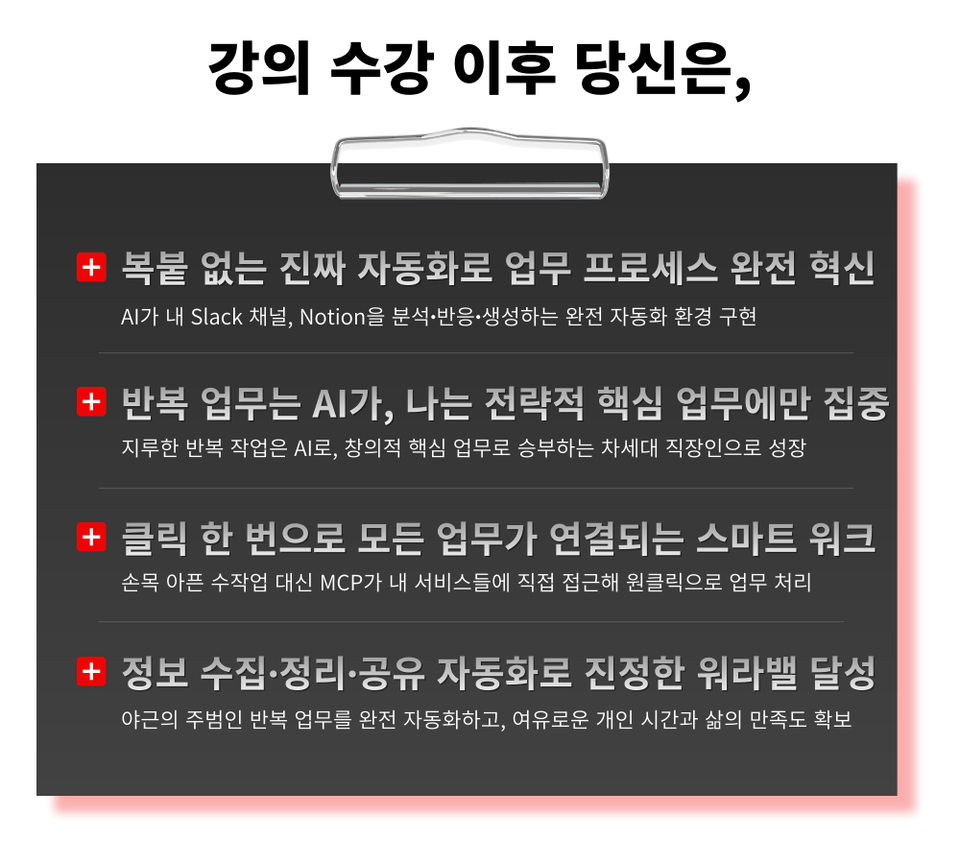
– AI agents handle repetitive tasks, while you focus only on core work
– AI browses your folders, leaves emoji reactions on Slack, and even creates perfect Notion pages
– Hands-on practice with advanced features impossible with conventional AI, such as web crawling and Figma integration
It's time to escape the swamp of repetitive tasks.
Learn how to create a smart work environment with MCP right now.
Work Automation Completed with Claude MCP
We have minimized complex theories and structured the course with practical exercises you can use immediately.
Experience work automation with just a few clicks using Claude MCP, even if you don't know how to code.

Claude MCP (Model Context Protocol) is an innovative standard that securely and efficiently connects AI with various external tools and services.
Tools that previously had to be used separately are now connected into a single integrated workflow, allowing AI to handle repetitive tasks on your behalf.
By utilizing MCP, the entire business process—from data collection to document creation and team communication—is automated, enabling you to experience a true revolution in work efficiency.
This is a practical lecture designed to free you from repetitive tasks with MCP, which anyone can easily learn.
1. Complete Mastery of MCP Basic Concepts and Setup Methods
A step-by-step guide that even beginners can follow without difficulty, covering everything from seemingly complex initial environment settings to basic integration.
2. Perfect Integration and Practical Use of Daily Work Tools
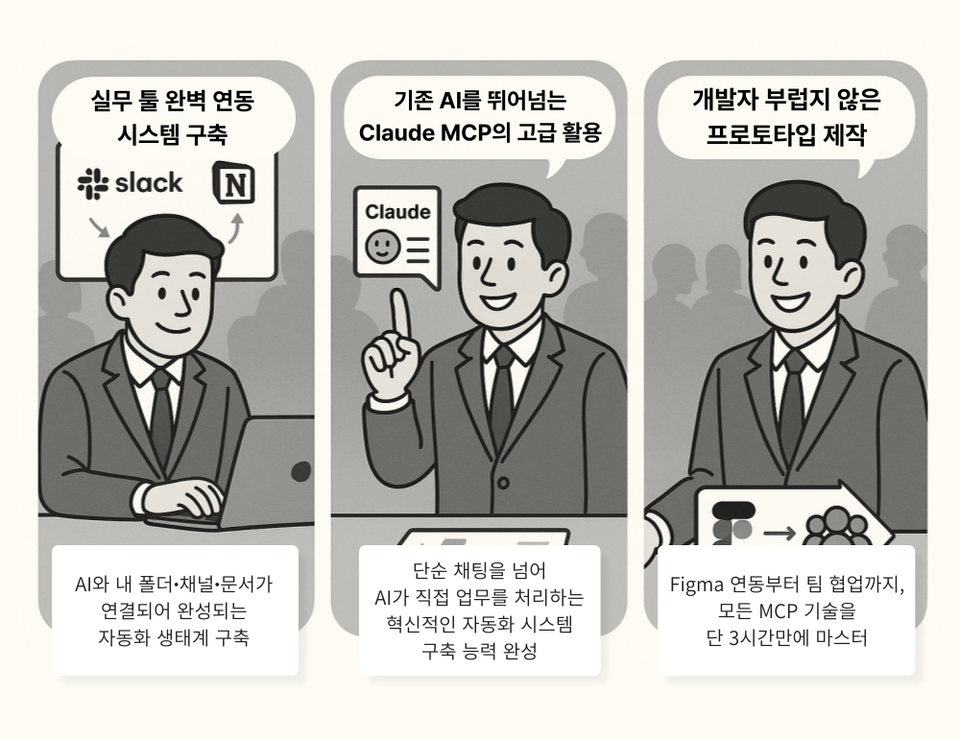
A guide on how to connect daily work tools like Slack and Notion with AI, from organizing messages to automatic document generation
3. Reduce Research Time with Web Crawling Automation
From collecting website data using Firecrawl to organizing it, automation techniques completed in just a few clicks
4. Maximize creative productivity by integrating Figma with AI
Complete a design workflow where AI handles everything from uploading design files to generating development prototypes and sharing with the team
5. Practical Curriculum Applicable Immediately After the Lecture
A realistic and practical curriculum that you can start using tomorrow after completing the 3-hour session
Find true work-life balance with MCP!
1. Sign up for the course
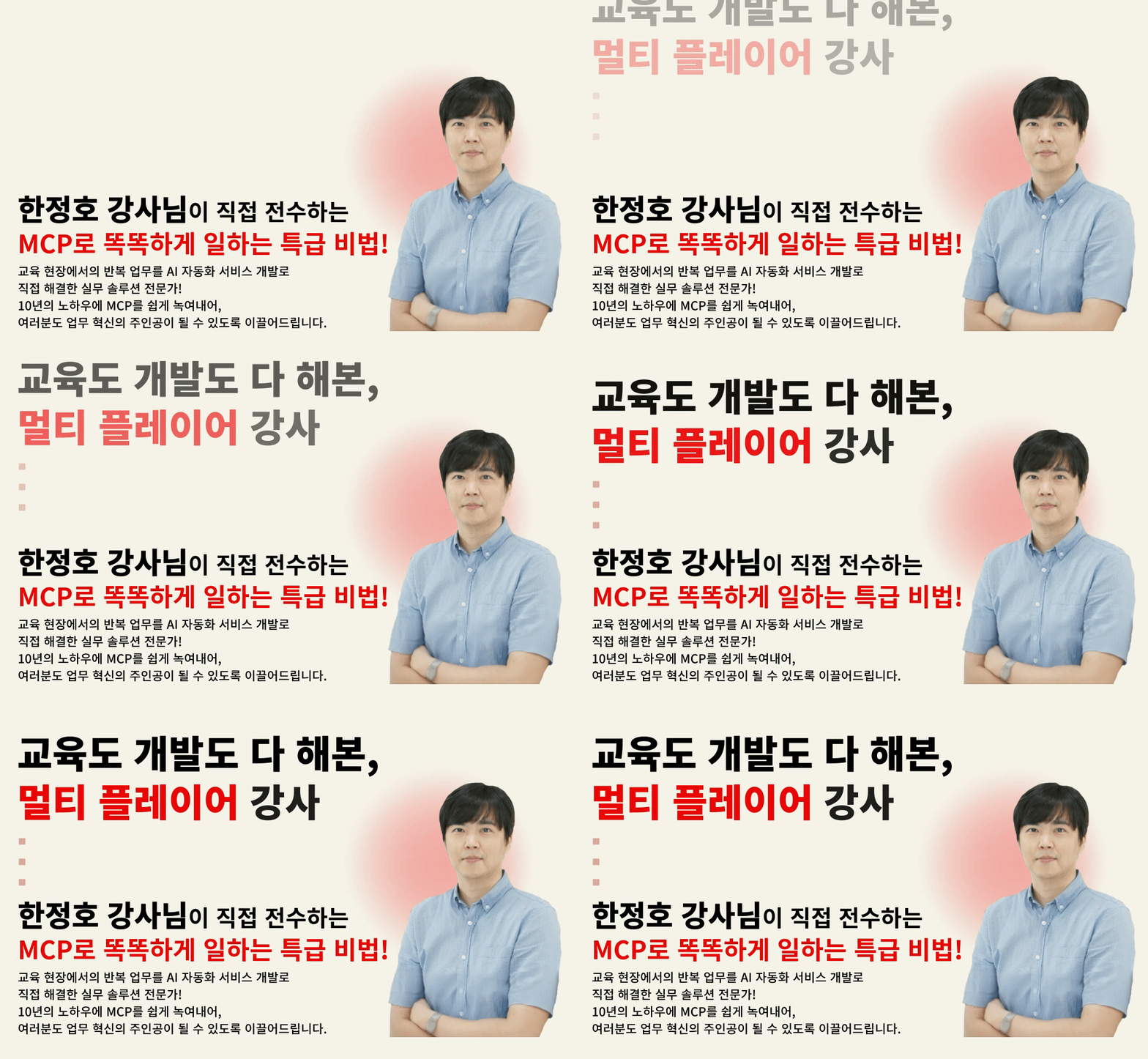
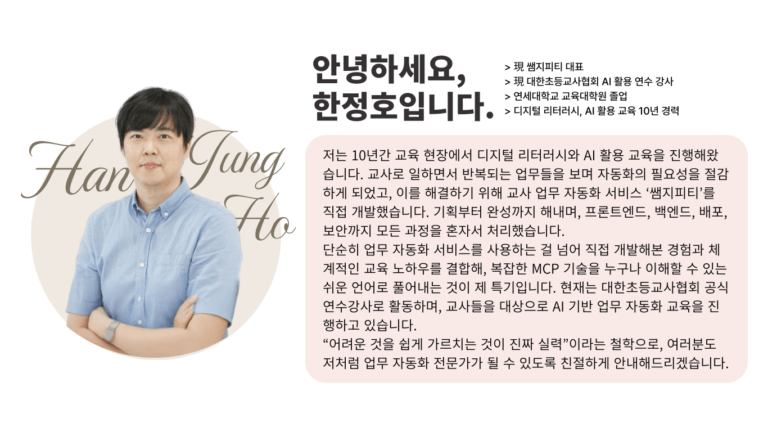
2. Become an MCP Master with Instructor Jeongho Han
3. Use it immediately at work and surprise your colleagues
The era of AI that only answered questions is over. Now is the era where AI agents automate everything on their own!
– Office workers working overtime due to repetitive daily tasks such as writing meeting minutes and organizing messages
– Team leaders/managers who want to boost team performance by improving team productivity
– Solo entrepreneurs/freelancers who have to handle everything alone
– New employees who want to quickly master work skills
– All office workers who do not want to fall behind in the AI era
Don't you want to experience the era where AI actually works for you?
Just connect it! MCP will change everything.
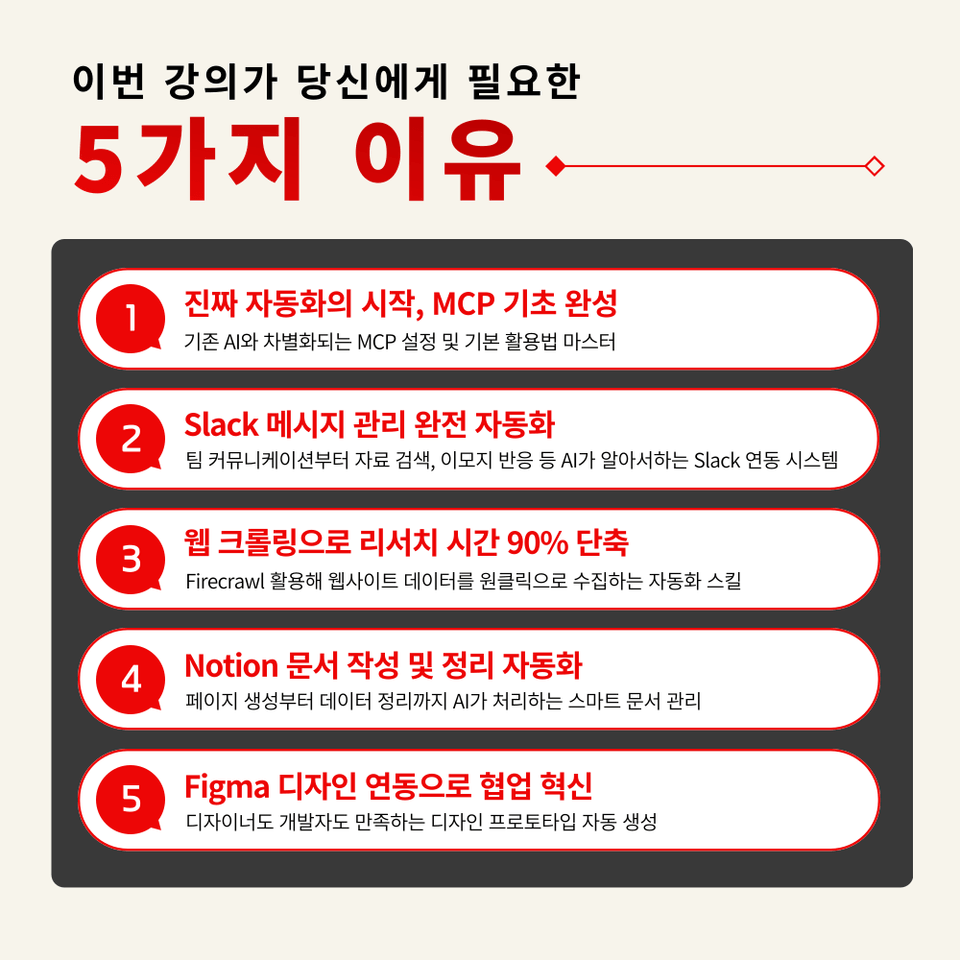
STEP 1. The Start of Real Automation, Mastering MCP Basics
Master MCP setup and basic utilization that differentiates it from existing AI
STEP 2. Full Automation of Slack Message Management
A Slack integration system where AI handles everything from team communication to managing previous messages and emoji reactions
STEP 3. Reduce Research Time by 90% with Web Crawling
Use Firecrawl to quickly collect website data and even share it with team members via Slack!
STEP 4. Automating Notion Document Creation and Organization
Smart document management where AI handles everything from page creation to data organization
STEP 5. Innovation in Collaboration through Figma Design Integration
Automatic generation of design prototypes that satisfy both designers and developers
With MCP, all of this is just one 'click' away!
Stop wasting time on tedious tasks.
Get your freedom right now with Claude MCP!

Q. Do I need prior knowledge of AI to take this course?
A. This course is designed to provide anyone interested in AI with the skills to immediately apply them to practical work, so no prior knowledge of AI is required.
Q. Are there any requirements or prerequisites for taking the course?
A. No special prior knowledge or skills are required to take the course. However, having a Google account will allow for a smoother experience when accessing the generative AI tools used in the course. If you do not have a Google account yet, we recommend signing up before the course for a seamless learning experience.
Q. Do I need a paid subscription to Claude to take this course?
A. A subscription or payment is not required to take the course. While payment may be necessary to use some of the features introduced in the lecture without limitations, this course was created with the primary goal of helping you gain insights into how to apply the various and specific AI practical skills covered in the lecture to your own work.
Since this is a practice-oriented course, we recommend preparing a dual monitor or an extra device so you can separate the lecture screen from your practice screen.
Additionally, since the practice sessions are based on Windows OS, we recommend taking the course in a Windows environment.
Lecture notes and practice files are located in the <00. Textbook Download Center> section.
Who is this course right for?
Office workers who work overtime due to repetitive daily tasks such as writing meeting minutes and organizing messages.
Team leaders/managers who want to boost team performance by improving the productivity of their team members
Solo entrepreneurs/freelancers who have to do everything on their own
All office workers who do not want to fall behind in the AI era
11,087
Learners
1,588
Reviews
136
Answers
4.7
Rating
108
Courses
"I will grow more than yesterday. And, I will help those who strive to grow more than yesterday."
With Actionable Content that embodies the sincerity and aspirations of Maso Campus,
100 million cumulative hours of lectures shared online and offline since 2013!
This precious experience and time are always the source of growth for both Maso Campus and our students.
The Miso Campus team strictly adheres to two principles for the growth of us all. 1. Actionable Content that can be put into practice immediately after learning. 2. Respecting the time and effort of participants.
The Miso Campus team strictly adheres to two principles for the growth of us all.
1. Actionable Content that you can actually use after learning 2. Time-Saving Curriculum that respects the participant's time and effort Grow with Miso Campus's Actionable and Time-Saving Curriculum
1. Actionable Content that you can surely use once you learn it
2. Time-Saving Curriculum that respects the time and effort of participants
We hope you will walk the path of growth together with Masocampus's Actionable and Time-Saving Curriculum.
We hope you will walk the path of growth together with Maso Campus's Actionable and Time-Saving Curriculum.
All
18 lectures ∙ (2hr 46min)
Course Materials:
All
30 reviews
4.7
30 reviews
Reviews 1
∙
Average Rating 5.0
Reviews 29
∙
Average Rating 5.0
5
I wanted to learn MCP since everyone says it's trending, and I'm easily picking up the core features~
We're so happy to hear that our course was helpful to you😊 Thank you for leaving a review!
Reviews 21
∙
Average Rating 5.0
5
With agents emerging, I was wondering which course to learn from, but this course made it easy to learn the workflow of task automation 😊😊 It was a satisfying course with many practical tips that I can use right away.
Thank you for leaving a review😊 We will always be a Microsoft Campus that does our best!
Reviews 4
∙
Average Rating 5.0
5
This is a very beneficial and helpful lecture. I was able to learn about Claude MCP concepts and use cases.
Thank you for leaving a review😊 We will always do our best to be the Microsoft Campus you deserve!
Reviews 1
∙
Average Rating 5.0
5
It's good for getting started with MCP
Thank you for leaving a review😊 We will always do our best at MaSo Campus!
Check out other courses by the instructor!
Explore other courses in the same field!