Motion graphics made with blender
BBoDX
Free
Basic / Blender, Motion Graphic
5.0
(21)
2,000+
This is a 3D motion graphics course that can be completed all with Blender.

Basic
Blender, Motion Graphic

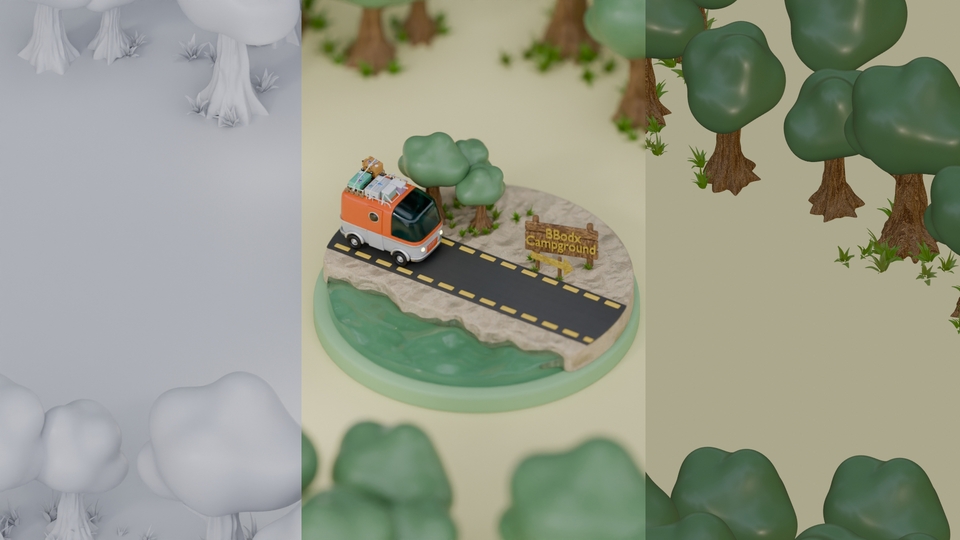
This is a basic tutorial to learn camper van isometric motion with blender. 😁
25 learners are taking this course
Level Basic
Course period Unlimited
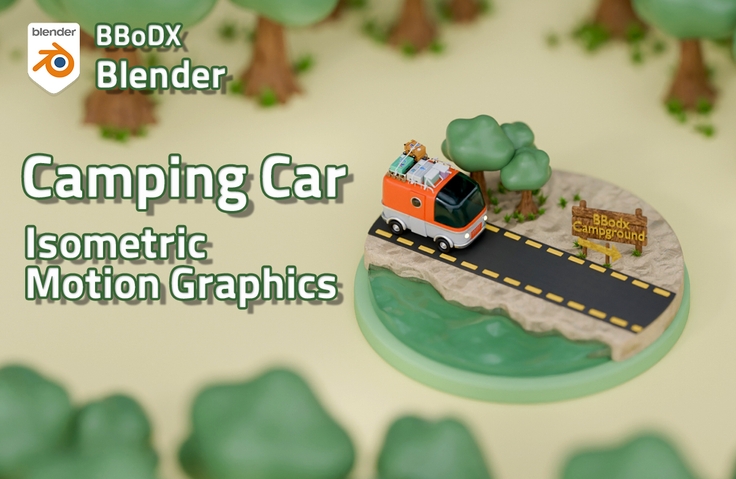
How to create 3D isometric motion
Animation using geometry nodes
How to Keyframe Animation
Final rendering settings to make it look attractive
Blender isometric motion graphics
From props to environment modeling, camera placement to layout, lighting and materials to create vibrant animations, and rendering to make your videos stand out, join BBoDX for a comprehensive isometric motion graphics course! 😃
Short form size
(The lecture video size was short-form.)
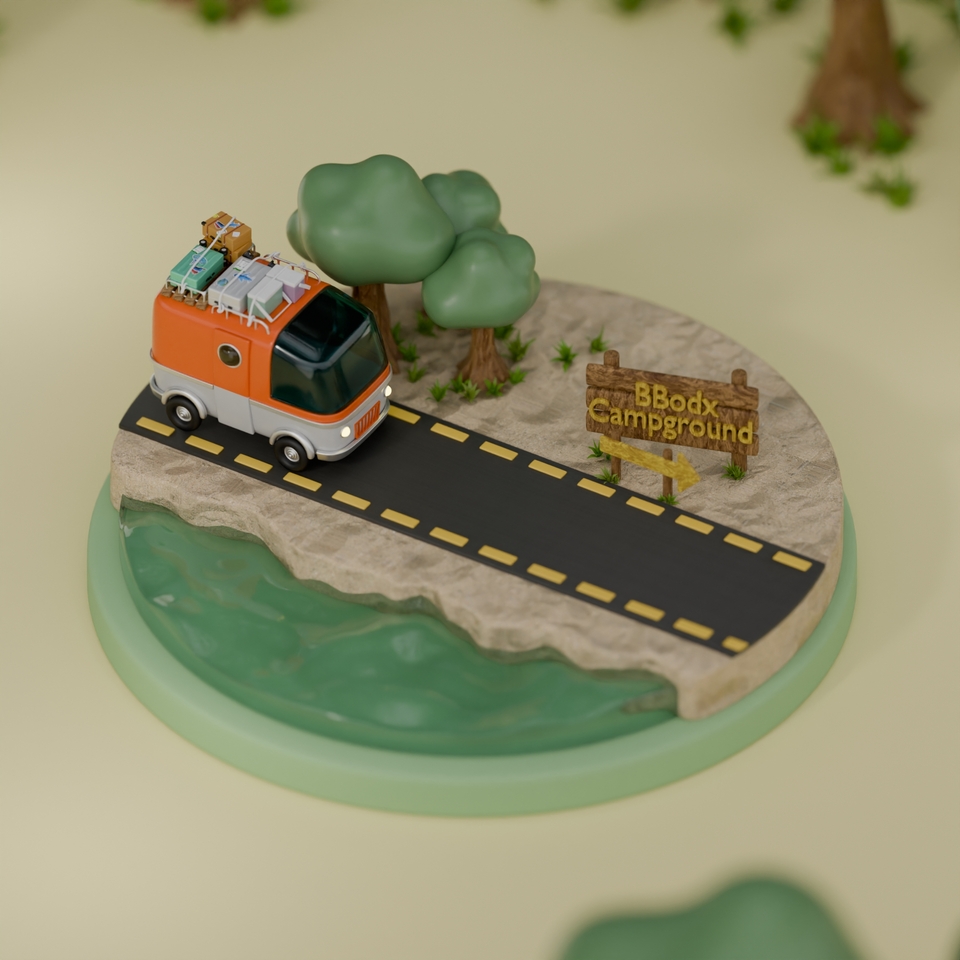
You can create an isometric motion graphic by learning the entire process from modeling to keyframe animation, geometry node animation, and rendering.
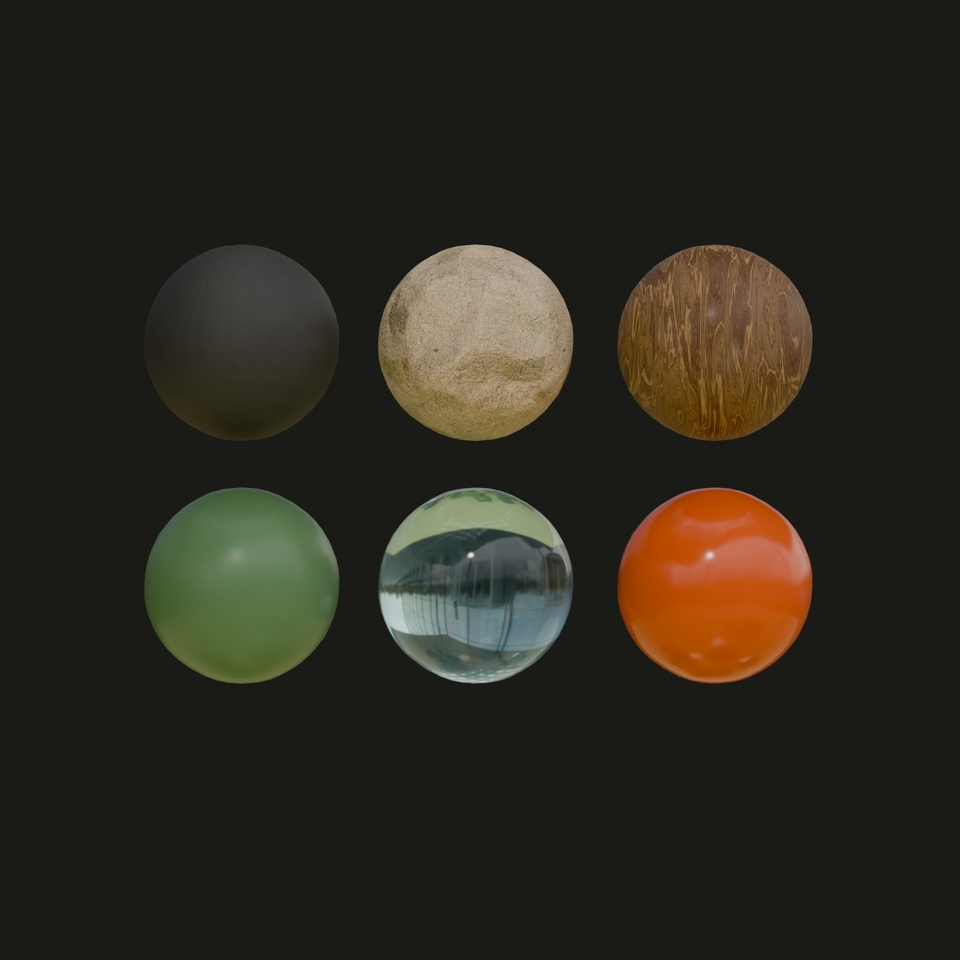
You can learn and use PBR materials, which are based on real life, and procedural materials that can be used on any object.
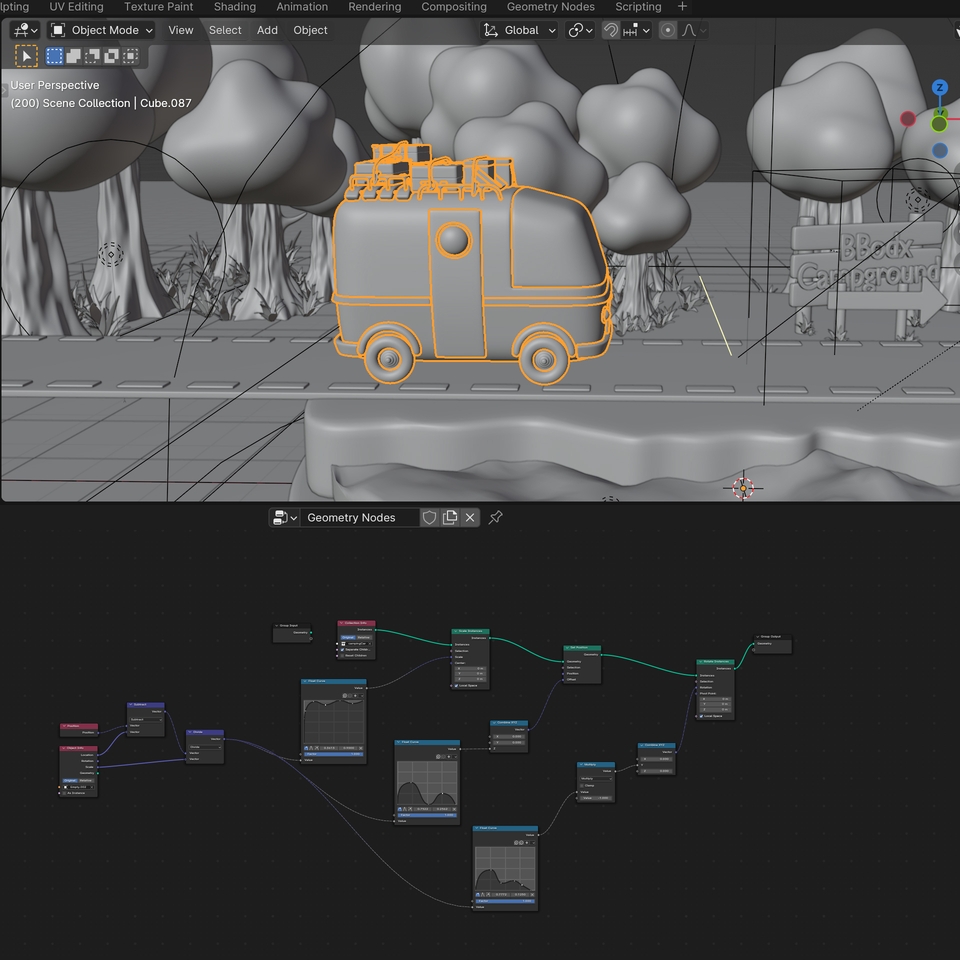
Learn how to easily create animations using geometry nodes and controllers to control complex animations.
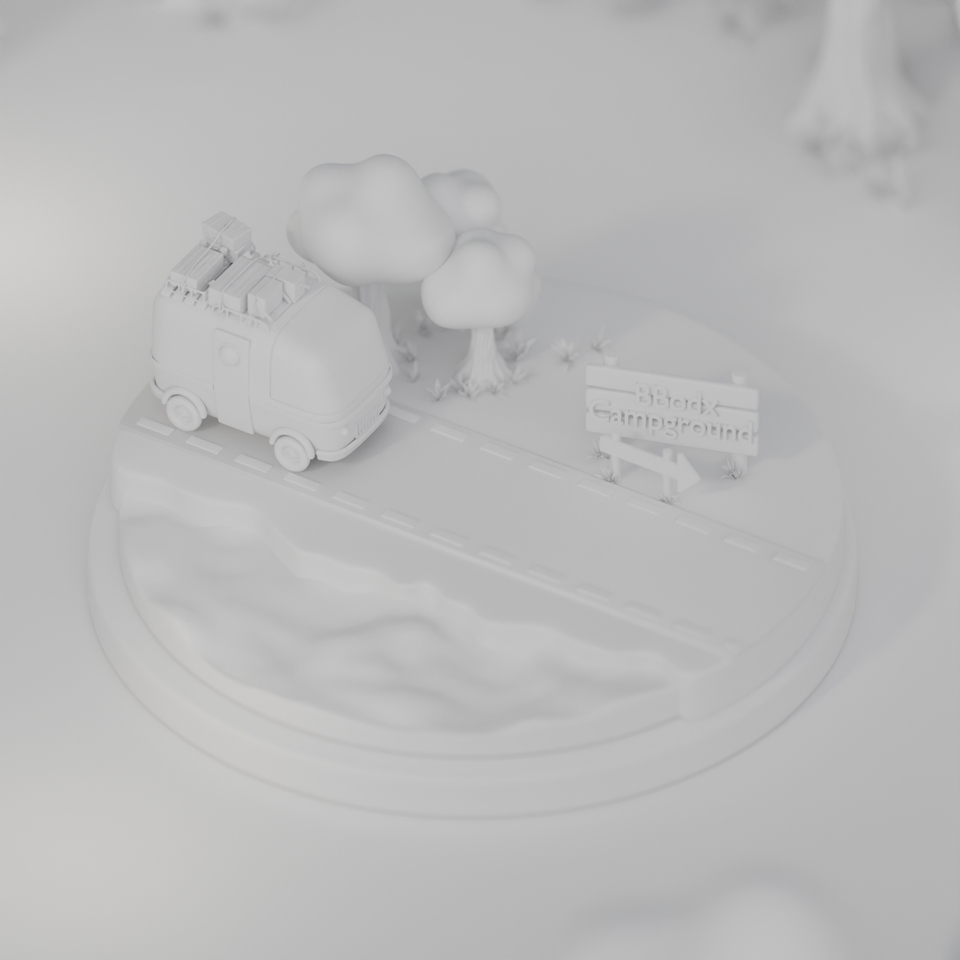
You can improve your basic modeling skills by creating everything from small props that go on top of a camper van to environmental modeling that makes up a scene.
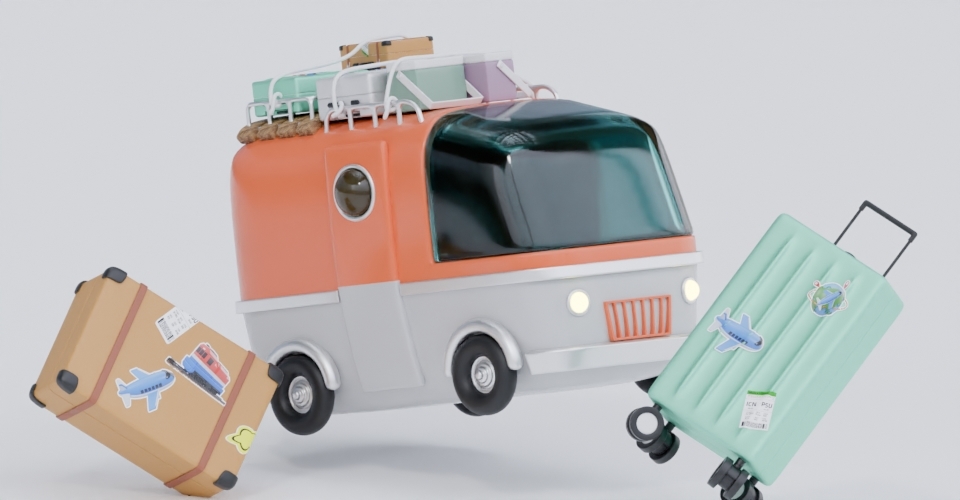
Section 1: From Props to Environment Modeling
Modeling props that go on top of a camper van
Cute camper van modeling
Environmental modeling with the sea and the sandy beach
Section 2: Layout for angling
Isometric camera settings
Camera controller for animation
Layout for placing objects on the screen
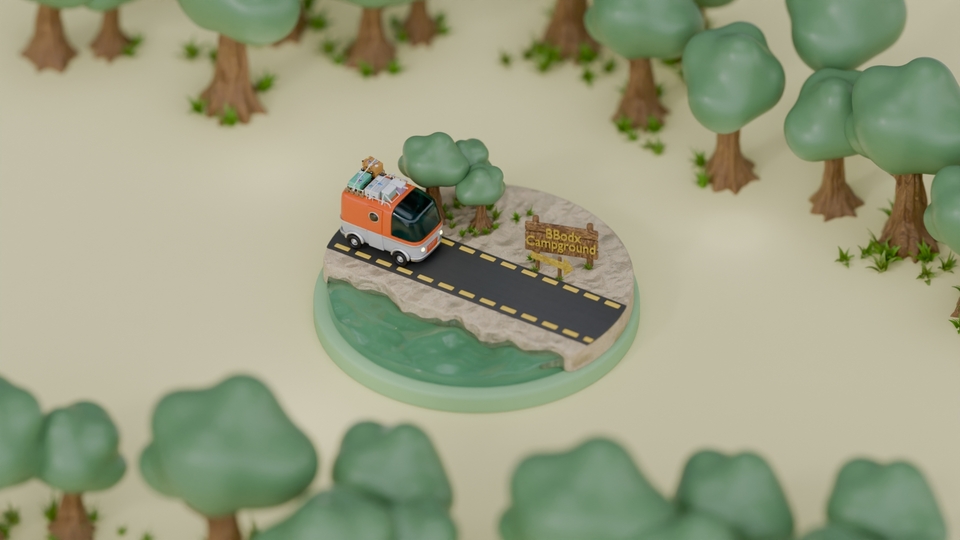
Section 3: Expression of various materials and sensory light
PBR materials using textures
Procedural materials available where
Lighting that sets the mood
Section 4: Animation that Brings You to Life
Floor animation to maximize motion
Geometry node animation that makes difficult animations simple
Section 5: Finishing for the Final Video
Final camera settings to enhance the atmosphere
Motion blur for smooth movement
Final rendering method
Operating System and Version (OS): Available for Windows, macOS, and Linux.
Program version: Version 4.0.1 was used (versions lower than 3.6 may not be able to open)
PC Specifications: Please check the recommendations on the official Blender website below.
Each video comes with a start and finish Blender file.
Provide source files required for production
If you can handle basic blender, you're good to go!
Example files are free to use for personal use only! (Commercial use of example files is prohibited. However, the copyright of any files or images you create while watching the lecture belongs to you.)
Who is this course right for?
Anyone who wants to learn Blender isometric motion
For those who want to learn everything from Blender modeling to final rendering
Need to know before starting?
Basic operation of blender
Career Verified
3,405
Learners
57
Reviews
40
Answers
4.9
Rating
6
Courses
Hello! This is BBoDX!
In my main career, I am a 3D generalist Artist working in the Asset and Environment departments for film and drama VFX,
As a side project, I run the YouTube channel "BBoDX GraphicArena" for the general public and those who want to learn 3D!
I am creating lectures that make every step—from modeling to the final video—easy to learn, and I upload videos that break down both professional industry techniques and personal tips as simply as possible!!
I hope this becomes a time where you can enjoyably and happily create the 3D art you desire!
youtube : https://www.youtube.com/@bbodx
instar : https://www.instagram.com/bbodx_graphicarena/
I hope this will be a time where you can enjoyably and happily create the 3D art you desire! youtube : https://www.youtube.com/@bbodx instar : https://www.instagram.com/bbodx_graphicarena/
I hope this will be a time where you can enjoyably and happily create the 3D art you desire! youtube : https://www.youtube.com/@bbodx instar : https://www.instagram.com/bbodx_graphicarena/
All
17 lectures ∙ (6hr 3min)
Course Materials:
1. Intro
01:08
2. Ice Box Modeling
09:05
3. Suitcase Modeling
21:47
4. Carrier modeling
19:53
6. RV Modeling
50:44
Check out other courses by the instructor!
Explore other courses in the same field!
25% off for new members
$57.00
25%
$77.00





![[Beginner] Learn how to create 3D animated videos with no-code using CreateStudio3, even if it's your first time [Super Easy]Course Thumbnail](https://cdn.inflearn.com/public/files/courses/340594/cover/01kfwdvk88zkg41ewrb9tg73xa?w=420)