

inflearn logo
inflearn logo

#1 OpenClaw: Creating Your Own AI Assistant

What if AI could directly open a browser and write shell scripts to resolve server issues? Through practical automation know-how implemented with OpenClaw across Windows and Linux, we guide you on the shortest path to completing your own powerful remote development environment without complex configurations.

(3.6) 8 reviews

132 learners

Level Beginner

Course period Unlimited

LLM
LLM
AI
AI
AI Agent
AI Agent
Linux
Linux
vmware
vmware
LLM
LLM
AI
AI
AI Agent
AI Agent
Linux
Linux
vmware
vmware

Reviews from Early Learners

Reviews from Early Learners

3.6

5.0

권민혁

31% enrolled

I was very interested in Openclaw, so thank you for the short and quick explanation! It was very helpful~!

What you will gain after the course

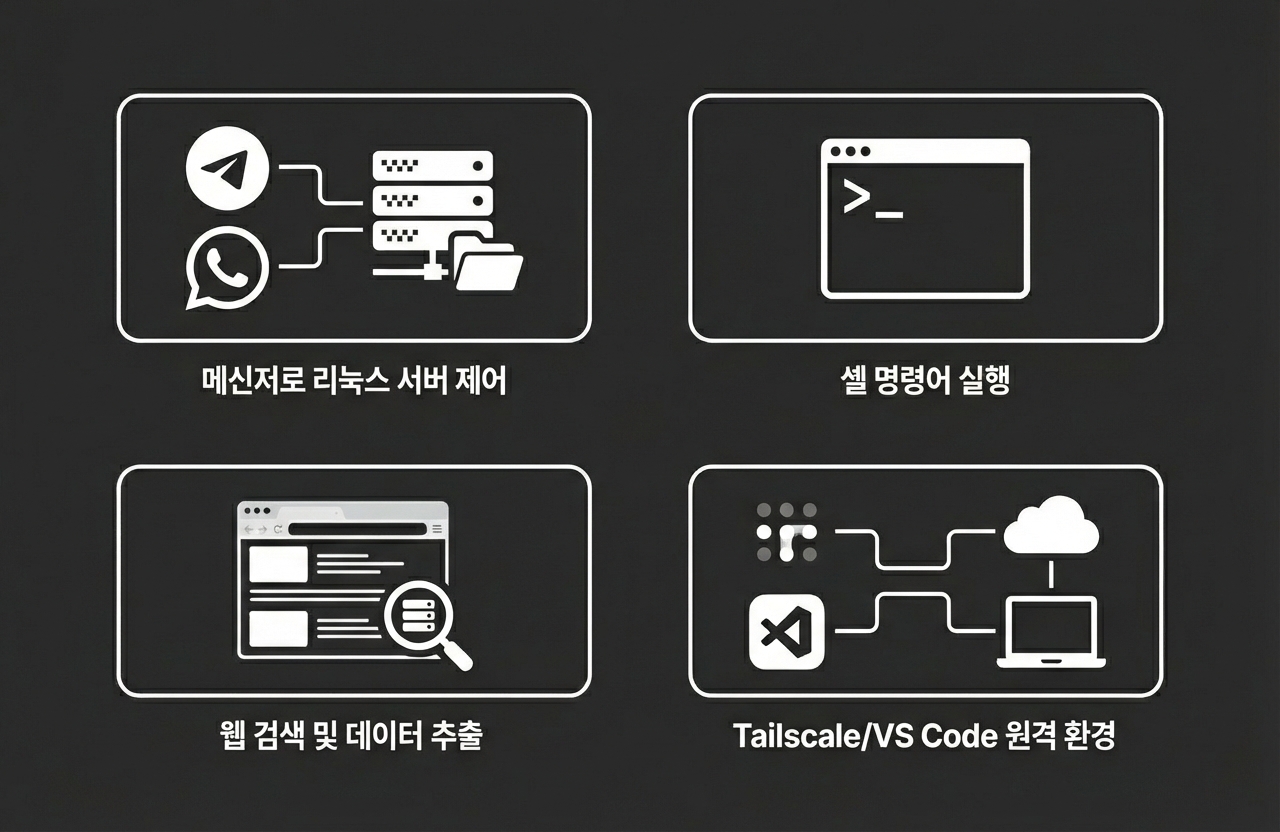
  • The ability to freely and remotely control a Linux server's file system and shell commands using only messenger (Telegram/WhatsApp) chats.

  • A '24/7 non-stop AI assistant' system that independently performs web searches, data extraction, and system monitoring, and reports the results.

  • 'Browser automation technology' where AI agents directly launch browsers to navigate websites and collect or capture necessary information.

  • 'My own private remote AI development environment' for secure access from anywhere by combining Tailscale and VS Code

  • An 'end-to-end automation pipeline' that completes the complex process from GitHub cloning to development environment setup all at once with a single line of prompt.


Entrust your PC to AI!
Realized with OpenClaw

The era where AI agents open browsers and write shell scripts to solve server problems is no longer just an imagination. Do you want to build your own powerful AI assistant without complex configurations?


Are you tired of entering the same server commands over and over again?

Have you ever missed out on work because of an unstable remote connection at a critical moment?

Do you want to use AI not just as a simple answering tool, but as a practical agent that directly operates your system?

Through this course, you will build a 24-hour uninterrupted AI assistant system, complete your own private remote AI development environment by combining Tailscale and VS Code, and experience an end-to-end automation pipeline that handles complex processes with a single line of prompt.

#1 OpenClaw: Introduction Video to Creating Your Own AI Assistant

(LLM, Artificial Intelligence (AI), AI Agent, Linux, vmware)

By the end of this course, you will


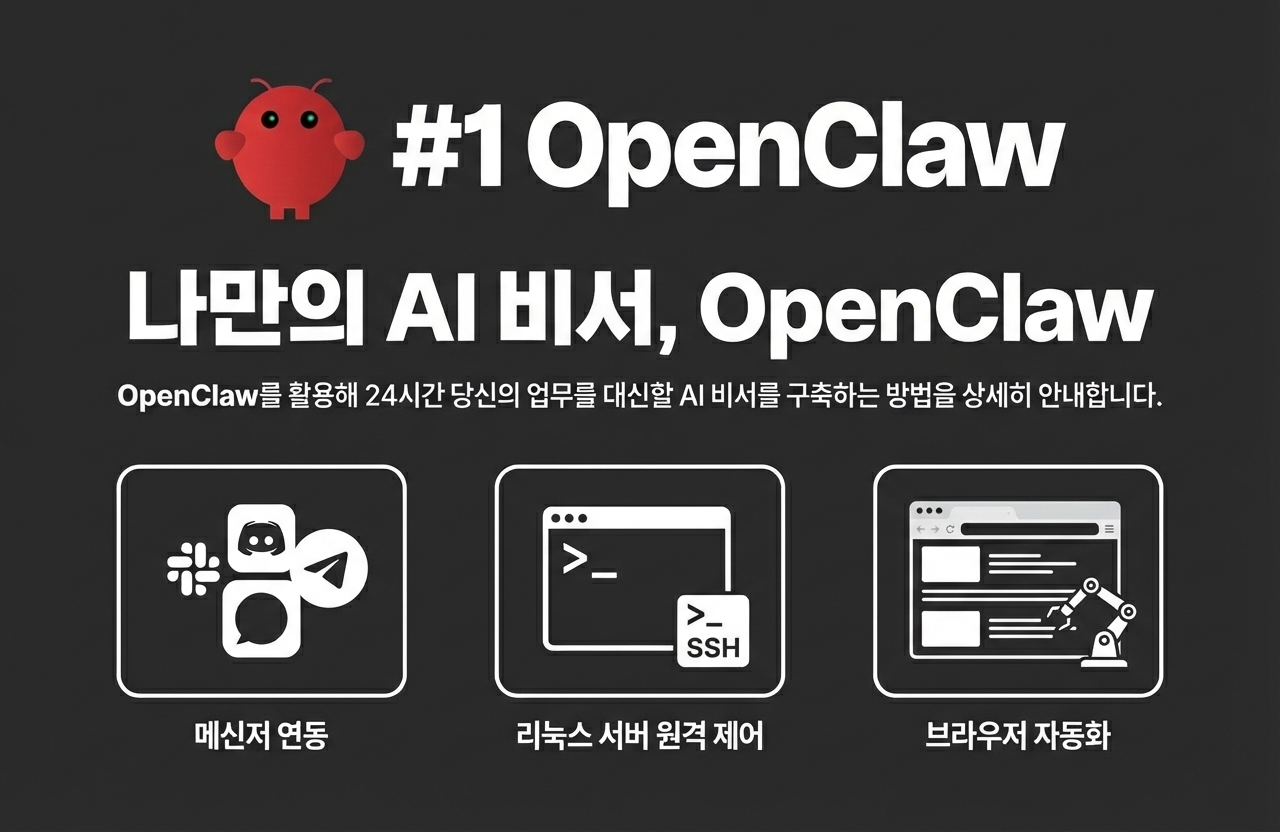
You will gain the ability to build and control your own AI assistant.

  • You will be able to build your own '24/7 non-stop AI assistant' system that can freely remote control Linux server file systems and shell commands through simple messenger (Telegram/WhatsApp) chats, while independently performing web searches, data extraction, and system monitoring to report results.

Acquire browser automation technology performed directly by AI agents.

  • You will understand and directly implement the process where an AI agent launches a browser to navigate websites, collect necessary information, and capture data. Through this, you will acquire a powerful tool for automating complex web-based tasks.

Complete your own remote AI development environment that is accessible anytime, anywhere.

  • Combine Tailscale and VS Code to build a private remote development environment that can be accessed securely from anywhere. You will be guided through the shortest path to completing your own powerful AI development environment without complex configurations.

Experience end-to-end automation with simple prompt input.

  • You will gain the ability to build an end-to-end automation pipeline that completes everything from GitHub cloning to development environment setup instantly with just a single prompt. This allows you to break free from repetitive manual tasks and focus on your core work.


Creating your own AI assistant with OpenClaw

Control and automate Linux servers via messenger

AI Agent Automation Pipeline

We can solve the concerns of
these people!

📌

Developers who want to integrate AI technology into system automation

Those who want to delegate repetitive server management or data collection tasks to an AI agent, but are unsure
how to get started.

📌

Individual project developers who want to build an efficient remote development environment

Those who want to create their own AI assistant without complex setups and
access their development environment from anywhere at any time

📌

Technology explorers who want to apply the latest AI agent technology to practical work

Those who want to quickly learn new AI agent technologies like OpenClaw and
build practical automation pipelines

Notes Before Taking the Course


Practice Environment

  • Operating System: Ubuntu 24.04 LTS or higher is recommended in a VMware environment.

  • Essential Tools: Google AI Studio API key and OpenClaw installation are required.

  • Recommended Specifications: To ensure smooth virtual machine operation, please secure at least 8GB of RAM and sufficient disk space.

Prerequisites and Important Notes

  • Experience with basic Linux commands will be very helpful for your learning.

  • An interest in building AI assistants and a passion for automation are required.

  • Experience using messengers (Telegram, WhatsApp) will make the hands-on practice even easier.

Learning Materials

  • Practice Code: Includes practice examples from OpenClaw installation to automation pipelines.


Recommended for
these people

Who is this course right for?

  • Those who want to use AI not just as a simple answering tool, but as a practical agent that directly operates their own systems.

  • Those who want to automate repetitive manual tasks, such as entering Linux terminal commands or configuring complex environments.

  • Those who want to remotely control their server anytime, anywhere using a single messenger like Telegram or WhatsApp.

  • Those who want to build their own assistant by applying OpenClaw, the latest AI agent technology, to a real-world environment.

Need to know before starting?

  • Linux Commands: Anyone can complete the practice even without knowing the basic commands.

Hello
This is dakgangjung123

1,272

Learners

62

Reviews

61

Answers

4.5

Rating

9

Courses

Hello! I am a graduate of Sogang University's Computer Science and Engineering department, and I am currently preparing for graduate school.

I fell in love with programming in high school when I happened to start full-stack web development and automated trading using Python.

Since then, I have shared my skills and know-how through various projects and programming tutoring activities. Based on these experiences, I am striving to create lectures that make even those new to programming feel, "Wow, this can be so easy!"

I want to help you learn through practical examples and friendly explanations. Thank you.

Go to GitHub Repository (Click!)

More

Curriculum

All

13 lectures ∙ (1hr 49min)

Published: 
Last updated: 

Reviews

All

8 reviews

3.6

8 reviews

  • mis93ysm6806님의 프로필 이미지
    mis93ysm6806

    Reviews 8

    Average Rating 4.1

    4

    31% enrolled

    • yess70770210님의 프로필 이미지
      yess70770210

      Reviews 12

      Average Rating 4.8

      4

      31% enrolled

      • minhyeokkwon22009님의 프로필 이미지
        minhyeokkwon22009

        Reviews 2

        Average Rating 5.0

        5

        31% enrolled

        I was very interested in Openclaw, so thank you for the short and quick explanation! It was very helpful~!

        • moon46567048님의 프로필 이미지
          moon46567048

          Reviews 13

          Average Rating 5.0

          5

          62% enrolled

          • diabolize0213님의 프로필 이미지
            diabolize0213

            Reviews 3

            Average Rating 5.0

            5

            31% enrolled

            dakgangjung123's other courses

            Check out other courses by the instructor!

            Similar courses

            Explore other courses in the same field!

            $7.70