This course is for those who want to learn the basics of coding for maker coding. Even non-majors! Even students who are new to coding! You can learn the basic theories of coding and the basic usage of parts/sensors to engage in various maker activities.
Completing the basics of sensors/components using Arduino board
Completion of basic concepts such as variables, operations, and conditions
Basic sensor configuration including ultrasonic sensor, servo motor, and touch sensor
Introduction to Learning Artificial Intelligence
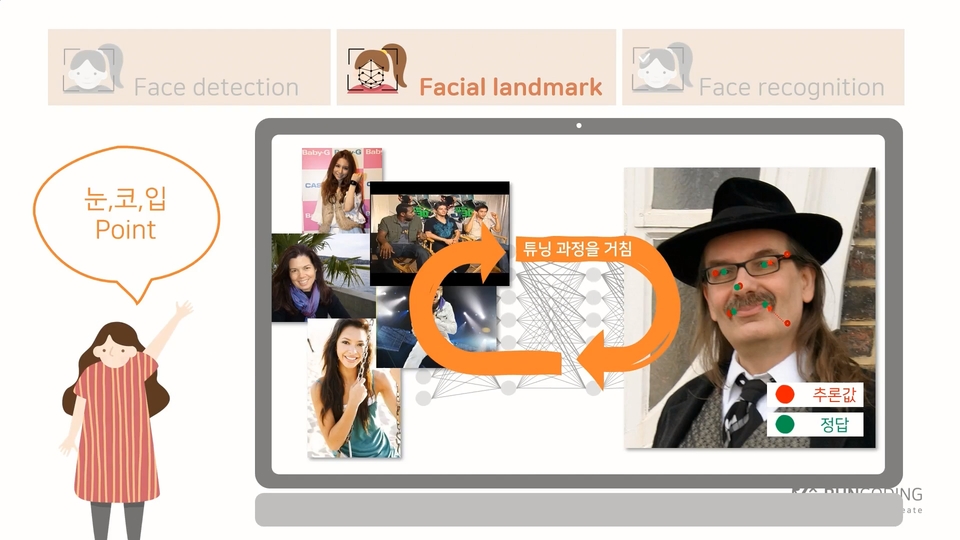
Introduction to facial recognition artificial intelligence
"I want to try coding too🥺" Easy and fun basic coding for absolute beginners!
coding, programming Is this your first time ?
😥
Before
'What is a variable and what is a function? I'm not sure if I can learn it either .'
😆
After
'Coding and Arduino are both so easy and fun! The kit works just as I planned!'
No worries! Anyone can get started.
Coding, has it felt vaguely difficult? You say it's basic, but it doesn't feel quite so fundamental? You're not sure what you'll be able to do with it, and you're looking for a hands-on approach to learning?
Well then, welcome! I'll introduce you to a coding basics course that anyone can learn .
You can do it yourself ! 💪
In this course, we'll explore fundamental coding concepts like variables, conditions, and functions, then apply them to practical examples. Building on the theories we've learned, we'll use the Arduino board to manipulate components and sensors, enabling you to engage in "maker coding."
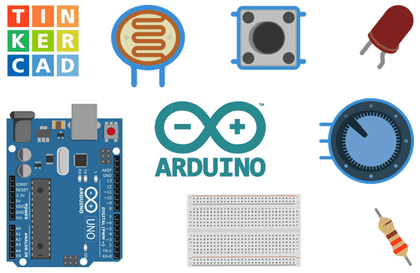
The sensors and components covered in the Arduino lecture are all basic and widely used. (ultrasonic sensor, servo motor, touch sensor, infrared sensor) Anyone with an Arduino basic kit can join the class right away! 😊
Wait! Do you have your Arduino kit ready? 👀
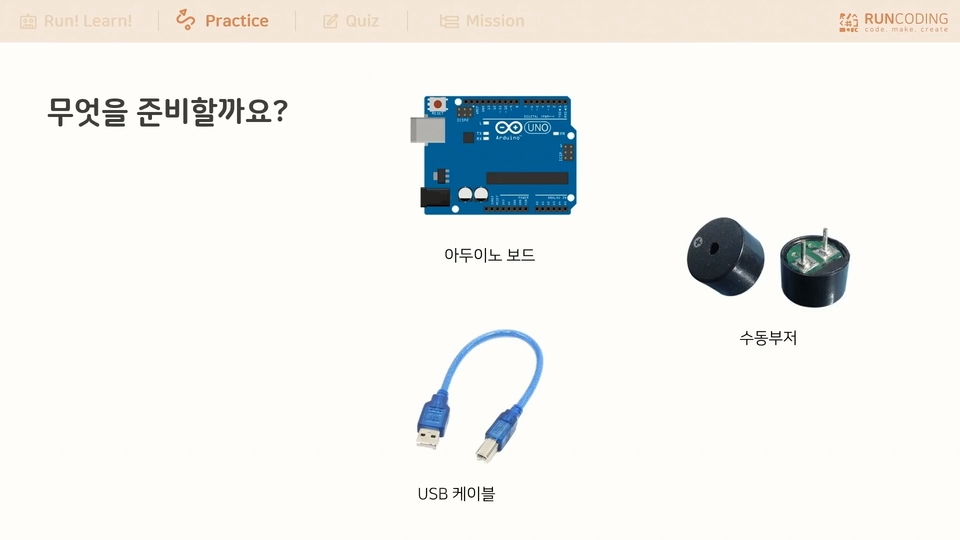
To follow along with the lecture exercises , you'll need an Arduino basic kit complete with components and sensors. Of course, you can still follow the basic theory lectures without one. While the practical exercises are limited, simply checking the instructions before purchasing will definitely help. 😊
This is all you need to know to code! Complete basics
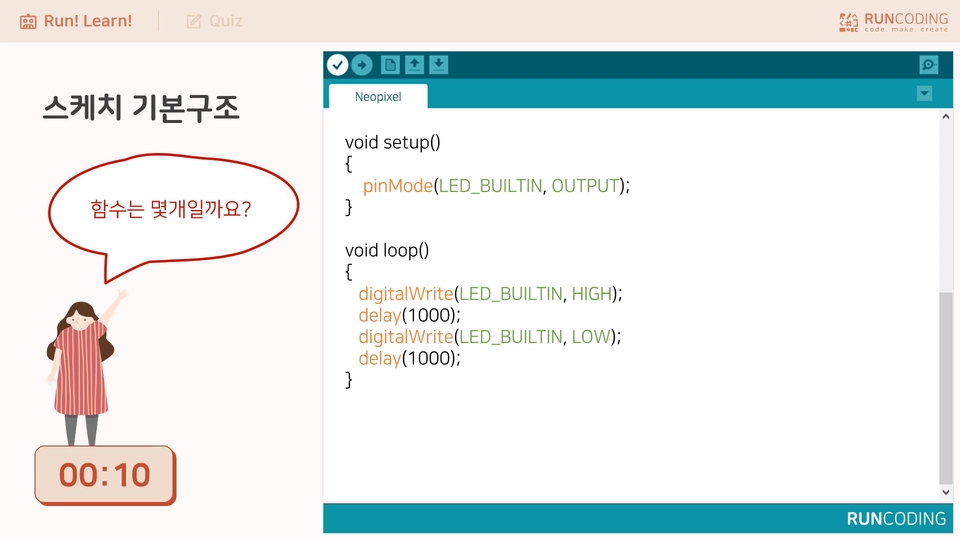
How do we create variables? When do we use functions? Let's first learn the basic grammar and theory necessary for programming, including variables, functions, operators, and conditional statements, in a simple and straightforward manner.
Making Arduino work with my own hands
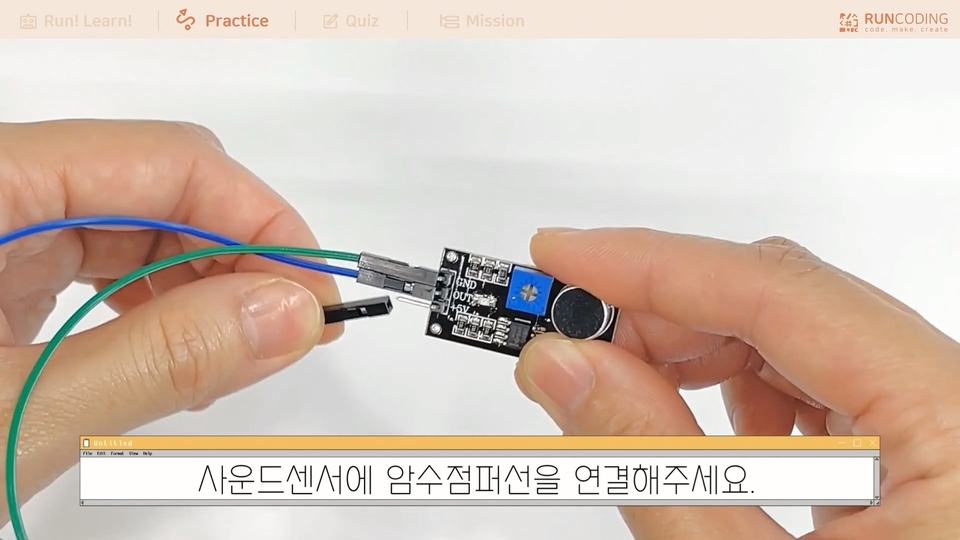
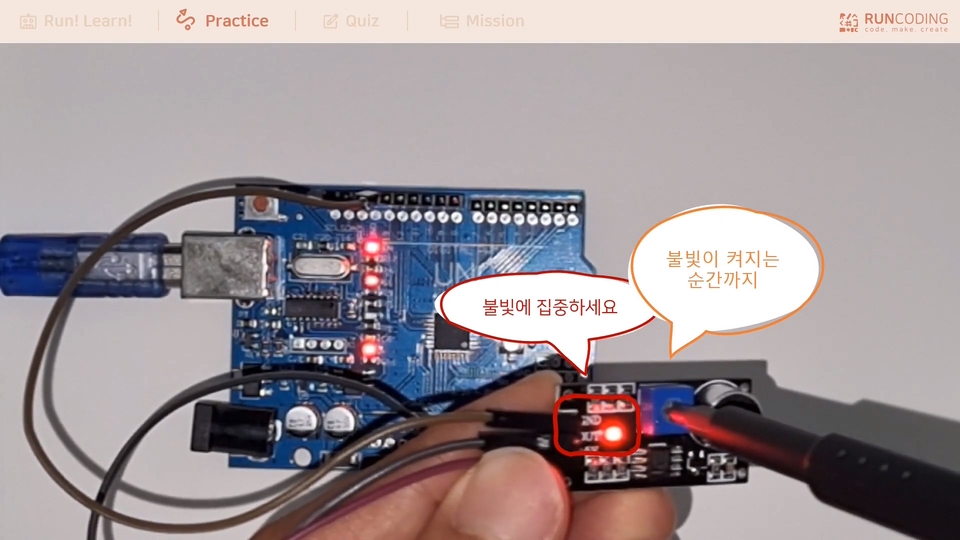
Assemble the components in the Arduino kit as you see fit and activate the sensors. You can create your own functions, such as detecting obstacles, turning lights on and off, and detecting sounds and touches.
Now is the era of artificial intelligence!
The hottest technology of the 2020s is undoubtedly artificial intelligence. We'll provide you with a comprehensive understanding of AI, from what it is to how facial recognition works.
Q&A 💬
Q. From what age can I start following along?
Usually, middle school students can follow along easily. It is a level of difficulty that even upper elementary school students who are interested in coding can easily follow.
Q. Code alignment is so hard. What can I do?
If your code is disorganized, it's less readable. That's why code editors typically have alignment features.
For example, if the code is written as if(a == 1) { Serial.println("test"); }, it is not easy to see. At this time, if you press Ctrl+t, if(a == 1) Serial.printIn("test"); } In the same form, it is nicely aligned. Remember that proper spacing and line breaks are essential for readability of your code!
Q. My program won't compile. How do I check for errors?
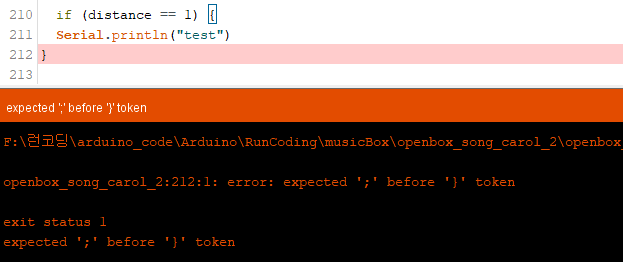
Compiling an Arduino sketch will fix bugs. If a bug is found, an error will be displayed in orange in the black window at the bottom. For example, if you compile a certain code,
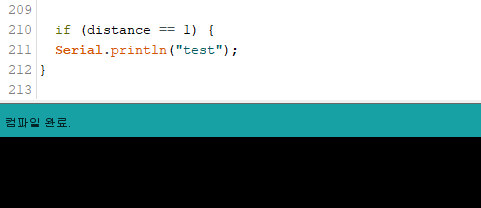
A red line will appear in your code along with the generated error message. You can then interpret the error and fix it! If there are no errors, it will display as follows:
We'll also share some helpful tips in the lecture. Let's learn together! 😊
Recommended for these people
Who is this course right for?
For those who are new to coding
For those who are new to Arduino basic components
For those who want to know coding grammar theory
Anyone curious about Arduino boards, components, and sensors
Teachers preparing Arduino coding classes
For those of you preparing for Mom's Coding
For those who want to learn maker coding
For those preparing to become after-school coding teachers
Need to know before starting?
This course covers everything from the very basics.
Even beginners who don't know anything about coding can easily understand it, and since the course is not long, it's good because it doesn't burden beginner learners who are just starting to get interested, and the content doesn't suddenly develop in a rushed manner.