This course is for those who want to learn maker coding through entry block coding and learn the basics of coding. Even non-majors! Even students who are new to coding! You can learn the basic theories of coding and the basic usage of parts/sensors to engage in various maker activities.
Completing the basics of sensors/components using Arduino board
Completion of basic concepts such as variables, operations, and conditions
How to use the Entry Block Coding Program
Basic sensor configuration including ultrasonic sensor, servo motor, and touch sensor
Introduction to Learning Artificial Intelligence
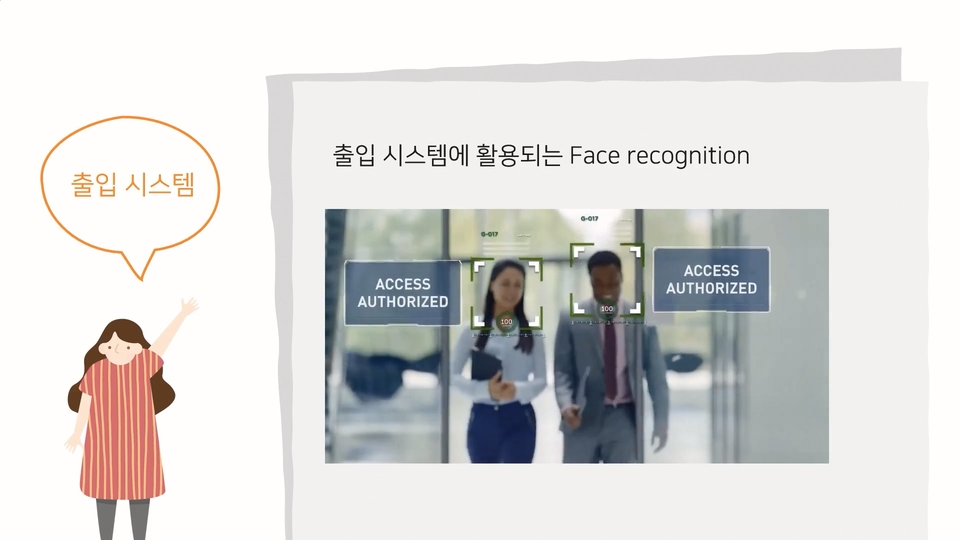
Introduction to facial recognition artificial intelligence
"I want to try coding too🥺" Learn programming with Entry Block Coding!
Entry block coding Shall we learn step by step ?
☝
Step 1
Entry required for block coding Learn basic concepts such as variables, conditions, functions, and operations!
✌
Step 2
Based on the basics learned Arduino Maker coding completed in no time!
No worries! Anyone can get started.
Have you heard of block coding? It's a coding method that allows you to naturally learn programming concepts by stacking blocks. Through the programming platform Entry, even children and teenagers can easily try block coding.
If you're curious about the entry, you've come to the right place! I'll introduce a lecture where you can learn the basic concepts required for entry block coding and even try fun hands-on activities with Arduino.
Learn the basics of entry first on YouTube, then learn.
You can do it yourself ! 💪
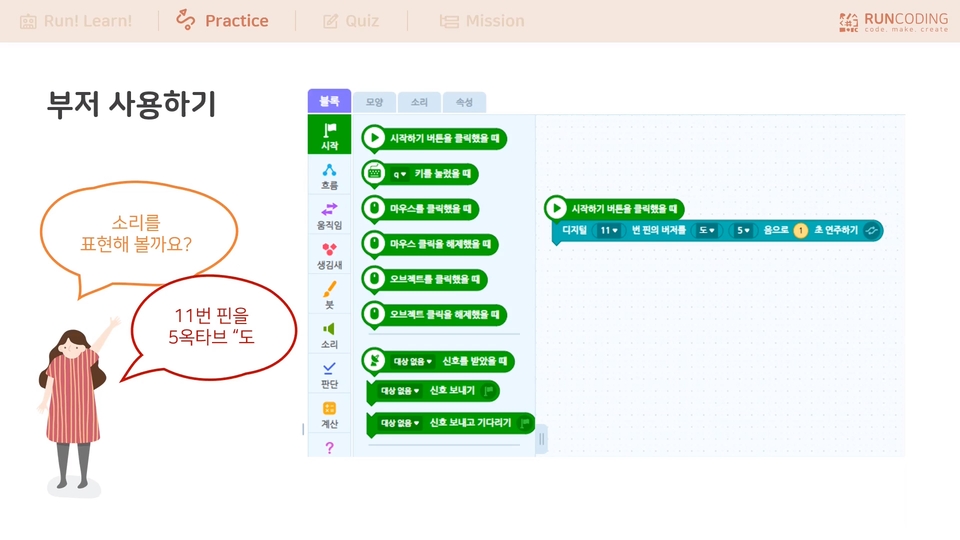
In this lecture, we'll explore concepts like variables, conditions, and functions necessary for entry-level block coding, then apply them to practical examples. Building on the theories we've learned, we'll use the Arduino board to manipulate components and sensors, enabling you to engage in "maker coding."
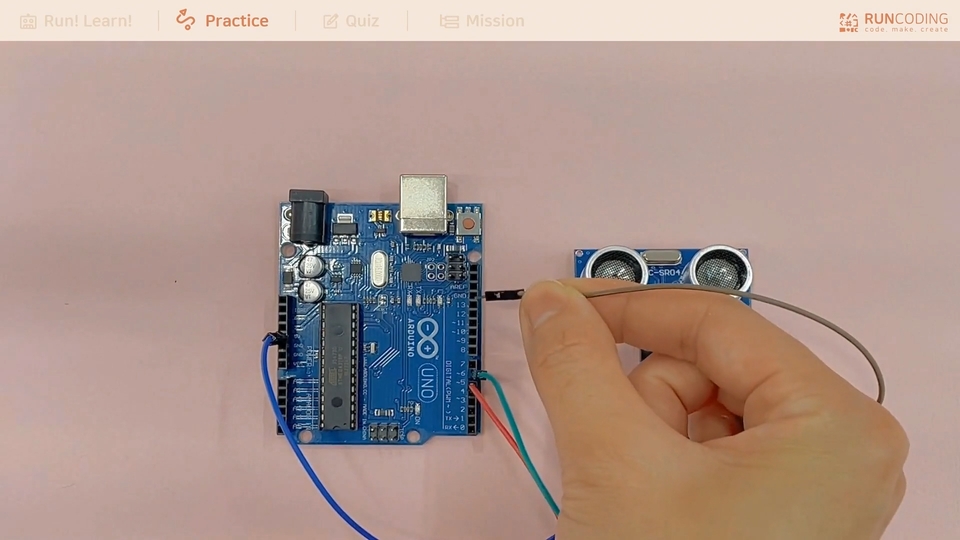
The sensors and components covered in the Arduino lecture are all basic and widely used. (ultrasonic sensor, servo motor, touch sensor, infrared sensor) Anyone with an Arduino basic kit can join the class right away! 😊
Wait! Do you have your Arduino kit ready? 👀
To follow along with the lecture exercises , you'll need an Arduino basic kit complete with components and sensors. Of course, you can still follow the basic theory lectures without one. While the practical exercises are limited, simply checking the instructions before purchasing will definitely help. 😊
This is all you need to know to code! Complete basics
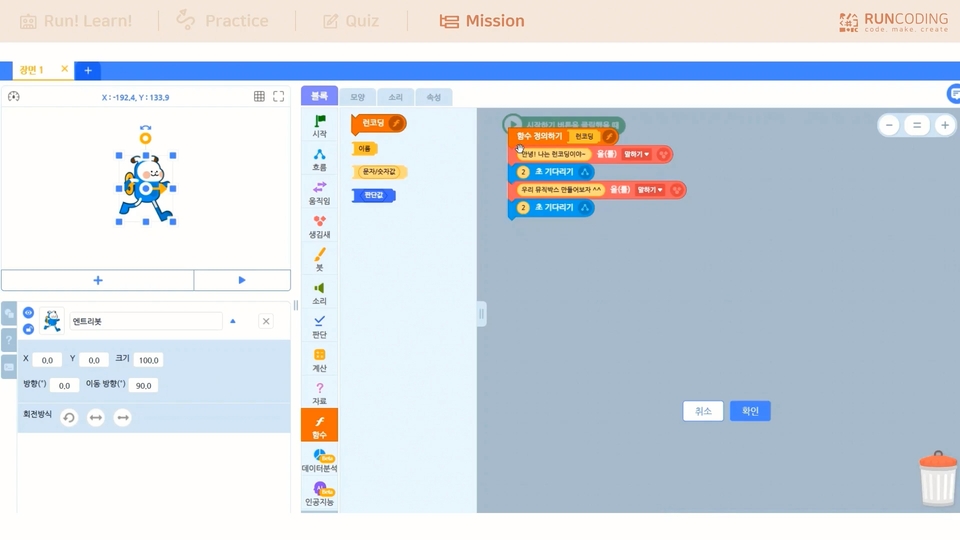
How do we create variables? When do we use functions? Learn the fundamental grammar and theory of programming—variables, functions, operators, conditional statements, and more—through block coding in a fun way.
Making Arduino work with my own hands
Assemble the components in the Arduino kit as you see fit and activate the sensors. You can create your own functions, such as detecting obstacles, turning lights on and off, and detecting sounds and touches.
Now is the era of artificial intelligence!
The hottest technology of the 2020s is undoubtedly artificial intelligence. We'll provide you with a comprehensive understanding of AI, from what it is to how facial recognition works.
Q&A 💬
Q. From what age can I start following along?
Since there are parts that make up the hardware, anyone in elementary school or higher can proceed without difficulty.
Q. My hardware isn't connecting properly.
Some people have had trouble connecting hardware using Entry. In such cases, please follow these two steps:
(1) Driver Installation: When you connect the Arduino board to your computer, installation will occur automatically. If not, connect the "RunCoding" hardware and proceed with the driver installation.
(2) Hardware Connection: Available after driver installation. Connect the "Arduino Uno Extension Mode" or "Run Coding" hardware, install the firmware, and then use it.
Q. What is a variable resistor?
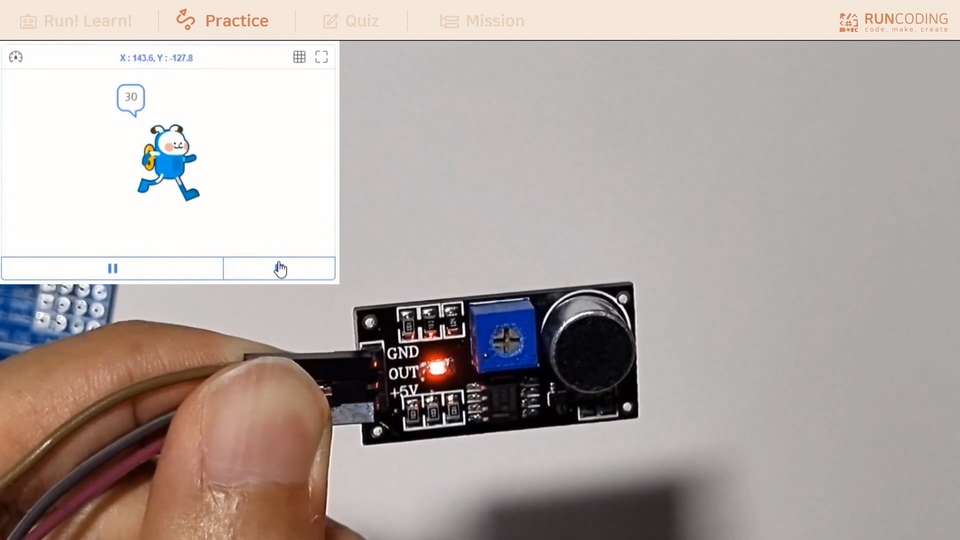
Among the components/sensors covered in this lecture, the infrared sensor and sound detection sensor have variable resistors. These are the blue boxes on the back. By turning this with a screwdriver or other sharp tool, you can change the resistance, making the sensor/component more or less sensitive. Try turning the variable resistor to determine the moment it activates!
We'll also share some helpful tips in the lecture. Let's learn together! 😊
Recommended for these people
Who is this course right for?
For those who are new to entry coding
For those who are new to hardware with Entry
For those who want to know coding grammar theory
Anyone curious about Arduino boards, components, and sensors
Teachers preparing for entry coding classes
For those preparing to become after-school coding teachers
For those who want to learn maker coding
For those of you preparing for Mom's Coding
Need to know before starting?
It would be good if you could come and watch the free lecture on Runcoding YouTube to learn the basics of entry.
This is an introductory lecture. It is recommended that you do not take this lecture if you do not plan to use block coding to control Arduino using entry block coding.







![[Entry] Coding Ability Master Level 2 Certification CourseCourse Thumbnail](https://cdn.inflearn.com/public/courses/327340/cover/ea61d7ef-ebb9-4496-a6c0-09b72d1c2312/327340-eng.png?w=420)