inflearn logo

Practical Lecture on Report Charts Completed with Excel

Every office worker has likely struggled with creating charts at least once. If you are confused about which chart to use when and how to create them, we will provide you with the clear answers you need.

(5.0) 8 reviews

56 learners

Level Beginner

Course period 3 months

Excel
Excel
MS-Office
MS-Office
Excel
Excel
MS-Office
MS-Office

Reviews from Early Learners

Reviews from Early Learners

5.0

5.0

박상수

100% enrolled

It was a good lecture. Thank you, instructor. Thank you for your hard work.

5.0

lgpceo

15% enrolled

I think it will be very helpful because it is explained in such detail that it can be used immediately in practice. I hope to see you in more lectures in the future. Thank you for creating such a great lecture.

5.0

이영재

100% enrolled

Very satisfied

What you will gain after the course

  • How to choose and create the right chart for every situation

  • How to create beautiful and sophisticated charts using only Excel

  • Understanding the purpose of chart creation and chart types

<Author's Workplace> How to Create Excel Charts Like a Pro
Revealing know-how accumulated over 17 years! 💻


Creating Professional Excel Charts for Business 📊

Every office worker has likely struggled with creating charts at least once. It's confusing to know which chart to use and when, and even when you look up how to make them, it's hard to find a truly satisfying answer.

That is why I am sharing my 17 years of consulting experience, covering how to choose the right chart for each situation and how to create sophisticated charts even with Excel.

This course is a blend of [Theory] + [Practice] lessons.


Special features of this course

  • It is a practical and systematic lecture where you can learn everything from the purpose of using charts to recommended charts for each situation.
  • We compare well-written examples with poorly written ones for you.
  • A practical Excel chart training that can be applied immediately to real-world tasks is included.

What you will learn 📖

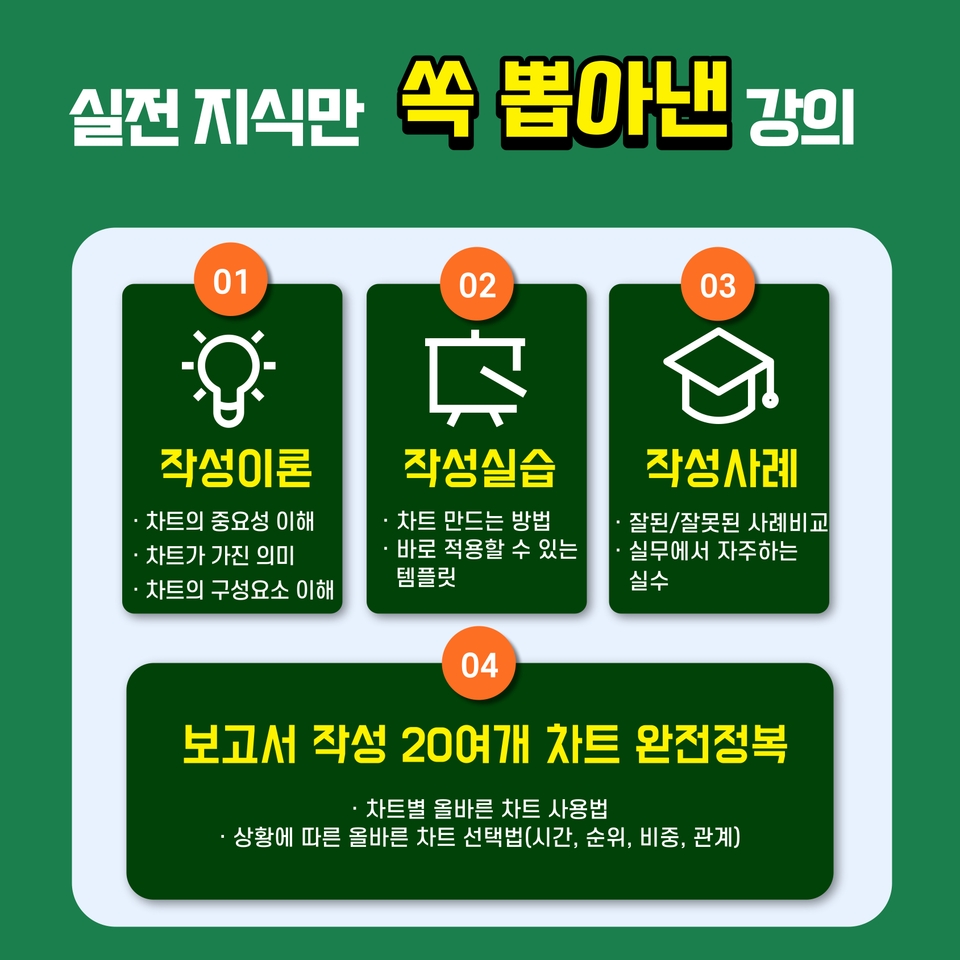
Understanding the importance and components of charts

  • Charts are for the reader, not the creator.
  • You can only create proper charts when you know what the reader wants

How to Choose the Right Chart for Every Situation

  • You must use the appropriate chart depending on the situation.
  • You need to know which chart fits the situation to create the right one.

Comparative explanation of good and bad examples

  • Explains common mistakes made when creating charts.
  • Learn how to create correct charts through well-executed examples.

Understanding how to create beautiful and high-quality charts using only Excel

  • It explains how to create beautiful and professional charts using only Excel.
  • An Excel practice lecture is included so that you can apply it directly in the workplace.


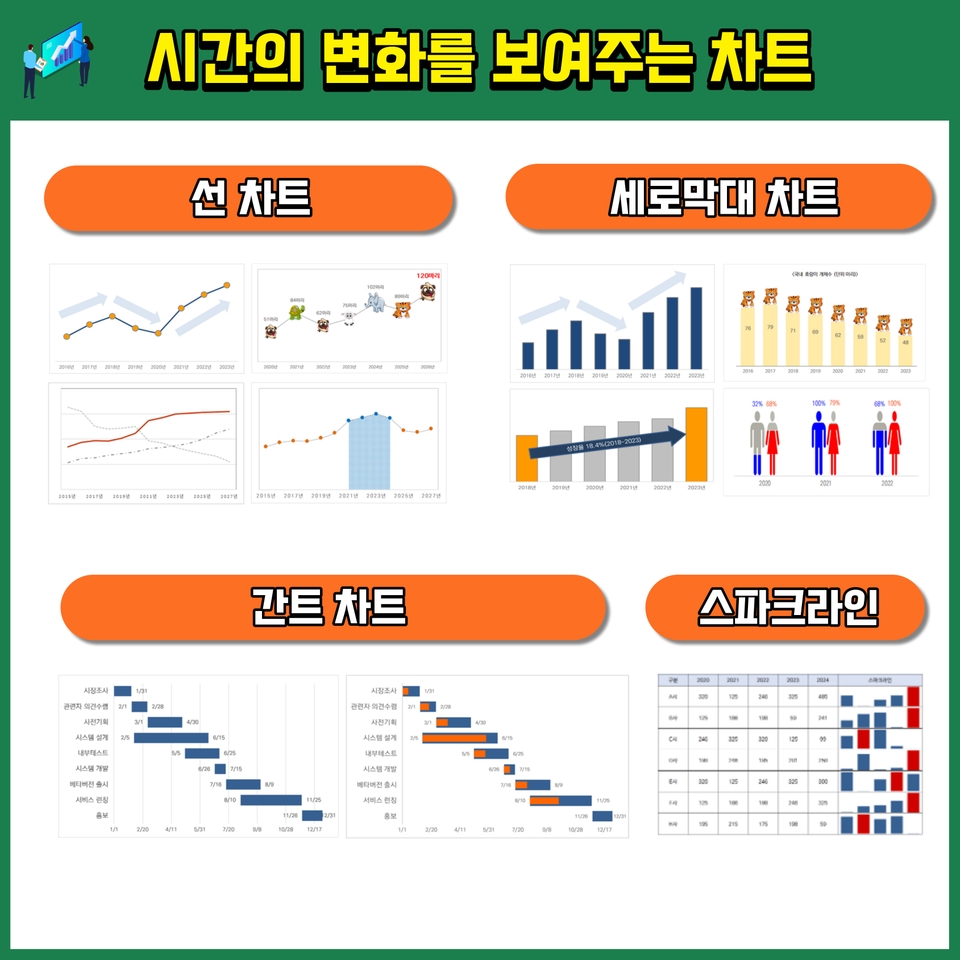
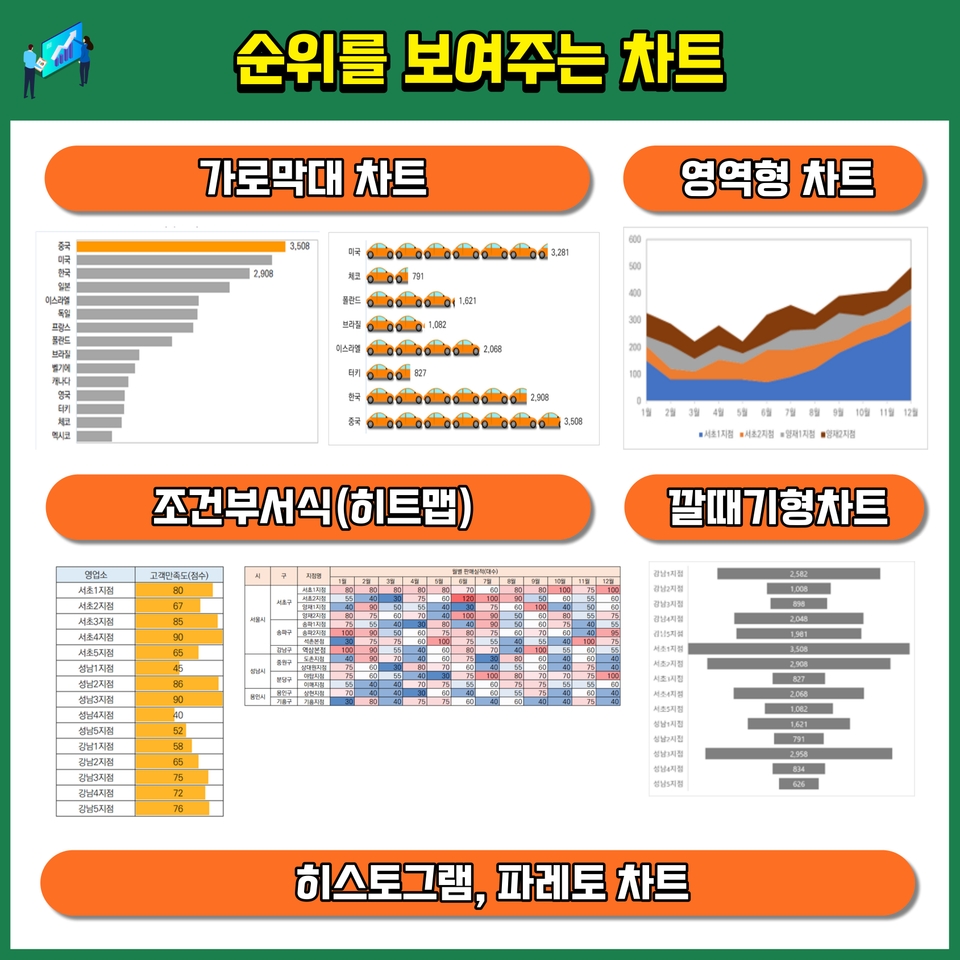
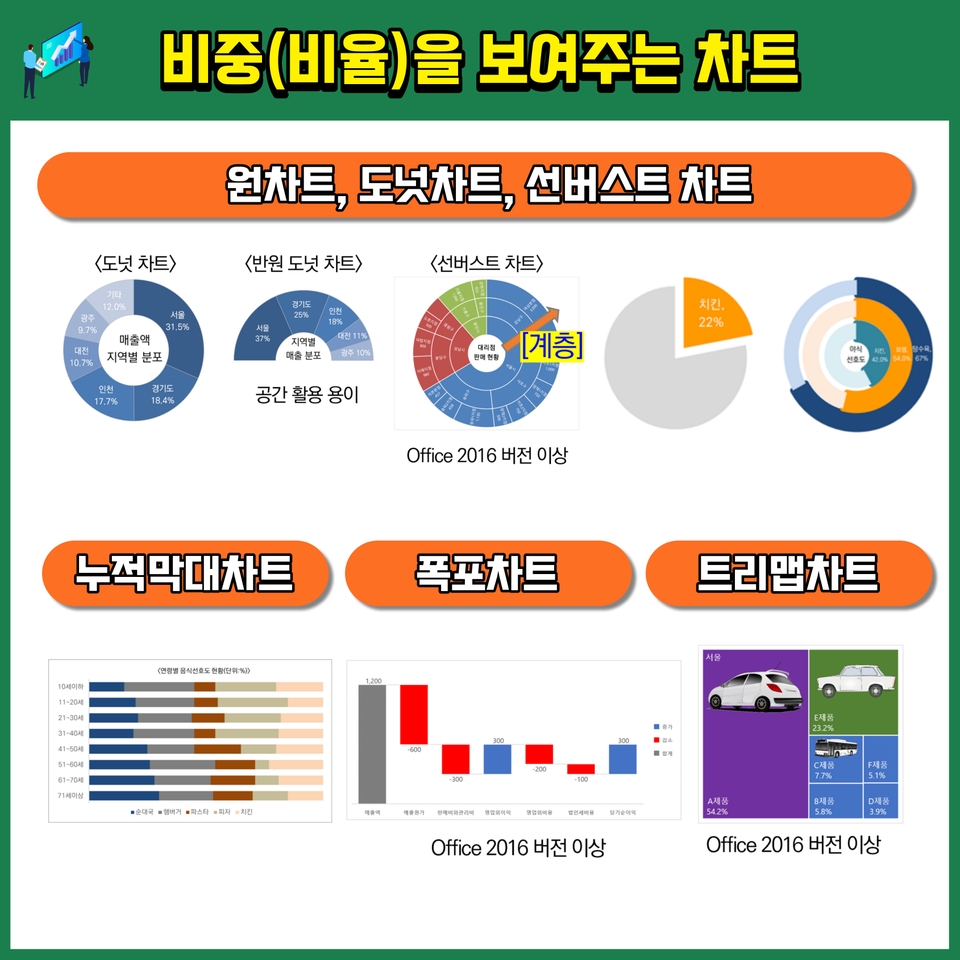
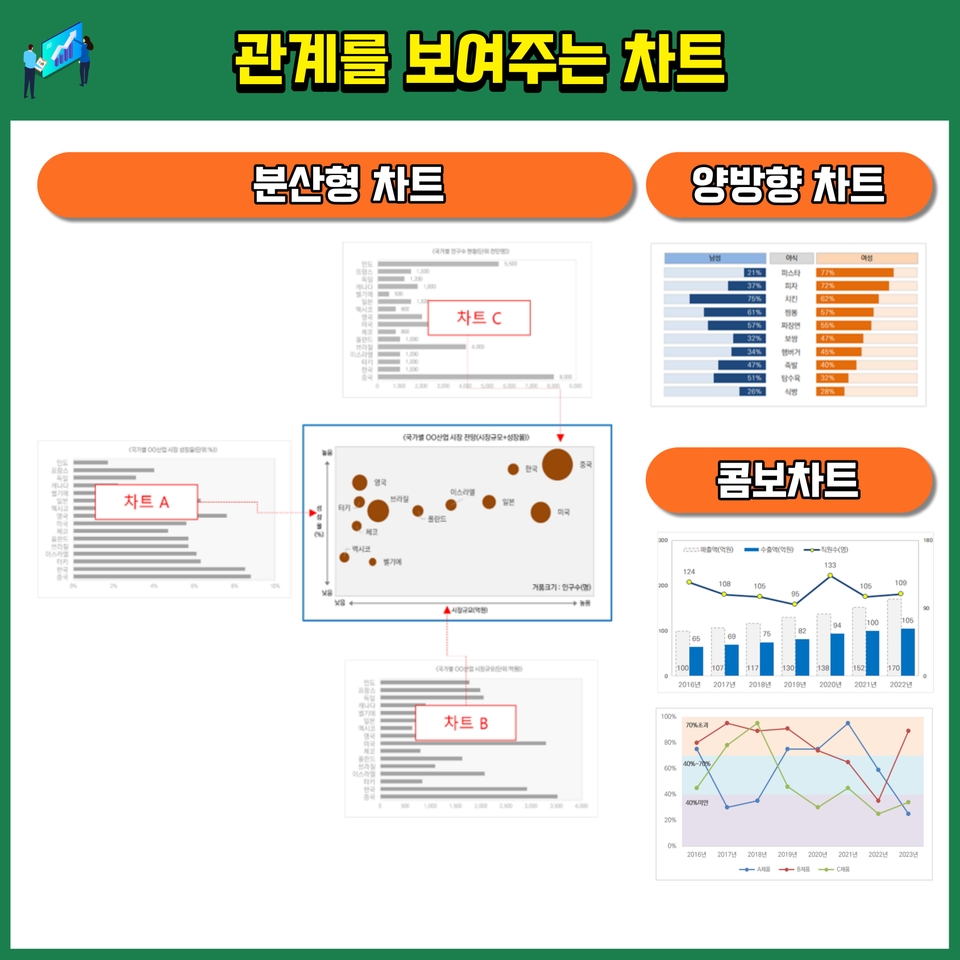
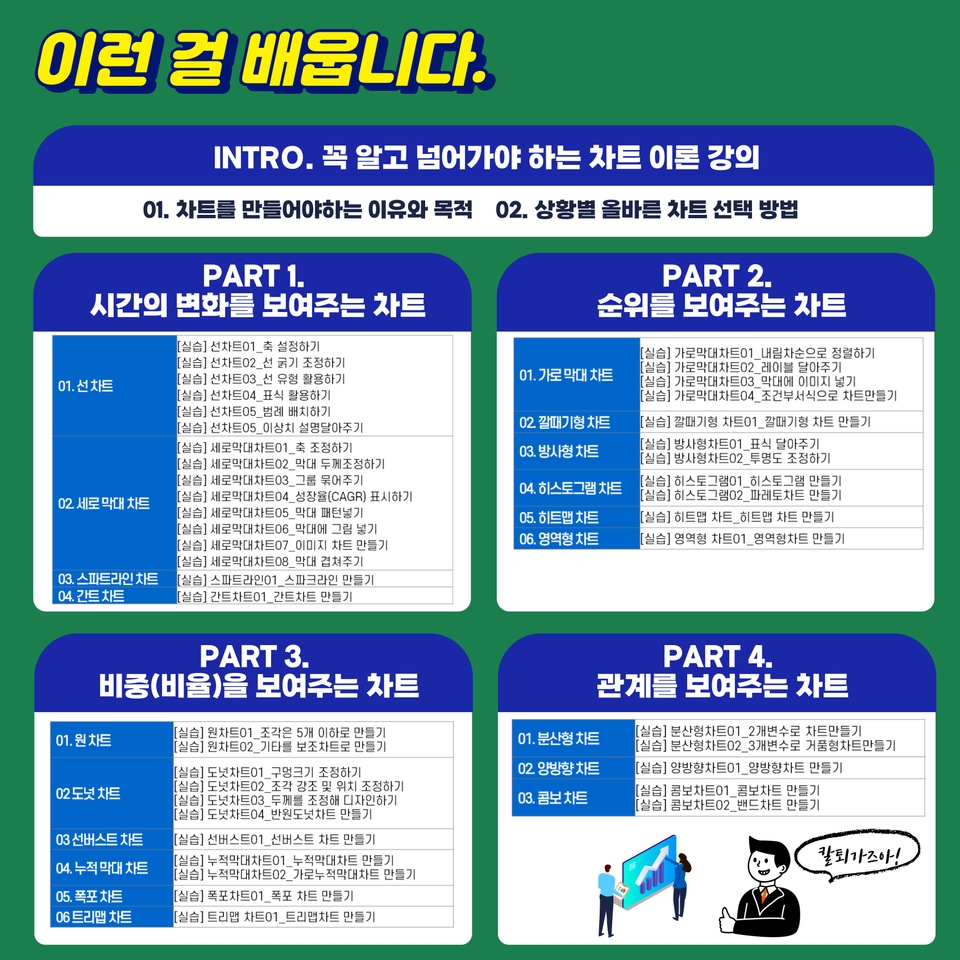
 <This course covers over 20 types of charts required for report writing.>


 <Course Table of Contents>


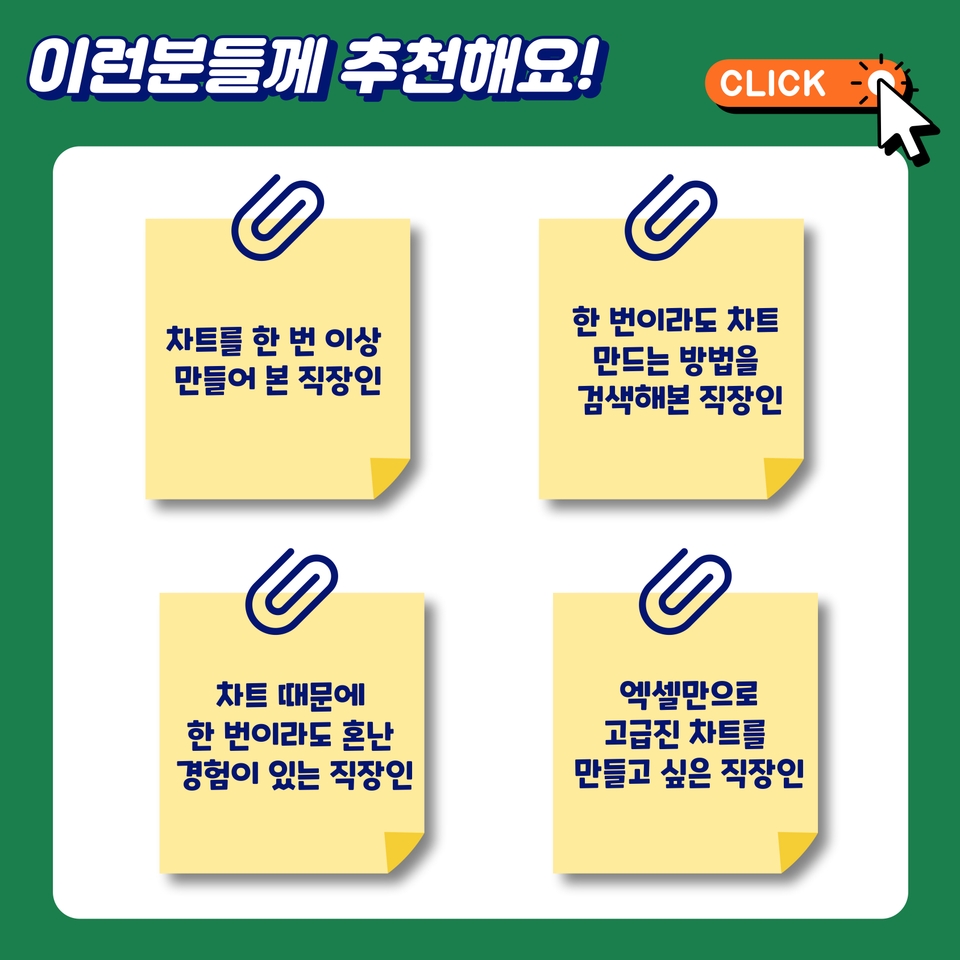
Recommended for these people 🙋‍♀️


How to choose a course ✅

  • Watch the preview before making your choice 
  • Please choose with an open mind
  • Choose this with the determination to master chart creation once and for all through this opportunity
  • Please review the detailed table of contents before making your selection

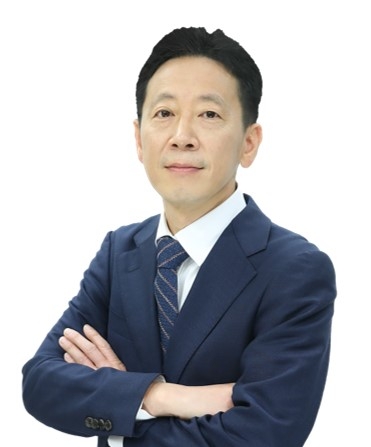
About the Instructor ✒️

Sungho Choi

  • Current) Principal Consultant at TN (2022.03~)
  • Current) Adjunct Professor, Department of Business Administration, Soongsil University (2020.~)
  • Former) Adjunct Professor, Department of Data, Library and Information Science, Tongwon University (2018~2019)
  • Former) Head of Technology Commercialization Division, Inno Patent & Law Firm (2016.04~2022.03)
  • Former) Senior Researcher at ED Research (2011.12~2016.04)
  • Former) Senior Researcher, The B&I (2006.12~2011.05)
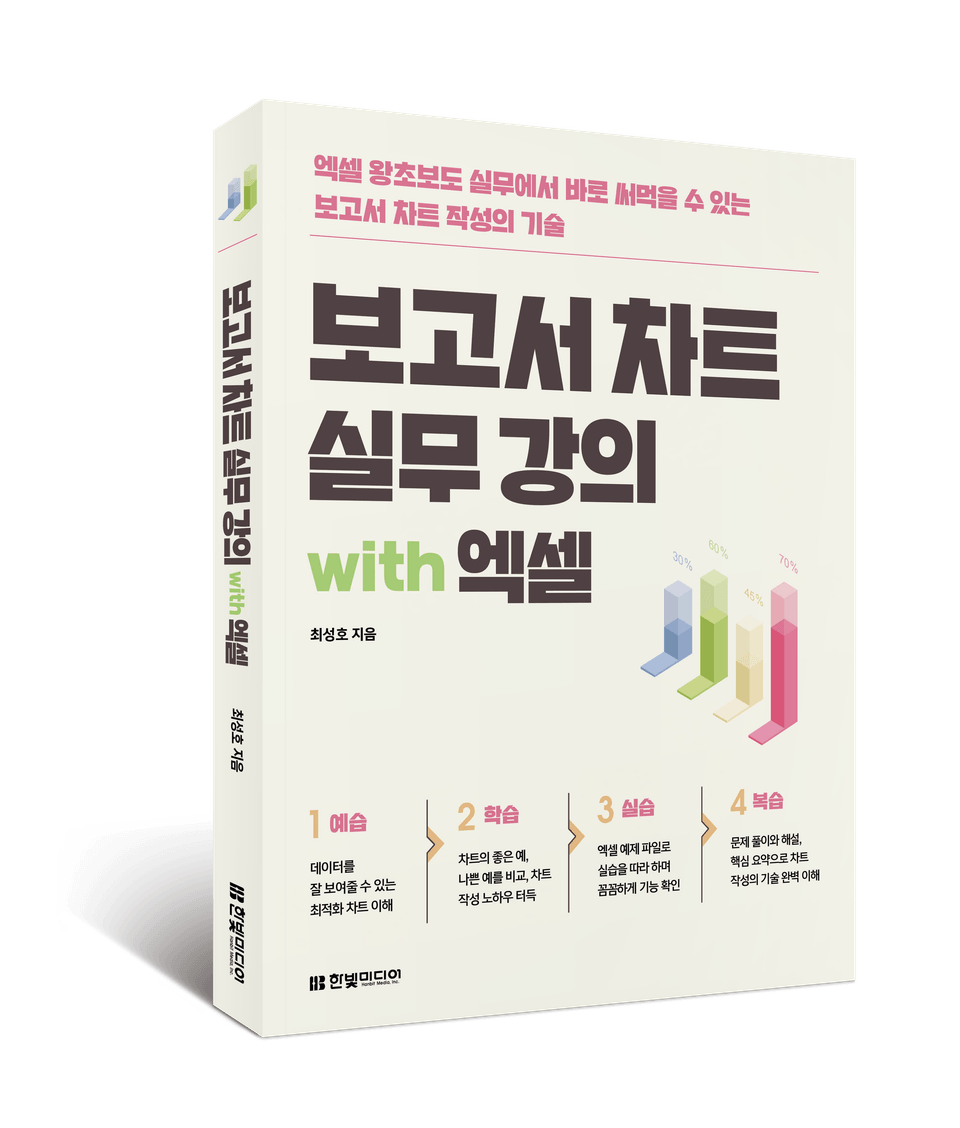
  • Author of <누구나 탐내는 실전 기획서> and <보고서차트 실무강의 with 엑셀>
  • Lectured at numerous universities and institutions, including Kyung Hee University, Konkuk University, and the Korea Institute of Ceramic Engineering and Technology (KICET).

Frequently Asked Questions 💬

Q. Why should I take this course?

Every office worker has likely struggled with creating charts at least once. It’s confusing to know which chart to use and when, and even after searching for how to make them, it's hard to find a clear answer. This lecture provides the satisfying solutions you need to address those questions.

Q. What is the content of the class?

Since Excel is a program that office workers encounter easily, all the charts included in this lecture were created using Excel. This is so that we can apply them directly in practice. This lecture is a practical course that can be used immediately in the workplace.

Q. Is there anything I need to prepare before taking the course?

There is nothing special to prepare, but please come with an open mind, ready to absorb new knowledge.

I recommend watching the preview before making a purchase.


Recommended for
these people

Who is this course right for?

  • Office workers (or students) who have created a chart at least once

  • Office workers (or students) who have searched for how to create charts or chart samples at least once.

  • Office workers (or students) who have ever been scolded because of a "chart (graph)"

  • Office workers (or students) who want to create beautiful and sophisticated charts at least once without using Photoshop.

Hello
This is hotcoca

445

Learners

58

Reviews

3

Answers

4.7

Rating

4

Courses

I specialize in researching report writing techniques (proposals, planning documents) essential for becoming a top performer, as well as visualization skills (Excel, PPT, OA) that make results stand out.

Having worked for firms specializing in strategic planning and R&D, I am currently active as a technology commercialization consultant at a patent law firm. Over the past 15 years, I have gained extensive experience writing numerous reports, including proposals and planning documents, while carrying out projects in government policy planning, R&D planning, and new business planning.

Currently serving as the Lead Consultant at TN and an Adjunct Professor in the Department of Business Administration at Soongsil University. Previously held positions as an Adjunct Professor in the Department of Data and Library Information Science at Tongwon University, Senior Researcher at The B&I and ED Research, and Director at Inno Patent & Law Firm, while also serving as an advisor and evaluation committee member for numerous organizations.

He has lectured at numerous universities and institutions, including Konkuk University, Konkuk University (Glocal), and the Korea Institute of Ceramic Engineering and Technology. His major publications include "Practical Proposals Everyone Covets."

More

Curriculum

All

46 lectures ∙ (8hr 13min)

Course Materials:

Lecture resources
Published: 
Last updated: 

Reviews

All

8 reviews

5.0

8 reviews

  • orage902623님의 프로필 이미지
    orage902623

    Reviews 2

    Average Rating 5.0

    5

    30% enrolled

    • yooung11224978님의 프로필 이미지
      yooung11224978

      Reviews 2

      Average Rating 5.0

      5

      100% enrolled

      • cjw46865667님의 프로필 이미지
        cjw46865667

        Reviews 2

        Average Rating 5.0

        5

        30% enrolled

        • etabolt6549님의 프로필 이미지
          etabolt6549

          Reviews 1

          Average Rating 5.0

          5

          30% enrolled

          • hoperpark5339님의 프로필 이미지
            hoperpark5339

            Reviews 5

            Average Rating 5.0

            5

            100% enrolled

            It was a good lecture. Thank you, instructor. Thank you for your hard work.

            Similar courses

            Explore other courses in the same field!

            $22.00