Yoon Jae-seong's Beginning C Language
softcampus
Free
Beginner / C
4.7
(57)
2,900+
Introduction to C language, the foundation language for software development

Beginner
C

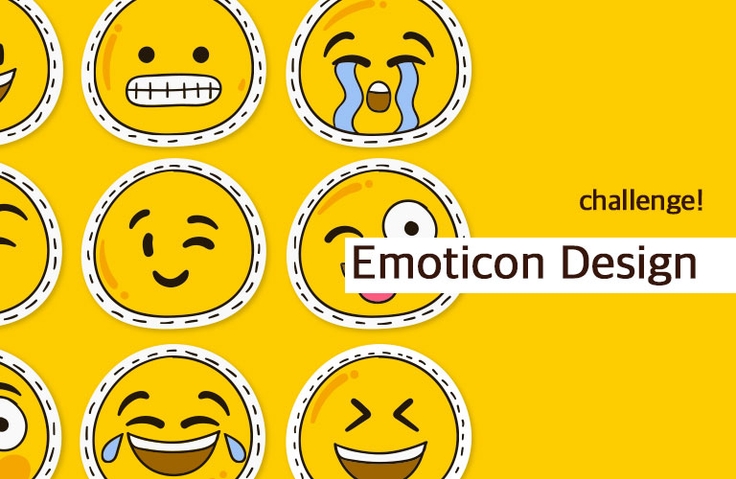
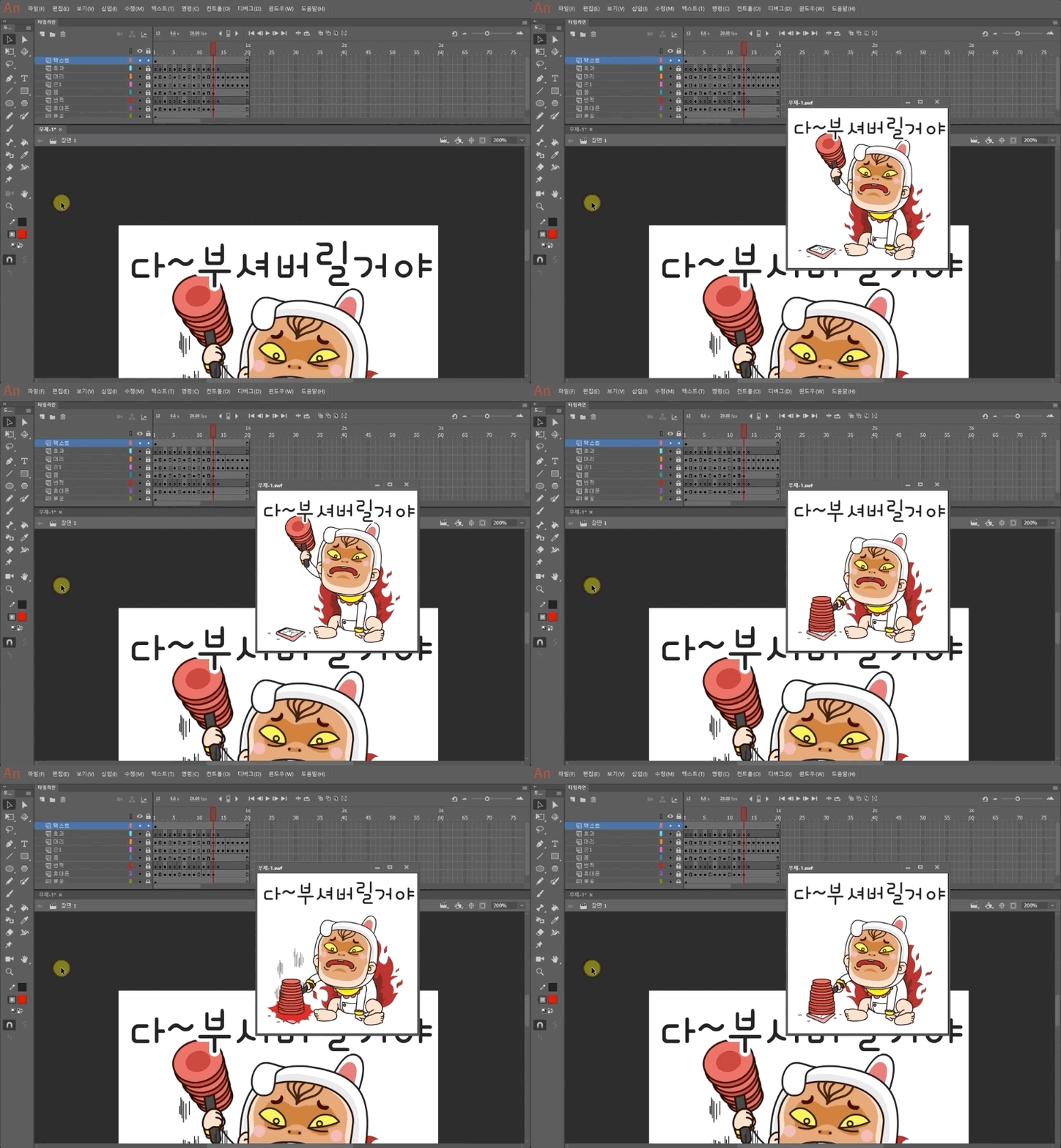
We have captured the entire experience of instructor Kim Young-sam, who is active as an emoticon creator on Kakao and LINE, in this lecture—covering everything from emoticon design to creating, submitting, and generating revenue on KakaoTalk and LINE.
169 learners
Level Basic
Course period Unlimited
Reviews from Early Learners
5.0
공부중
The course was really helpful It was really helpful from the concept of moving emoticons to writing them From the basics to how to use tools and key shortcuts The explanations are easy to understand without unnecessary details. Personally, what I regret is that I am almost a beginner in using Illustrator It would have been more helpful if there were 1 or 2 examples of drawing in Illustrator Most people who are good at drawing will try to make emoticons, but for beginners like me, I hope you can add a course that explains 1 or 2 of the drawings you drew. I am especially curious about the scene with the swivel chair. I wonder what criteria you used to create the scene. I wonder if you made it one by one or copied the basic one and modified it a little bit, and how you made it. If you have time, please give me a supplementary course.
5.0
임태경
Good
5.0
napless
Great lecture!
Emoticon design process
How to use Adobe Illustrator and Photoshop
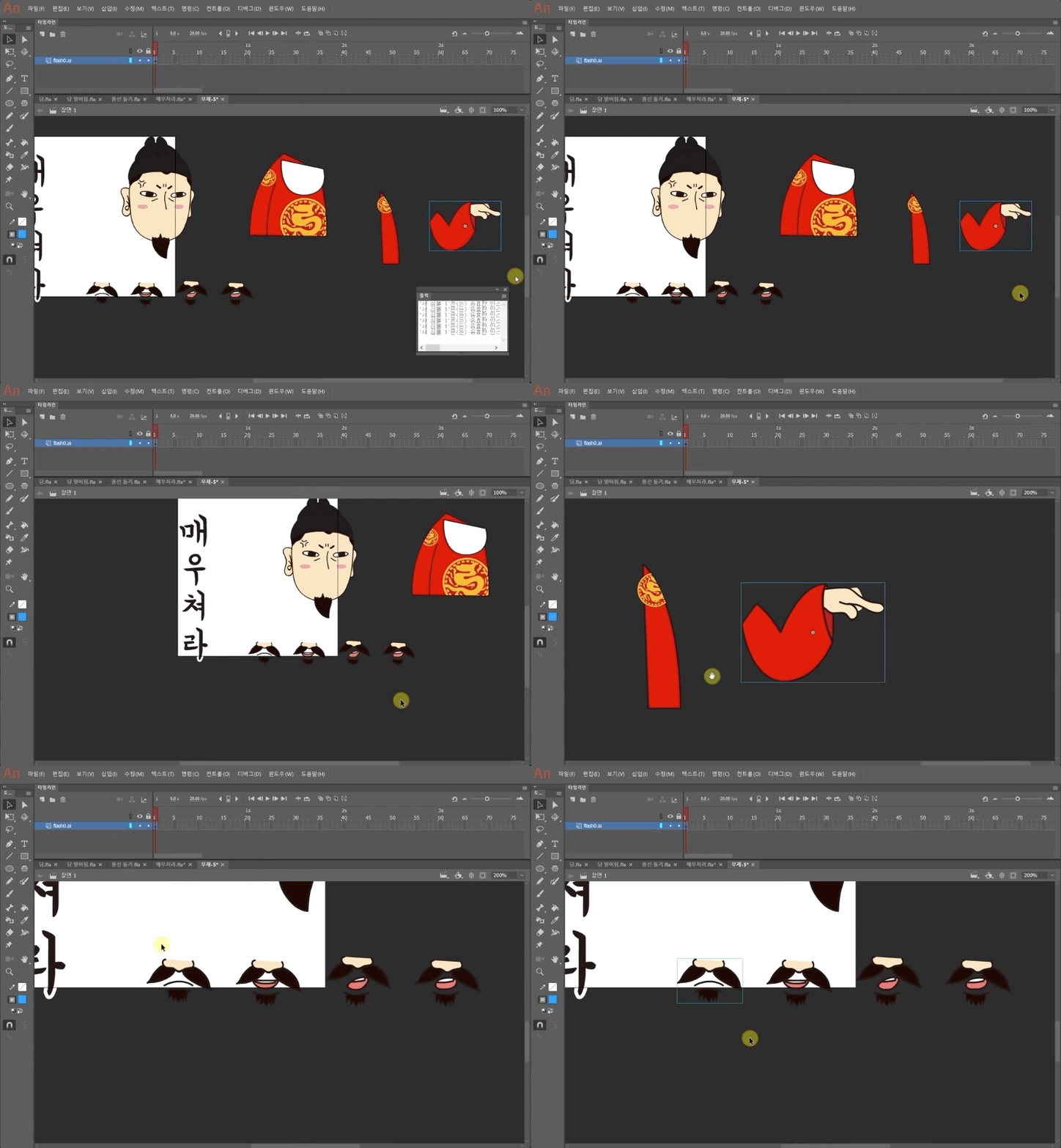
Animation Techniques Using Adobe Animate
How to create and sell emoticons tailored for the KakaoTalk and LINE platforms
- You can create animated emoticons.

SK Planet T Academy, Samsung SDS Multi Campus, Samsung sGen Club Intern Training, KT Econovation Smart School, D.Nomade, Seoul Institute of the Arts, Jeju National University, Seoul National University Dream Forge UX Design Mentoring, Smart Creative Center, Daegu (Gyeongsang), Wonkwang University, Jeonju/Incheon/Busan Promotion Agency, POSCO/Hanwha UX Employee Training, Korea Housing Finance Corporation, Incheon Design Center, Chungbuk Knowledge Industry Promotion Agency, Bucheon Cartoon & Animation Agency
Currently Design Director at Soft Campus Co., Ltd. / Design Team Leader & PM at MDF <Mobile Dream Factory> / PM at AZ project, Technical Director at Mojitok/IF
▶ Books: Eye-catching Smartphone App UX/UI Design (Wikibooks) / Mobile GUI Design, Photoshop Skill-up (T Academy) / Making Money with Emoticons (Hanbit Media)
Who is this course right for?
People interested in creating emoticons
People who want to learn digital art and animation
People who want to sell emoticons on KakaoTalk and LINE
Those who want to master design skills using Adobe software

17,382
Learners
846
Reviews
599
Answers
4.7
Rating
49
Courses
Soft Campus is an education center that supports online and offline lectures and content sales.
For inquiries regarding AI-related fields and the purchase of various lectures and content, please contact us at raputa@nate.com or by phone at 02-553-0824.
Thank you.
Co-instructor

All
40 lectures ∙ (7hr 27min)
All
20 reviews
4.9
20 reviews

Reviews 1
∙
Average Rating 5.0
Reviews 3
∙
Average Rating 5.0
Reviews 8
∙
Average Rating 5.0
Reviews 5
∙
Average Rating 5.0
5
The course was really helpful It was really helpful from the concept of moving emoticons to writing them From the basics to how to use tools and key shortcuts The explanations are easy to understand without unnecessary details. Personally, what I regret is that I am almost a beginner in using Illustrator It would have been more helpful if there were 1 or 2 examples of drawing in Illustrator Most people who are good at drawing will try to make emoticons, but for beginners like me, I hope you can add a course that explains 1 or 2 of the drawings you drew. I am especially curious about the scene with the swivel chair. I wonder what criteria you used to create the scene. I wonder if you made it one by one or copied the basic one and modified it a little bit, and how you made it. If you have time, please give me a supplementary course.
Reviews 1
∙
Average Rating 5.0
Check out other courses by the instructor!
Explore other courses in the same field!
25% off for new members
$8.80
25%
$8.80

















![[Master] Solid Basics After Effects CC CourseCourse Thumbnail](https://cdn.inflearn.com/public/files/courses/333257/cover/ai/2/cc466790-af2d-4198-b5e8-1795be65e85a.png?w=420)