Summary of the key points of efficient Excel usage desired by companies
How to vlookup data scattered across multiple files without moving the sheet? How to add data that is not in the original data to the pivot table? How to merge files in one folder at once? How to process more than 100 million data in a worksheet? If you can't think of an answer, take this course.
Intuitive Excel work processing ability that does not require memorizing functions
Ability to easily handle and analyze data through pivot tables.
Ability to write useful reports using various formats
For those of you who know Excel but are slow at getting work done Efficient Excel Tutorial! 📈
🔷 Please check before taking the class!
As this is a hands-on lecture, we recommend using dual monitors or an extra device to separate the lecture and hands-on screens.
Since the training will be conducted based on Windows OS, we recommend taking the course in a Windows environment.
We recommend taking this course if you have basic knowledge of Excel, but anyone who uses Excel for work can also take this course.
I recommend this to these people 💁🏻♂️
Minimize the use of complex functions Those who want to use Excel
More than 100 million data Those who want to process with Excel
Simple but effective Anyone who wants to write a report
Reduce repetitive tasks to be more efficient Anyone who wants to work with Excel
efficiently Learning Excel 😄
This course is for those who, despite knowing the basics of Excel, find themselves slow and frustrated by repetitive tasks and slow processing times. Many companies use Excel routinely for data processing and reporting, but because they often learn from their superiors, they often end up repeating inefficient methods. For those of you who have memorized countless functions, built complex formulas, and kept a mouse pad with Excel shortcuts in your office for quick access, we'll show you a new paradigm for Excel work.
A sneak peek into the lecture 👀
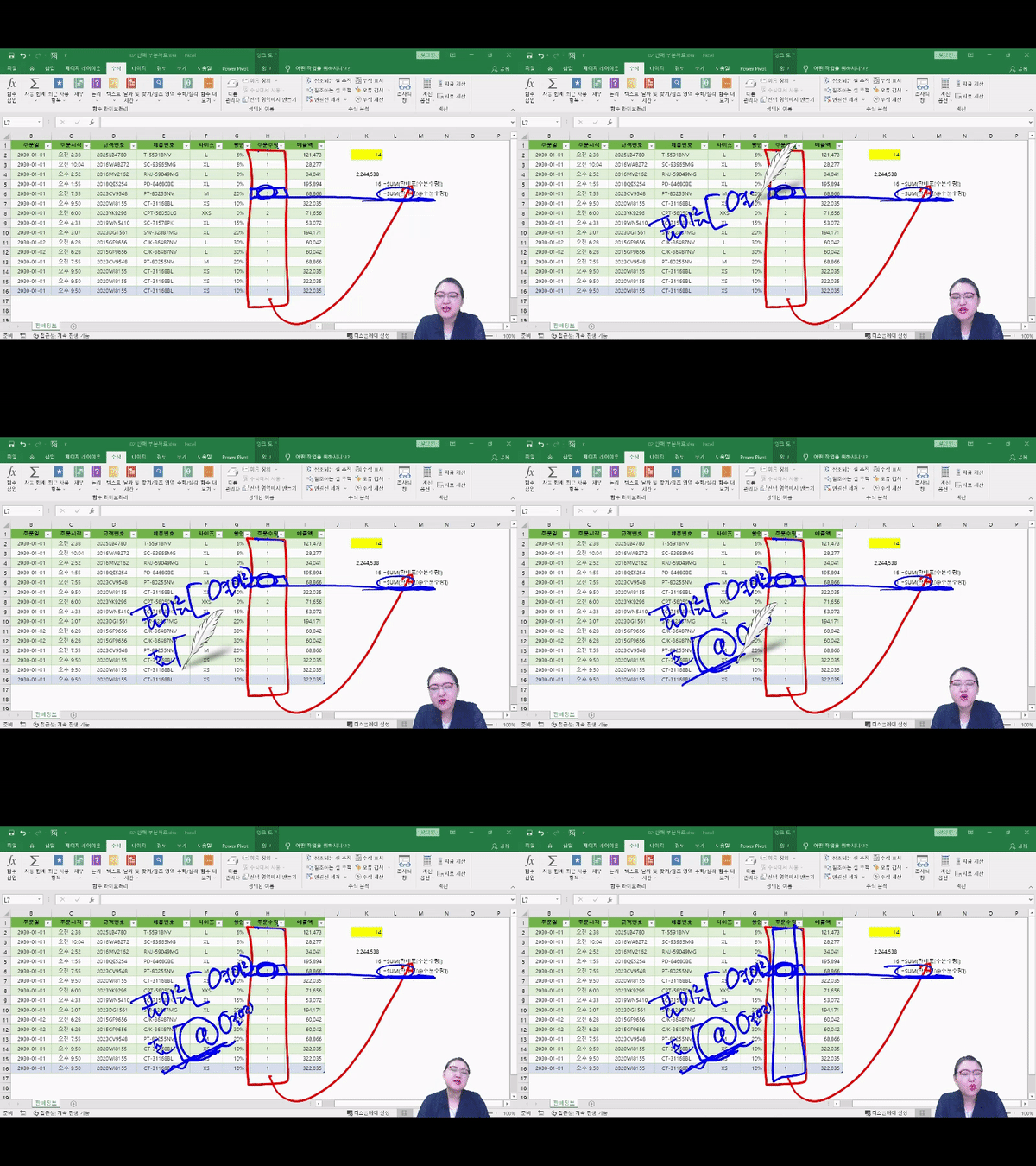
1. Overcoming static scope Excel's default tables are called "static ranges." While useful, static ranges have some limitations. To overcome these limitations, we'll cover various ways to manage and select data in a worksheet, including the benefits of using tables, which are dynamic ranges, and how to reference tables structurally.
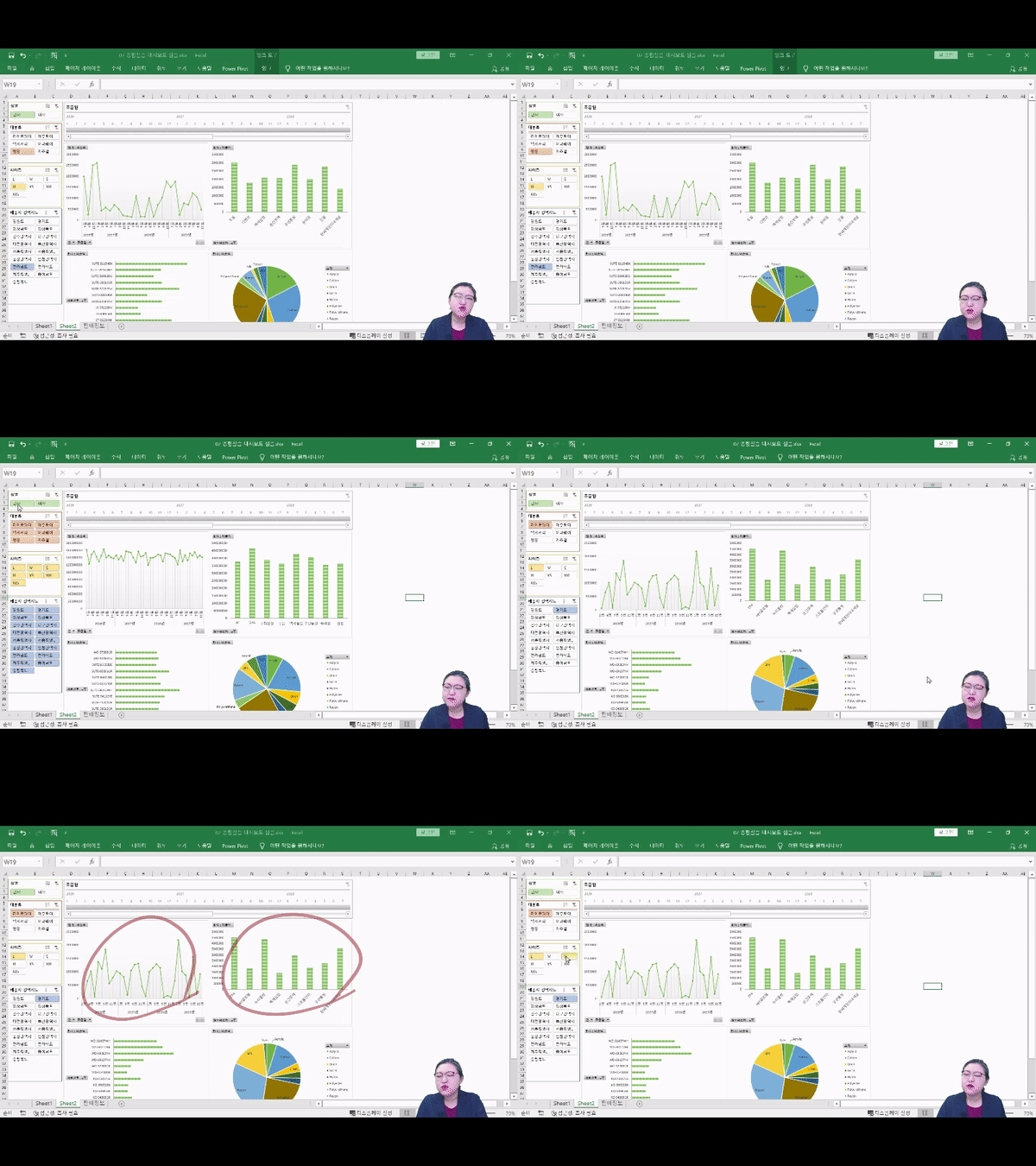
2. Flexible data management with pivot tables PivotTables allow you to gather, process, and filter scattered data to find the values you want. Then, process the data as desired and create pivot charts for efficient visualization!
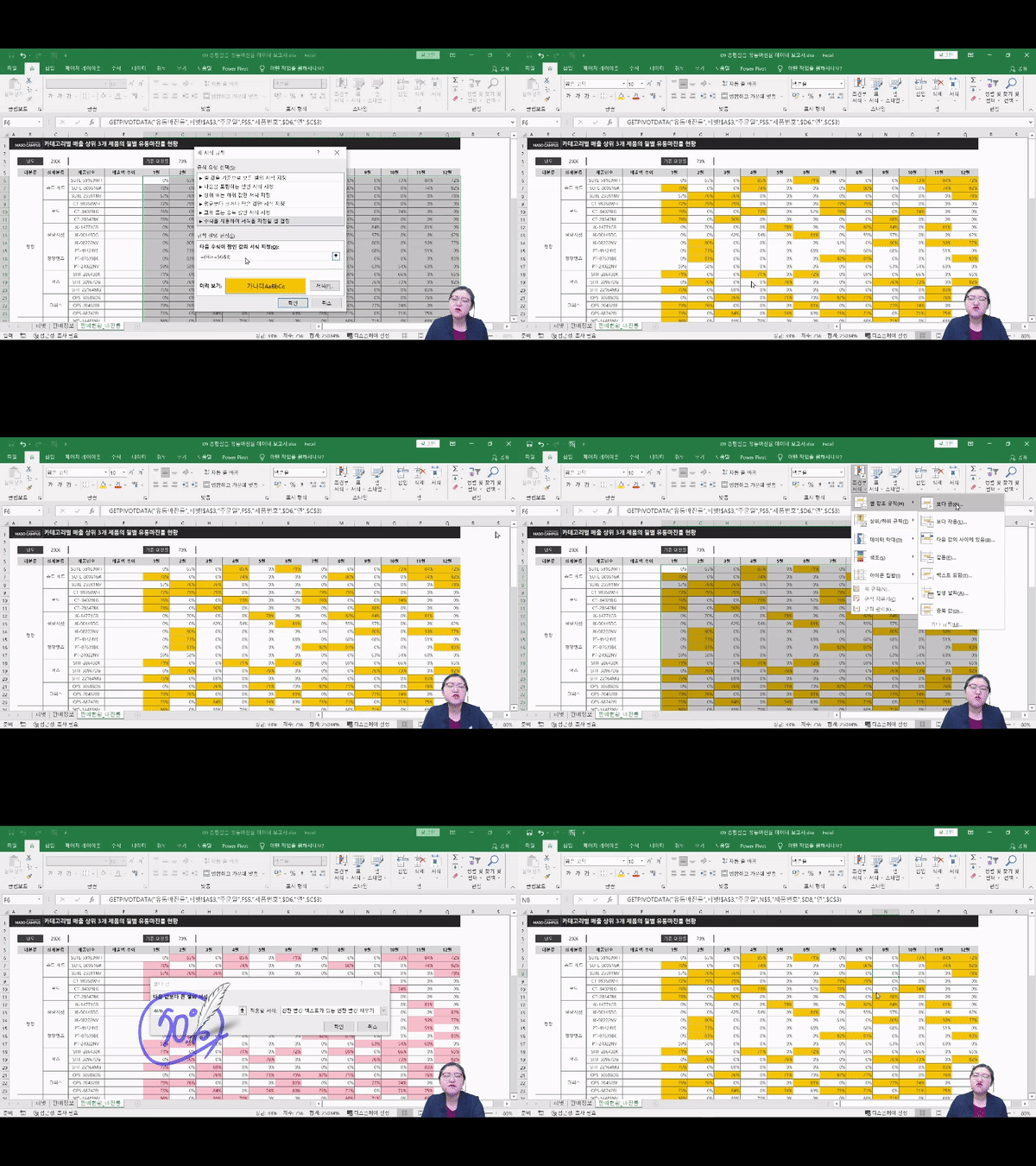
3. Create a variety of useful reports Through hands-on practice creating a variety of reports that are highly useful for corporate data processing, including data validation, data bars, conditional formatting based on logical conditions, getPivotData, cell formatting, sparklines, report linking, and references, you can understand how to utilize each feature in real-world cases.
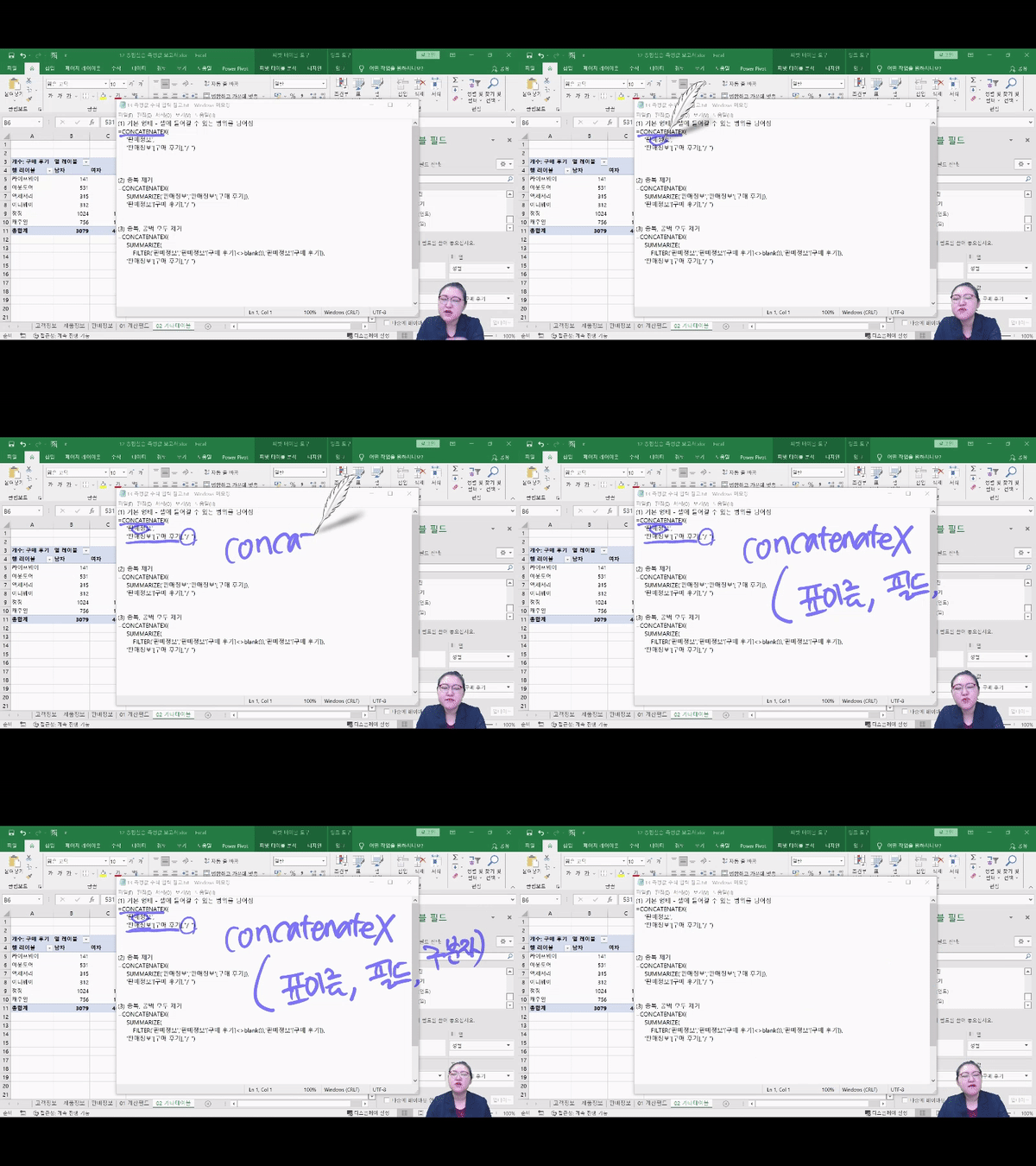
4. Use every Excel function wisely. We will show you the ultimate in Excel functionality, including how to import data split into multiple files into one file, how to load over 100 million data items into a worksheet, how to freely change whether or not data is displayed in a worksheet, how to organize the structure of data into a pivot table suitable for use with just a few mouse clicks, and how to use Excel's artificial intelligence function to create the desired results without a single function.
Lecture Features ✨
Through this course, you will learn and master what it means to truly utilize Excel beyond simply repeating shortcuts and functions .
STEP 01. The Core of Data Practice: Data Processing
Data management is a crucial need for modern workers! Escape complex processes and tools, and easily manage and analyze data with Excel.
STEP 02. Write a practical report
Let's create a simple visualization and report using the acquired data.
STEP 03. Automatically solve difficult data tasks.
Crawling, handling large amounts of data, and restructuring data can be automated and entrusted to AI without using complex and tedious functions.
💡 After attending the lecture!
The concept of range in Excel data: Using dynamic ranges beyond the static concept of basic tables.
Using Pivot Tables: Easily process and manipulate data to create the format you want.
Easily create a variety of reports: The ability to visualize data and create reports tailored to your needs.
Automation and Advanced Features: Use Excel's AI capabilities and large-scale data processing capabilities.
What you'll learn 📚
#1. Using a table Managing Raw Data
#2. With sales data Create a responsive dashboard
#3. Fits my desired conditions Create a data report
#4. In the pivot table values Show customer reviews
Expected Questions Q&A 💬
Q. Is prior knowledge of Excel required?
Since this course will involve hands-on Excel analysis, we recommend taking Maso Campus' "Data Science Introductory Bootcamp," which will help you develop basic Excel skills and fundamental knowledge of data science.
Q. Are there any requirements or prerequisites for taking the course?
Since this is a hands-on course, we recommend bringing a dual monitor or a spare device that allows you to separate the lecture and practice screens. Furthermore, since the practical training will be conducted on a Windows OS, we recommend taking the course in a Windows environment.
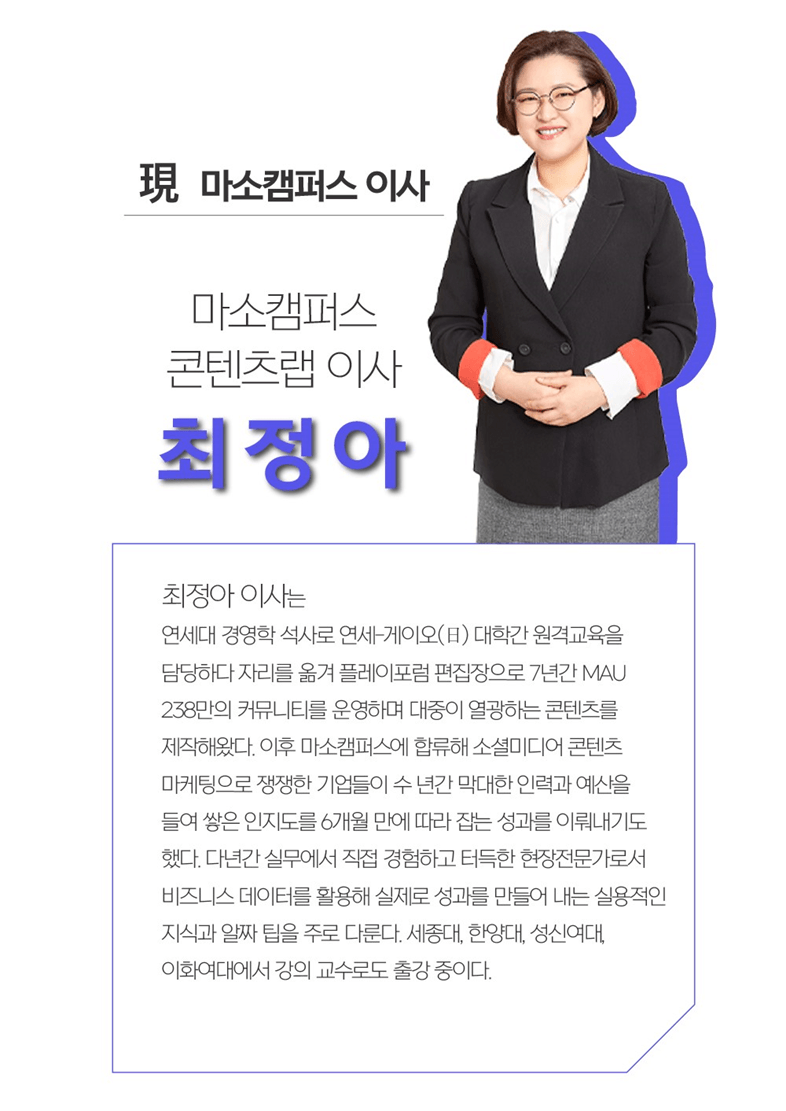
Introducing the Knowledge Sharer ✒️
Recommended for these people
Who is this course right for?
For those who want to utilize Excel by minimizing the use of complex functions
For those who want to process more than 100 million data in Excel
Anyone who wants to be recognized for writing simple but effective reports
For those who want to reduce repetitive tasks and perform more efficient Excel work






























![[Star Instructor Teacher Choi] The Standard for Passing Quickly|ITQ Excel MasterCourse Thumbnail](https://cdn.inflearn.com/public/files/courses/343264/cover/01kxzse3ftyrhrd3te3b03e3ch?w=420)



![[Pass ITQ Excel A in One Go] in 3 daysCourse Thumbnail](https://cdn.inflearn.com/public/courses/329652/cover/b44e11b6-a47e-4993-86ea-a85da9836bb5/329652-eng.png?w=420)