강의

멘토링

커뮤니티

BEST
Productivity

/

Office

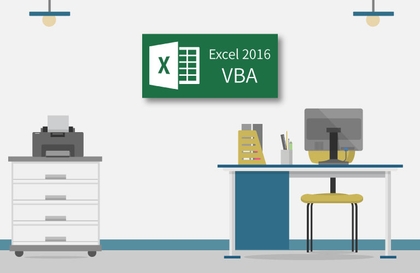
Complete mastery of Excel macros and VBA from basics to practical use

Automate complex tasks in a snap! Excel macros and VBA, from basics to practical use!

(4.8) 142 reviews

970 learners

Level Intermediate

Course period Unlimited

  • onwings
Business Productivity
Excel
Excel
VBA
VBA
Business Productivity
Excel
Excel
VBA
VBA

Reviews from Early Learners

Reviews from Early Learners

4.8

5.0

최수완

62% enrolled

Really explains VBA from the basics, and when I don't understand something after listening, I Google it and ask GPT if my understanding is correct, which gradually broadens my perspective. I thought it would be difficult to master VBA with just one course, so I was looking for a course that would build a solid foundation, and I'm glad this course leads me in the direction I was hoping for.

5.0

hjlove

100% enrolled

It's so easy to understand, I think I'll be able to apply it to my work!!!

5.0

오세린

100% enrolled

It was such a new world that I regret not having just come across VBA. You answered my questions quickly and it was so great. I will have to retake the course again. Thank you!!

What you will gain after the course

  • Learn the basics necessary to use macros and VBA

  • Create a task automation program using automatic macros

  • Create a program that automatically edits RawData and retrieves data

  • Create a program to separate data into sheets and files

  • Handling core control statements that control program execution

  • Create a program that automatically issues certificates by searching with ActiveX controls

Lecture Introduction

Excel users are not programmers, so if you try to learn Visual Basic* syntax from the beginning, you'll get tired and easily give up . By making it possible to access macros using Excel's built-in features , you can easily learn macros step by step .
(* Visual Basic: Windows application development language developed by MS Soft )

Macros are a feature for creating programs in Excel, and those with programming experience can easily access them. However , for general Excel users without programming experience, they can't help but feel like they're in a completely different field from Excel .


This course is designed to teach Excel users how to use macros from the basics to their applications, allowing them to easily learn macros and create their own VBA programs . It consists of the most useful and highly applicable examples that can be used in representative departments within a company.

Lecture Structure

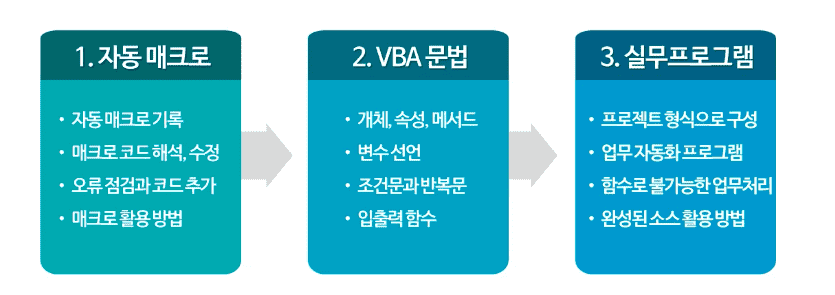
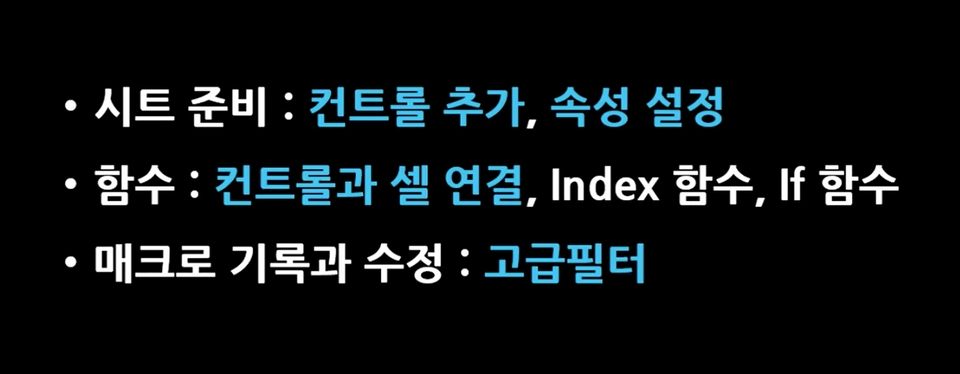
1. Learning the basics essential for using macros and VBA

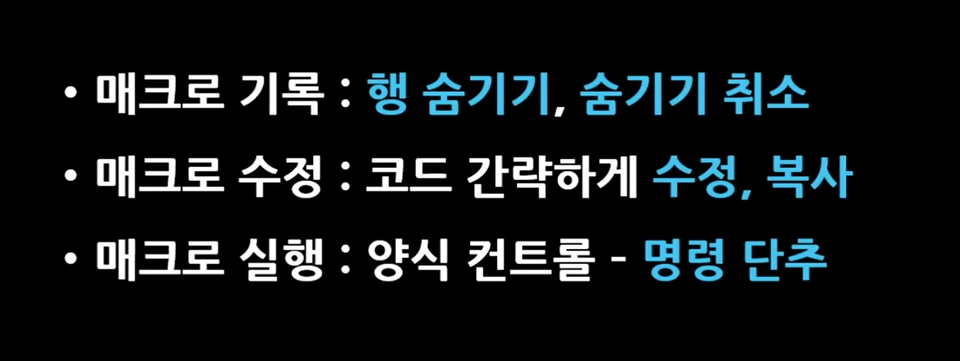
2. [Project Example 1] Creating a program that displays only the performance of selected business units.


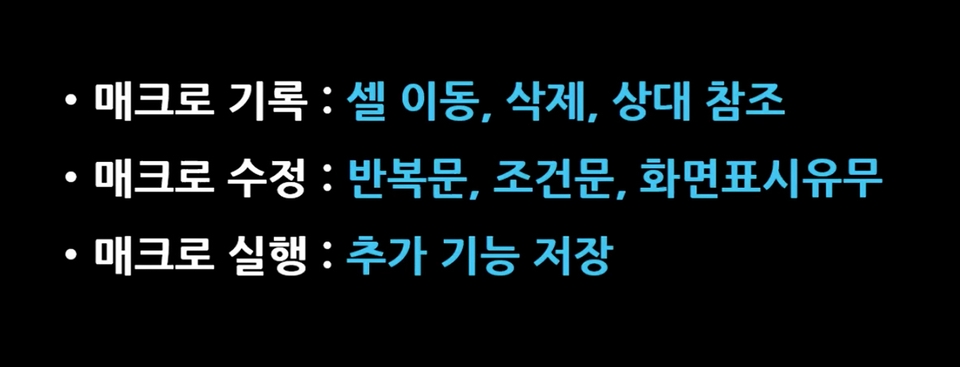
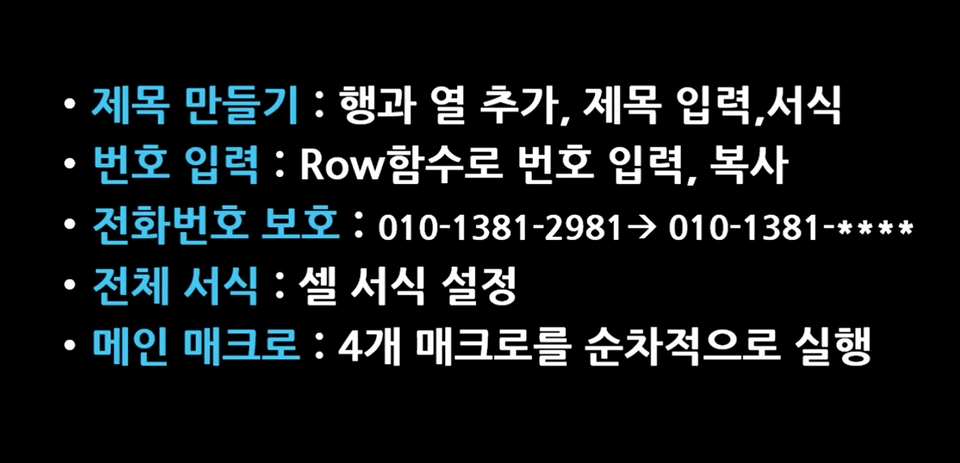
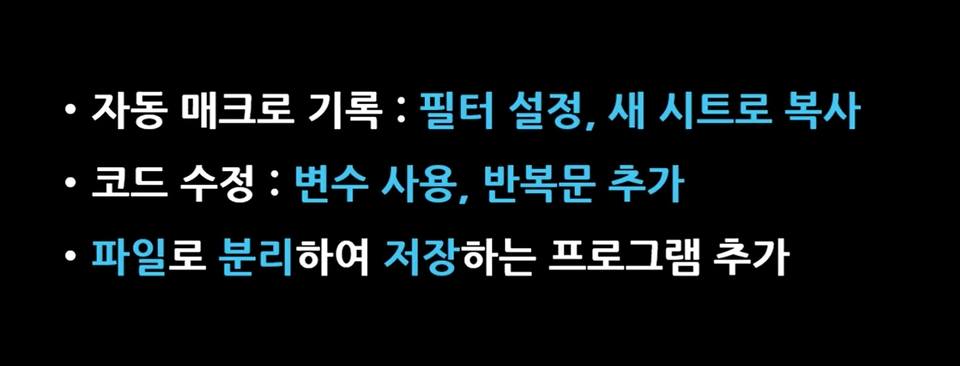
3. [Project Example 2] Creating a program that automatically edits raw data.

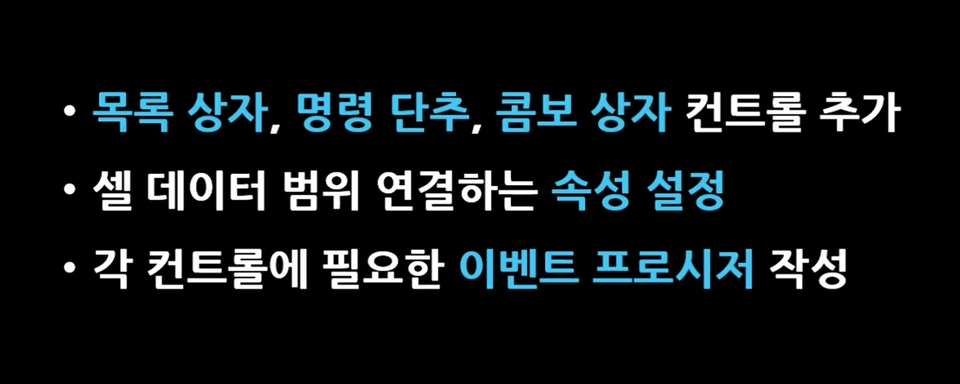
4. [Project Example 3] Creating a Data Retrieval Program Using Form Controls

5. [Project Example 4] Creating a Program to Automate Data Editing and Formatting

6. Learning the grammar required for VBA coding

7. [Project Example 5] Creating a practical program to separate data into sheets and files

8. Learning core control statements for program execution control

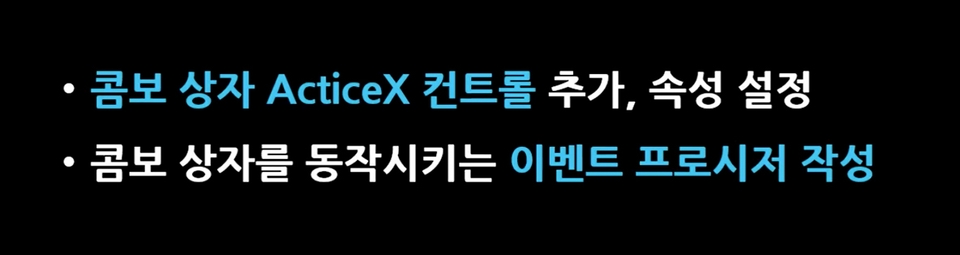
9. [Project Example 6] Creating an Employee Information Retrieval Program Using ActiveX Controls


10. [Project Example 7] Creating a Certificate of Employment Issuance Program Using ActiveX Controls

Tools covered here

All versions of Excel are available

Recommended for
these people

Who is this course right for?

  • Anyone who wants to automate simple repetitive tasks in Excel

  • For those who think that the basic functions or data analysis features provided by Excel are insufficient

  • People who are good at using Excel but have no experience in creating programs

  • Those who want to systematically learn Excel macros and VBA and create their own programs

  • Anyone who wants to do programming using Visual Basic in Excel

Need to know before starting?

  • Excel Basic User

Hello
This is

6,606

Learners

677

Reviews

162

Answers

4.9

Rating

6

Courses

Kim Kyung-ja / CEO of Compeople, Adjunct Professor at Yeonsung University, Excel Goddess (http://blog.naver.com/onwings)

While working at the LG Electronics Learning Center, I began my career in IT education. Currently, I deliver lectures at organizations such as Samsung Group, Kia Group, Udemy, the Financial Supervisory Service, Kim & Chang, and the National Human Resources Development Institute. I am the CEO of Compeople, a company specializing in IT and information technology training, and I also serve as an adjunct professor at Yeonsung University.


- Excel Data Utilization and Analysis for the Workplace (Hanbit Media, 2025)
- Surviving with Excel at the Workplace (Hanbit Media, 2023)
- Excel Practical Functions + Formulas (Hanbit Media, 2021)
- Excel Practical Macros and VBA (Hanbit Media, 2020)
- Excel Practical Data Utilization + Analysis (Hanbit Media, 2019)
- Excel 2016 Basic + Practical Completion (Booksholic, 2018)
- Practical Lecture on Excel Functions for Professionals (Hanbit Media, 2017)
- Excel 2016 Macros and VBA for Empowering Workplace Tasks (Jungbo Munhwasa, 2016)
- Excel Data Utilization + Analysis Immediately Applicable at Work (Hanbit Media, 2016)
- Excel 2013 Basic Practical Completion (Booksholic, 2014)
- Keynote & Numbers Step-by-Step (Gilbut, 2014)
- Excel 2010 Macros and VBA (Youngjin.com, 2012)
- Excel 2010 Basic Practical Completion (Booksholic, 2011)
- Excel 2007 Macros & VBA Basic + Practical (Sungan-dang, 2009)
- Excel 2007 Basic + Practical (Sungan-dang, 2007)
- Strong Practical Excel Macros and VBA (Cyber Publishing, 2005)

Curriculum

All

39 lectures ∙ (6hr 2min)

Course Materials:

Lecture resources
Published: 
Last updated: 

Reviews

All

142 reviews

4.8

142 reviews

  • ssch40840045님의 프로필 이미지
    ssch40840045

    Reviews 13

    Average Rating 4.9

    Edited

    5

    62% enrolled

    Really explains VBA from the basics, and when I don't understand something after listening, I Google it and ask GPT if my understanding is correct, which gradually broadens my perspective. I thought it would be difficult to master VBA with just one course, so I was looking for a course that would build a solid foundation, and I'm glad this course leads me in the direction I was hoping for.

    • hjlove4470님의 프로필 이미지
      hjlove4470

      Reviews 1

      Average Rating 5.0

      5

      100% enrolled

      It's so easy to understand, I think I'll be able to apply it to my work!!!

      • sroh8994님의 프로필 이미지
        sroh8994

        Reviews 1

        Average Rating 5.0

        5

        100% enrolled

        It was such a new world that I regret not having just come across VBA. You answered my questions quickly and it was so great. I will have to retake the course again. Thank you!!

        • nahv5972님의 프로필 이미지
          nahv5972

          Reviews 2

          Average Rating 5.0

          5

          100% enrolled

          The instructor's teaching skills are really great. Thanks to the great explanations, I was able to get started well~!^-^

          • fmlejl6009님의 프로필 이미지
            fmlejl6009

            Reviews 1

            Average Rating 5.0

            5

            41% enrolled

            The lecture content is easy to understand and the pronunciation is accurate, so it goes right into my ears. After I finish this lecture, I will have to take other courses.

            $42.90

            onwings's other courses

            Check out other courses by the instructor!

            Similar courses

            Explore other courses in the same field!