Figma UI3 Basics + Practical Skills Solid Ultra-Fast Completion Course
jyoung

It is structured so that you can systematically, easily, and quickly complete the course from basics to practical application using Figma UI3.

Beginner
Figma, ui


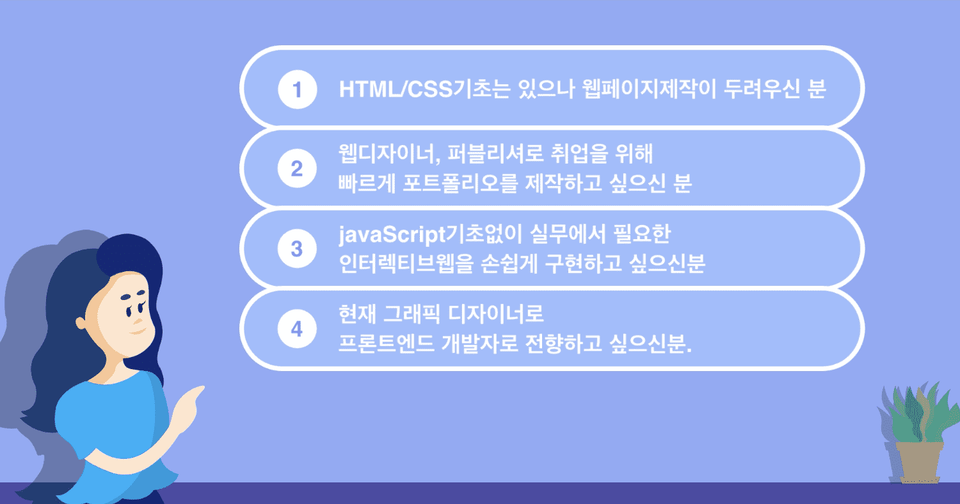
Even if you only know HTML and CSS,
Web page creation is OK!
UI/UX designers or those wishing to find employment as front-end developers must have at least 5–6 portfolios featuring web pages that reflect current trends.
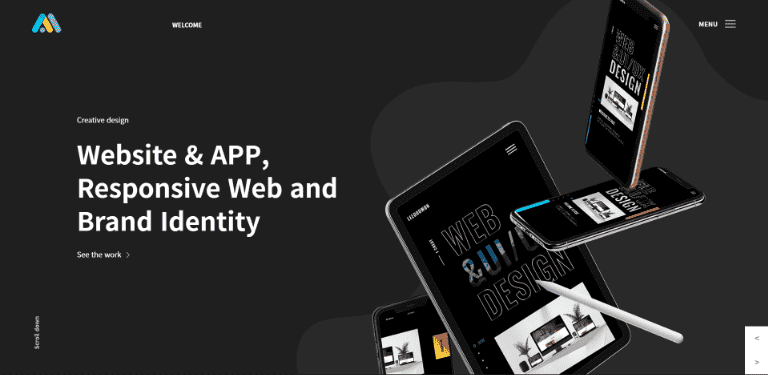
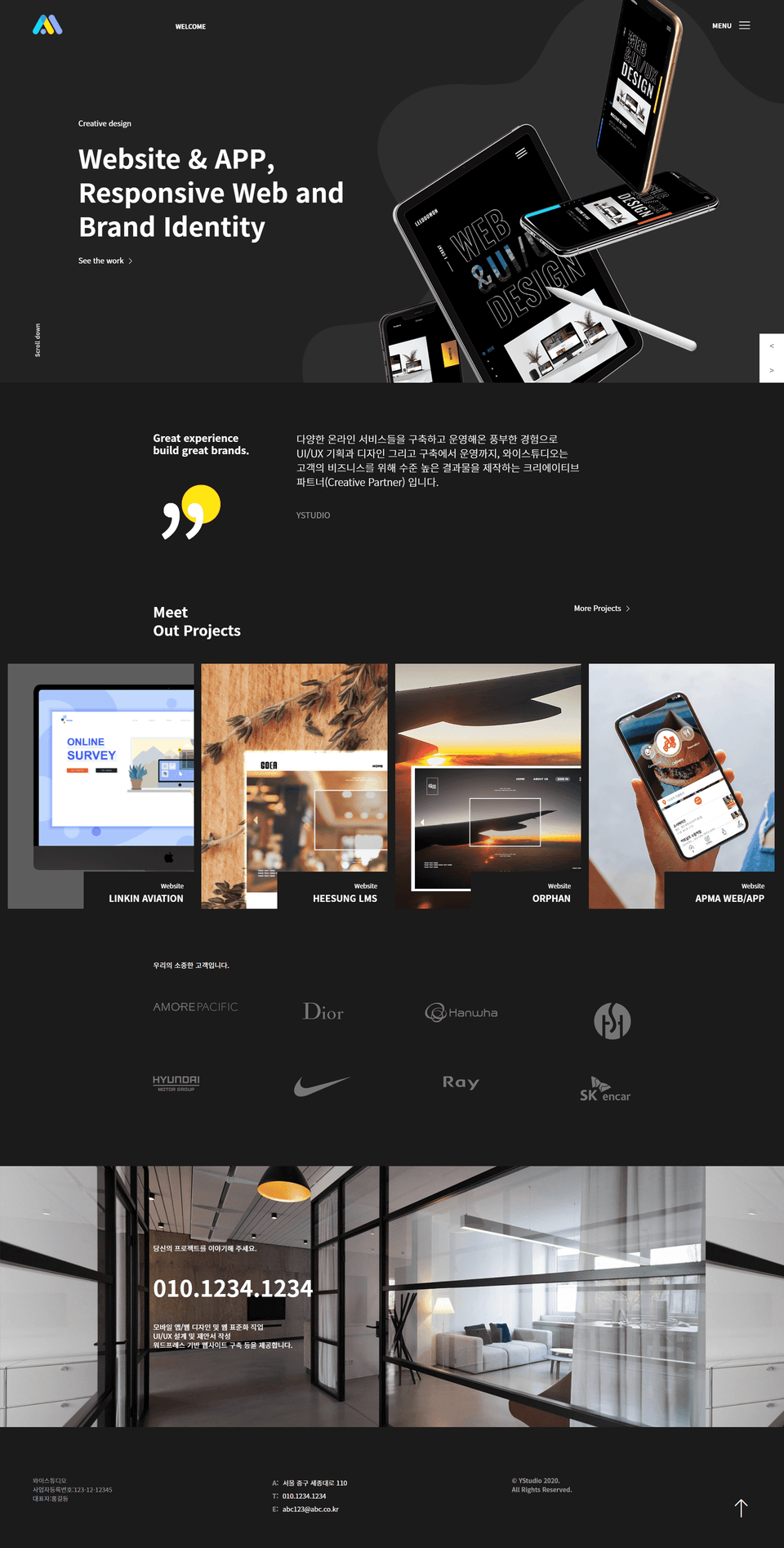
This course is about selecting and recreating websites that fit the 2020 trends, have excellent aesthetic elements, and are suitable for portfolio production among currently commercialized websites.
.
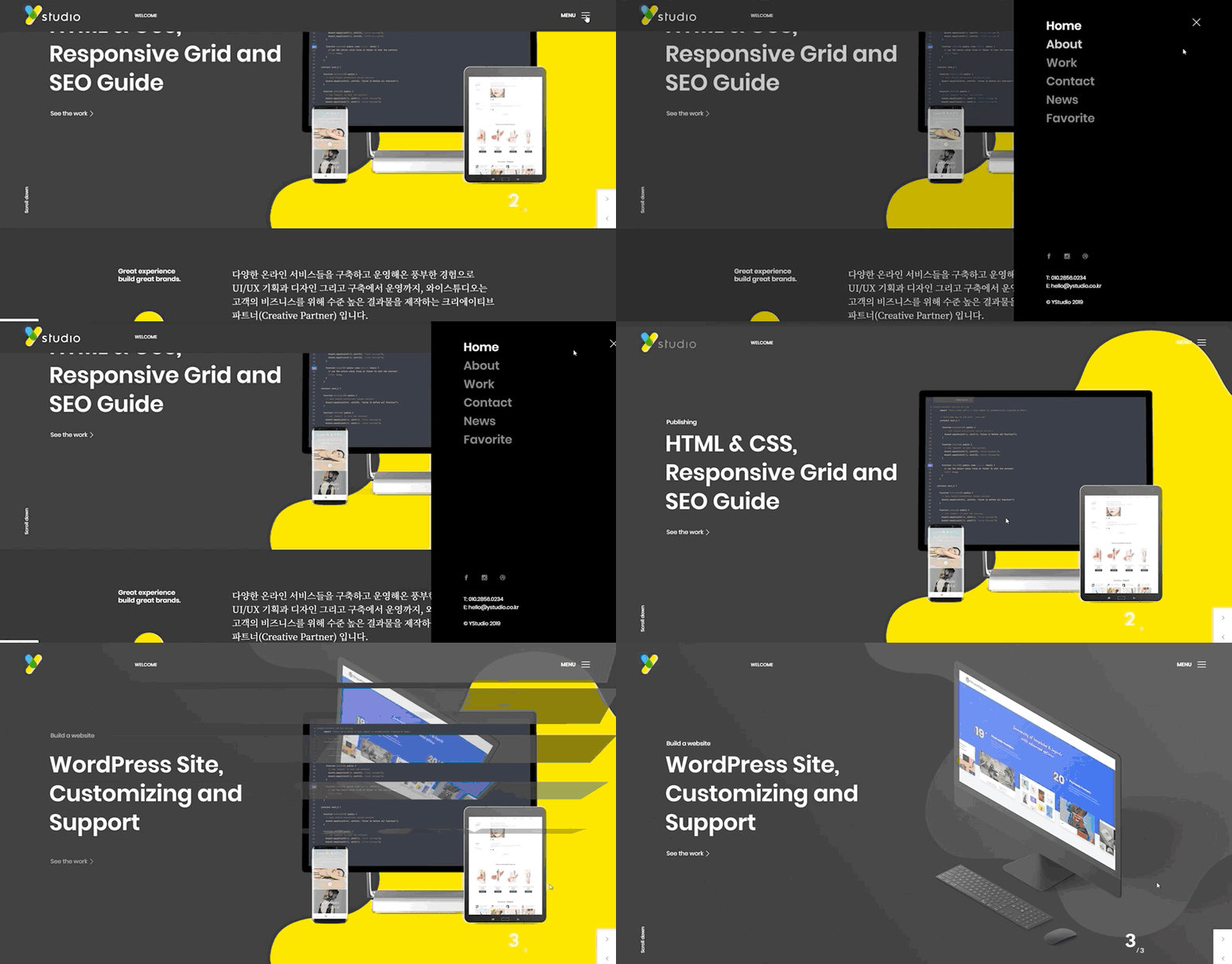
This course is designed for those with basic knowledge of HTML and CSS, and it proceeds by implementing an actual webpage exactly as it is.
Even if you don't know difficult javaScript and jQuery, we will help you create cool and flashy webpages in a short period of time using libraries and plugins based on HTML and CSS.
Step By Step!
Start right now.
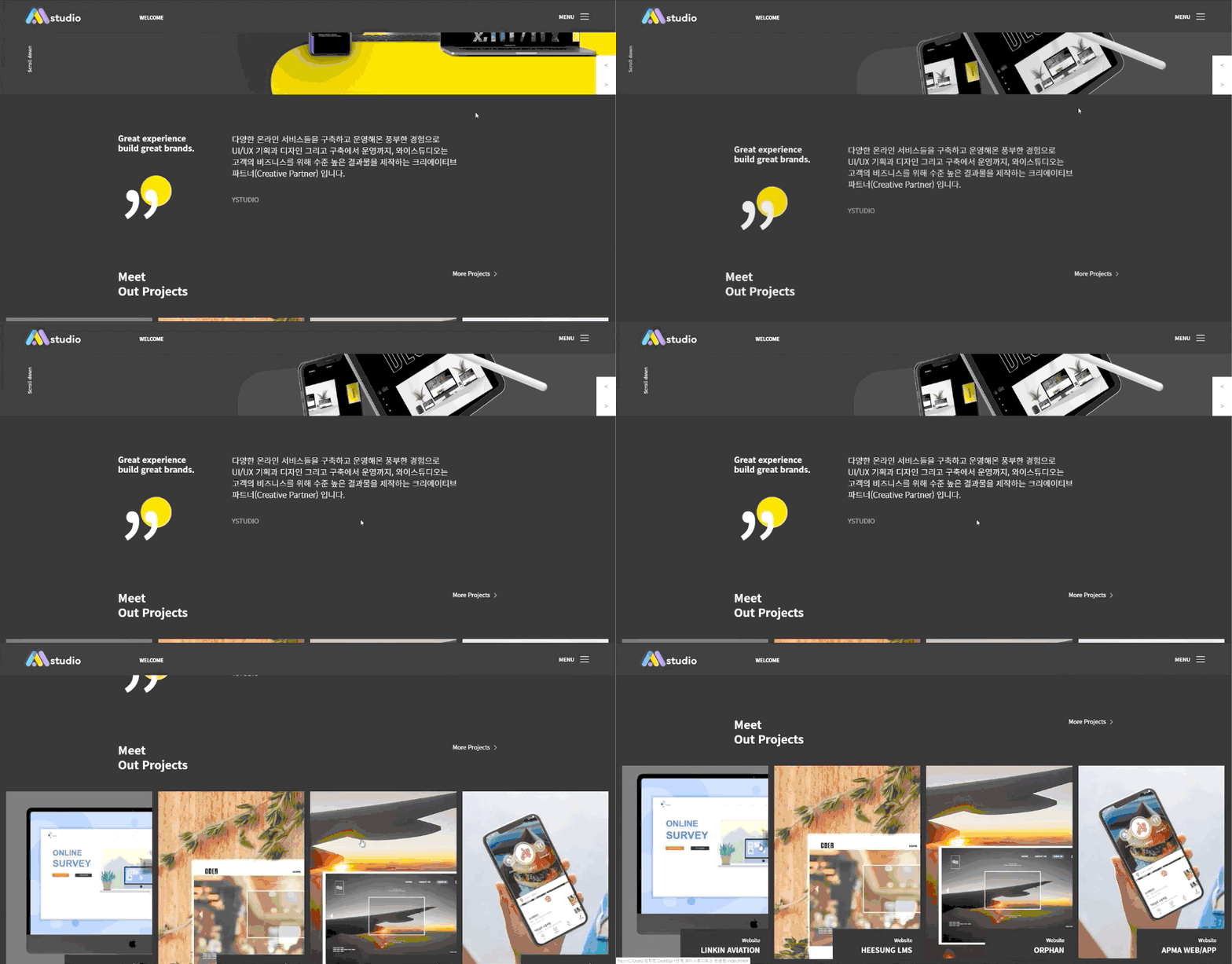
>> Responsive web page creation from PC mode to tablet and mobile modes (768px)
.gif?w=960)
>> Creating responsive webpages from PC mode to tablet and mobile modes (414px)
.gif?w=960)
>> Creation of responsive webpages from PC mode to tablet and mobile modes (320px)
.gif?w=960)
What you will gain
after the course :D

To create a webpage, HTML and CSS based accurate layout creation is the most important. Even if you know HTML and CSS but have no idea about Layout Design, if you diligently follow this course—which teaches everything thoroughly from the basics— you will soon find that you have built a solid foundation in layout production!
To increase work productivity, you must be able to implement interactive websites in a short time using libraries and plugins. In this course, you can thoroughly study everything from web page layout creation to responsive page production, and you will build web pages using scripts, plugins, and animations required in the field. As you consistently practice while following the lectures, you will find your professional skills leveled UP! UP!
A high-quality portfolio is one of the most effective tools for showcasing your professional capabilities and seizing new opportunities. As you practice while taking the course, you will build up your own portfolio. By consistently implementing web pages through this course and the subsequent website production practice courses, you will be able to complete a portfolio that will serve as your greatest weapon in your job search.
For smoother learning, if you join the Jalnan Web-D open chat room operated by J.young,
we will share essential tips and free webinar links related to Figma, UI/UX, coding, and portfolio creation.
- Open Chat Room Name: Jalnan Web Design
- Code: jyoung
1. Setting up the layout with HTML/CSS
- How to apply web font icons (Linearicons)
- How to apply web fonts (Google Fonts)
- Various mouse-over effects
- How to use developer tools
2. Simple jQuery Usage
- GNB jQuery that appears when clicking the hamburger menu
- Header jQuery that fixes to the top upon scrolling
- jQuery for smooth scrolling to the top when the "Go to Top" button is clicked
3. Applying various jQuery plugins to create web pages more simply and effectively
- Animations triggered by scrolling - How to apply and use options for the scrolla.jquery plugin
- Image slides with animations - How to apply and use options for the slick plugin
4. Configuring a Responsive Web Page
- How to use media queries
- viewport
Q1. Will this help with employment?
A1. A single image can be more impactful than a long piece of writing. If you create web pages while taking this course, you will be able to build a flashy portfolio that catches the eye of hiring managers, which will be a great help in getting a job.

After this lecture, 10 website production lectures with different design styles and moods
will be opened sequentially.
Students preparing their portfolios should refer to this to create high-quality web pages together.
html, css, html/css, website, website, coding, coding, jquery, jquery, layout, interactive web, interactive web, web design, web design, portfolio, publishing






![Responsive Web Development Using Bootstrap [Basic Concepts] BootcampCourse Thumbnail](https://cdn.inflearn.com/public/courses/333092/cover/5a3043a4-fc2d-4b25-9096-306c8f707b5b/333092.jpg?w=420)
![Modern Web Interactive CSS3 Bootcamp [Full vers.]Course Thumbnail](https://cdn.inflearn.com/public/courses/334857/cover/4ccc6c75-74aa-4aba-b3d9-8aabe36e9452/334857.jpg?w=420)




![Spring Framework in my hands [Spring 2]Course Thumbnail](https://cdn.inflearn.com/public/courses/329630/cover/e05f1532-5d1d-440e-be03-c21c42cd5566/329630-eng.png?w=420)


![A Solid Front-End Bootcamp for Full-Stack Developers (HTML, CSS, Vanilla JavaScript + ES6) [Full-Stack Part 2]Course Thumbnail](https://cdn.inflearn.com/public/course-326306-cover/4ea213de-f786-4af1-a9d0-b8932263885a?w=420)