There aren't many lectures that focus solely on NonPy, so this lecture was very helpful because it gave me a general understanding of NonPy before taking the Pandas lecture!
5.0
Jong Tae Park
94% enrolled
While working with Pandas, you have clearly grasped the concepts related to NumPy that I have always been confused about in a short period of time. Pandas and other data science libraries are based on NumPy, so I think it is something that we really need to take a good look at. Thank you.
5.0
백형준
35% enrolled
Since it was a free lecture, I naturally took it without any expectations... The explanation is good, the time is appropriate, the amount is long, and it's really good. I don't know if it's just this instructor, but I plan to purchase the next lecture through this verified instructor. There was a lot of controversy about the quality of the instructor at Fast Campus, but it could actually be better.
What you will gain after the course
Python Numpy Library
Python array data operations
Linear Algebra Numerical Operations
With NumPy, which makes it easy to handle multidimensional arrays Take your first steps into data science!
Lecture Topics 📖
NumPy?
NumPy, a Python library for handling large multidimensional arrays ! It can process large amounts of data at fast computational speeds.
NumPy is a representative Python library that serves as the foundation for data science, machine learning, and deep learning operations, along with Python Pandas, SciPy, Matplotlib, and Pytorch.
It is one of the libraries that enables numerical operations for processing large multidimensional arrays and matrix data in Python, and is implemented internally in the C language, so it minimizes memory usage while also providing very fast operation speeds.
So why use multidimensional arrays ?
Multidimensional array (ndarray)?
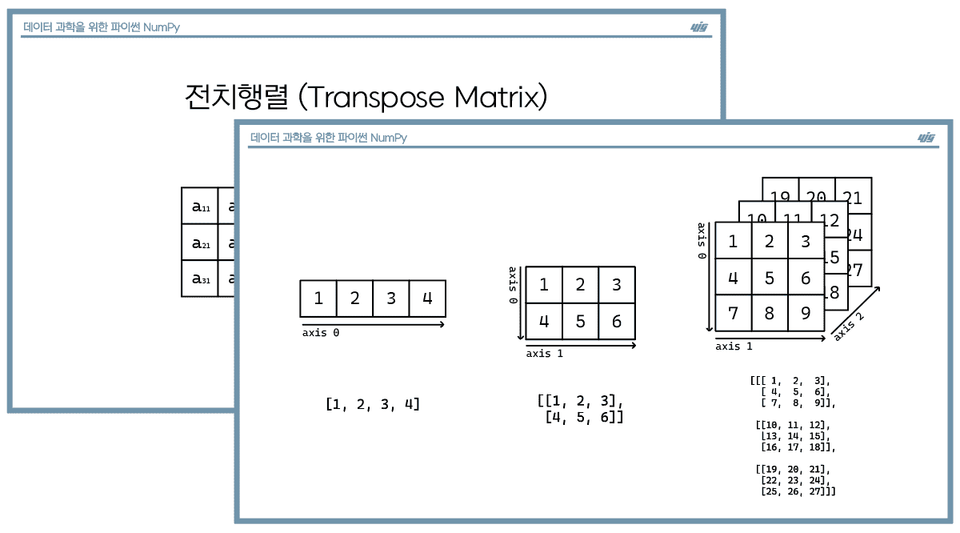
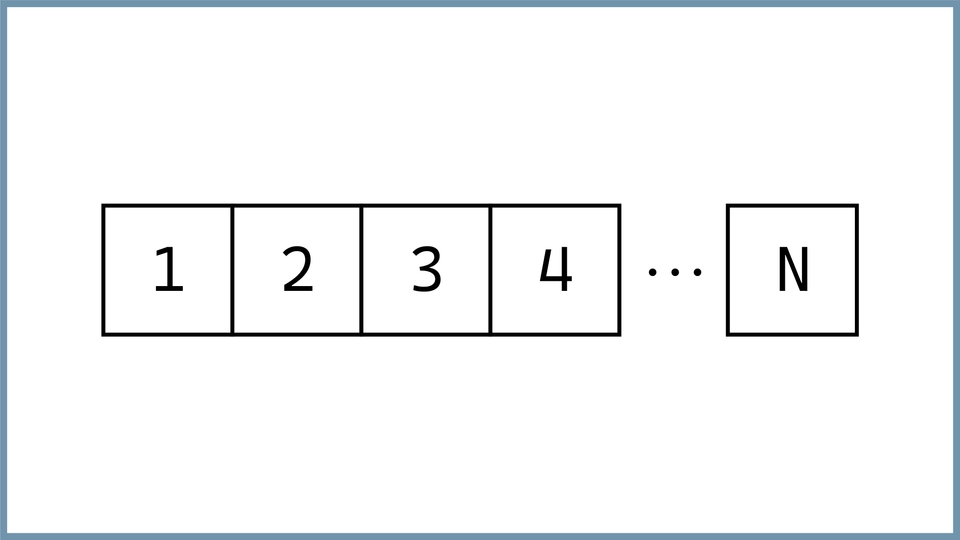
A multidimensional array is an array of elements. Having another arrangement, It means an array of two or more dimensions .
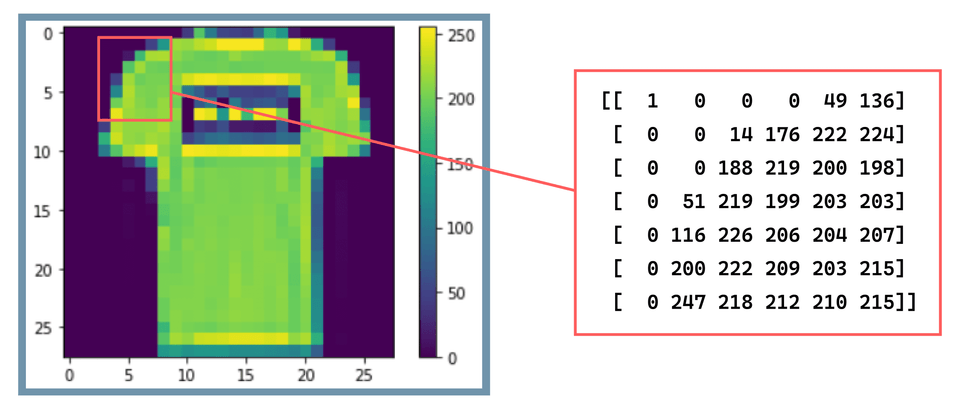
When processing data, it's stored as an array of numbers. When processing an image like the one above, the entire image is structured as a two-dimensional array of data, with each pixel being processed as a numeric value ranging from 0 to 255. This is because organizing data into an array is the most fundamental process for data processing .
Lecture Structure and Progress 🎢
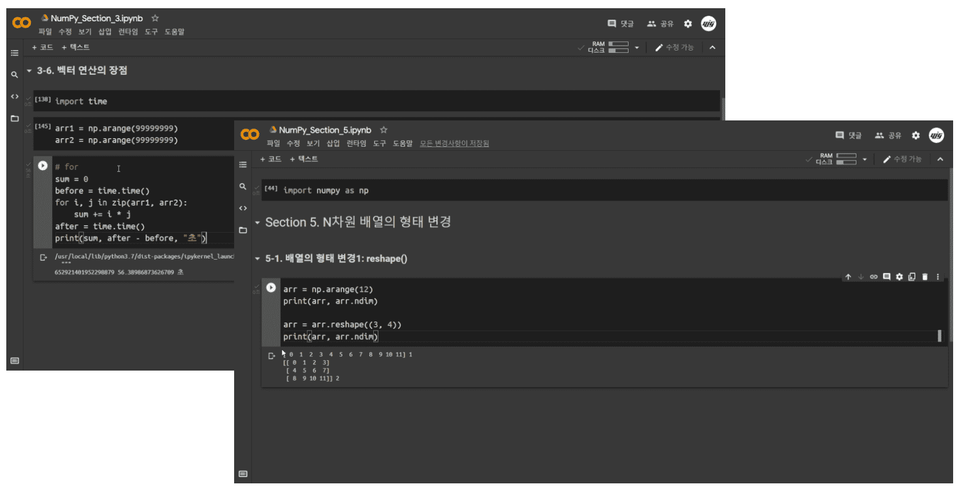
We will conduct hands-on training in Google Colab , a Python development environment for data science.
The course will be divided into seven sections, spanning approximately 30 lectures. Each section and topic covers functions available in the NumPy module, along with simple examples. Initially, you'll follow the example code and write your own, then use the practice files to fully review the material for the day. (The practice files are explained below.)
Difficult and unfamiliar linear algebra concepts are learned additionally through materials.
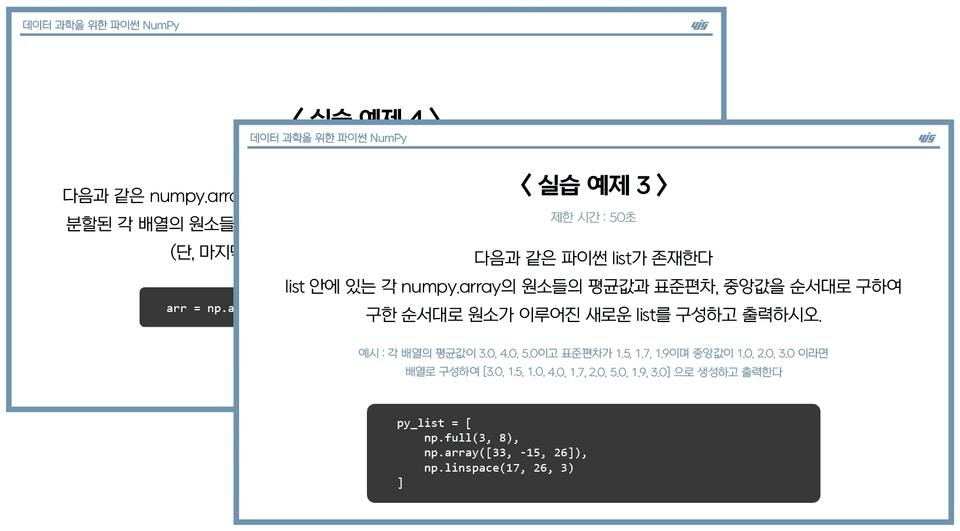
In the final section, we'll work through examples based on the theories and functions learned, strengthening our Python and NumPy library code writing skills. (Practical examples may be added in the future.)
From the top navigation bar, click File - Save Copy to Drive. This will save the file to your drive. The file name will end with "Copy of ~practical_yjglab.ipynb." You can use the file by deleting the "Copy of" part from the file name, excluding the file format.
This file lists the sections and subtopics in which the lecture was given. After attending the lecture, try writing codes that fit the topic based on what you learned that day. For example, if you learned about functions A and B in Section 2 today, you would write examples for each function without looking at the theory directly.
It's okay if you don't remember. Write down as much as you can, review the lecture material for any areas you missed, and check that the code examples you wrote align with what you learned.
Please check your player knowledge!
You should know basic Python grammar such as variables, lists, tuples, loops, and conditional statements.
What you'll learn 📚
Section 0. Getting Started with NumPy
Starting with a brief introduction to NumPy, we will set up a Python practice environment and then cover the basic concepts of N-dimensional arrays: arrays, axes, dimensions, matrices, and tensors.
Section 1. Creating an N-dimensional array (ndarray)
We'll cover how to create N-dimensional arrays in various formats, data types, and how to easily visualize your data.
Section 2. Indexing an N-dimensional array
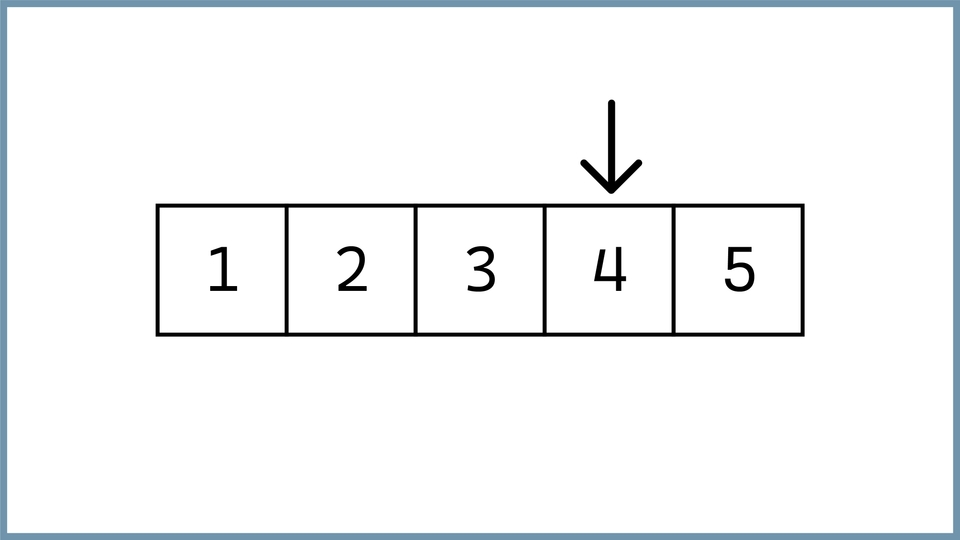
We will cover how to access values using array indexes and how to search through a specific range of values.
Section 3. Operations on N-dimensional arrays
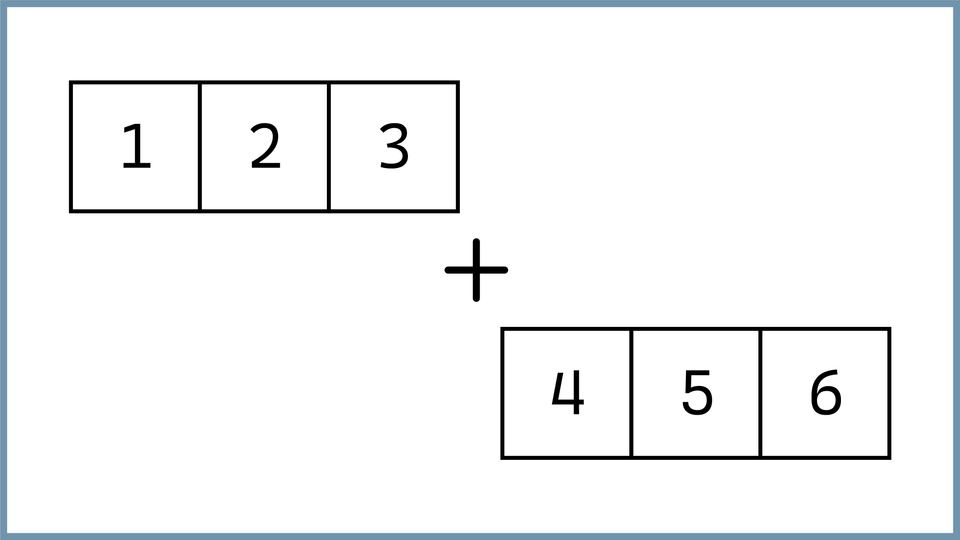
It covers basic operations such as matrix arithmetic, inner product operation, comparison operation, and broadcasting operation process.
Section 4. Sorting an N-dimensional array
We will cover how to sort the elements of an array according to their order.
Section 5. Changing the shape of an N-dimensional array
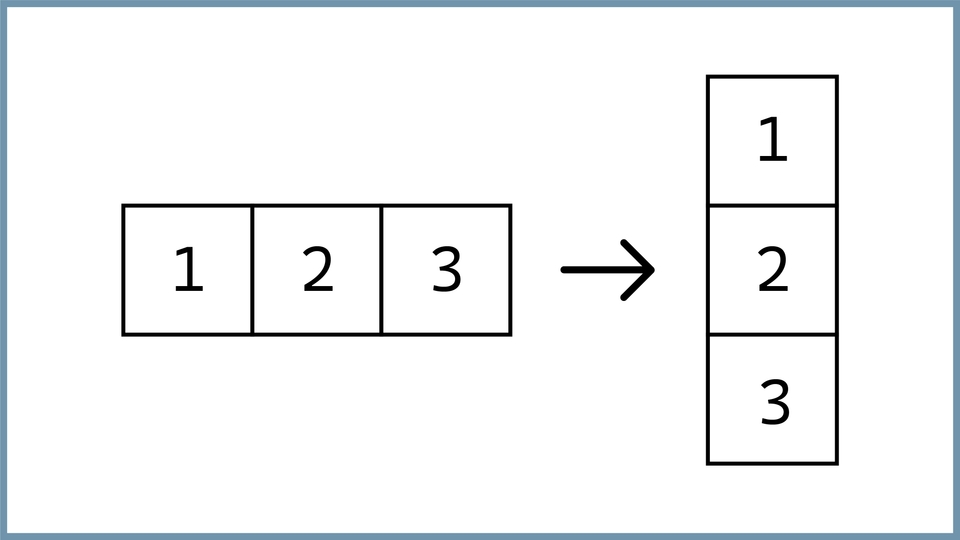
We cover how to change the shape of an array and expand or reduce its dimensions.
Section 6. Merging N-dimensional arrays
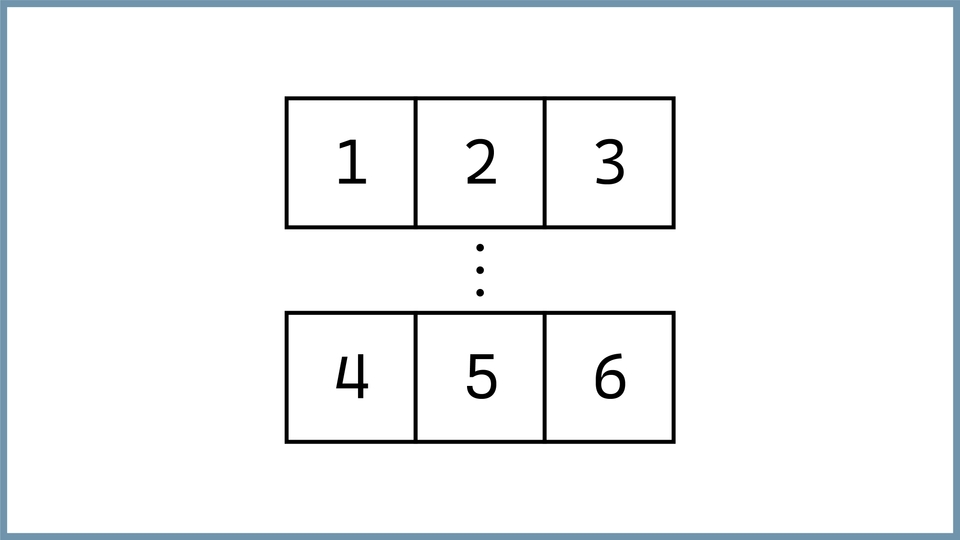
Covers how to add and delete elements from an array, and how to merge and split data.
Section 7. Practical Examples
Let's solve a practical example based on what we've learned.
Expected Questions Q&A 💬
Q. Can I take the course even if I don't know Python at all?
If you have an understanding of Python grammar, including variables, lists, tuples, loops, and conditional statements, you will be able to follow the lecture smoothly!
Q. Can I take this course even if I don't know linear algebra?
I will explain the basic linear algebra concepts that I think are essential for explaining functions, but I will not cover any other content!
Q. Can non-majors also take the course?
If you are familiar with the answers to the two questions above, you can listen without any difficulty!
Q. Is there anything I need to prepare before attending the lecture?
We recommend using the Google Chrome browser and you must be logged in to your Google account to use the Colab development environment!
Recommended for these people
Who is this course right for?
For those just starting out with Python
Anyone who wants to handle matrix data with Python
Since it was a free lecture, I naturally took it without any expectations... The explanation is good, the time is appropriate, the amount is long, and it's really good. I don't know if it's just this instructor, but I plan to purchase the next lecture through this verified instructor. There was a lot of controversy about the quality of the instructor at Fast Campus, but it could actually be better.
There aren't many lectures that focus solely on NonPy, so this lecture was very helpful because it gave me a general understanding of NonPy before taking the Pandas lecture!
While working with Pandas, you have clearly grasped the concepts related to NumPy that I have always been confused about in a short period of time. Pandas and other data science libraries are based on NumPy, so I think it is something that we really need to take a good look at. Thank you.
Hello, Jong Tae Park! I agree haha. The concept of the Numpy library should definitely come first to help you understand other libraries in this field! I'm glad my lecture was helpful. Thank you :)








![[Author-Led Lecture] Linear Algebra for AI Development with PythonCourse Thumbnail](https://cdn.inflearn.com/public/files/courses/343749/cover/01m31n81d7amdtg1vpnsa2dan0?w=420)