강의

멘토링

커뮤니티

Programming

/

Web Development

Creating a WordPress Blog for Google AdSense Revenue

Creating a WordPress blog where you can install Google AdSense ads! I'll cover everything from the Newspaper theme, perfect for a professional news outlet style, to the GeneratePress theme, the ultimate for a profit-generating blog.

(5.0) 10 reviews

150 learners

  • itconnect
wordpress
수익화
블로그
WordPress
Web Design
Responsive Web
HTML/CSS
PHP

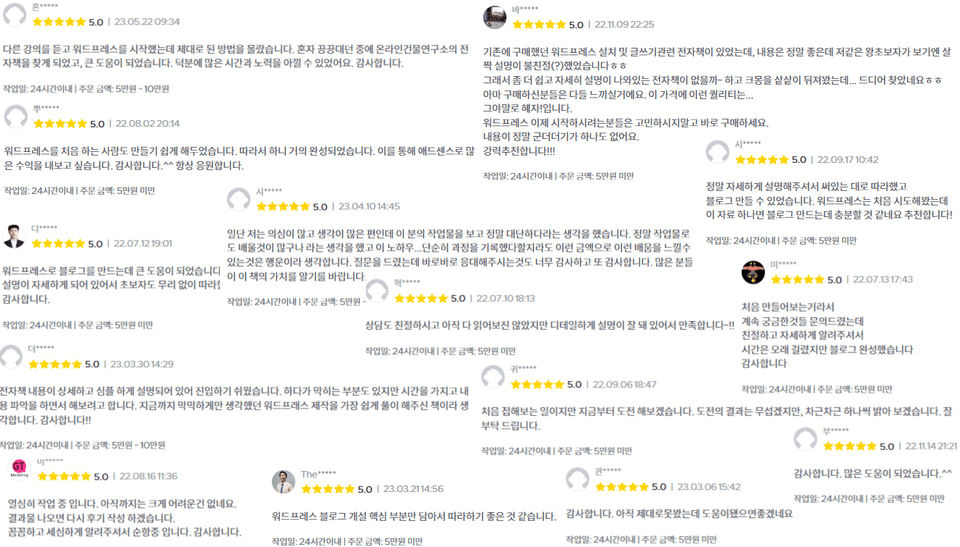
Reviews from Early Learners

What you will gain after the course

  • How to Prepare a Domain for Website Creation

  • WordPress Hosting Server Comparison

  • WordPress Website A to Z: Step-by-Step Guide

  • WordPress Optimization and Security Configuration Methods

  • How to set up Google SEO

  • How to insert Google AdSense ad code

  • Creating a "Professional Media Outlet" Blog Using the Newspaper Theme

  • Creating a "Profit-Generating Blog" Using the GeneratePress Theme

🤔

How to make money without capital

How to monetize differently from others

How Non-Developers Make Money with Their Website


If you are curious about how?

Check it out below!

🏢

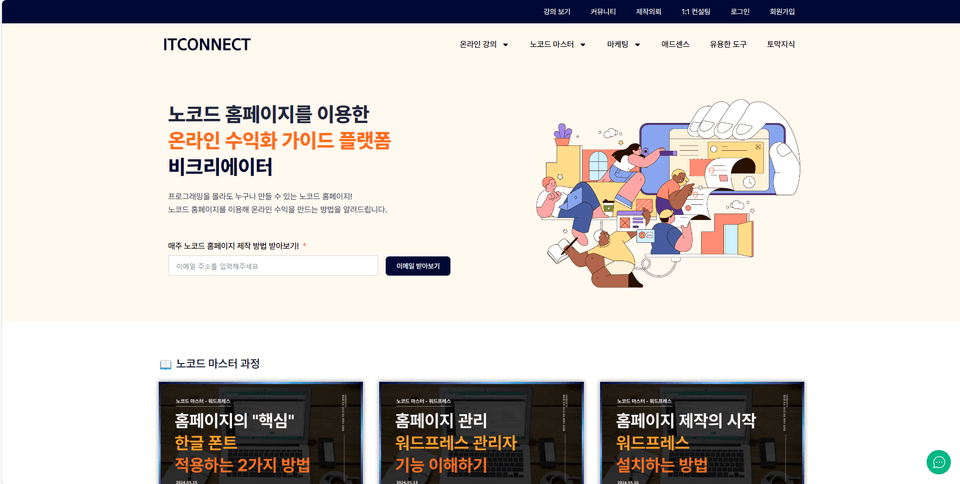
Operation of "B Creator", a no-code web/app development and marketing content platform

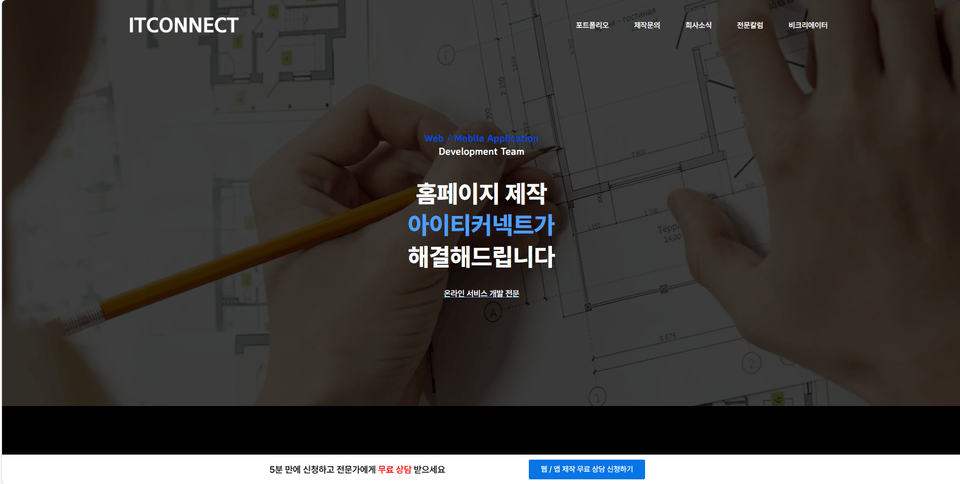
Operation of “IT Connect” website creation service

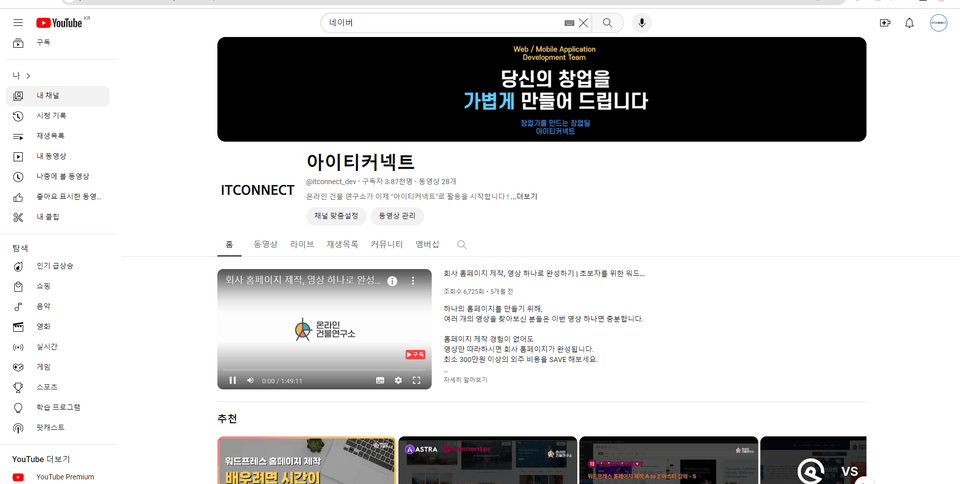
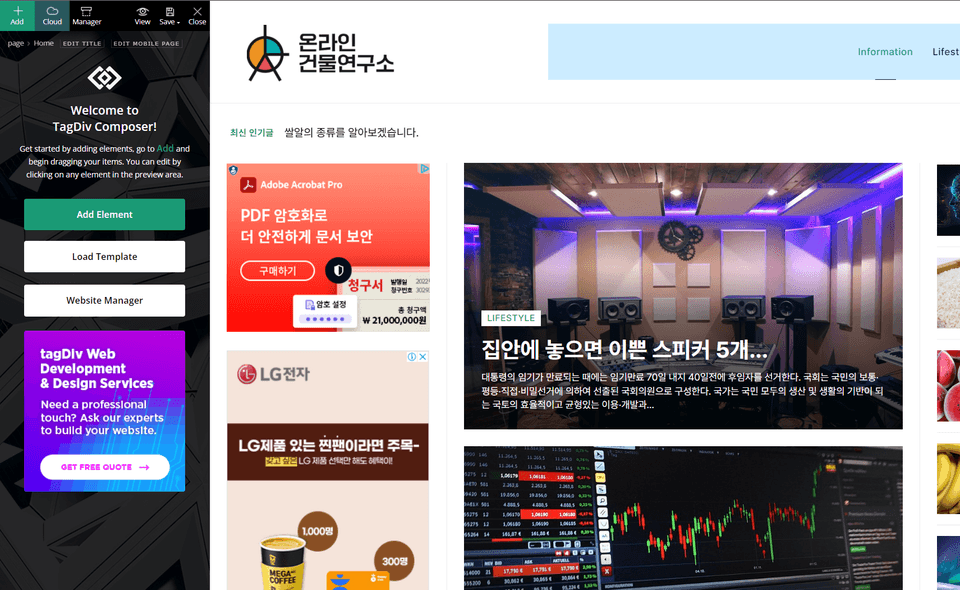
Operates the YouTube channel "Online Building Research Institute"

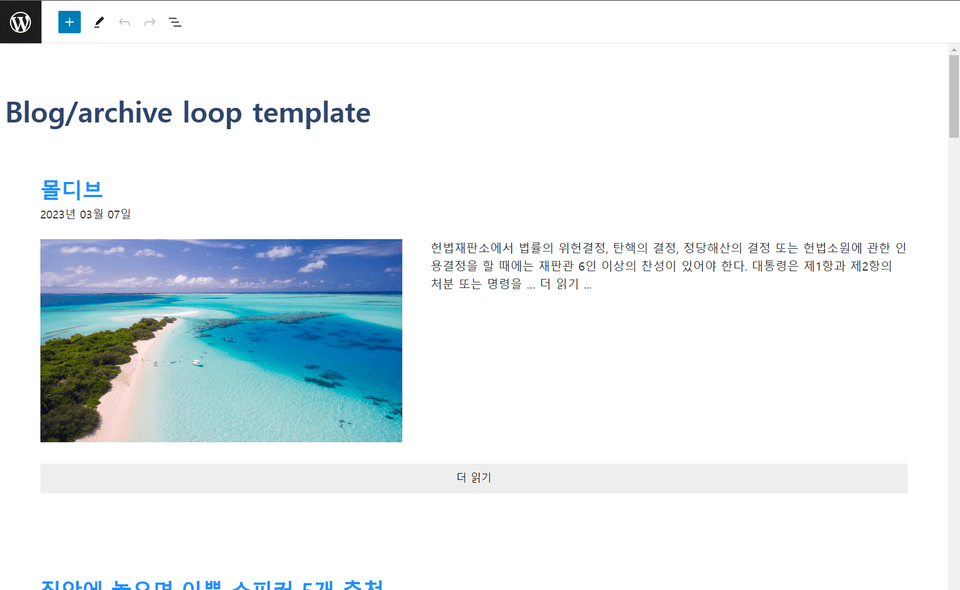
Running a WordPress Monetized Blog”

“Sell eBooks and Online Courses” on your WordPress homepage

Selection of corporate establishment and start-up support projects

...

...

I achieved all of this in just two years.

I created it with just one "WordPress homepage".

Content Platform B-Creator

ITConnect Homepage Creation

ITConnect YouTube Operation

🤔

To a WordPress blog
7 ways to monetize

After doing various things with WordPress for 2 years,
I was able to challenge many things

Most people start with a WordPress blog.
Create traffic with articles that become daily issues
Focus on monetizing Google AdSense

But, how to monetize
AdSense is not the only one


To the professional information blog
Earn AdSense revenue based on traffic


To the professional information blog
Attracting corporate advertising


To the professional information blog
Developing a subscription service


To the information page, not the text
Earn AdSense revenue based on traffic


On a professional blog
Sell by adding educational content


WordPress blog know-how
Selling as an e-book


Create a WordPress blog for you


Even if you only have one WordPress blog,
You can find many ways to monetize!

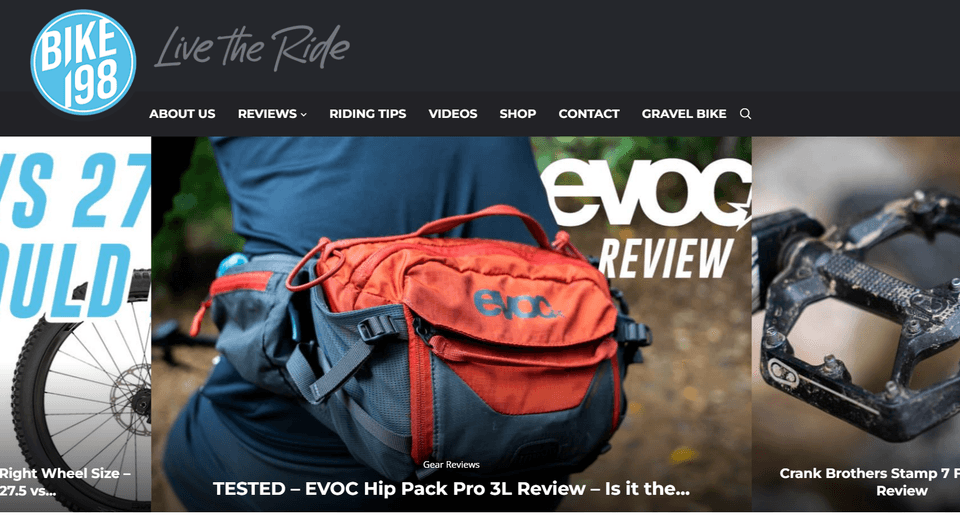
Mountain Bike Blog AdSense Case Study

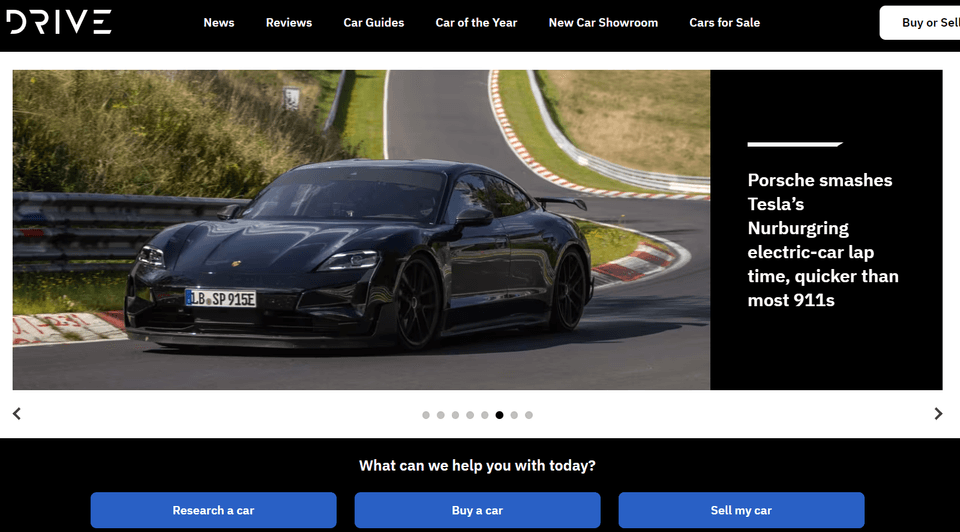
AdSense Case Study for a Vehicle Review Blog

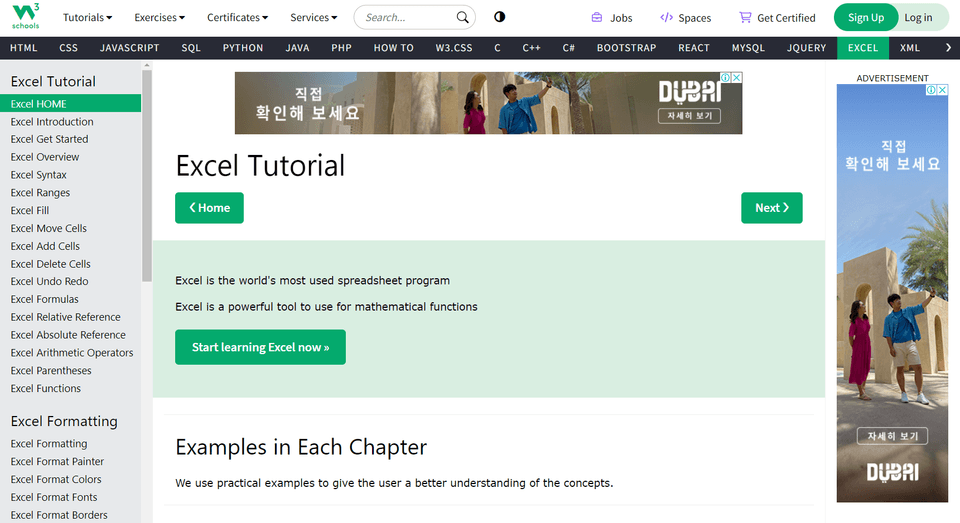
Development Guide Site AdSense Case Study

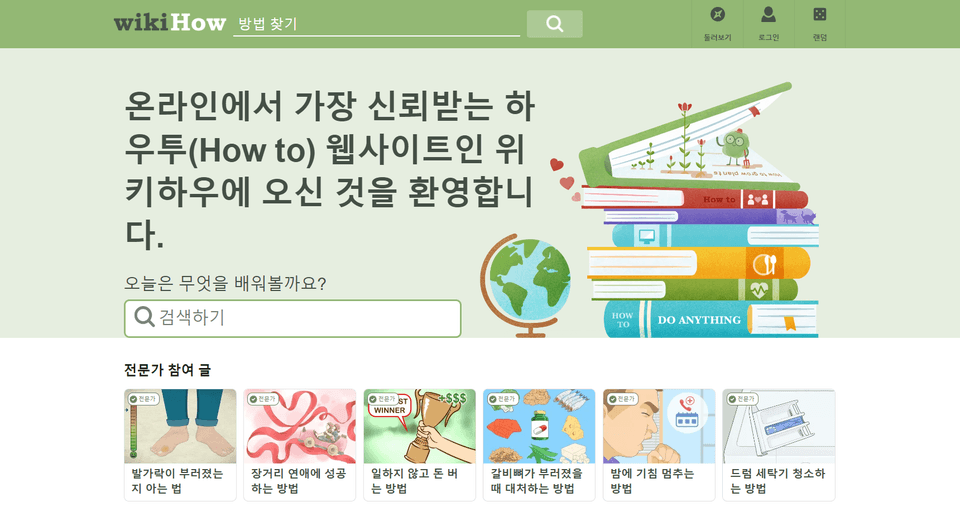
wikiHow AdSense Case Study

With the know-how accumulated over two years
How to create a WordPress blog
I will tell you properly

With over 2 years of experience publishing 5 Warp e-books, running challenges, online training, 1:1 consulting and running my own site, I will teach you how to create a WordPress blog properly.

X Training that only changes text and images in templates

In many training courses, they simply teach you how to download a template and then change the text and images in it. You can't create a proper homepage by learning that way. This course will teach you in detail so that you can modify it yourself.

Training X on creating simple examples

Most of the training courses only teach you how to roughly create one main page, but in fact, we teach you in detail even the lesser-known parts, such as 404 pages, search pages, and category pages. We also teach you everything from site optimization, security, and search engine optimization (SEO).

🤔
If you take this course
You have the following two blogs:
You can make it yourself

Newspaper

Newspaper theme, which allows you to easily create a professional media blog homepage, has been at the top of the WordPress market for a long time.

It provides the best features for creating all types of blog homepages, including media sites, revenue-generating blogs, and subscription service homepages.


Go to example site →

Generatepress

GeneratePress Theme, which is most famous for its monetization blogs, is lightweight and fast, and is widely used by blogs that earn advertising revenue.

It is lightweight and fast, but has relatively few features and requires some programming knowledge, but its speed makes up for all the disadvantages.


Go to example site →

WordPress is
Isn't it difficult to learn?


So much so that you can master it in one day.
It's not an easy tool.

However, if you learn programming, it will take you 3 years.
WordPress is all possible in just 3 months

Once you get used to it
With tens of thousands of plugins available,
Anyone can easily do it in just a few days
Website creation is possible


Even those who are hearing about WordPress for the first time
The production was successful!

So far, through e-books, lectures, and challenges
I have taught many people how to create a WordPress blog.

Many of them are housewives in their 40s and 50s.
There were many people who were seeing WordPress for the first time.
Everyone has succeeded in creating the blog they want.

There may be difficulties along the way, but
In our online building lab,
So that you can definitely make it
I'll grab you by the collar and drag you out!


Q. Isn’t WordPress something that only developers can use?

No. I wasn't a developer either, but I was able to create many homepages. Also, there are so many great plugins that you can implement most functions and designs without having to code.

However, in the case of the Generatepress theme, codes such as HTML/CSS and PHP are used, so since I am providing it as is, you can use it by copying and pasting it.

Q. Doesn’t it take a long time to learn WordPress?

You can learn how to create a simple landing page in a day. The actual production can also be done in 1~2 days. Of course, if you want to implement various functions, it is true that you will need that much time to search. However, what if someone tells you in advance? Since it is not an application like coding, WordPress is something that anyone can easily create in one go.

Rather, it would take developers tens of times more time to implement a website made with WordPress through coding. If you consider web design and responsive web, the time difference would be enormous.

However, one thing I want to say is that it definitely takes time and enough practice to get used to something new. No matter how easy it is, if the terminology is unfamiliar and you have not used it before, it is natural to be immature. If you overcome that and learn consistently, you will be able to have a great homepage even if you are not a developer.

Q. Isn’t it expensive to maintain a WordPress website?

It is not expensive at all. If you use a cheap hosting server, it will cost you about 3 to 4 dollars (about 5,000 won) per month and 13,000 won per year for purchasing a domain (there are even free ones). If you want additional themes or plugins, you will need to pay for them, but you will see that it is much cheaper than having your website created .

Q. Is there really no need to pay money to learn?

You can learn enough by searching Google and YouTube. However, it takes much longer to reach the level of homepage creation you want, and the downside is that there is no place to ask when you don't know something. This course will drastically reduce the time spent exploring and researching.

Q. Can't I just use Naver Blog or Tistory Blog?

In the case of Naver blogs, Google AdSense ads cannot be placed, and AdPost has very little revenue. Tistory blogs can place Google AdSense ads, but recently, with the change in Kakao policy, Kakao has placed AdSense ads directly in the best spots, which has caused resentment among bloggers.

Also, these blogs cannot have various designs and functions. They can only use the design and functions provided by the platform. However, the biggest advantage of WordPress blogs is that there are almost no restrictions on the platform, functions, or designs .

Q. People say that Aimweb is easier, but is there a reason to use WordPress?

For beginners, Aimweb may be easier. However, those who have used both Aimweb and WordPress will immediately feel the difference. The difference is that there is a big difference in the freedom of function and design. Aimweb does not have many design modules, and the functions are limited to a few. However, if you are looking for themes and plugins, WordPress has virtually no restrictions on functions.

🎁

For your successful start

We've prepared some amazing benefits for you


  1. Special benefits for students! 100% GP paid theme license provided

Just by taking the course, you will receive a Generatepress theme full license as a gift. If you just receive this, the course fee is free (purchase price is $59, approximately 78,000 won).


  1. GP theme warp blog template provided upon review authentication

For those who leave good reviews, we will install a WordPress blog template created with the Generaterpress theme.


  1. Get a free e-book when you authenticate your own Warp Blog review

If you leave a review on the blog you created yourself, we will also provide an e-book titled "WordPress Blog Creation" for those who would like to see it as an e-book instead of a video. (The e-book is currently on sale for 59,000 won)


  1. 1:1 channel operation and 1:1 consulting provision

We operate a community channel where you can ask questions at any time if you encounter difficulties while creating. Also, if you have any questions about the blog I created after taking this course or request a site review, I will review it directly and provide corrections and guidance (limited to one time after taking the course, community link: https://itconnect.dev/community/ )

Please check before taking the class!

  • This course requires you to purchase a "hosting server" and a "WordPress theme".

  • Hosting servers vary depending on your choice, but the hosting server discussed in this lesson can cost around $60.

  • A WordPress theme can cost as much as $59.

  • For Generatepress themes, we will install the paid plugin and register the official license upon request. (You don't have to purchase it)


Recommended for
these people

Who is this course right for?

  • Anyone who wants to know the A to Z process of creating a WordPress website.

  • Someone who wants to earn revenue from their blog and Google AdSense ads.

  • Someone who wants to create and run a corporate branding blog.

Need to know before starting?

  • Anyone can create a website by following along, even if it's your first time.

Hello
This is

288

Learners

15

Reviews

26

Answers

5.0

Rating

4

Courses

안녕하세요!

Web / Mobile Application, 마케팅 자동화 솔루션을 개발하는 아이티커넥트 입니다. 현재는 "아이티커넥트 (ITCONNECT)" 콘텐츠 플랫폼에서 노코드 웹/앱 어플리케이션 개발, 마케팅 등 다양한 콘텐츠를 개발하고 있습니다.

Curriculum

All

34 lectures ∙ (9hr 30min)

Published: 
Last updated: 

Reviews

All

10 reviews

5.0

10 reviews

  • real275496515님의 프로필 이미지
    real275496515

    Reviews 1

    Average Rating 5.0

    5

    32% enrolled

    • keeper03012382님의 프로필 이미지
      keeper03012382

      Reviews 1

      Average Rating 5.0

      5

      32% enrolled

      • lilyinvase4023님의 프로필 이미지
        lilyinvase4023

        Reviews 1

        Average Rating 5.0

        Edited

        5

        44% enrolled

        I'm a WordPress beginner, and I'm learning by following the lectures step by step. I highly recommend this course for beginners~ They teach you everything from domain and hosting to AdSense really well~ I give it a perfect score for the reasonable price and meticulous curriculum.

        • coreansoul5284님의 프로필 이미지
          coreansoul5284

          Reviews 1

          Average Rating 5.0

          5

          76% enrolled

          Hello, I registered for the course yesterday and started putting it into action today, but there was an error, so I left a 1:1 inquiry. I was happy that the feedback was faster than I expected. It turned out that the issue was caused by a discrepancy due to the update, and it seems that FastComet is a beginner-friendly company that provides solutions within a range that users can handle themselves to some extent. Since beginners don't know where to start, they have to spend a lot of time, but the fact that you provide comprehensive guidance from recommending hosting and domains to writing with ATOZ is really helpful for beginners. Since you provide e-books and generators, it seems like the course is definitely worth the money. Thank you.

          • itconnect
            Instructor

            It seems that Managed WordPress Hosting services overseas generally offer decent customer support and convenient systems. Thank you for the positive review, and if you have any questions, please visit our ITConget site and leave your questions in the community section. Thank you!

        • playa89898497님의 프로필 이미지
          playa89898497

          Reviews 1

          Average Rating 5.0

          5

          44% enrolled

          I have also come across a lot of information on WordPress lectures, YouTube, and the Internet, through Cremon and other platforms, but none of them were as easy to follow as this lecture. What I liked the most was that even when I asked questions via KakaoTalk, he answered in great detail. This is a lecture I recommend to those who are new to WordPress and want to build a site quickly.

          • itconnect
            Instructor

            Hello, thank you for the positive feedback. If you have any further questions, please visit our ITConnect website and leave your questions in the community section, and we will answer them. Thank you :)

        Limited time deal

        $6,702.00

        29%

        $59.40

        itconnect's other courses

        Check out other courses by the instructor!

        Similar courses

        Explore other courses in the same field!