강의

멘토링

커뮤니티

Data Science

/

Data Analysis

Introduction to Google Data Studio Data Visualization

This course teaches you how to derive business insights or share derived insights by creating visual reports in the form of dashboards that support automated user interaction based on Google Data Studio, a free service.

(4.8) 4 reviews

55 learners

Level Beginner

Course period Unlimited

  • Masocampus
Google Datastudio
Google Datastudio
Google Datastudio
Google Datastudio

Reviews from Early Learners

Reviews from Early Learners

4.8

5.0

권준화

100% enrolled

I liked the systematic explanation of functions for data analysis.

5.0

김소담

100% enrolled

Good!

5.0

류호준

100% enrolled

It was very helpful. Thank you.

What you will gain after the course

  • Understanding Data for Data Visualization

  • Main purpose and practical use of visualization charts for explanatory visualization

  • Creating user-interactive visualization dashboards that support exploratory visualization

  • Creating a visualization dashboard for decision-making practices through heterogeneous data linkage

  • Create integrated data dashboards to support business decisions

In this era where data utilization skills are essential!
From data analysis to reporting, we'll do it all 💪


With Google Data Studio

Studying Data 🔍

In an era where data has a profound impact on industry, data utilization skills are essential for workers. However, no matter how well data is processed and analyzed, most decisions aren't made alone. Therefore, compelling reports and charts are essential.

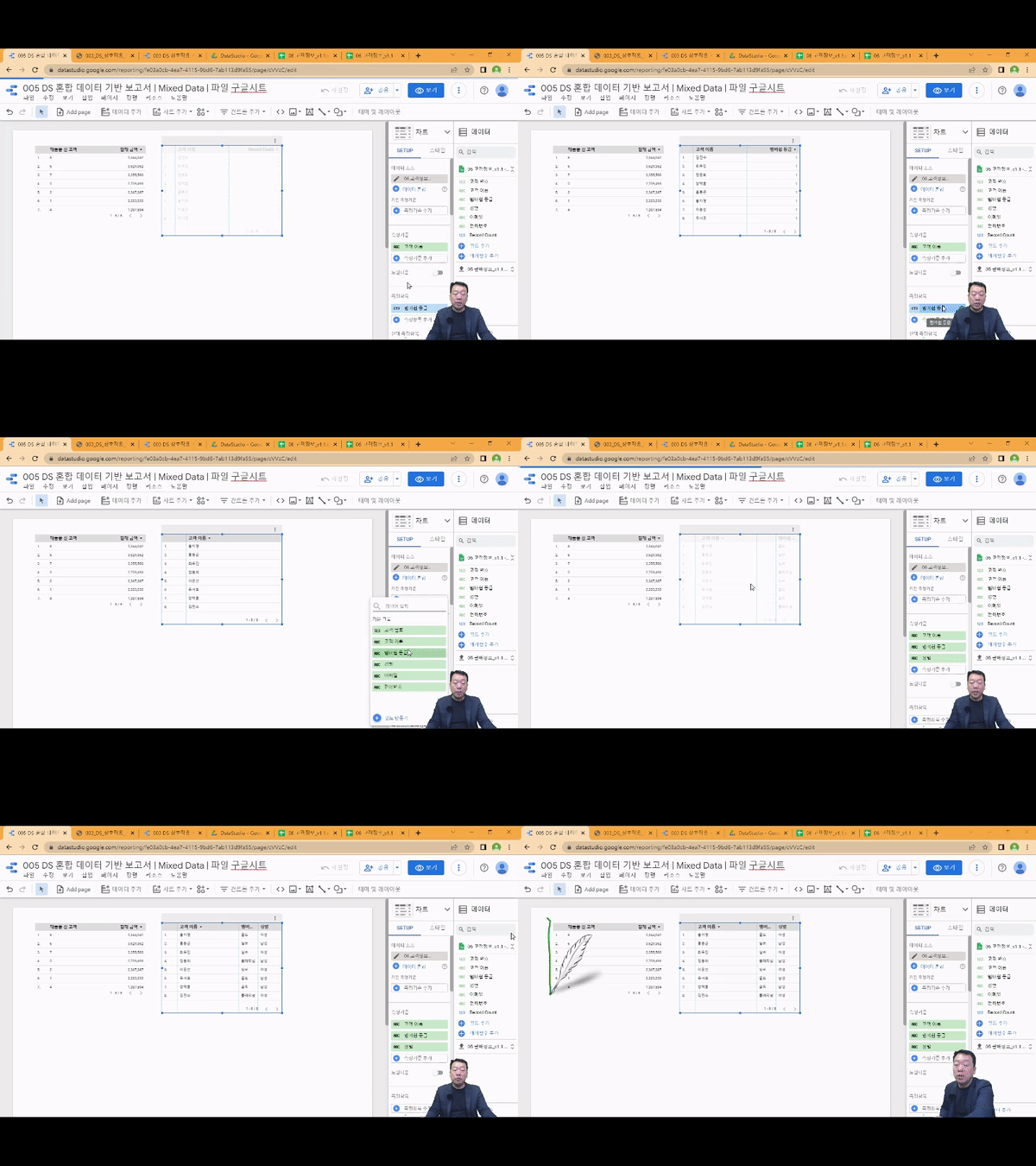
This course is designed to help you learn data visualization in less than 3 hours and 30 minutes, developing the visualization skills needed in real-world business settings. From the first launch of Google Data Studio, you'll learn how to utilize its key dashboard features and all built-in charts, perform visualizations, and enhance the results to share them with your team.

Business Intelligence

Effective use of data visualization

Using Data Studio

Implement all types of charts supported

Writing various reports

The ability to visualize data to suit your needs

Understanding the data

Select a chart based on data type and usability

Google Data Studio can handle a variety of data sources, including Excel, CSV, SQL, and Google Analytics, and allows for easy visualization. The fact that all these features are available for free is also a huge draw for visualization beginners. This course, prepared by Maso Campus, aims to help you quickly acquire the visualization skills needed to effectively share business intelligence and improve decision-making efficiency. Unleash the power of visualization, an essential skill in the Fourth Industrial Revolution, with Google Data Studio!

📢 Please note before taking the class!

  • This course is hands-on, so we recommend using a dual monitor or a spare device to separate the lecture and practice screens.
  • Since the training is conducted based on Windows OS, we recommend taking the course in a Windows environment.

I recommend this to these people 🙋‍♀️

Beginners in data analytics and business intelligence

Anyone who wants a dashboard visualization project

For those who want to get started with data visualization

Who builds an integrated dashboard for management decision-making?


Lecture Features ✨

Develop your understanding of data visualization and practical visualization skills through this course. You'll complete the entire process of effectively sharing your insights.

#1.
The core of data visualization,
Understanding Data Utilization

While there are countless methods for data visualization, finding the right one for your specific data can be challenging. To achieve true visualization, you'll learn how to understand data and leverage heterogeneous data, laying the foundation for achieving your desired visualization .

#2.
For descriptive visualization
Utilizing key charts

From the very beginning, you'll learn how to use all 14 core charting features of Google Data Studio. You can select and practice various charts appropriate for the various types of real-world data provided in the course.

#3.
Supporting exploratory visualization
Creating interactive visualization dashboards

You can create user-interactive visualization reports that support exploratory visualizations using control elements such as drop-down lists, fixed-size lists, input boxes, advanced filters, sliders, and time periods.

#4.
Derived visualization data
Share

Ultimately, data visualization is a process for easily sharing insights. Sharing completed charts with team members in real time further enhances communication efficiency.


What you'll learn 📚

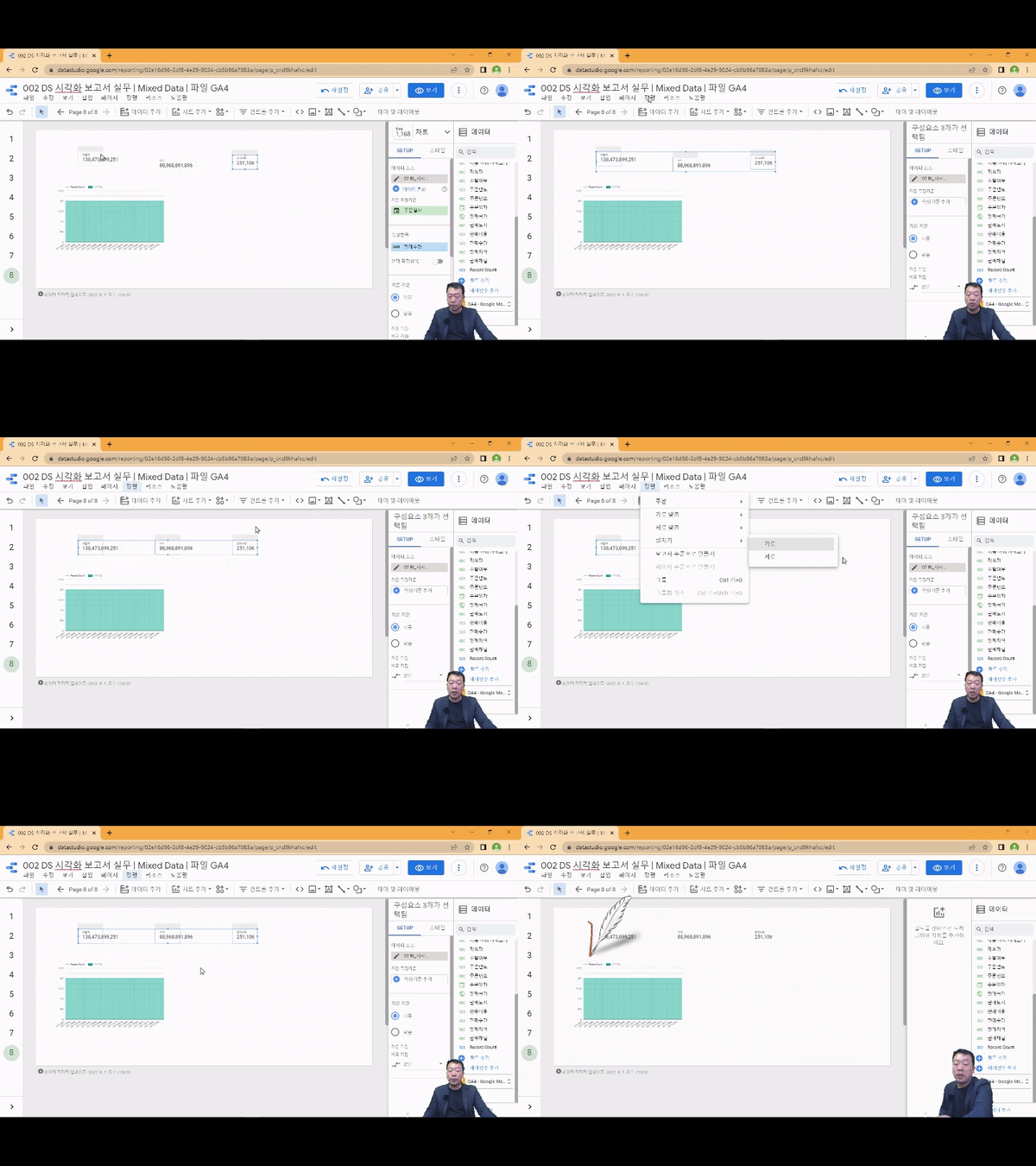
1. Visualize with a combo chart line!

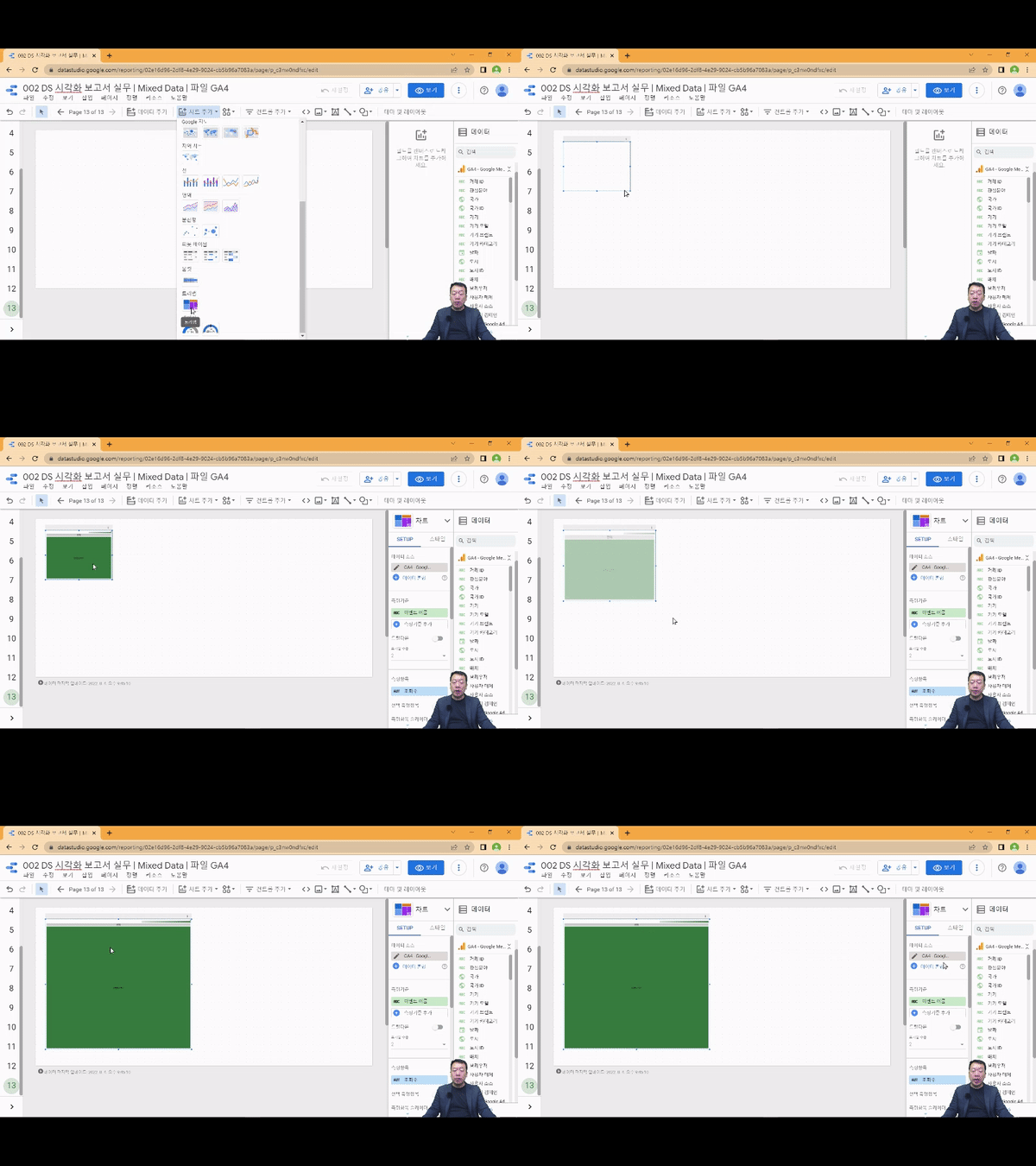
2. Visualize mixed data with treemaps!

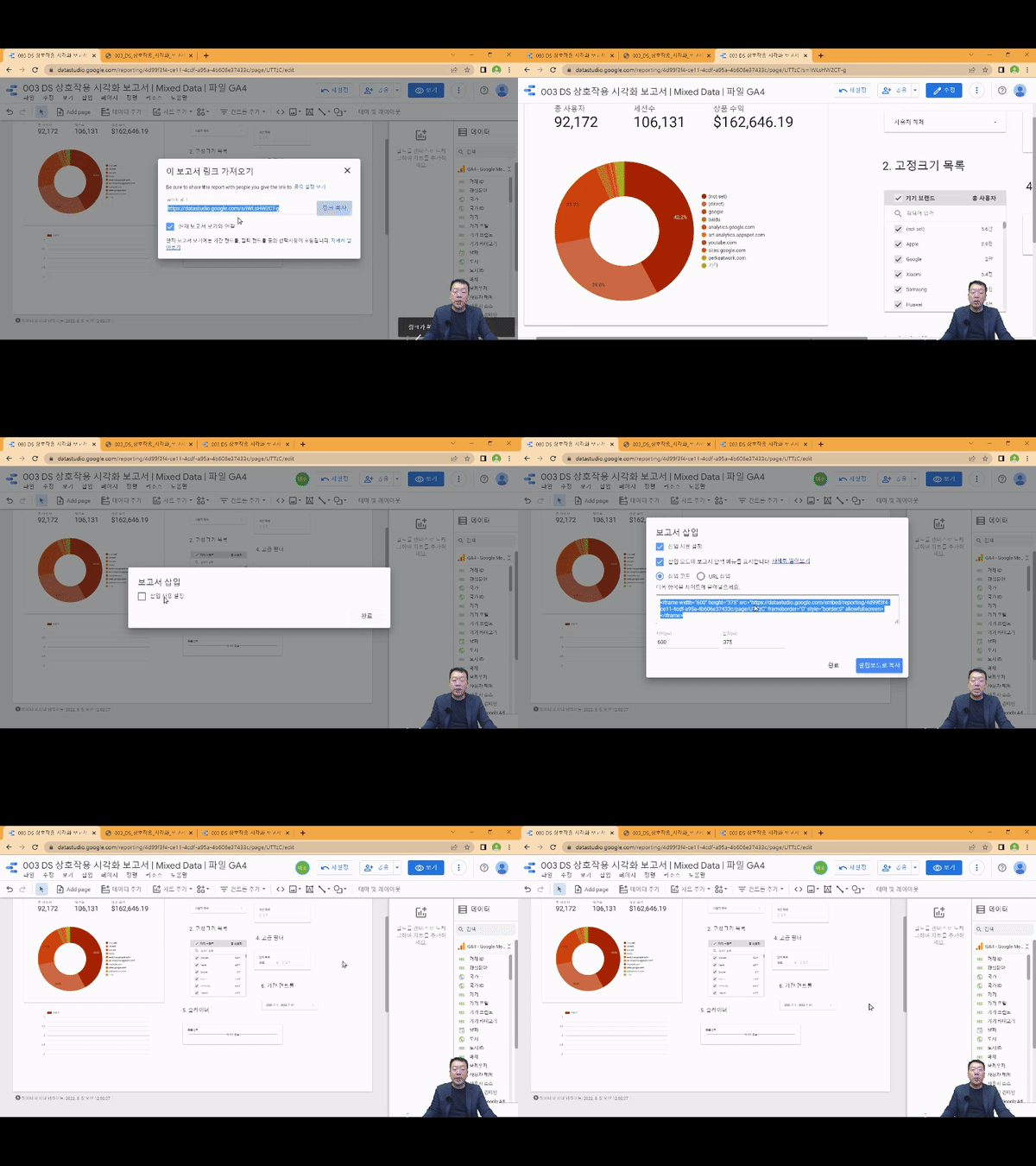
3. Share reports with your team members and collaborate easily!

4. Visualize data from different sources and formats at once!

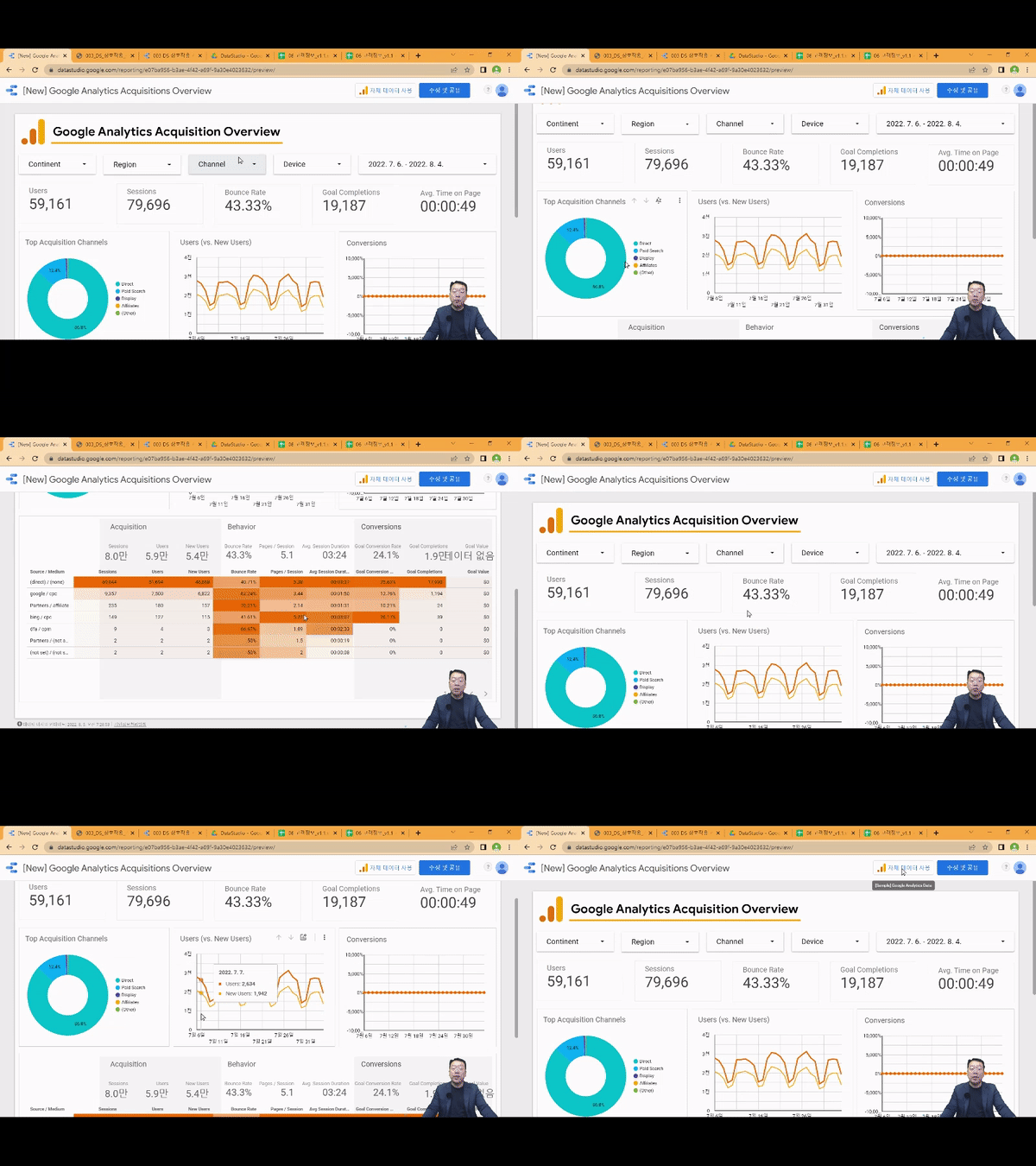
5. Create a GA4 Acquisition Dashboard!


Expected Questions Q&A 💬

Q. Is prior knowledge of data visualization required?

In this course, you'll follow the instructor's step-by-step visualization practice process from the first launch of Google Data Studio, so no prior knowledge is required.

Q. Are there any requirements or prerequisites for taking the course?

Since this is a hands-on course, we recommend bringing a dual monitor or a spare device that allows you to separate the lecture and practice screens. Furthermore, since the practical training will be conducted on a Windows OS, we recommend taking the course in a Windows environment.


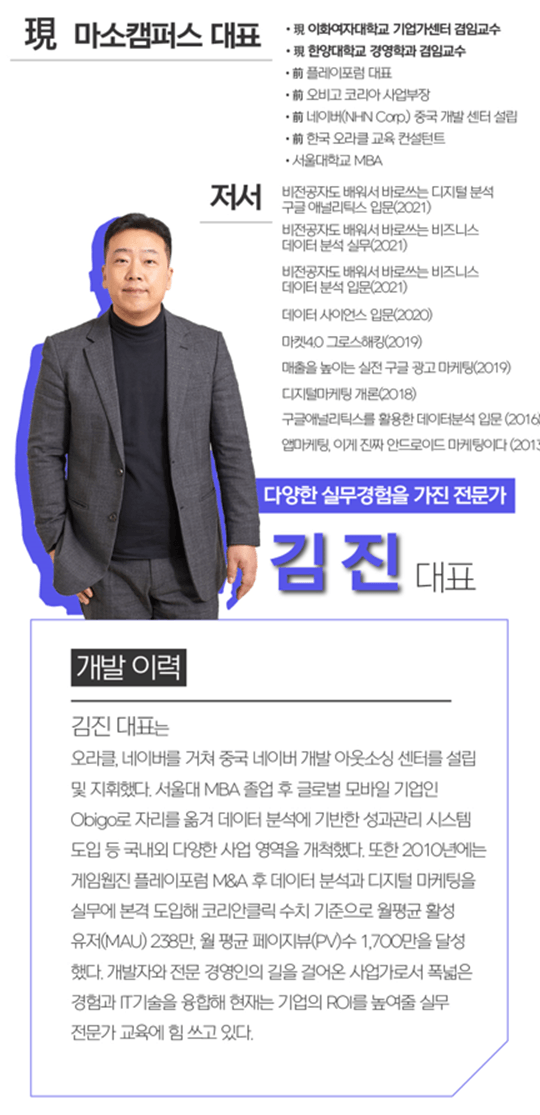
Introducing the Knowledge Sharer ✒️


Recommended for
these people

Who is this course right for?

  • Beginner in Data Analytics and Business Intelligence

  • People who want to learn how to build interactive automated dashboard visualization projects.

  • Those who want to get started in the field of data visualization using Google Data Studio

  • For those who want to build an integrated dashboard for business decision making.

Hello
This is

9,548

Learners

1,351

Reviews

117

Answers

4.7

Rating

100

Courses

"I will grow more than yesterday. And, I will help those who strive to grow more than yesterday."

With Actionable Content that embodies the sincerity and aspirations of Maso Campus,

100 million cumulative hours of lectures shared online and offline since 2013!

This precious experience and time are always the source of growth for both Maso Campus and our students.

The Miso Campus team strictly adheres to two principles for the growth of us all. 1. Actionable Content that can be put into practice immediately after learning. 2. Respecting the time and effort of participants.

The Miso Campus team strictly adheres to two principles for the growth of us all.

1. Actionable Content that you can actually use after learning 2. Time-Saving Curriculum that respects the participant's time and effort Grow with Miso Campus's Actionable and Time-Saving Curriculum

1. Actionable Content that you can surely use once you learn it

2. Time-Saving Curriculum that respects the time and effort of participants

We hope you will walk the path of growth together with Masocampus's Actionable and Time-Saving Curriculum.

We hope you will walk the path of growth together with Maso Campus's Actionable and Time-Saving Curriculum.

Curriculum

All

40 lectures ∙ (3hr 19min)

Course Materials:

Lecture resources
Published: 
Last updated: 

Reviews

All

4 reviews

4.8

4 reviews

  • joonhwakwon9376님의 프로필 이미지
    joonhwakwon9376

    Reviews 1

    Average Rating 5.0

    5

    100% enrolled

    I liked the systematic explanation of functions for data analysis.

    • masocampus
      Instructor

      Thank you! We have worked hard to make it so that you can understand the content well. We will continue to explain it in detail in the future!

  • cowdam0721님의 프로필 이미지
    cowdam0721

    Reviews 2

    Average Rating 5.0

    5

    100% enrolled

    Good!

    • masocampus
      Instructor

      Thank you! I'm glad you said it was a good lecture.

  • hojunryu2922님의 프로필 이미지
    hojunryu2922

    Reviews 1

    Average Rating 5.0

    5

    100% enrolled

    It was very helpful. Thank you.

    • masocampus
      Instructor

      I'm glad I could help you^^😊I hope you achieve the skills you want. Thank you!

  • growthmkt20228600님의 프로필 이미지
    growthmkt20228600

    Reviews 2

    Average Rating 3.5

    4

    100% enrolled

    I think a detailed explanation would be very helpful for beginners.

    • masocampus
      Instructor

      I'm glad it was helpful😊 If you have any questions, please feel free to ask!

$51.70

Masocampus's other courses

Check out other courses by the instructor!