강의

멘토링

커뮤니티

NEW
디자인 · 아트

/

CAD · 3D 모델링

Blender Beginners Masterclass: The Cookie Factory

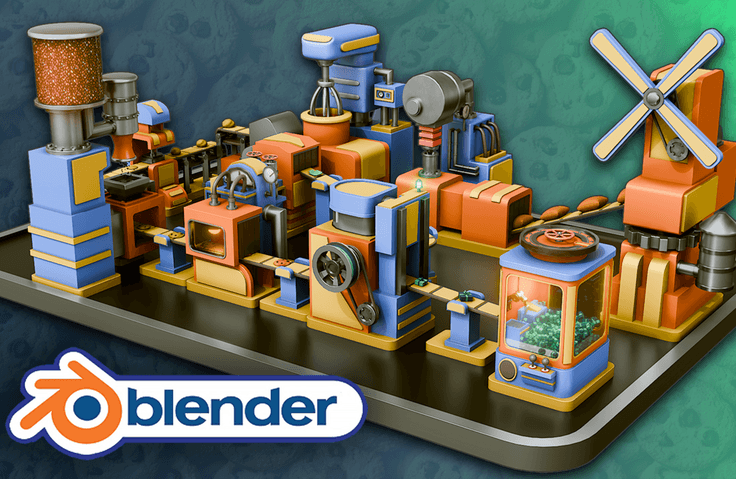
Neil from 3D Tudor here. I have helped thousands of beginners push past the same Blender roadblocks, and in this masterclass you will build and animate a complete cookie factory step by step, learning modeling, texturing, lighting, and animation through real production workflows. You will finish with a portfolio-ready factory animation and a repeatable process you can use on any future 3D project.

1명 이 수강하고 있어요.

난이도 입문

수강기한 무제한

  • 3D Tudor
blender
blender
blenderbeginner
blenderbeginner
blenderuvmapping
blenderuvmapping
blender3d
blender3d
blenderworkflow
blenderworkflow
blender
blender
blenderbeginner
blenderbeginner
blenderuvmapping
blenderuvmapping
blender3d
blender3d
blenderworkflow
blenderworkflow

수강 후 이런걸 얻을 수 있어요

  • Blender Basics for 3D Modeling: Learn essential navigation, viewport setup, and project organization in Blender.

  • Modeling and Animation Techniques: Build and animate 10 unique factory machines, including a Flour Mill, Water Adder, Mixer, Stamper, and more.

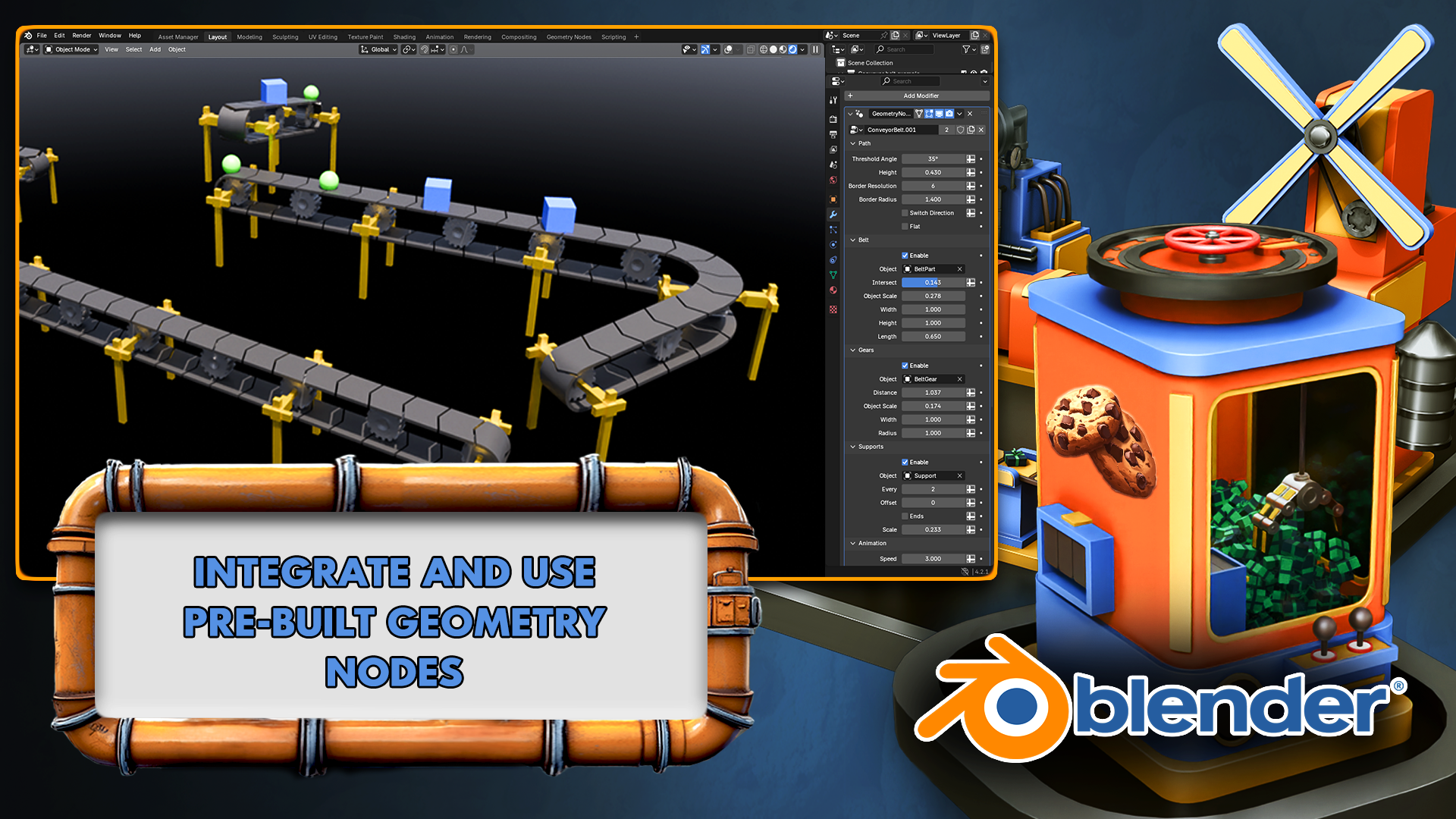
  • Introduction to Procedural Design: Explore the basics of Geometry Nodes to create dynamic conveyor belts and other factory elements.

  • UV Mapping and Texturing: Master UV unwrapping techniques and apply materials for realistic and stylized textures.

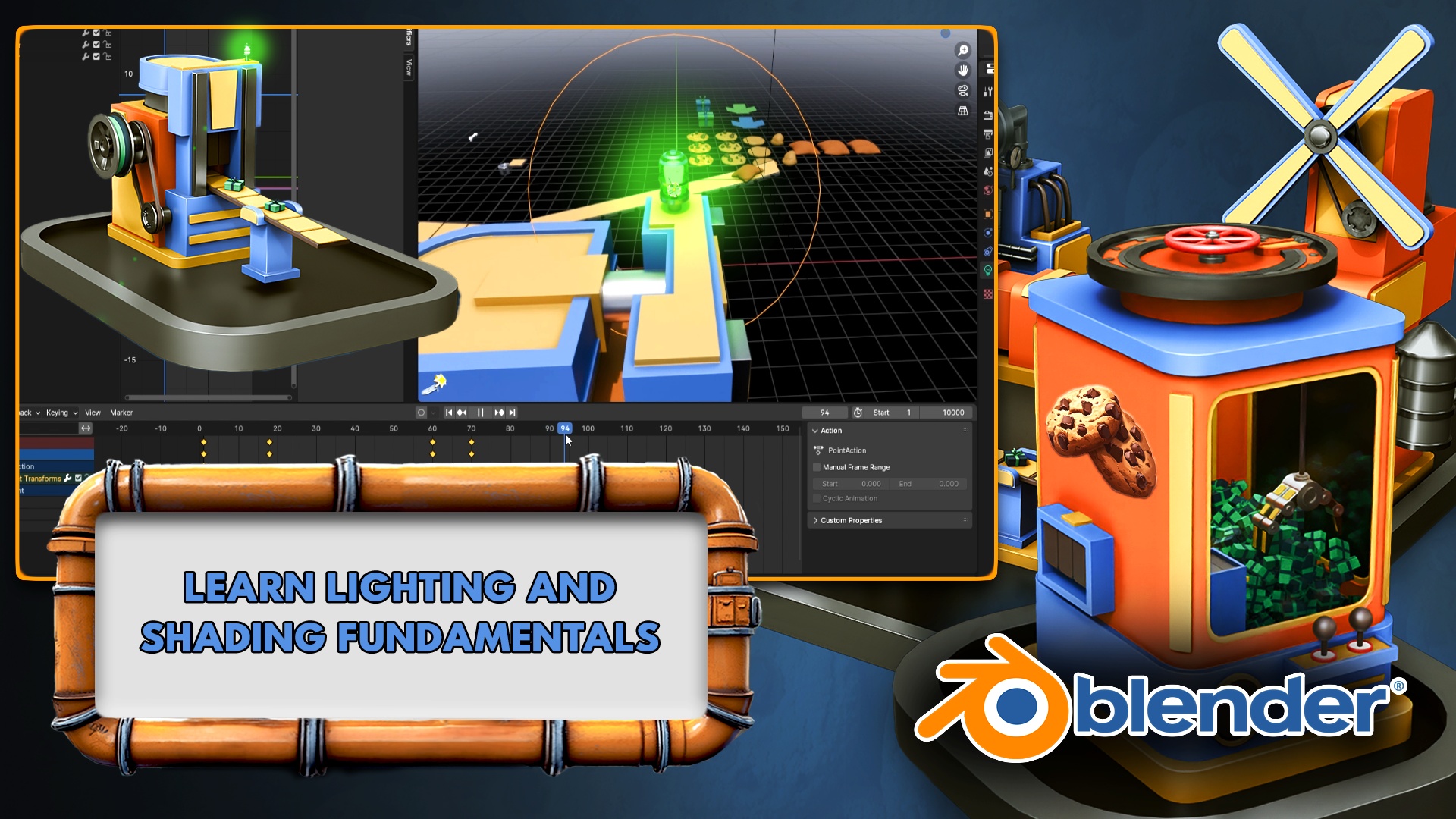
  • Lighting Fundamentals: Use emission shaders, Sky Texture nodes, and advanced lighting techniques.

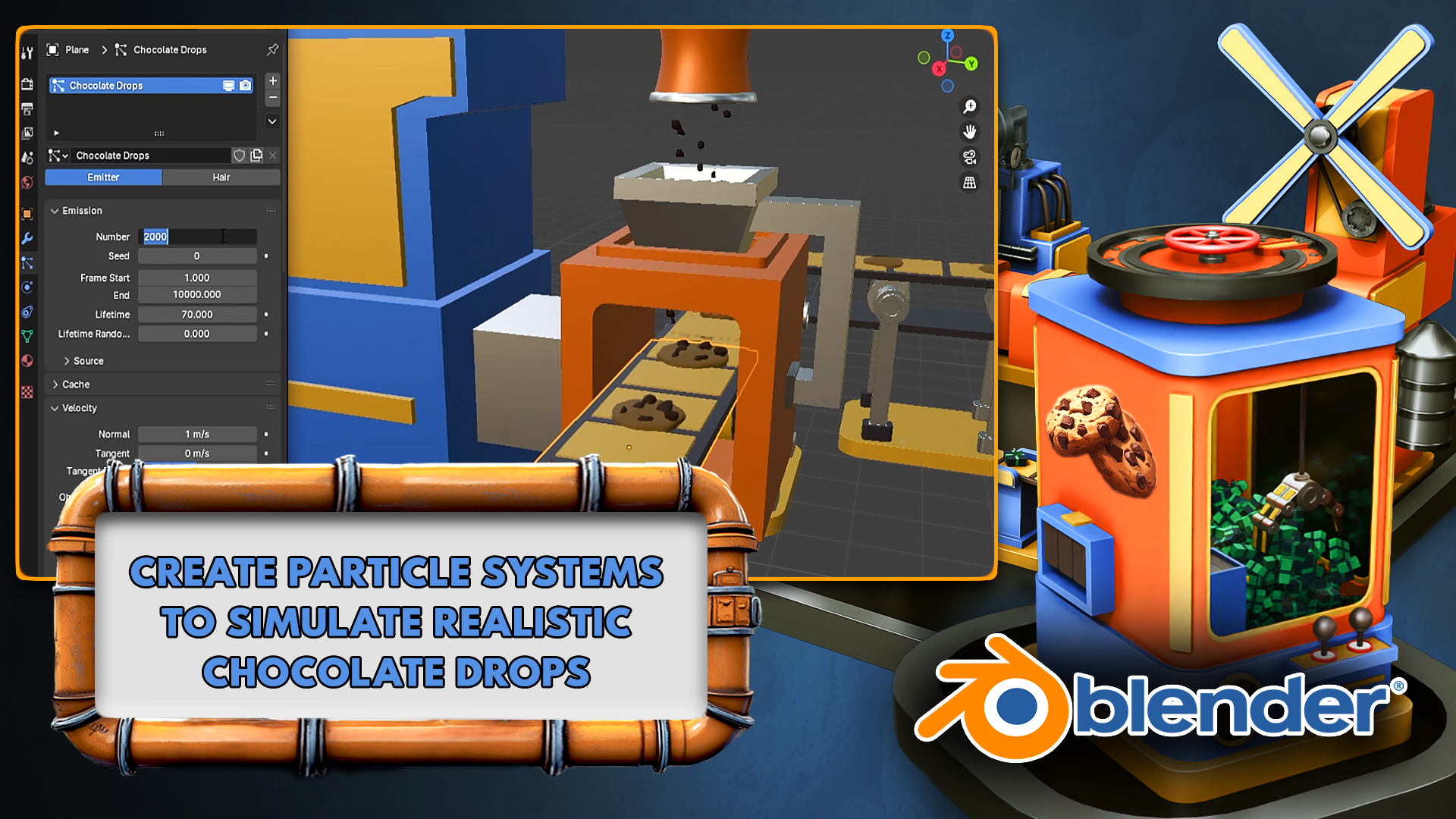
  • Particle System Basics: Create realistic effects like chocolate sprinkles and flowing liquids with Blender's particle system.

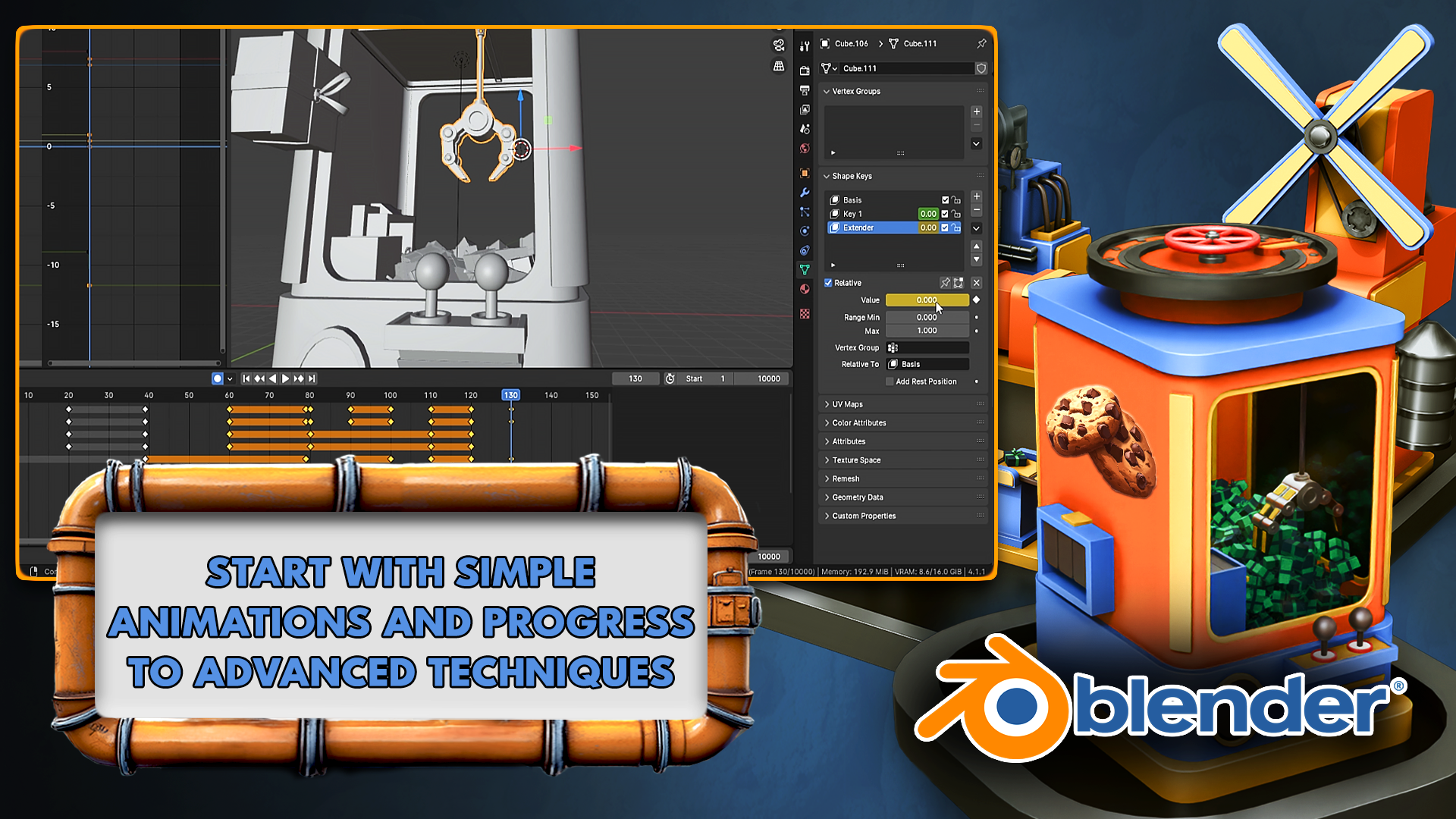
  • Keyframe Animation and Timing: Animate complex machinery with keyframes, timing adjustments, and animation cycles.

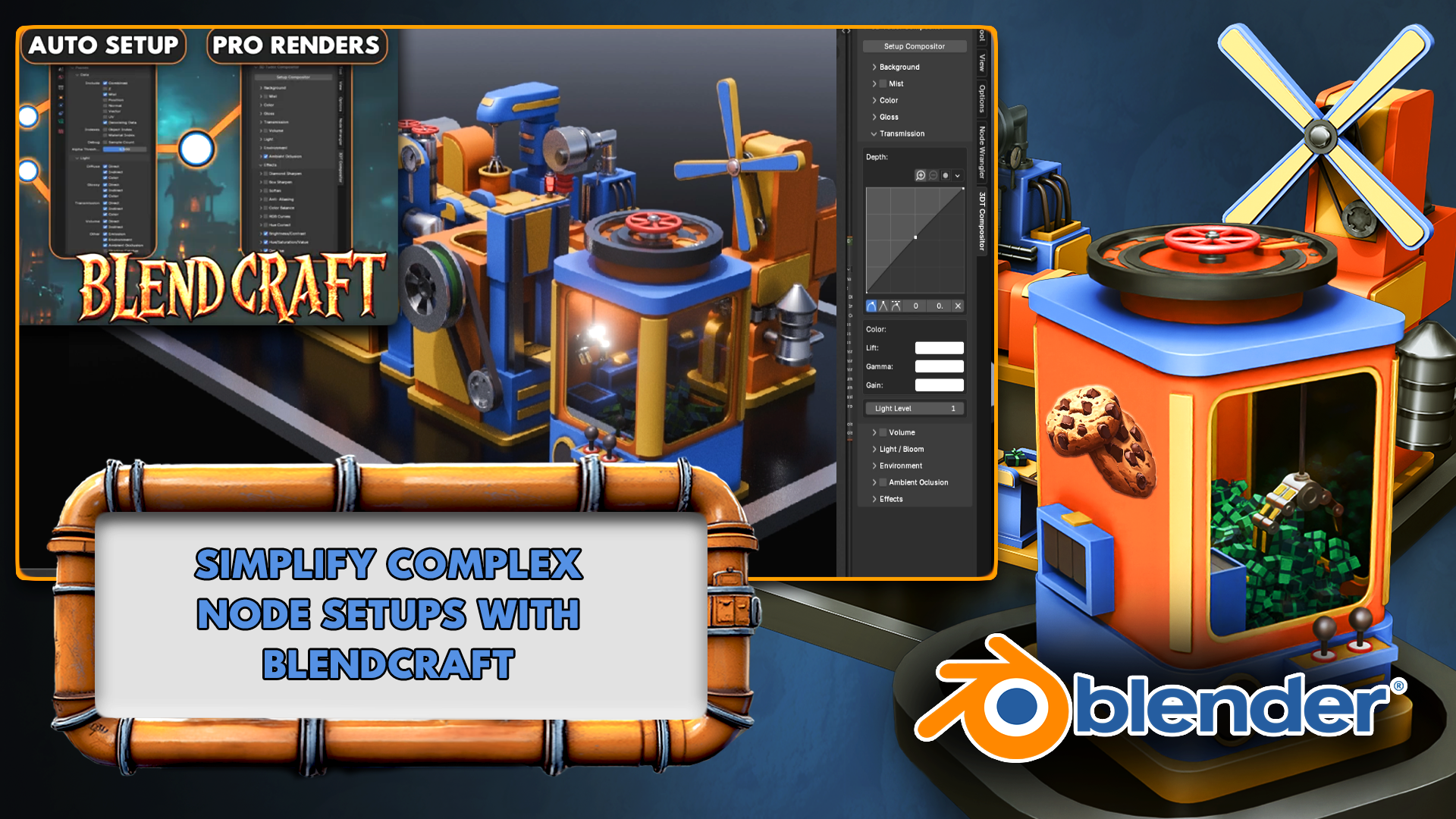
  • Rendering and Compositing: Finalize your project with professional rendering settings using 3D Tudor’s Blend Craft plugin addon for professional tools

  • Portfolio-Ready Project Creation: Combine all learned skills into a polished, fully animated cookie factory.

Blender Beginners Masterclass: The Cookie Factory

Your Step-by-Step Guide to 3D Modeling, Texturing, and Animation in Blender

Ready to turn your Blender dreams into reality? Whether you’re an absolute beginner or looking to refine your 3D modeling skills, this hands-on masterclass walks you through creating and animating a fully functioning cookie factory from start to finish!

Why Should you Try the "Blender Beginners Masterclass: The Cookie Factory"?

  1. Beginner-Friendly, Yet Comprehensive

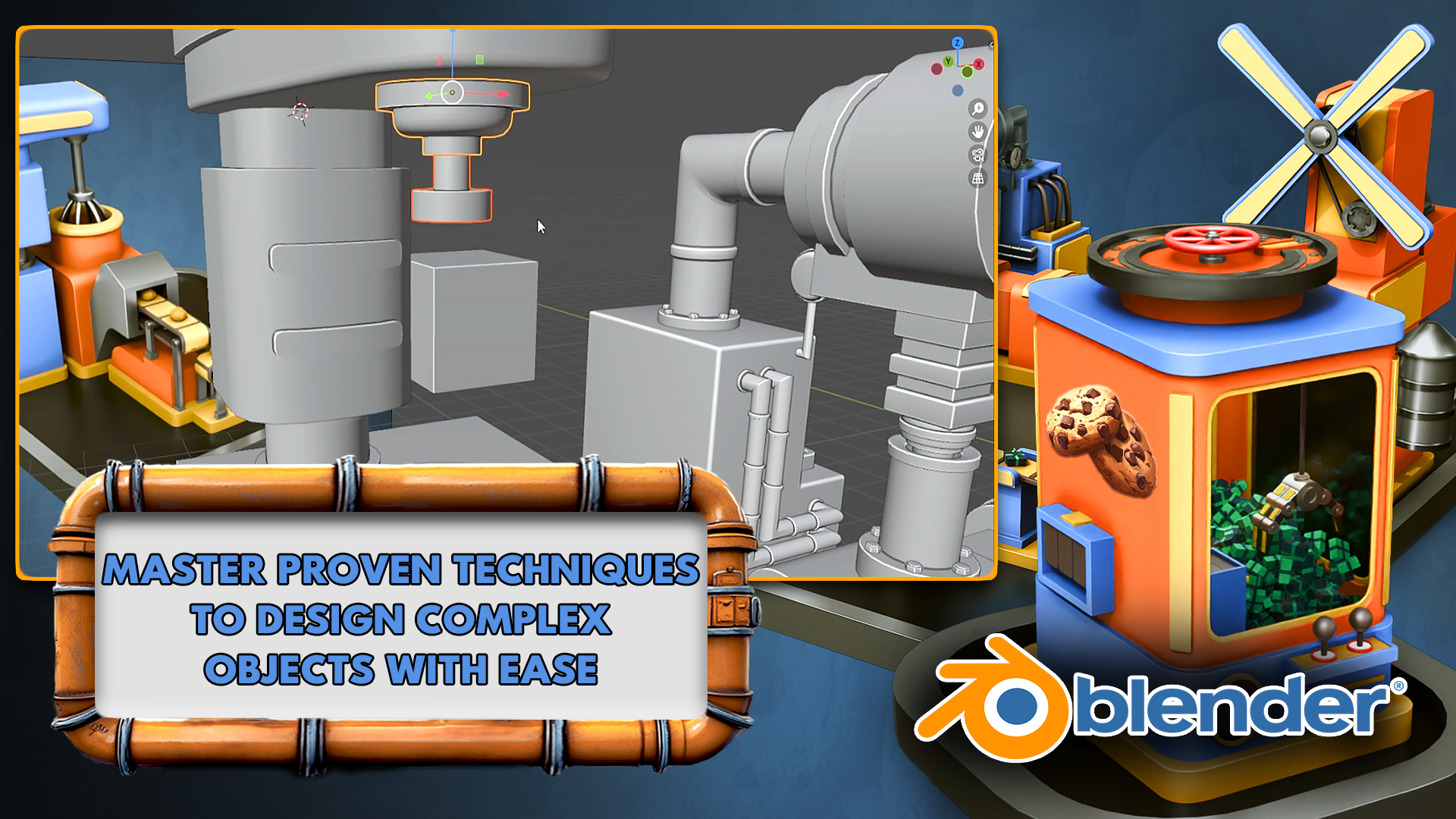
    • Start with the basics—navigating Blender’s interface, modeling simple shapes, and animating basic parts—then gradually advance to more complex workflows.

    • Perfect for aspiring game developers, filmmakers, and 3D enthusiasts.

  2. Real-World Project: A Cookie Factory

    • Build 10 distinct factory machines (from a Flour Mill to a Conveyor System) that seamlessly work together.

    • Every new step adds practical skills—from texturing and lighting to advanced animation techniques.

  3. Professional Results

    • By the end, you’ll have a portfolio-ready animation. Show off your cookie factory’s moving parts, realistic textures, and engaging final renders.

  4. Exclusive Tools & Techniques

    • Learn to use 3D Tudor’s custom geometry nodes for dynamic conveyor belts.

    • Dive into procedural shaders for materials like glass, metal, batter, and more.

Flour Mill & Mixer

  • Animate rotating mechanisms and texture grains.

  • Master modeling pipes with curves and create seamless flowing batter animations.

Water Adder Machine

  • Simulate realistic water flow using Blender’s fluid-like tools.

  • Learn essential tips for crafting lifelike liquid materials.

Stamper Machine

  • Perfect timing and motion flow for accurate stamping actions.

  • Hone your keyframing chops for crisp, satisfying animations.

Sprinkler Machine

  • Use particle systems to drop chocolate sprinkles onto cookies.

  • Add a playful, interactive element to your production line.

Oven With Emission Lighting

  • Create warm, glowing ovens using customizable emission shaders.

  • Discover the secrets to realistic glass shaders and lighting combos.9

Box Cutter Machine

  • Animate precise slicing movements.

  • Integrate texture animations to highlight functional details.

Box Maker Machine

  • Combine advanced techniques in texturing, lighting, and mechanical rigging.

  • Produce a professional, fully animated machine from scratch.

Grabber Machine

  • Employ advanced keyframing for smooth picking and placing motions.

  • Bring lifelike mechanical arms to your factory floor.

Conveyor Geometry Node

  • Utilize 3D Tudor’s custom node to create flexible conveyor belts.

  • Swiftly switch objects to ensure all machines function in unison.

  1. Final Render & Compositing

  • Showcase your factory with animated turntables and cinematic camera sweeps.

  • Use Blender’s compositor for color grading, depth, and finishing touches.

What You’ll Learn

  • Blender Fundamentals: Master interface navigation, hotkeys, and project organization.

  • 3D Modeling Techniques: Progress from simple shapes to complex mechanical parts using professional workflows.

  • Lighting & Texturing: Explore HDRI lighting, emission shaders, procedural materials, and UV mapping.

  • Particle Systems: Create realistic sprinkles, liquid flows, and dynamic scene elements.

  • Advanced Animation: Perfect timing with keyframes, cycles, and mechanical rigging.

  • Rendering & Optimization: Work in Eevee and Cycles to balance quality with performance.

  • Compositing Skills: Add depth, color grading, and special effects post-render.

By course’s end, you’ll have the confidence and skill set to tackle any 3D modeling and animation project, beyond just cookies!

Who Is This Course For?

  • Absolute Beginners in Blender or 3D modeling.

  • Intermediate Creators wanting a fun, systematic project to level-up.

  • Game Dev & Film Enthusiasts aiming to integrate custom 3D assets into their workflow.

What Our Students Are Saying

★★★★★ “Very nice – easy for beginners, but enough diversity in technique to really engage learning and understanding.”
Shyam Patrick

★★★★★ “A Blender modeling course cannot be better than this! Neil’s engagement and effort to teach are superb!!”
Manas Paul

★★★★★ “Great tutorial for beginners like me.”
Louie Jay

★★★★★ “Very easy to follow, very interesting learning—so much would recommend this to everyone.”
Robert Condella

★★★★★ “That was great. Packed with tricks and information. Thank you. I will be back.”
Jeremy Thompson

These testimonials are just a glimpse of how our students feel about 3D Tudor courses. Join thousands of learners who’ve discovered how fun and achievable Blender really is!

Course Structure

Each module introduces a new Blender concept and ties it directly to building your cookie factory. From modeling the first machine to compositing final renders, you’ll consistently apply your knowledge in a practical, enjoyable way.

  1. Getting Started: Interface basics, navigation, and initial model setup.

  2. Machine Modules: Each segment focuses on a new machine—Flour Mill, Mixer, Stamper, and more—covering advanced texturing, animation, and simulation in bite-sized steps.

  3. Final Production & Rendering: Bring everything together, finalize animations, and polish with compositing for a professional finish.

Why Choose This Course?

  • Real-World Applications: Skills translate seamlessly into game design, animation, 3D printing, and more.

  • Fun, Cohesive Project: A fully animated cookie factory that you can proudly showcase in your portfolio.

  • Community & Support: Access Q&A forums and a supportive community to help you thrive.

  • Lifetime Access: Revisit lessons any time—no rush to complete.

  • Expert Instructor: Neil from 3D Tudor brings years of industry experience, specialized geometry node packs, and a proven teaching approach.

Take the Leap: Start Your 3D Journey Today!

Create mouthwatering cookies, mesmerizing animations, and a polished, professional factory setup—all while mastering essential 3D modeling and animation techniques.

Get started now with “Blender Beginners Masterclass: The Cookie Factory” and transform your imagination into a fully-rendered, sweet reality!

Until next time, happy modelling everyone,
Neil, 3D Tudor

이런 분들께
추천드려요

학습 대상은
누구일까요?

  • 3D Art Enthusiasts: Beginners and hobbyists eager to explore 3D modeling and animation.

  • Aspiring Animators and Modelers: Students and newcomers looking to master Blender while working on a fun and practical project.

  • Game Developers and Indie Creators: Designers aiming to create dynamic and visually engaging assets for their games.

  • Blender Users and VFX Artists: Artists wanting to expand their skills into animation, procedural design, and complex scene creation.

  • Educators and Instructors: Teachers seeking beginner-friendly material to introduce Blender and animation workflows to students.

  • DIY Designers and Hobby Modelers: Creators interested in building unique projects and learning new techniques for personal or portfolio work.

선수 지식,
필요할까요?

  • Access to a computer (Windows, Linux, or Mac).

  • Blender (latest version) installed on your computer.

  • This class is beginner-friendly and requires no previous experience with Blender or 3D modeling.

  • A creative interest in animation, procedural design, or crafting unique 3D projects

안녕하세요
입니다.

3D Tudor는 작지만 매우 활발하게 활동하는 3D 교육 스튜디오입니다. 지난 몇 년 동안 3D Tudor는 25만 명 이상의 학생들에게 Blender와 Unreal Engine 5를 사용하여 환경, 프랍, 게임 월드를 제작하는 방법을 가르쳐 왔습니다.

컴퓨터 게임 아트 배경을 가진 3D Tudor의 수석 강사 닐 I. 베티슨(Neil I. Bettison)은 불필요한 전문 용어를 피하고 실제 프로젝트에 밀착된, 명확하고 제작 중심적인 강의를 선호합니다.

그는 3D Tudor를 통해 팀과 함께 완벽한 강의, 에셋 팩, 정기적인 무료 튜토리얼을 출시하고 있으며, 이 모든 것은 현대적인 3D 워크플로우를 초보자와 현직 아티스트 모두에게 실용적이고 성취 가능하며 조금 더 재미있게 만드는 것을 목표로 합니다.


3D Tudor는 규모는 작지만 매우 활발하게 활동하고 있는 3D 교육 스튜디오입니다. 지난 몇 년 동안 Blender와 Unreal Engine 5를 활용해 환경, 프롭, 게임 세계를 만드는 방법을 25만 명 이상의 수강생들에게 공유해왔습니다.

컴퓨터 게임 아트 배경을 가진 3D Tudor의 수석 강사 Neil I. Bettison은 실제 프로젝트에 기반한 실용적인 수업을 선호하며, 불필요한 전문 용어를 최대한 배제한 명확한 설명 방식으로 특히 널리 알려져 있습니다.

3D Tudor는 완성도 높은 강의와 에셋 팩, 그리고 정기적인 무료 튜토리얼을 제공하고 있으며, 이를 통해 현대적인 3D 워크플로우를 초보자부터 실무 아티스트까지 누구나 실용적이고 따라 할 수 있으며 더욱 즐겁게 느낄 수 있도록 돕고 있습니다.


강사 더 알아보기

커리큘럼

전체

101개 ∙ (19시간 13분)

해당 강의에서 제공:

수업자료
강의 게시일: 
마지막 업데이트일: 

수강평

아직 충분한 평가를 받지 못한 강의입니다.
모두에게 도움이 되는 수강평의 주인공이 되어주세요!

₩57,200

3D Tudor님의 다른 강의

지식공유자님의 다른 강의를 만나보세요!

비슷한 강의

같은 분야의 다른 강의를 만나보세요!