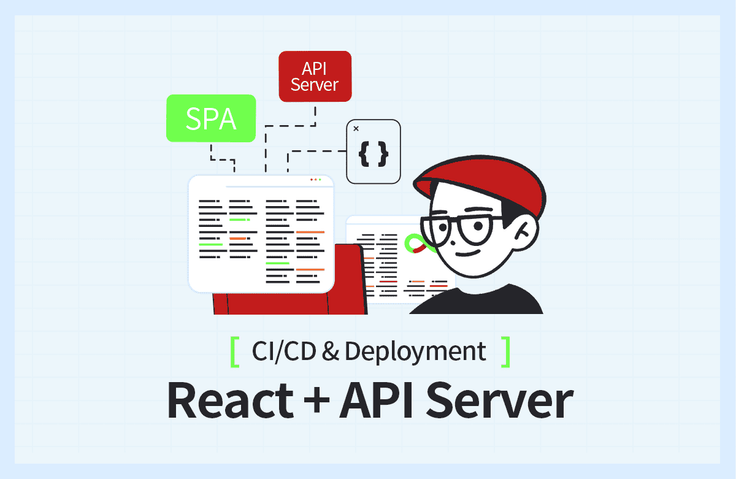
Phát triển và triển khai dự án React + API Server (CI/CD)
Tạo môi trường phát triển React - biểu tượng của SPA, API Server dựa trên Node.js và tự động tạo tài liệu API thông qua Swagger. Hiểu được sự khác biệt giữa môi trường phát triển local và development server, có thể dễ dàng sử dụng AWS theo hướng dẫn.
Tài liệu bài giảng: https://bit.ly/okreactapi
Mặc dù nó được đề cập trong bài giảng nhưng nó không phải là bài giảng đề cập đến React hay Node.js. Bài giảng này tập trung vào quá trình phân phối, đăng ký tên miền và thiết lập CI/CD. Đối với các nhà phát triển cấp dưới, rất dễ bỏ qua các yếu tố như CI/CD so với quá trình phát triển, nhưng CI/CD là một quá trình thiết yếu cho sự phát triển liên tục của chương trình. Thông qua bài giảng này, tôi có thể dễ dàng tìm hiểu cách hoạt động thực sự của CI/CD.
Tôi rất thích bài giảng hay :)
5.0
wofjeiong2ewg23
100% đã tham gia
Tôi mới bắt đầu lập trình và có thể phát triển cục bộ và tạo một dự án đơn giản, nhưng việc thiết lập môi trường phát triển và phân phối CI/CD còn lạ và khó hiểu nên rất khó tiếp cận.
Đặc biệt, rất khó để hiểu phải làm gì trên máy chủ, nhưng họ đã giải thích mọi thứ từ hướng dẫn trang cài đặt đến cài đặt môi trường và bao quát toàn bộ quá trình tạo - cài đặt - giải quyết lỗi đơn giản - triển khai, vì vậy tôi đã có thể chạy chu trình.
Điều khó khăn nhất khi học là bạn không có kinh nghiệm và không có lựa chọn nào khác ngoài việc chuyển sang hiểu trừu tượng, nhưng sau khi trải qua một vòng như thế này và nhìn lại tài liệu bài giảng, dựa trên kinh nghiệm, bạn có thể nói, "À, việc đó tôi đã làm trước đó!" Tôi cảm thấy như mình đạt được nhiều hơn khi làm việc đó.
Thay vì những người muốn nhận được lời giải thích chi tiết hoặc một dự án (React, v.v.) được sử dụng từ khi thiết lập môi trường phát triển đến triển khai, chúng tôi đang giải quyết các câu hỏi về 'Làm thế quái nào bạn tạo một dự án, thiết lập nó , triển khai và tự động hóa nó?' Tôi nghĩ sẽ rất tuyệt nếu những người không thể làm được điều đó nghe được.
Tôi chưa có kinh nghiệm làm việc trong lĩnh vực này nên chưa biết mình có thể vận dụng kiến thức thu được qua bài giảng đến mức nào nhưng tôi tin chắc rằng mình sẽ nhớ lại được những kinh nghiệm đã học được qua bài giảng và đặt nền móng cho mình. để học hỏi khi thực hiện các dự án hoặc trong lĩnh vực này sau này. Tôi hy vọng bài giảng này sẽ được biết đến rộng rãi với những người mới bắt đầu như tôi!
Cảm ơn bạn vì bài giảng tuyệt vời.
5.0
프로그래머
100% đã tham gia
Đó là một bài giảng hữu ích vì nó cho phép tôi tập hợp tất cả các khái niệm rải rác liên quan đến phân phối vào một nơi.
Sau khi hoàn thành khóa học, tôi cảm thấy mình cần phải học tập chuyên sâu hơn.
Bạn sẽ nhận được điều này sau khi học.
Môi trường phát triển React và cấu hình server
Tạo môi trường phát triển React dựa trên Vite
Máy chủ API dựa trên Node.js
Tự động hóa tài liệu API thông qua Swagger
Sự khác biệt giữa môi trường phát triển cục bộ và máy chủ phát triển
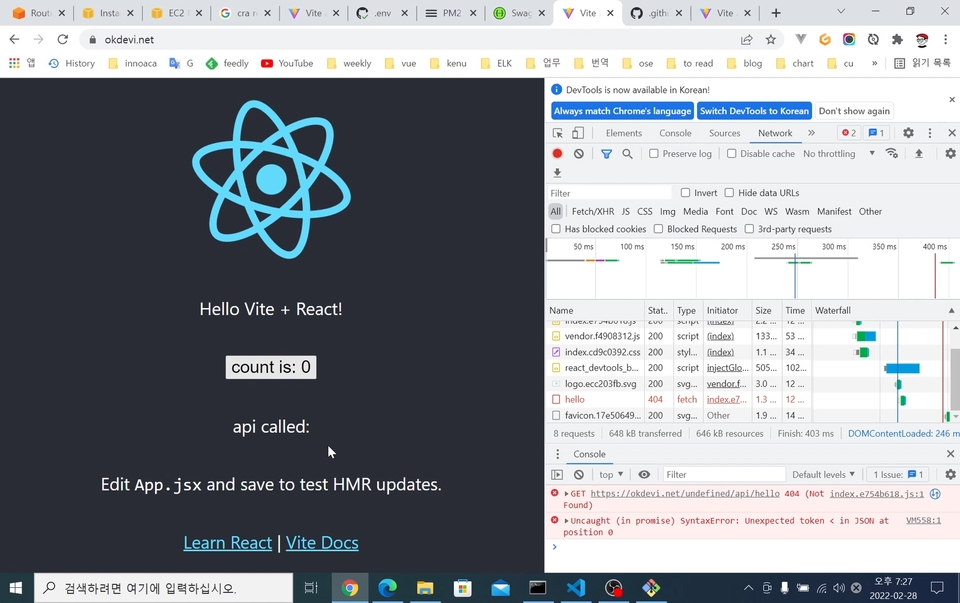
Giải quyết vấn đề CORS
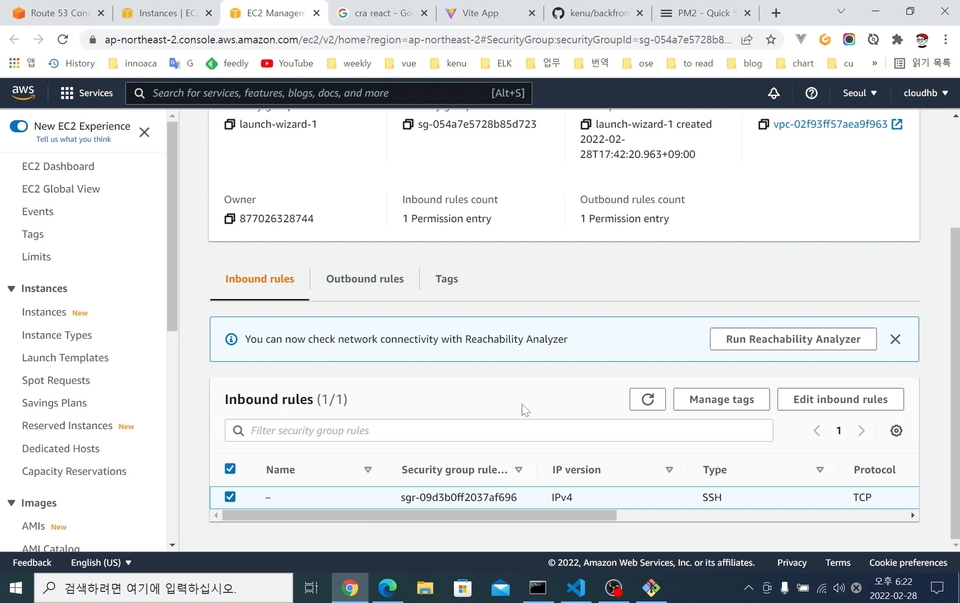
Xây dựng cơ bản máy chủ AWS EC2
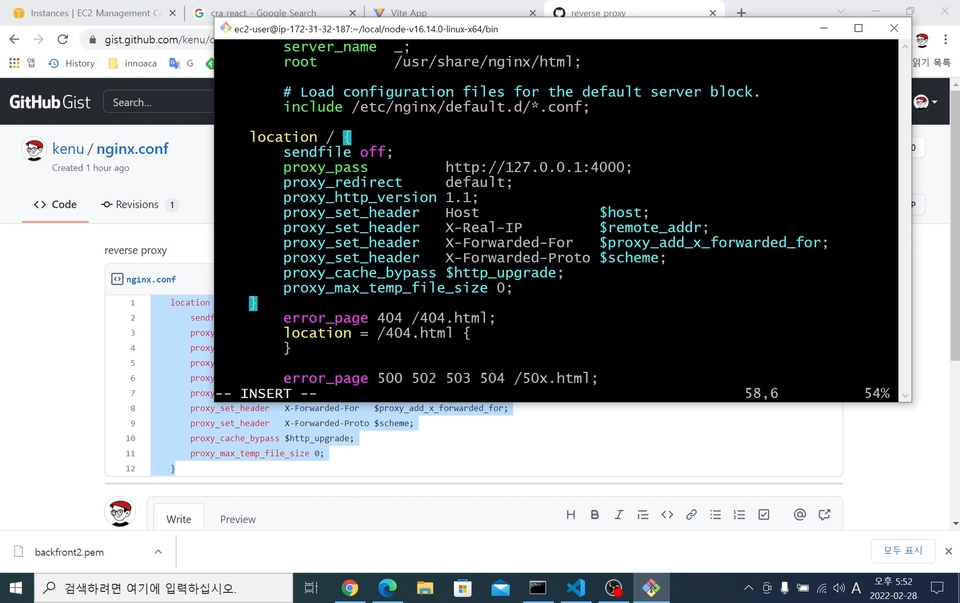
Nginx(máy chủ web) cách sử dụng cơ bản
Kết nối Nginx và Node.js
Cấp phát chứng chỉ HTTPS miễn phí
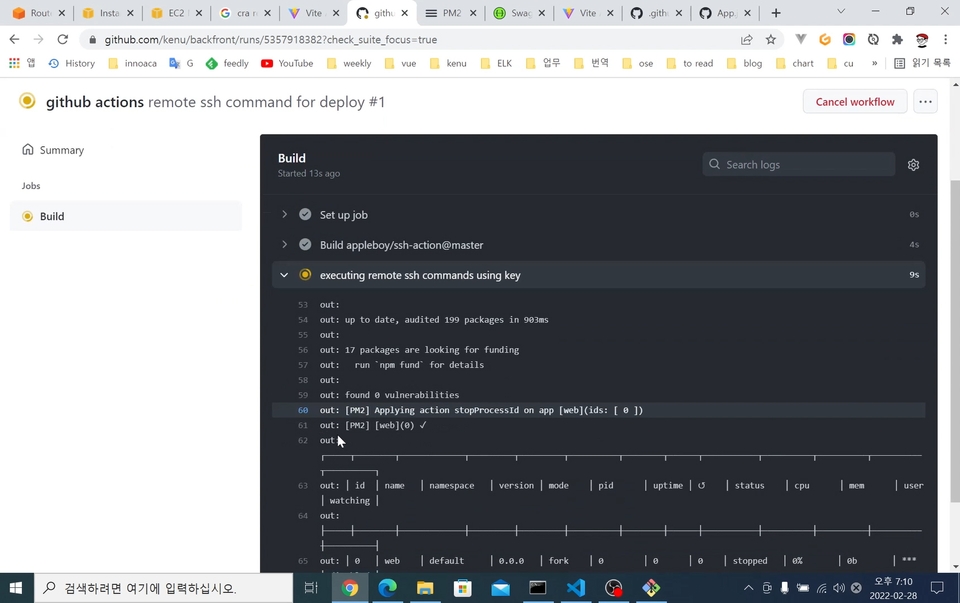
GitHub Actions를 이용한 CI/CD tự động hóa
Dự án SPA từ việc xây dựng môi trường phát triển local đến tự động hóa triển khai server, hãy thử thách trực tiếp! ✌
📢 Vui lòng kiểm tra trước khi đăng ký khóa học!
Khóa học này không giải thích cú pháp của React và Node.js mà tập trung vào việc xây dựng môi trường phát triển và triển khai.
Tài liệu bài giảng có thể tải xuống từ bài học Phần 1 - Cấu hình môi trường phát triển SPA (1).
Dự án React SPA, triển khai server + tự động hóa 💡
Bạn đã phát triển môi trường frontend và API server nhưng lại bối rối không biết phải triển khai như thế nào? Bạn có muốn làm quen với việc thiết lập môi trường phát triển xa lạ và quy trình CI/CD để triển khai không?
Trong khóa học này, bạn sẽ trực tiếp trải nghiệm quá trình xây dựng môi trường phát triển cục bộ cho dự án React và tự động hóa việc triển khai lên server. Khóa học sẽ đề cập đến môi trường phát triển ứng dụng đơn trang (SPA) sử dụng React - khác biệt so với phương thức phát triển web truyền thống, và giới thiệu về cách triển khai lên server để cung cấp dịch vụ. Ngoài ra, khóa học cũng đề cập đến việc tự động hóa tài liệu API bằng Swagger, giúp bạn hiểu được sự khác biệt giữa môi trường phát triển cục bộ và môi trường server triển khai.
Video được tạo dựa trên Windows, nhưng bạn có thể làm theo gần như hoàn toàn tương tự trên Mac và Linux. Hãy trực tiếp xem trong khóa học cách thiết lập môi trường phát triển, triển khai và tự động hóa được thực hiện như thế nào!
Khuyến nghị cho những người như thế này 🎁
✅ Người ưa thích phát triển tập trung vào dịch vụ hơn là tập trung vào ngữ pháp
✅ Những bạn không biết cách đưa code hoạt động lên server
✅ Những ai muốn biết phương pháp khác biệt so với web cổ điển
✅ Dành cho những người mới sử dụng AWS hoặc muốn học cách cấu hình máy chủ HTTPS
📌 Tổng hợp các kỹ năng được sử dụng trong khóa học
VSCode
Node.js
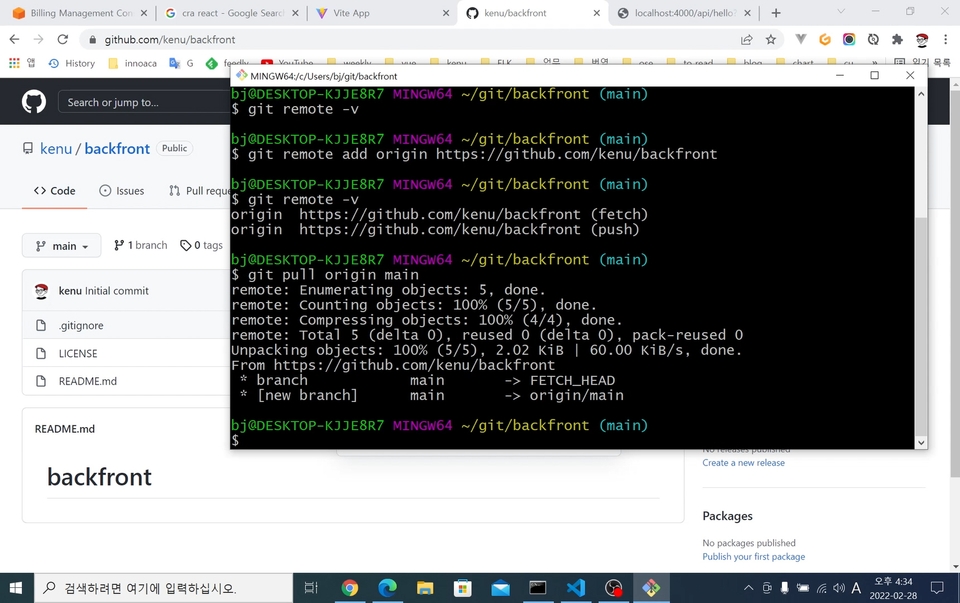
Git
GitHub
GitHub Actions
AWS EC2
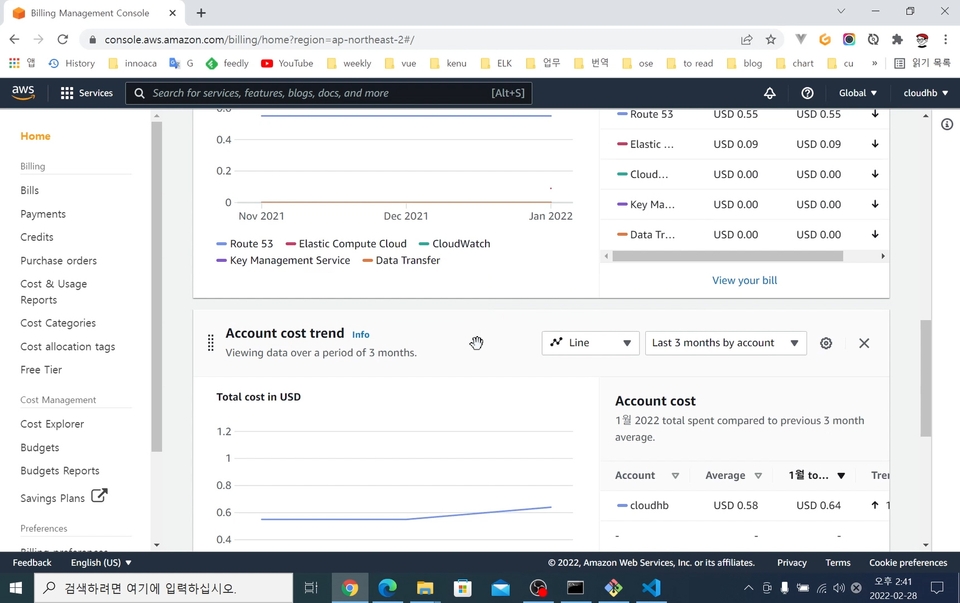
AWS Route53
Nginx + HTTPS (Chứng chỉ SSL)
Xem trước nội dung học tập 📚
01. Chuẩn bị
Giới thiệu các nền tảng phát triển và công cụ phát triển cần thiết, cùng với việc đăng ký các tài khoản liên quan
02. Cấu hình môi trường phát triển SPA
Cấu hình môi trường dự án cơ bản cho frontend và backend để làm việc trên máy tính cục bộ
03. Quy trình triển khai
Giới thiệu quy trình và phương pháp triển khai lên server cho dịch vụ
04. Đăng ký tên miền và thiết lập HTTPS
Giới thiệu về cách kết nối domain với server và phương pháp thiết lập kết nối HTTPS
05. Tự động hóa triển khai
Khi mã nguồn thay đổi, công việc tự động triển khai lên máy chủ phát triển sẽ được mô tả
06. Cấu hình CORS
Vấn đề CORS xảy ra trong môi trường phát triển cục bộ và cấu hình biến môi trường build
Giới thiệu người chia sẻ kiến thức ✒️
Kenu (허광남)
Thỉnh thoảng tôi làm chương trình phát sóng lập trình trên YouTube.
2000.12 Bắt đầu OKJSP → Hiện tại đang vận hành với tên okky.kr
Cộng đồng phát triển chính của Hàn Quốc với 50,000 lượt truy cập mỗi ngày
Hiện tại là BJ phát sóng lập trình của okdevtv.com
Cựu CTO của PetFriends từ '18~'19
Cựu CTO của Hello Nature từ '17~'18
Trước đây '15~'17 GS SHOP đội đầu tư mạo hiểm CoE part
Cựu Evangelist của Khung tiêu chuẩn Chính phủ điện tử từ '12~'16
Xin chào, tôi là Kenu!
In ra Hello World thì việc chuẩn bị phát triển đã hoàn tất! Không chỉ dừng lại ở mức độ đã từng có kinh nghiệm viết code đơn thuần, mà còn có được sự tự tin có thể đưa code mình tạo ra lên server để phục vụ ứng dụng mà mình đã tạo cho mọi người sử dụng.
Hãy kiểm tra Q&A! 💬
Q. Người không chuyên ngành có thể nghe được bài giảng này không?
Vâng, những người không chuyên ngành cũng có thể học được. Chúng tôi sẽ giải thích chi tiết từ việc cài đặt các chương trình liên quan! (Bạn cần có kiến thức tiên quyết về JavaScript!)
Q. Nội dung bài học được đề cập đến mức độ nào?
React và Node.js không đề cập đến cú pháp, mà giải thích về việc xây dựng môi trường phát triển, triển khai và tự động hóa.
Q. Khi phiên bản của các công nghệ được sử dụng trong khóa học được nâng cấp, liệu khóa học có được cập nhật không?
Khi phiên bản chính được nâng cấp đến mức khó có thể tiếp tục khóa học, việc cập nhật nội dung bài giảng là cần thiết. Do đó, tôi đang có kế hoạch cập nhật đến năm 2025.
Khuyến nghị cho những người này
Khóa học này dành cho ai?
Người vào làm với tư cách là developer startup nhưng không có mentor
Người mới bắt đầu với môi trường phát triển SPA và triển khai server
Những người mới sử dụng AWS lần đầu
Dành cho những ai muốn học cách cấu hình máy chủ HTTPS
Là người sáng lập https://okky.kr và tôi đang chia sẻ những gì mình đã học được tại https://github.com/kenu/okdevtv.
Tôi đang thu thập các video mới nhất từ các kênh liên quan đến phát triển phần mềm tại https://mp4.okdevtv.com.
Tôi đang thực hiện hơn 500 buổi phát sóng về lập trình trên KenuHeo YouTube.
Tôi đang thu thập các video mới nhất từ các kênh liên quan đến phát triển phần mềm tại https://mp4.okdevtv.com. Tôi đã thực hiện hơn 500 buổi phát sóng về lập trình trên YouTube KenuHeo.
Mặc dù nó được đề cập trong bài giảng nhưng nó không phải là bài giảng đề cập đến React hay Node.js. Bài giảng này tập trung vào quá trình phân phối, đăng ký tên miền và thiết lập CI/CD. Đối với các nhà phát triển cấp dưới, rất dễ bỏ qua các yếu tố như CI/CD so với quá trình phát triển, nhưng CI/CD là một quá trình thiết yếu cho sự phát triển liên tục của chương trình. Thông qua bài giảng này, tôi có thể dễ dàng tìm hiểu cách hoạt động thực sự của CI/CD.
Tôi rất thích bài giảng hay :)
Đó là một bài giảng hữu ích vì nó cho phép tôi tập hợp tất cả các khái niệm rải rác liên quan đến phân phối vào một nơi.
Sau khi hoàn thành khóa học, tôi cảm thấy mình cần phải học tập chuyên sâu hơn.
Tôi mới bắt đầu lập trình và có thể phát triển cục bộ và tạo một dự án đơn giản, nhưng việc thiết lập môi trường phát triển và phân phối CI/CD còn lạ và khó hiểu nên rất khó tiếp cận.
Đặc biệt, rất khó để hiểu phải làm gì trên máy chủ, nhưng họ đã giải thích mọi thứ từ hướng dẫn trang cài đặt đến cài đặt môi trường và bao quát toàn bộ quá trình tạo - cài đặt - giải quyết lỗi đơn giản - triển khai, vì vậy tôi đã có thể chạy chu trình.
Điều khó khăn nhất khi học là bạn không có kinh nghiệm và không có lựa chọn nào khác ngoài việc chuyển sang hiểu trừu tượng, nhưng sau khi trải qua một vòng như thế này và nhìn lại tài liệu bài giảng, dựa trên kinh nghiệm, bạn có thể nói, "À, việc đó tôi đã làm trước đó!" Tôi cảm thấy như mình đạt được nhiều hơn khi làm việc đó.
Thay vì những người muốn nhận được lời giải thích chi tiết hoặc một dự án (React, v.v.) được sử dụng từ khi thiết lập môi trường phát triển đến triển khai, chúng tôi đang giải quyết các câu hỏi về 'Làm thế quái nào bạn tạo một dự án, thiết lập nó , triển khai và tự động hóa nó?' Tôi nghĩ sẽ rất tuyệt nếu những người không thể làm được điều đó nghe được.
Tôi chưa có kinh nghiệm làm việc trong lĩnh vực này nên chưa biết mình có thể vận dụng kiến thức thu được qua bài giảng đến mức nào nhưng tôi tin chắc rằng mình sẽ nhớ lại được những kinh nghiệm đã học được qua bài giảng và đặt nền móng cho mình. để học hỏi khi thực hiện các dự án hoặc trong lĩnh vực này sau này. Tôi hy vọng bài giảng này sẽ được biết đến rộng rãi với những người mới bắt đầu như tôi!
Cảm ơn bạn vì bài giảng tuyệt vời.
Cảm ơn bạn đã xem xét của bạn. Tôi rất vui vì nó đã giúp ích.
Xây dựng môi trường phát triển + phân phối là cơ bản. Việc tạo ra dịch vụ mong muốn ở đây đòi hỏi nhiều nỗ lực hơn.
Tôi hy vọng bạn cung cấp dịch vụ tốt.
Chúc mừng!
Tôi nghĩ rằng giá quá cao so với cấu trúc khóa học.
Trước khi mua khóa học, chúng tôi khuyên bạn nên tìm kiếm các blog liên quan đến CI/CD triển khai AWS.
Có rất nhiều bài blog có nội dung tương tự.
Tôi khuyên bạn nên mua nó khi bạn cảm thấy khó khăn ngay cả sau khi đọc bài đăng trên blog.
Đúng là bài giảng đề cập đến việc xây dựng và phân phối môi trường phát triển, nhưng từ góc độ đã nghe toàn bộ bài giảng, có cảm giác như nó kết thúc chỉ bằng việc nếm thử bài giảng hơn là đạt được hay học được bất cứ điều gì.
Cho đến nay, tôi đã mua nhiều bài giảng từ Infrun, nhưng bài giảng này quá đắt dù chỉ dài chưa đầy 2 giờ. Tôi mua nó vì nghĩ rằng sẽ có những chiêu thức đặc biệt hoặc thông tin nâng cao, nhưng cuối cùng nó chỉ là một phần của nó. nên tôi thực sự thắc mắc tại sao nó lại đắt đến thế.
Đối với nginx, tất cả những gì bạn phải làm là sao chép/dán tệp cấu hình và không đề cập đến ưu nhược điểm của Vite so với webpack và việc cấp chứng chỉ miễn phí thông qua certbot đã được sử dụng, nhưng trên thực tế, các dịch vụ thương mại thì không. cung cấp dịch vụ phát hành miễn phí này. Có vẻ như nó có thể giải thích liệu nó có thể được sử dụng hay không, nhưng thật lãng phí tiền khi mua nó vì tất cả những gì bạn phải làm chỉ đơn giản là cài đặt và chạy nó.
Cảm ơn bạn đã đánh giá khóa học chi tiết. Lý do tôi làm nó dài khoảng 2 tiếng là vì tôi nghĩ đây là lượng nội dung nhanh nhất mà tôi có thể trải nghiệm. Tôi rất tiếc vì bạn cảm thấy nó đắt tiền. Tuy nhiên, tôi đặt rất nhiều liên kết tham khảo trong tài liệu vì tôi muốn tính giá này dựa trên kinh nghiệm thu thập và tạo tài liệu của mình.
https://okdevtv.com/mib/nginx
https://okdevtv.com/mib/vite
https://okdevtv.com/mib/letsencrypt
https://okdevtv.com/mib/...
Tôi sẽ đánh giá cao nếu bạn có thể hiểu rằng bài giảng này là sự tổng hợp các kịch bản phát sóng trên YouTube.
Mình sẽ cố gắng chia sẻ nội dung tốt hơn bằng cách tham khảo những gì bạn nói.
Tôi hy vọng bạn trở thành một kỹ sư hạnh phúc.
















![[DevOps Essentials 3] Xây dựng CI đúng cách với GitHub ActionsHình thu nhỏ khóa học](https://cdn.inflearn.com/public/courses/330205/cover/1fb88cde-cf81-4402-bd78-67246dd4010f/330205-eng.jpg?w=420)