2025 ChatGPT Finisher
forestsoft
$42.90
Basic / ChatGPT, perplexity
4.7
(36)
100+
GPT lecture with 430K YouTube views! Meet the renewed 2025 online lecture!

Basic
ChatGPT, perplexity

The GPT course that recorded 490,000 YouTube views has returned with a fresh update featuring Copilot. This course solves the concerns of office workers who are overwhelmed about where and how to start using ChatGPT and generative AI in their work. Through hands-on practice covering everything from understanding concepts to prompt design, image and data analysis, automating reports, Excel, and PPT, and utilizing Copilot and AI agents, you'll learn practical usage methods that can immediately reduce your actual company workload and improve performance.
125 learners
Level Beginner
Course period 24 months
Reviews from Early Learners
5.0
newrla0923
The systematic explanation made it easy to understand step-by-step, and the calm delivery was also very good. Practicing each part one by one was very helpful as well.
5.0
유은옥
Thank you for teaching in a way that was easy to watch and listen to.
5.0
yoosdsd
I'm enjoying listening~
Various Generative AI Usage Methods Centered on ChatGPT and MS Copilot
The ability to independently create ready-to-use visual materials by utilizing image generation features
Design your own prompts tailored to your team's work for practical workflows such as Excel, data analysis, and report writing
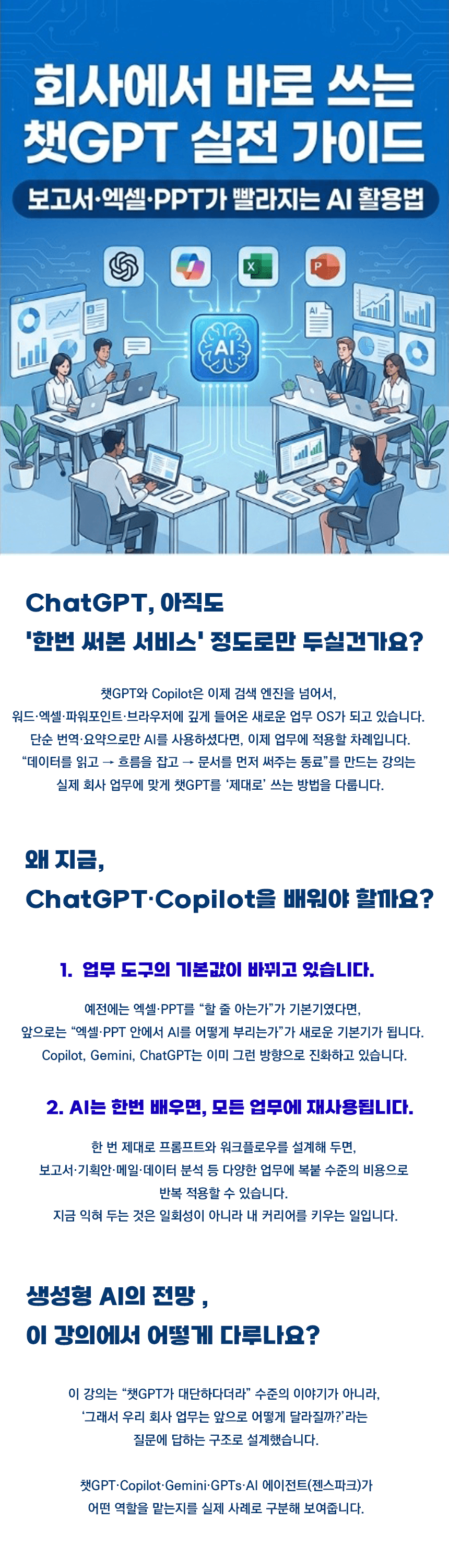
From the basic concepts of generative AI to ChatGPT, Copilot, Gemini, GPTs, and AI agents (Genspark), a hands-on, practice-oriented course that guides you step-by-step through the entire process of immediately applying these tools to your work
Real-world Data Applications: Learning AI Utilization through Lottery Number Statistics, Subway Station Passenger Data, and Corporate Card Expenditure Records
Data Upload → Preprocessing → Analysis/Visualization → Insight Derivation → Automatic Report/PPT Generation
Practice with actual business requirements from financial institutions and large corporations
Cost Reduction Report
Commercial District and Data Analysis
Including internal reporting slide generation
Understanding the basic concepts of generative AI and the core features of ChatGPT and Copilot, and configuring web, mobile, and browser environments so you can immediately apply them to your actual work.
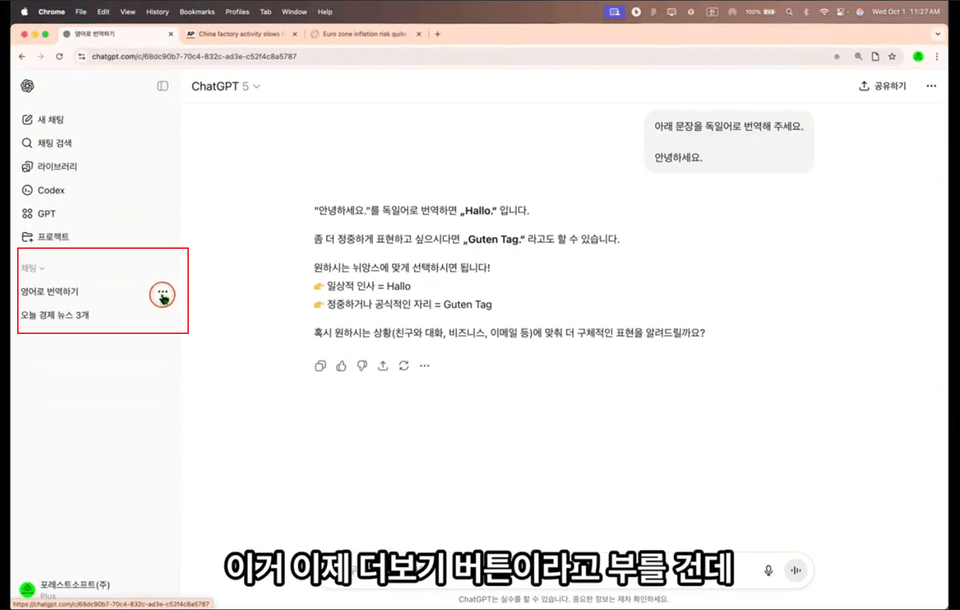
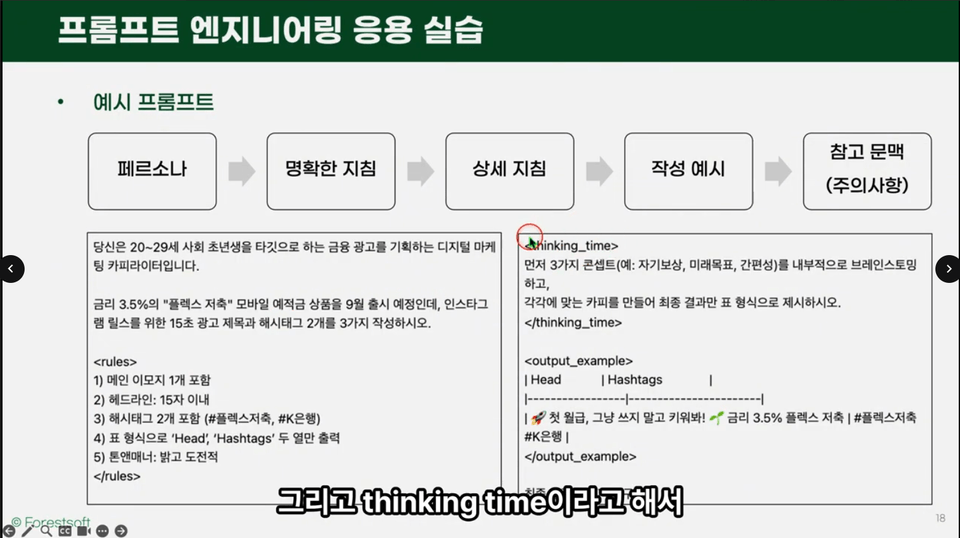
Based on prompt engineering, you'll practice connecting image generation, data analysis, and automatic report/presentation creation into a single workflow.
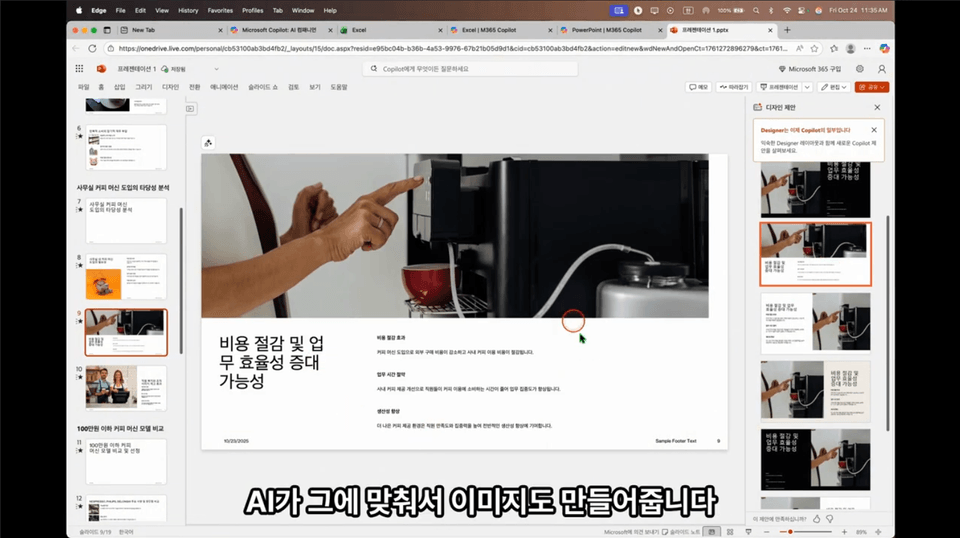
Automate Excel calculations, PPT creation, and research/summarization using Copilot, Gamma, Genspark, and design repetitive task automation routines tailored to your work.

I have too much report and data work.For those who are buried in Excel every day
and want to experience firsthand how much generative AI can reduce this workload

We've introduced ChatGPT and Copilot, but we're not sure how to utilize them effectively.
For those who want to integrate them into actual work flows beyond simple questions and translations

I want to create AI work routines for our organization.
For those who want to design their own standard usage based on departmental data
8. Automating Report Writing
# Lesson 11_Getting Started with Copilot
Operating System and Version (OS): All operating systems including Windows, macOS, and Linux are supported.
Browser: Based on Google Chrome and Microsoft Edge.
PC Specifications: Basic PC with internet access, stable internet environment essential for using web-based AI services
Format of provided learning materials: Practice materials links and lecture notes provided
Volume and Capacity: Learning materials provided for each section
Basic computer skills
Since we proceed step by step from the basics, if you have used a computer before, you can follow along sufficiently.
Some paid account screens such as ChatGPT Plus may be demonstrated in the class. A separate paid subscription may be required to 100% reproduce the same features.
When using at work, access to external AI services may be restricted, so prior confirmation is recommended.
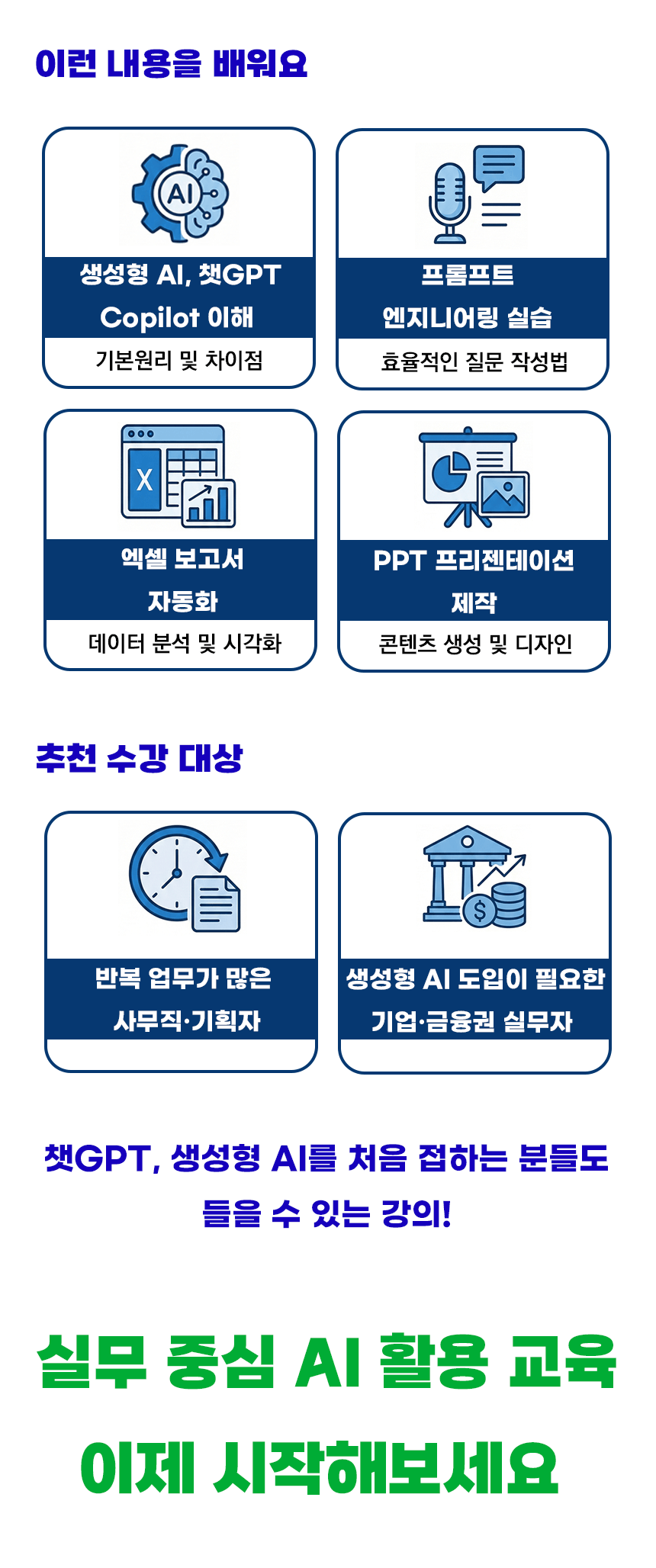
Who is this course right for?
Office workers and planners who spend most of their time on repetitive tasks due to heavy workloads in Excel, PowerPoint, and report preparation
AI professionals who want to utilize AI but feel overwhelmed about how to implement it in their work
Need to know before starting?
Basic computer literacy and web browser usage experience
Experience creating simple documents using Excel and PowerPoint

520
Learners
110
Reviews
5
Answers
4.7
Rating
4
Courses
We provide education based on the belief that education is the hope for the future.
[Lecture History] Hana Financial Group - DT University: Improving SW Development Productivity with ChatGPT KB Kookmin Bank - Improving Work Productivity Using ChatGPT The Korea Teachers Pension - ChatGPT Utili
[Lecture History]
Hana Financial Group - DT University: Improving SW Development Productivity with ChatGPT
KB Kookmin Bank - Improving Work Productivity Using ChatGPT
Teachers Pension Service - Business Automation using ChatGPT
Seodaemun 50+ Center - ChatGPT and Generative AI Application Guide
Dongguk University - Basic Theories and Trends in ChatGPT and Generative AI
Dankook University High School Affiliated with Software - Dankook SW Universe Forum: Building ChatGPT and Generative AI Capabilities
[Clients]
Multicampus, Hana Financial Group, Samsung Software Academy for Youth (SSAFY), Dongguk University, KB Kookmin Bank, Korea Productivity Center, and many others
All
16 lectures ∙ (5hr 16min)
Course Materials:
All
31 reviews
4.8
31 reviews

Reviews 2
∙
Average Rating 4.5
Reviews 2
∙
Average Rating 4.5
5
The systematic explanation made it easy to understand step-by-step, and the calm delivery was also very good. Practicing each part one by one was very helpful as well.
I’m really glad to hear that it’s helpful. Thank you.
Reviews 2
∙
Average Rating 5.0
5
Thank you for teaching in a way that was easy to watch and listen to.
Thank you. I’ll work even harder!!!
Reviews 1
∙
Average Rating 5.0
Reviews 1
∙
Average Rating 5.0
Check out other courses by the instructor!
Explore other courses in the same field!
25% off for new members
$32.90
25%
$42.90








![[Serial] WE CAN ChatGPT! - We can do it too, ChatGPT.Course Thumbnail](https://cdn.inflearn.com/public/courses/336097/cover/a0235c47-7dc2-4a85-8656-a8b64d1b96b3/336097.jpg?w=420)
 (1200 x 781 px)1.png?w=420)