Learning JavaScript by Focusing on the Essentials
sucoding

Javascript syntax that frontend beginners must learn! From basic to advanced, let's delve into the JavaScript language from A to Z!

Beginner
JavaScript
Basic Practice
Faithful basic training
In this course, you will systematically learn CSS3 through basic exercises that are suitable for your learning progress .
Through faithful basic practice, you will start from the basic concepts of CSS3 and learn each property and function through practice. The practice progresses step by step, helping you naturally acquire each concept and learn efficiently .
Each exercise covers the core properties of CSS3 , allowing you to develop practical skills from basic to advanced, including styling, layout, and responsive web design .
Let's go on a journey to learn the core technologies of CSS3, starting from the basics!

In this lesson, you will learn how to design a layout and create a simple gallery page .
First, you'll learn a variety of layout design techniques using Flexbox and CSS Grid . This will teach you how to align gallery items and control spacing, margins, and alignment .
When designing a gallery page, we apply responsive design to implement a layout that looks good on various screen sizes, and add hover effects and animations to each image to make the page more lively.
Finally, you'll learn advanced CSS techniques that you can apply in practice, as well as fine-tune your designs through hands-on styling.
In this course, you will create a practical and stylish gallery page and further enhance your layout design skills .
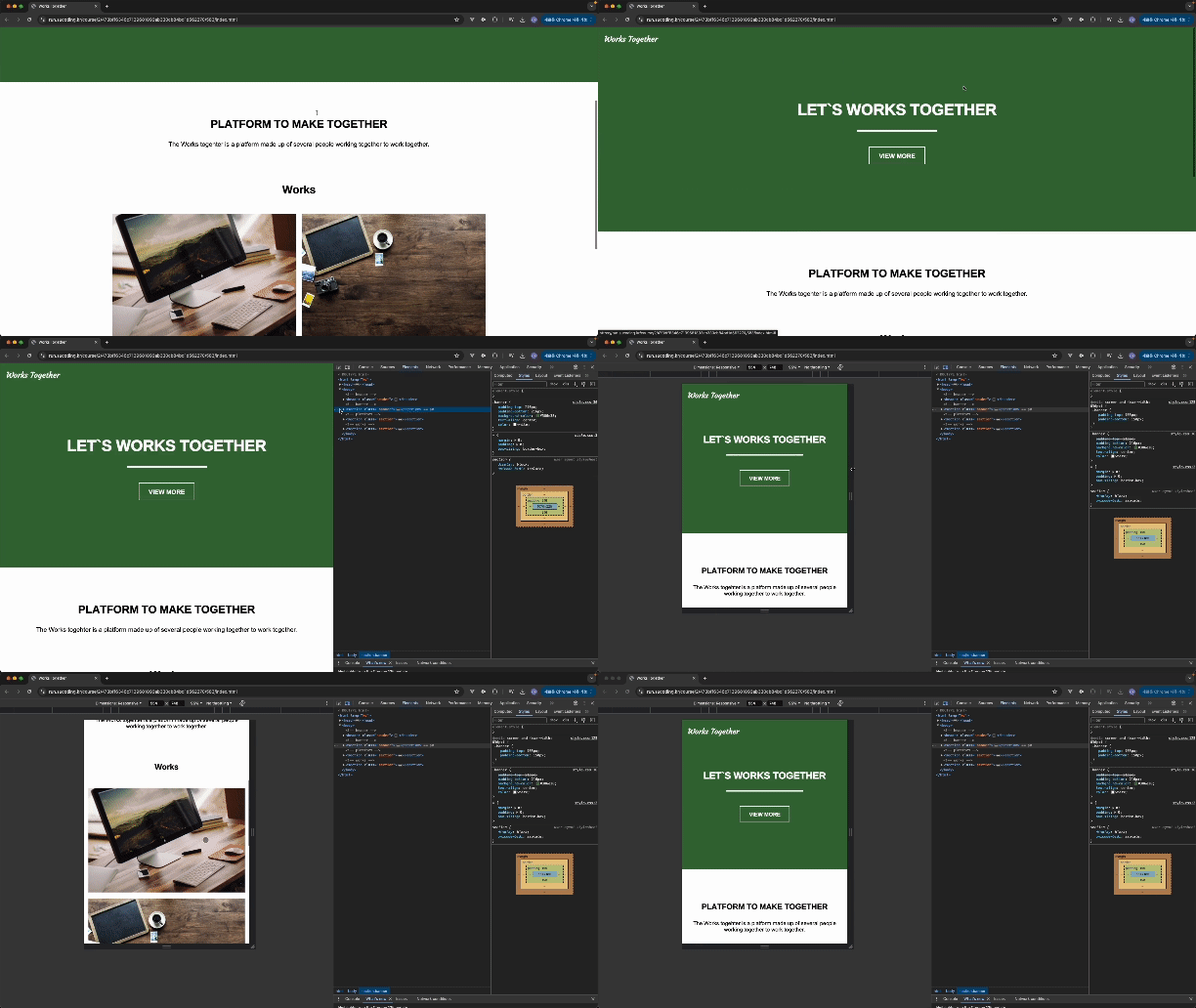
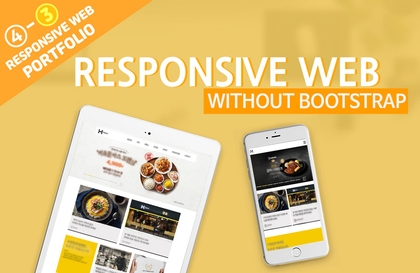
In this course, you will learn how to use HTML5 markup , CSS3 , and responsive design using media queries through hands-on practice.
First, we will cover the basics of HTML5 markup , and then apply CSS3 to style it. After that, we will implement responsive web design using media queries and create pages that can adapt to various screen sizes.
This hands-on course will teach you the skills you need to build a responsive web presence, and give you the confidence to create your own , work-ready web pages .
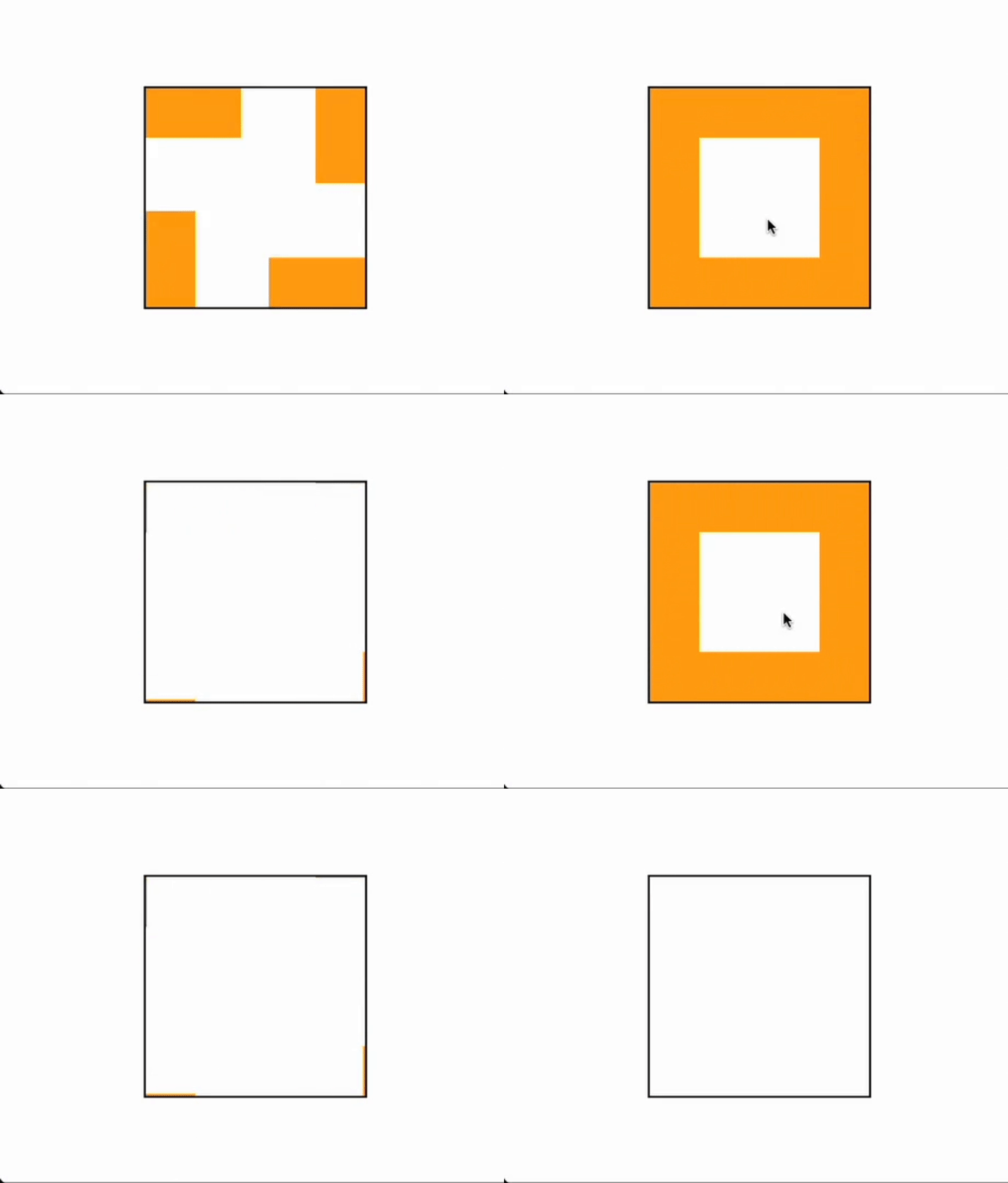
In this course, you will master transitions not just through theory, but through solid practice .
Transitions are powerful CSS properties that add smooth animation effects to the state changes of elements. In this lesson, you will learn the basic principles of transitions and how to effectively transform your designs by applying various transition properties .
Through hands-on practice , you will learn how to create different transition effects , including color, size, and position changes, and develop the ability to apply them to web page design .
In this course, you will learn how to improve user experience using transitions and develop the skills to create interactive web pages .
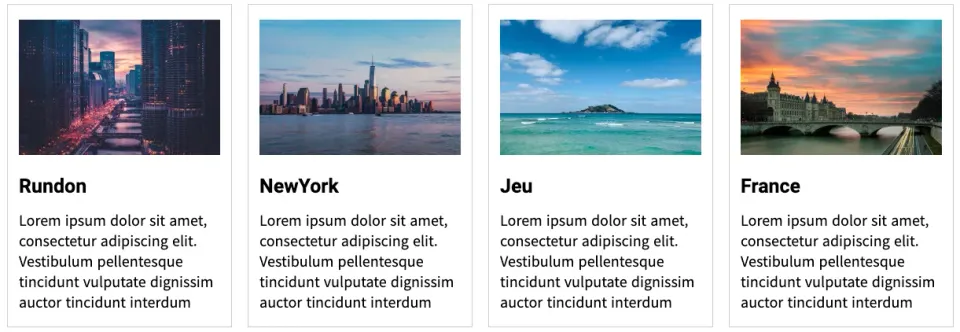
In this lecture, we will learn Grid Layout and create a card-style UI .
First, learn the basic concepts and properties of CSS Grid , and learn how to efficiently compose various layouts using it. After that, learn how to implement a card-style UI and apply it to actual web page design .
Through hands-on training, you will freely handle card layout alignment, sizing, spacing, etc., and design a UI that responds to various screen sizes with a responsive grid .
In this course, you will learn practical ways to use CSS Grid and confidently create clean and efficient card-based UI designs .
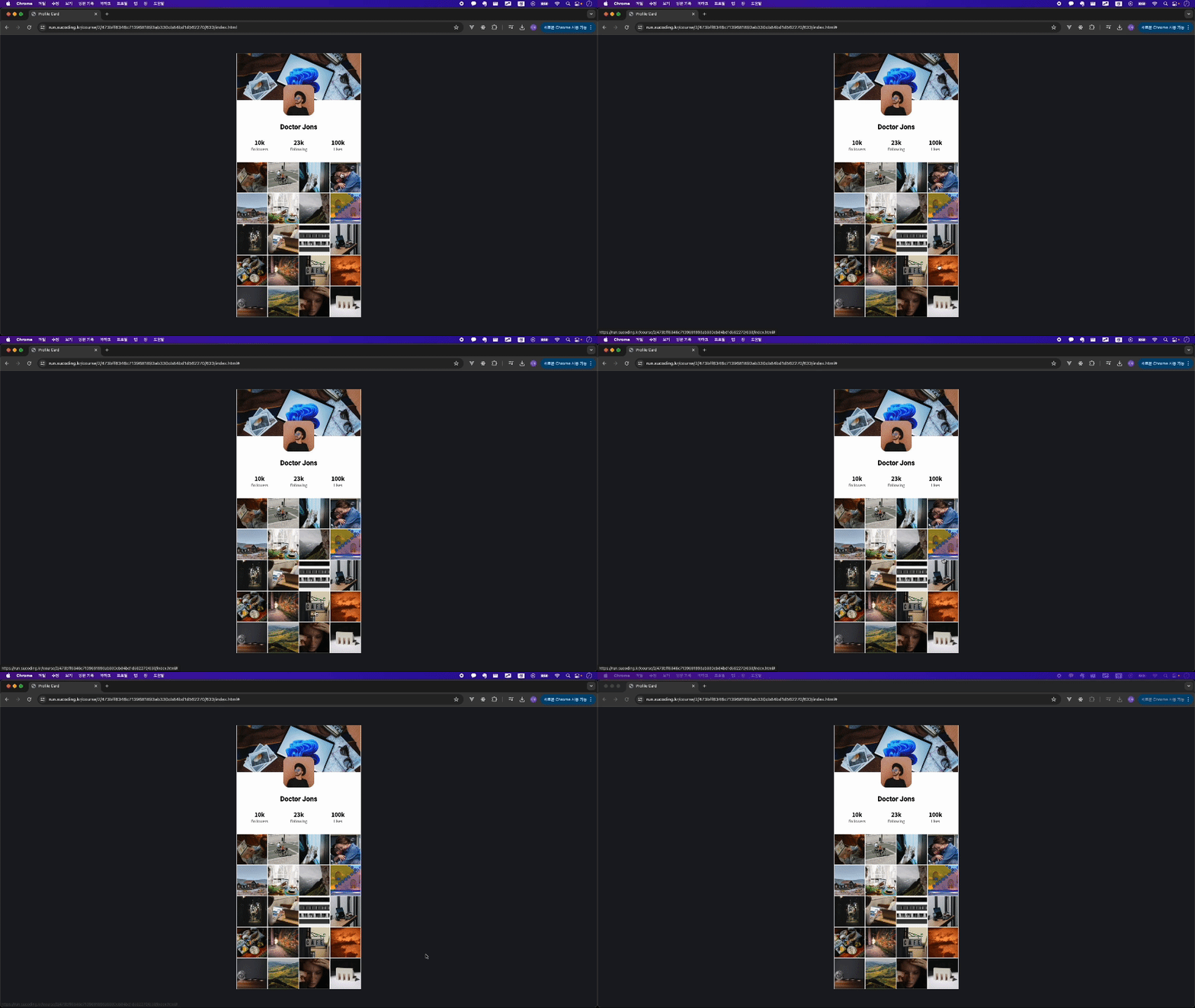
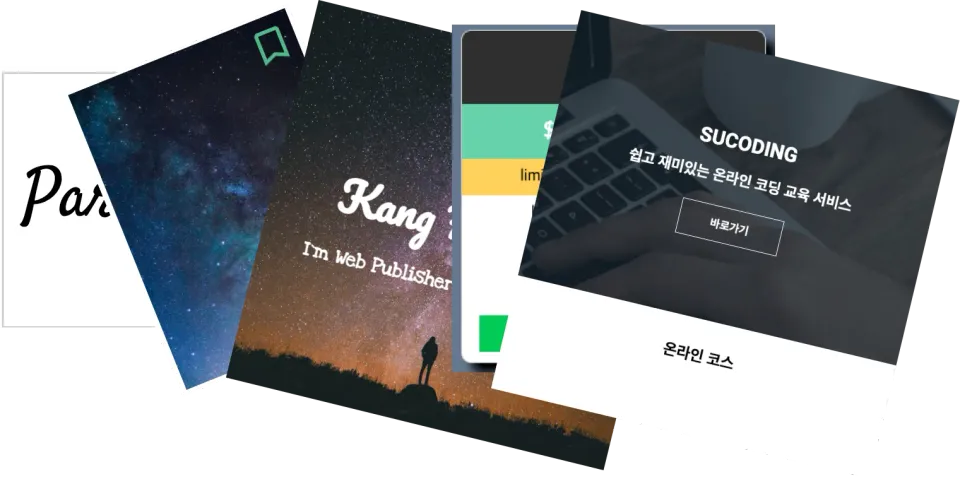
In this project, you will systematically learn various methods of layout design while cloning and coding a main screen in the same format as Instagram .
We use HTML5 markup and CSS3 styling to implement a layout similar to an actual service. The main content is divided into headers, feeds, sidebars, etc., and the page is organized, and responsive web design is used to create a page that looks good on both mobile and desktop .
Through this hands-on course, you will learn how to systematically construct complex layouts and the responsive techniques required for real-world web page design . You will gain practical experience by completing the project and achieve great results that you can add to your own portfolio.
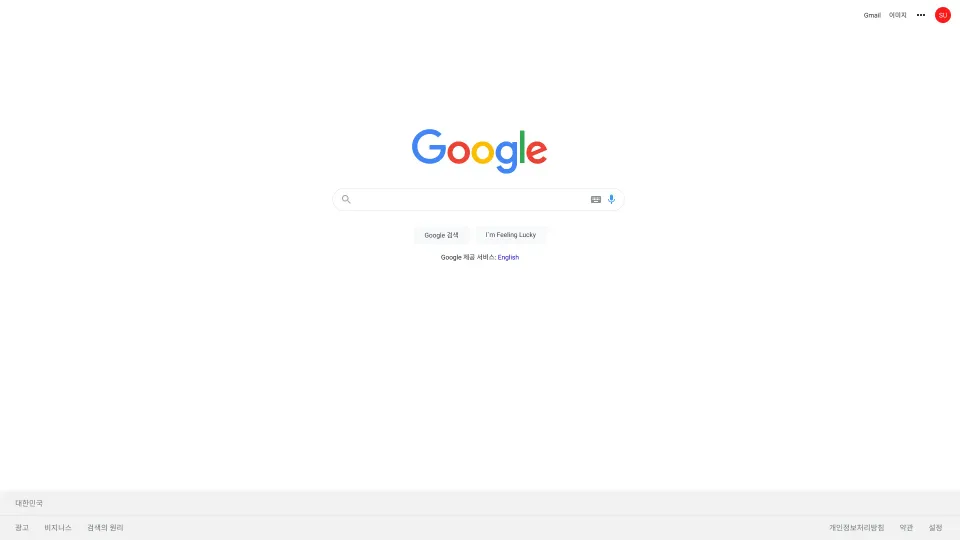
In this project, we will perfectly clone the Google main screen from the Google logo to the search bar .
Using HTML5 and CSS3 , we accurately recreate Google's simple layout . The page structure is centered around the Google logo, search box, and search button, creating a simple yet clean design.
This hands-on lab will help you master basic CSS3 techniques like alignment, spacing, and font styling , and build practical web design skills by implementing a search box that functions like a real web page .
Additionally, you can learn the skills needed for real web projects by applying responsive web design to create optimized results from mobile screens to desktop screens .
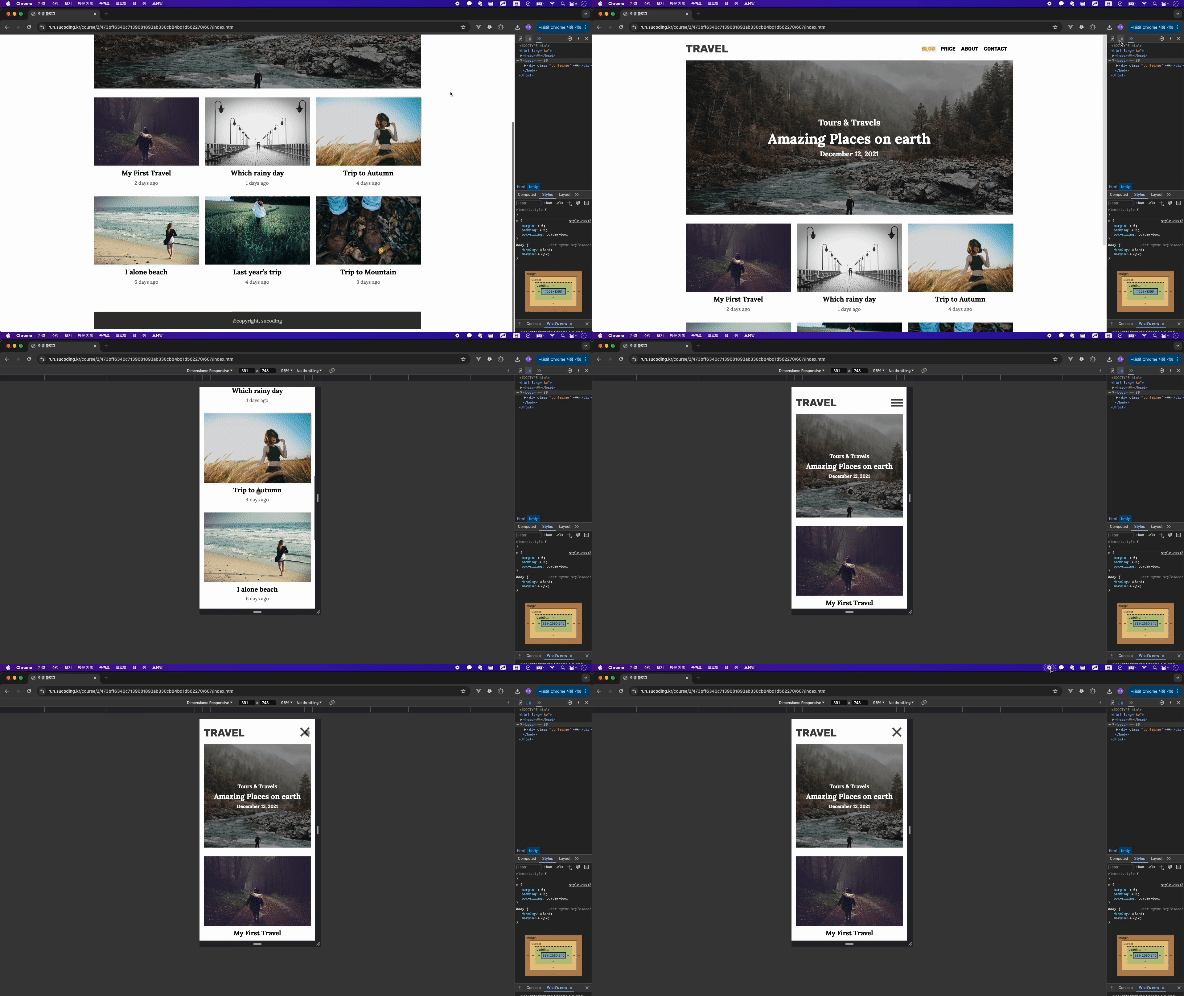
In this project, you will clone code a travel blog page while learning systematic HTML5 structure and perfect CSS3 styling .
We use HTML5 to cleanly design the structure of the web page , and add styling to the page with CSS3 to create a design that looks like an actual travel blog.
By applying responsive design, you will configure the page to automatically optimize it for various screen sizes, and learn design skills that can be applied immediately to actual projects while practicing various elements such as image galleries, text layouts, and menu bars .
Through this project, you will learn how to create structured and efficient web pages and responsive web design . It is an opportunity to learn everything from the basics to advanced web development by creating a page that works like a real blog .
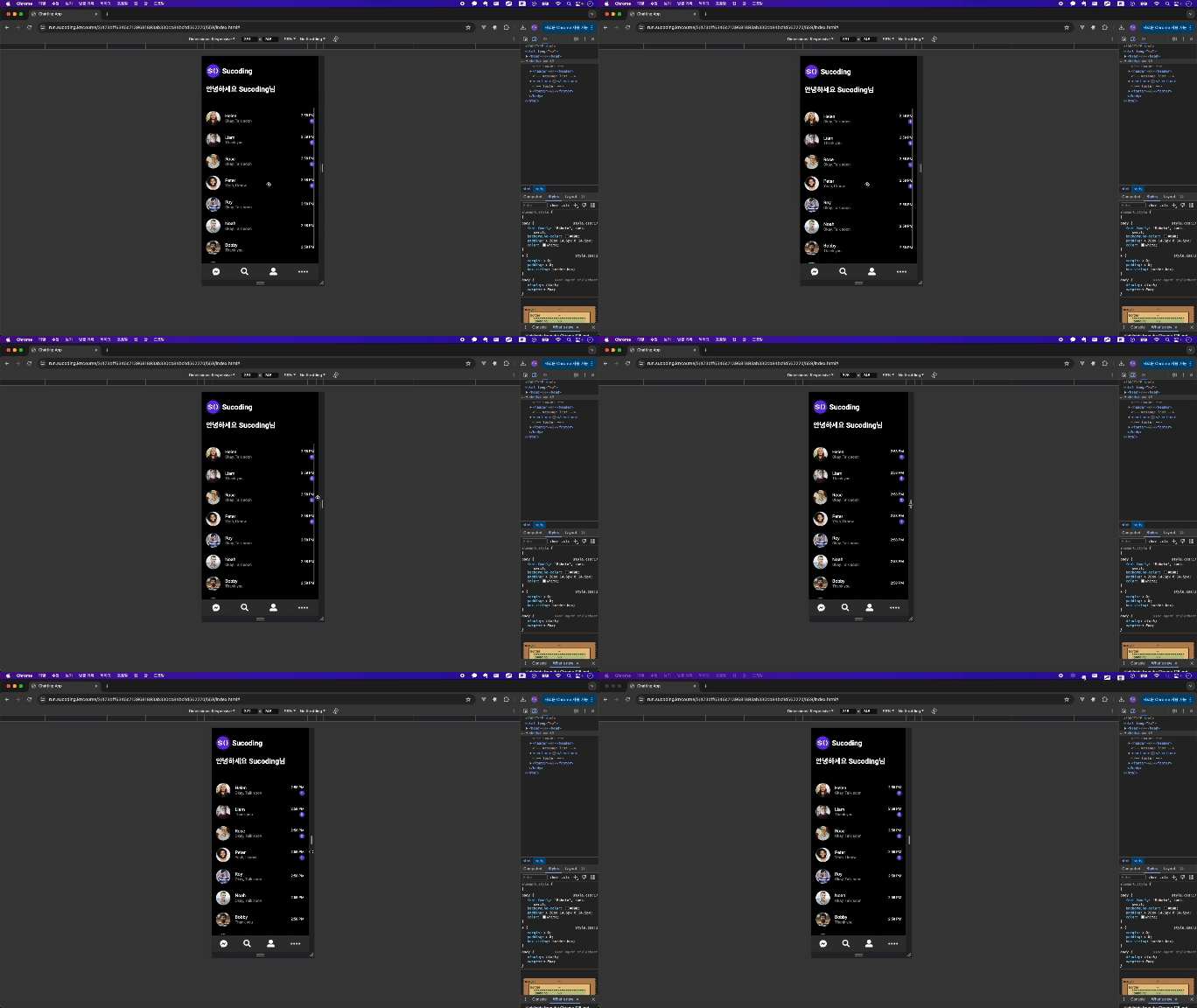
In this project, we will create a 100% mobile responsive chat app . Using HTML5 , CSS3 , Grid , and Flex , we will complete a page that functions like a real chat app .
Design the app's structure with HTML5 , add page styling with CSS3 , and implement a UI optimized for mobile devices. Use Grid and Flexbox to efficiently arrange the chat window layout , and practice elements such as sending messages, chat lists, and profile images .
In particular, we focus on mobile responsiveness , designing the chat screen to be optimized for the mobile environment . Through this, you will learn the importance of responsive web design and create pages that look and behave like real apps .
This project provides the best learning opportunity for those who want to learn mobile optimization and practical UI/UX design !
Final Project 5
Living Room
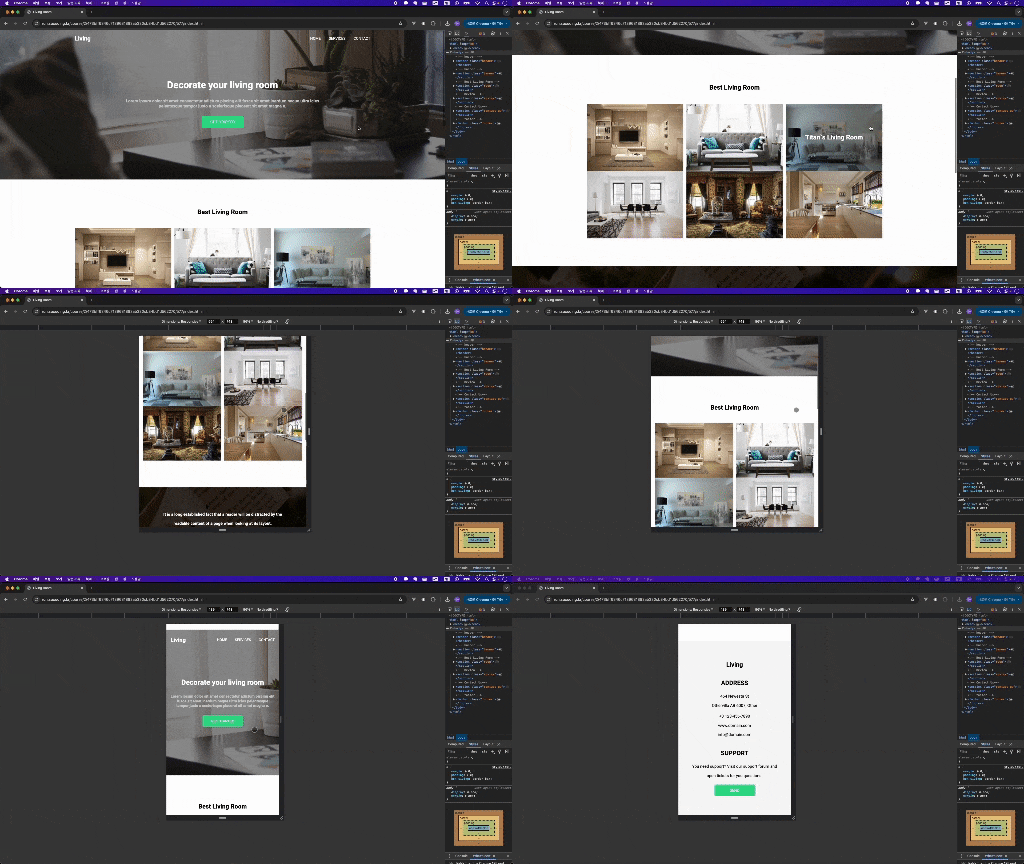
In this project, you will learn how to create a main screen using the latest HTML5 syntax and CSS3 styling , while also implementing responsive web design .
By utilizing the latest tags of HTML5 and various properties of CSS3 , we create a main screen that looks like an actual web page . The layout design uses Flexbox and Grid to create a flexible and clean composition, and the design elements are optimized for responsiveness to ensure that they look good on various devices.
In this course, you will learn the latest grammar and advanced features of CSS3 that are widely used in practice , and you will be able to implement an optimized layout for all screen sizes based on responsive web .
Through repetitive learning, you will learn how to perfectly apply HTML5 and CSS3 and develop the ability to create web pages that look like real designs !
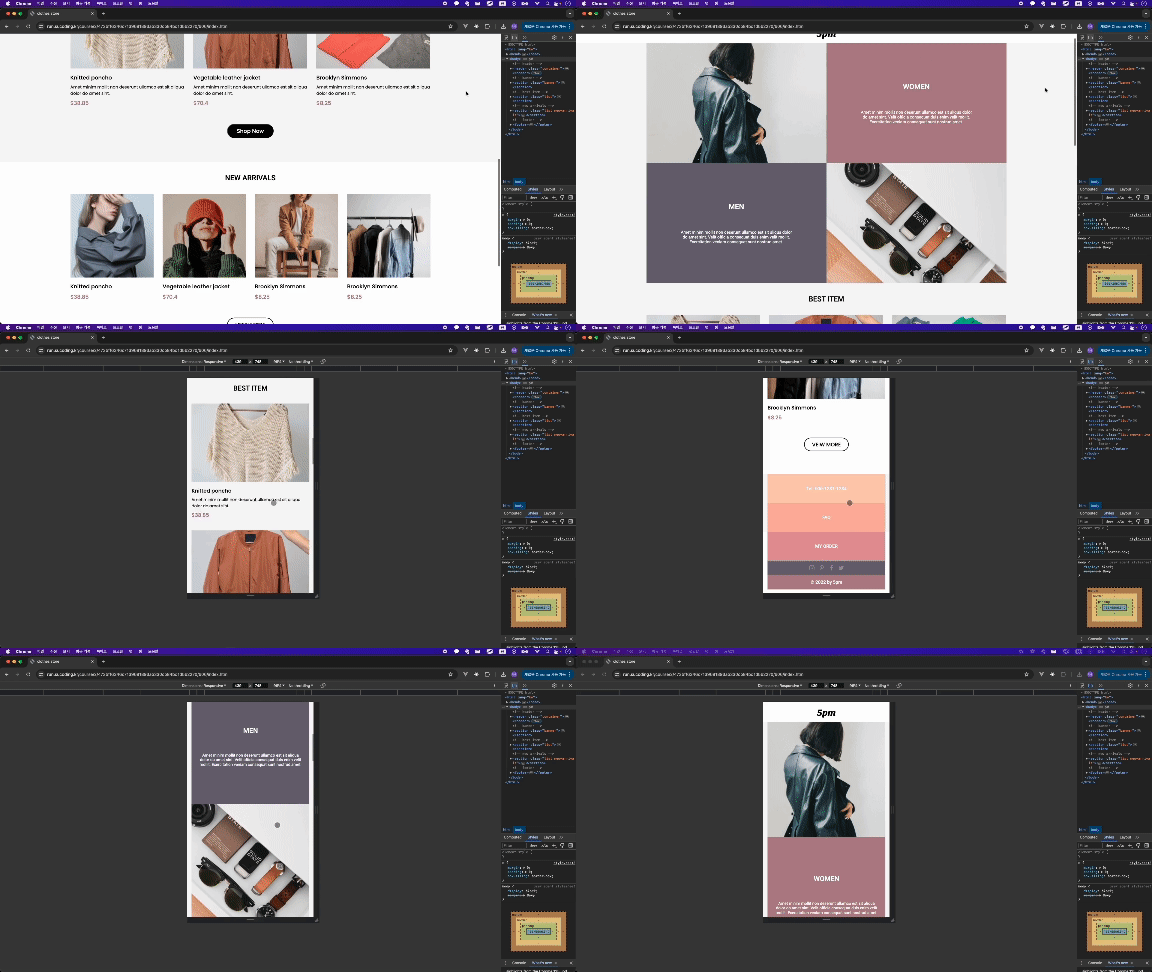
Finally, the last project ! Congratulations on becoming a real publisher . Now, put everything you've learned into practice in your best work .
In this project, we will use HTML5 and CSS3 to create a high-quality web page just like in real life. We will comprehensively utilize all the skills we have learned so far and implement a page that works like a real website by applying responsive design and a sophisticated layout .
In the last project that contains all the know-how as a publisher , there is nothing more to learn. Through the learning so far, I am ready to be reborn as a publisher with both design perfection and code efficiency . Now, go down with confidence ! 🙂
Congratulations, and I hope you continue to create many great web pages in your future journey! 🎉









css.png?w=420)
![Modern Web Interactive CSS3 [PART3/3]Course Thumbnail](https://cdn.inflearn.com/public/courses/335746/cover/77dcadeb-88d7-4410-939e-265755e39733/335746.jpg?w=420)
![Modern Web Interactive CSS3 [PART1/3]Course Thumbnail](https://cdn.inflearn.com/public/courses/335744/cover/32ae213b-41d5-4c80-8408-b64b8d286b58/335744.jpg?w=420)