


Make Money Easily with Zero Ad Spend, Search Traffic Only! AI-Era Tailored SEO
groschool
The Real SEO Fundamentals to Latest AI Applications That Marketers Need to Know

Nhập môn
SEO
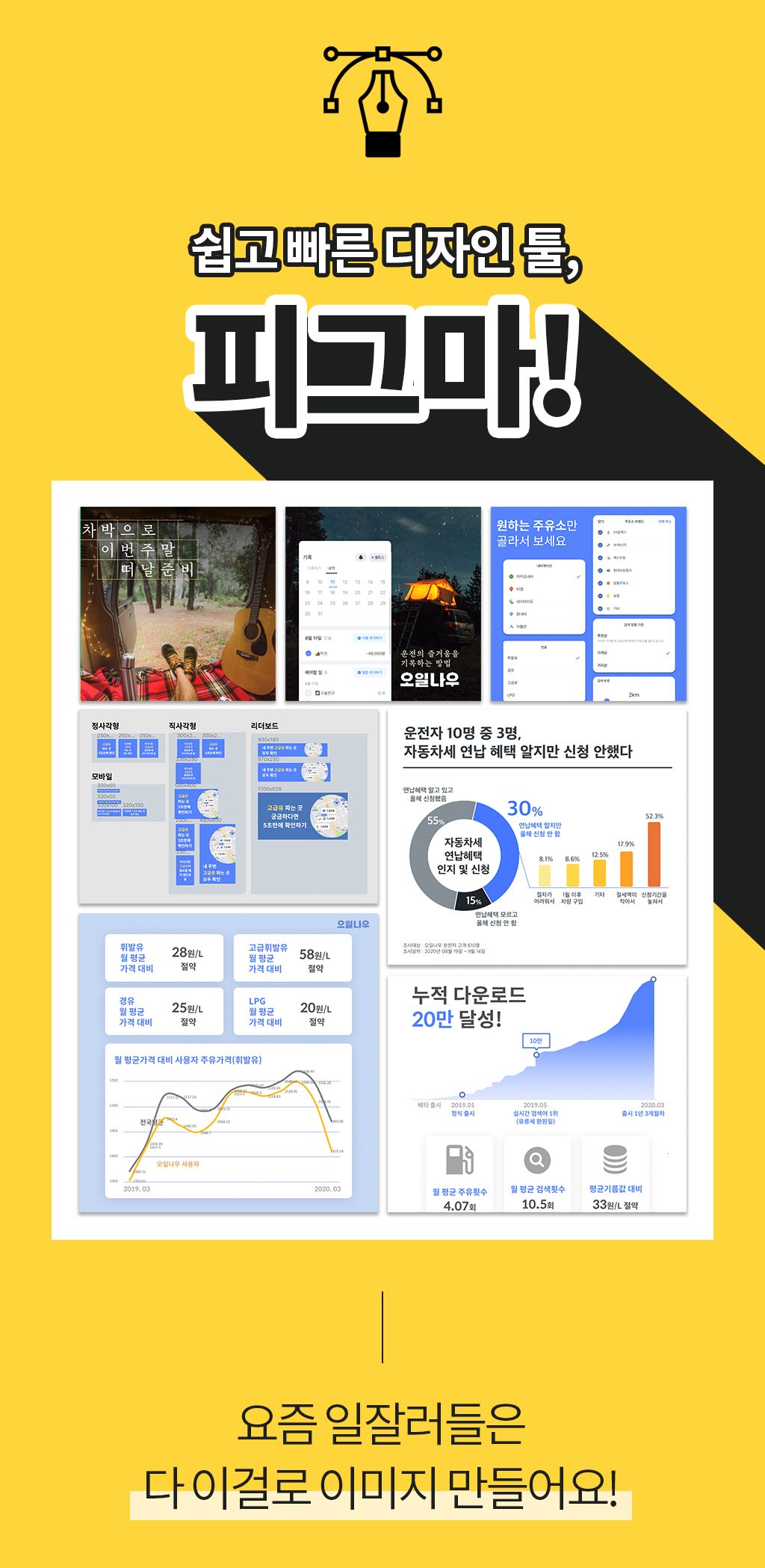
The Figma courses on the market don't teach you how to do it. We help you create your own advertising materials easily and quickly.
20 learners
Level Beginner
Course period Unlimited
.png?f=avif&w=736)
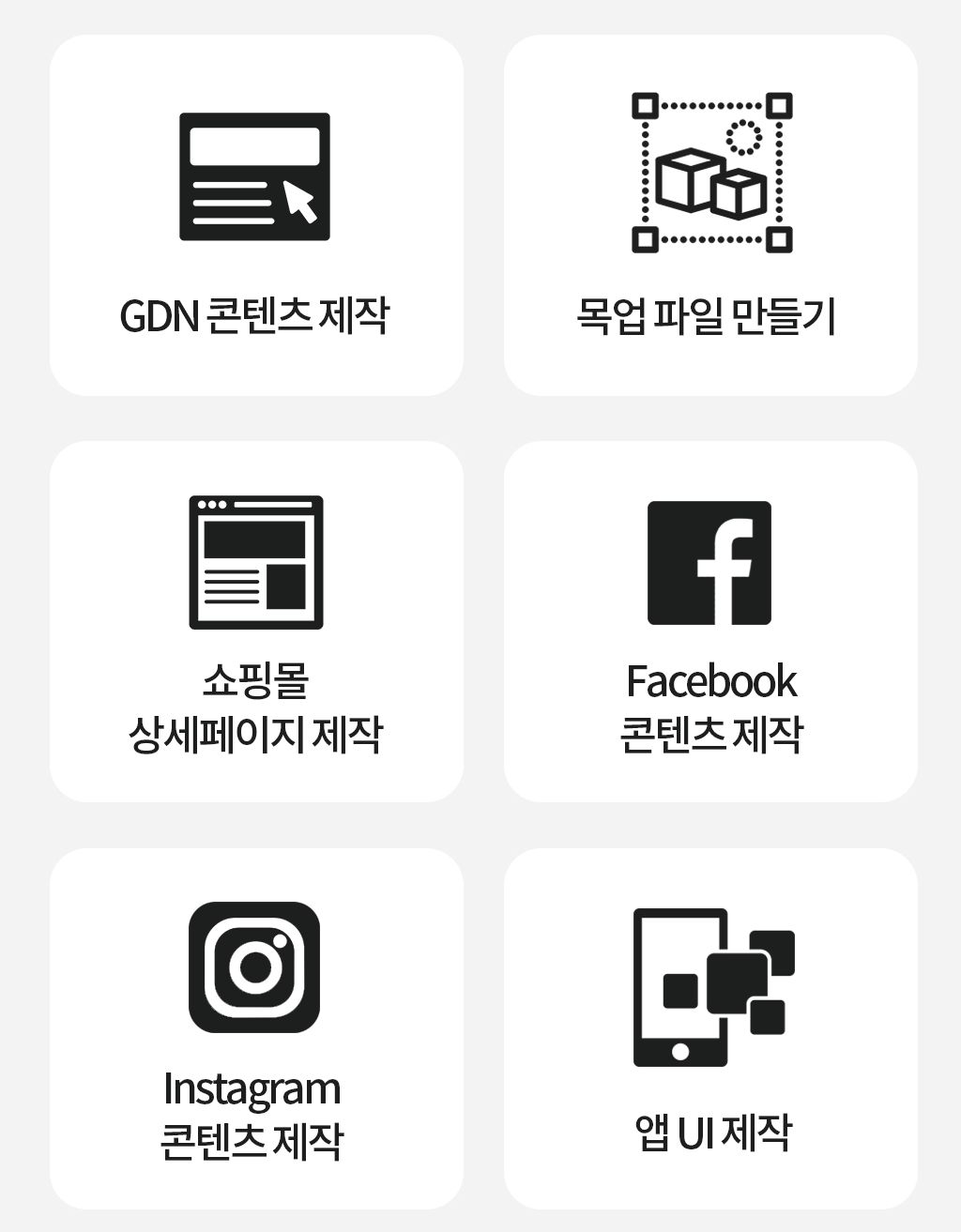
GDN Content Creation
Create a mockup file
Creating a shopping mall detail page
Facebook Content Creation
Instagram content creation
Creating App UI
For real beginners who are practical and have practical experience
Create marketing images with Figma!


I mustered up the courage to attend the academy. Looking at the top students next to me, I thought, "They're all different, after all, because they graduated from the design department..." But I was left feeling frustrated. I realized I had nothing to learn from an academy that only forced me to practice and produced a portfolio for show.
The same goes for books. They only list the features of Photoshop and Illustrator tools, but they don't tell me how to actually use them or how to create image materials. I guess I'm just not that good at it.
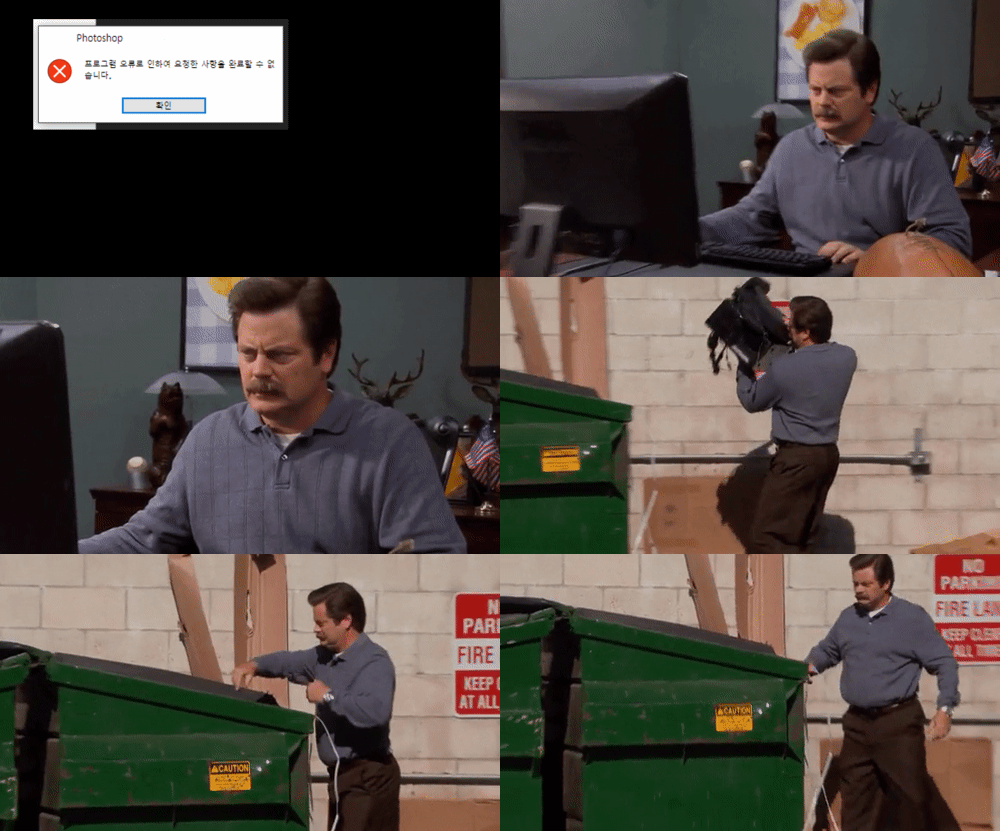 Can a country like this easily create an image?
 One basic skill of a good worker,
Collaborate with your team members in real time
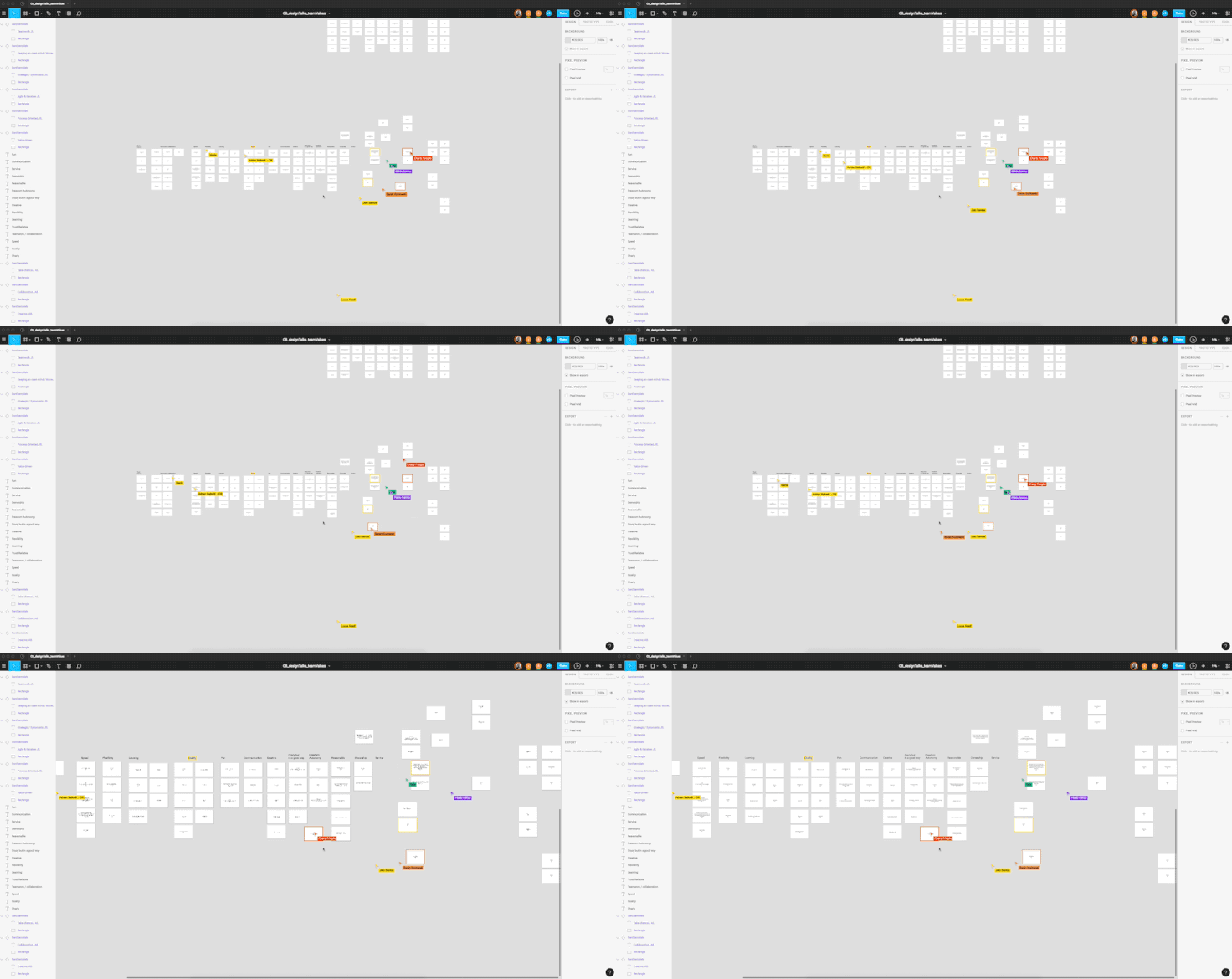
Two basic skills of a good worker,
Increase productivity by working simply
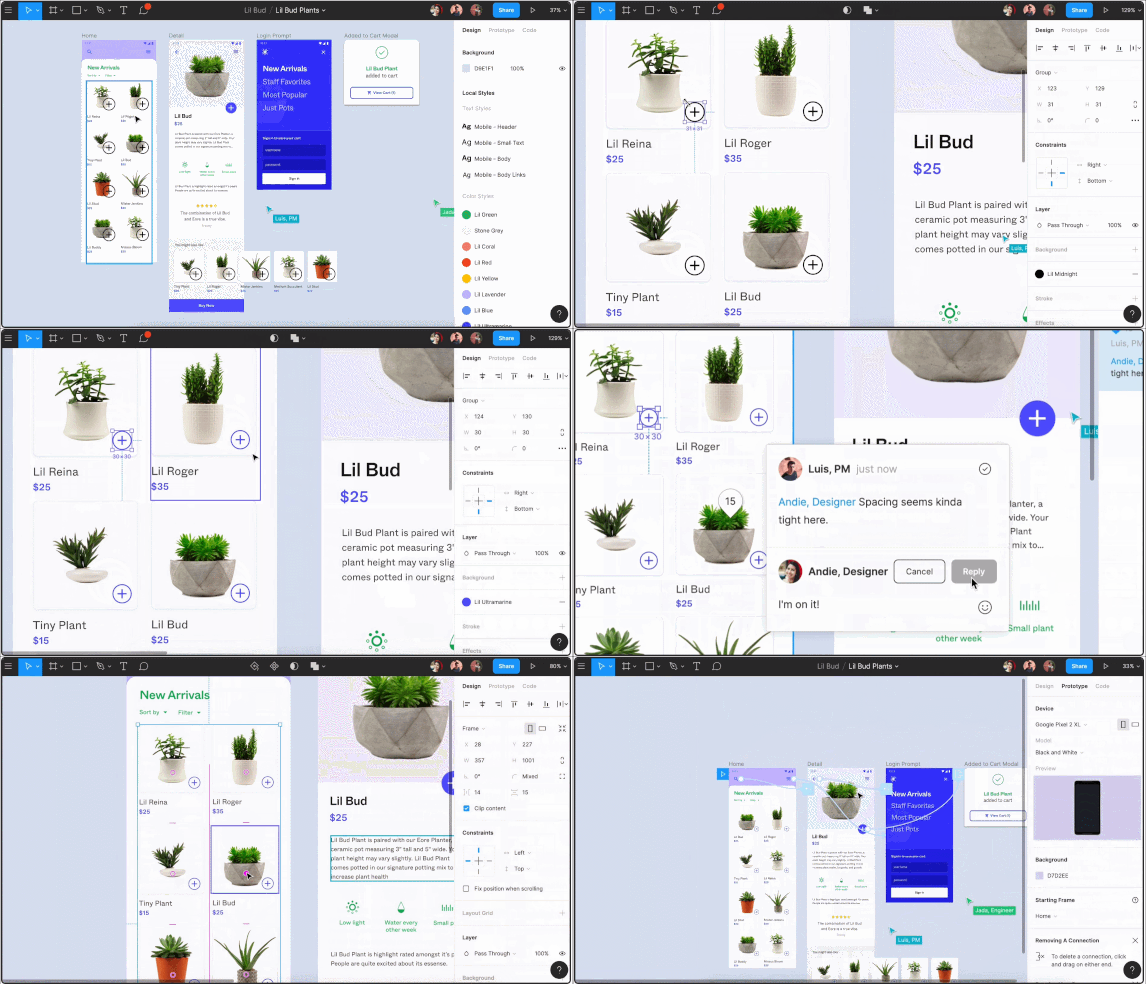
Three basic skills of a successful person,
Experiment with A/B testing

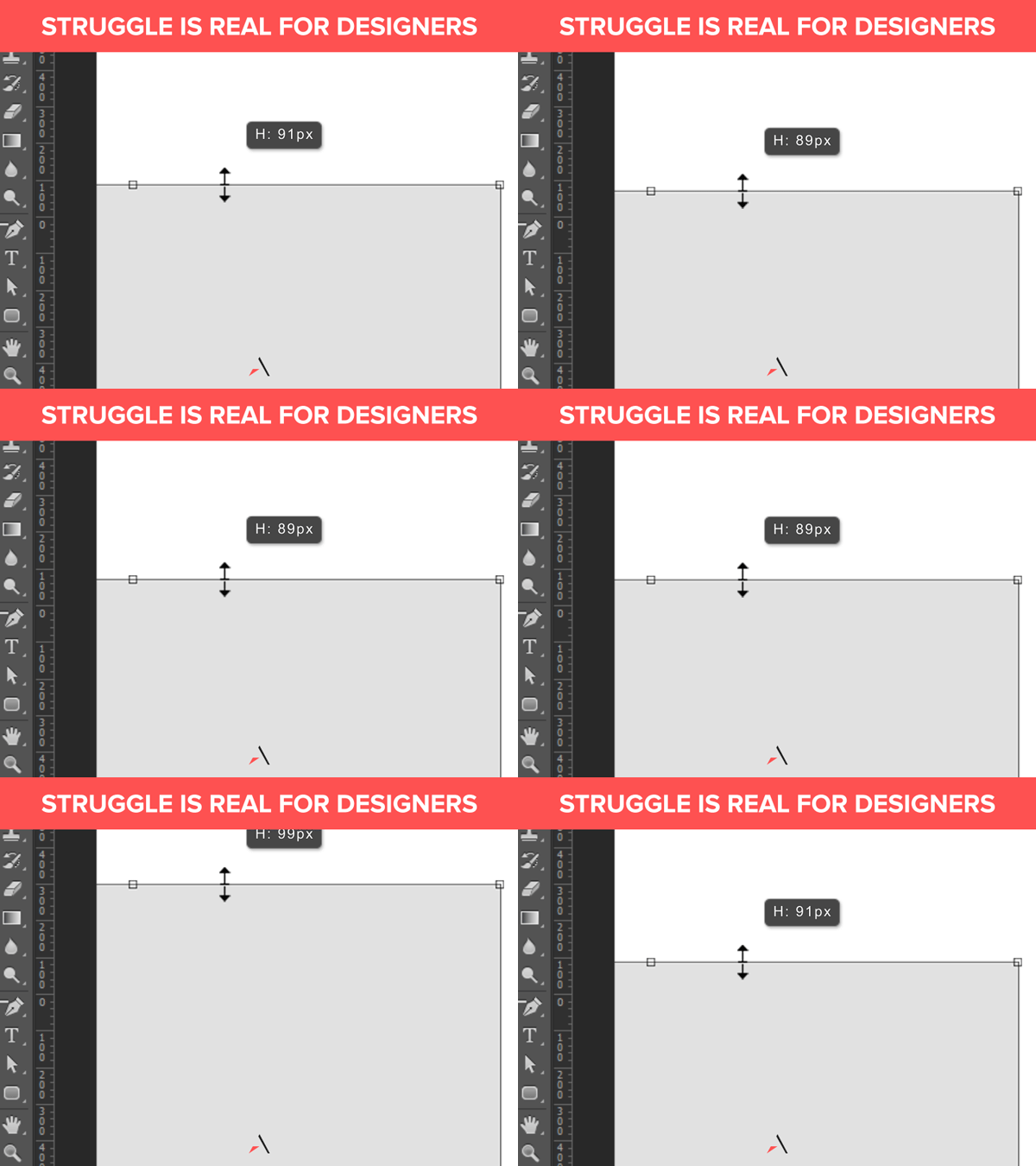 Photoshop isn't omnipotent.
Photoshop and Illustrator aren't perfect design tools, with their large file sizes, file corruption errors, and single-pixel errors. Furthermore, their numerous features can actually be tiring. Designers and marketers constantly exchange Photoshop files via email, which is exhausting.

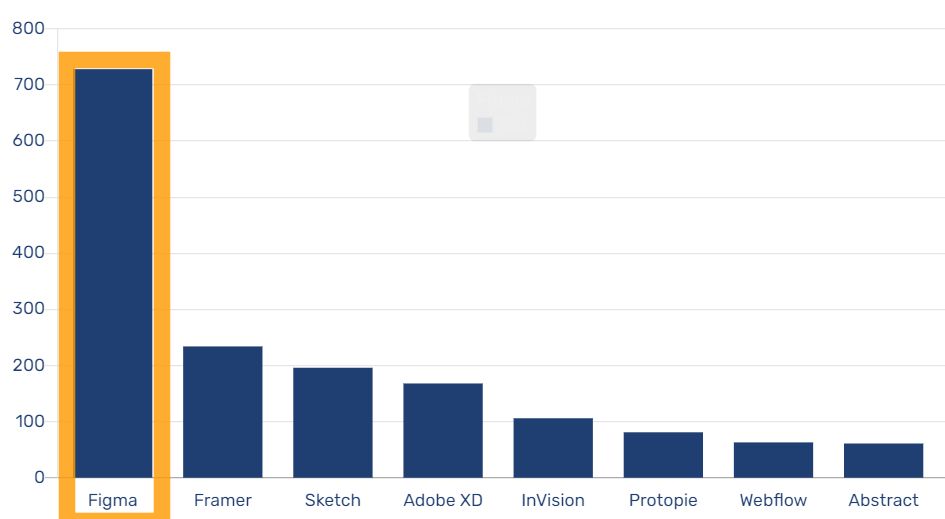 2020 UXtools.com Survey Results
Every year, UX tool research firms conduct surveys to determine which tools are the most interesting and anticipated for the coming year. This year, it ranked first as the "most interesting design tool" due to its diverse features. Its ability to handle a variety of image tasks, including UI design and prototyping, has earned it recognition from many professionals.

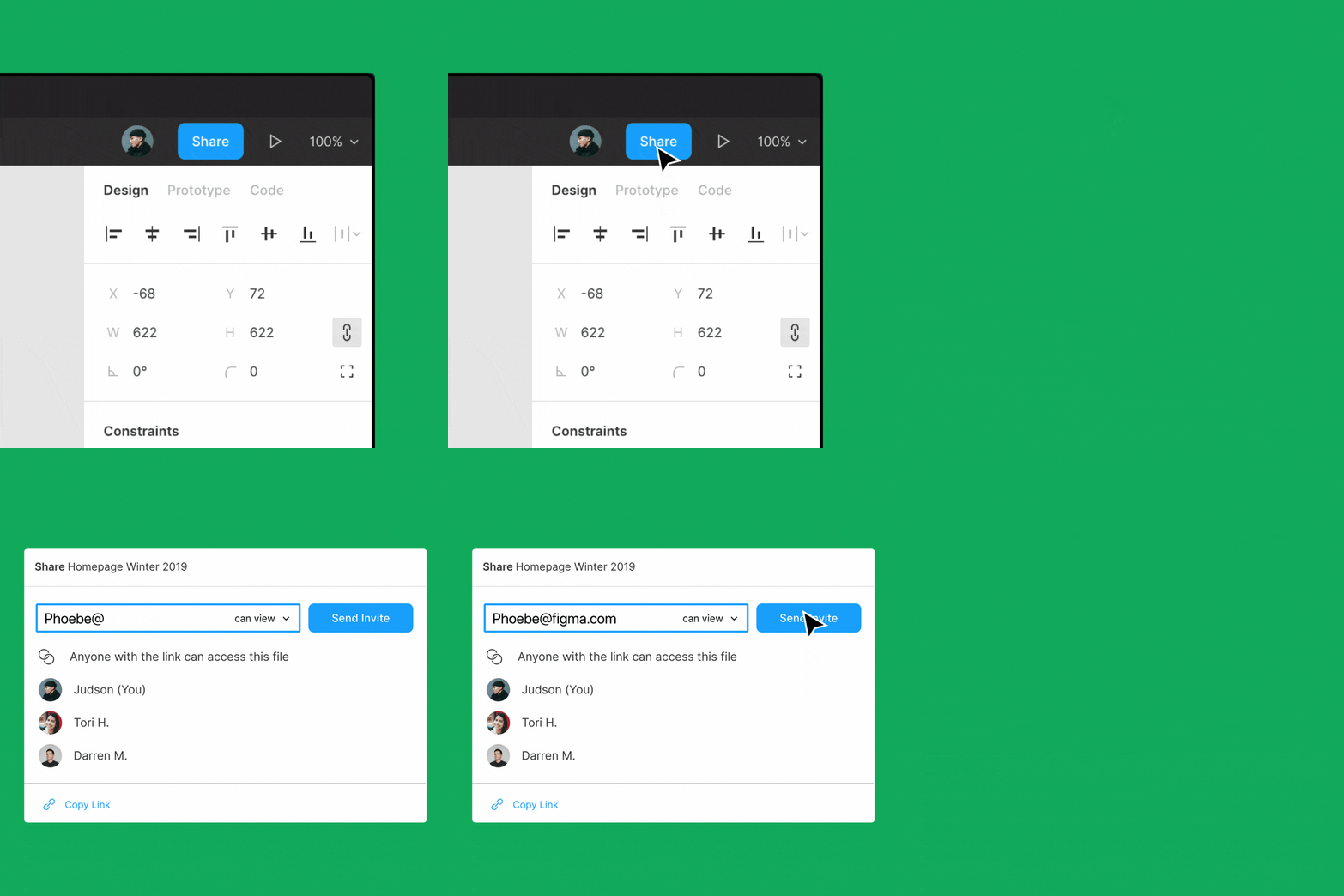
No more sending and receiving heavy PSD files.
You can share it via email as well as URL .
Figma + Google Fonts are all free !

Figma offers all its features for free. Up to two people can use it on a single project, so it's a great way to collaborate with a partner.
Plus, you can use Google Fonts (over 900 free fonts), so collaboration doesn't require each user to install separate fonts or have fonts not display properly. (Users can also use their own fonts!)
A sensible icon is also OK right away!
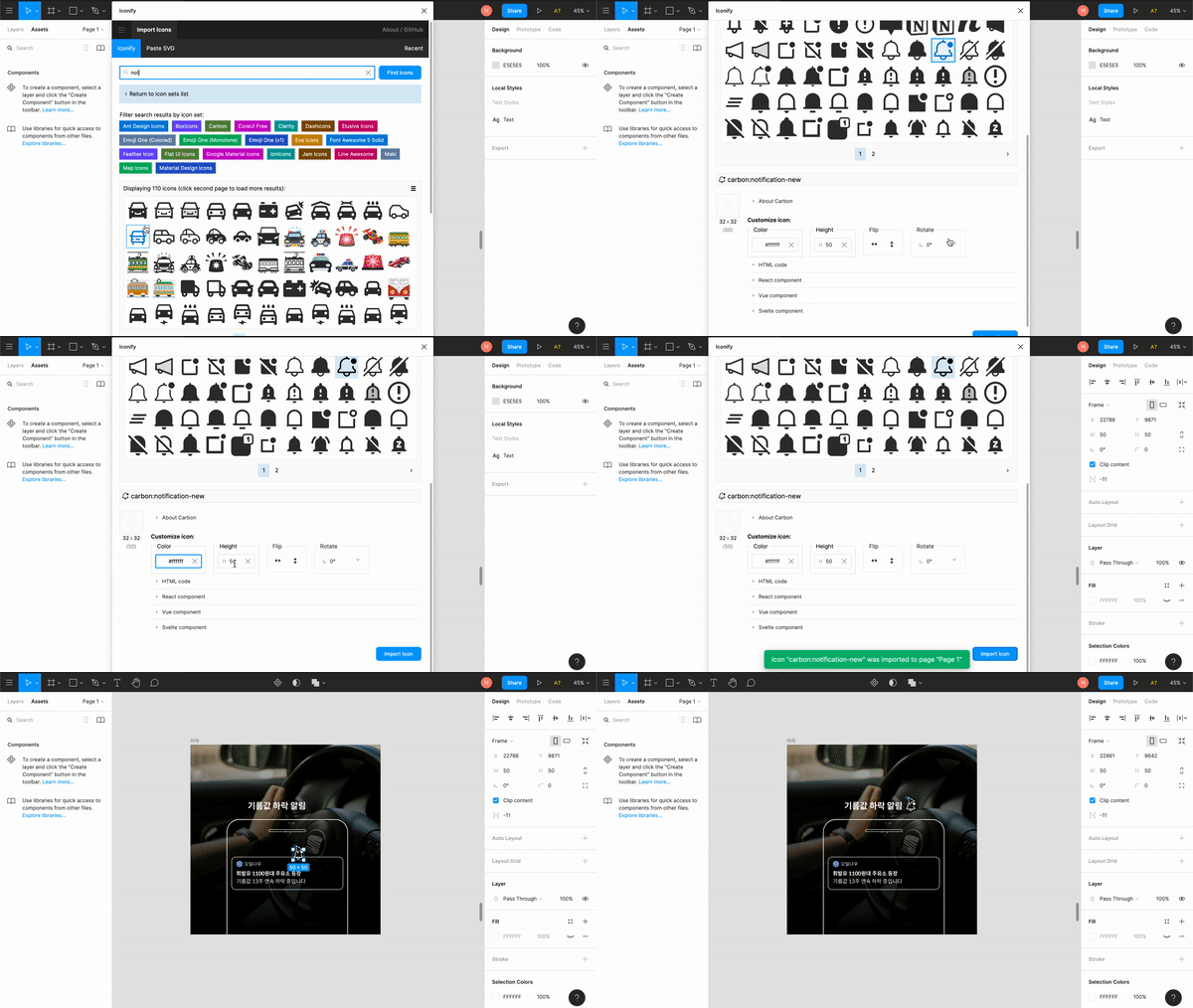
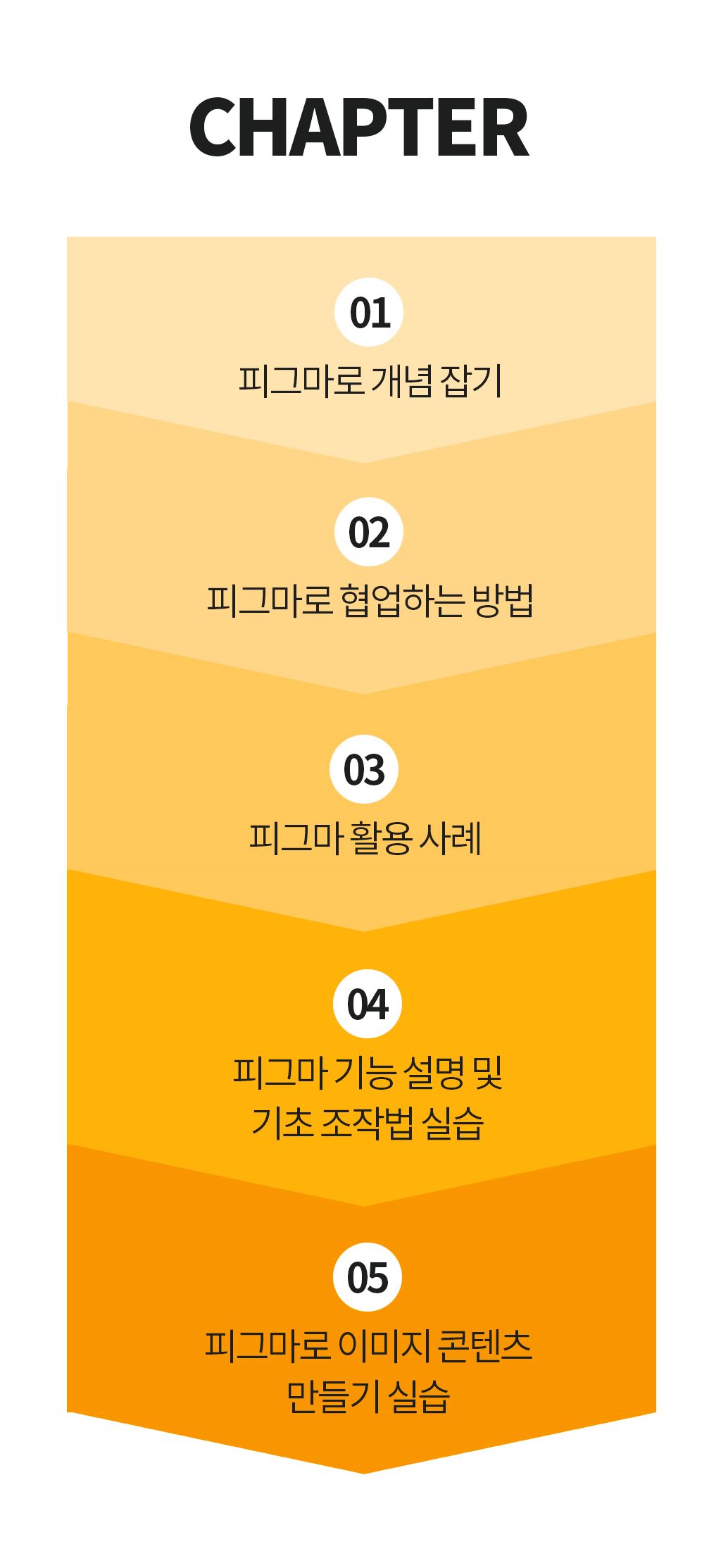
Before class, please prepare only these items!
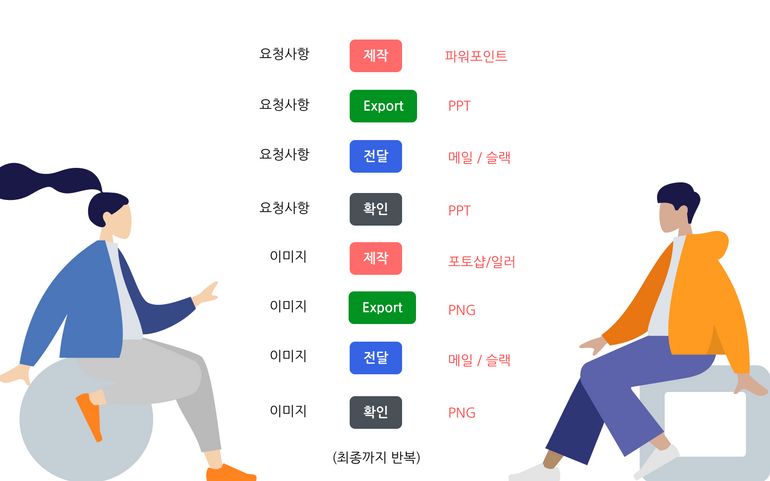
Even when creating a single image piece, all the tools available—PowerPoint, Excel, email, reference images—are mobilized. And after receiving feedback, this process is repeated over and over again.
With communication this complex, it naturally takes twice or three times as much time and effort. Even if we could reduce this time, we could still get off work an hour earlier.
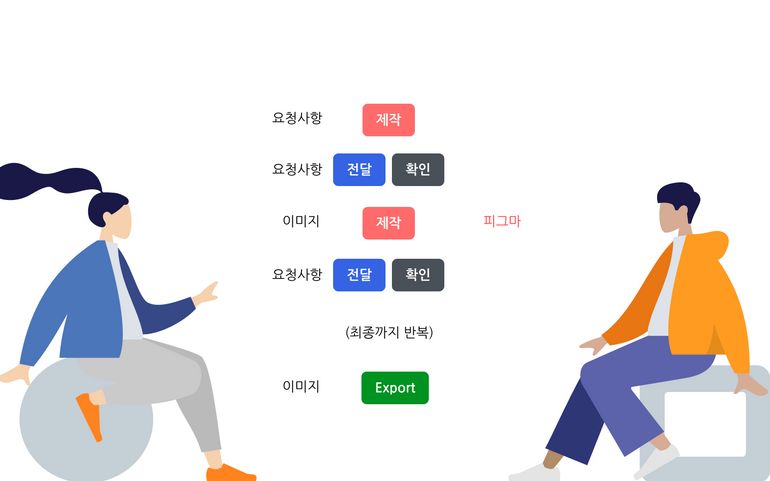
If you can check and edit in just one Figma space like this, you can finish your work quickly. This is bound to increase efficiency, right?


At first, I used PowerPoint to create images for Groschool. But I was apprehensive about image content because the results weren't visually appealing. So, I switched to Figma, which made me feel intimidated when creating content and forced me to focus on color combinations and other details.
Marketers are currently using Figma to create various advertising images for AB testing. This makes it easy for non-designers and even those with little experience with design tools to get started. Now, break free from the confines of PPT and enjoy the freedom of doing it.
Now you can do it too! Get started now. Groschool has tried it firsthand and highly recommends it!
Anyone who is considering using image materials online is eligible to take this course.
Who is this course right for?
Those who spend a lot of money on communication during the collaboration process with designers
Marketers who want to create their own materials with simple design skills
Someone who collaborates with marketing team members on visual content such as SNS content
Anyone who is having a hard time creating advertising materials on their own
Anyone who wants to easily create design materials
For those who have no knowledge of design

13,991
Learners
286
Reviews
176
Answers
4.7
Rating
13
Courses
All
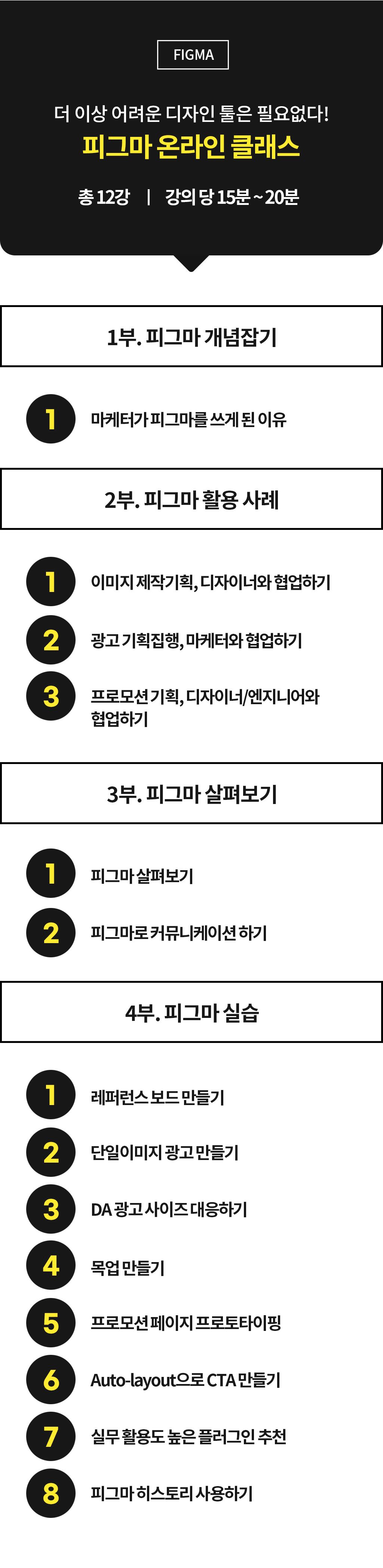
11 lectures ∙ (2hr 30min)
All
4 reviews
2.8
4 reviews

Reviews 1
∙
Average Rating 4.0
Reviews 1
∙
Average Rating 3.0
3
This is a great lecture for those who are new to figma! However, I was a little disappointed that there were no practice files provided. The last lecture was not well edited, so there were some duplicated parts. However, this was a great lecture because the instructor's comfortable voice and easy-to-understand explanations were great.
Reviews 1
∙
Average Rating 2.0
Reviews 3
∙
Average Rating 3.7
Check out other courses by the instructor!
Explore other courses in the same field!


![Marketing Data Fundamentals Completed in 2 Hours [Marketing Data Literacy for Those Who Gave Up on Math]Hình thu nhỏ khóa học](https://cdn.inflearn.com/public/files/courses/339591/cover/01kaws5ccmt52bejnw7g6m97kp?f=avif&w=420)


.png?f=avif&w=420)
![[Bestselling Author Direct Lecture] Digital Marketing and Facebook/Instagram AdvertisingHình thu nhỏ khóa học](https://cdn.inflearn.com/public/courses/326086/cover/e7259881-a6fe-41a3-af3f-79aca14de605/thumbnail_facebook.jpg?f=avif&w=420)

![[Upgrade!] 1-person startup marketing practical training courseHình thu nhỏ khóa học](https://cdn.inflearn.com/public/courses/330312/cover/b08edb35-95f4-47fb-a6ba-1165a02f7844/330312-eng.png?f=avif&w=420)


![[2024 Update] Getting Started with UX/UI: Introduction to Figma (Inflearn Original)Hình thu nhỏ khóa học](https://cdn.inflearn.com/public/courses/332714/cover/325726bf-0b00-4e09-8b39-519824910a9d/332714.jpg?f=avif&w=420)


![Successful Freelancer's AI Automation Marketing [#1 AI Utilization Author]Hình thu nhỏ khóa học](https://cdn.inflearn.com/public/files/courses/338586/cover/01k2vfn09h9kdvcgc87sggzn8b?f=avif&w=420)

![Creating a homepage with Aimweb by following and learning [Shared Office Edition]Hình thu nhỏ khóa học](https://cdn.inflearn.com/public/courses/333481/cover/806a9150-9c13-4a62-b97e-5de5dc65b273/333481.png?f=avif&w=420)