강의

멘토링

커뮤니티

Design

/

UI/UX

Figma Basics: From Fundamentals to Website Design

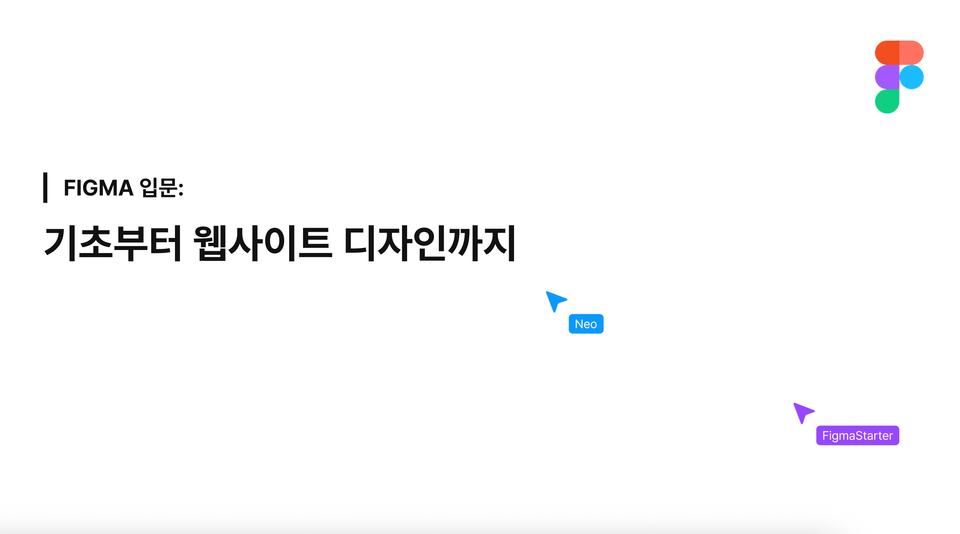
Introduction to Figma: From Basics to Website Design | Learn Figma fundamentals and design systems Learn Figma, the world's most widely used collaboration tool

(5.0) 12 reviews

66 learners

Level Beginner

Course period Unlimited

  • Neo
Web Design
Web Design
Figma
Figma
UX Planning
UX Planning
product design
product design
UIUX
UIUX
Web Design
Web Design
Figma
Figma
UX Planning
UX Planning
product design
product design
UIUX
UIUX

Reviews from Early Learners

Reviews from Early Learners

5.0

5.0

김지홍

100% enrolled

It was great to be able to clearly understand what features Figma has.

5.0

bostoncream11

100% enrolled

This seems like a great lecture for learning the basics! If there's a next lecture, I'd love to take it again!

5.0

김수아

100% enrolled

Design tools felt unfamiliar and difficult to me, but thanks to this lecture, I was able to build a solid foundation in Figma basics. The examples were similar to real work, so I could apply them right away, and the explanations were step-by-step, making them easy to understand. If you're a beginner, I really recommend starting with this lecture!

What you will gain after the course

  • Figma Installation

  • Figma Basic Usage

  • Using Figma

  • Website Design Using Figma

  • Understanding and Utilizing Figma Components

Introduction to Figma: From Basics to Website Design

Figma, UI/UX, Web Design, Product Design, UX Planning

🎨 Introduction to Figma: From Basics to Website Design

Design is no longer just the domain of designers.
From planners to developers to marketers — we've entered an era where anyone can visualize their ideas and share them with their team.
At the center of it all is Figma.

This course is the most beginner-friendly introductory course designed for those new to Figma.
From installation to the basic interface, frames and components concepts, and even website design practice
It's structured as a hands-on curriculum where you 'learn by doing' from start to finish.

Why Use Figma?

Figma!, the collaborative design tool used by the most designers and developers worldwide.
In this course, you'll learn step-by-step through hands-on practice from installing Figma to completing a website design.
Anyone, whether non-design majors, planners, or developers, can easily follow along.

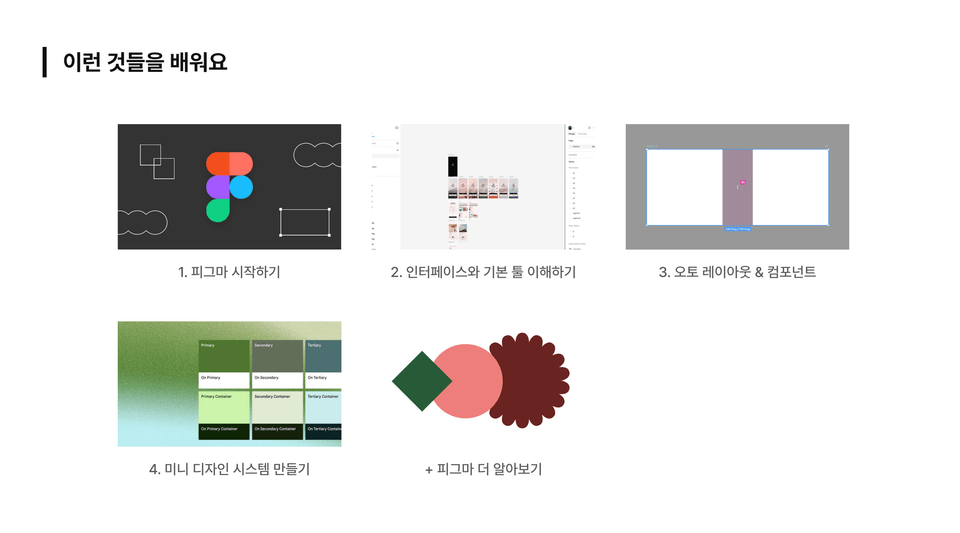
You'll learn these things

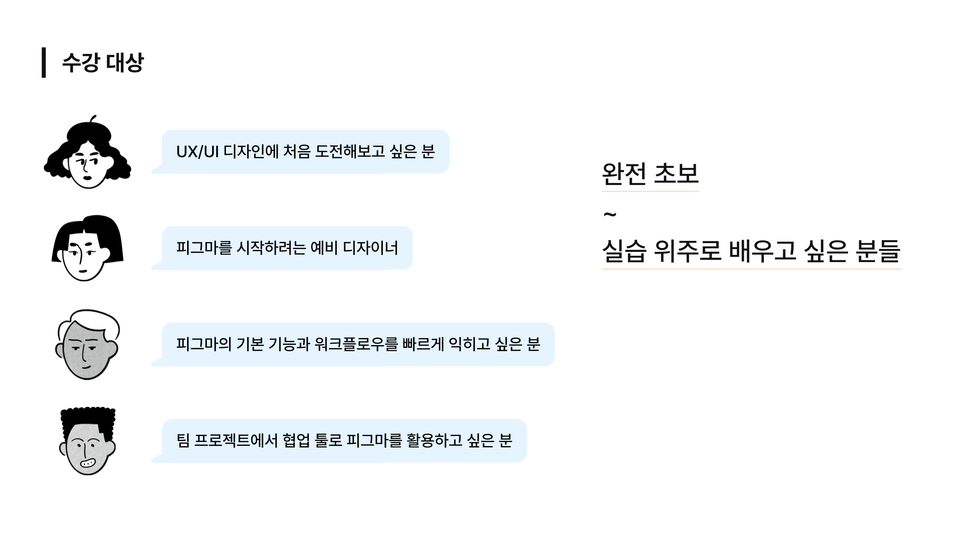
Target Audience

🚀 How You'll Change After Taking This Course

  • You can design and share web UI yourself

  • Collaboration becomes 2x faster

  • You will learn how to think visually

⭐️ Instructor Introduction

I'm Ruby, a UI/UX designer who designs experiences and connects with people.

Let's embark on a Figma journey together!


( * This course was created in collaboration with Neo, who uploaded the above course. )


Things to Note Before Taking the Course

Practice Environment

  • Operating system and version used in the course (OS): Mac OS

  • Tools Used: Figma

  • PC Specs: Mac M2 Air

Learning Materials

  • Provided learning materials format: PPT used in the lecture provided

Prerequisites and Important Notes

  • If you can watch and follow along with the lecture videos, you're good to go


  • The copyright for lectures and learning materials belongs to Neo, and unauthorized redistribution is prohibited!

Recommended for
these people

Who is this course right for?

  • Someone new to Figma

  • Aspiring designers who want to get started with Figma

  • People who want to learn Figma

  • PM using Figma

  • People who want to use Figma as a collaboration tool

Hello
This is

2,264

Learners

254

Reviews

39

Answers

4.7

Rating

29

Courses

Hello! I'm Neo, an instructor on Inflearn.

My goal is to make various development technologies that people don't usually encounter accessible to many different people.

That is why I aim to design practice-oriented lectures that focus on hands-on curriculums rather than just listing theories, allowing students to learn without the stress of troubleshooting.

I am structuring the content with a light and friendly approach so that even beginners can follow along without pressure, focusing especially on lowering the barrier to entry for knowledge.
Sometimes, I also work on lectures together with like-minded people!

For collaborations and other business inquiries, please contact yeseong0412@gmail.com!

Curriculum

All

21 lectures ∙ (2hr 33min)

Course Materials:

Lecture resources
Published: 
Last updated: 

Reviews

All

12 reviews

5.0

12 reviews

  • blueseo님의 프로필 이미지
    blueseo

    Reviews 11

    Average Rating 4.8

    5

    43% enrolled

    • yeseong0412
      Instructor

      Thank you for attending the lecture! Have a great day!!

  • hongs78036396님의 프로필 이미지
    hongs78036396

    Reviews 4

    Average Rating 5.0

    Edited

    5

    100% enrolled

    It was great to be able to clearly understand what features Figma has.

    • yeseong0412
      Instructor

      Thank you for taking the course and leaving a review!

  • seojung3559854님의 프로필 이미지
    seojung3559854

    Reviews 1

    Average Rating 5.0

    5

    33% enrolled

  • bostoncream11님의 프로필 이미지
    bostoncream11

    Reviews 1

    Average Rating 5.0

    5

    100% enrolled

    This seems like a great lecture for learning the basics! If there's a next lecture, I'd love to take it again!

    • yeseong0412
      Instructor

      Thank you for taking the course! We'll work together with the knowledge creator who produced it to plan the next course as well~

  • gms729012177750님의 프로필 이미지
    gms729012177750

    Reviews 13

    Average Rating 5.0

    5

    33% enrolled

    • yeseong0412
      Instructor

      Thank you for taking the class! Have a wonderful day~!

$17.60

Neo's other courses

Check out other courses by the instructor!

Similar courses

Explore other courses in the same field!