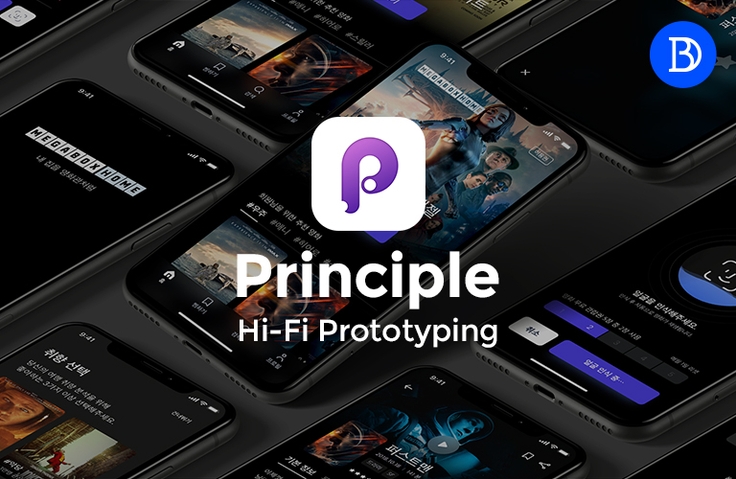
Principle, a prototyping tool that increases the salary of UX UI designers
When communicating with developers, do you still communicate like this, "Please do it like this, swoosh~ tak." Of course, I'm also working as a UI designer, but... I'm frustrated because I feel like I'm the only one who can't do prototyping like everyone else... I really hate learning and doing code... This is a course on the Hi-Fi prototyping tool Principle for those who want to express a lot with a simple but high degree of freedom.
I am an office worker who came to Prototype after listening to Divenim's lectures on YouTube! I definitely understand it better because I study by directly following the examples!! I think I will use it for work and personal portfolio work too, so I am very satisfied with this lecture!!! I have been watching Design Base's lectures since the YouTube days! Thank you so much!!!
5.0
bnm zxxc
92% enrolled
As I became interested in UI design, I also learned about prototyping. In my case, I started off knowing nothing, but it was great that the theory and practical areas were explained appropriately and easily! My tip is to subscribe to Design Base's YouTube channel and refer to the necessary parts, and it was even better when I listened to the videos and lectures together..😚 Thank you for the great lecture!
5.0
trendcode88
100% enrolled
It seems like a good course that would be helpful for collaboration. Haha. Do you happen to be teaching an intermediate to advanced course that would allow me to go up a level? If you are planning to do so, I would definitely like to take a look!!
What you will gain after the course
You can create moving UI prototypes.
You can create interaction designs that communicate with developers without coding.
You can create your own portfolio that stands out.
Created by an ambitious designer who wants to become a full-stack designer.
🗒 Course Introduction
When communicating with developers, do you still say, "Please do it like this, swoosh~ tak"?
Are you anxious because you look at Behance and Dribbble and think you're the only one who can't do prototyping like everyone else?
Don't want to learn code? Are you looking for a 'nutritious' prototyping tool that's easy to learn but allows you to express yourself in a variety of cool ways?
Well, you've come to the right place. Yes, this is the design hotspot.
1. Why you should use Principle, a Hi-Fi prototyping tool
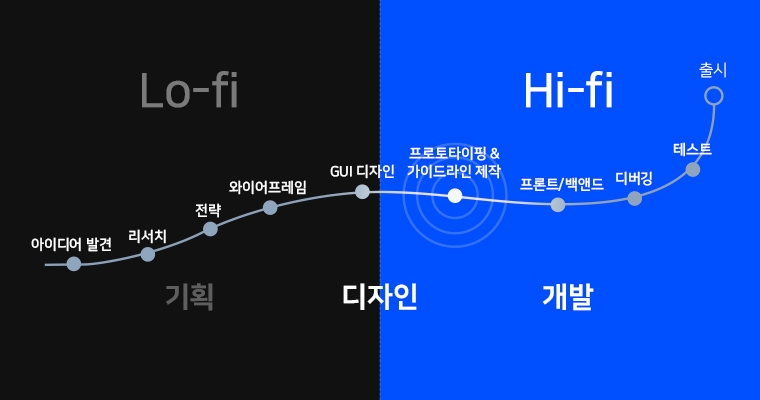
Basically, UI designers are a job positioned between planners and developers.
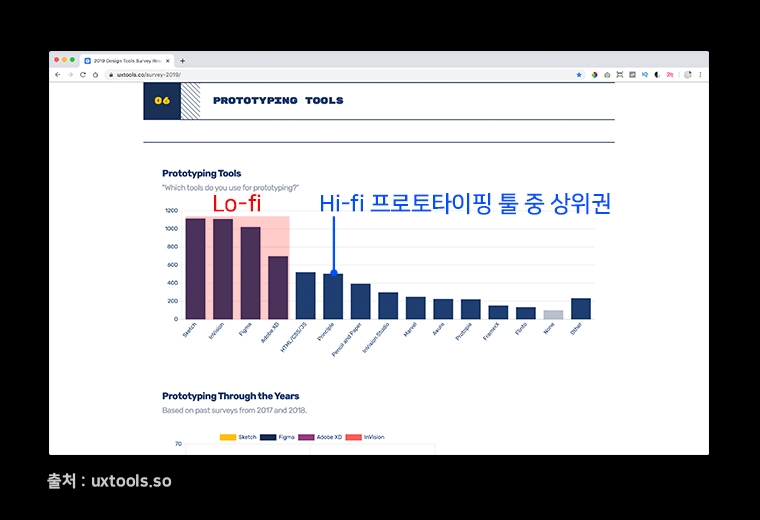
Lo-Fi prototyping tools are primarily used to ensure that the design matches the designer's intended design and ensures proper user flow. Conversely, high-fidelity prototyping tools are used to communicate the designer's intentions to developers.
The reason I chose Principle is because it is the best tool for expressing various things without needing to know code and is easy to learn. :)
2. How are classes conducted?
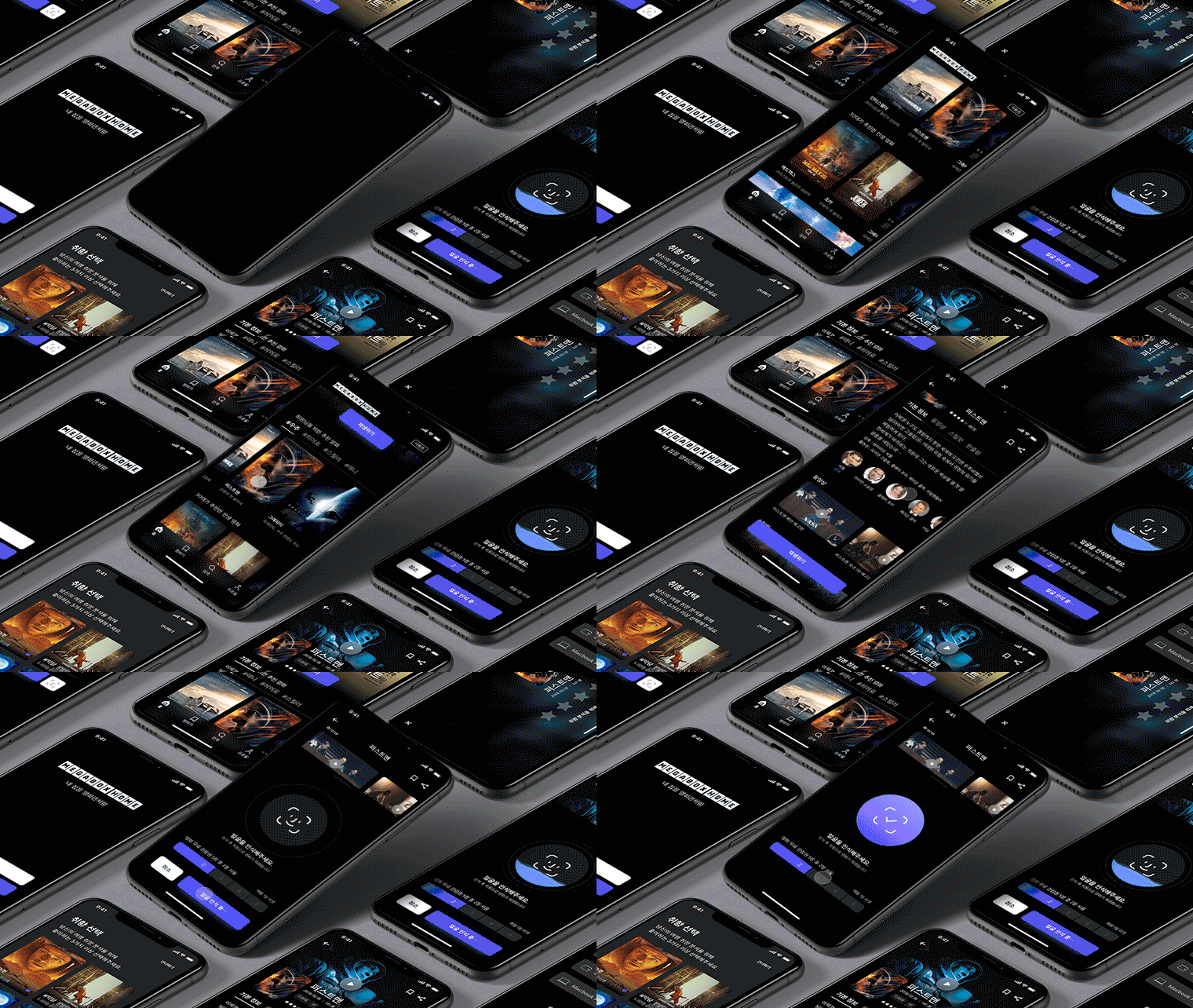
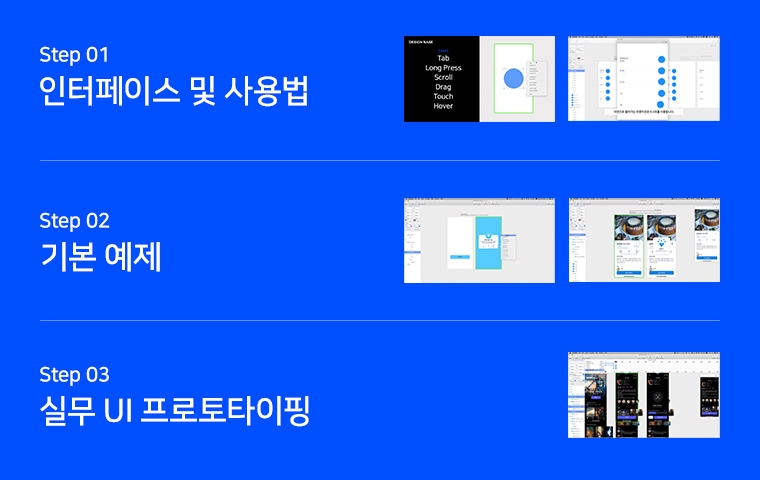
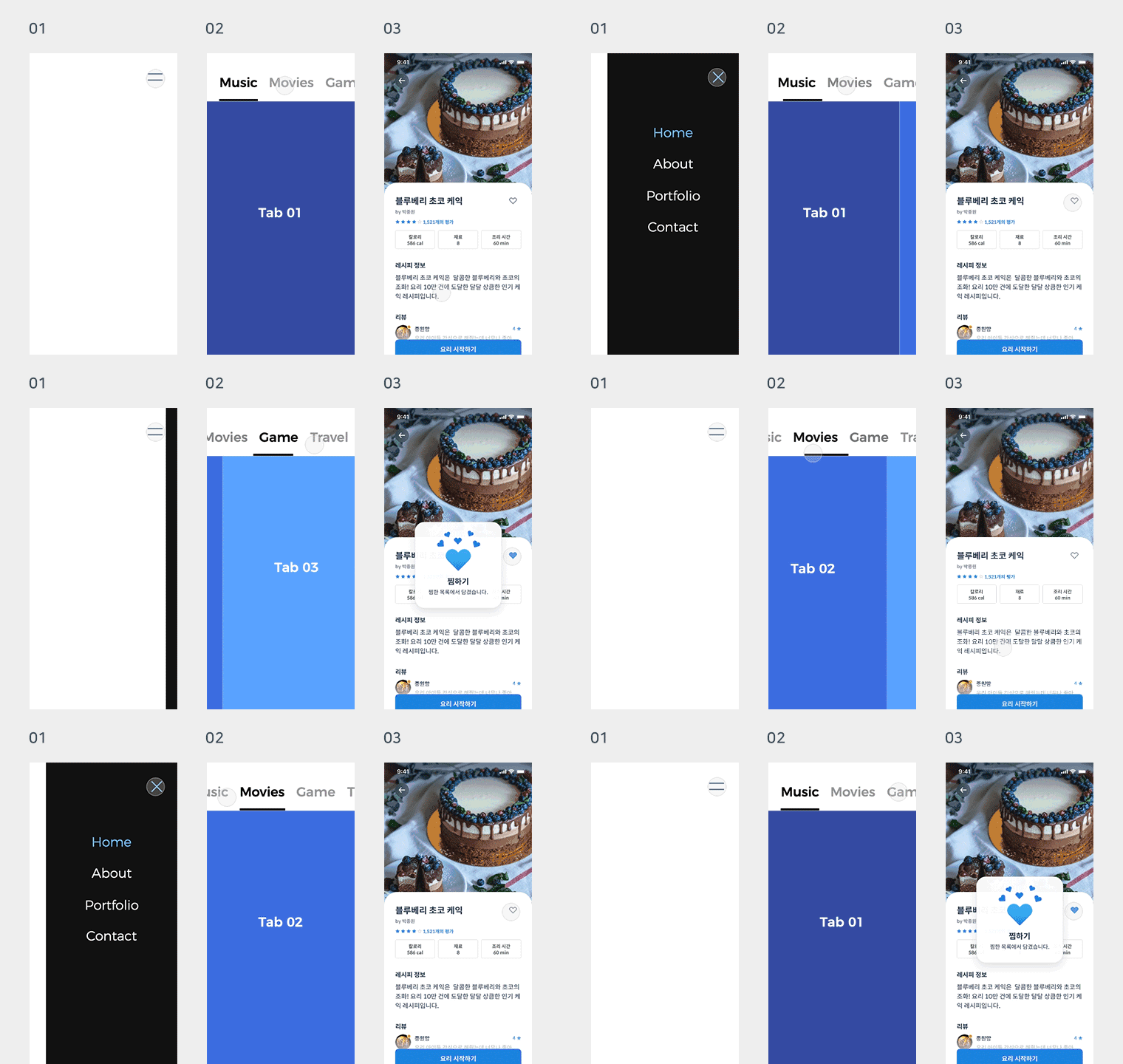
Download the Principle example files I've prepared and follow along with my lectures to learn. You'll quickly master the basics of interfaces, animation, and interaction techniques, and then practice with a variety of practical examples. Using the same methods used in real-world applications, you'll import the UI you created in Sketch, create a prototype, and then finish by recording and outputting it.
You know the real learning begins after the course ends, right? Once you've finished the course, be sure to review it with your own UI design and show it off to everyone. That's where your "real" skills will be.
3 RequiredMaterials for this Course
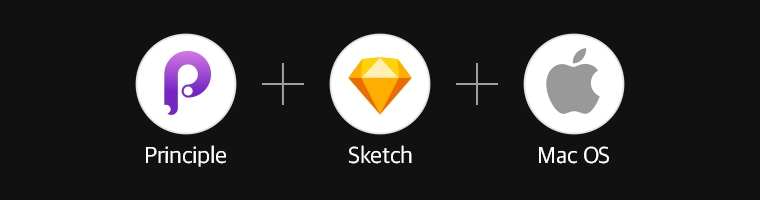
This course uses Principle and Sketch. It's not a Sketch course, but rather a means of creating a higher-quality UI. If you'd like to watch the Sketch course in advance, you can watch it on YouTube. (It's free, it's a secret.)
If you don't have Principle installed on your Mac, please visit the link below to download it. If possible, purchase it. If the cost is too high, download the free 14-day trial. (However, you should complete the course quickly before the trial ends.)
Also, please make sure to familiarize yourself with the minimum requirements (OS, etc.) required to take this course!
Absolutely important! If you're not a Mac OS user, please do not watch this video. The course will be taught using tools specifically for Mac OS. However... if you're a UI designer, I highly recommend it. Why? Because it features Sketch, the world's #1 UI tool, and Principle, the #1 prototyping tool.
🙋🏻♂️ I'm curious!
Q. Can a beginner who has only recently studied UI design watch this? A. Yes, this course is also a beginner's course on Hi-Fi prototyping tools. Learn it and you'll level up!
Q. What are the benefits of learning Principle? A. You no longer have to use onomatopoeia like "whoosh~ slurp~ ttiyong~" with developers. It's kind of funny to see other designers doing that right next to you.
Q. Will it help me get a job? A. If you go to recruiting services like Job Korea or Saramin and look at the preferred qualifications for UI designers, you'll see "prototyping tool skills." Companies are increasingly demanding this skill. While taking the Principle course won't determine your success or failure in landing a job, it will help you create a portfolio that stands out from the crowd.
Q. Do you actually use Principle a lot? A. Yes, as I mentioned earlier, it's the world's leading Hi-Fi prototyping tool. And it's used by UI designers at countless global companies.
The reason I created this course was to share my knowledge with practicing designers (or aspiring designers) who specialize in UI design, not with beginners or non-specialists. Using Principle not only creates a compelling portfolio, but also provides a valuable visual aid for considering and expressing usability issues both large and small, especially when working as a UI designer. Now, you can become a designer who shows, not just explains. :)
Recommended for these people
Who is this course right for?
People who communicate with developers using onomatopoeia (slurp~ swoosh~)
Anyone who wants to create a UI portfolio that moves differently from others
An ambitious designer who wants to go one step further to become a true full-stack designer.
Design Base creates design courses so that anyone can easily learn design. I am currently working as a UX/UI designer in the field, and because I understand the perspective of beginners well, I produce lectures containing only the most essential content. I possess knowledge of various tools and coding required as a product designer, in addition to Photoshop and Illustrator. 😊
- 31,000 Inflearn students / 4.8-star course rating - 8th-year professional designer (Startup founder, Agency, In-house) - 129,000 YouTube subscribers
I will provide accurate content and high-quality lectures so that you can apply them immediately in the field. 📖
It seems like a good course that would be helpful for collaboration. Haha. Do you happen to be teaching an intermediate to advanced course that would allow me to go up a level? If you are planning to do so, I would definitely like to take a look!!
I am an office worker who came to Prototype after listening to Divenim's lectures on YouTube! I definitely understand it better because I study by directly following the examples!! I think I will use it for work and personal portfolio work too, so I am very satisfied with this lecture!!! I have been watching Design Base's lectures since the YouTube days! Thank you so much!!!
As I became interested in UI design, I also learned about prototyping. In my case, I started off knowing nothing, but it was great that the theory and practical areas were explained appropriately and easily! My tip is to subscribe to Design Base's YouTube channel and refer to the necessary parts, and it was even better when I listened to the videos and lectures together..😚 Thank you for the great lecture!











![[AI Practical Workflow] Create a Service Planning Figma UX Flow in Just 10 MinutesCourse Thumbnail](https://cdn.inflearn.com/public/files/courses/340323/cover/01kev8vd8z1tkyrehkk9k5s1x8?w=420)