Thank you for giving a concise yet informative lesson that selected only the necessary information.
5.0
강우민
100% enrolled
I learned the basics easily and well.
What you will gain after the course
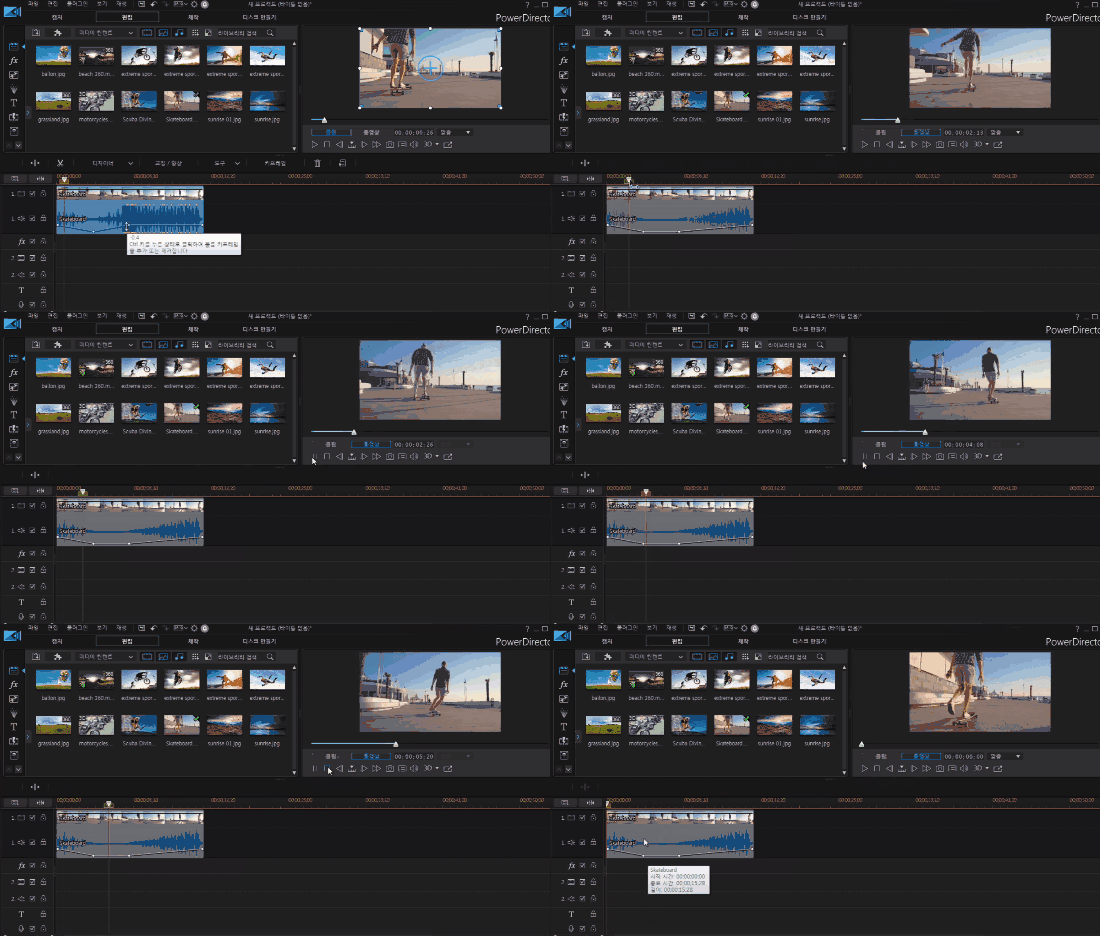
Understand the basic screen layout of PowerDirector and become familiar with its basic functions.
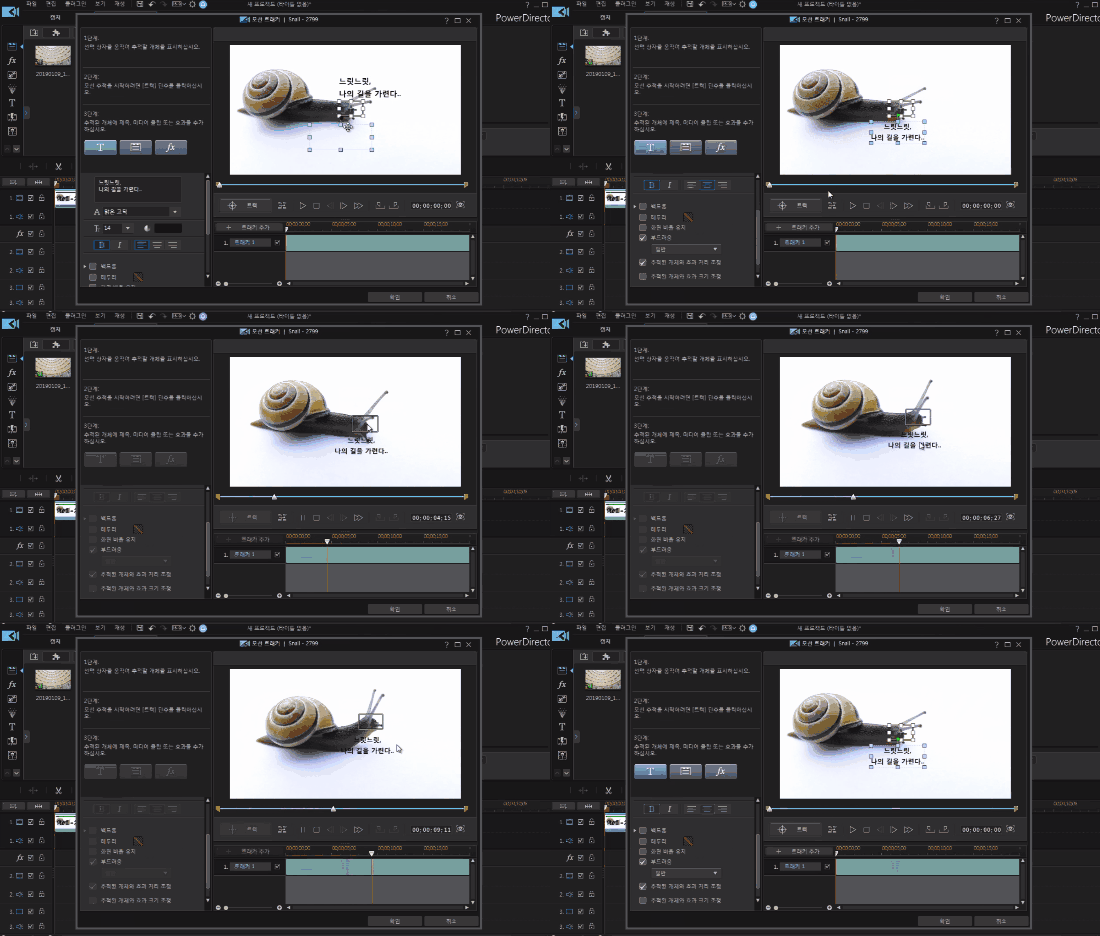
Latest PowerDirector video editing with effective features
Anyone can do it The easiest video editing 🎧
🗒 Course Introduction
(Please note that this lecture does not provide instructor-assisted answers.)
PowerDirector is a video editing program that is very easy to learn while still providing basic editing features. This course is designed to help individuals learn the screen layout and basic functions of PowerDirector 17, a program for video production and editing, and to prepare individuals to produce videos more effectively.
After understanding the basic screen layout of PowerDirector and becoming familiar with its basic functions, you can begin editing videos.
Helps you understand the differences between previous versions of PowerDirector and version 17, so you can use the latest features more effectively.
🌈 Preview the lecture
🙌 Tools covered here
Cyberlink PowerDirector 17
This course uses Cyberlink PowerDirector version 17. Therefore, we recommend using at least PowerDirector version 17 or higher. You can download and use the limited shareware version of PowerDirector 18 (the latest version) from the official CyberLink website. For detailed terms and conditions, please refer to "Product Information." Official Site Link
🙋🏻♂️ Expected questions related to the lecture
Q. Can non-majors and beginners also take the course? A. This course begins with an introduction to Premiere Pro, so anyone interested in video editing can take it. However, those with experience using other Adobe tools like Photoshop will learn faster.
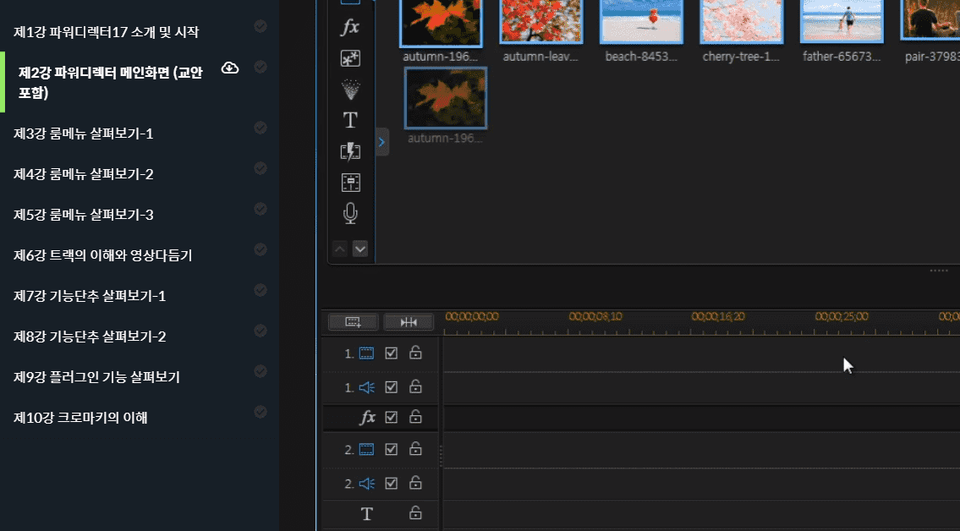
Q. Are lecture notes included? A. Yes, you can download the lecture notes by clicking the cloud-shaped icon on the left tab while watching the lecture. The syllabus is attached to the second lecture.
Recommended for these people
Who is this course right for?
College students and working professionals whose goal is video production and editing
Ordinary people who want to edit and upload videos to YouTube, blogs, etc. as they wish
It is easy for those who know the existing PowerDirector to understand the 17 upgrade part
Or it can help (or help) those who do not know PowerDirector to quickly learn the functions
I used 15 and immediately moved to 19, so there were many functions I did not know, but this was helpful.














![How to Make a Unity 2D Roguelike Game [Korean Subtitles]Course Thumbnail](https://cdn.inflearn.com/wp-content/uploads/unity003.jpg?w=420)