





inflearn logo
inflearn logo

Mastering Next.js 16+ with TypeScript: From Basics to Modern Architecture

This is an all-in-one course that takes you from the basics of TypeScript-based Next.js 16+ to a production-ready project level. You will learn by directly implementing core concepts and practical patterns of the latest Next.js, including App Router, Server Components, Server Actions, Caching, Cache Components, authentication, performance optimization, and deployment.

56 learners are taking this course

Level Beginner

Course period Unlimited

JavaScript
JavaScript
React
React
TypeScript
TypeScript
Next.js
Next.js
JWT
JWT
JavaScript
JavaScript
React
React
TypeScript
TypeScript
Next.js
Next.js
JWT
JWT

What you will gain after the course

  • You can learn everything about Next.js. (For real)

  • It was built based on the latest version (16) from the start. All content is completely up to date.

  • I can design and implement Next.js 16+ App Router projects from scratch based on TypeScript.

  • The ability to distinguish between Server Components and Client Components and use them correctly.

  • You can implement data processing logic without an API by utilizing Server Actions.

  • You can choose the appropriate Next.js data fetching, caching, and rendering strategies according to the situation.

  • Learn how to utilize Unstable_Cache and Cache Components.

  • Learn how to use Next.js and Tanstack Query in combination.

  • I can develop Next.js applications with SEO and performance in mind.

  • Understand Next.js project structures and development patterns that can be used immediately in practice.

  • You can build and even complete the deployment of a Next.js application.

Next.js that is easy to understand even for non-majors
🛩 Step 7 of Sucoding's Frontend Roadmap Series! 🛩

Bestseller in the field of introductory front-end development

A course created by a bestselling author in the field of introductory front-end development!

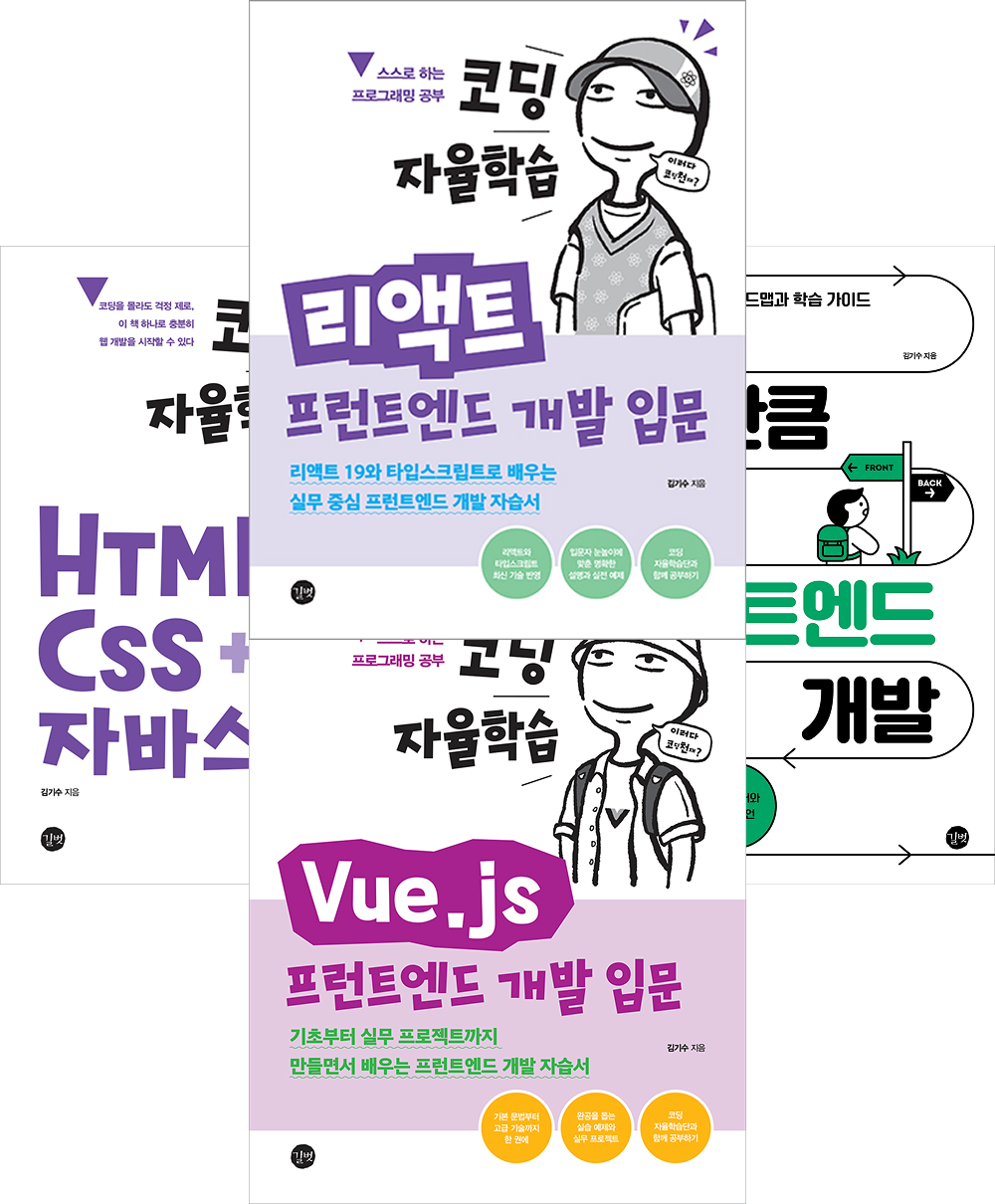
2022 Published 『Coding Self-Study: HTML+CSS+JavaScript』! 🎉
2023 Published 『Front-end Development: The More You Know, The More You See』! 🎉
2024 Published 『Coding Self-Study: Vue.JS』! 🎉
2025 Published 『Coding Self-Study: React』! 🎉

Sucoding is an active author who has written on various fields of front-end development.
All published books are bestsellers. 😎
This is a special course created by Sucoding, a leader in front-end education!

I'm curious

What will I learn?

Next.js 16 is a React-based full-stack framework that provides all the features needed to build modern web services, including
Server Components (RSC), App Router, data caching and rendering strategies, and SEO and performance optimization.

However, Next.js versions are evolving rapidly,
and it is not easy to judge “what should actually be used in practice” or
“when to use this on the server versus the client” based on the official documentation alone..

In this course,
👉 we will study only the essential concepts you must know in Next.js 16.
Instead of being theory-oriented, we focus on patterns and standards used directly in real-world projects.

We will boldly exclude complex settings and options with low practical utility,

  • Understanding the App Router-based routing structure

  • Clear separation of roles between Server Components and Client Components

  • Data fetching and caching strategies (cache, revalidate, no-store)

  • Mastering "Cache Components," one of the latest caching systems

  • Establishing criteria for Static Rendering (SSG) and Dynamic Rendering (SSR)

  • The precise meaning of Loading / Error / Not Found boundaries

  • Link, Prefetch, and Router Cache operating principles

  • Server Actions and real-world usage patterns

  • SEO and metadata design methods

It is structured around the core topics most frequently encountered in Next.js 16 practice.

Through this,
even beginners can clearly understand Next.js's rendering and data flows,
and grow into developers who can explain
"why this code runs on the server" and "why this page is being cached."

This is a lecture that doesn't just let you say "I've used Next.js," but helps you establish
the criteria to understand and choose Next.js. 🚀

It's okay even for complete beginners,

I will teach you everything step-by-step, starting from the basics.

Next.js 16 is based on React, but
when you first encounter it,
it can feel difficult due to unfamiliar concepts such as Server Components, routing structure, rendering methods, and caching concepts.

"Why is this code running on the server?"
"When should I use Client Components?"
It's perfectly natural to be confused if it's your first time.
Don't worry!

In this course,
to ensure that even those new to Next.js can understand,
I explain everything from the very basics, step by step, following the flow.

  • how pages are rendered

  • how the roles are divided between the server and the client

  • When and where to fetch the data

I will explain it so that you can visualize it in your mind like a picture.

What makes Sucoding lectures
special
bài giảng của Sucoding

Core curriculum focused on immediate practical application

  • We will learn by selecting only the core concepts actually used frequently in practice from the vast features of Next.js 16..

  • We focus on structures and standards that can be immediately applied to real-world projects, such as App Router, Server Components, data fetching/caching, and rendering strategies.

Intuitive and easy examples with a practice-oriented lecture

  • Step-by-step explanations are provided in the order of Concept → Flow → Code so that even those new to Next.js can understand.

  • Instead of just typing along with examples, this course is designed as a practice-oriented lecture where you build and modify structures yourself, helping you apply what you learn directly to real-world projects.

Clearly understand the differences between Server Components and Client Components

  • It clearly explains based on the rendering flow "Why does this code run on the server?" and "When are client components necessary?"

  • You can naturally understand the difference in mindset between using only React and using Next.js.

Perfectly applied even the latest TypeScript features.

  • The course is structured with the most up-to-date syntax and design patterns, reflecting the latest architecture and recommended practices of Next.js 16.

  • We aim to develop developers who can flexibly respond to future updates by focusing on official concepts and operating principles so that they are not shaken by version changes.

Generous disclosure of practical tips and developer know-how

  • I will point out common points of confusion and real-world mistake examples that are often not clearly covered in official documentation.

  • Beyond simple functional explanations,
    we also provide the design perspectives and standards needed to grow as a front-end developer..

Customized feedback for students and meticulous Q&A support

  • We provide fast and friendly feedback to students' questions.

  • By pointing out frequent mistakes or confusing parts, we maximize the learning effectiveness for each individual., giúp tối đa hóa hiệu quả học tập của từng cá nhân.

Core curriculum
optimized for
beginners

Section 01 - Getting Ready

In this section, we will go through the basic preparations for taking the course before diving into the actual practice.
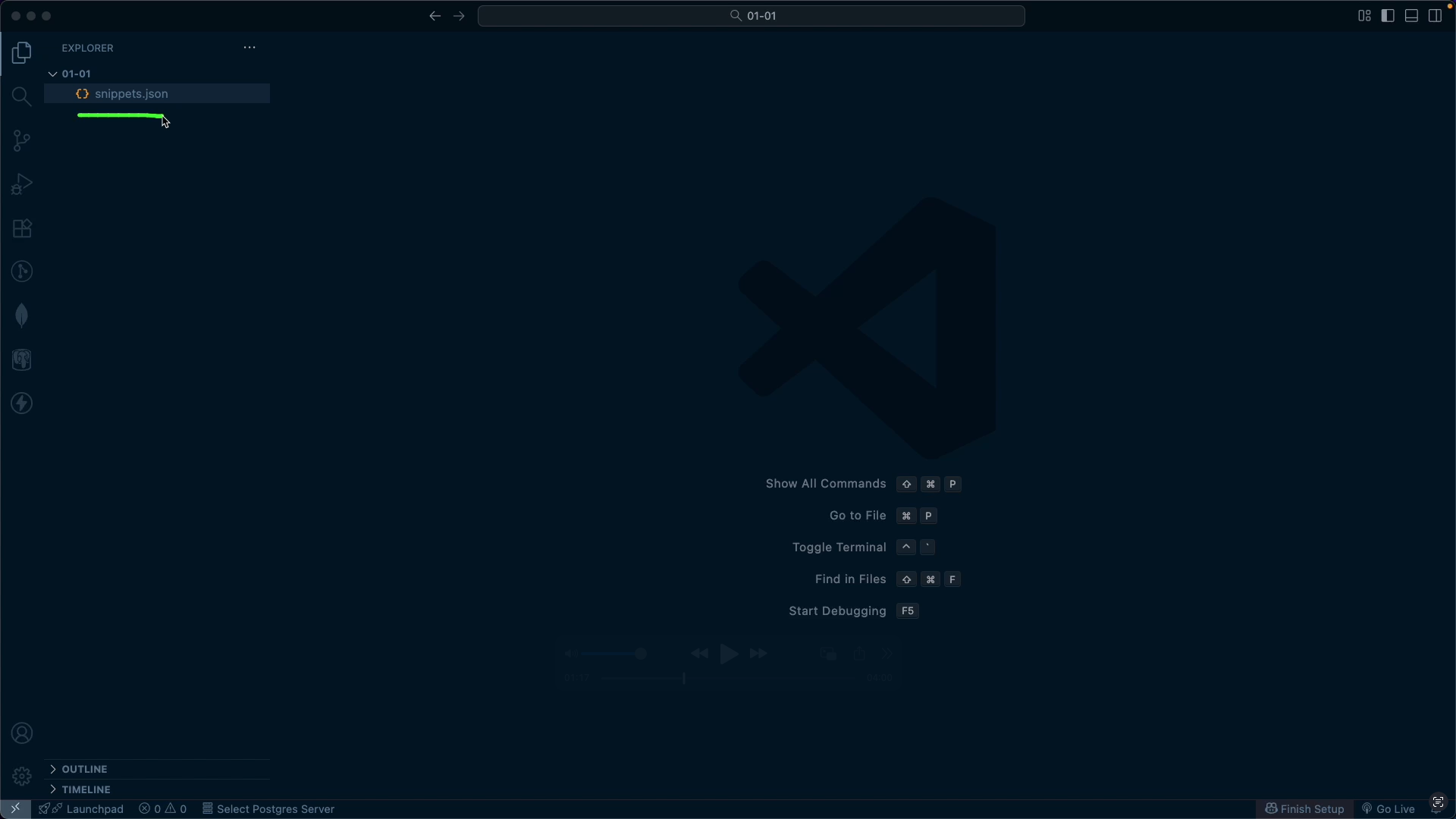
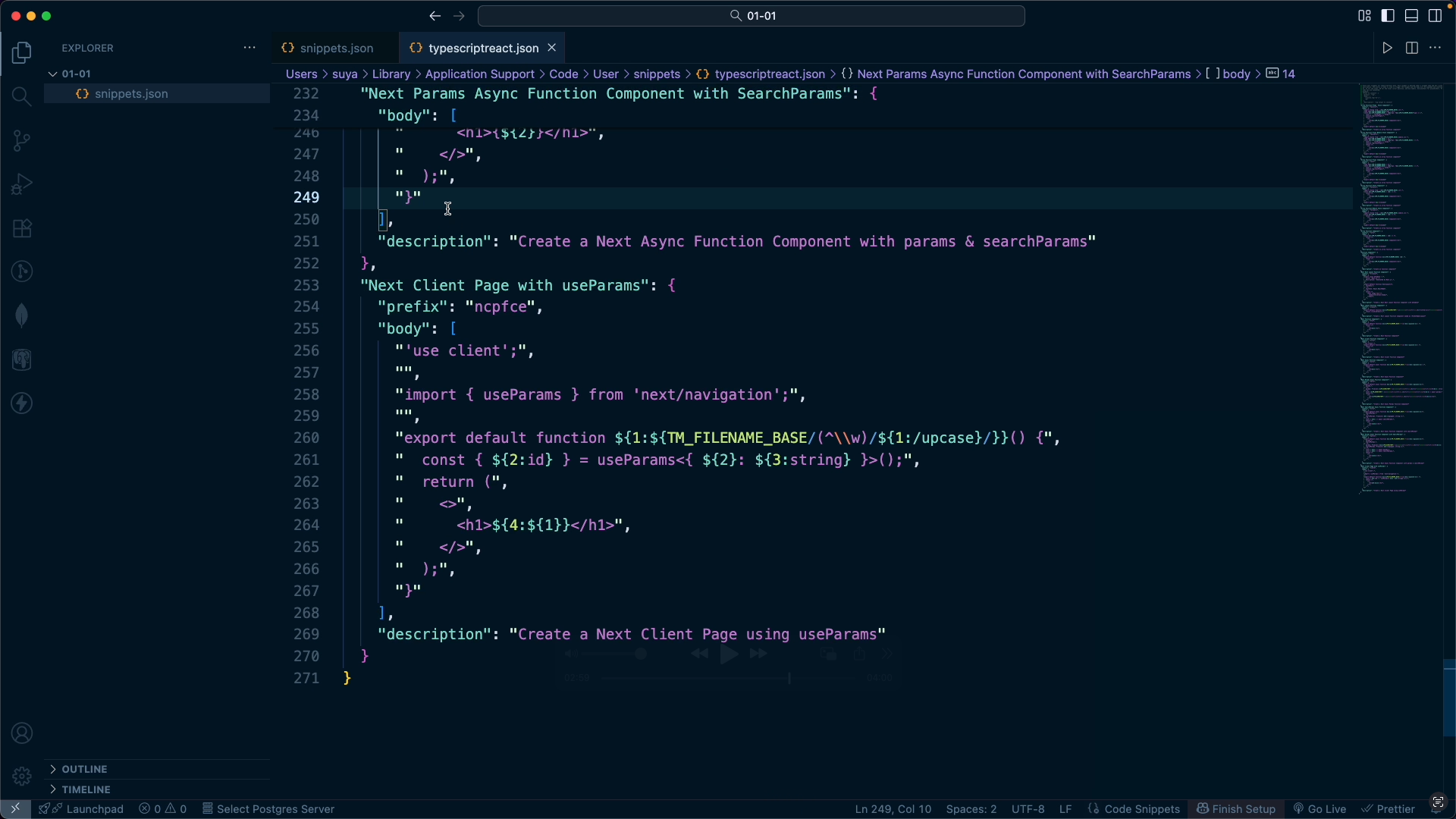
We will cover how to download the example code used throughout the course, guidance on the development environment to increase practice efficiency, and how to register custom snippets to reduce repetitive tasks.

Section 02 - Getting Started

In this section, we will examine the concepts of Next.js step-by-step from the beginning and cover the process of actually starting a project.
After understanding what kind of framework Next.js is, we will compare the differences between the manual installation method and the CRA-based installation method and summarize their respective characteristics. Then, we will examine the basic folder structure and file roles of the created project and organize the structure once more before proceeding with the practice.

Library vs Framework

Concepts of Libraries and Frameworks

Section 03 - Server Components and Client Components

In this section, we will dive into the core concepts of Next.js: Server Components and Client Components.
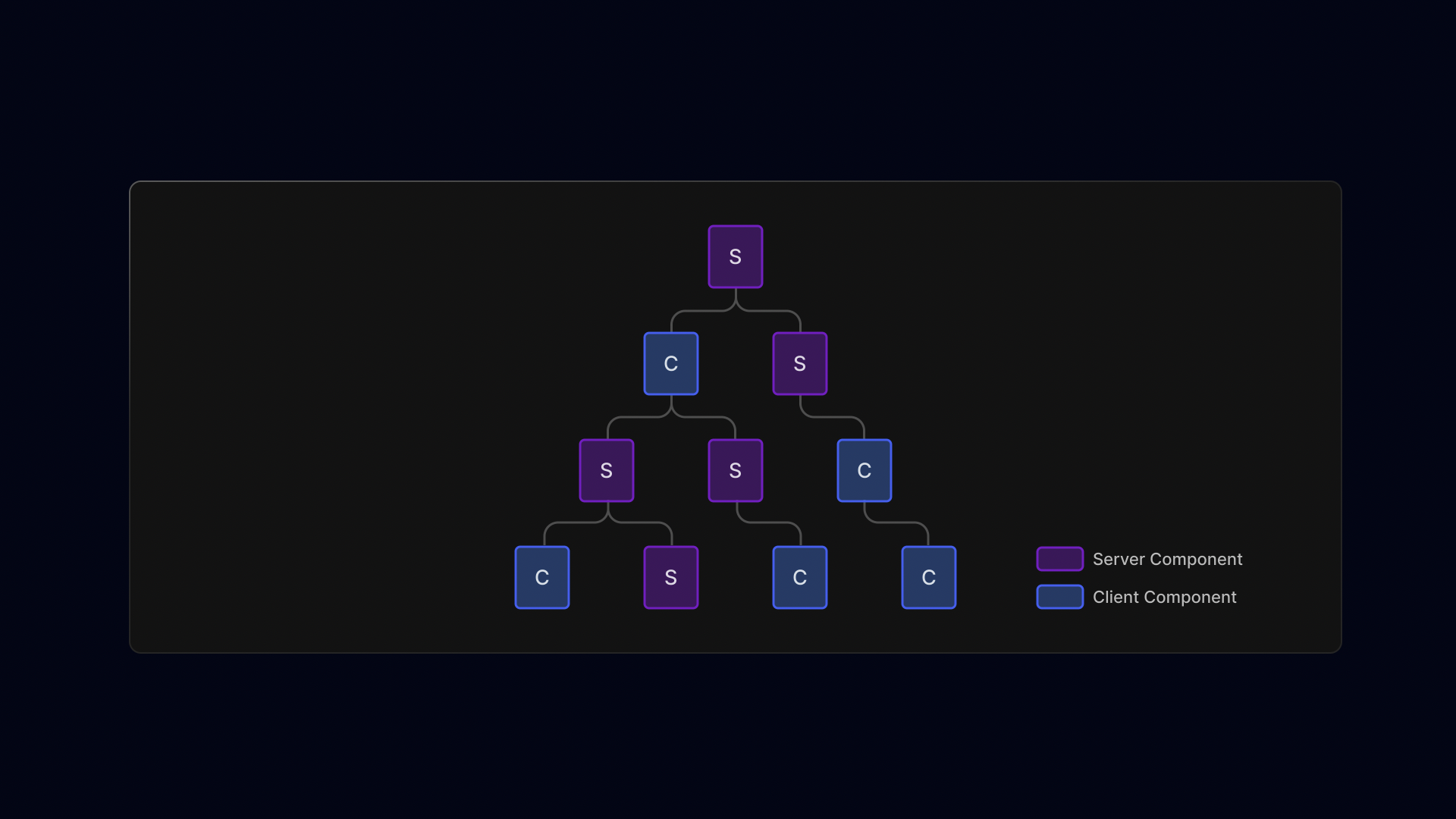
We will understand the respective roles of these two components and examine step-by-step how they are created and the criteria for their placement.

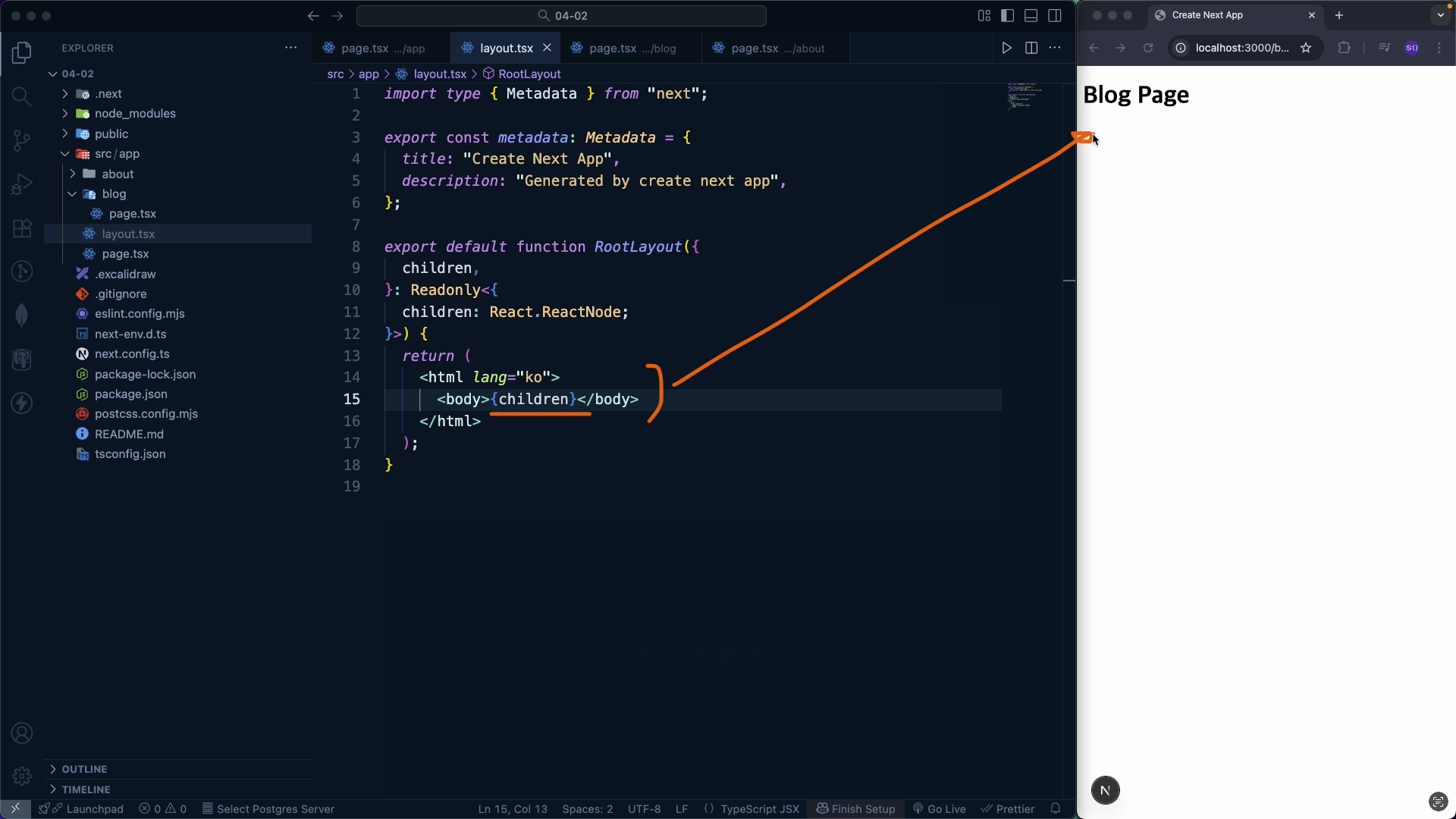
We will also explain how to import Server Components within Client Components and how children work within the layout structure.

Finally, we will address common misconceptions about Client Components and hydration errors that many developers find confusing,
and gain hands-on experience in designing a real project by dividing Server and Client Components through a To-Do list app practice.

Server Components

Core Strategies for Component Trees

Section 04 - App Router

In this section, we will systematically organize the operating principles and routing structure of the Next.js App Router.
After understanding how the URL structure maps to folders, we will examine core routing methods such as basic routes, nested routes, and dynamic routes in order.

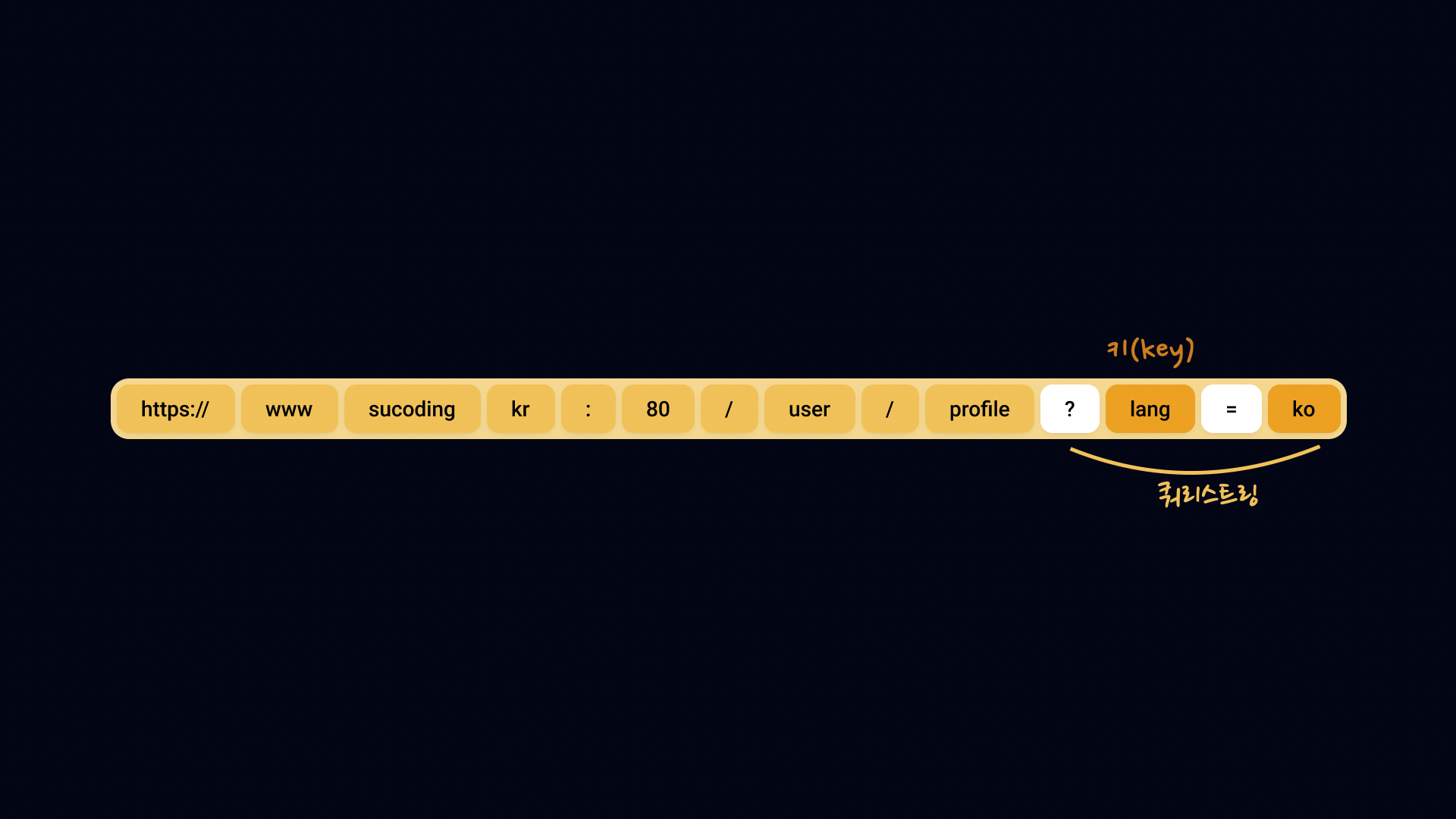
Additionally, you will learn how to handle query strings and design folder structures using private folders and route groups,
and clearly define the differences and usage criteria for route transition methods using Link and useRouter..

Finally, through a mission, you will design and implement routes yourself, completing the entire flow of the App Router through hands-on practice.

URL Structure

App Router Flow

Section 05 - Special Routing Files

In this section, we summarize the roles and operating methods of the key routing special files used in the Next.js App Router
.

We will look at how to handle error situations through not-found and global-not-found,
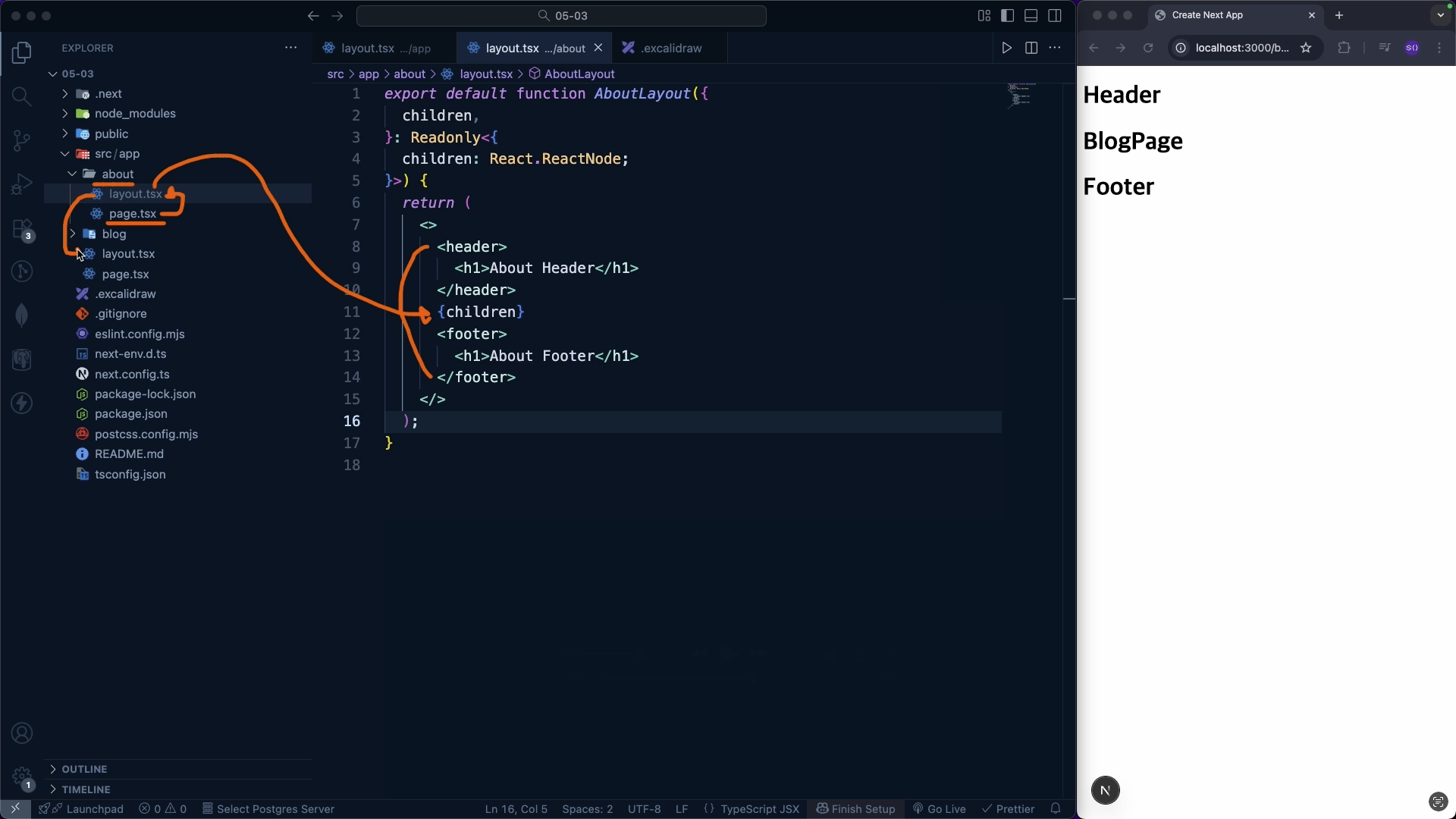
and understand the criteria for layout reuse and initialization by comparing the differences between layout.tsx and template.tsx.tiêu chuẩn tái sử dụng và khởi tạo layout.

In addition, we will summarize how to design loading states and error boundaries through loading.tsx, error.tsx, and global-error.tsx, and gain practical experience in using routing-specific files in real projects by separating and applying layouts through missions.

Layout

(Mission) Separating Layouts

Section 06 - Setting Up Metadata

In this section, we will take a step-by-step look at how to set up metadata in the Next.js App Router.
First, you will learn the basic method of setting metadata using the metadata object, and understand how metadata is merged and inherited between pages through the title, absolute, and default options.

Afterwards, we will look into the method of dynamically generating metadata based on data using the generateMetadata function,
and summarize the metadata processing flow and the latest changes in the React 19 environment.

Through this, you will establish practical metadata design standards that consider both SEO and user experience.

Where metadata is used

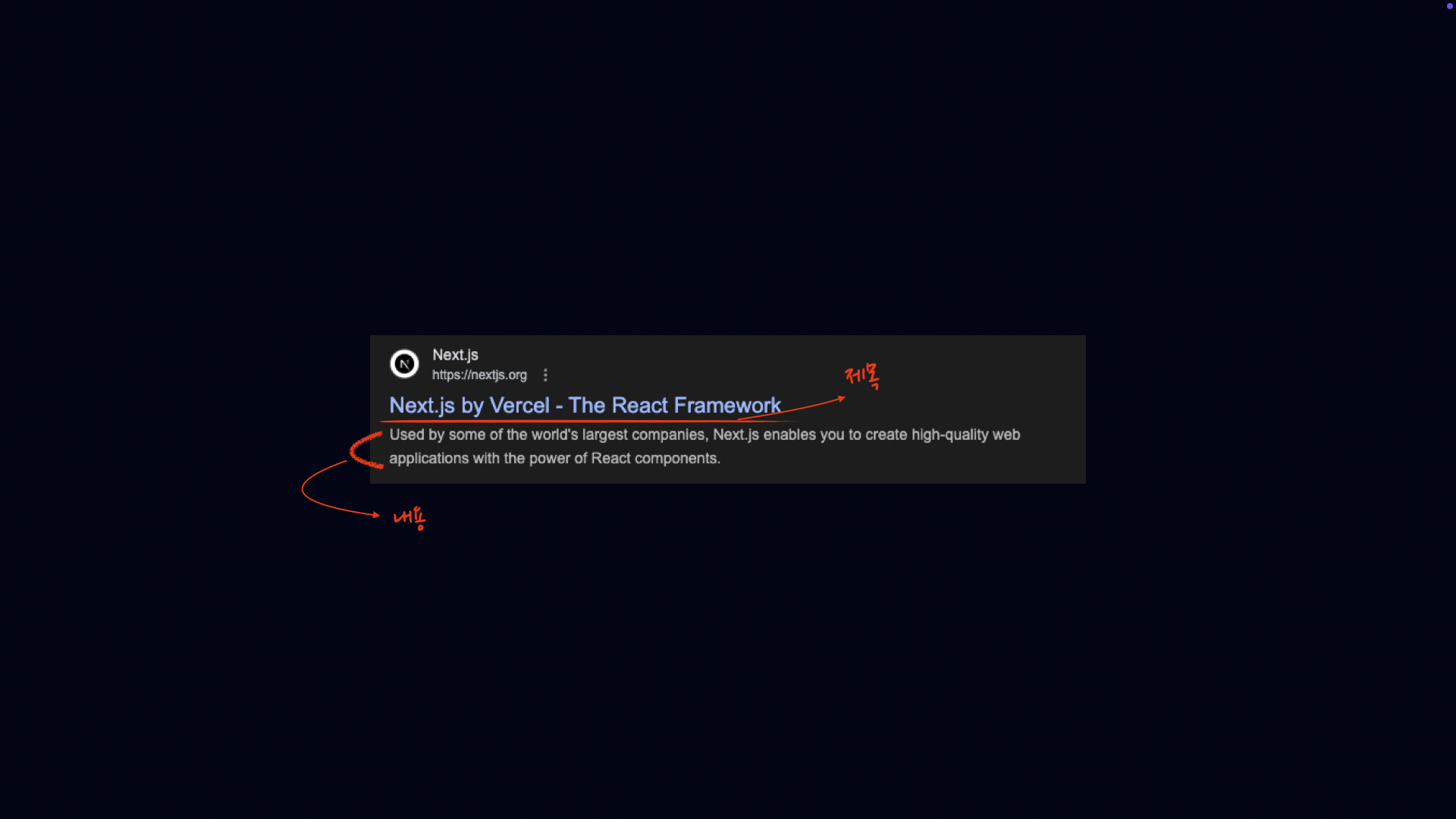
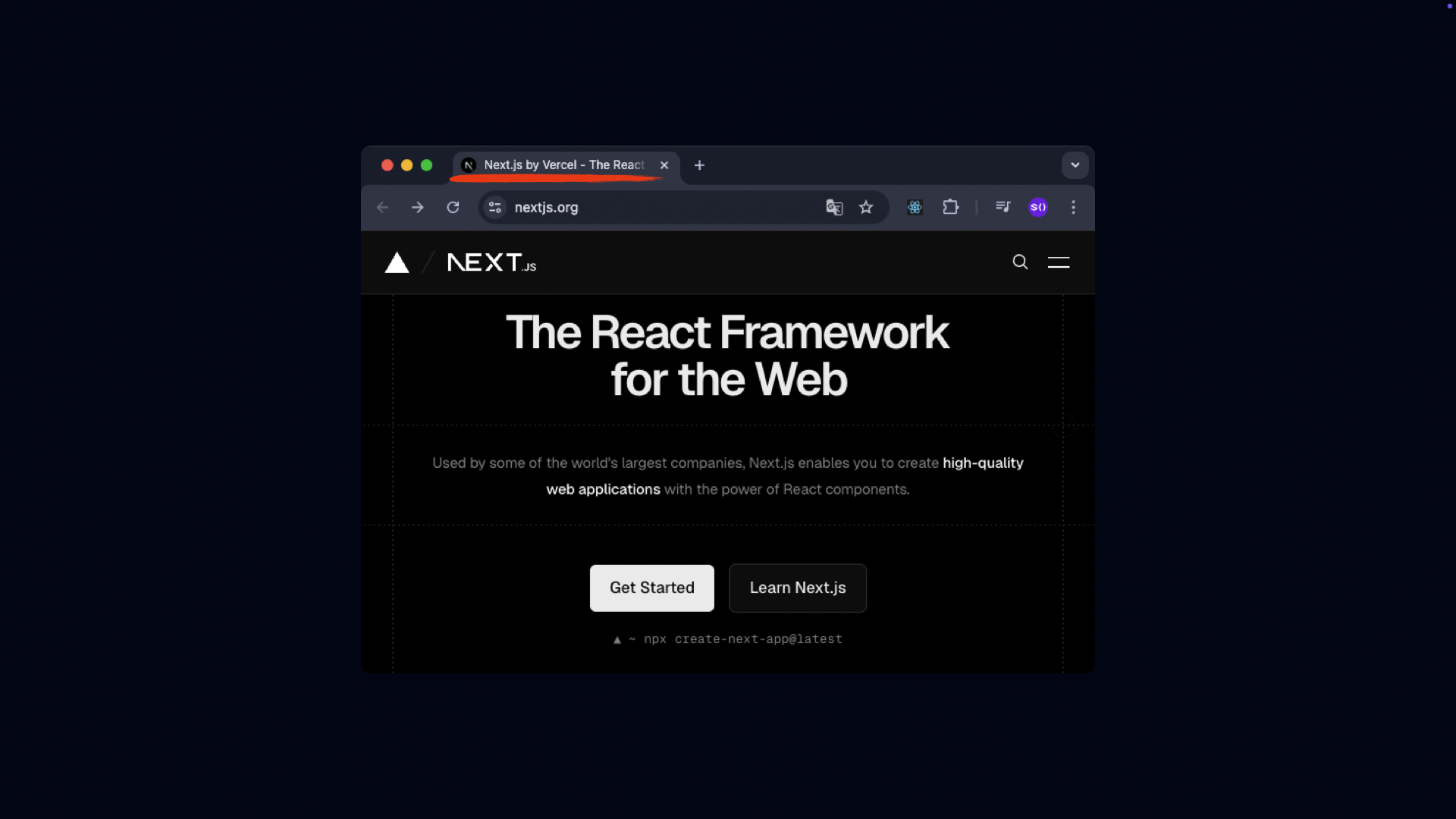
Browser Tab Title

Section 07 - Data Fetching

This section focuses on how to fetch data in the Next.js App Router environment.
First, we will understand how the fetch API works within Server Components and organize loading states and error handling based on Server Components.

Afterward, we will compare the data fetching method using the use hook with the method of fetching data in client components, examining the roles and limitations of each approach.

In addition, we will consider data fetching strategies together to determine the criteria for choosing between server-side and client-side fetching in real-world projects.

Finally, through a mission, you will directly implement data fetching logic and wrap up by practicing a complete fetching flow that includes loading and error handling.

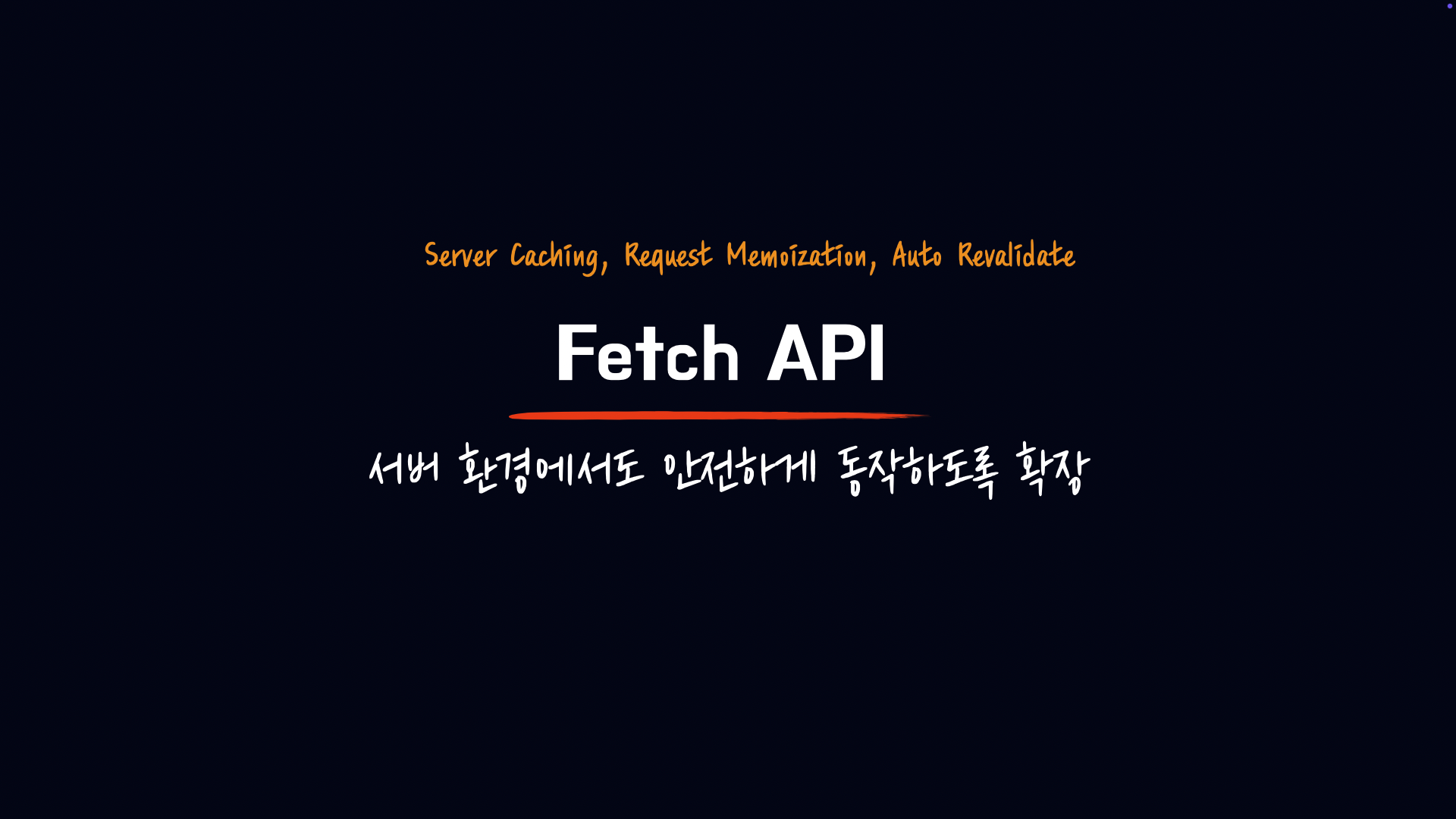
Fetch API

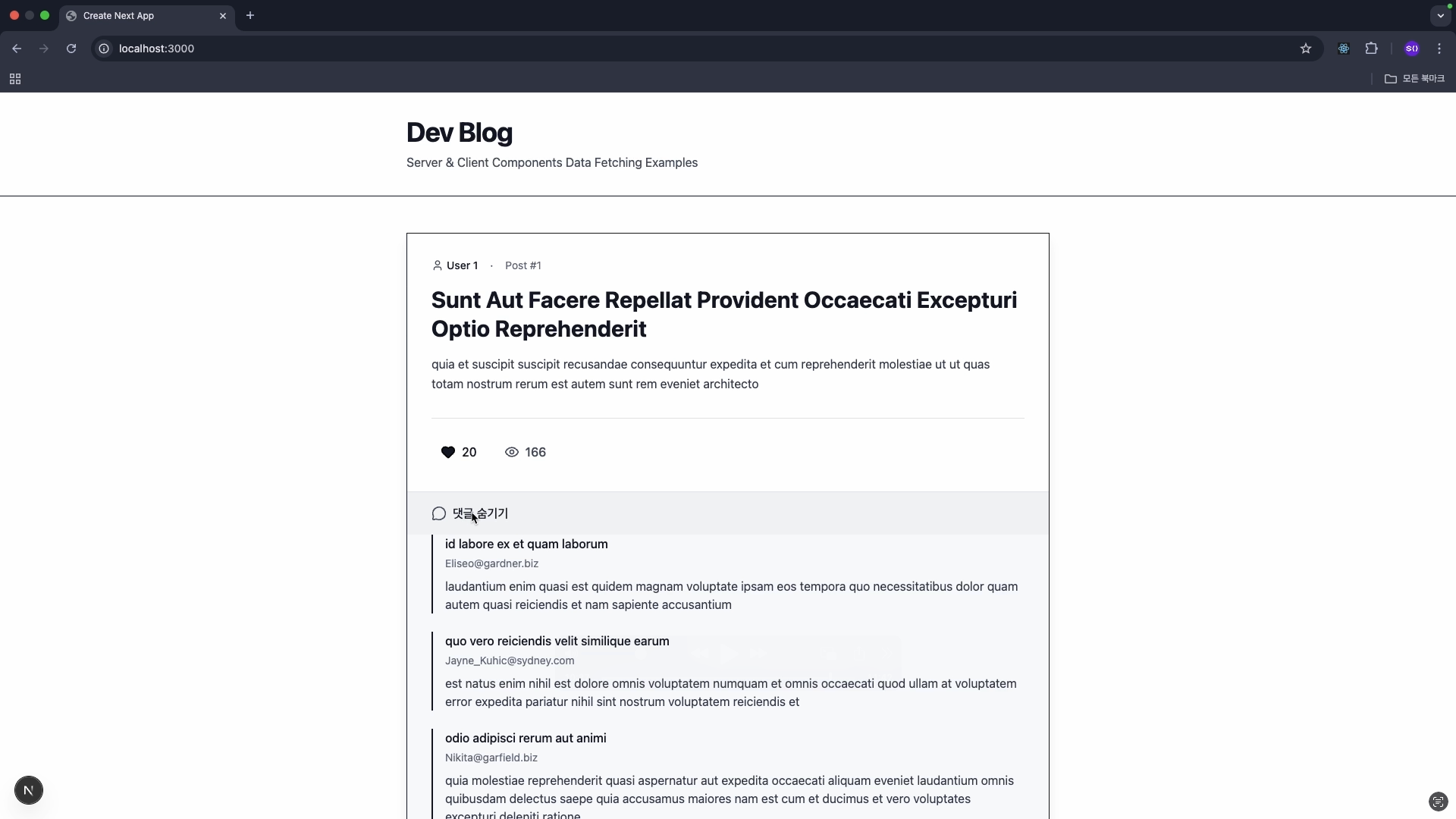
Mission! Data Fetch!

Section 08 - Rendering Strategies

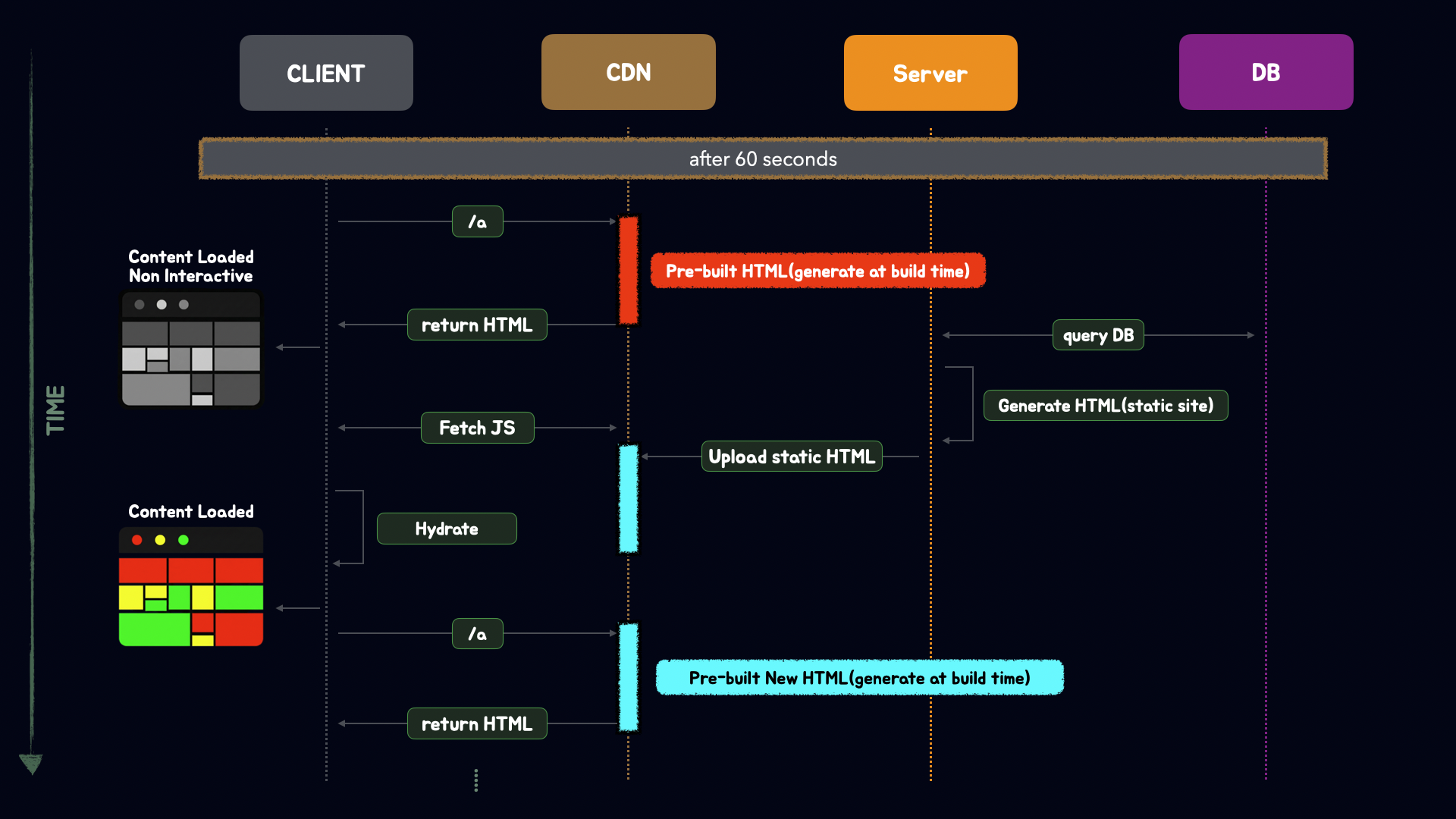
In this section, we will review CSR, SSR, SSG, and ISR—the representative rendering strategies for web applications—from the perspective of the Next.js App Router.

After understanding when each rendering method is executed and what output it produces,
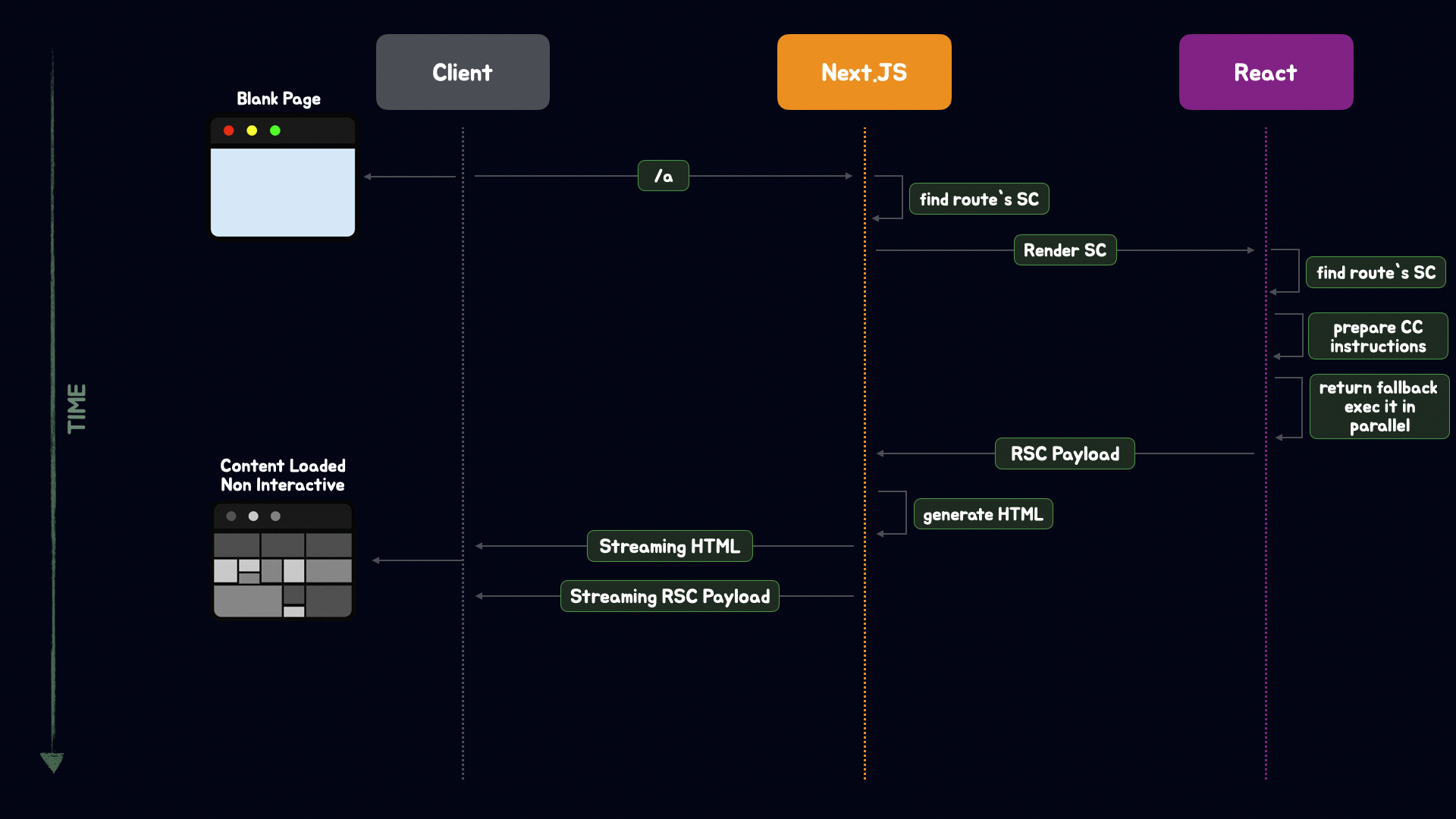
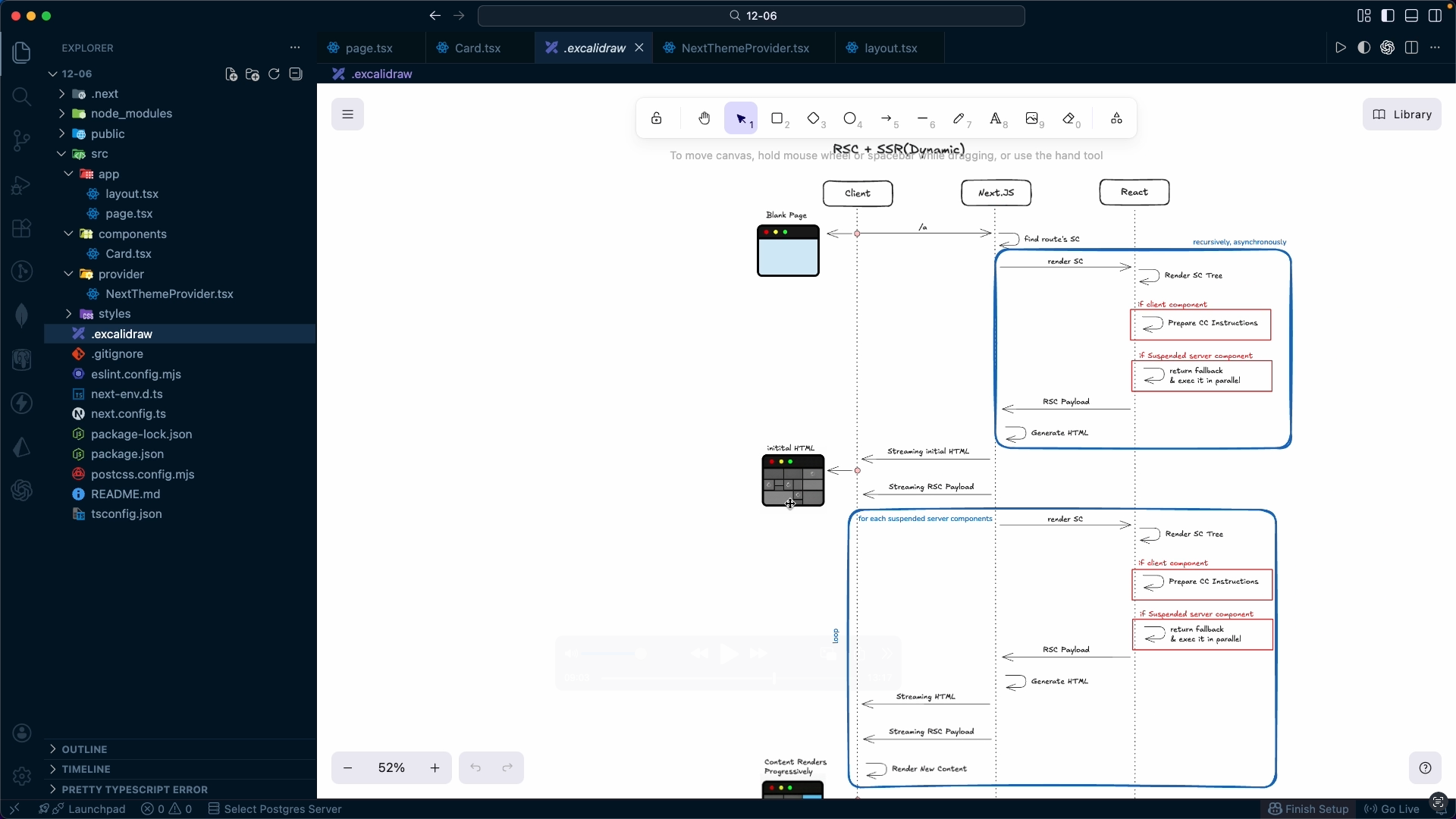
we will examine step-by-step how React Server Components (RSC) combine with existing rendering strategies.

In addition, we will cover practical methods to check whether a page is rendered statically or dynamically in a real project, and establish criteria for accurately determining rendering strategies by examining situations easily mistaken for CSR and common mistakes.

Finally, we will verify ISR rendering firsthand and consider how to strike a balance between performance and data freshness.

ISR Rendering

RSC Rendering

Section 09 - Cache

In this section, we will systematically organize Next.js caching strategies.

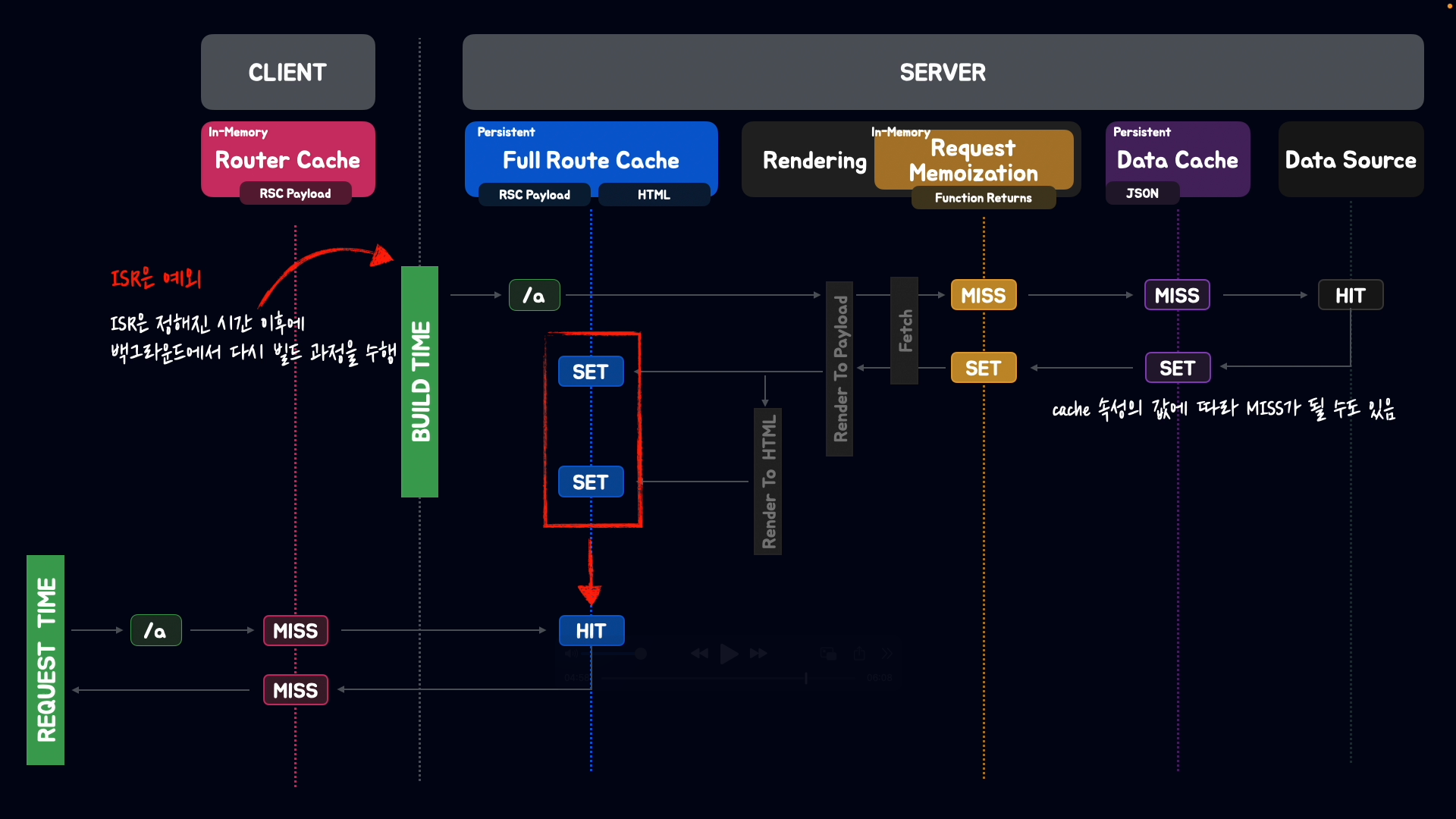
First, we will conceptually understand the four caching layers provided by Next.js and examine when caching occurs and when it is invalidated, focusing on the Data Cache.

Afterward, you will implement on-demand invalidation by utilizing revalidatePath and revalidateTag alongside Server Actions. Beyond simply using the APIs, you will establish criteria for determining which invalidation strategy to choose in various situations.

Additionally, you will compare the differences between Request Memoization, Full Route Cache, and Router Cache to clearly understand where and to what extent each cache operates.

Finally, through a mission, you will apply caching strategies to a post list and a to-do app, gaining hands-on experience to understand how caching actually works in practice.

Caching

Caching Visuals

Section 10 - Route Handlers

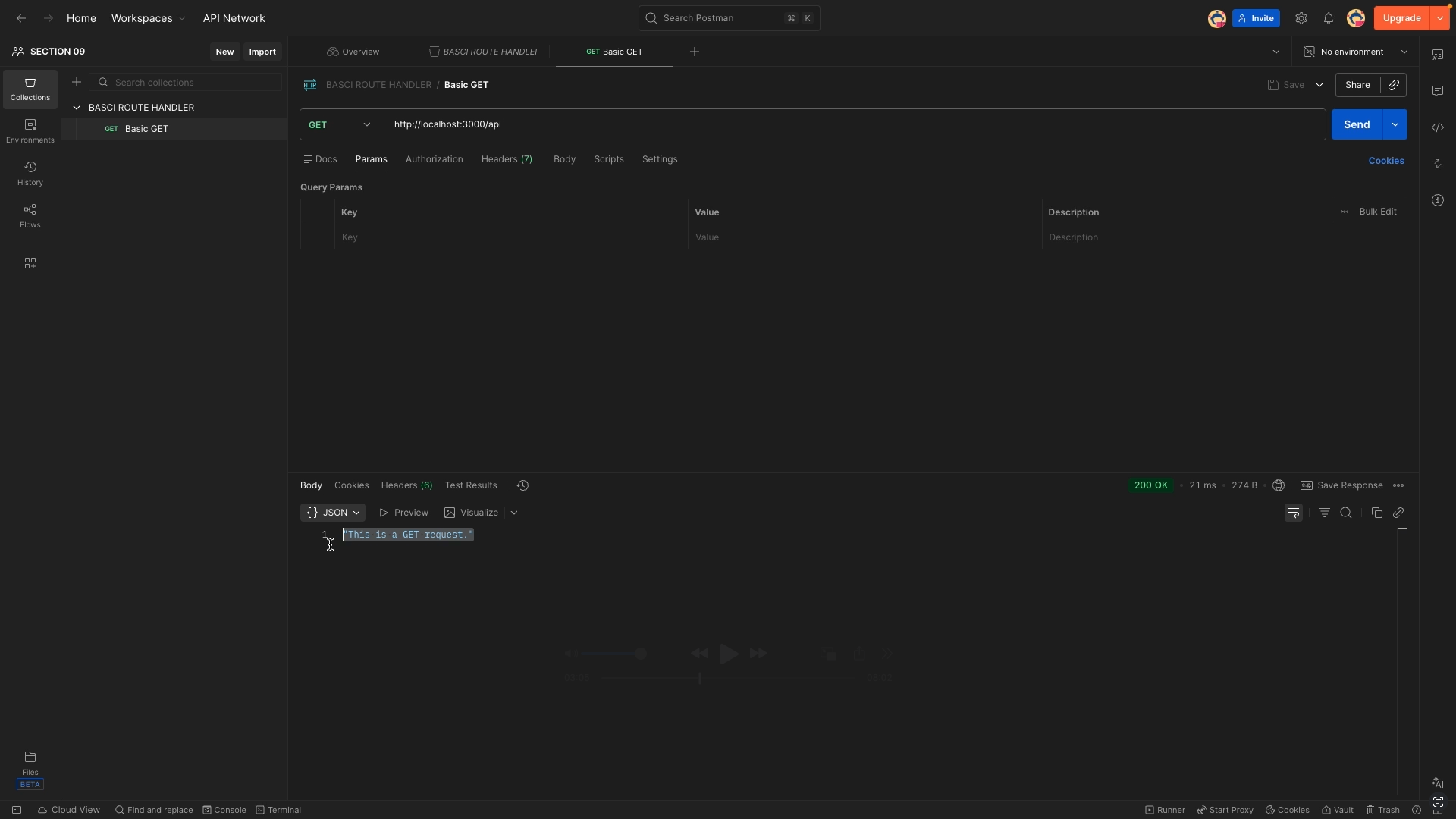
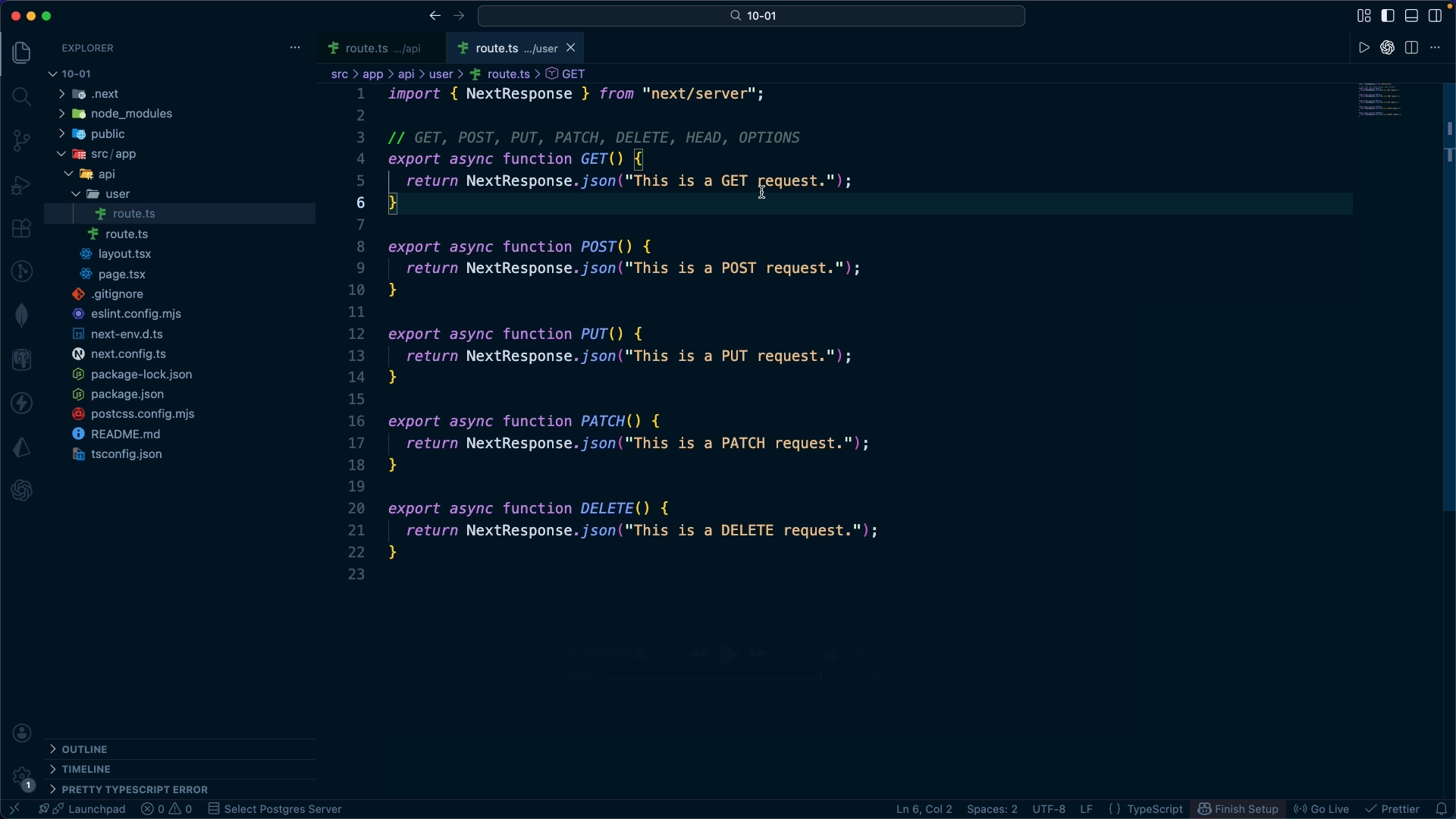
In this section, we will cover how to implement server logic in the App Router environment.

After understanding the basic structure of Route Handlers, we will systematically organize how to handle query strings, dynamic segments, and body data. Next, we will practice reading and setting headers and cookies to see how authentication and user identification are processed at the server level.

In addition, we will cover caching strategies in Route Handlers, learning how to design practical server processing flows beyond simple API implementation.

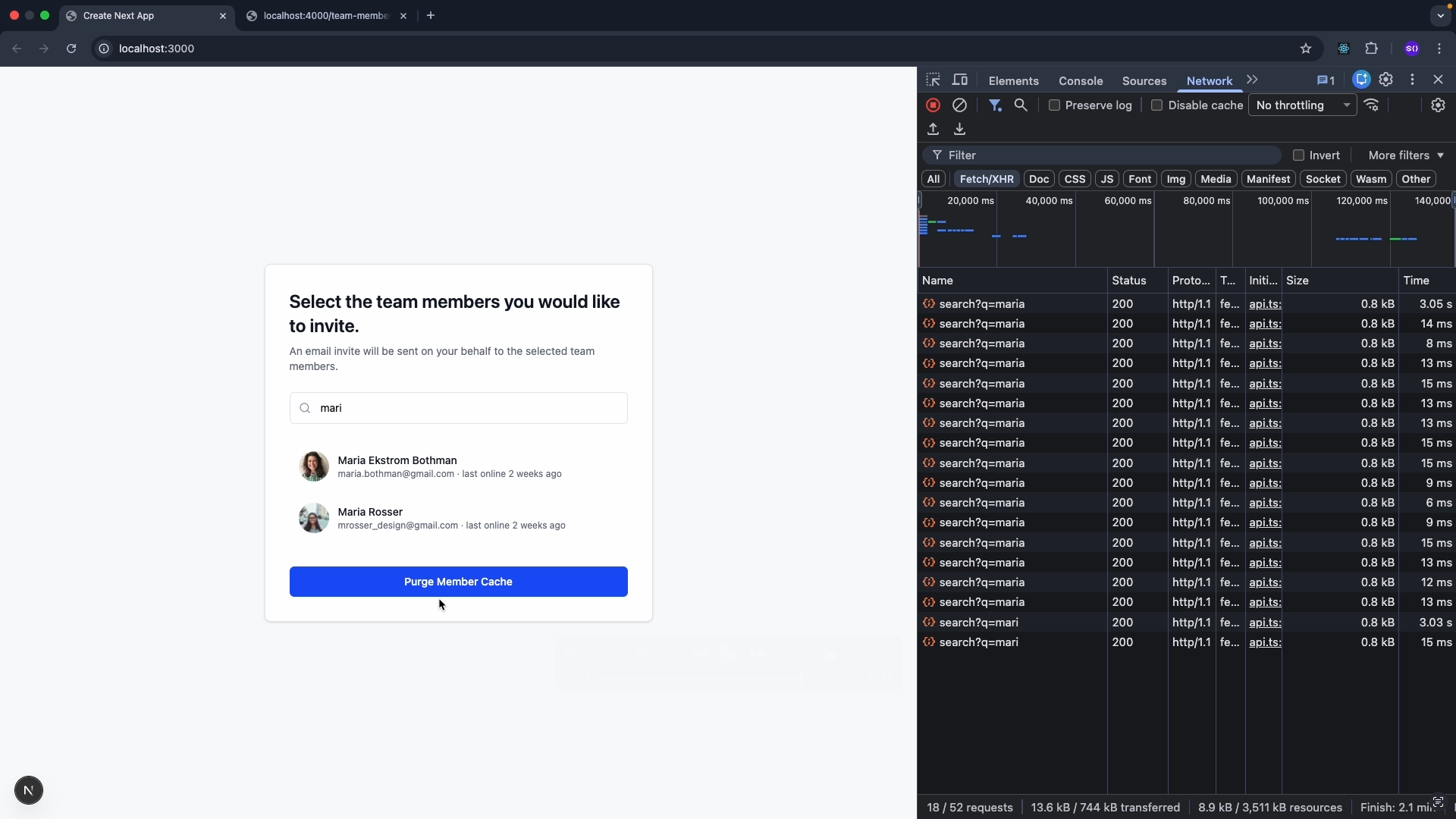
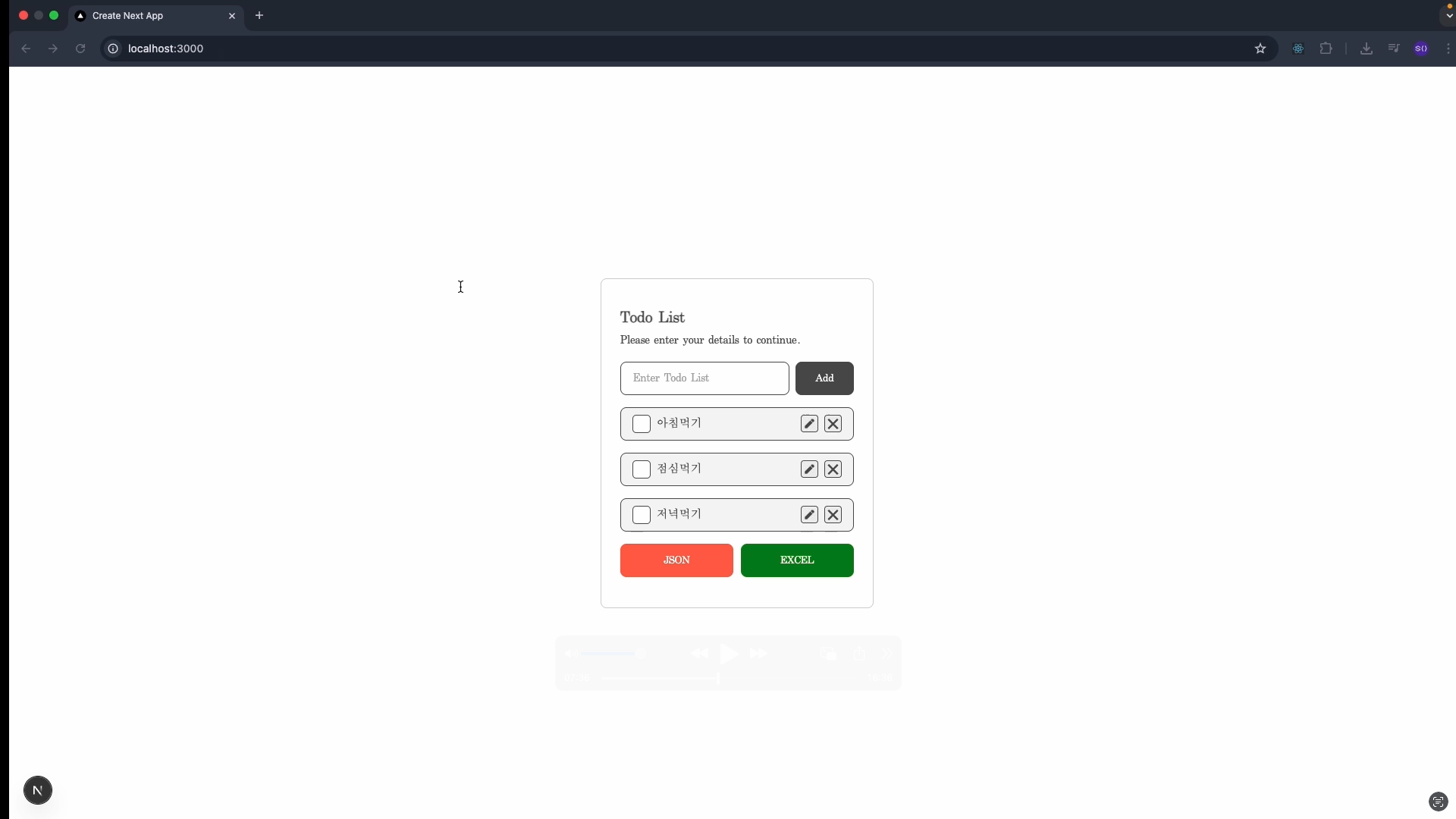
Finally, through the team invitation UI and Excel download mission, you will complete the workflow of collaboration between the server and the client.

Using Postman

Understanding Route Handlers

Section 11 – Images and Fonts

In this section, we cover Next.js optimization strategies.

First, we will understand the internal working principles of the next/image component and examine how 1x/2x ratios and srcset are generated. Then, we will practice how to efficiently provide images in a responsive environment using the sizes attribute.

We will also cover how to apply web and local fonts using next/font, and examine how font loading strategies relate to Layout Shift. Finally, we will complete the process by integrating with Tailwind to apply optimization strategies in a real-world project.

Team Invitation Mission

Download To-Do List Excel

Section 12 – Global Client State Management and Theme Changes

In this section, we will comparatively analyze global state management strategies.

First, we will understand the limitations of the props drilling pattern and summarize basic global state management methods using the Context API. Next, we will compare Redux Toolkit and Zustand patterns, outlining their respective pros and cons and when to use each.

It also covers implementation methods for Tailwind-based dark/light modes and theme strategies using next-themes. Finally, through a calculator mission, you will implement state management and theme switching logic in practice, gaining hands-on experience with the flow of global state design.

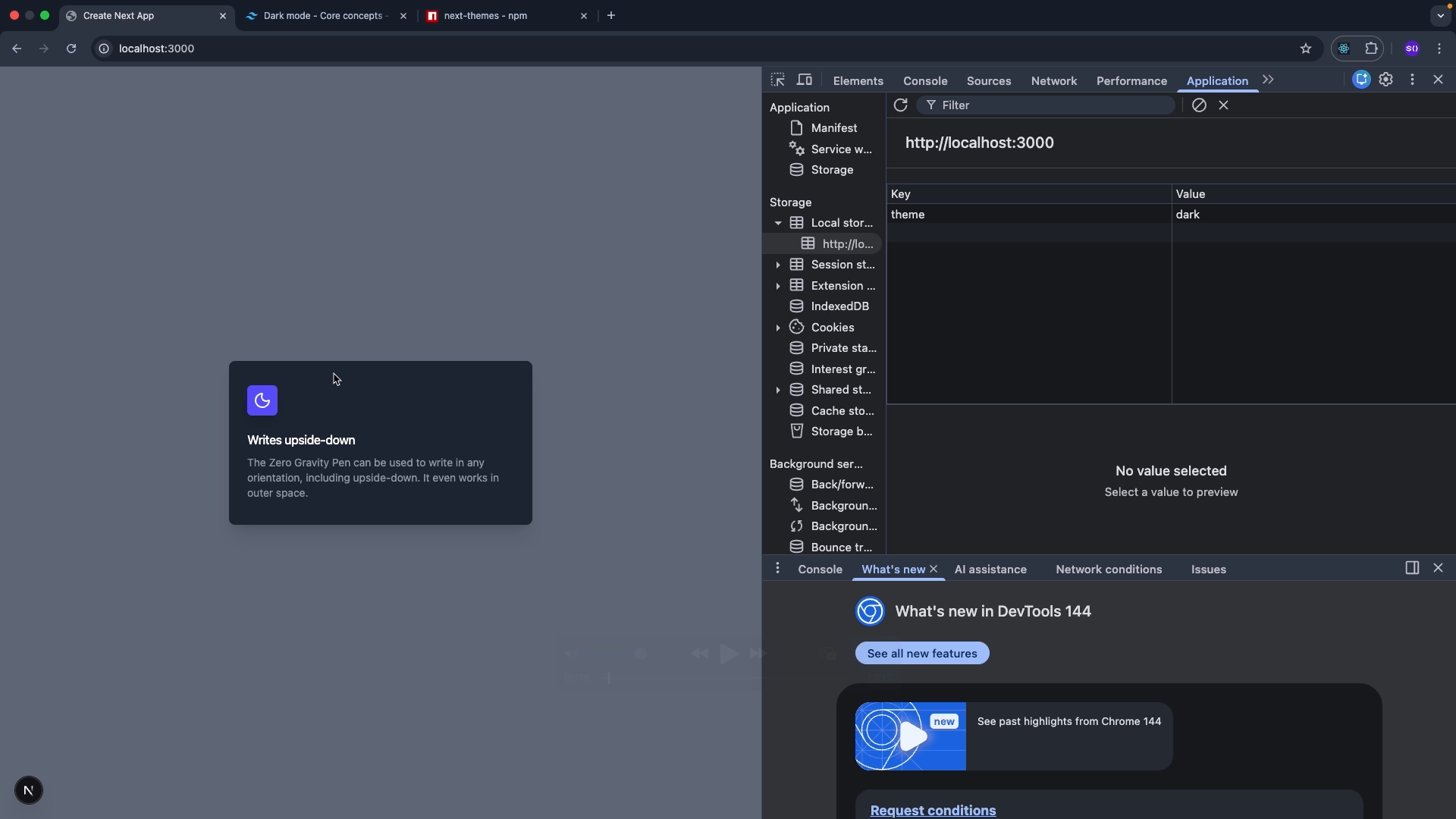
Applying Dark Mode

Why does the flickering phenomenon occur?

Section 13 – Building a Movie Site

In this section, we will integrally apply what we have learned so far through a hands-on project.

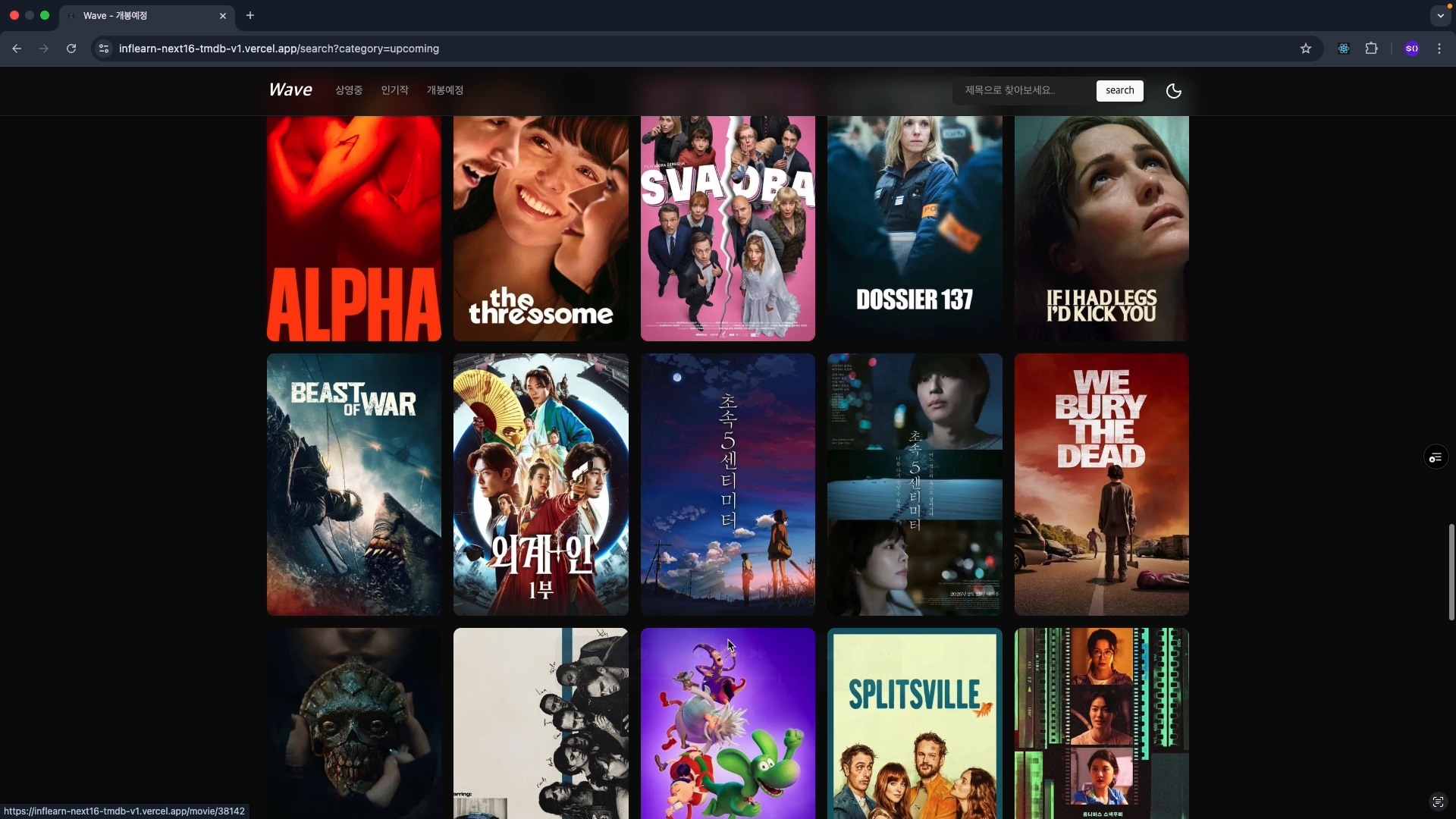
You will experience actual service architecture by implementing a main page, detail pages, and search functionality using the TMDB API. In this process, you will apply image optimization and data fetch caching strategies while also considering security handling methods.

Additionally, we will introduce TanStack Query to compare and analyze client-side fetching strategies, gaining a clear understanding of the differences from server-side fetching. Finally, we will proceed with deployment and examine how rendering strategies change after the site is live.

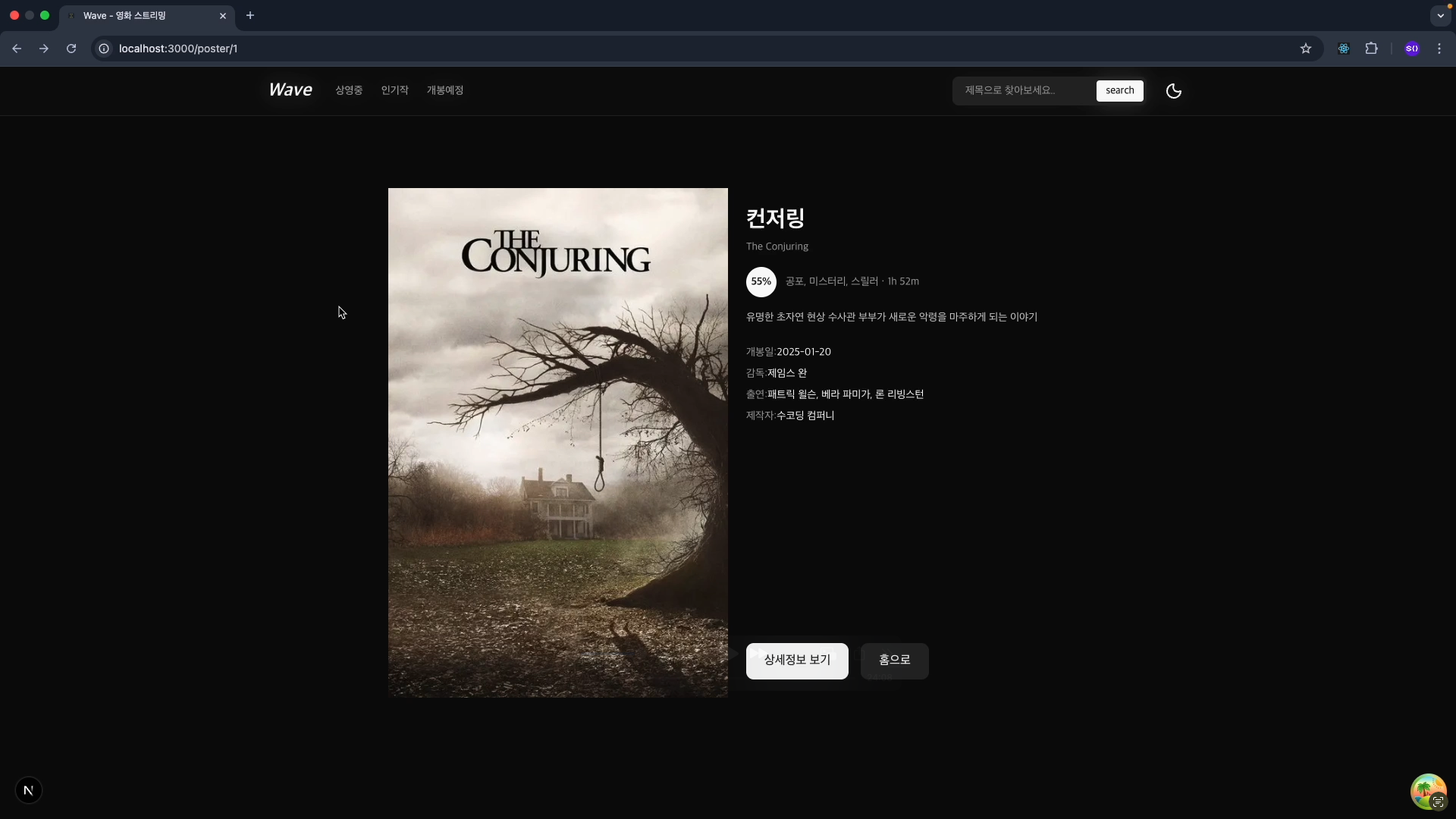
Movie Site

Movie Search Page

Section 14 – Advanced Routing Patterns

In this section, we cover advanced routing techniques in Next.js.

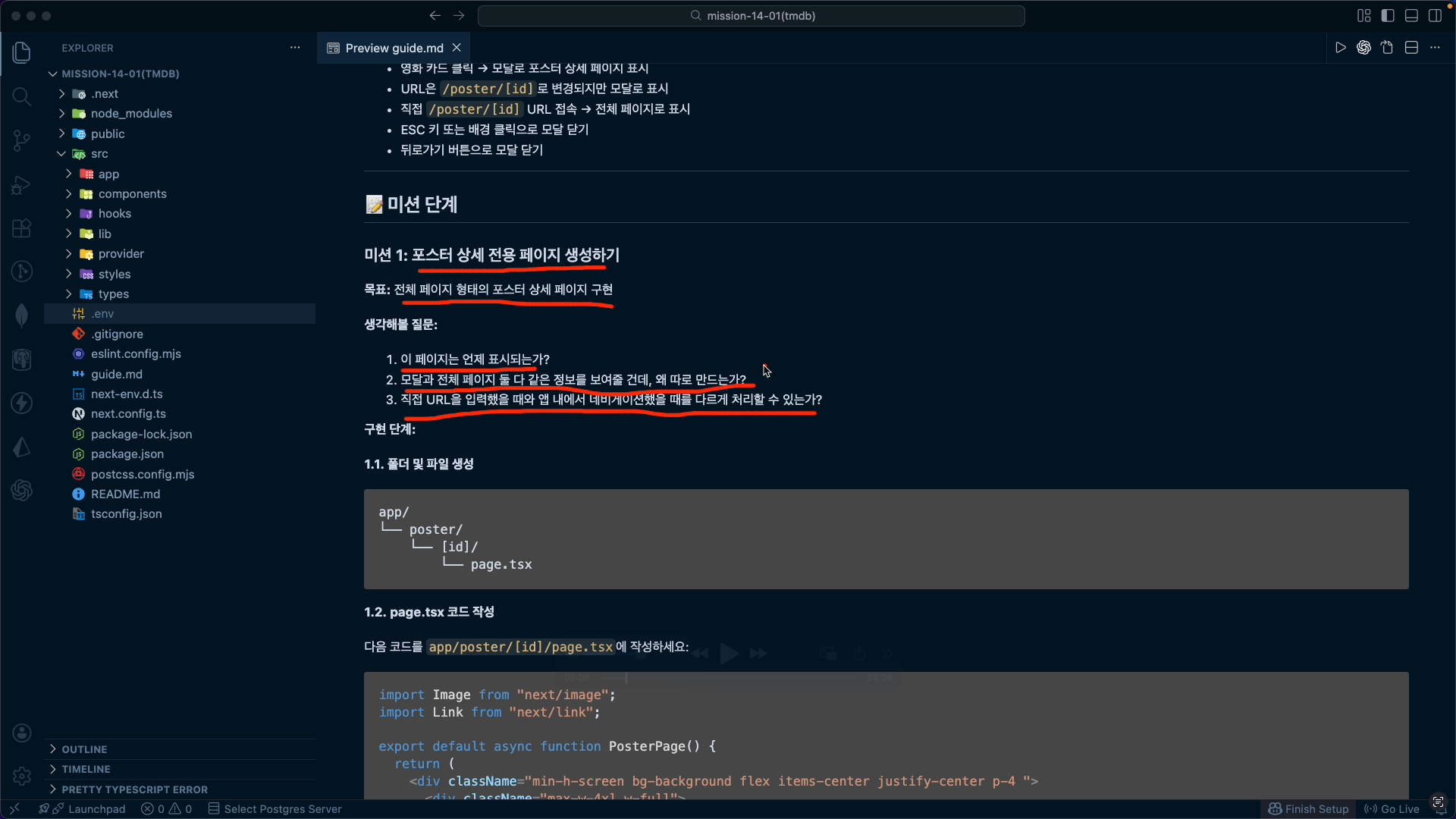
Understand the concepts of Parallel Routes and Intercepting Routes, and apply them to a real project to implement a modal-based structure.

Rather than simply implementing functions, we approach this from a design perspective to see how route structures connect to the user experience.

Additionally, we will summarize how the router cache operates within this structure and understand the relationship between advanced routing and caching strategies.

Finally, we will complete the practical application by expanding the movie site.

Advanced Routing

Expanding Advanced Routing

Section 15 – Cache Components

In this section, we will focus on Cache Components, a core feature of Next.js 16.

Understand the principles of use cache-based caching and analyze the scope of influence of cache components. và phân tích phạm vi ảnh hưởng của các thành phần bộ nhớ đệm (cache components).

Additionally, we will examine cases where caching is impossible and the impact of non-deterministic operations on the cache.

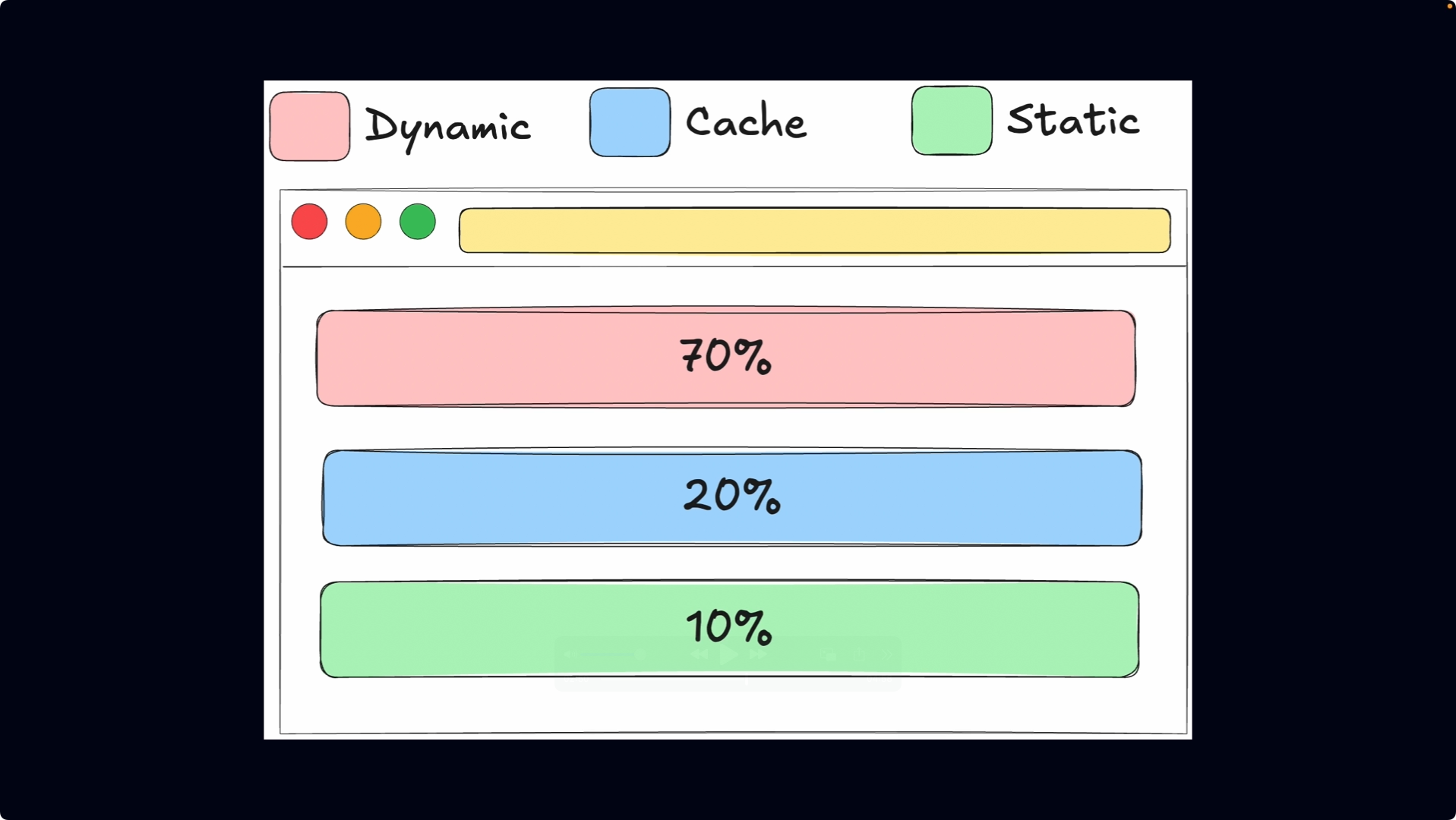
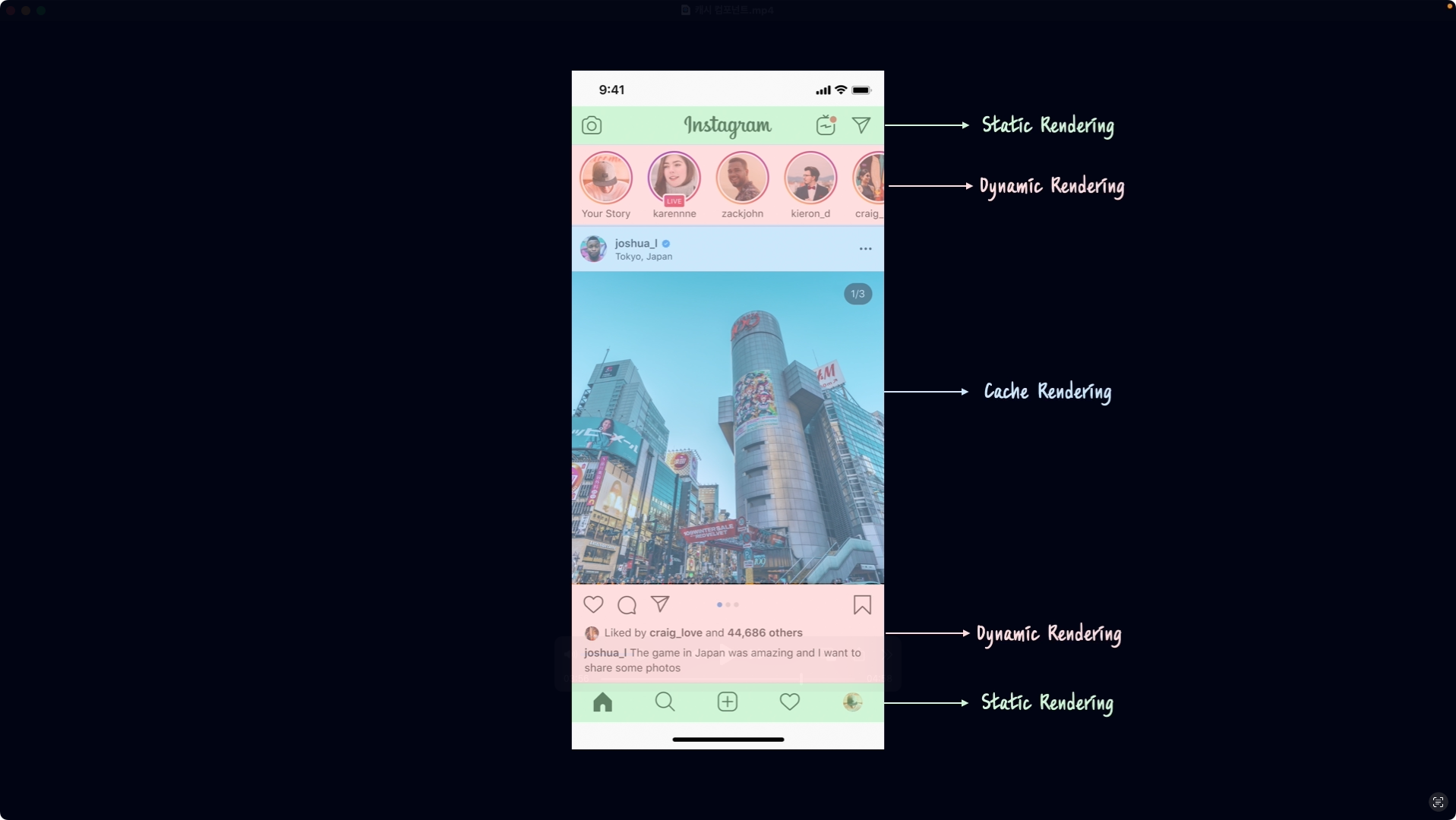
Next, we will practice how to control cache lifetime using cacheLife and design a strategy for mixing static and dynamic content.

Through this section, we will establish the criteria for applying the latest caching models to real-world practice.

Theory of Cache Components

Instagram Application

Section 16 – Final Project

In the final section, we will complete the practical architecture.

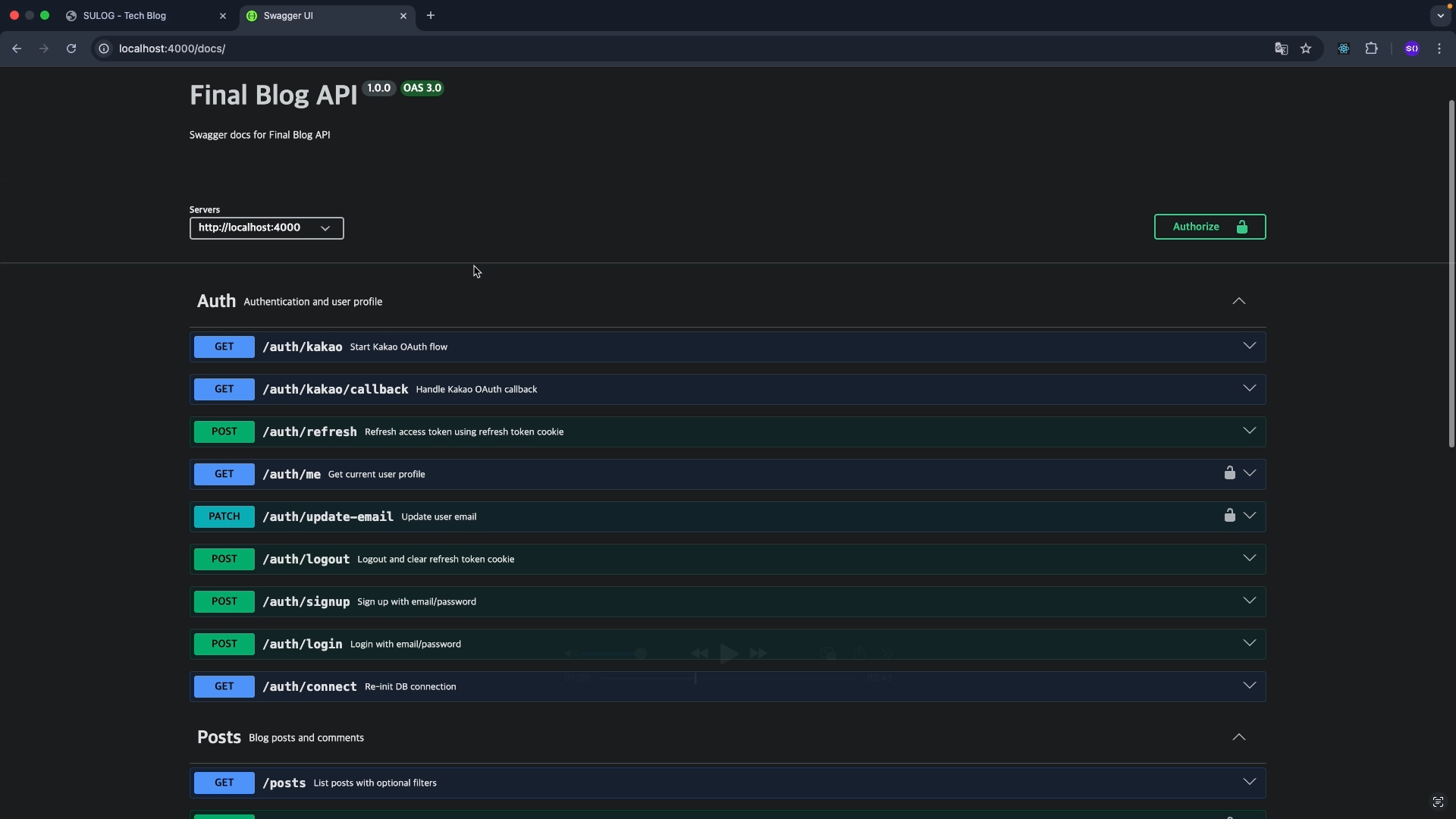
Connect MongoDB and inspect the API structure through Swagger.

Next, we will apply light/dark modes and implement Kakao Login using parallel routes and intercepting route structures.

Beyond a simple login feature, you will design token strategies and authentication flows to complete a production-level architecture.

This section is the process of integrating all the rendering strategies, caching, routing, and server logic learned so far.

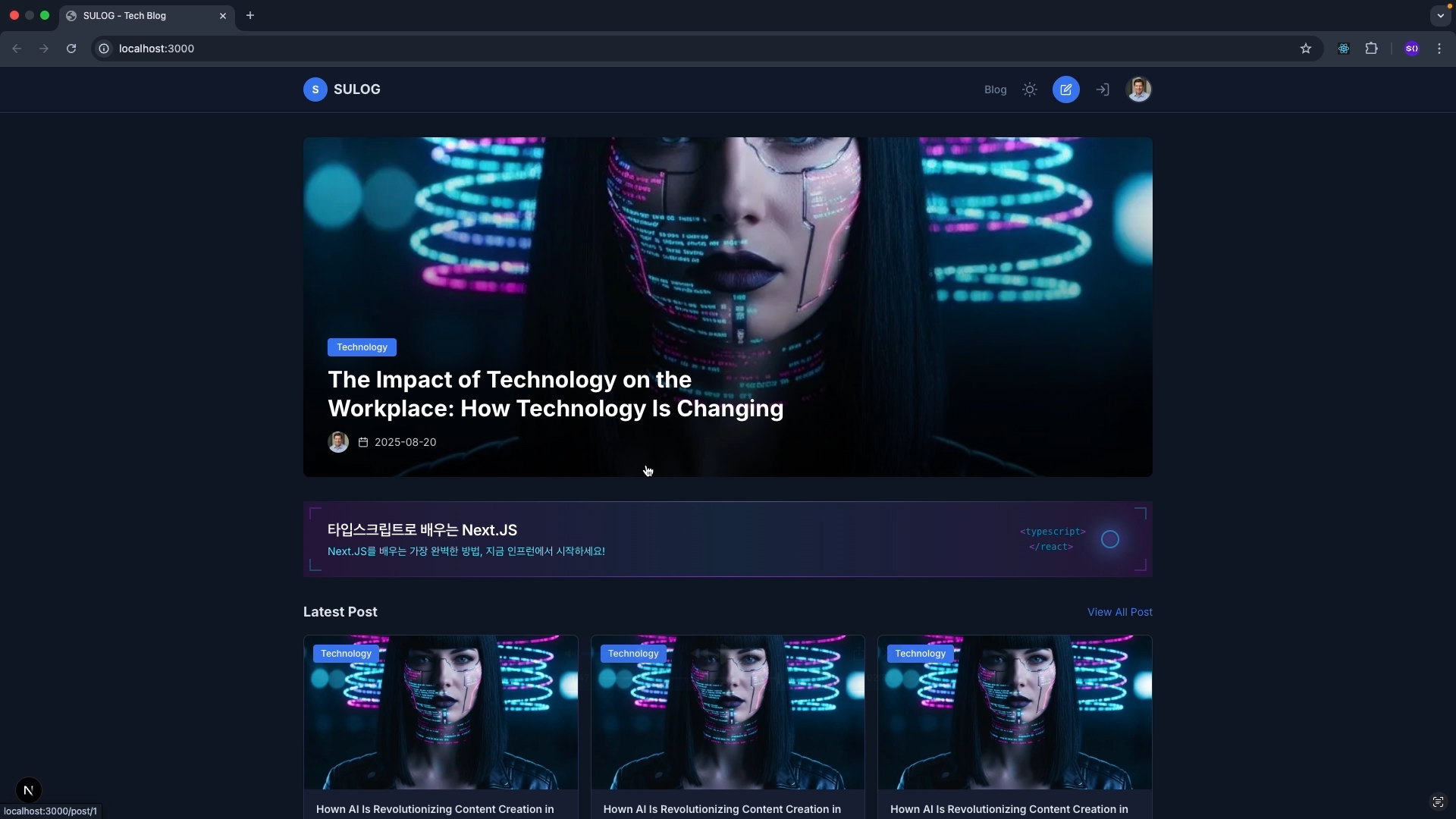
Final Project

Swagger

Wait a second!

Did you know that lectures also have a 'vibe' that fits you?

Just as a masterpiece game recognized by everyone might not be fun for me,
lectures are not equally suitable for everyone.

No matter how highly praised a lecture is, it may not be the right fit for you,
and conversely, a lecture that seems ordinary to someone else could be the best lecture for you.

That is why at least 10% of all my lectures are available for free.
Listen for yourself and see if my teaching style resonates with you! với bạn không nhé!

If we are a good match,
I will guide you through the fastest shortcut to becoming a front-end developer.
Trust me and follow along! 🚀 🚀

Frequently Asked Questions

Q. I am a complete beginner who knows absolutely nothing. Will I be okay?
A. Yes. It is perfectly fine. This is a customized course designed specifically for those who are starting with zero knowledge.

Q. Is prior knowledge required?

A. Yes, this course absolutely requires prior knowledge of
HTML5/CSS3/JavaScript/TypeScript/React.JS.

Notes before taking the course

Practice Environment

  • Operating System and Version (OS): Windows, macOS

  • Tools used: Visual Studio Code, Chrome

  • PC Specifications: Minimum specifications capable of web surfing are sufficient.

Learning Materials

  • We provide learning materials for each lecture to facilitate hands-on practice.


Prerequisite Knowledge and Important Notes

  • Available for complete non-majors and beginners.

  • However, prior learning of HTML5, CSS3, JavaScript, TypeScript, and React.JS is required.

Recommended for
these people

Who is this course right for?

  • Developers who have used Next.js but are confused by App Router and Server Components

  • Developers who want to switch from Pages Router to the latest Next.js (App Router)

  • A frontend developer who wants to properly learn Next.js with TypeScript

  • Those who want to create a production-level project with Next.js

  • Those who are familiar with React but do not have a clear grasp of the Next.js structure

  • Developers who want to organize the latest Next.js 16+ development methods all at once.

Need to know before starting?

  • Prior knowledge of HTML, CSS, JavaScript, TypeScript, and React is required.

Hello
This is sucoding

4,994

Learners

287

Reviews

146

Answers

4.9

Rating

8

Courses

Sucoding is active in teaching coding through both
online and offline methods.

Based on years of offline teaching experience,
I contemplate every day and strive constantly to help more people learn coding easily and enjoyably.
.

To date, I have published the following four books and am leading the field of front-end instruction:

Additionally, we provide various free lectures through our YouTube channel.
👇 Visit us right now
[YouTube Channel Link]

More

Curriculum

All

199 lectures ∙ (29hr 28min)

Course Materials:

Lecture resources
Published: 
Last updated: 

Reviews

Not enough reviews.
Please write a valuable review that helps everyone!

sucoding's other courses

Check out other courses by the instructor!

Similar courses

Explore other courses in the same field!

$77.00