강의

멘토링

커뮤니티

AI Technology

/

Deep Learning & Machine Learning

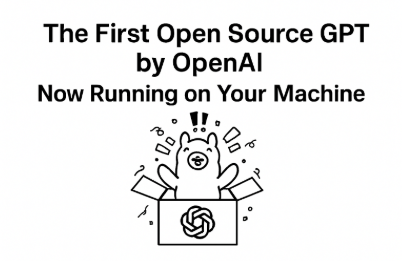
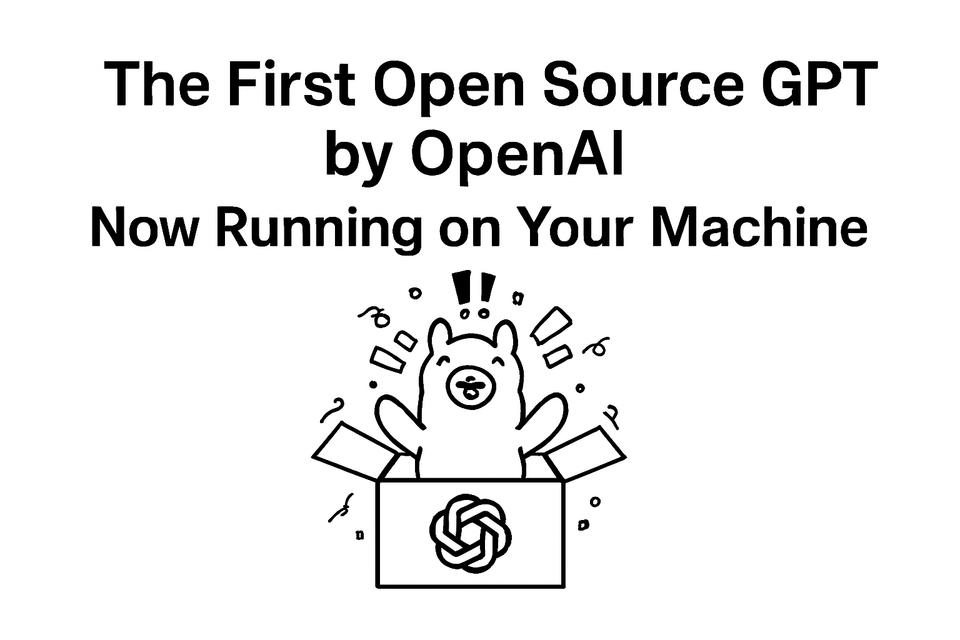
Getting a First Taste of the First-Ever Open Source OpenAI ChatGPT GPT-OSS Faster Than Anyone

The first publicly released ChatGPT open source GPT-OSS - Get a taste of it faster than anyone else. Learn what GPT-OSS is and run it locally to create an overwhelming advantage with GPT-OSS faster than anyone else!

(4.5) 13 reviews

69 learners

Level Basic

Course period Unlimited

  • Neo
open-source
open-source
openai
openai
AI
AI
ChatGPT
ChatGPT
Generative AI
Generative AI
open-source
open-source
openai
openai
AI
AI
ChatGPT
ChatGPT
Generative AI
Generative AI

Reviews from Early Learners

Reviews from Early Learners

4.5

5.0

HelloWorld

100% enrolled

I was curious about what GPT OSS, an open-source model, was, and it was great to be able to try it out through hands-on practice.

5.0

Neo

100% enrolled

This provides an introduction to GPT-OSS, the open-source model released by OpenAI, and offers the experience of actually downloading and running the model using Ollama.

5.0

강려크

64% enrolled

strong and cool

What you will gain after the course

  • Overview of OpenAI's GPT-OSS Open Source Model

  • How to Install and Run GPT Models in a Local Environment Using Ollama

  • Complete Process of Installing, Configuring, and Running Ollama Daemon on Mac Environment ## 1. Installing Ollama ### Method 1: Official Website Download 1. Visit the official Ollama website (https://ollama.ai) 2. Click the "Download for Mac" button 3. Download the .dmg file and install it ### Method 2: Homebrew Installation ```bash brew install ollama ``` ## 2. Initial Setup and Configuration ### Verify Installation ```bash ollama --version ``` ### Download and Run Your First Model ```bash # Download and run Llama 2 model (

  • Simple Q&A and Text Generation Using GPT-OSS Models

  • Hands-on Practice with AI Models in Command Line

🚀First-Ever Released OpenAI ChatGPT Open Source GPT-OSS - Getting a Quick Taste Faster Than Anyone Else

open-source, openai, artificial intelligence (AI), ChatGPT, AI utilization (AX)

💡 "ChatGPT now runs on my computer?"

OpenAI's first publicly released GPT open-source model, GPT-OSS
can now be run directly on your computer without an internet connection.
This course provides a quick 'taste test' experience of installing and running GPT-OSS faster than anyone else.

Complex AI knowledge? Not needed. Don't know programming? That's fine.
Configured so you can directly follow the entire process of installing and running GPT-OSS models through Ollama in a Mac environment.

🚀 Content covered in this course

  • Understanding OpenAI GPT-OSS at a Glance

  • Ollama Installation and Setup (Mac-based)

  • GPT-OSS Model Download and Local Execution

  • Basic Prompt Testing and Usage Examples

  • Troubleshooting common errors too!

We recommend this for people like:


😉

What is GPT-OSS?

Those who are curious about what the newly released GPT-OSS is

🥹

For those curious about open source LLMs

Those curious about the open-source LLM created by OpenAI

👻

Those who want to try GPT-OSS

Those who want to get a taste of GPT-OSS with lecture content without troubleshooting


After taking the course

  • Do you know what GPT-OSS is?

  • Create your own ChatGPT with GPT-OSS

  • You can run expensive models through your local machine without going through API requests!

Features of This Course

Inflearn's First GPT-OSS Course

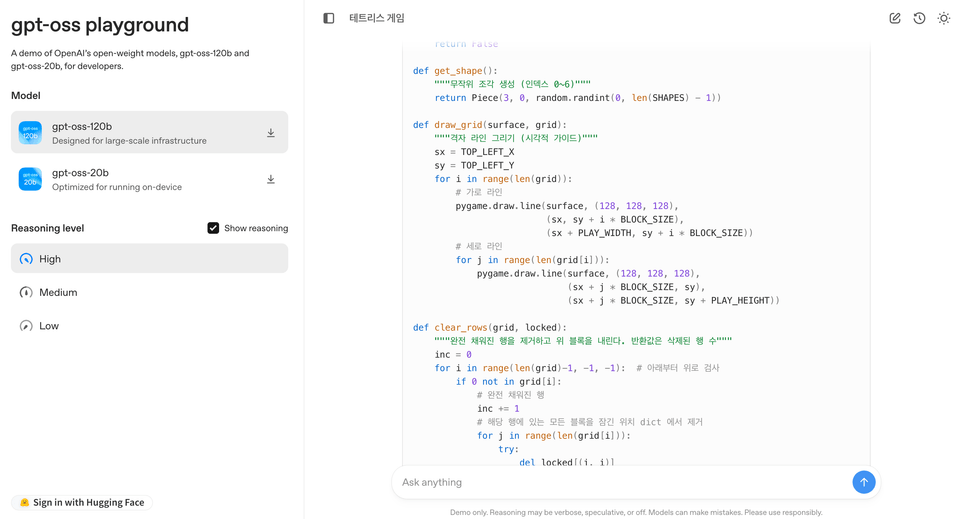
Let's analyze GPT-OSS, the latest open-source model released on August 5, 2025, install it on our local computer, and run the model to create our own GPT

Quick GPT-OSS Tutorial

Get a quick taste of theory and practice faster than anyone else in just 1 hour. We provide theory and practice at a level where you can show off your knowledge anywhere!

The person who created this course

  • Hello! I'm Neo, and I teach courses on Inflearn.

  • My goal is to make development technologies that people don't usually encounter accessible to a diverse range of people.

  • That's why I want to create a practice-oriented curriculum focused on real-world application rather than simply listing theories, and provide hands-on lectures where you can learn by actually moving your hands.


  • We are transforming unprecedented information into opportunities and providing them to you!

Do you have any questions?

For other questions, please use the Q&A board!! 🥰

Q1. What exactly are Ollama and GPT-OSS, and why should we use them?

"I want to install GPT on my computer and try it out!" You've probably had this thought at least once, right?
Ollama is a tool that makes this actually possible. Without complex environment setup, you can run GPT-OSS models locally that work like ChatGPT with just a few command lines.
It's worth paying more attention to since it's the first open-source GPT model officially released by OpenAI.
Start by giving it a light try, and if you see the potential, it will lead to full-scale utilization! 🔥

Q2. Can I take this course even if I don't know AI programming?

Yes, it's possible!
This course is fine to start even if you're in a "know absolutely nothing about AI coding" state.
As long as you can type a few command lines in the Mac terminal, you'll be able to follow along.
And I'll prepare all the command materials so you can copy and paste them.
Don't worry about keeping up with others, just follow along.🚀

Q3. What's the difference from ChatGPT?

Great question!
ChatGPT is a cloud-based service managed by OpenAI, while GPT-OSS is a model that runs directly on my computer! It works even without internet and the big appeal is that I can customize it however I want.
++ The fact that data doesn't leak out is also a major advantage.

ETC

If you're curious about making requests to OpenAI in Spring Boot using a library instead of API, check out my other course on SpringAI!


Building an AI Server Using SpringAI for the Cost of Chicken + Beer (With ChatGPT)|
Neo - Course on Inflearn


If you're more curious about MCP usage? You can try out MCP with my IntelliJ + Claude MCP.


Developing a TodoList with Claude + IntelliJ - Mastering MCP| Neo - Course on Inflearn

Pre-enrollment Reference Information

Practice Environment

  • Operating System and Version (OS): MacOS

  • Tools Used: Ollama(GPT-OSS)

  • PC Specifications: M3 Mac Pro (RAM 32GB)

    • PC specifications require a minimum of 16GB VRAM or more.
      (NVIDIA 1060 4G or higher, or integrated graphics card with 16GB VRAM or higher)
      * This is because the model needs to be operated.

Learning Materials

  • I have created Notion lecture materials that you can follow along with.

    • I'll provide it in the form of a Notion link.

Prerequisites and Important Notes

  • This course is designed to be accessible even without prior knowledge of AI, machine learning, or programming.

    • If you've just briefly covered terminal commands, that's OK!

    • It's explained so that you can follow along even if you don't know Git or Python.

    • However, since this is conducted in a Mac environment, Windows users can also follow along, but the Ollama installation method is slightly different.

Recommended for
these people

Who is this course right for?

  • For those curious about OpenAI's open-source model GPT-OSS

  • General users who want to run AI models directly on Mac

  • Developers and tech users who are new to Ollama

  • "I want to install GPT on my computer!" - a curious general user

  • Product managers and planners who want to understand AI technology trends

Hello
This is

2,263

Learners

254

Reviews

39

Answers

4.7

Rating

29

Courses

Hello! I'm Neo, an instructor on Inflearn.

My goal is to make various development technologies that people don't usually encounter accessible to many different people.

That is why I aim to design practice-oriented lectures that focus on hands-on curriculums rather than just listing theories, allowing students to learn without the stress of troubleshooting.

I am structuring the content with a light and friendly approach so that even beginners can follow along without pressure, focusing especially on lowering the barrier to entry for knowledge.
Sometimes, I also work on lectures together with like-minded people!

For collaborations and other business inquiries, please contact yeseong0412@gmail.com!

Curriculum

All

11 lectures ∙ (52min)

Published: 
Last updated: 

Reviews

All

13 reviews

4.5

13 reviews

  • dkssudgktpdy님의 프로필 이미지
    dkssudgktpdy

    Reviews 20

    Average Rating 5.0

    5

    100% enrolled

    I was curious about what GPT OSS, an open-source model, was, and it was great to be able to try it out through hands-on practice.

    • yeseong0412
      Instructor

      Thank you for taking the class!
  • yeseong0412님의 프로필 이미지
    yeseong0412

    Reviews 30

    Average Rating 5.0

    5

    100% enrolled

    This provides an introduction to GPT-OSS, the open-source model released by OpenAI, and offers the experience of actually downloading and running the model using Ollama.

    • superstrong님의 프로필 이미지
      superstrong

      Reviews 6

      Average Rating 5.0

      5

      64% enrolled

      strong and cool

      • yeseong0412
        Instructor

        Thank you for attending the lecture! Have a great end of the year!

    • okletsgo님의 프로필 이미지
      okletsgo

      Reviews 6

      Average Rating 5.0

      5

      36% enrolled

      • yeseong0412
        Instructor

        Thank you for attending the lecture!

    • hshin25375075님의 프로필 이미지
      hshin25375075

      Reviews 5

      Average Rating 4.2

      5

      64% enrolled

      Limited time deal ends in 4 days

      $7.70

      12%

      $8.80

      Neo's other courses

      Check out other courses by the instructor!

      Similar courses

      Explore other courses in the same field!