



Excel Training for New Employees Who Stand Out
exceldesign
This is a course that allows you to quickly learn the essential Excel tasks that office workers must encounter, using the latest features.

Basic
Excel, Excel PowerQuery
Power Query, the ultimate tool for Excel analysis! 🔢
Challenge yourself with advanced skills that work in practice.
Power Query, the powerful specialized data extraction feature supported by Excel! Power Query is a feature created so that 'Query', a data extraction function used in MS Access, can be used within Excel. Simply put, it is a specialized data processing tool capable of handling most data processing tasks, positioned right between manual labor and VBA.
Students who learned the basics of Power Query through the previous <Practical Excel for Professionals Used in the Real World - From Data Processing to Analysis> course have been continuously sending requests to learn intermediate and advanced Power Query skills.
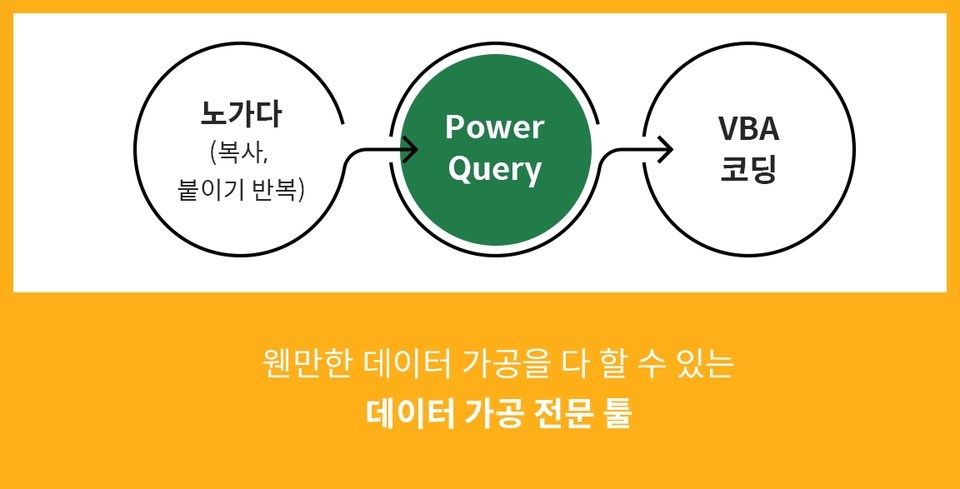
Have you learned the basics of Power Query? Are you looking for advanced skills to use Power Query more effectively in practice? We have prepared a course for those who want to master intermediate Power Query skills. Learn advanced Power Query skills one step further through various practical examples!
Please check before taking the course!
Practical Excel for Professionals Used in the Real World -
From Data Processing to Analysis
The ultimate guide to Excel data analysis!
“Power Query Advanced” course consists of
two parts.
1) Intermediate processing skills through the Power Query menu
2) Intermediate processing skills using M code
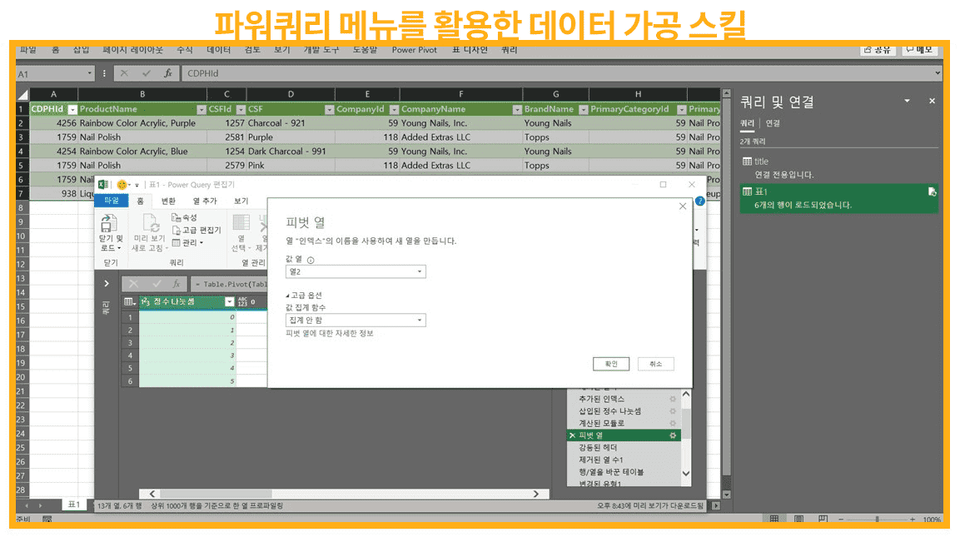
You can learn various skills required for data processing using the Power Query menu. Through a total of six practical examples, you will master various intermediate features of Power Query.
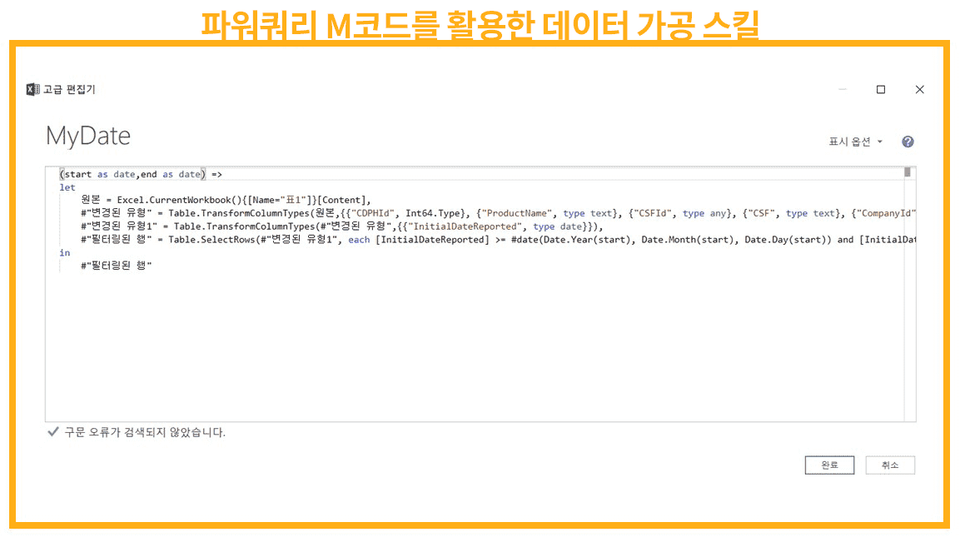
Power Query is a feature built with its own language called M code (M Language). You will practice with 8 practical examples related to M code to master data processing skills.
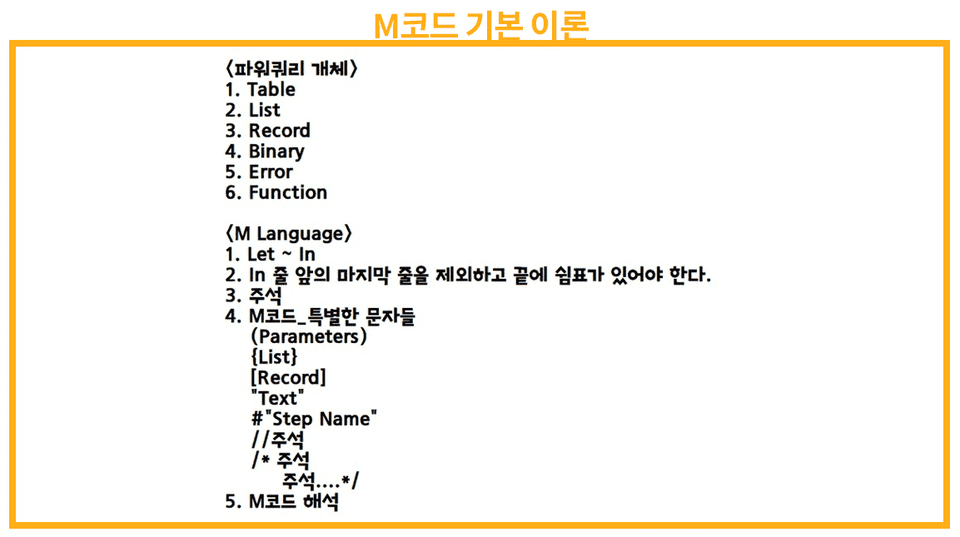
In addition, we will cover the basic theory of M code to help you use it effectively.
Q. Is it mandatory to complete the previous Power Query Basic course beforehand?
Let me ask you a few questions.
First, can you name at least two reasons why you should use Power Query instead of Excel functions and features?
Second, can you freely apply file consolidation, sheet consolidation, and merge functions to your practical work using Power Query?
Third, are you aware that there is an option called 'Only Create Connection' when loading a query table into a worksheet?
If you can answer all three of the questions above, you can proceed with this course without any prior learning.
Q. How is this lecture different from the Power Query Basic course?
First, this course covers M code (M Language).
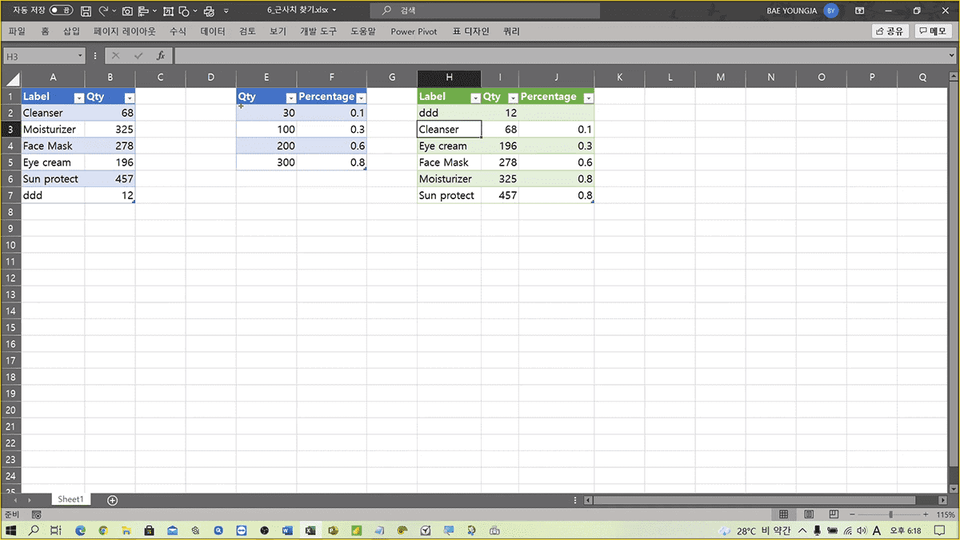
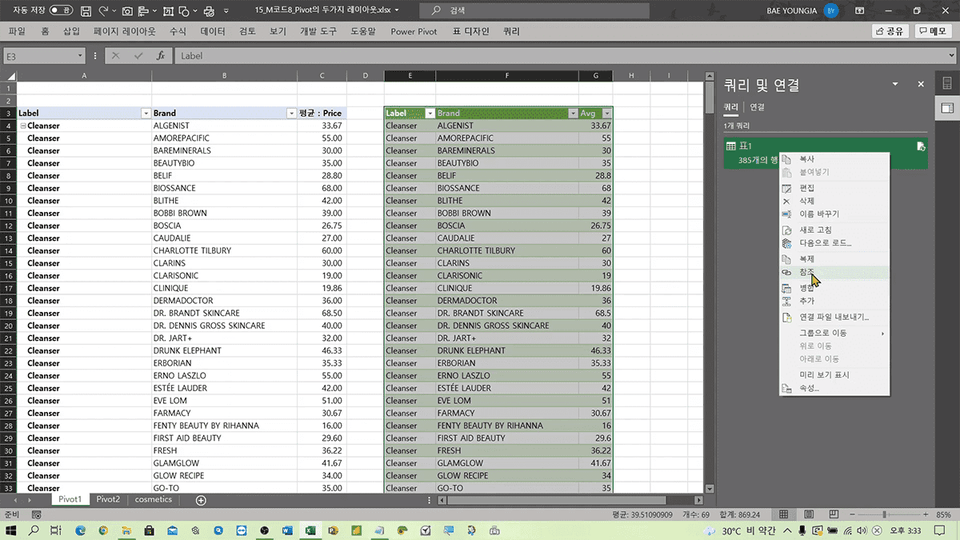
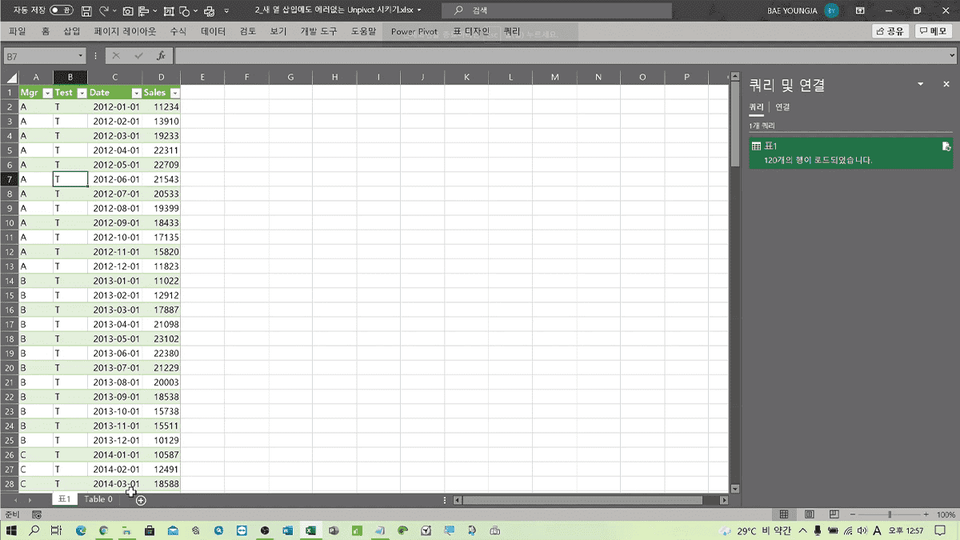
Second, while the Basic course uses simple examples to learn fundamental concepts, this Advanced course uses example samples structured in table formats similar to actual practical work.
Q. To handle M code (M Language), do I need to learn the grammar as if I were studying a programming language?
I can say with certainty that I don't think that's necessary. If it were, Microsoft would have commercialized M code as an independent programming language.
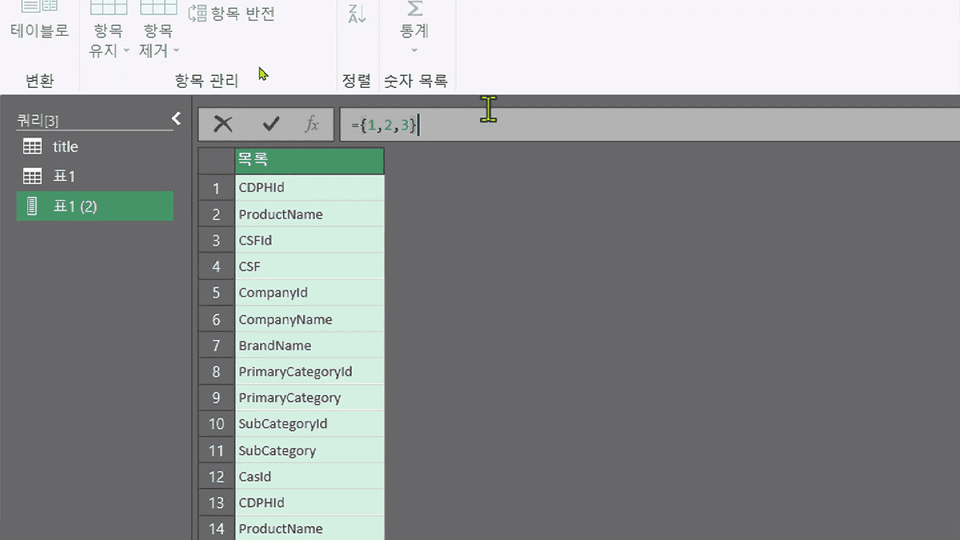
Power Query internally converts our inputs into M code whenever a user clicks a menu item to process data. Since you can check the converted code in the [Advanced Editor] or the [Formula Bar], you can perform detailed processing by making slight manual adjustments to the existing code. You will learn how to do that through this course.
I am currently serving as the CEO of Data Design Lab and working as a VBA instructor and developer.





![Excel Vibe Coding: Automate Ribbon Menus with AI Without Knowing VBA [Power Tools Masterclass]Course Thumbnail](https://cdn.inflearn.com/public/files/courses/343602/cover/01m2mmj8wt743mqhjr5bxsby5c?w=420)
![[Star Instructor Teacher Choi] The Standard for Passing Quickly|ITQ Excel MasterCourse Thumbnail](https://cdn.inflearn.com/public/files/courses/343264/cover/01kxzse3ftyrhrd3te3b03e3ch?w=420)

![[Template Provided] Mastering Google Sheets in Practice: Completing Automation with Real-Time ConnectivityCourse Thumbnail](https://cdn.inflearn.com/public/files/courses/341571/cover/01kmhbqpxzb2tt0exy2n89vd99?w=420)
![[Pass ITQ Excel A in One Go] in 3 daysCourse Thumbnail](https://cdn.inflearn.com/public/courses/329652/cover/b44e11b6-a47e-4993-86ea-a85da9836bb5/329652-eng.png?w=420)

![[Episode] Excel + Python (Basic)Course Thumbnail](https://cdn.inflearn.com/public/courses/332174/cover/4bff11a1-9859-43f4-8e17-6374ee50e6d6/332174-eng.png?w=420)









