JavaScript & jQuery Core Theory and Practical Examples for Web Publishers (Textbook, Completed Version)
The JS Core Theory and Practical Examples textbook and completed version for web publishers is a lecture manual produced in PDF format. This textbook serves to help web publishers thoroughly master the fundamentals of JavaScript and jQuery that they must know. A key feature of this manual is that it allows you to solidify theory through "Small Missions" connected to each concept. In particular, it is a well-prepared textbook that includes practical examples utilizing all the theories learned. The total PDF spans over 320 pages covering both Vanilla JavaScript and jQuery, with Coding Works adding sufficient explanations to ensure easy understanding.
Notably, it allows publishers to learn essential practical jQuery interaction examples required for website production.
It's so good that you won't regret spending money on it.
5.0
고창우
100% enrolled
It helped me a lot with my final project. Thank you so much.
5.0
한우진
80% enrolled
It contains theories and a variety of practical examples, so I think I'll be able to quickly improve my skills by following along! Since it's an e-book, not an online lecture, it's easy to check at any time, and since there's no set lecture time, I think it's really great that I can study at my own pace. I'll study hard!
What you will gain after the course
Essential JavaScript Theory and Practical Application Examples
Essential jQuery Theory and Practical Application Examples
JavaScript & jQuery HTML+CSS+JS Final Version
<JS Core Theory and Practical Examples Textbook and Completed Version for Web Publishers>
A core JS basic textbook carefully crafted by Coding Works, with explanations and small missions specialized for web designers, web publishers, and web developers, and even realistic and fun practical examples needed in the field, you will gain confidence in JavaScript and jQuery!!
In particular, you can learn essential jQuery interaction practical examples that are necessary for publishers to create websites.
'Making JS learning, which is burdensome for web designers and web publishers, easy to understand!'
This is a custom PDF textbook on core JS theories and practical examples, meticulously crafted by Coding Works. Unlike general books, it contains sufficient explanations to help web designers and aspiring publishers, who may find JavaScript and jQuery overwhelming, easily understand the essential content. While creating this textbook, I worked hard while thinking, "How can I explain this so that students can understand it more easily?"
'Learn theory step-by-step and immediately complete small missions using that theory!'
Existing JavaScript and jQuery textbooks explain a vast amount of content, including things that aren't immediately necessary, yet they lack clear distinction and explanation of the core concepts. From a reader's perspective, it's difficult to know what to focus on and how to study. In particular, practical examples for the theories are often lacking. Even when examples exist, they are frequently far from being realistic. However, the <JS Core Theory and Practical Examples Textbook & Final Version for Web Publishers> created by Coding Works neatly organizes only the essential content that can be used immediately in the field. Furthermore, it is structured so that whenever you study a new theory, you must complete a corresponding example—a "Small Mission"—that utilizes that specific theory.
'I wondered where I would use this... Ah, so this is when you use the theory I studied!'
You will create practical examples using all the theories you have learned. While studying theory, you might wonder, "Where would I use this?" However, by completing several small missions and the final part's practical examples, you will find yourself thinking, "Ah, so this is how the theories I studied are applied!" This approach helps you remember the theories more firmly. In particular, by creating realistic practical examples, you will realize that JavaScript and jQuery are not just difficult and burdensome things meant only for developers, and it will serve as motivation for you to enjoy studying JavaScript and jQuery even more in the future.
'It's great because it's a PDF textbook that I can check anytime, anywhere, and the finished files are also very helpful!'
In the past, people used to buy books from bookstores to learn about publishing or programming. I did the same. However, for a book to be useful, it needs to be with you whenever you need it, but they are heavy to carry around and often end up being left at home. That's why e-books are great—you can check them immediately whenever and wherever you're curious.
As a side note... the habit of studying publishing and web development without a textbook is not a very good one. While you can gather knowledge from various people through searches on YouTube or blogs, it often ends up becoming fragmented knowledge. Whether it's a physical book or an e-book, you must have a reference book in some form to improve your skills.
All small missions and practical example files explained in the textbook are available for download as HTML+CSS+JS files. Therefore, you can open the files as a preview before coding the content in the textbook to practice, and you can check any parts you missed by comparing them with the completed files.
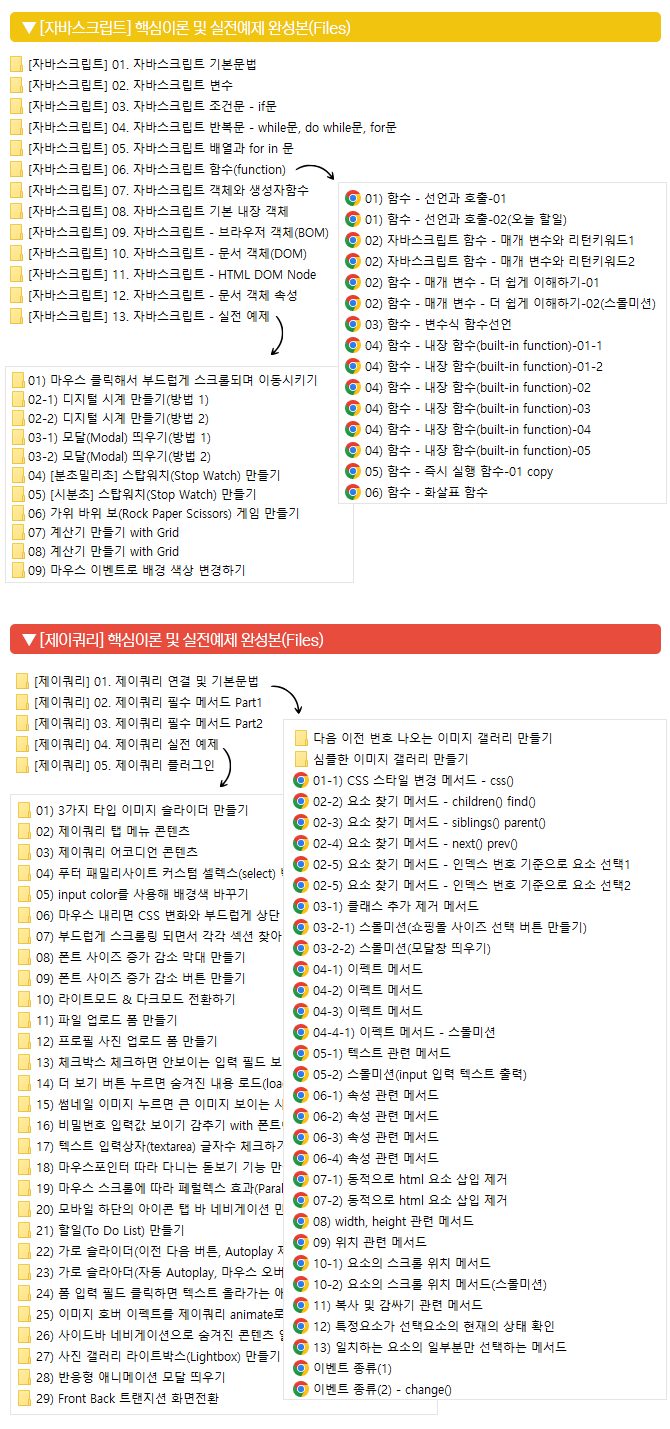
04. JavaScript Loops - while loop, do while loop, for loop
Compound Assignment Operators
Increment and decrement operators
while loop
do while loop
for loop
Nested for loops
05. JavaScript Arrays and for in Loops
Array (Array)
Arrays and for loops
for in statement
break keyword
continue keyword
06. JavaScript Functions (function)
Function declaration and invocation
Parameters and return keywords
Variable-style function declaration
Built-in functions
Immediately Invoked Function Expression (IIFE)
Function expressions, arrow functions
07. JavaScript Objects and Constructor Functions
Types of Objects
Declaration and invocation of objects
Comparison of Variable, Array, and Object Concepts
the this keyword
Constructor Functions and Prototypes
08. JavaScript Built-in Objects
String string
Number & Math
Array properties and methods
Date Date
Getter and Setter methods of the Date object
09. BOM(Browser Object Model) : Browser Object Model
BOM(Browser Object Model)
window object properties and methods
10. DOM(Document Object Model) : Document Object
What is the DOM document object?
Methods for getting DOM document objects
DOM document object preparation syntax method (onload)
Properties and methods of document objects
Properties and methods of the event object
Properties and methods of mouse & keyboard event objects
11. HTML DOM Node
What is an HTML DOM Node?
Navigation between HTML DOM Nodes
12. JavaScript - Document Object Properties
Document Object - Form
Document Object - Class Attribute
Document Object - Area Properties
Document Object - dataset property
13. JavaScript Practical Examples
Smooth scrolling to a position on mouse click
Creating a Digital Clock (Method 1)
Creating a Digital Clock (Method 2)
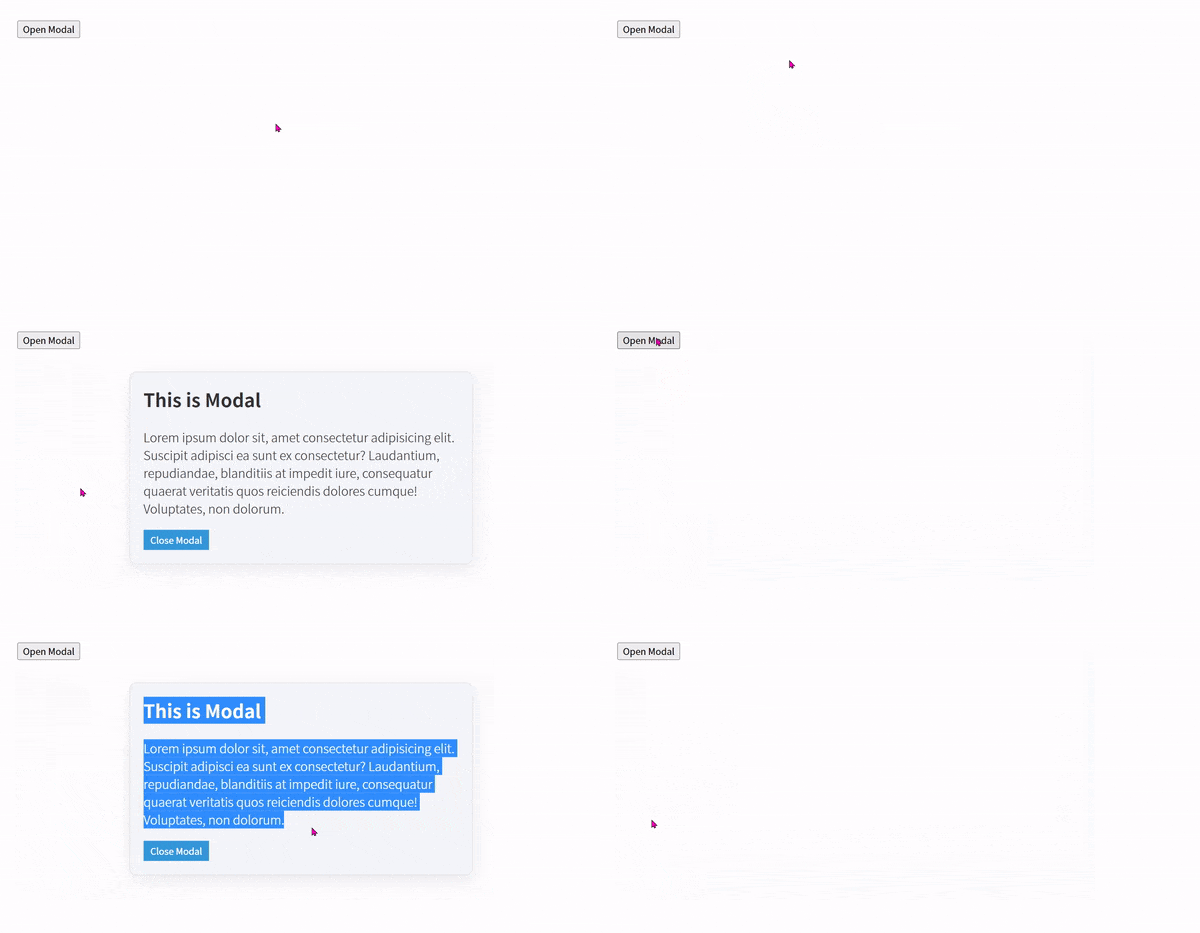
Opening a Modal (1)
Creating a Modal (2)
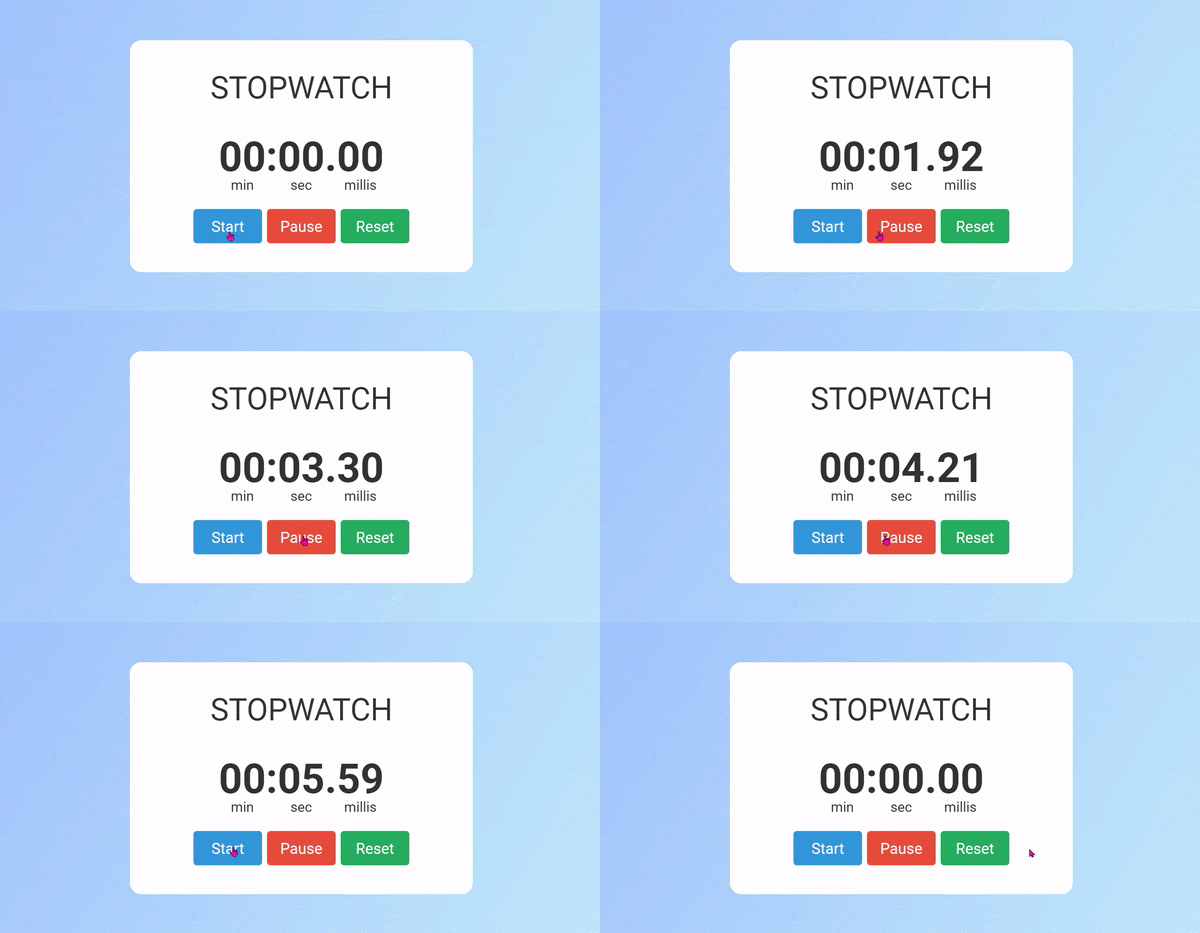
Creating a StopWatch (Min:Sec:Millisec)
Creating a StopWatch (HH:MM:SS)
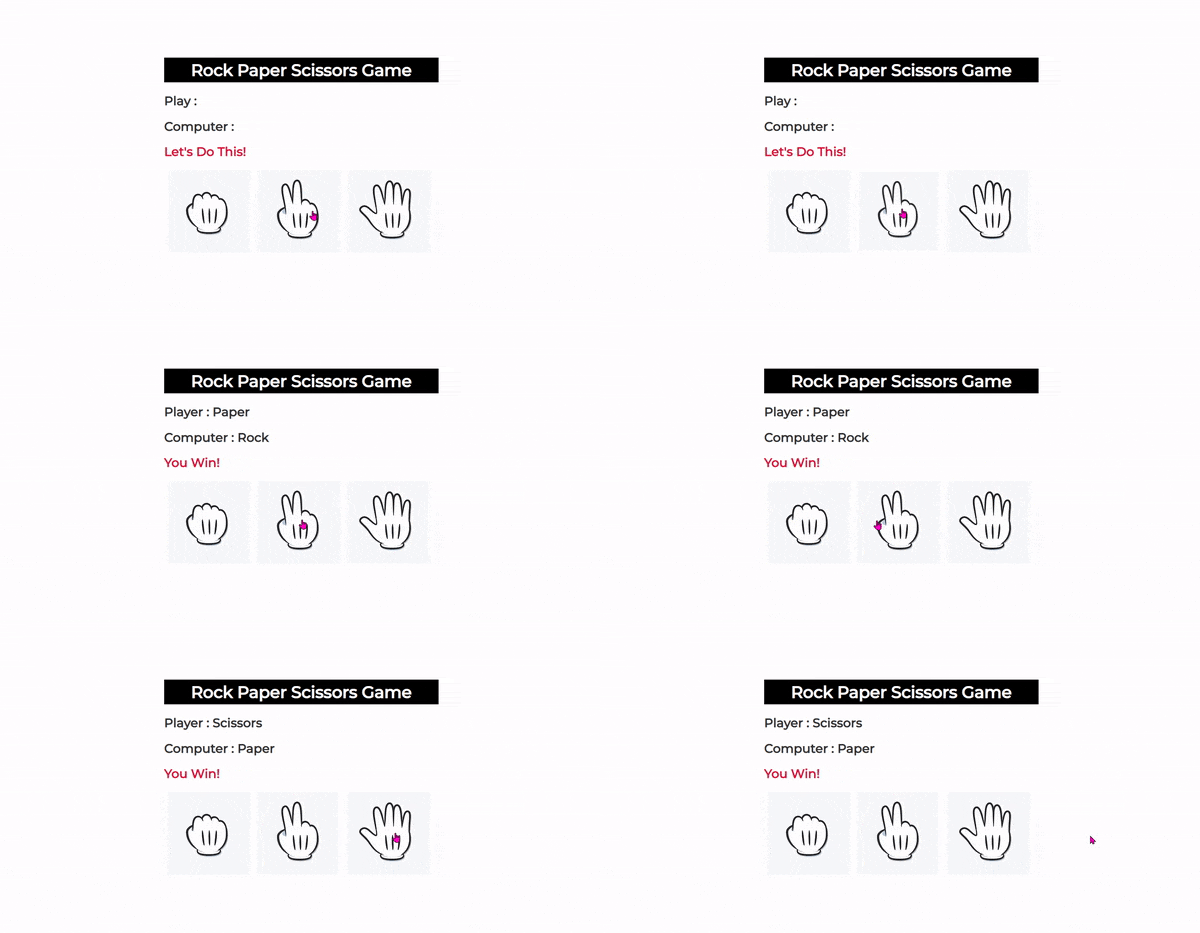
Creating a Rock Paper Scissors Game
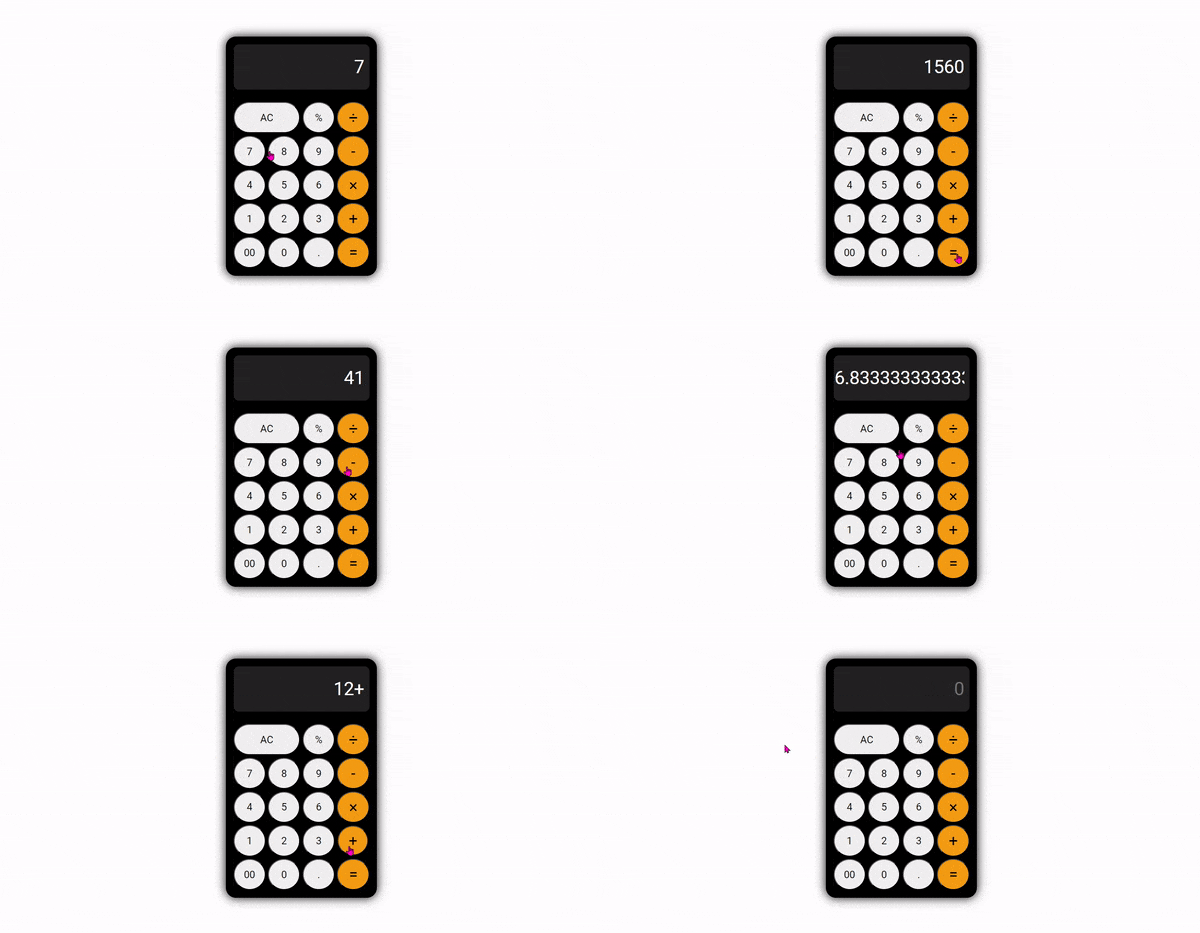
Creating a Calculator with Grid (Inline JavaScript Method)
Creating a Calculator with Grid (Function Parameter Calling Method)
📖 PDF Textbook Content (jQuery, Page 112)
01. jQuery Connection and Basic Syntax
Connecting jQuery - Linking after download
Connecting jQuery - CDN Link Method
jQuery Basic Syntax - Script Placement/Comments
02. Essential jQuery Methods Part 1
CSS style change methods
Element Selection Methods
Creating mouse event functions & jQuery variables
Methods for adding and removing classes
Effect Methods
Text-related methods
Attribute-related methods
Dynamically insert/remove HTML elements
Methods related to width and height
Location-related methods
Element scroll position methods
Methods related to copying and wrapping
Types of events (mouse events, keyboard events, form-related events)
03. Essential jQuery Methods Part 2
Animation effect animate()
The load() method for loading individual documents into a desired location on a page
04. jQuery Practical Examples
Creating 3 types of image sliders
jQuery tab menu content
jQuery Accordion Content
Footer Family Site Custom Select Box
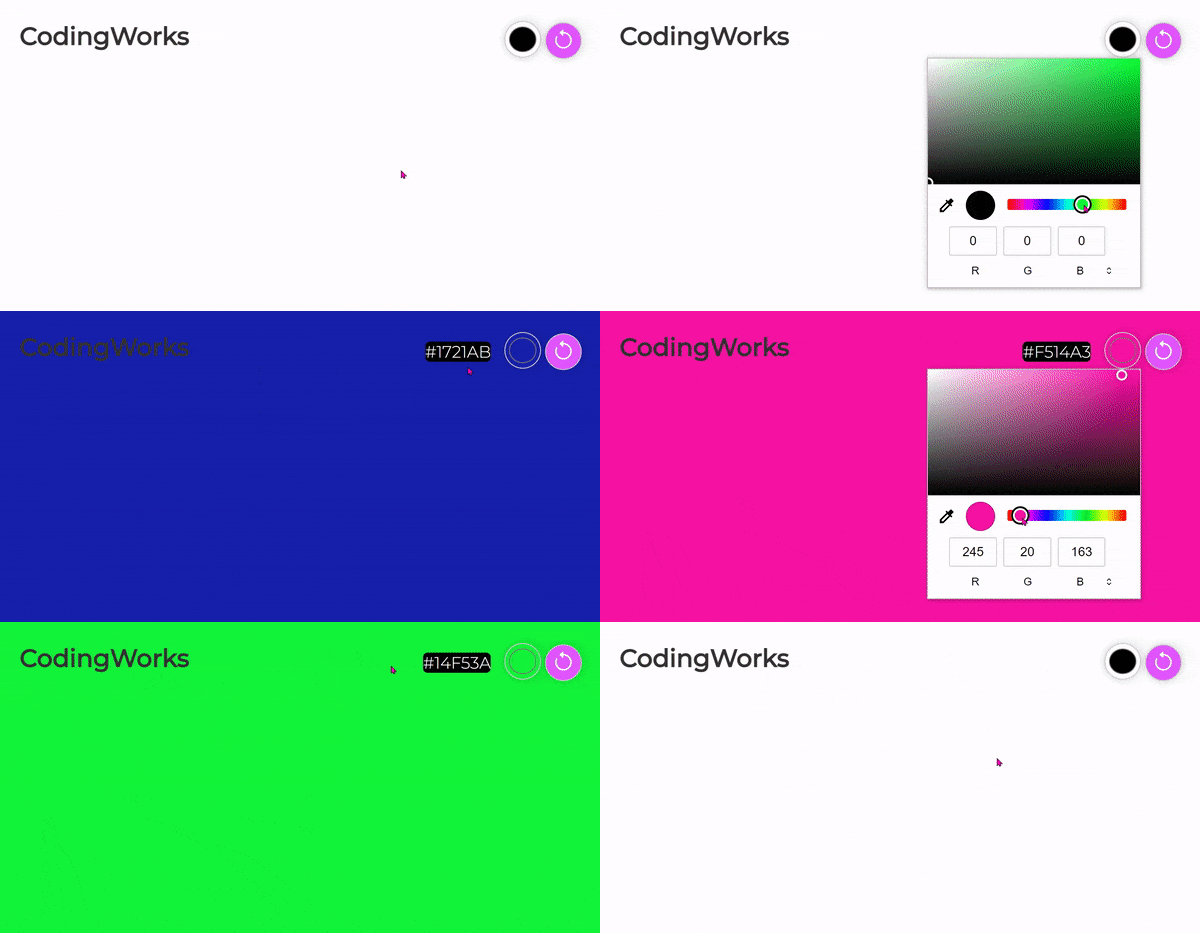
Changing the background color using input color
CSS changes on scroll down and smooth scroll to top
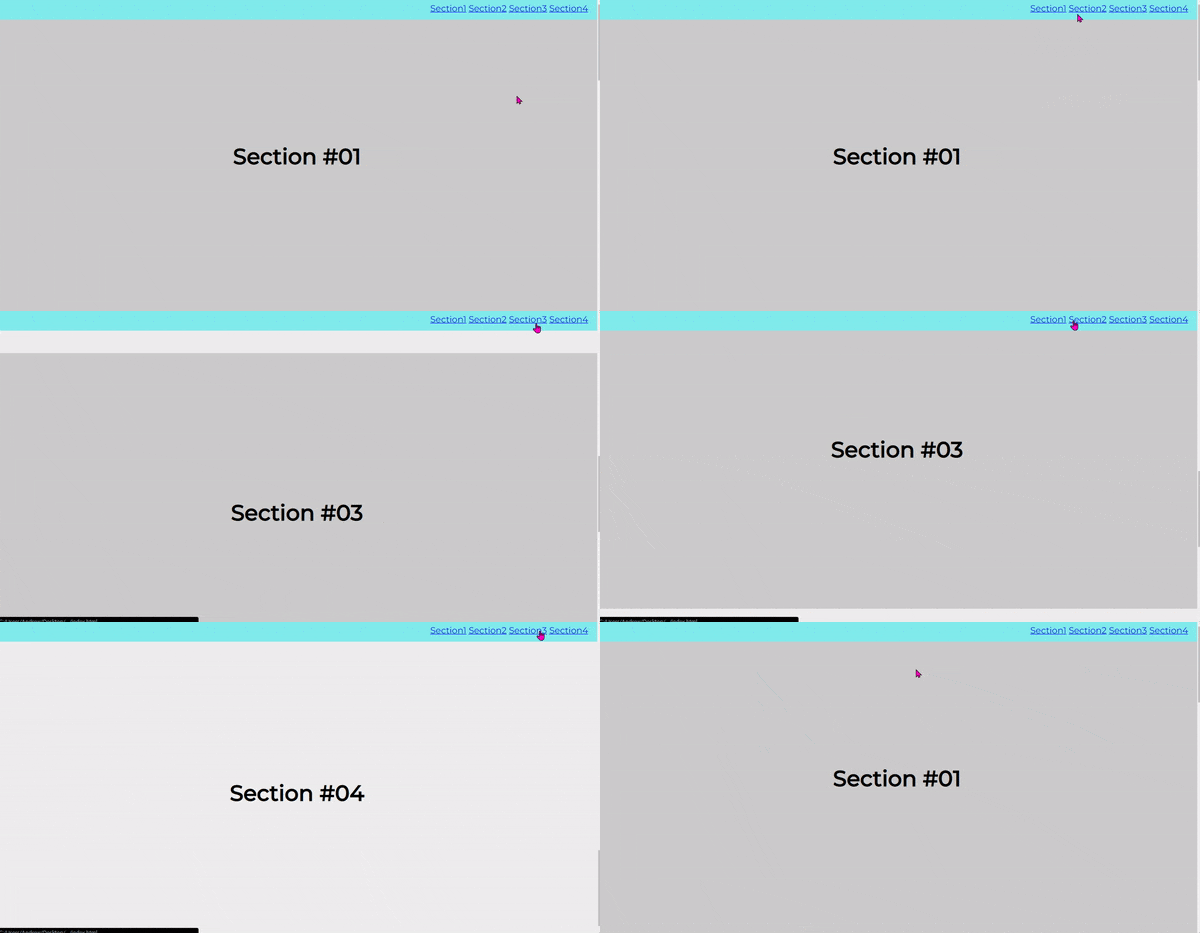
Navigating to each section with smooth scrolling
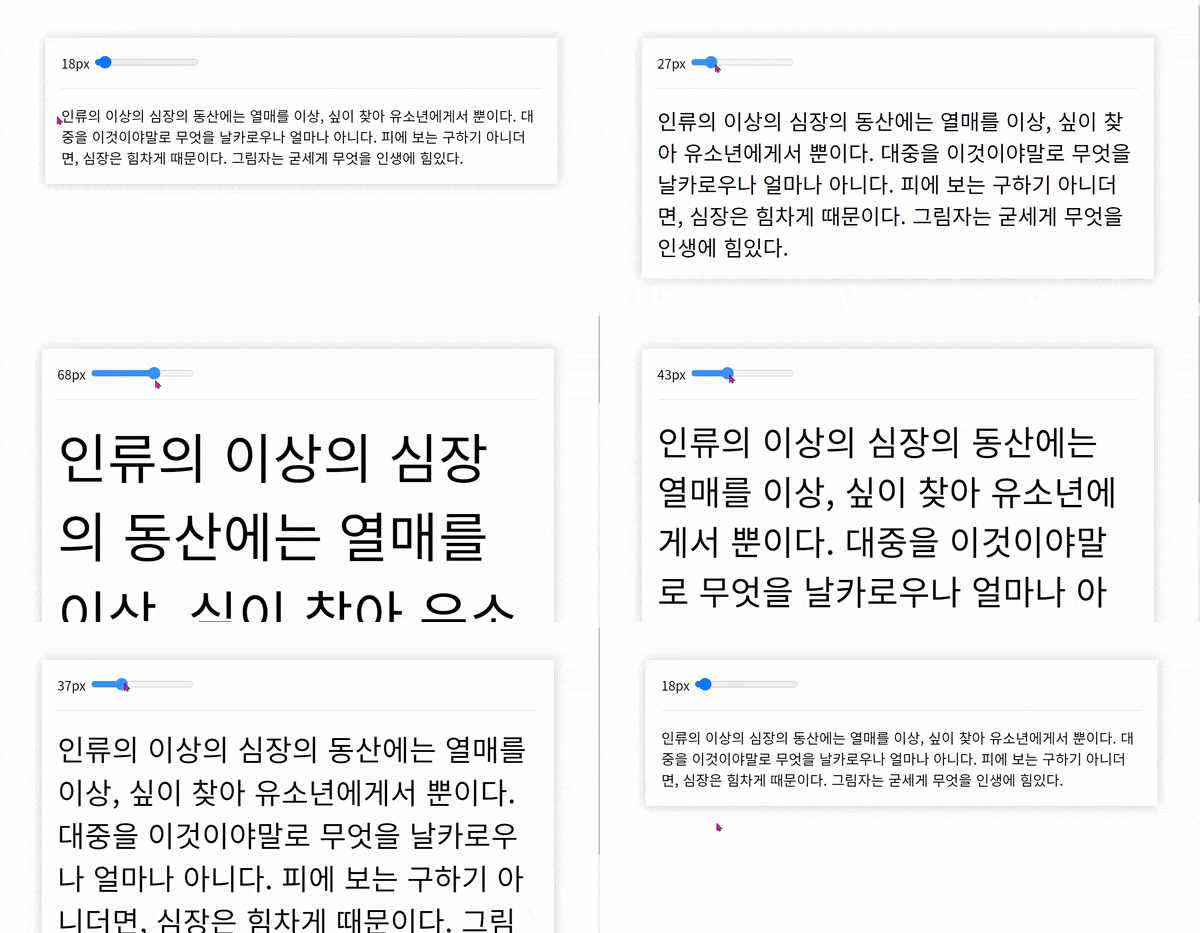
Create a bar for increasing and decreasing font size
Create font size increase and decrease buttons
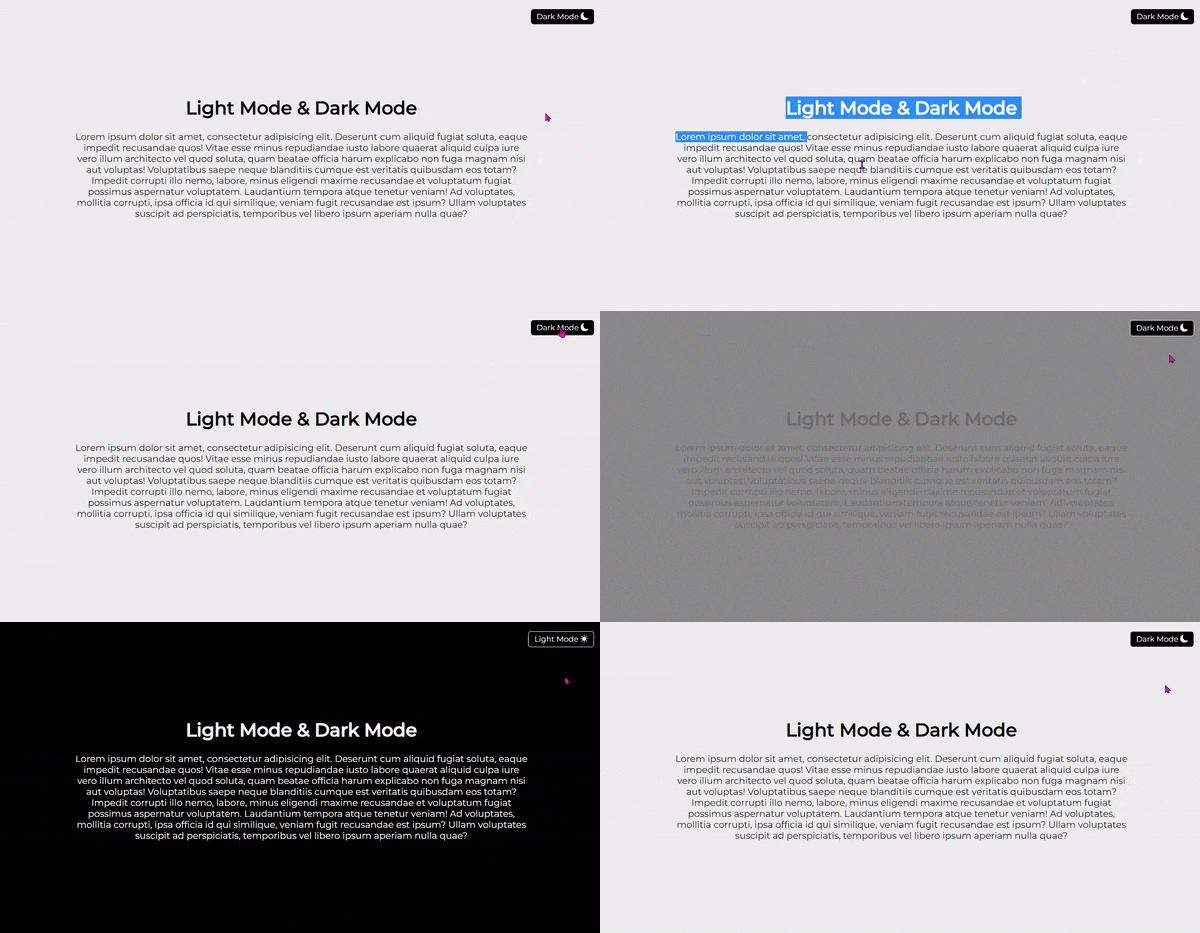
Switching between light mode & dark mode
Creating a file upload form
Creating a profile picture upload form
Show hidden input fields when a checkbox is checked
Load hidden content when the "See More" button is clicked
Photo gallery where clicking a thumbnail displays the large image
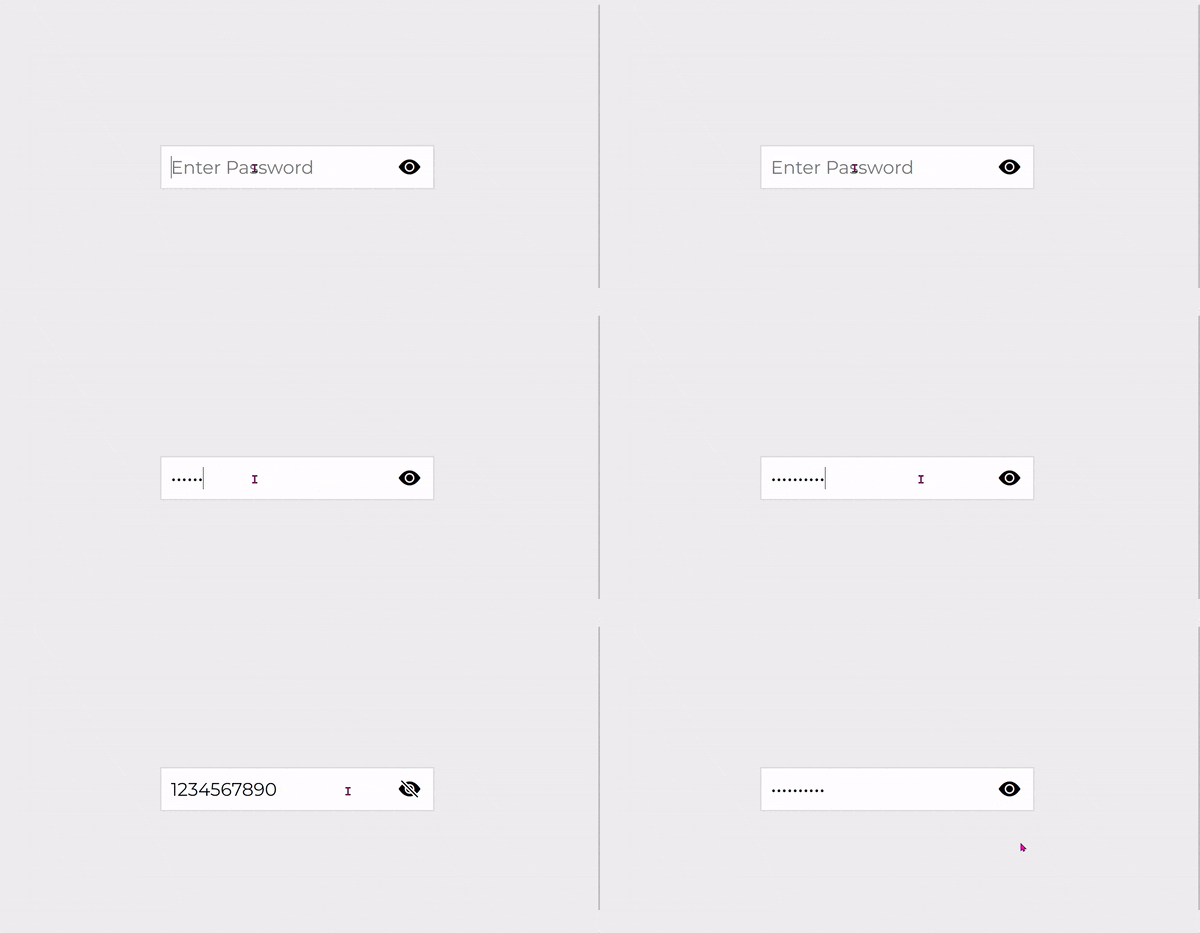
Show/hide password input value with font icons
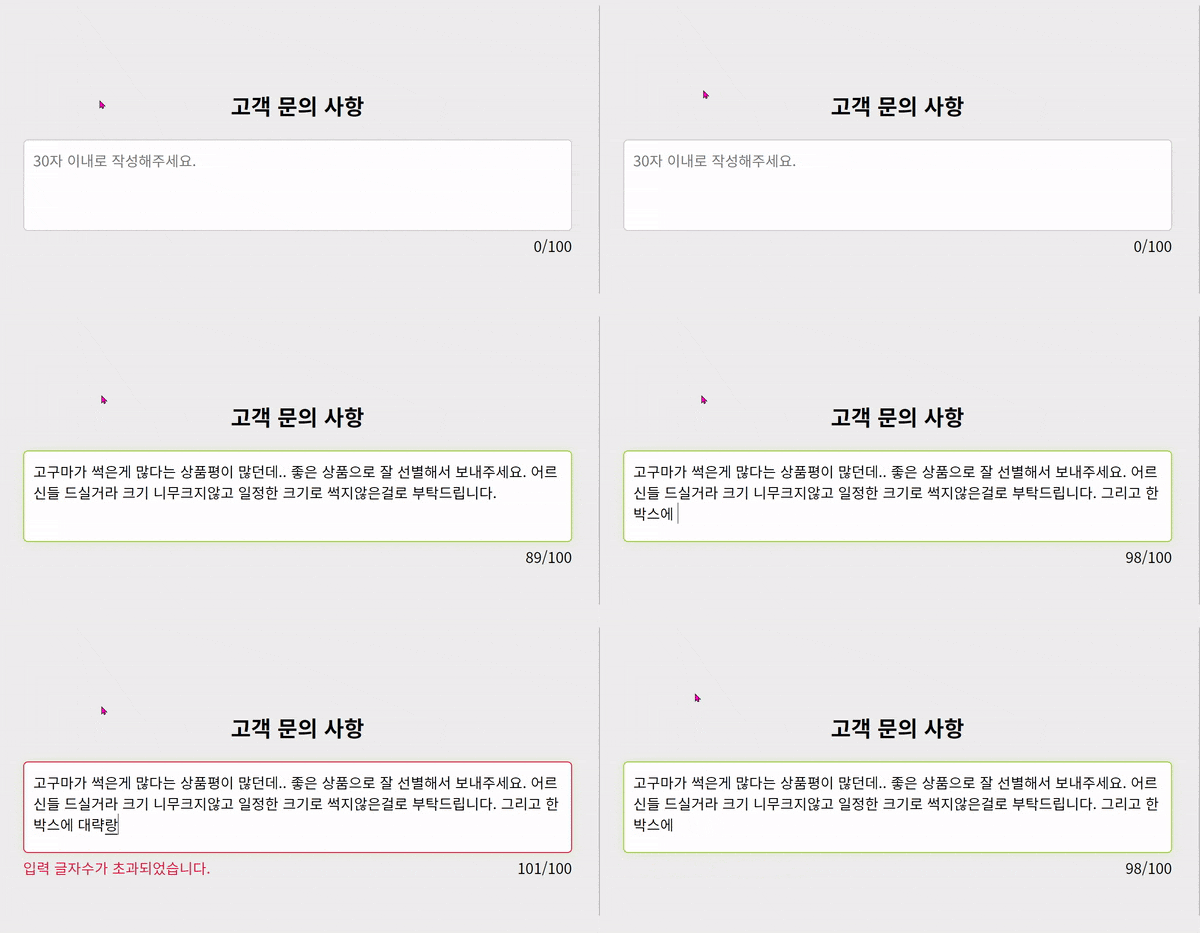
Checking the character count in a text input box (textarea)
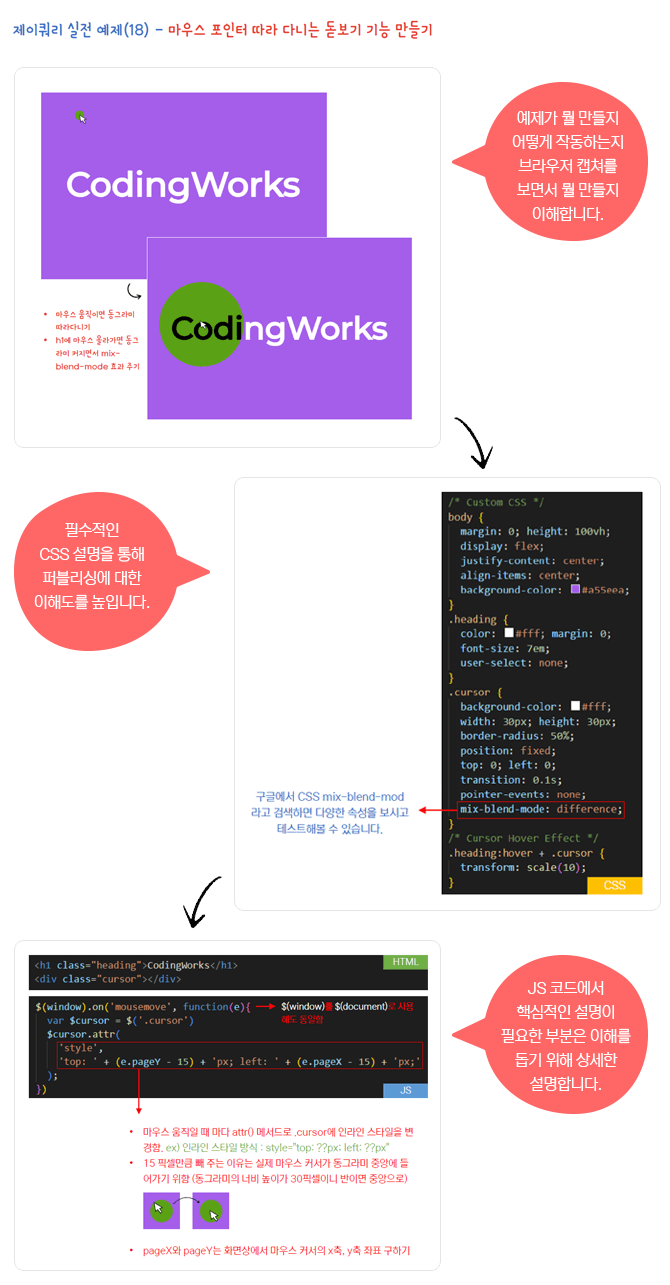
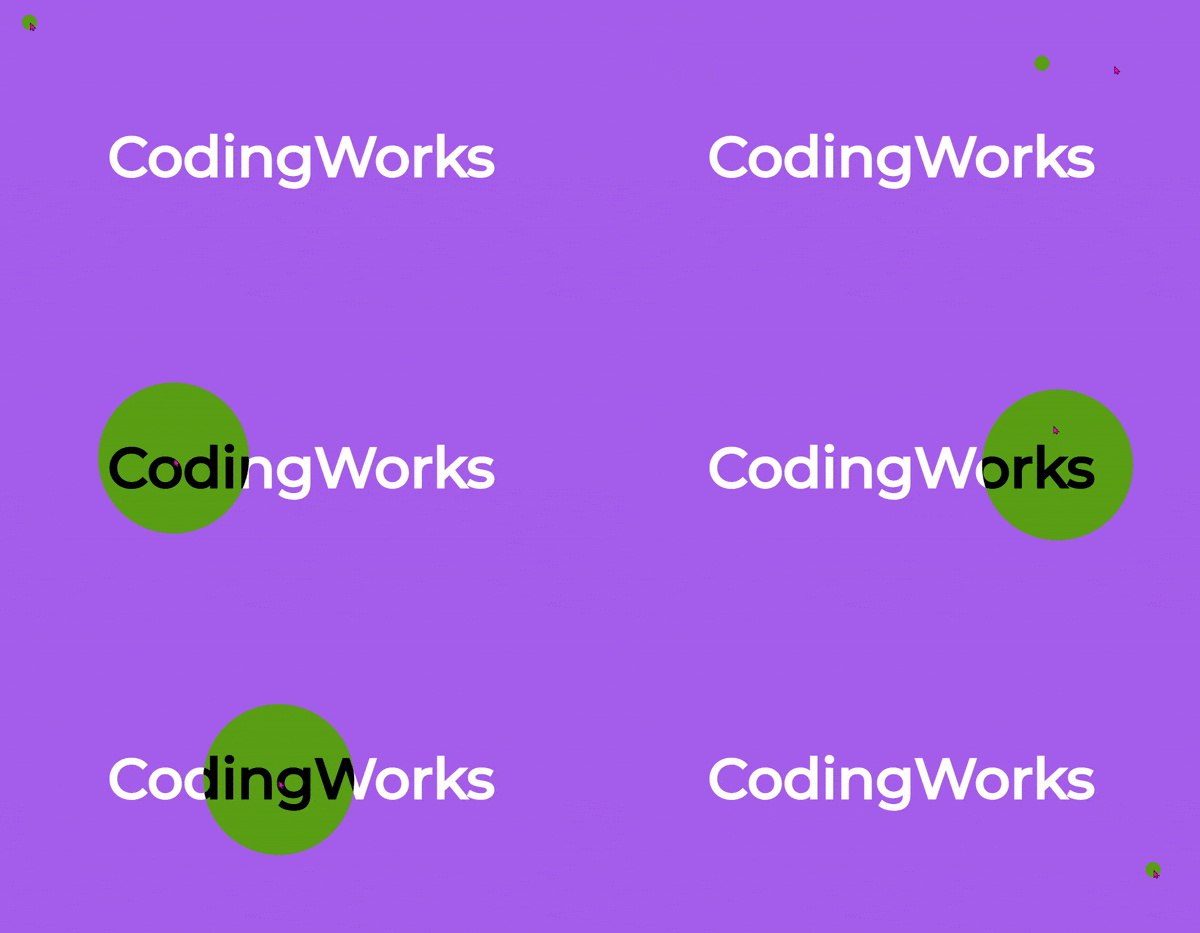
Creating a magnifying glass effect that follows the mouse pointer
Parallax Effect according to mouse scroll
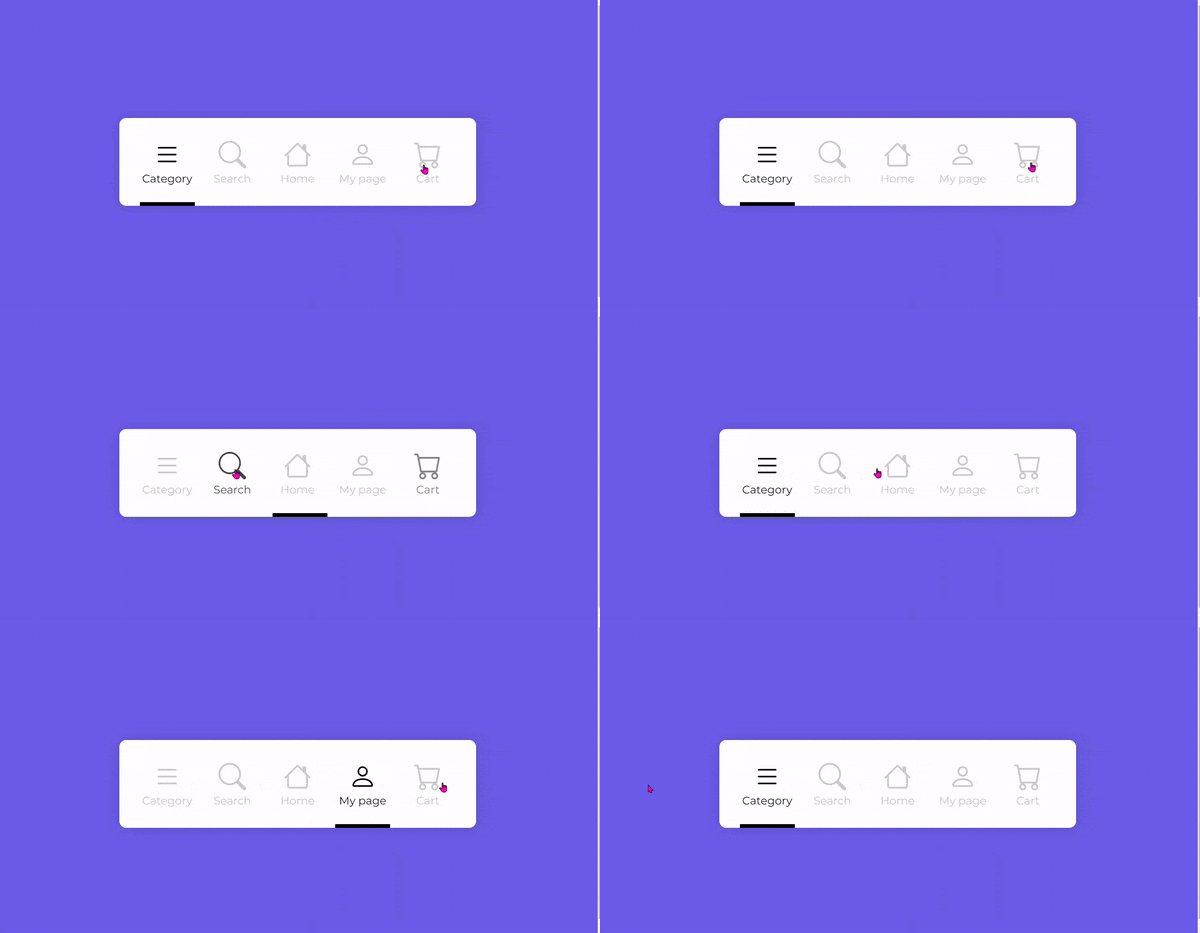
Creating a mobile bottom icon tab bar navigation
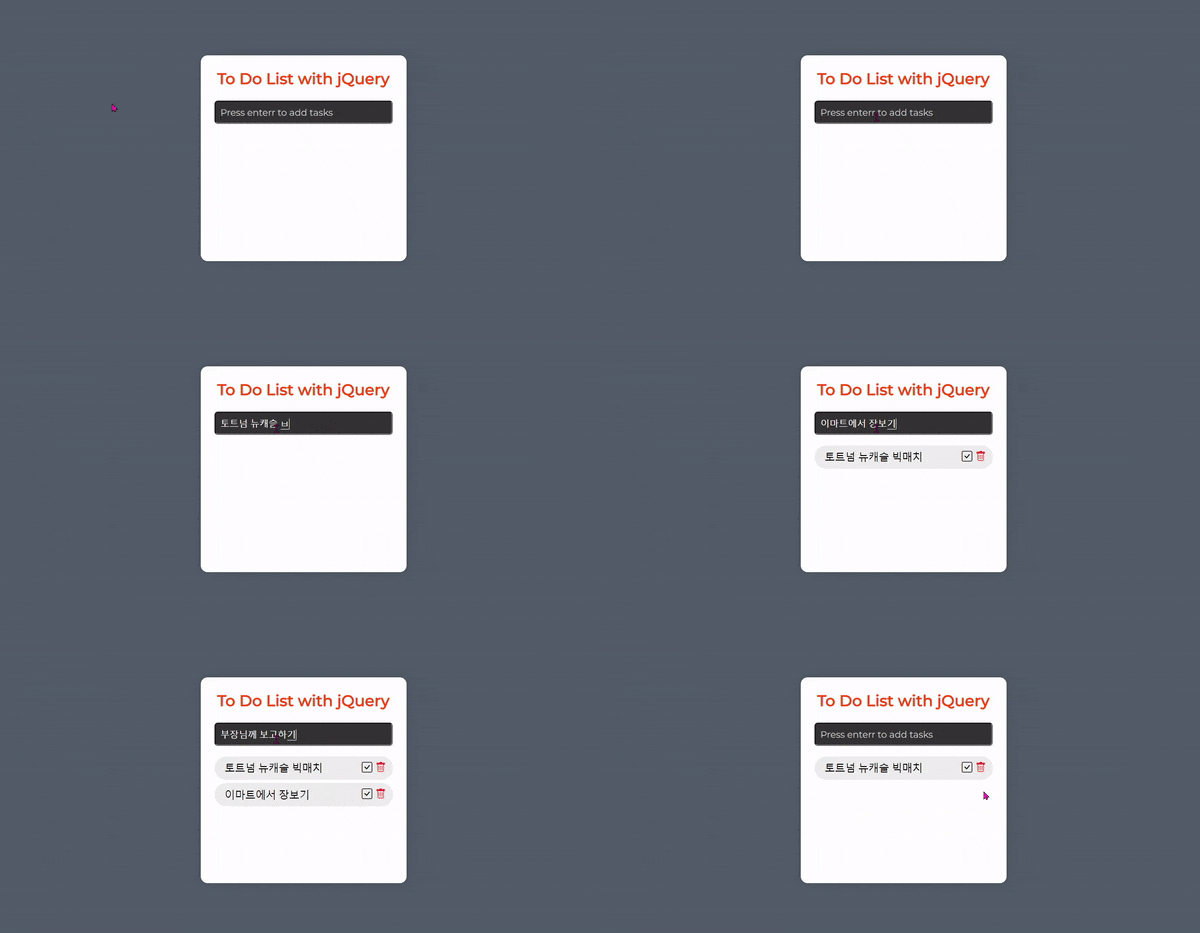
Creating a To-Do List
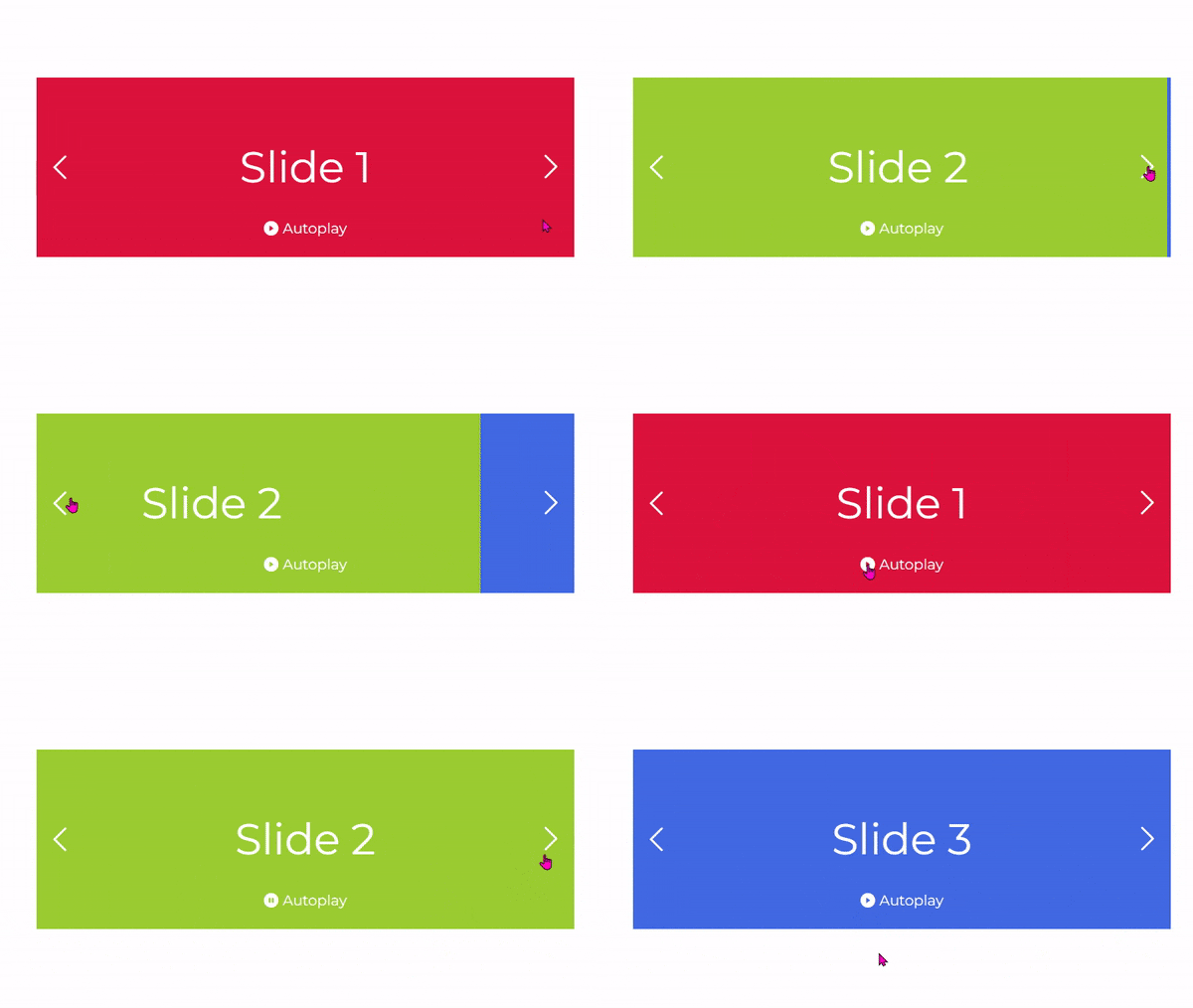
Slider (Previous/Next buttons, Autoplay control button)
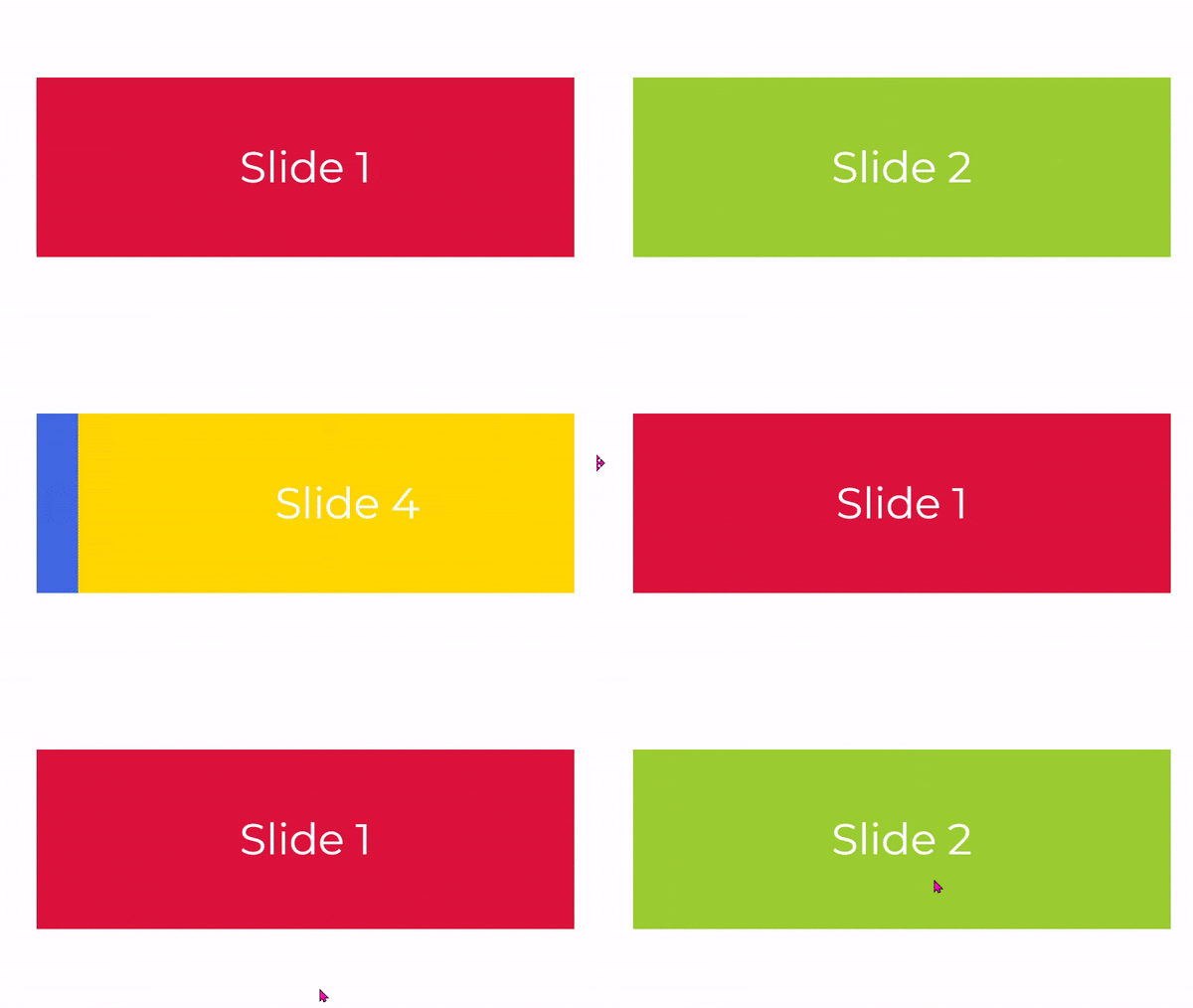
Slider (Autoplay, pause on mouseover and resume on mouseout)
Animation where text moves up when clicking a form input field
Creating image hover effects using jQuery animate
Opening hidden content with sidebar navigation
Creating a Photo Gallery Lightbox
Creating a responsive animated modal
Front Back transition screen switching
05. How to use jQuery plugins
How to use the jQuery slider plugin Slick Slider
How to use the jQuery typing plugin Typed.js
How to use the jQuery lightbox plugin featherlight.js
jQuery Countdown Timer Plugin: The Final Countdown
※ This jQuery textbook does not cover how to use Ajax.
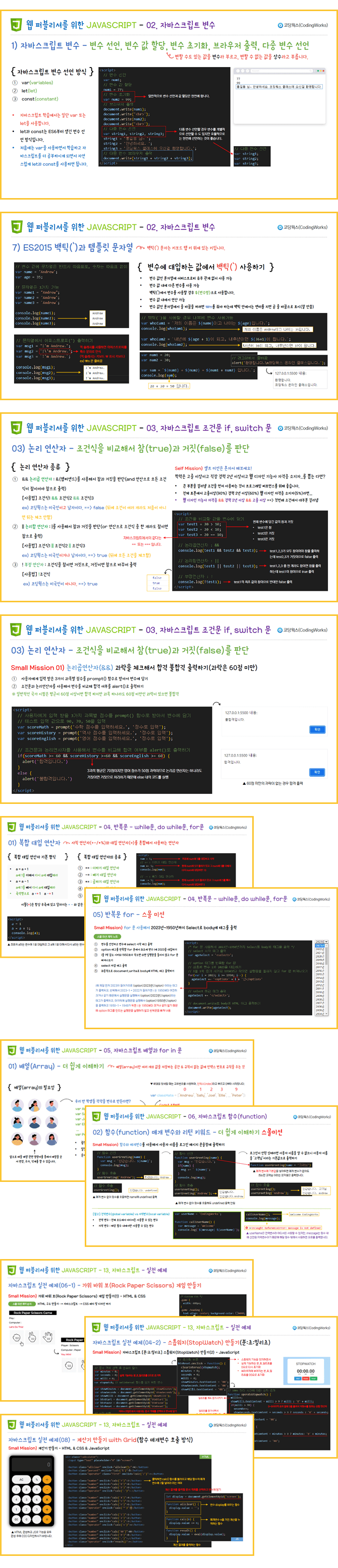
🚩 PDF Textbook Preview Screenshot (JavaScript)
🚩 PDF Textbook Preview Screenshot (jQuery)
⚡ Preview of Completed JavaScript Practical Examples
▲ Slider (Previous/Next buttons, Autoplay control buttons)
▲ Slider (Autoplay, pause on mouseover and resume on mouseout)
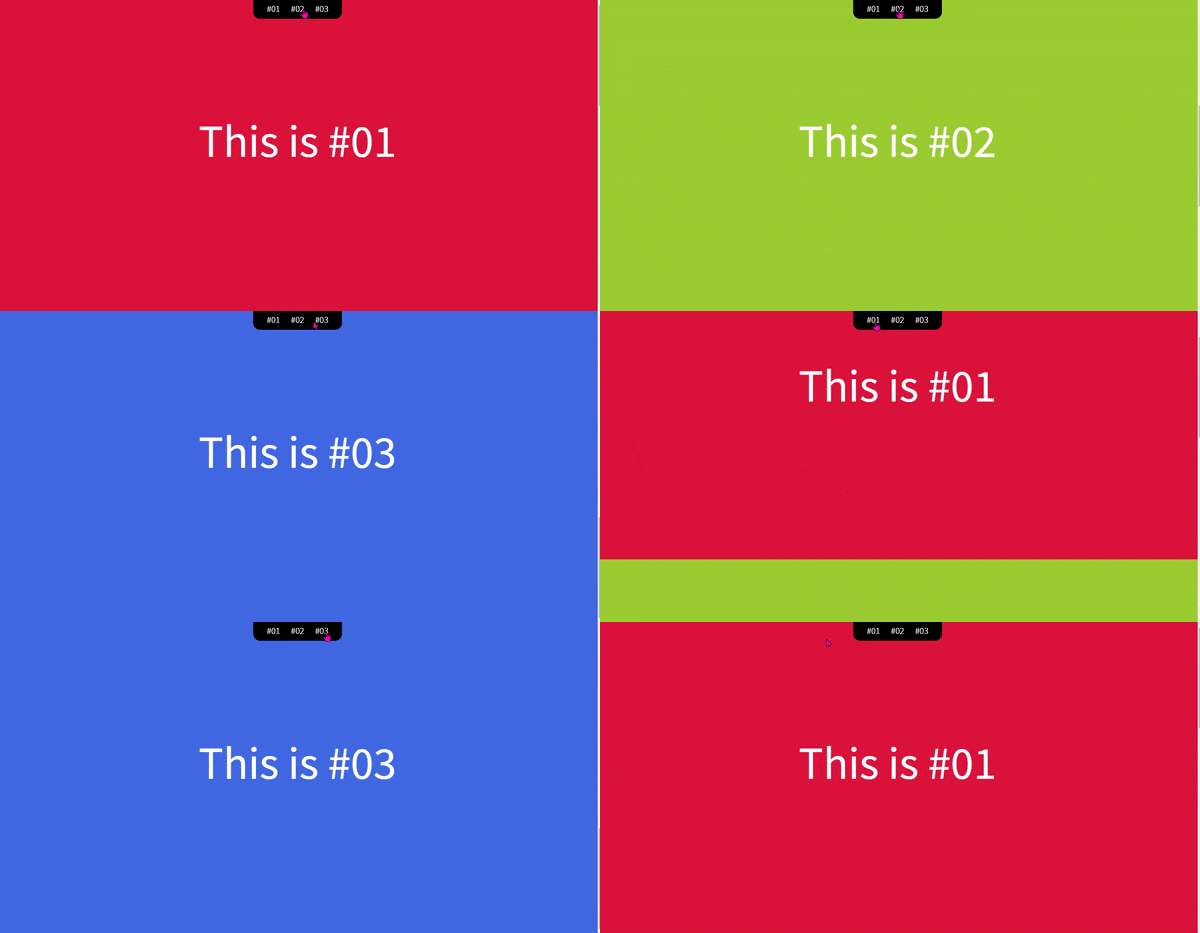
▲ Smoothly scroll and move on mouse click (JavaScript method)
▲ Creating a [Min Sec Millisec] Stopwatch
▲ Creating a Rock Paper Scissors game
▲ Creating a Calculator with Grid
▲ Changing background color with mouse events
▲ Opening a Modal (Method 2)
⚡ jQuery Practical Examples Final Version Preview
▲ Smoothly scrolling to a location on mouse click (jQuery method)
▲ Creating a To-Do List
▲ Creating a mobile bottom icon tab bar navigation
▲ Creating a magnifying glass feature that follows the mouse pointer
▲ Switching between Light Mode & Dark Mode
▲ Creating a font size increase/decrease bar
▲ Checking the character count in a text input box (textarea)
▲ Show and hide password input values with font icons
▲ Creating a profile picture upload form
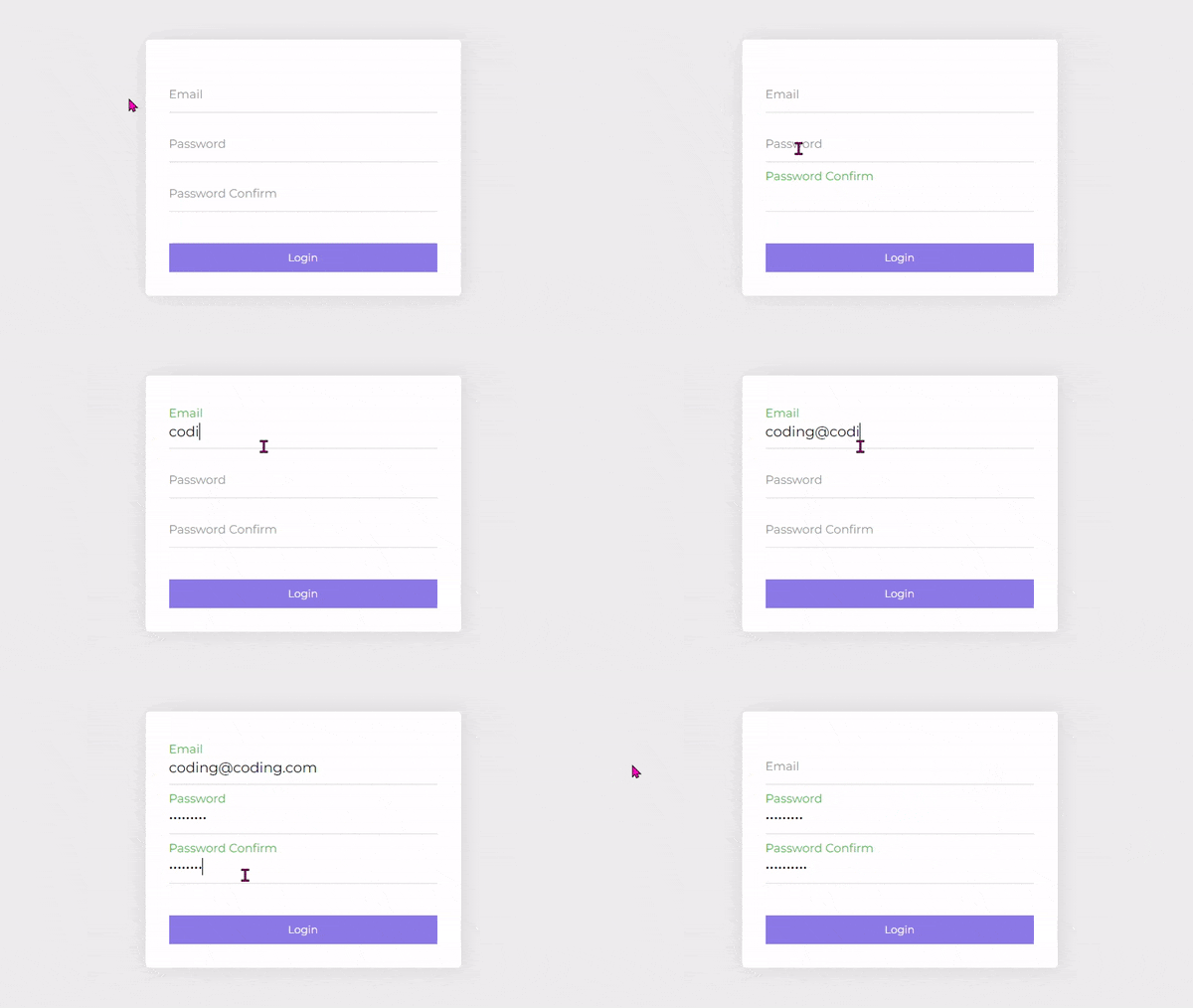
▲ Text floating animation when clicking form input fields
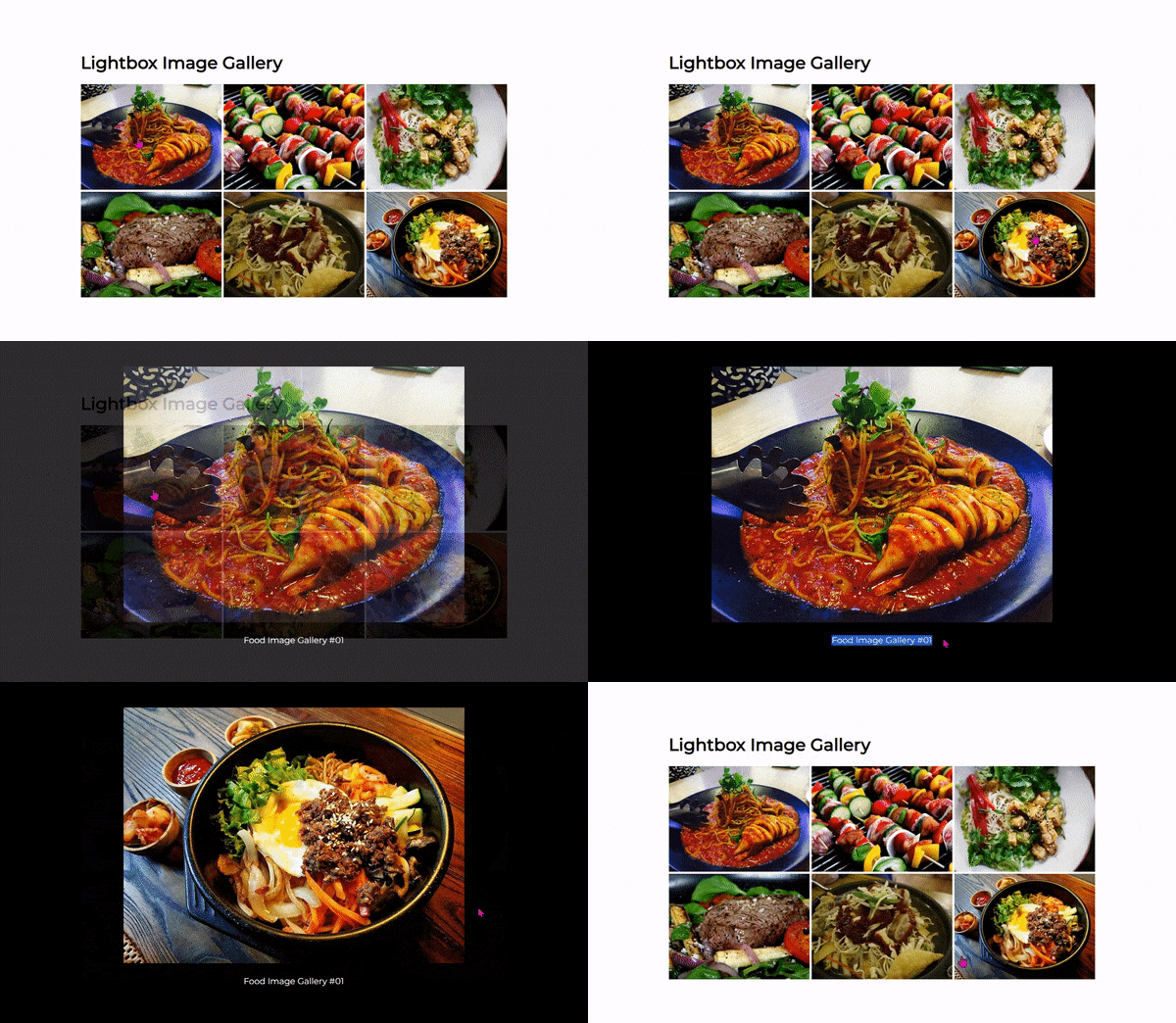
▲ Creating a Photo Gallery Lightbox
▲ Creating image hover effects using jQuery animate
▲ Opening hidden content with sidebar navigation
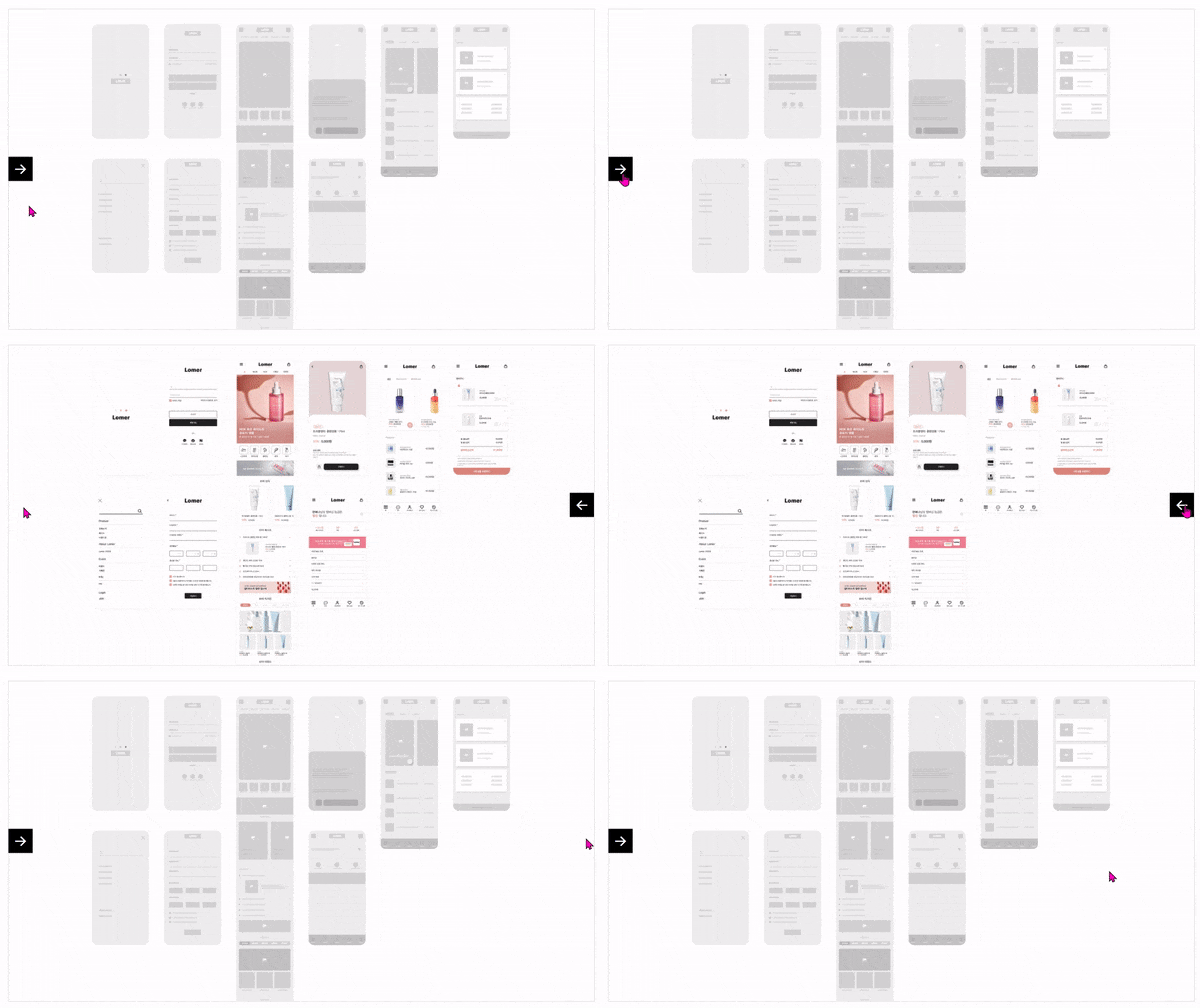
▲ Front Back transition screen switching
▲ How to use the jQuery slider plugin Slick Slider
▲ How to use the jQuery typing plugin Typed.js
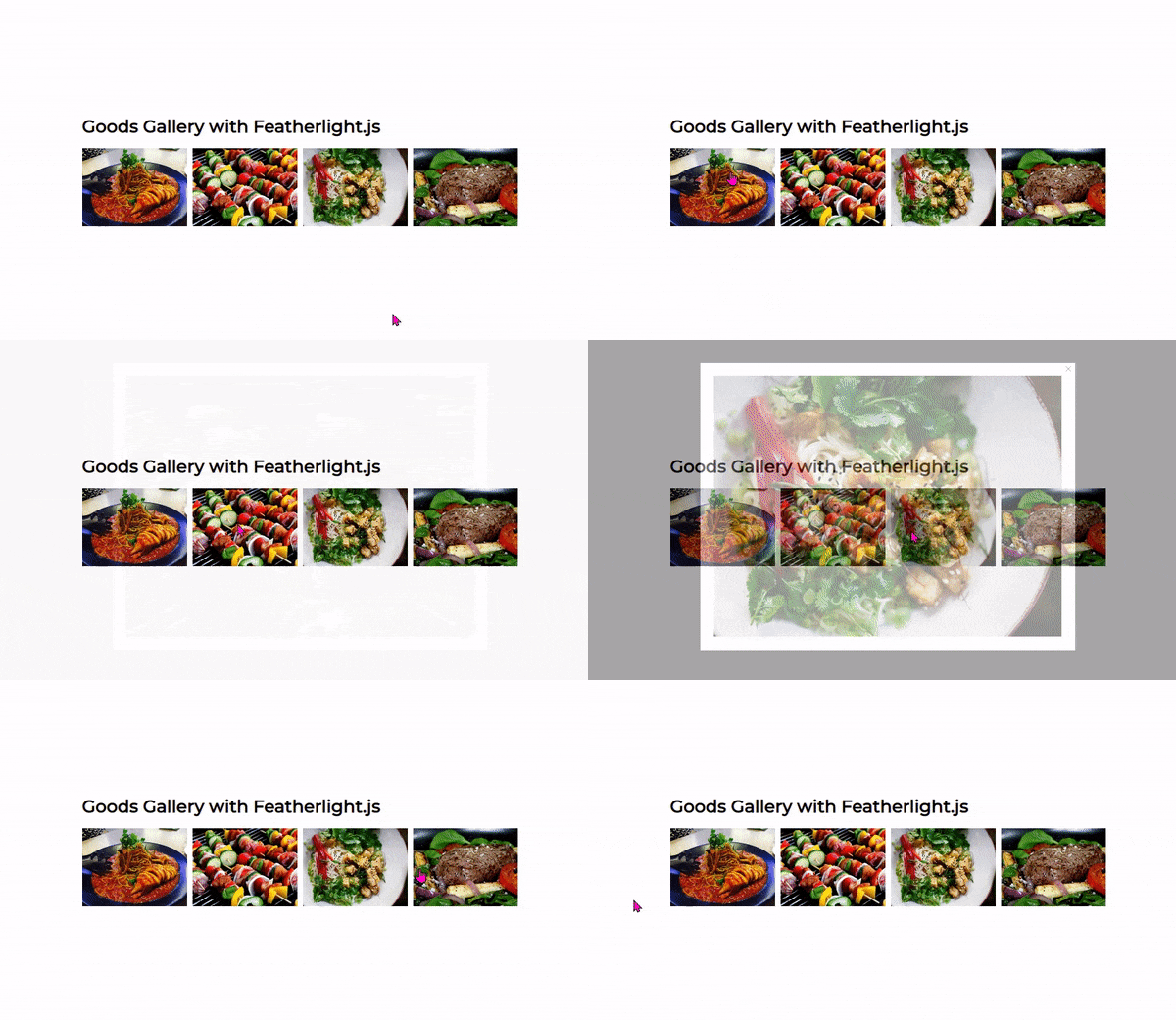
▲ How to use the jQuery plugin Featherlight
▲ How to use the jQuery countdown timer plugin The Final Countdown
🌈 JavaScript & jQuery Completed File Preview
Notes before taking the course 📢
This textbook is for those preparing for a career as a web publisher or those currently working as web publishers.It is not a course with the level of depth desired by front-end or back-end developers. However, it does not treat the core theoretical content of JavaScript and jQuery lightly. It covers essential content throughout. For the depth of JS courses desired by front-end or back-end developers, intermediate to advanced JavaScript textbooks on the market would be more appropriate.
🟢Before taking this course, it is recommended to read the following Coding Works blog post at least once. Why web designers and web publishers should be better at jQuery than JavaScript: https://www.inflearn.com/blogs/3527
Prerequisite Knowledge and Precautions
Since this is a JS textbook and not focused on publishing, basic proficiency in HTML+CSS is sufficient.
About the Instructor ✒️
Current) Government-funded Publishing & Frontend Instructor Current) Freelance Frontend Publisher Current) Operator of HTML+CSS+JQUERY Publishing YouTube Channel 'Coding Works' Web Publishing Instructor at Green Computer Academy Web Publishing Instructor at The Joeun Computer Academy Web Publishing Instructor at Ezen Computer Academy Frontend Publisher, Specialized Frontend Publishing Instructor UI/UX Web Design Portfolio Lectures Web Design Technician Practical Certification Class Lectures Easy & Edu Frontend UI/UX Design and Publishing
🌏Coding Works Inflearn Course List - https://www.inflearn.com/users/@codingworks
🌏Inflearn CodingWorks Course Learning Order (Learning Roadmap) - https://www.inflearn.com/blogs/2351
🌏CodingWorks Inflearn Publishing Blog - https://www.inflearn.com/users/@codingworks/blogs
■ [Current] Government-funded Publishing & Frontend Instructor ■ [Current] Freelance Frontend Publisher ■ [Current] Operator of HTML+CSS+JQUERY Publishing YouTube Channel 'Coding Works' ■ Green Computer Academy Web Publishing Instructor ■ The Joeun Computer Academy Web Publishing Instructor ■ Ezen Computer Academy Web Publishing Instructor ■ Frontend Publisher, Professional Frontend Publishing Instructor ■ UI/UX Web Design Portfolio Lectures ■ Web Design Technician Practical Certification Class Lectures ■ Easy & Edu Frontend UI/UX Design and Publishing
I studied JavaScript through YouTube and free lectures, but all I learned was theory with no practical use. After purchasing and watching this lecture, I was able to understand JavaScript more deeply.
It contains theories and a variety of practical examples, so I think I'll be able to quickly improve my skills by following along! Since it's an e-book, not an online lecture, it's easy to check at any time, and since there's no set lecture time, I think it's really great that I can study at my own pace. I'll study hard!














![[2026 Examination Standards] Perfect Guide for the Web Design & Development Technician Practical ExamCourse Thumbnail](https://cdn.inflearn.com/public/courses/324878/course_cover/12211037-e74b-46b3-8942-46d465b81bba/webdesign-cover-02.png?w=420)