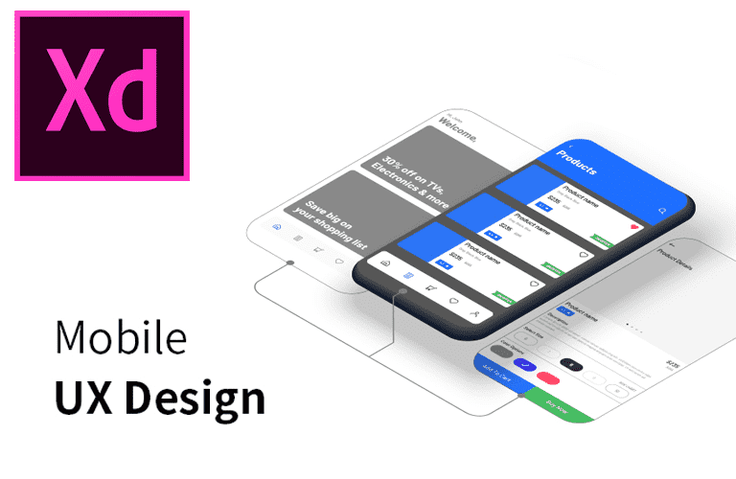
Mobile UI UX Practical Design Using XD by Author Young-sam Kim

You can master practical mobile UX design using Adobe XD. (Lesson plans and practice files provided)

(4.6) 18 reviews

194 learners

Level Intermediate

Course period Unlimited

XD
XD
Mobile App Design
Mobile App Design
XD
XD
Mobile App Design
Mobile App Design

Reviews from Early Learners

Reviews from Early Learners

4.6

5.0

name no

100% enrolled

From the concept of UX&UI to actual work, I was able to learn by taking notes diligently with detailed explanations and videos and following along with the program. It was a valuable course that I did not regret spending time on because it was a very informative class up until the last class. Thank you so much!

5.0

jin lee

89% enrolled

It's nice that you explained it step by step from the basics.

5.0

박완

100% enrolled

It was a really helpful lecture~

What you will gain after the course

  • Learn about various practical theories and processes for mobile UX design.

  • Learn about the mobile UX design process integrating Adobe Photoshop and Illustrator.

  • Go through the basic tutorials and mini-projects of Adobe XD.

To design mobile UX, you need not only an understanding of UX itself but also a deep knowledge of each operating system, as well as mobile-specific characteristics such as resolution, layout, and the collaboration process with developers.

In this course, you can learn about various UX approaches and design methods, such as user analysis and design research, that UX designers need to know in practice.
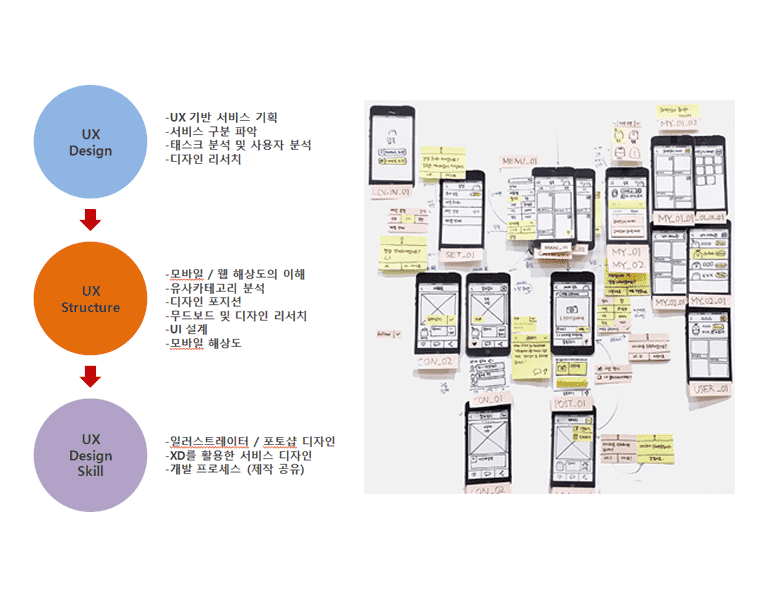
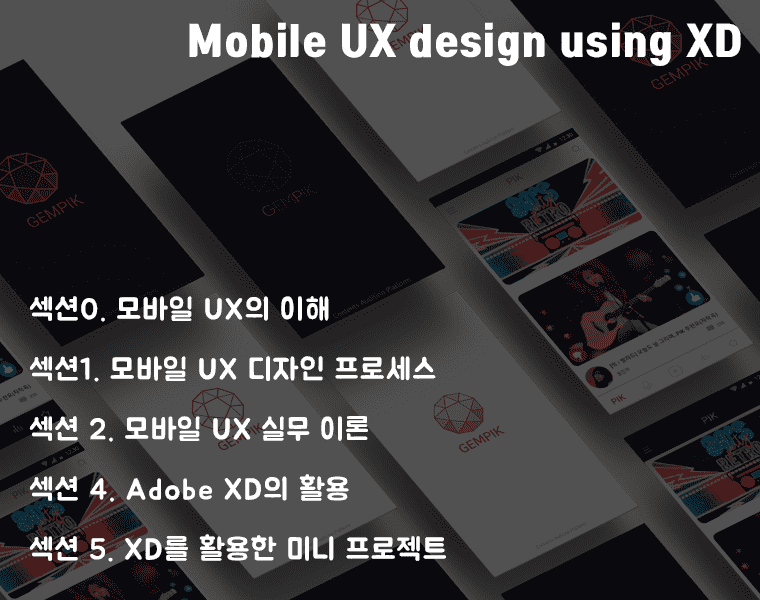
UIUX 실무 방법론의 기본 구조

In addition, this course covers the process of designing actual mobile app UX using the recently popular XD, along with Adobe's Photoshop and Illustrator, which are the most familiar tools for designers among various prototyping tools.


XD is a specialized prototyping tool created by Adobe. It is gaining significant popularity among recent UX designers because it is easier to use than other programs and offers compatibility and a similar user experience to other Adobe products.

 

Based on years of experience conducting mobile UX projects in the field, this course covers mobile app design and practical processes in an easy-to-understand manner.
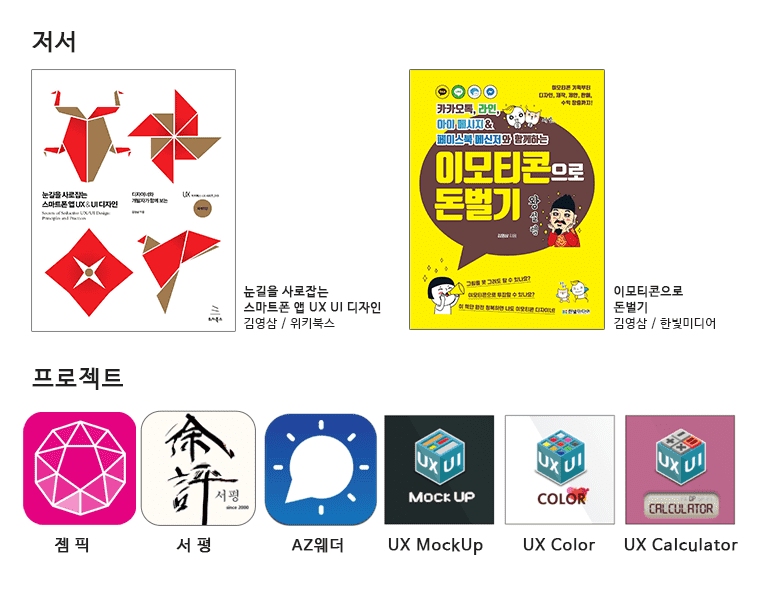
Check out these helpful lectures related to this course 🏃

Mobile App UX/UI Planning and Design Practice
Master practical App UX/UI/GUI design through various examples.

Becoming a KakaoTalk Emoticon Artist
You can provide emoticon services available on Kakao and LINE.

Instructor Introduction 

Instructor Name: Youngsam Kim 

I majored in fashion design in university and have been involved in the development and teaching of mobile graphic design, UX/UI design, Flash, character design, and mobile web apps from the early days of the domestic IT market to the present.  

As the first in Korea to conduct education and development for UX, UI, planning, and mobile design from the feature phone era to current smartphones, I have received awards such as the Korea Macromedia MAX (Grand Prize in Mobile Games), iRiver (Special Award in Mobile Flash Games), Eco-Friendly Products Promotion Institute (3rd Place in Games), and the Ministry of Health, Welfare and Family Affairs (Minister's Award in UCC).  

Currently, I serve as the Design Director and Design Team Leader at Soft Campus Co., Ltd. At the same time, I am conducting UX planning and lectures at SK T Academy, Samsung SDS Multi-Campus, various promotion agencies, specialized high schools, and universities, while also carrying out various mobile projects.

Experience
- SKT Academy Mobile UX / UI / GUI Lectures
- Samsung SDS Multi-Campus / Samsung sGen Club Internship Training
- KT Econovation Smart School
- Smart Creative Center, Jeonju/Incheon/Busan IT & Culture Industry Promotion Agency
- POSCO ICT, Nytec, Bizdeli
- Kookmin University, Seoul Institute of the Arts, Jeju National University UX Planning and Design Lectures
- Gyeonggi IT Saeil Center Mobile UI/UX Design Course 

 Books 

- Eye-Catching Smartphone App UX / UI Design <Wikibooks>
- Challenging Emoticon Design <Hanbit Media> 

- Practical Mobile UX Design Using XD <Scheduled for publication by Hanbit Media in the second half of 2020> 

Awards 

- Korea Macromedia MAX: Mobile Flash Game Contest Grand Prize
- iRiver Mobile Game Contest: Mobile Flash Game Production Special Award ‘miniPlayBall’
- Korea Environmental Industry & Technology Institute: Flash Game Contest 3rd Place ‘Eco Fighter’
- Ministry of Health and Welfare Suicide Prevention UCC: Minister of Health, Welfare and Family Affairs Award
- Selected for 10 interesting mobile apps for UX designers ~ UXness

Recommended for
these people

Who is this course right for?

  • University students and professional designers with a strong interest in mobile UX design

  • A designer working on mobile practical projects using Adobe XD

Need to know before starting?

  • Intermediate or higher graphic production skills in Illustrator and Photoshop are required.

Hello
This is softcampus

16,021

Learners

826

Reviews

594

Answers

4.7

Rating

44

Courses

Soft Campus is an education center that supports online and offline lectures and content sales.

For inquiries regarding AI-related fields and the purchase of various lectures and content, please contact us at raputa@nate.com or by phone at 02-553-0824.

Thank you.

More

Curriculum

All

35 lectures ∙ (7hr 6min)

Course Materials:

Lecture resources
Published: 
Last updated: 

Reviews

All

18 reviews

4.6

18 reviews

  • dhks44782273님의 프로필 이미지
    dhks44782273

    Reviews 1

    Average Rating 5.0

    5

    100% enrolled

    It was a really helpful lecture~

    • orve12082786님의 프로필 이미지
      orve12082786

      Reviews 1

      Average Rating 5.0

      5

      100% enrolled

      From the concept of UX&UI to actual work, I was able to learn by taking notes diligently with detailed explanations and videos and following along with the program. It was a valuable course that I did not regret spending time on because it was a very informative class up until the last class. Thank you so much!

      • goldmuse1306님의 프로필 이미지
        goldmuse1306

        Reviews 2

        Average Rating 5.0

        5

        100% enrolled

        It was very helpful as it was easy to understand with detailed explanations.

        • m4lov226644님의 프로필 이미지
          m4lov226644

          Reviews 1

          Average Rating 5.0

          5

          89% enrolled

          It's nice that you explained it step by step from the basics.

          • ancho8949님의 프로필 이미지
            ancho8949

            Reviews 1

            Average Rating 5.0

            5

            100% enrolled

            Thank you for your effort

            softcampus's other courses

            Check out other courses by the instructor!

            Similar courses

            Explore other courses in the same field!

            $8.80