inflearn logo

Watch Me Code: Cloning Slack with React x Typescript

The trending combination of front-end development seen through Slack clone app live coding!

(3.7) 3 reviews

66 learners

Level Basic

Course period Unlimited
Clone Coding
Clone Coding
React
React
TypeScript
TypeScript
Clone Coding
Clone Coding
React
React
TypeScript
TypeScript

What you will gain after the course

  • Overview of the development process for a React x TS-based project

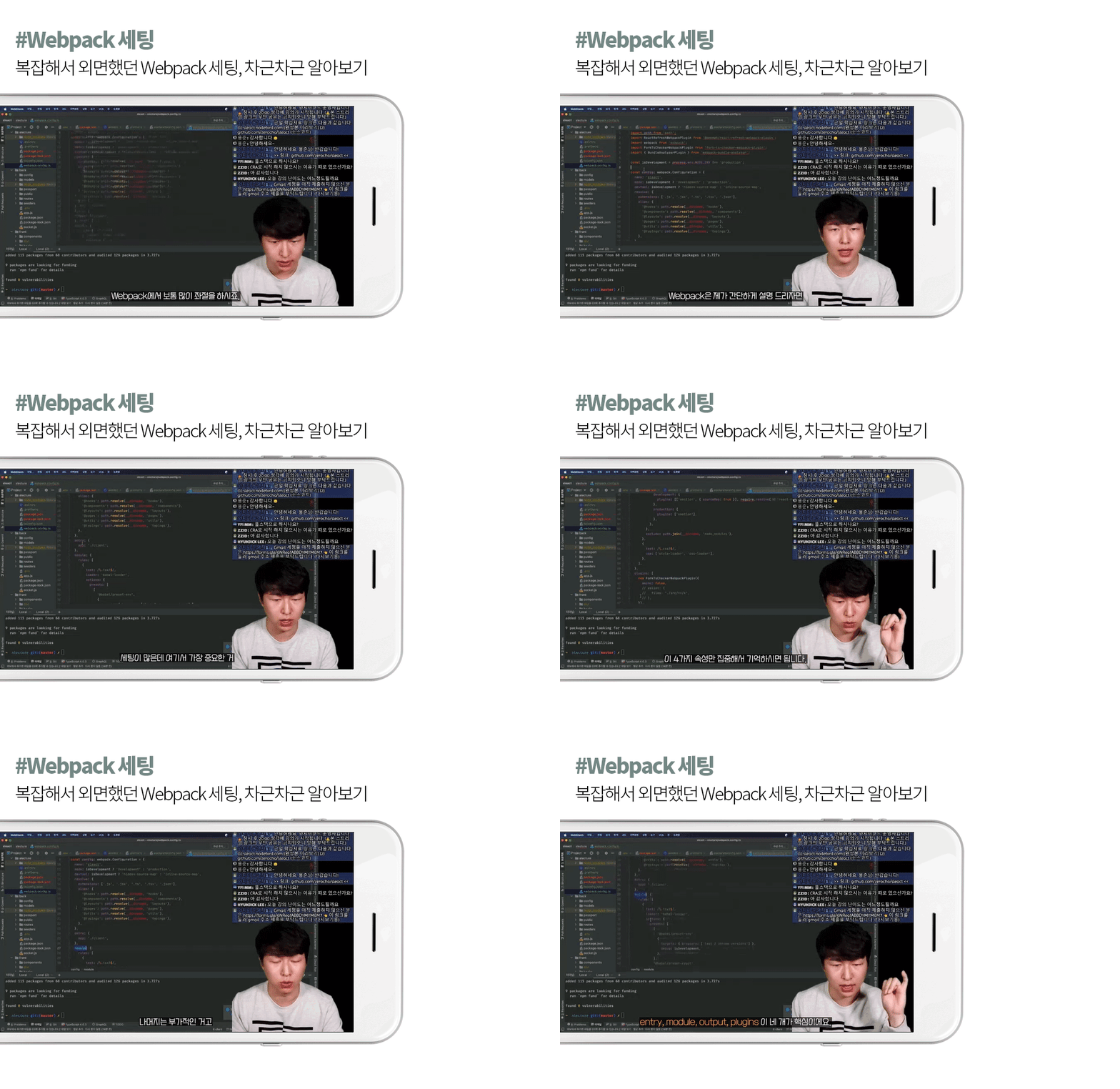
  • Know-how on setting up a front-end development environment including Webpack

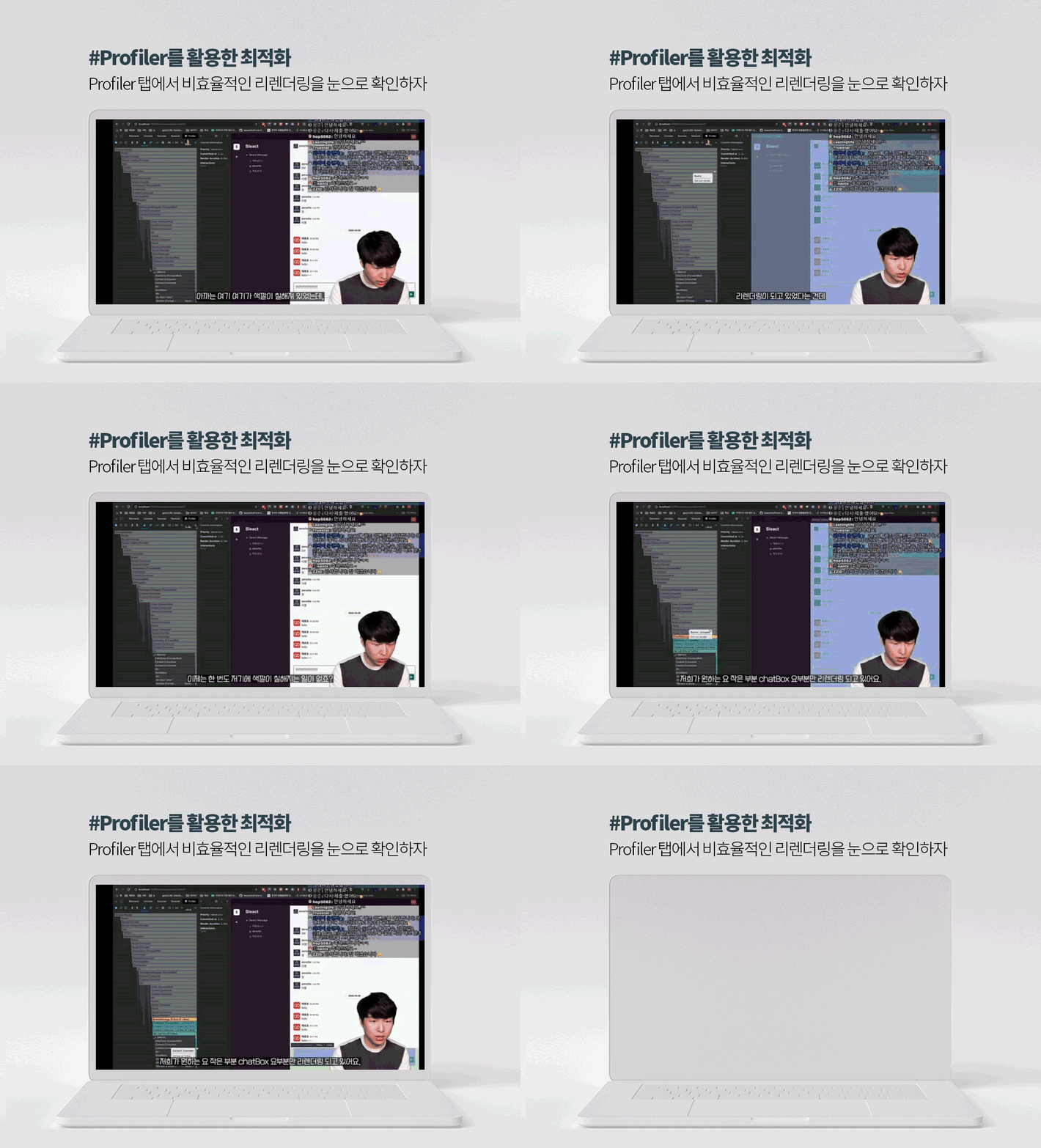
  • Optimization skills using various plugins, profilers, etc.

  • Implementing real-time chat function using web socket

■ This lecture is an edited version of a class conducted live in real time .
The audio may be choppy at some points. We apologize for your understanding.

■ The link to the finished product (sleact.nodebird.com) is currently inaccessible,
The completed source code can be found on the instructor's GitHub.

Curriculum


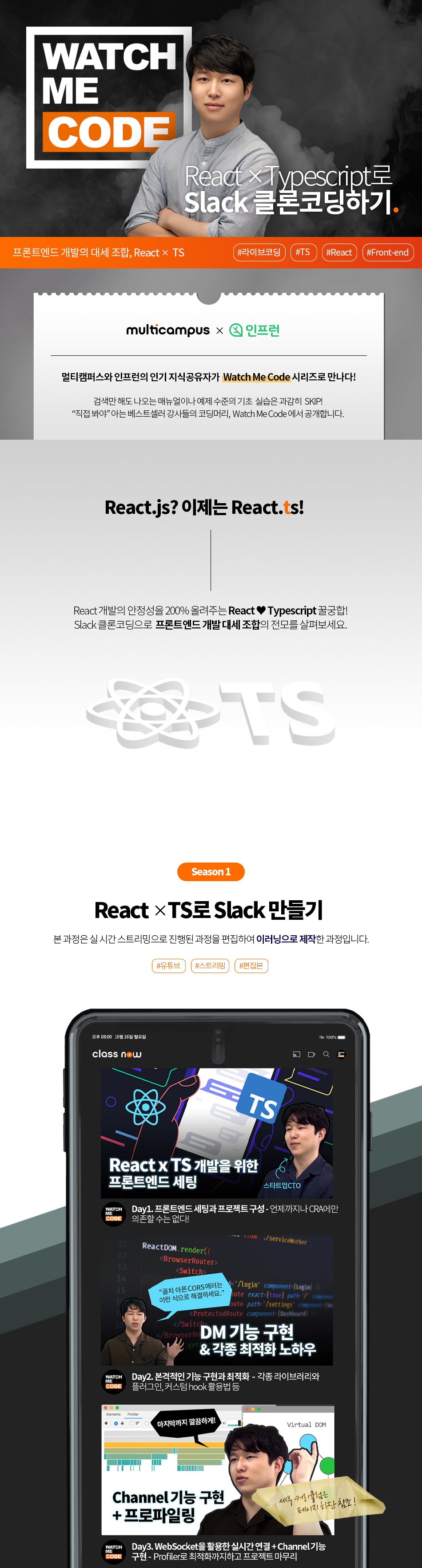
Day 1: Front-end setup and project configuration
Lesson 1. Front-end Settings - You Can't Rely on CRA All the Time!

· Introduction to the development environment and project
· Front-end settings Ⅰ: package.json, eslintrc, prettierrc, tsconfig.json
Front-end Setup II: Setting up Webpack and deploying it to the server


Lesson 2. Getting started with full-fledged clone coding - All services start with membership registration.

· Project folder configuration and router application
· Creating a membership registration page (ft. Styled Components)


Day 2: Implementing membership registration, login, and DM functions
Lesson 3. Optimization and API Communication Using Libraries and Plugins

· Utilize libraries, plugins, and custom hooks for optimization
(@loadable/component, fork-ts-checker-webpack-plugin, etc.)
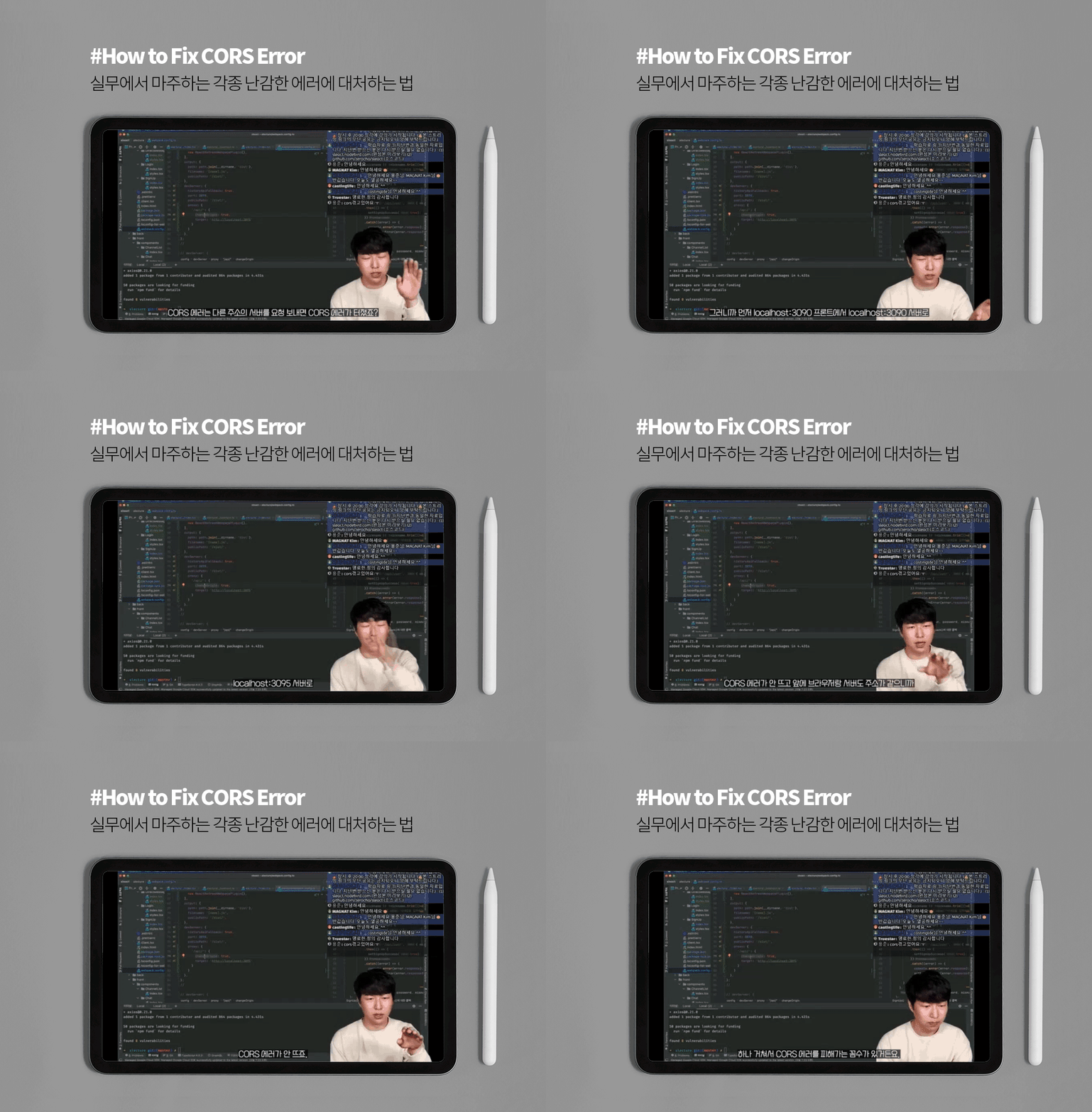
· Signing up with Axios + Tips for resolving CORS issues
· Finishing the login page by applying the membership registration page (ft. SWR)

Lesson 4. Implementing DM Functionality: Building the App Structure

· Create DM-related structures (+ pre-implement the functions shared with Channel)
· Send DM (ft. Optimistic UI)
· Settings for loading DM + applying Infinite Scrolling


Day 3: Real-time connection and project building using WebSockets
Lesson 5. Implementing DM Functions: Optimizing WebSocket Connections and Profiler

· Implementation of web socket connection and DM message window
· Optimization using Profiler


Lesson 6. Implementing Infinite Scrolling + Channel Features

· Real-time connection verification + Infinite Scrolling implementation
· Project completion after implementing the Channel (group chat) function

Recommended for
these people

Who is this course right for?

  • Anyone who wants to introduce TS to their React project

  • Anyone who wants to see the entire process of front-end development, from setup to deployment

  • Those who know the basics of React and TS but have difficulty applying them to actual development

Need to know before starting?

  • React Basics

  • Typescript Basics

Hello
This is sungeun6kim1465

Curriculum

All

6 lectures ∙ (5hr 22min)

Published: 
Last updated: 

Reviews

All

3 reviews

3.7

3 reviews

  • gkb10a0490님의 프로필 이미지
    gkb10a0490

    Reviews 3

    ∙

    Average Rating 5.0

    5

    100% enrolled

    I believe in it. You were strong! Thank you.

    • william5081님의 프로필 이미지
      william5081

      Reviews 2

      ∙

      Average Rating 5.0

      5

      100% enrolled

      I am learning a lot of useful knowledge for my work! I recommend it!

      • figma3280님의 프로필 이미지
        figma3280

        Reviews 1

        ∙

        Average Rating 1.0

        1

        100% enrolled

        There may be a version that is not right for the way to guide, but it is difficult because there is no guide for that. I got the front-end setting part, but I didn't get much after that. I recommend watching other lectures on Slack Clone Coding.

        Similar courses

        Explore other courses in the same field!
        Access is restricted to non-public courses.