



강의

멘토링

커뮤니티

Game Dev

/

Game Art

Unreal Effects Practice Shield

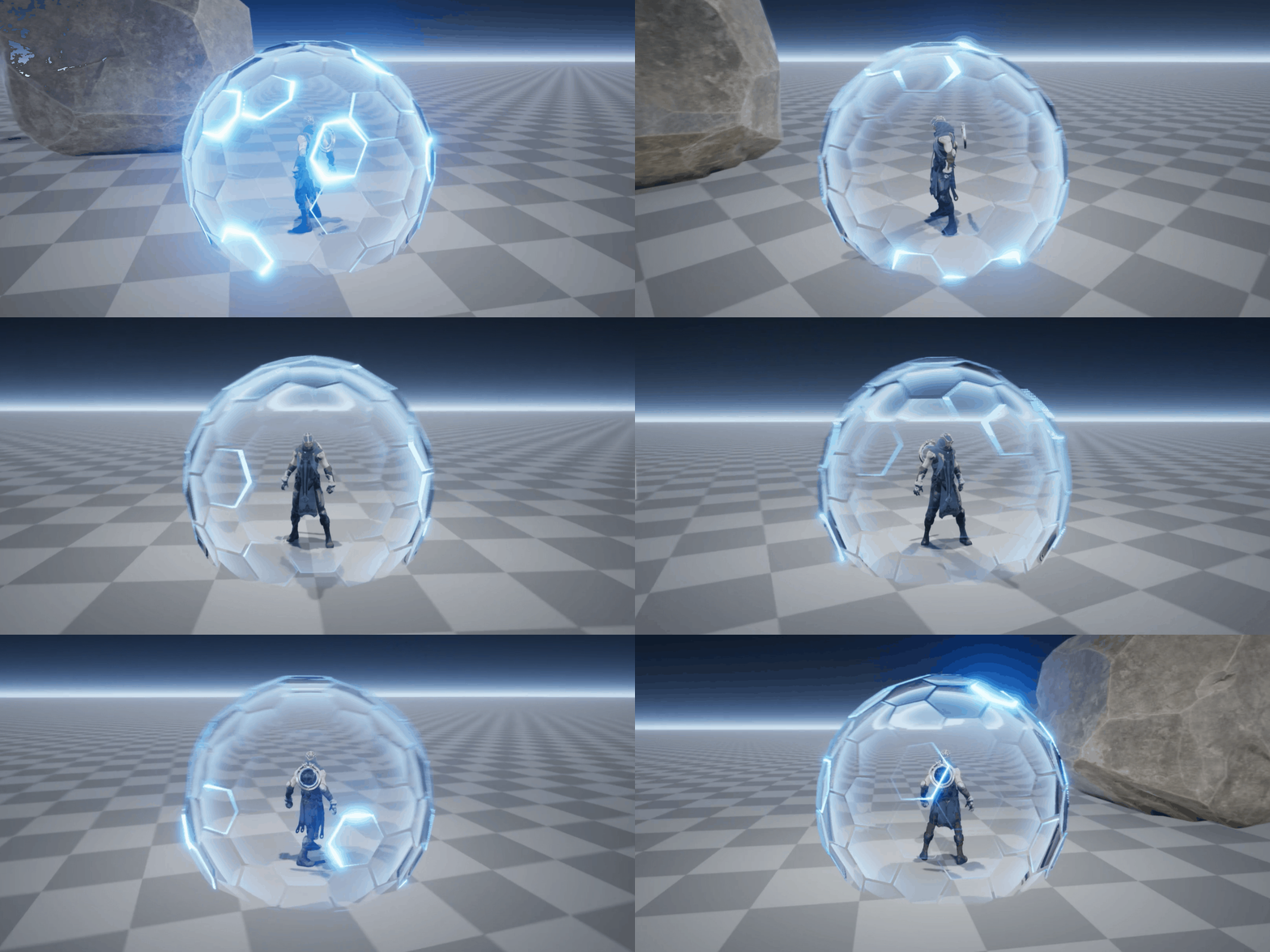
Learn from the official Unreal instructors of 2022 in this Unreal Effects course that is not easily accessible. You can level up to become a better effector by creating a Shield effect that can be used in practice right away!

11 learners are taking this course

Level Intermediate

Course period 12 months

  • rinban
Unreal Engine
Unreal Engine
UE Blueprint
UE Blueprint
VFX
VFX
cascade
cascade
materialfx
materialfx
Unreal Engine
Unreal Engine
UE Blueprint
UE Blueprint
VFX
VFX
cascade
cascade
materialfx
materialfx

What you will gain after the course

  • Unreal 4 Cascade/Blueprint

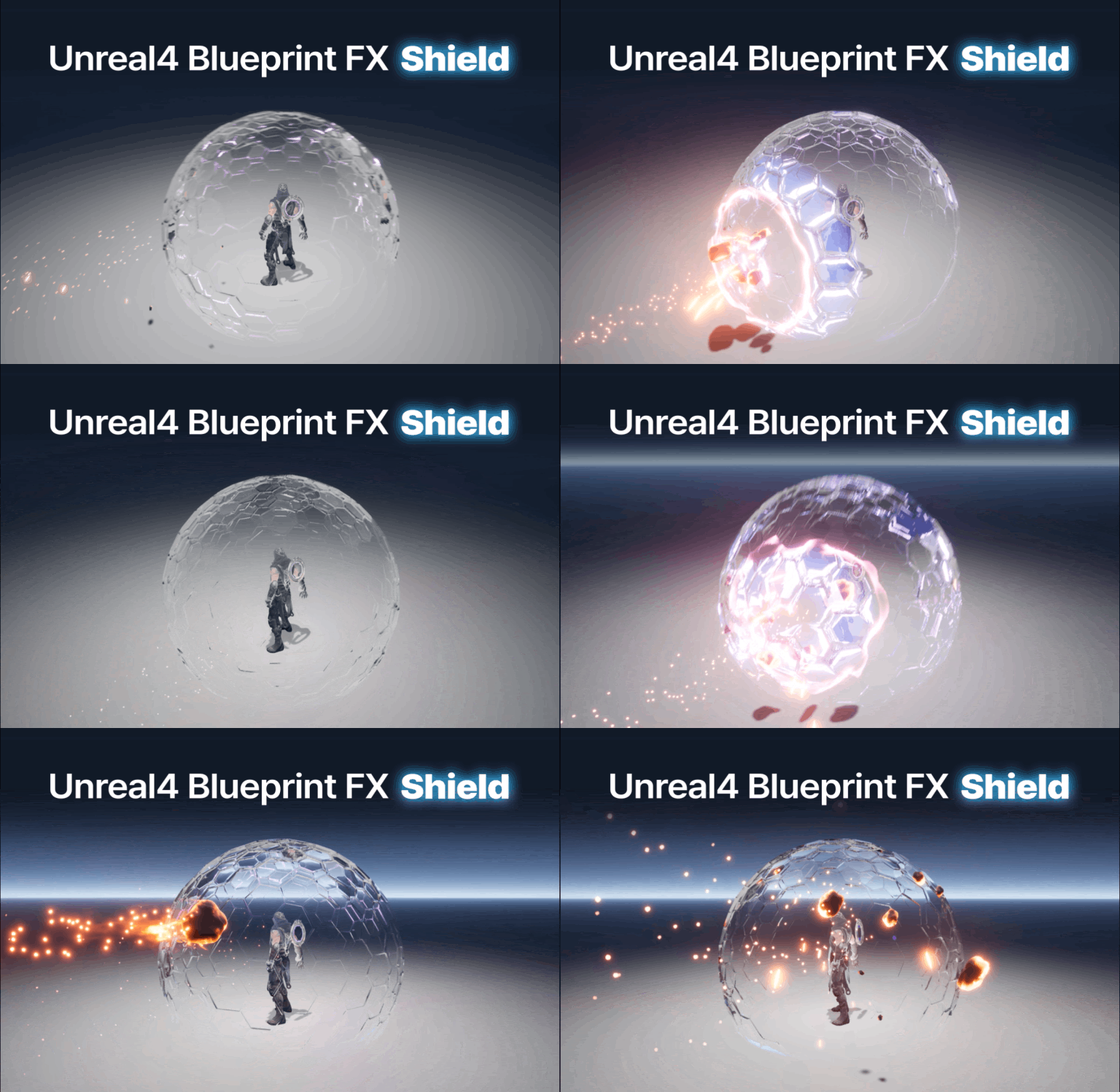
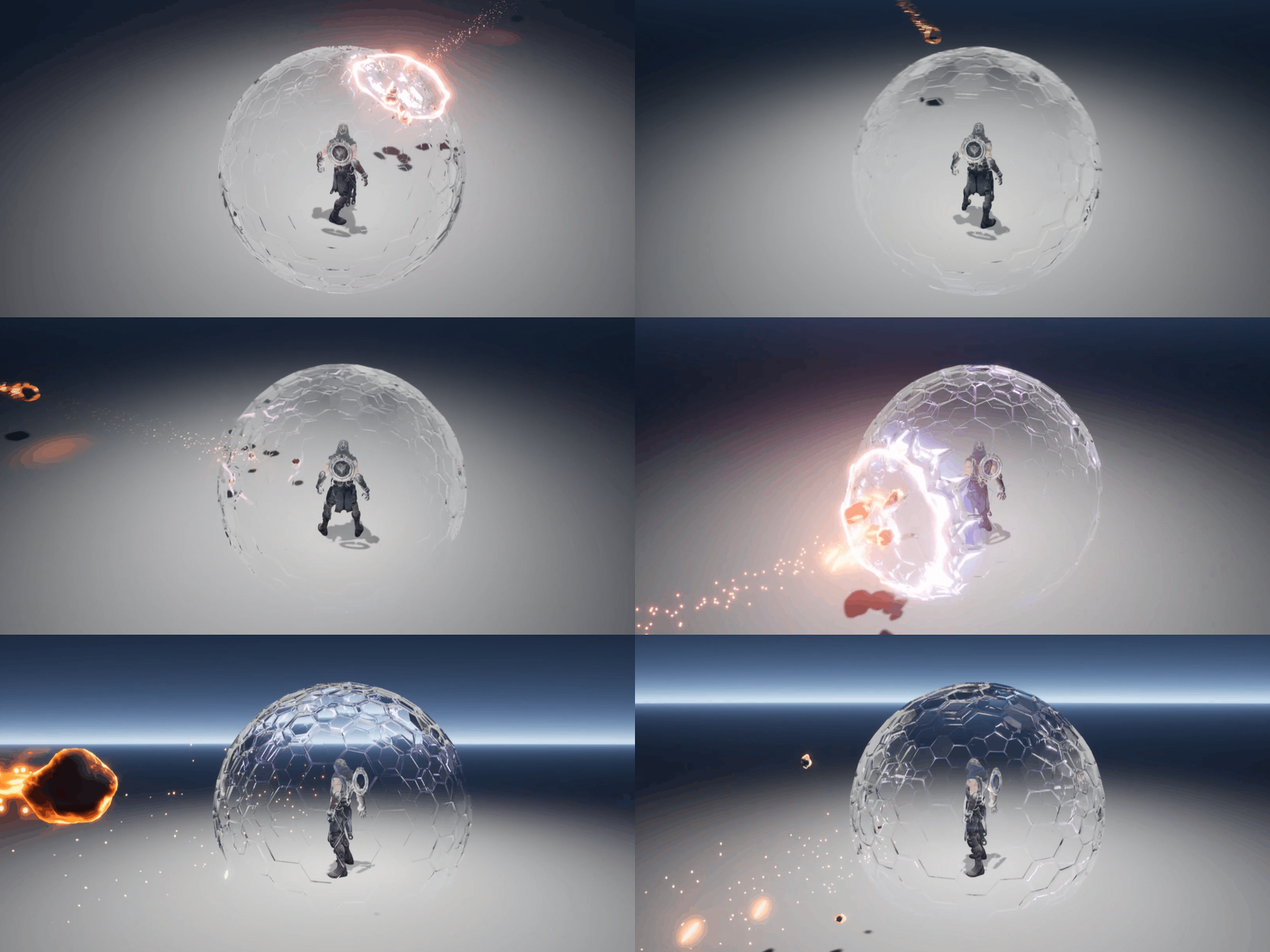
  • A shield effect that attaches to a character

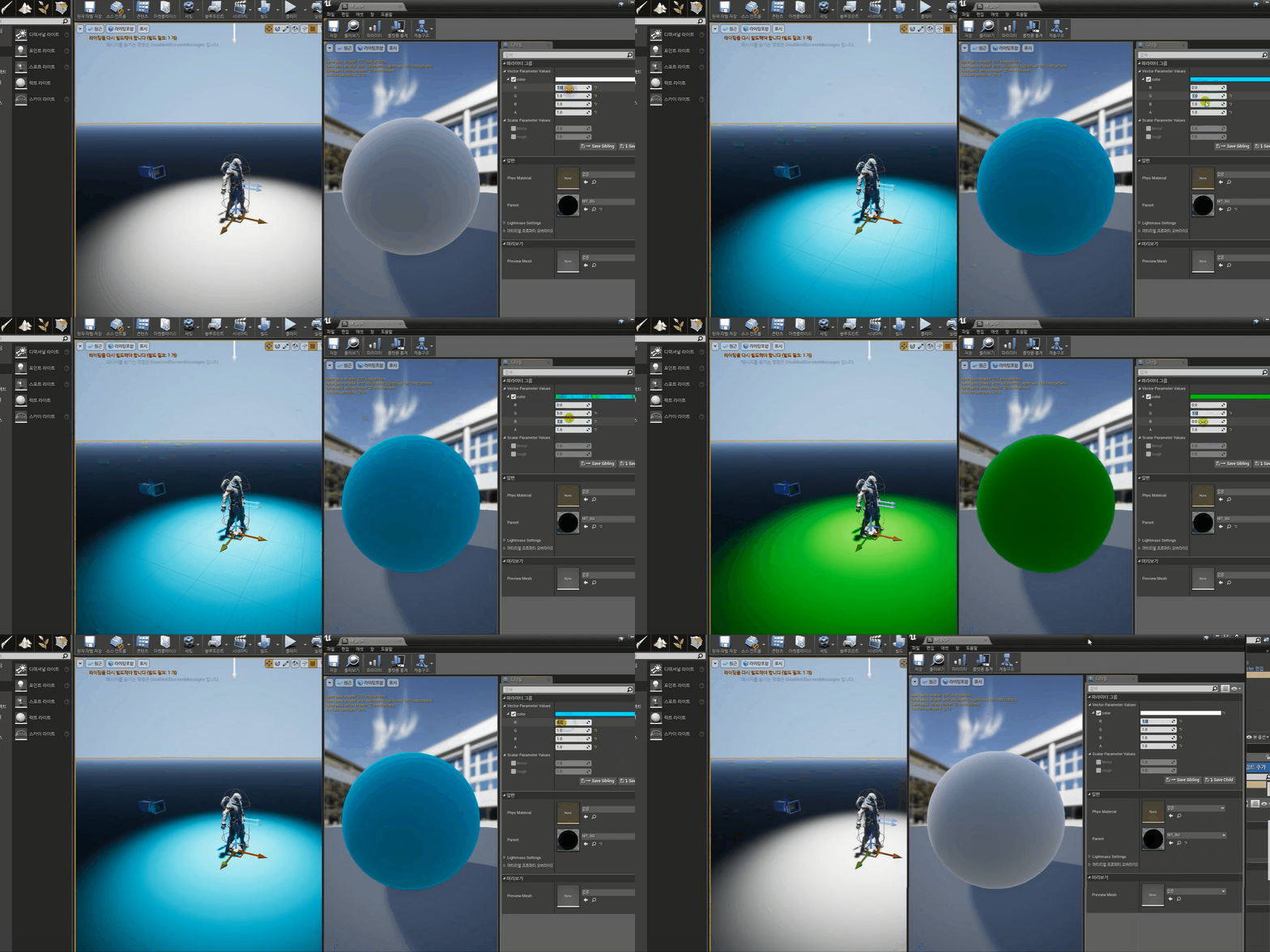
  • Unreal Material Effects

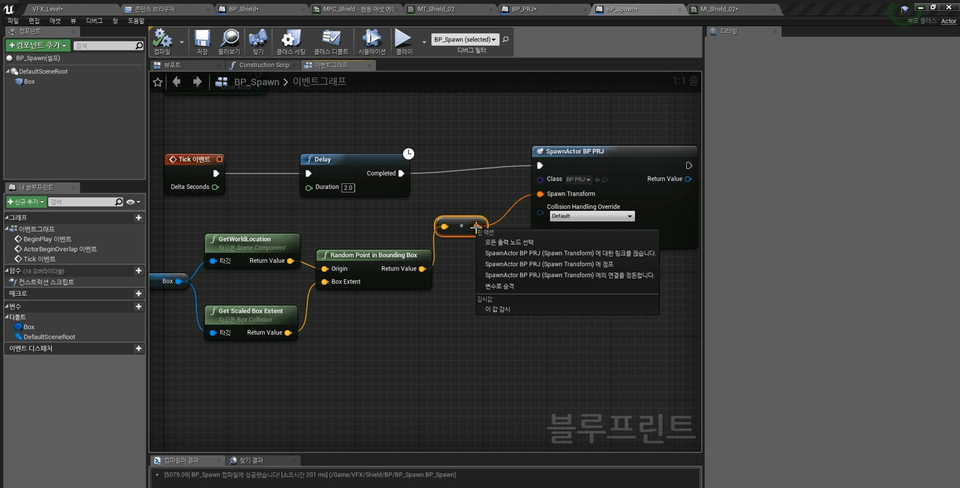
Practical effects using Unreal are incredibly rare to find. So, with 14 years of experience as an effects designer at a game company, I've created this course, incorporating my extensive practical expertise. This course will focus on creating a shield effect for a game character, among other effects. We'll create it step by step using visual coding, Blueprint!

Unreal Blueprint effects will help you become a high-level developer for game development projects. You'll be able to create the systems you want without the help of programmers at your game company!

🙆 You can only learn this in this course !

  • I've unraveled the core skills I used in actual game project work.
  • We focused on practical work so that you can see it directly through gameplay , rather than just ending with particle tools.
  • This is a practical lecture that can be applied immediately in the field.
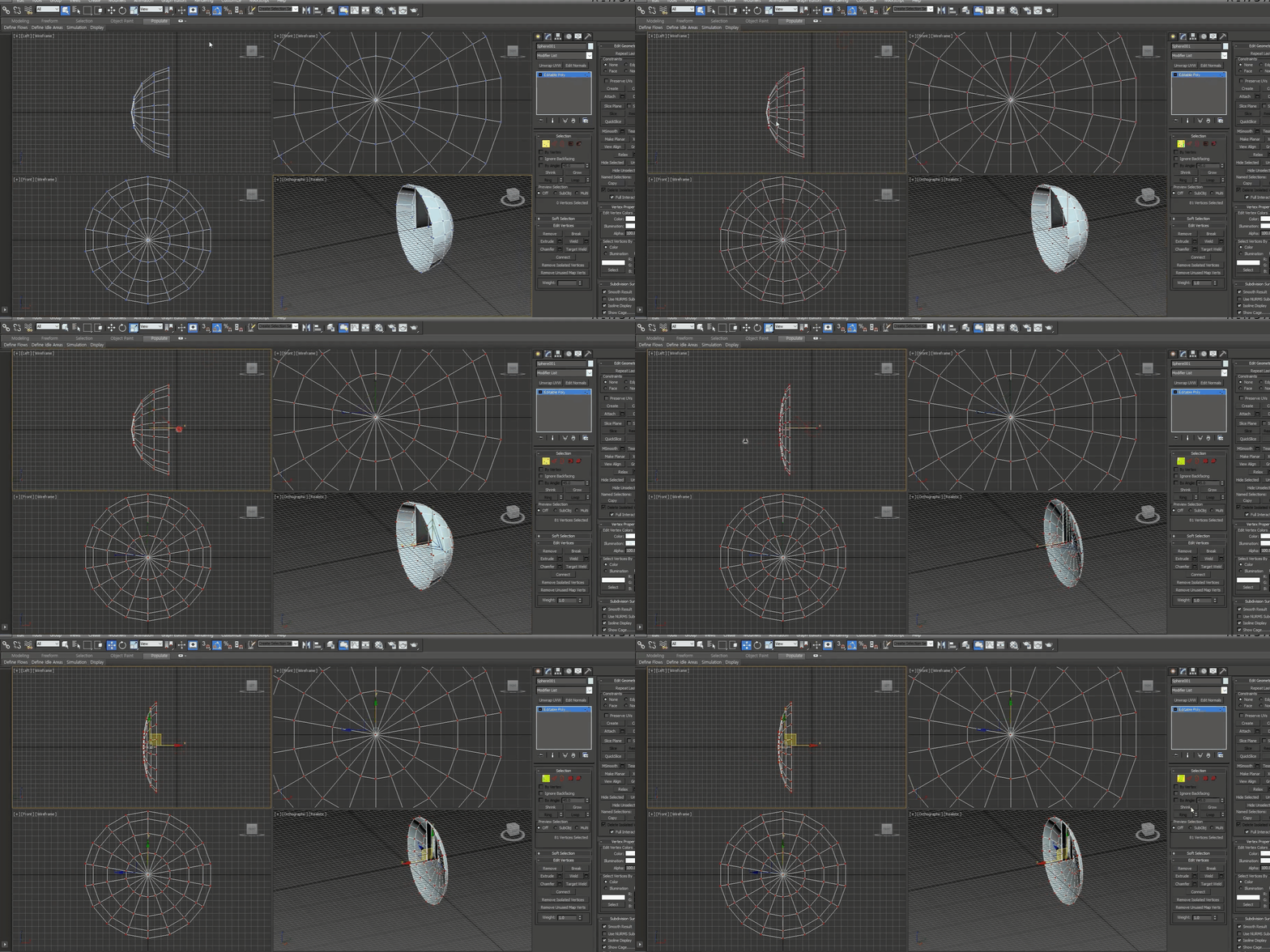
  • All you need is Photoshop, 3dsMAX, and Unreal Engine to create all your effects.


Game effects,
Make it with my own hands!

A shield design to block external attacks
Shield design to protect the character

With Unreal Junior Effector
Those who want to improve their skills

Self-taught Unreal Engine
Effector that is difficult and blocked

But it's a unity effector
Anyone who wants to learn Unreal

I want to improve my skills more
Unreal Graphics Programmer


Preview of lecture content

Unreal Level/Player Settings

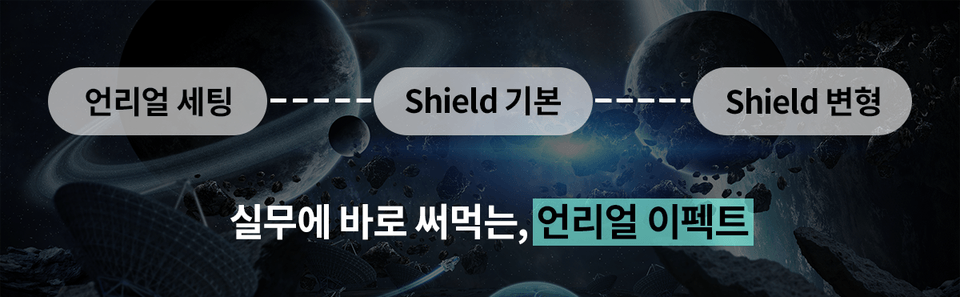
This is a course for intermediate users, but we will first set up the basic Unreal levels and players required.

Cascade shield

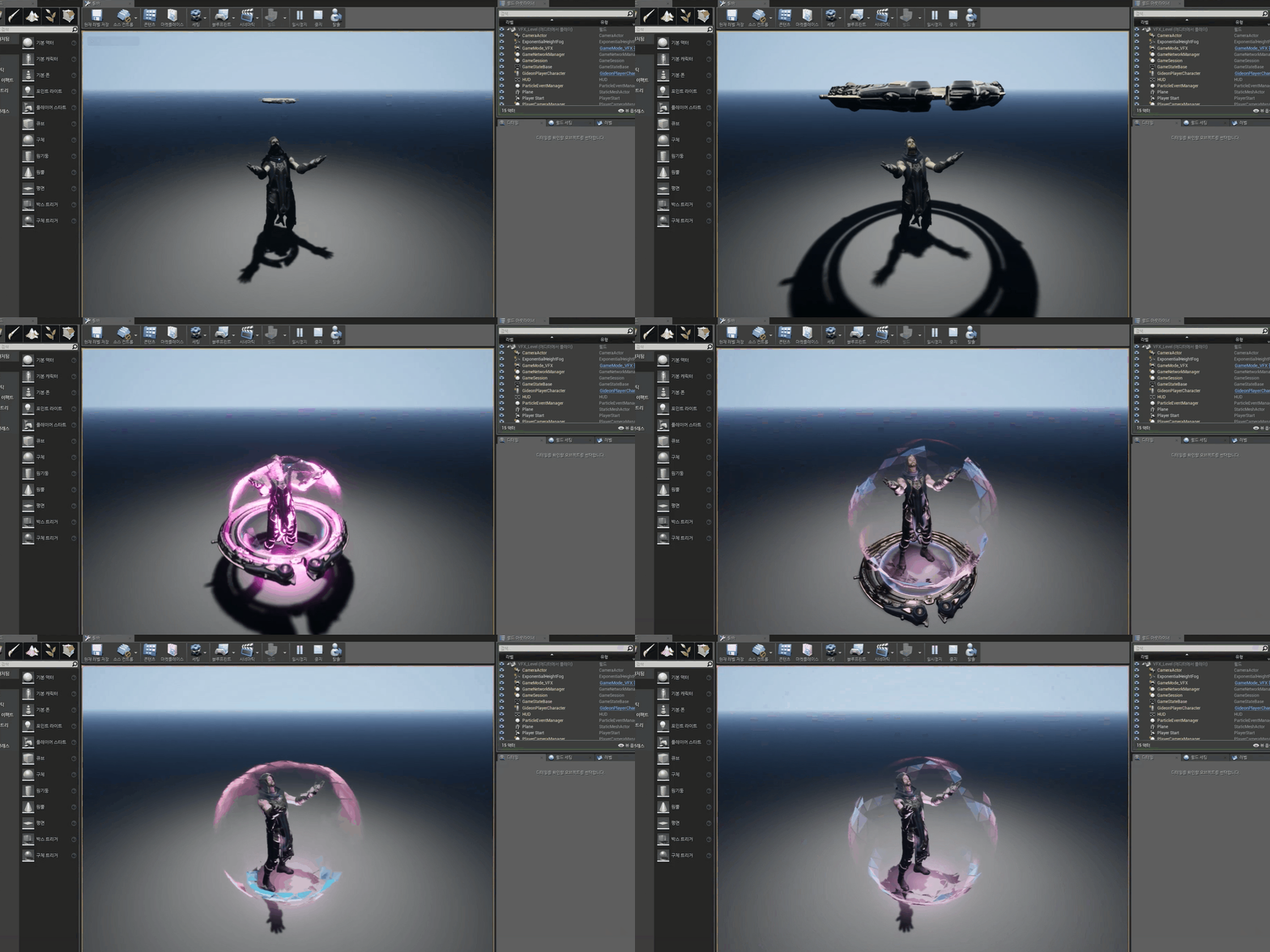
Let's create particles to be used for the shield using Unreal Cascade.

Utilizing Blueprints

Use Blueprint Actors to place a shield on your game character and set its functionality.

Shield EdgeFade

Add new materials to the shield to create different effects.


Check out the Q&A 💬

Q. Effects are not being called from Blueprint.

Usually these 3 things solve 90% of the problems.

1. Check if the execution node is connected.
2. Make sure the cascade is connected to the effect location.
3. Check if the collision settings are correct.

Q. The camera was moving fine, but then suddenly started acting strangely.

If the collision setting of the object colliding with the camera is set to block, changing it to ignore will solve the problem.

Q. When hitting a shield, it doesn't change to a hit particle.

Try using the Deactivate node instead of DestroyActor in your Blueprint (target PT_PRJ_01).

📢 Things to note before taking the course

  • Practice environment
    • Operating System and Version (OS): Windows
    • Tools used: Photoshop (CS3) or higher, 3DMax (2014) or higher, Unreal Engine 4 or higher
    • PC specifications: Recommended specifications for running the game: 11-core or higher CPU, 32GB or more of memory, and GeForce 3060 or higher graphics card
  • Learning materials
    • Texture TGA file, mesh FBX file
  • Player Knowledge and Precautions
    • Basic experience with Unreal Editor is required.
    • This course is not intended to be an introduction to Unreal.
    • Follow-up lectures will continue in the future.

Unreal Official Instructor 's
We will share our know-how with you.

Linban, Unreal Effector

Major career

  • 2022 Unreal Official Instructor Pass
  • Silver Award Winner at the 2021 WWVFX Effects Competition
  • 2019~ Linban's Unreal Effects Online Class
  • 2018 Nexon Ascendant One (Unreal 4)
  • 2015 Nexon DnF sequel (Unreal 4)
  • 2012 Bless Studio Bless Online (Unreal 3)
  • 2011 Iron North Power Rangers
  • 2006 Atomic Studio Dark Dimension

portfolio

Recommended for
these people

Who is this course right for?

  • Unity Effector

  • Unreal 4 Effector

  • Anyone with experience using Unreal Engine

  • Anyone thinking of switching from another industry to Unreal

Need to know before starting?

  • Unreal Engine Basics

Hello
This is

2,689

Learners

36

Reviews

17

Answers

4.5

Rating

4

Courses

Hello. I am RINBAN.

I am currently teaching game effects using Unreal Engine.

Hello. I am RINBAN. I teach game effects using Unreal Engine.

=Career History=

2006 Atomic Studio Dark Dimension

2011 Ironnos Power Rangers

2012 Bless Studio Bless Online (Unreal 3)

2015 Nexon Dungeon & Fighter Sequel (Unreal Engine 4)

2018 Nexon Ascendant One (Unreal 4)

2019 ~ Present Linban's Unreal Effect Online Class

2021 WWVFX Effect Contest Silver Prize Winner

2022 Certified as an Official Unreal Instructor

(Unreal Engine 4) 2018 Nexon: Ascendant One (Unreal Engine 4) 2019 – Present: Linban's Unreal Effect Online Class 2021: WWVFX Effect Contest - Silver Prize 2022: Certified as an Official Unreal Instructor

Curriculum

All

19 lectures ∙ (7hr 10min)

Course Materials:

Lecture resources
Published: 
Last updated: 

Reviews

Not enough reviews.
Please write a valuable review that helps everyone!

$297.00

rinban's other courses

Check out other courses by the instructor!

Similar courses

Explore other courses in the same field!