



inflearn logo

Unreal Engine Effect Practice: Shield

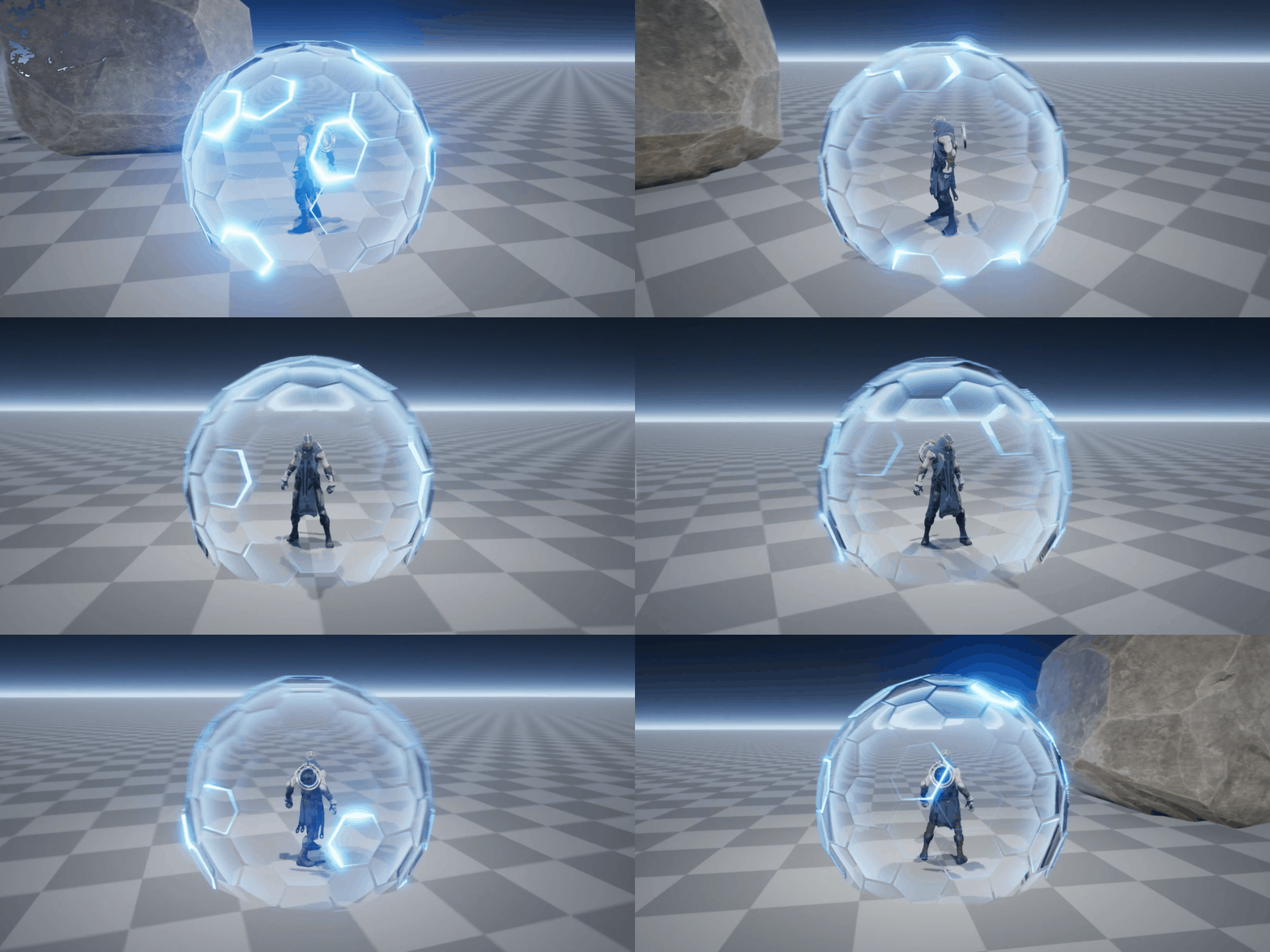
Learn Unreal Engine effect lectures that are hard to come by, directly from an official Unreal instructor. Level up as an effector by creating a Shield effect that can be used immediately in the field!

11 learners are taking this course

Level Intermediate

Course period 12 months

Unreal Engine
Unreal Engine
VFX
VFX
UE Blueprint
UE Blueprint
cascade
cascade
materialfx
materialfx
Unreal Engine
Unreal Engine
VFX
VFX
UE Blueprint
UE Blueprint
cascade
cascade
materialfx
materialfx

What you will gain after the course

  • Unreal 4 Cascade/Blueprint

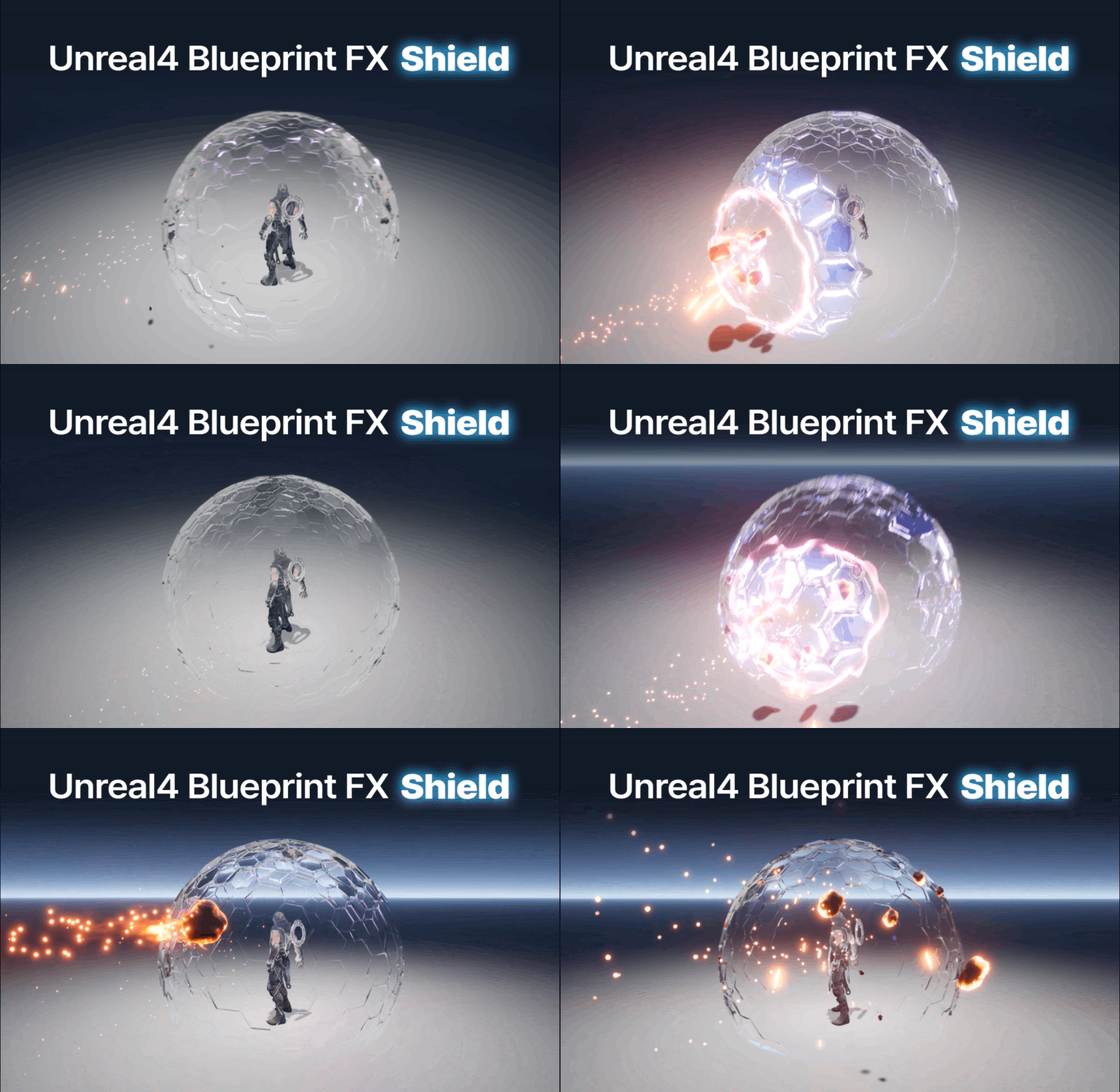
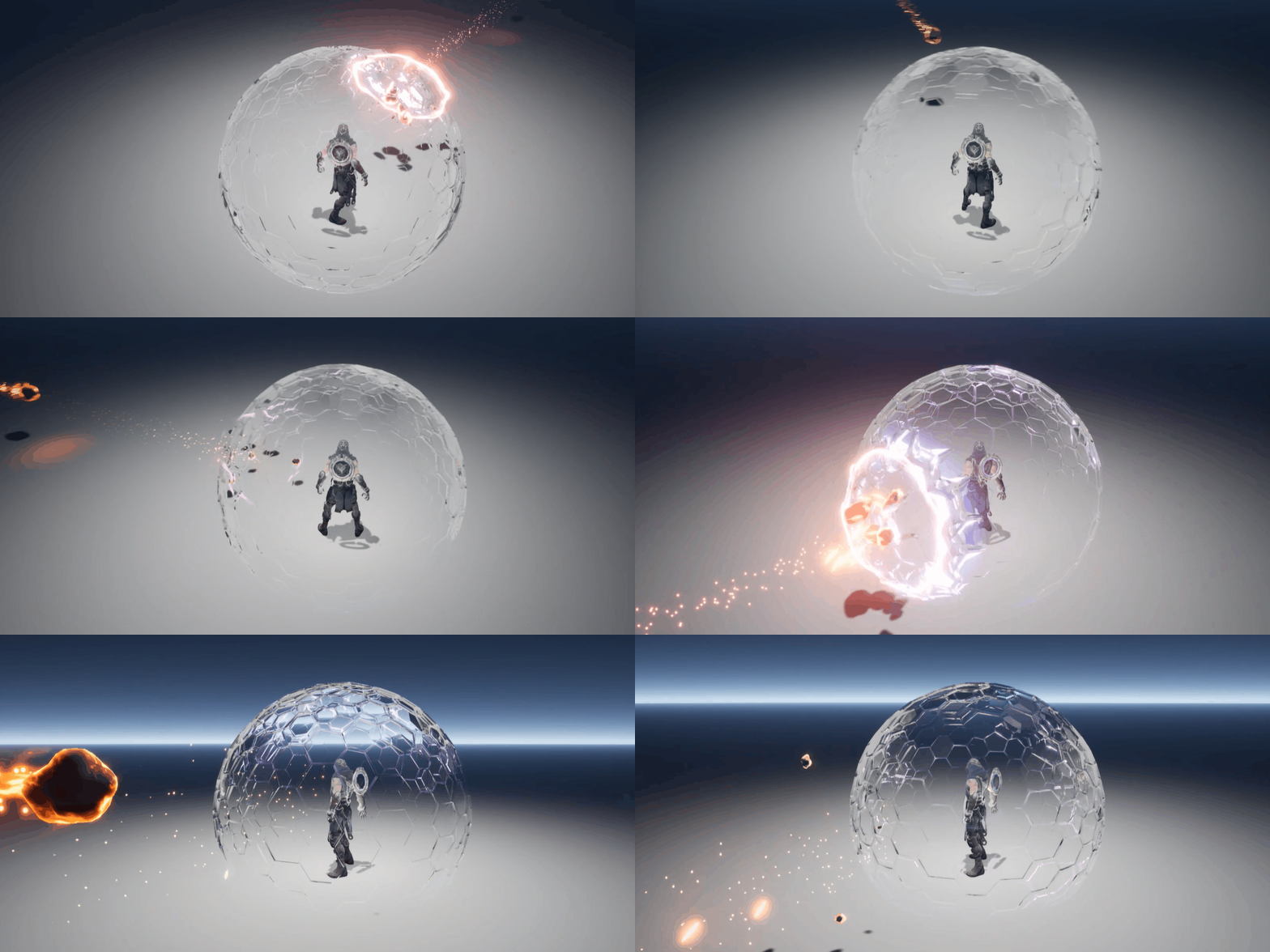
  • Shield effect applied to the character

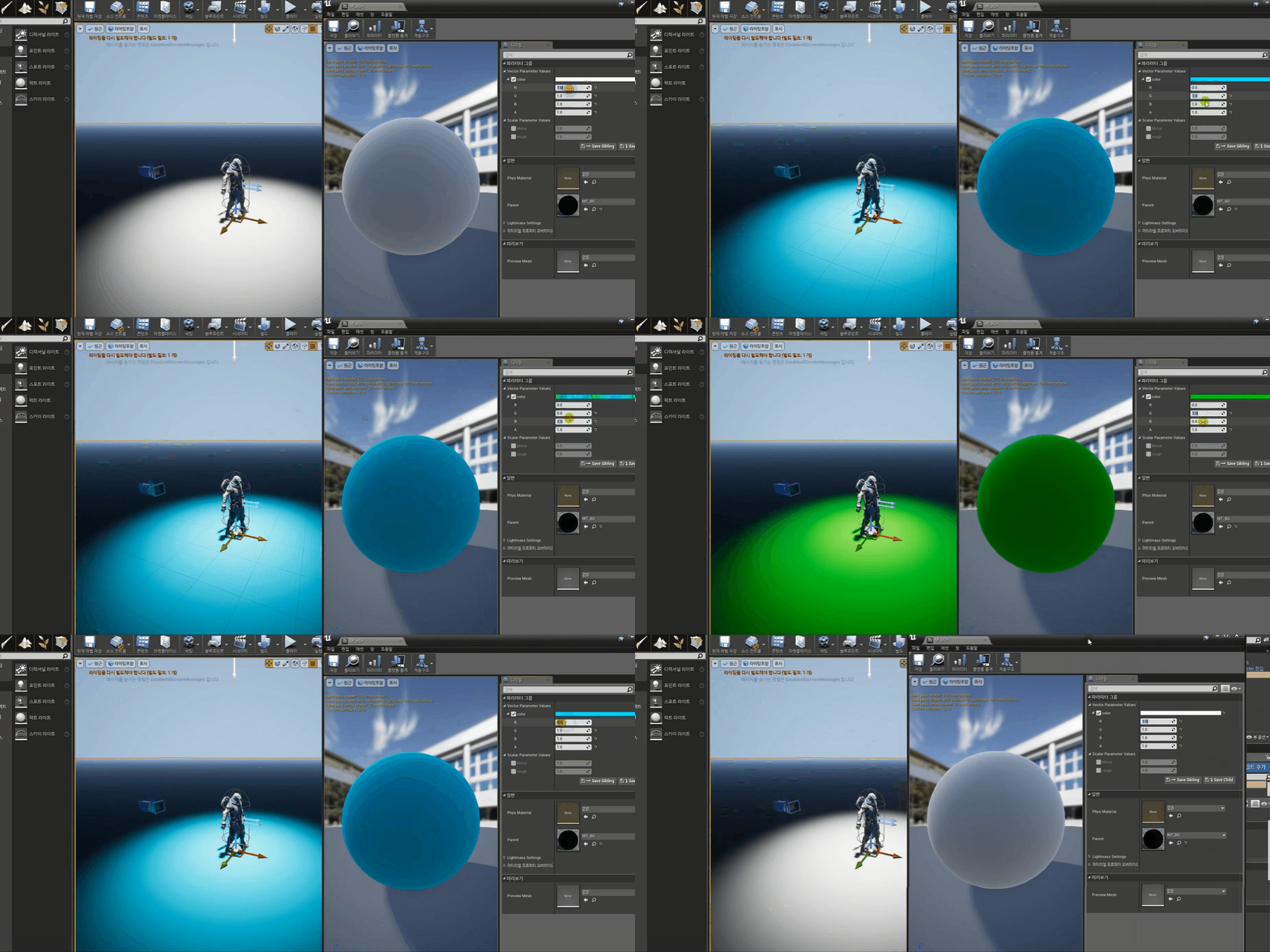
  • Unreal Material Effects

Practical effects using Unreal are truly hard to find in a course. That's why I, with 14 years of experience as a game company effect artist, created this lecture filled with various practical know-how. In this course, we will focus on creating game character shield effects among various types of effects. Let's build them one by one using Blueprint, a visual coding tool!

Through Unreal Blueprint effects, I will help you grow into a high-level professional for game development projects. You will be able to create the systems you want in a game company without needing further assistance from programmers!

🙆 You can only learn this in this course!

  • I have shared the core skills used in actual game project work.
  • It doesn't just end with the particle tool; I focused on practical work so that you can check the results directly through gameplay.
  • This is a practice-oriented course designed so that you can be deployed and start working in the field immediately.
  • Photoshop, 3dMAX, and Unreal Engine—with just these three, you can create any effect.


Game Effects,
Create Them with Your Own Hands!

외부의 공격을 막는 방어막 디자인
캐릭터를 보호하는 방어막 디자인

Those who want to
skill-up as a junior Unreal effector

Effectors who are stuck because self-studying Unreal Engine
is too difficult

Unity effectors who
want to learn Unreal as well

Unreal Graphic Programmers
who want to further build their skills


Lecture Content Preview

Unreal Level/Player Settings

Although this course is for intermediate users, we will start by setting up the basic Unreal levels and players required.

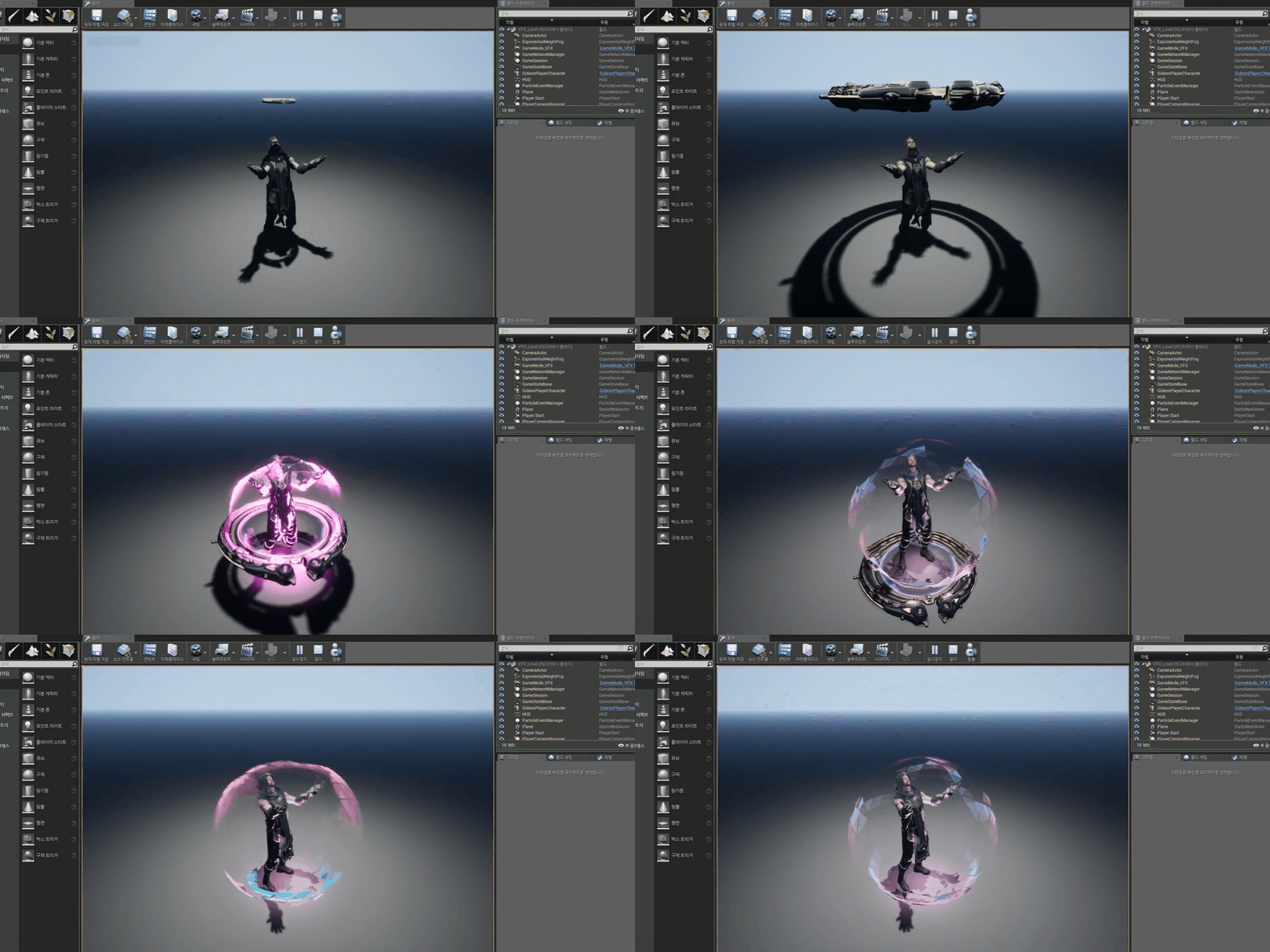
Cascade shield

We will create the particles to be used for the shield through Unreal Cascade.

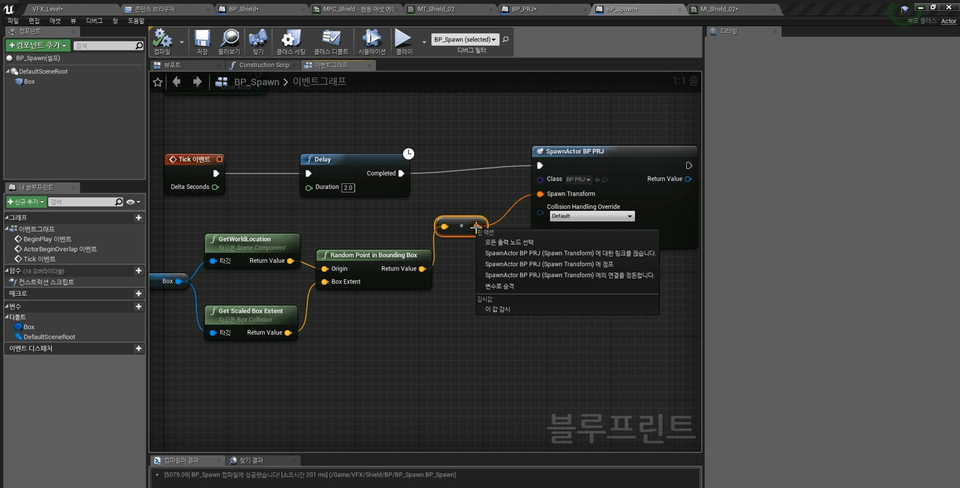
Blueprint Utilization

Using Blueprint Actors, we will install a shield on the game character and configure its functionality.

Shield EdgeFade

We will add a new material to the shield to create other effects as well.


Check out the Q&A 💬

Q. The effect is not being called in the Blueprint.

Usually, 90% of problems are resolved by these three things.

1. Check if the execution node is connected.
2. Check if a Cascade is connected to the effect slot.
3. Check if the collision settings are incorrect.

Q. It works fine and then at some point the camera starts acting strange.

If the collision setting of the object colliding with the camera is set to block the camera, it can be resolved by changing it to ignore.

Q. It doesn't change to hit particles when colliding with the shield.

Try using the Deactivate node instead of DestroyActor in the blueprint. (The target is PT_PRJ_01)

📢 Notes before taking the course

  • 실습환경
    • Operating System and Version (OS): Windows
    • Tools used: Photoshop (CS3) or higher, 3DMax (2014) or higher, Unreal Engine 4 or higher
    • PC Specifications: Recommended specifications for operation include an 11-core or higher CPU, 32G or more memory, and a GeForce 3060 or higher graphics card.
  • 학습자료
    • Texture TGA files, Mesh FBX files
  • 선수 지식 및 유의 사항
    • Basic experience with the Unreal Editor is required.
    • This course is not an introductory course for Unreal Engine.
    • Follow-up lectures will continue to be released in the future.

We deliver the know-how of an Official Unreal Instructor.

Linban, Unreal Effector

Key Experience

  • 2022 Certified Unreal Engine Instructor
  • 2021 WWVFX Effect Contest Silver Prize Winner
  • 2019~ Linban's Unreal Effect Online Class
  • 2018 Nexon Ascendant One (Unreal 4)
  • 2015 Nexon Dungeon & Fighter Sequel (Unreal 4)
  • 2012 Bless Studio Bless Online (Unreal 3)
  • 2011 Ironnos Power Rangers 
  • 2006 Atomic Studio Dark Dimension

Portfolio

Recommended for
these people

Who is this course right for?

  • Unity Effector

  • Unreal Engine 4 VFX Artist

  • Those with experience using Unreal Engine

  • Those who are considering switching their career to Unreal Engine from a different industry.

Need to know before starting?

  • Unreal Engine Basics

Hello
This is rinban

2,782

Learners

39

Reviews

17

Answers

4.5

Rating

5

Courses

Hello. I am RINBAN.

I am currently teaching game effects using Unreal Engine.

Hello. I am RINBAN. I teach game effects using Unreal Engine.

=Career History=

2006 Atomic Studio Dark Dimension

2011 Ironnos Power Rangers

2012 Bless Studio Bless Online (Unreal 3)

2015 Nexon Dungeon & Fighter Sequel (Unreal Engine 4)

2018 Nexon Ascendant One (Unreal 4)

2019 ~ Present Linban's Unreal Effect Online Class

2021 WWVFX Effect Contest Silver Prize Winner

2022 Certified as an Official Unreal Instructor

(Unreal Engine 4) 2018 Nexon: Ascendant One (Unreal Engine 4) 2019 – Present: Linban's Unreal Effect Online Class 2021: WWVFX Effect Contest - Silver Prize 2022: Certified as an Official Unreal Instructor

More

Curriculum

All

19 lectures ∙ (7hr 10min)

Course Materials:

Lecture resources
Published: 
Last updated: 

Reviews

Not enough reviews.
Please write a valuable review that helps everyone!

rinban's other courses

Check out other courses by the instructor!

Similar courses

Explore other courses in the same field!

25% off for new members

$97.60

25%

$127.60