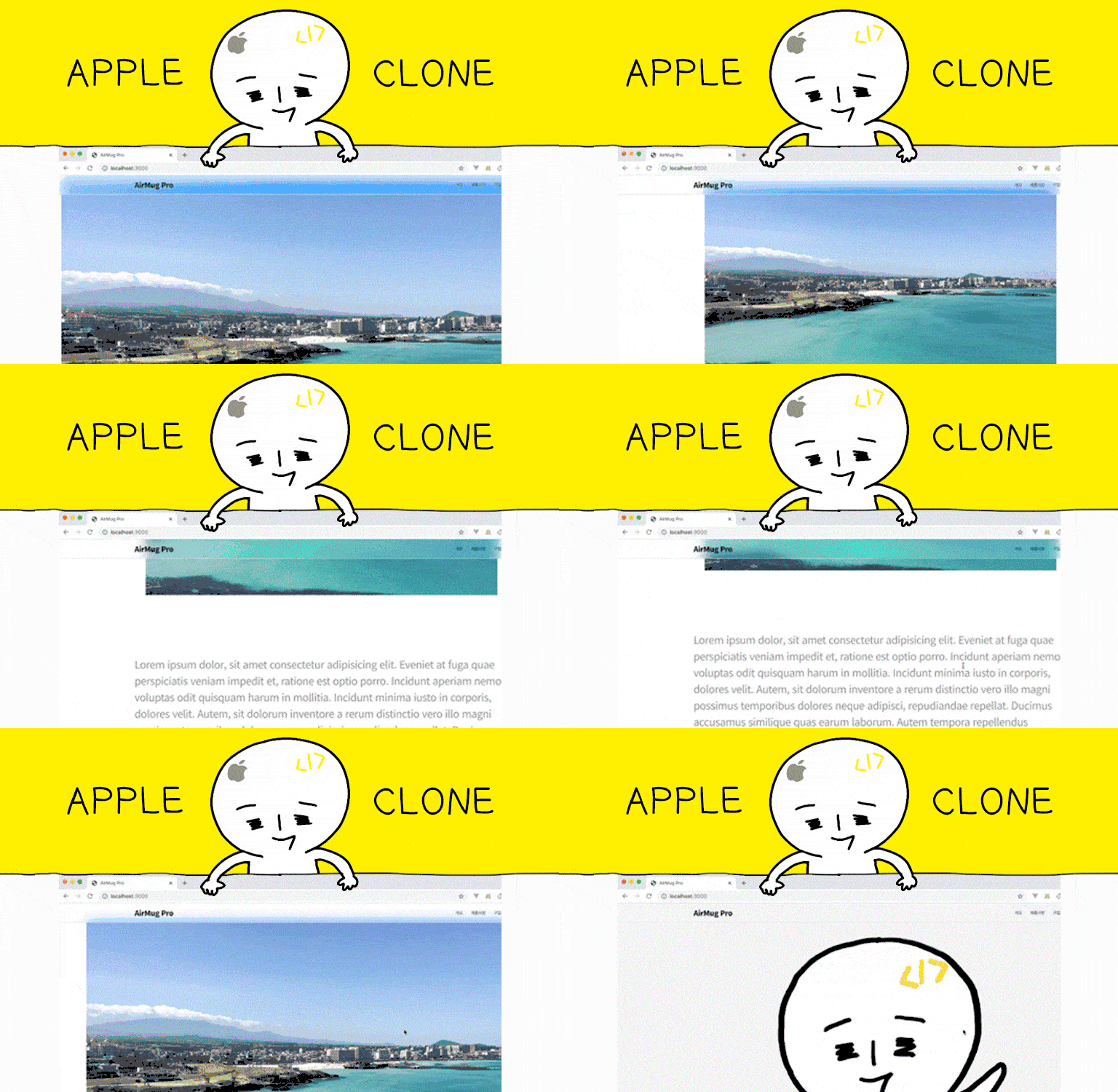
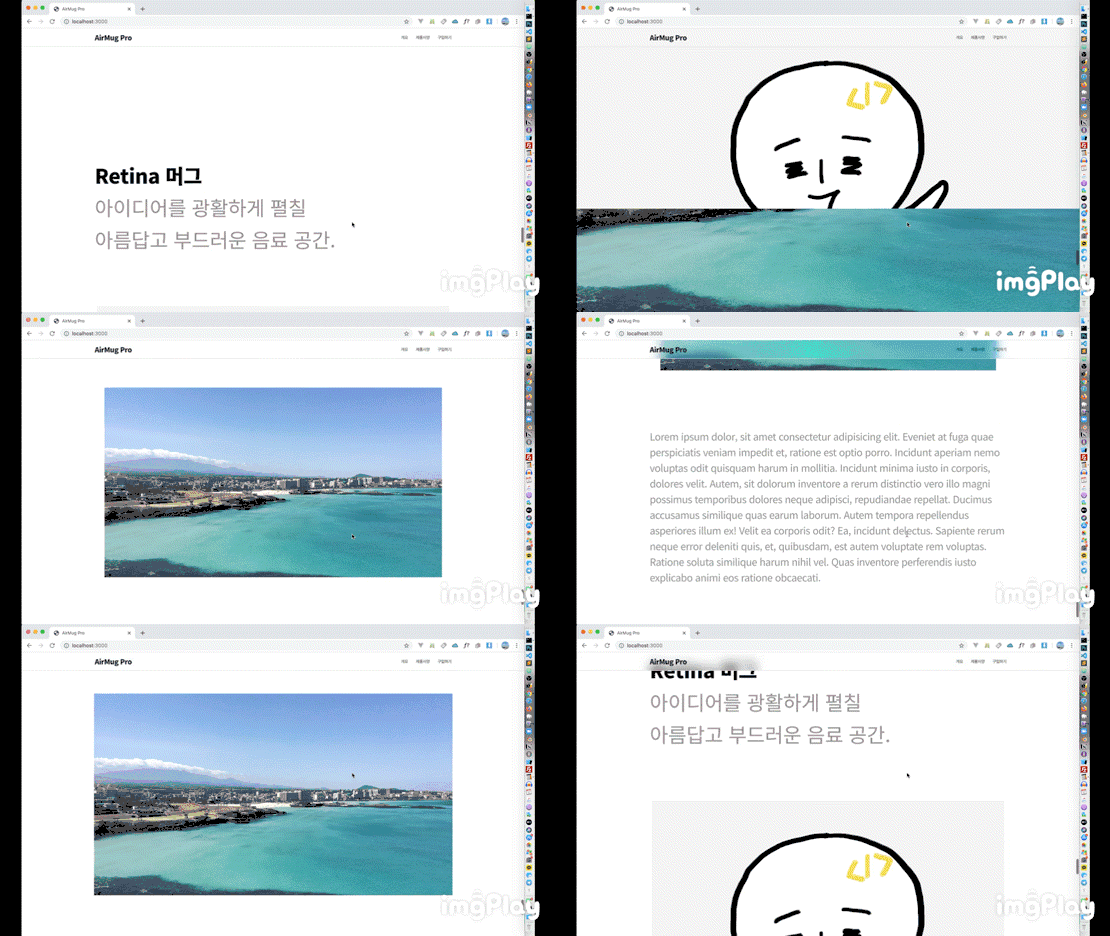
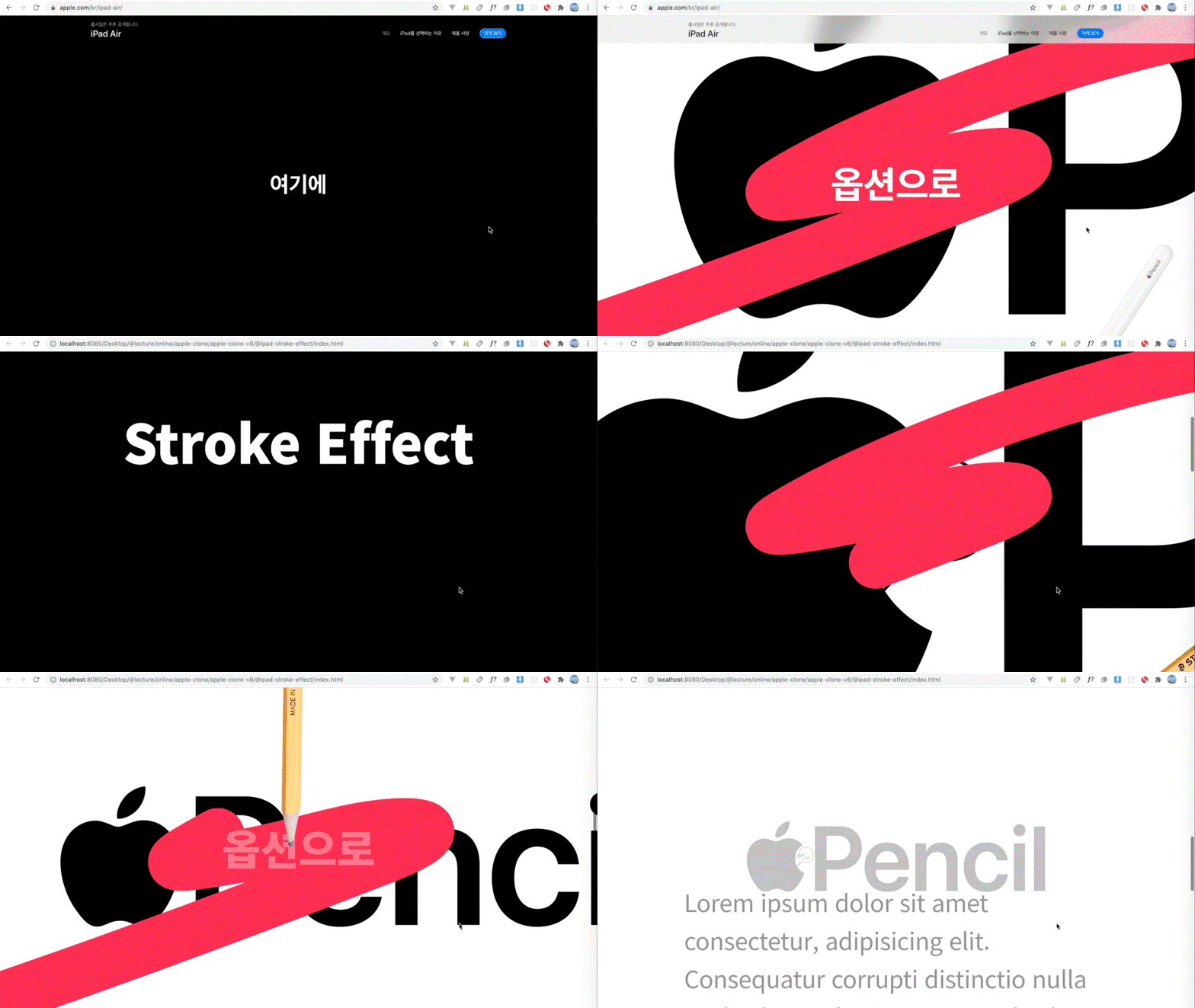
I've said this many times, but this Apple web show Kang-i is one of the most concise and cool Korean interactive shows. Even though it's an animation or canvas that I've never used, it's not easy to follow the Kang-i's example of how to do difficult things like drawing quickly. Although I'm a late bloomer, I don't know DOM well, so I had a hard time figuring out the CS:GO. However, since Kang-i's tutorial is done with a good scenario for 1 minute coding, I don't know if it's a good show or not. Even fans who watch it can easily upgrade their skills through Kang-i. That's all I can say.
5.0
피로한 메기
37% enrolled
Oh.
What is it..
This is interesting...
5.0
김찬기
93% enrolled
The way functions work, how to get values and use them, and the parts that beginners like me might not know when writing script methods or variables in between were explained in detail. To be honest, there were many parts that I didn't understand, but if I continued to write these codes repeatedly, I gained the confidence that I would be able to make them mine someday!! I'm not a major, but based on this lecture, I'm going to create my own portfolio and prepare for employment! Thank you.
What you will gain after the course
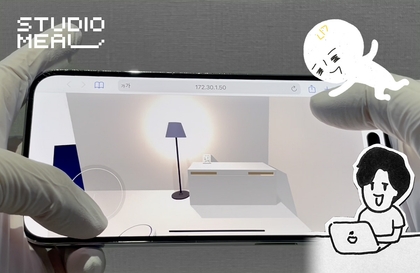
Advanced interaction techniques frequently used on Apple websites
High resolution video interaction
Controlling keyframes and elements using scrolling
How to use Canvas for high-resolution image processing
Awesome web interactions like Apple product introduction pages , Want to try developing it with your own hands? 🍎
Apple product page Implement the core principles yourself 🏰
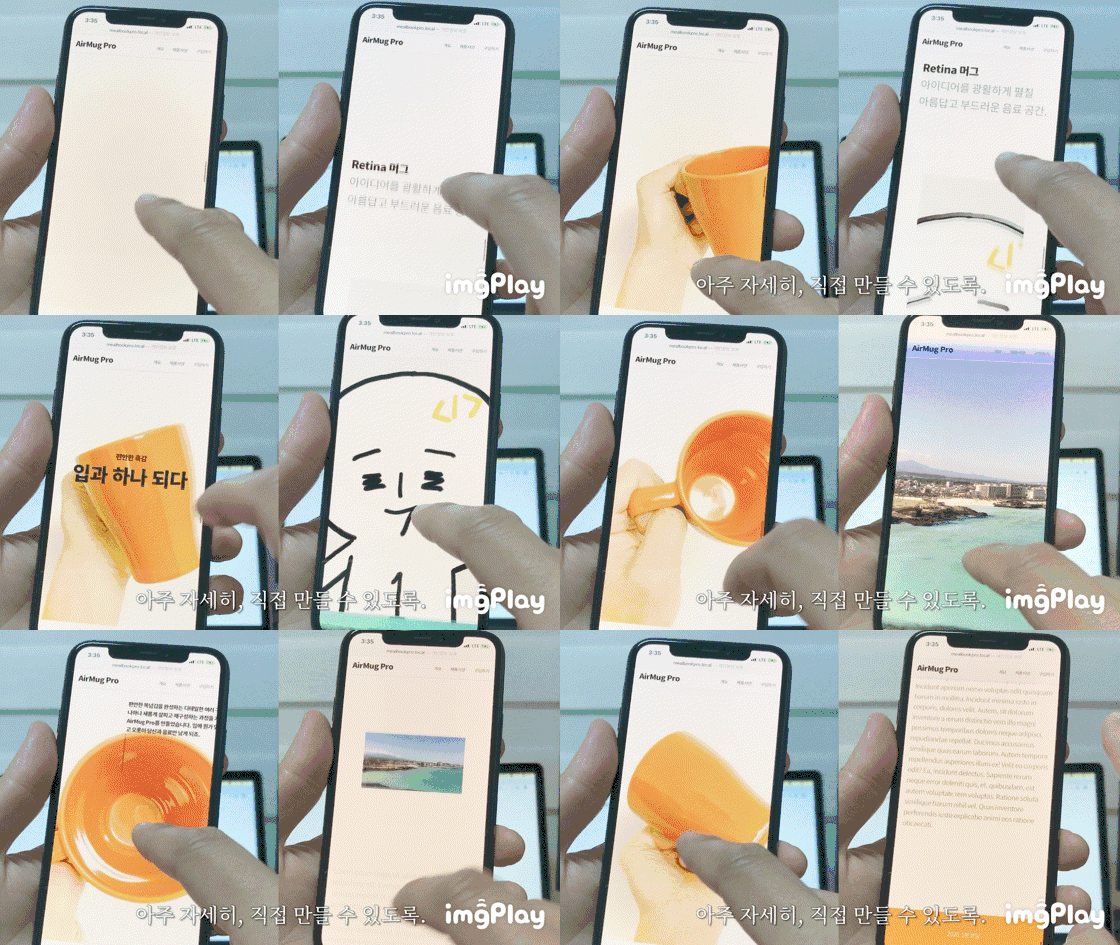
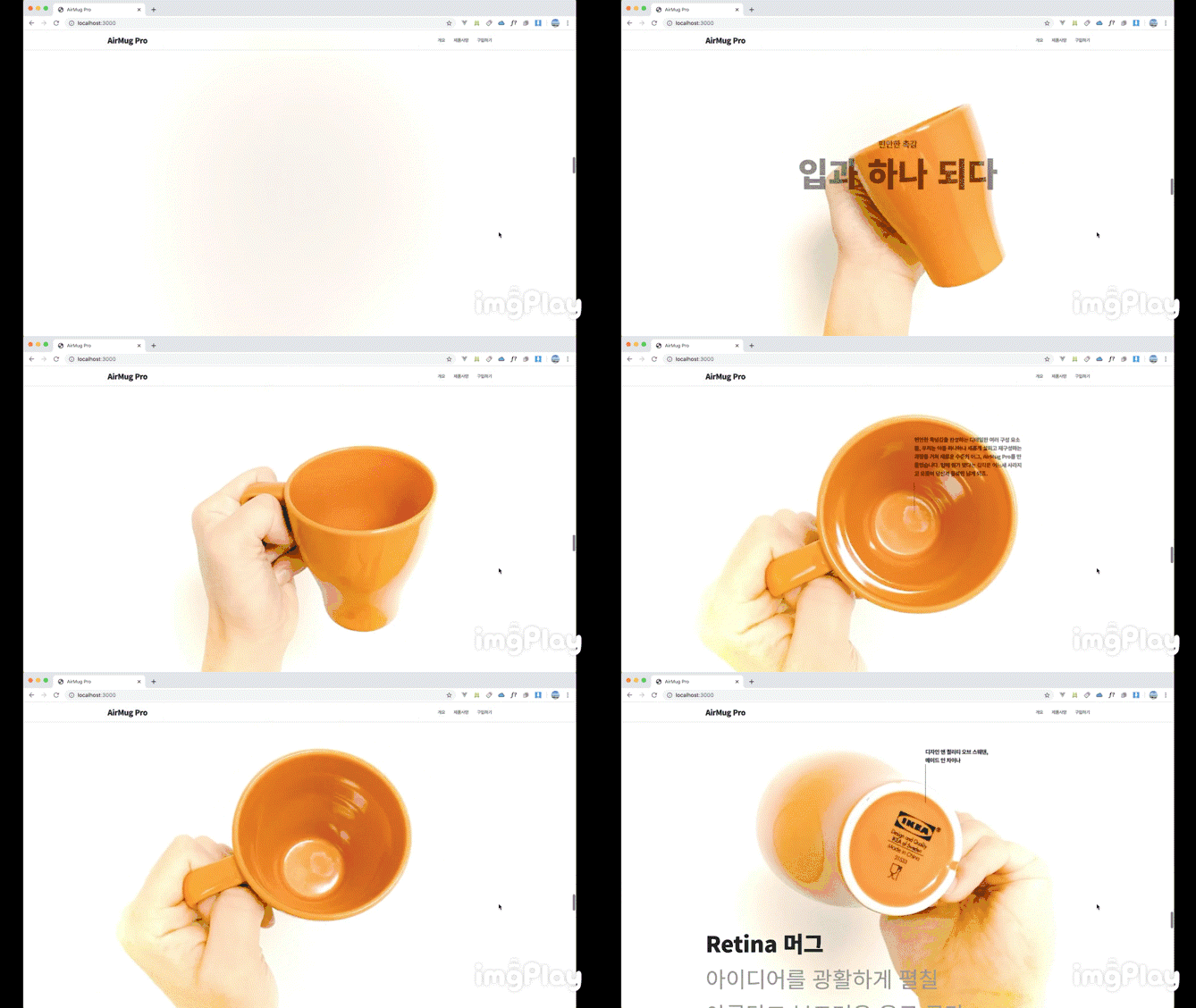
Apple's product introduction pages vary slightly in design and effects, buttheir core interaction principles are similar.Thiscourseexploresandcreatesthe core interaction principles applicable acrossApple product pages, using precise scrolling to control various design elements . Utilizing the applied effects,we'll createcomplete, organically connected pages .
Macbook Pro introduction page (click)
Airpods Pro introduction page (click)
These days, when Apple releases a new product, it's fun to just browse, but there's also the anticipation of how amazing the product introduction page will be. I'm sure everyone on the web is enjoying it, right?
From my own experience implementing it Create something new 🧰
Since we don't just use what others have created, but analyze the core principles and implement them one by one , I think it will be of great help when implementing forms or ideas that are completely different from Apple's. After working hard and persevering, you will feel more confident in developing challenging visual implementations.
Looking at it, I thought, 'How can I make something like this?' 'I want to try this in my project too.' This class is for people who think like this.
One drop at a time Getting it right from the beginning 💡
Learning Content
Creating a web page skeleton
Scroll Interaction Implementation Principles and Practice
High-resolution video interaction and scrolling actions
Practice implementing scroll interaction using position and size calculations.
Control your high-quality video more smoothly
Creating SVG Animations
Lecture Features
👌 We build it from the ground up using only standard web technologies, keeping the principles in mind. 👌 It is structured in detail so that you can practice for more than 10 hours without missing a beat, even with tight cut editing that doesn't stretch. 👌 Because we only use standard techniques, you can learn solid fundamentals that won't change over time.
I'll let you know in advance 📌
You need to know the basics of CSS and JS to learn smoothly.
I worked as a web developer/designer in Seoul, then moved through Jeju... and am currently in Penang, Malaysia, working hard on development, creating educational content, and conducting various trials and experiments as a solopreneur. I have a strong interest in interactive web with visual impact, and I share web development-related technologies on YouTube and Facebook under "1-Minute Coding."
Not only coding, but also additional explanations using pictures and materials!
This is a very useful lecture that teaches the concepts and designs of programming, not just simple code!
Since this is a somewhat difficult lecture, I tried my best to make it as easy to understand as possible. Thank you for noticing this and leaving a good review^^
The way functions work, how to get values and use them, and the parts that beginners like me might not know when writing script methods or variables in between were explained in detail. To be honest, there were many parts that I didn't understand, but if I continued to write these codes repeatedly, I gained the confidence that I would be able to make them mine someday!! I'm not a major, but based on this lecture, I'm going to create my own portfolio and prepare for employment! Thank you.
Wow, you wrote in detail about the parts that were helpful to me, so it was very helpful to me as well^^ You studied really hard, so thank you so much for writing such a great course review, Chan-gi. I hope you create a great portfolio and get hired at the place you want!
I've said this many times, but this Apple web show Kang-i is one of the most concise and cool Korean interactive shows. Even though it's an animation or canvas that I've never used, it's not easy to follow the Kang-i's example of how to do difficult things like drawing quickly. Although I'm a late bloomer, I don't know DOM well, so I had a hard time figuring out the CS:GO. However, since Kang-i's tutorial is done with a good scenario for 1 minute coding, I don't know if it's a good show or not. Even fans who watch it can easily upgrade their skills through Kang-i. That's all I can say.
ㅋㅋㅋㅋㅋㅋㅋ As your nickname suggests, Minam uses the word "Pangka" really well... I guess I should put it this way. It's a magic that even a translator can't translate it, but I'll understand what you're saying ㅋㅋㅋㅋㅋ Thank you, Mr. Heo, no, Mr. Ahn ㅋㅋㅋㅋㅋ
#Best in web design and interaction!
#From a programmer's perspective, well..?
If you are a web designer who wants to do publisher work or a publisher who is close to design, it may not be a problem,
but if you are someone like me who dreams of becoming a great programmer who is more familiar with the front-end or back-end than the design field, you often have questions when looking at the code. I personally thought this.
'Can't the code structure be more concise?'
'Hey, wouldn't it be cleaner if I processed it as a function...?'
'Huh? If I processed this as a formula, the value would come out automatically, so why do I have to input numbers like 0.22 one by one?'
## Don't code while modifying it like I did.
It is good for your mental health to copy it as it is.
I wrote the code by modifying it little by little instead of copying 1 Minute Coding's code as it is, and I feel like I'm going to die while debugging. ㅠㅠ I wonder if it would have been better if you had used a well-structured code while considering students who are not familiar with programming. The current code is too poorly readable and is messy like spaghetti code, so if you modify it and miss it for a moment, it's quite difficult to analyze...
But don't misunderstand. This is the only drawback. Everything else is great. There's nothing to criticize.
The concepts are explained in detail and delicately. It's also good that you explain them in detail with pictures. It's easy to understand, and the lectures are thoughtfully edited, so it's less boring. I'm leaving a review so that it will be helpful to students like me among the many students. Please think of it as completely copying the code and avoid doing useless things like I did.