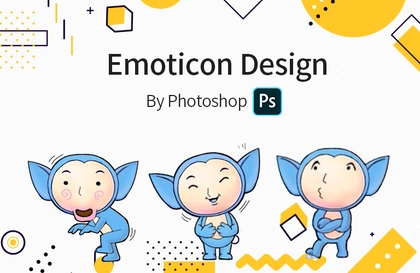
Anyone Can Do Emoticon Design Part 1
usefulit
$46.20
Beginner / emoticon, Photoshop, Character Design
4.0
(25)
82,100+
How to Make Emoticons That Even Beginners Can Turn into Experts

Beginner
emoticon, Photoshop, Character Design

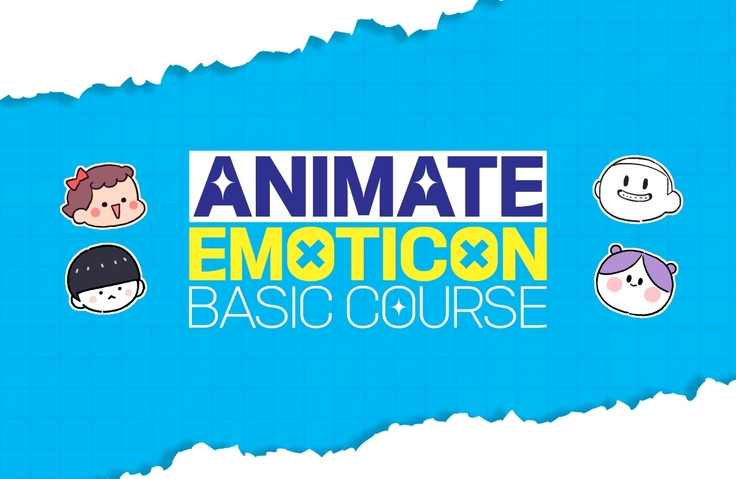
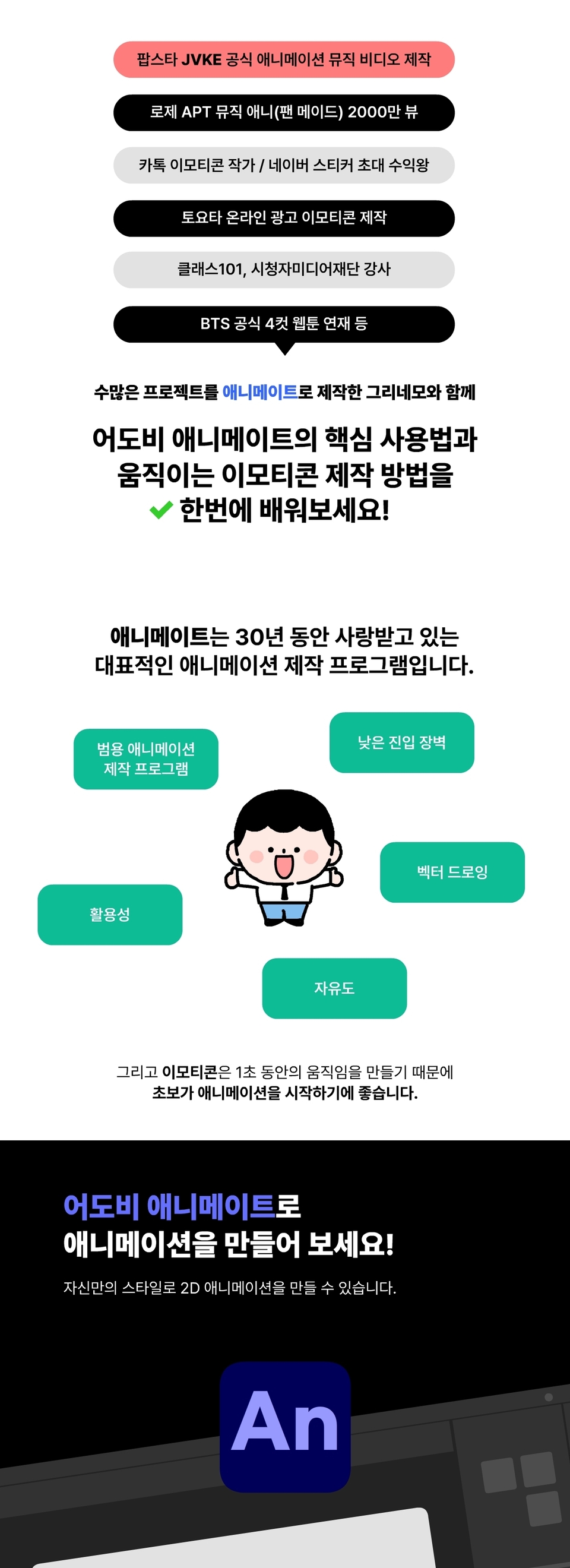
You can learn the core usage of Adobe Animate from a KakaoTalk emoticon artist who produced an official collaboration music video with pop star JVKE and a K-pop idol, and achieved 20 million views on YouTube for their animation.
839 learners
Level Beginner
Course period Unlimited
Reviews from Early Learners
5.0
모험
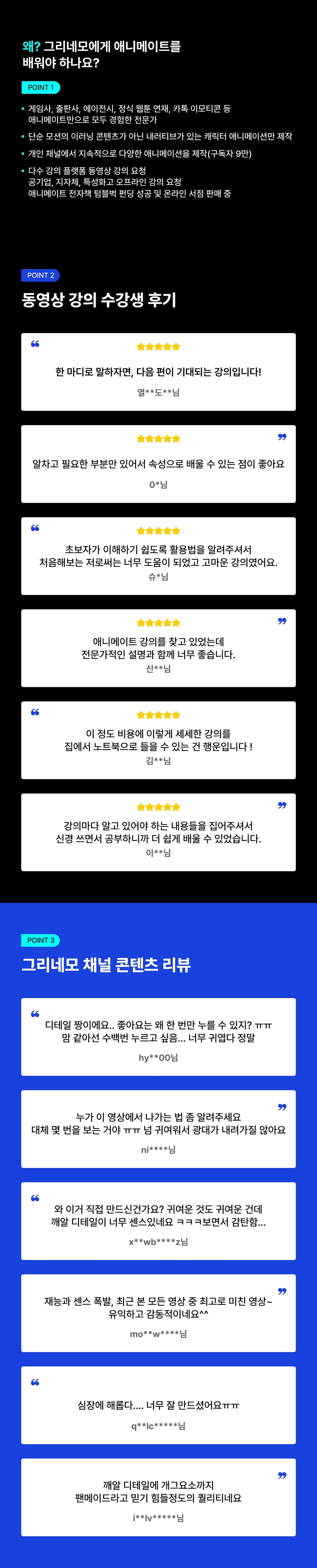
It's as if the instructor had composed it with the thought, "I wish someone had taught me this" when he didn't know anything about Animate in the past. I felt that way while watching it, but I felt that way even more after finishing it. I enjoyed it. It was very helpful.
5.0
박주미
I was looking for a class where I could learn how to animate, and I ended up taking this class. The class wasn't boring, and I was able to learn well and enjoyably. I especially liked that I could learn from scratch. I think the best part was that I was able to use the functions that I had only learned while practicing. I highly recommend this to anyone who wants to start animating.
5.0
열심인 도마뱀
In short, this is a lecture that I look forward to next time! At first, I couldn't do it because of the unfamiliar tool called Animate and how to use it. However, as the teacher said, I tried to do it slowly and repeatedly without trying to understand it perfectly from the beginning. Then, in the second half, I found myself pressing shortcut keys and working! I was so proud ^-^b Also, while taking the class, I felt that the teacher had a wide range of knowledge and depth of knowledge about the parts needed for the class. He told me to tell him whenever I didn't know something, so I asked questions and sent emails all the time, and he answered me very quickly and accurately. I felt sorry but also grateful. Thanks to him, my questions were answered right away, and I had no trouble taking the next class. Personally, I would like to take an intermediate-level class as well. I think the class was made for beginners, but the more I listened to it and followed along, the more I thought that Animate was an extremely efficient and attractive tool. I think there will have to be a lot of students for the next lecture to come out... I have a complicated feeling of wanting to recommend something but also wanting to keep it to myself... You can keep this useful lecture for life by spending the price of two chickens. Just remember it...!
Basic Animate Usage
How to create 2D character animations
How to create animated emojis
Emoticon planning and other useful tips
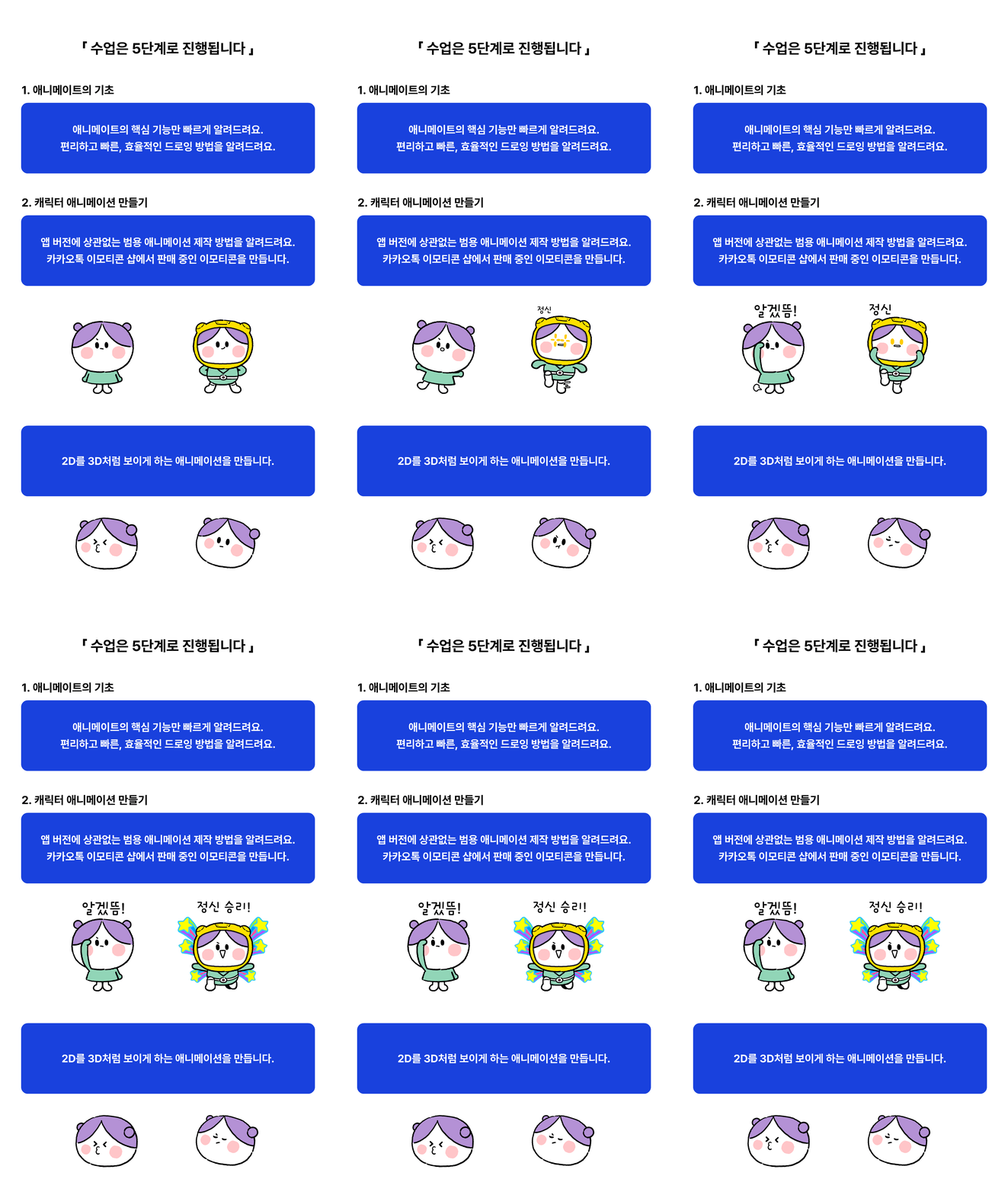
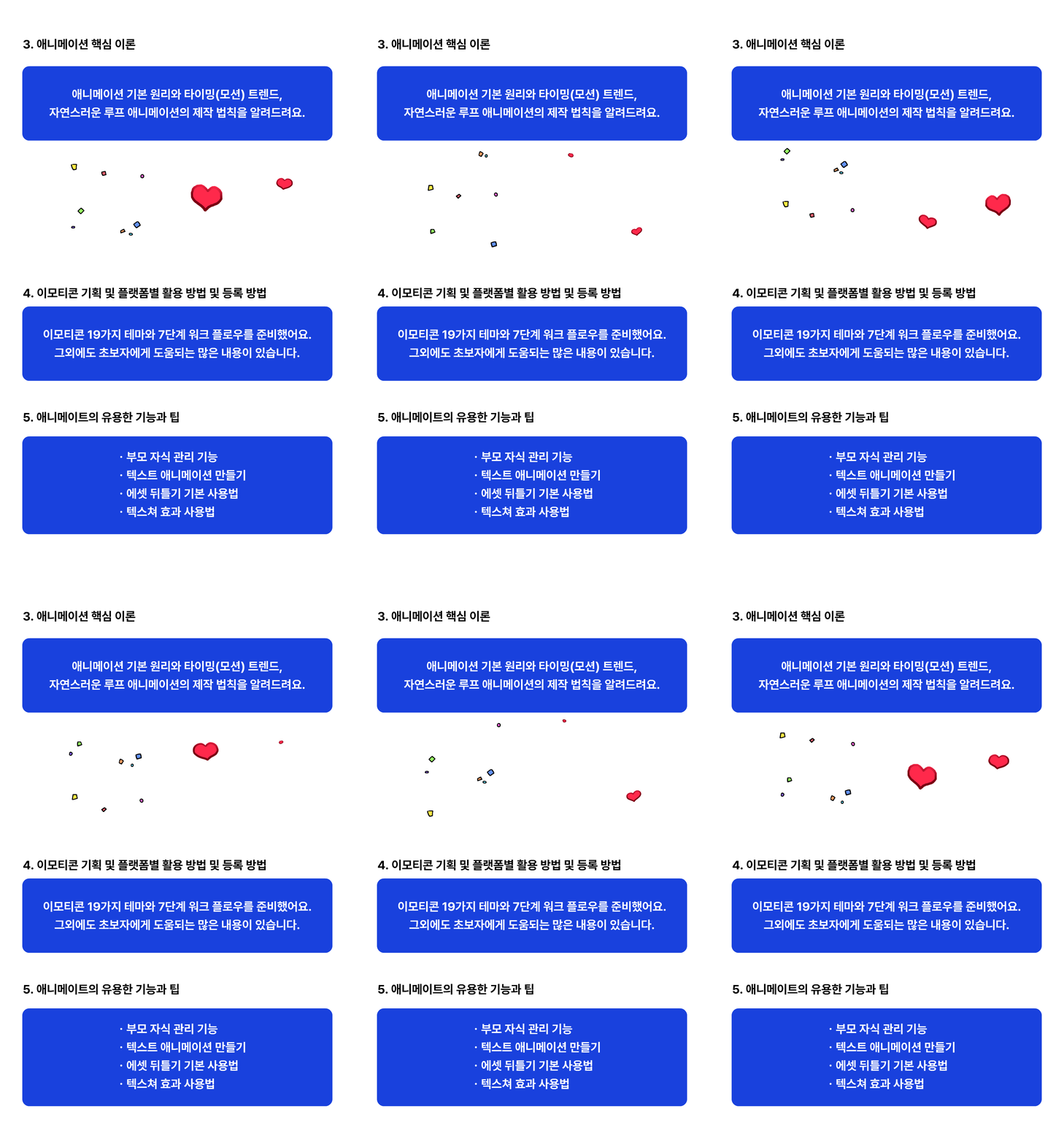
📣 Animation created with Animate
🚩 Materials needed for the lecture
🚩Notes
ㆍThe "Useful Features and Tips for Animate" chapter is a bonus lesson and is not related to emoticon creation.
ㆍPlease note that some lessons in this chapter do not have AI or voice recordings.
ㆍActionScript (programming language) and Rigging (Bone tool) are not covered.
ㆍSince individual computer literacy varies, the lessons are structured based on a general level of proficiency.
ㆍPlease refrain from asking questions regarding basic computer usage.
ㆍFor general information about Animate, please refer to Help > Online and Hands-on Tutorials within the app, or check the following link. >Adobe Animate User Guide
ㆍAnimate will enter maintenance mode with no new feature updates after February 2026. For more details, please refer to the official website. > Adobe Animate Maintenance Mode FAQ
🚩Q & A
Animate is a versatile professional animation production program used by everyone from amateurs to experts.
This means the barrier to entry is low yet the tool remains professional, and to this day, international animation studios frequently use Animate to produce *cartoon-style TV show animations. (Watch related video)
Therefore, it can be used effectively for both individual and collaborative work.
*What is cartoon-style animation? An animation style currently airing on American cartoon channels.
[Link to list of international animations made with Animate (Click to view/New window)]
First, since you can produce both *frame-by-frame and cut-out styles, you can express everything from original creative styles to popular mainstream styles. For your information, it is recommended for beginners to start with the cut-out method. This course combines both methods (10% frame-by-frame, 90% cut-out).
Second, since everything from drawing to animation is done within a single app, you can work quickly and efficiently.
Third, because it is based on vector drawing, you don't have to work on a large scale intentionally, and you can quickly save images or animations of various sizes.
*Frame-by-frame: A traditional production method of creating animation by drawing each frame one by one.
*Cut-out: A production method of creating animation by moving a single drawing.
A. This course focuses on cartoon-style animation using a tablet and emoticon production and planning.
The Class101 course covers comprehensive ways to use Animate, such as character animation drawn with a mouse, background animation production methods, and sound editing.In any class, if there is anything you don't know, please leave a question at any time and I will help you as much as possible!
Who is this course right for?
Those who want to learn Animate quickly
Those who want to create cartoon-style general-purpose 2D animations without using rigging (bones)
Those who want to create emojis with Animate
Need to know before starting?
None

840
Learners
55
Reviews
164
Answers
4.7
Rating
2
Courses
Hello, I am Grinemo, a freelance creator and Animate instructor.
I am currently running video courses on Class101 and Inflearn, and I conducted a month-long online Animate course for students in the media departments of specialized high schools through the Community Media Foundation. In addition, I have received lecture requests from various educational platforms, local governments, and public enterprises, and I am currently selling an Animate e-book in online bookstores after a successful funding campaign.
Many Animate (Flash) users build their careers by creating simple educational module animations. However, I have focused exclusively on producing creative animations with narratives, handling both story and animation myself for clients such as educational institutions, game companies, character agencies, and publishing houses.
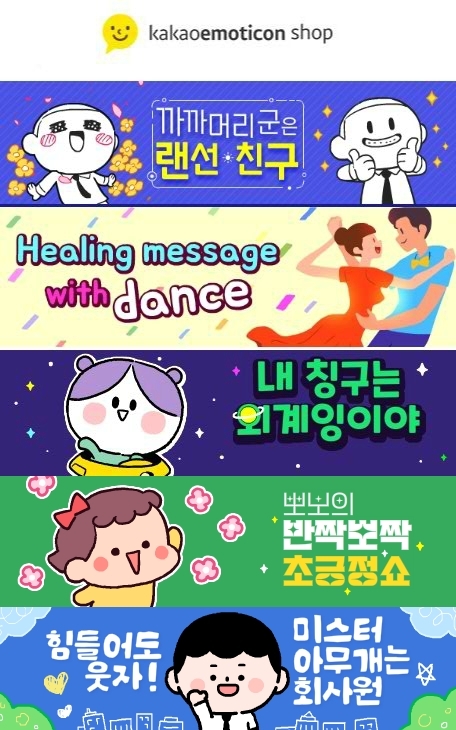
After transitioning to a freelancer, I have completed various projects using only the Animate app, including serializing an official webtoon on BST, producing numerous outsourced animations for Pinkfong (the creator of Baby Shark), creating online promotional emoticons for Toyota, becoming a top revenue earner for Naver stickers, and working as a KakaoTalk emoticon creator.
Currently, as a freelance creator, I consistently produce original animations on my personal YouTube channel and am expanding my scope of activity as an Animate instructor.
The experience I have gained through new challenges and growth has become a great asset to me, and I am now sharing my know-how with those who want to take on challenges in the field of animation.
YouTube Rosé APT. Music Animation 20 Million Views
KakaoTalk Emoticon Creator, over 200 emoticons currently on sale across LINE, BAND, etc.
Produced numerous freelance animations for The Pinkfong Company (creators of Baby Shark)
Created Toyota online promotional emoticons (Intertrend, California)
Naver Grafolio Market (now OGQ) first-ever top earner in the sticker (emoticon) category
Serialized BTS official 4-panel webtoon (Jaedam Media) and published physical book (Seoul Munhwasa)
Serialized Korea Gas Corporation brand webtoon (Jaedam Media)
Instructor for Class101 online courses
Youth media education instructor at Community Media Foundation, Gwangju Center (Animate / Short-term)
Tumblbug - Animate E-book funding successful at 214% (April '24)
E-book Published - Currently on sale at Aladin, Kyobo Book Centre, and other online retailers
All
33 lectures ∙ (5hr 25min)
Course Materials:
1. What is Animate?
04:54
All
55 reviews
4.7
55 reviews

Reviews 1
∙
Average Rating 5.0
5
In short, this is a lecture that I look forward to next time! At first, I couldn't do it because of the unfamiliar tool called Animate and how to use it. However, as the teacher said, I tried to do it slowly and repeatedly without trying to understand it perfectly from the beginning. Then, in the second half, I found myself pressing shortcut keys and working! I was so proud ^-^b Also, while taking the class, I felt that the teacher had a wide range of knowledge and depth of knowledge about the parts needed for the class. He told me to tell him whenever I didn't know something, so I asked questions and sent emails all the time, and he answered me very quickly and accurately. I felt sorry but also grateful. Thanks to him, my questions were answered right away, and I had no trouble taking the next class. Personally, I would like to take an intermediate-level class as well. I think the class was made for beginners, but the more I listened to it and followed along, the more I thought that Animate was an extremely efficient and attractive tool. I think there will have to be a lot of students for the next lecture to come out... I have a complicated feeling of wanting to recommend something but also wanting to keep it to myself... You can keep this useful lecture for life by spending the price of two chickens. Just remember it...!
Thank you for your review! This was my first lecture, and I started it without much thought, hoping to use Animate a lot, so there were many shortcomings, but I have revised and supplemented some of the lectures based on the questions and feedback from the students. You and I are Animate + Mate (friends), so please don't feel pressured and ask questions if you have any~.😄

Reviews 1
∙
Average Rating 5.0
5
It's as if the instructor had composed it with the thought, "I wish someone had taught me this" when he didn't know anything about Animate in the past. I felt that way while watching it, but I felt that way even more after finishing it. I enjoyed it. It was very helpful.
Thank you for the course review! After reading it, I was touched by the satisfying course review.
Reviews 1
∙
Average Rating 5.0
Reviews 1
∙
Average Rating 5.0
5
I was looking for a class where I could learn how to animate, and I ended up taking this class. The class wasn't boring, and I was able to learn well and enjoyably. I especially liked that I could learn from scratch. I think the best part was that I was able to use the functions that I had only learned while practicing. I highly recommend this to anyone who wants to start animating.
Congratulations on completing the course, Jumi! I couldn't include more because it was a beginner's course, but I'm glad it was helpful. Thank you. 😃
Reviews 1
∙
Average Rating 5.0
5
Please point out the key contents needed for making emoticons! I was able to learn more easily because I studied carefully by picking out the contents that I needed to know in each lecture. You also answered the questions left by others in detail!! I solved the problem by looking at that without having to ask a separate question. It was a really fun and worthwhile lecture. Thank you :-)
Thank you, Chaeyeon! If you have any questions about animations or emoticons, please feel free to ask. 🙂
Explore other courses in the same field!
$38.50
![Finish it in one go. AI-Powered Digital Content Creation Part.1 AI Content Creation (Basics 1) [AI Dubbing]Course Thumbnail](https://cdn.inflearn.com/public/files/courses/339348/cover/01k87zbzrccxwz1dr66arbbj54?w=420)
![[Master] After Effects CC: Building a Solid Foundation CourseCourse Thumbnail](https://cdn.inflearn.com/public/courses/333257/cover/2e365cbe-6ec2-49d3-98fb-73733422e4db/333257.png?w=420)