강의

멘토링

커뮤니티

Programming

/

Mobile Application Development

Successful Real iOS Design Guide - [Autolayout With Code]

A practical lecture to learn the iOS UIKit design system - You can learn the real Design Guide from an 11-year developer.

(5.0) 3 reviews

57 learners

Level Basic

Course period Unlimited

  • enilv0529
iOS Autolayout
iOS Autolayout
Mobile App Design
Mobile App Design
iOS
iOS
autolayout
autolayout
Swift
Swift
iOS Autolayout
iOS Autolayout
Mobile App Design
Mobile App Design
iOS
iOS
autolayout
autolayout
Swift
Swift

What you will gain after the course

  • UIKit-based practical design

  • Auto Layout, Code Layout

  • Complete mastery of the Custom View concept

A Guide to Successful, Real iOS Design - [Autolayout With Code]

A must-have for iOS developers! This course will help you overcome all the design challenges you've faced so far!


🎉 Course Features

  • Special lectures created by an iOS developer with over 11 years of experience.

  • Sharing practical know-how based on experience launching over 100 projects.

  • Courses designed for everyone from beginners to advanced developers


😣 Have you ever had these concerns?

  1. Have you ever worried about how to implement something just by looking at the screen?

  2. Can do basic layouts, but not confident with custom designs?

  3. Do you know how to write code, but designing feels too difficult and you've given up?

  4. Have you ever wanted to build your UI with code instead of storyboards?

We'll solve all your worries!


🚀 Key points of the lecture

  1. Practical know-how : A deep understanding of UI/UX based on 10 years of experience in iOS development.

  2. Screen Composition with Code : Beyond Storyboards, More Detailed and Sophisticated Design Composition with Code

  3. Scalable design : Provides flexible design guidelines that can be modified to meet user needs.

  4. Proven Curriculum : A completely reimagined, state-of-the-art iOS AutoLayout course, proven over six years.


🔥 Points that differentiate it from other lectures

  • It directly addresses problems and solutions encountered in actual work.

  • Starting from the basics, you'll gain all the design skills you need for real-world projects.

  • The heart of app development! Learn how to create high-quality apps through the perfect harmony of code and screens!


🎯 Goal

  • As an app developer, you'll improve your ability to achieve a perfect balance between code and screen design.

  • You will gain the skills to develop bug-free, user-loved apps.


💡 Requirements

  • An understanding of the basic syntax of Swift is required.


📱 The world of development can feel daunting and complex when you first start out. However, you've now found your destiny. Based on my own experience and trial and error, I'll show you the most effective path forward. I support your challenges, and with this course, you too can grow into a developer capable of creating exceptional designs. Let's take that first step together today!

If you want to learn real iOS design , something different from what you've seen before, choose this course right now!

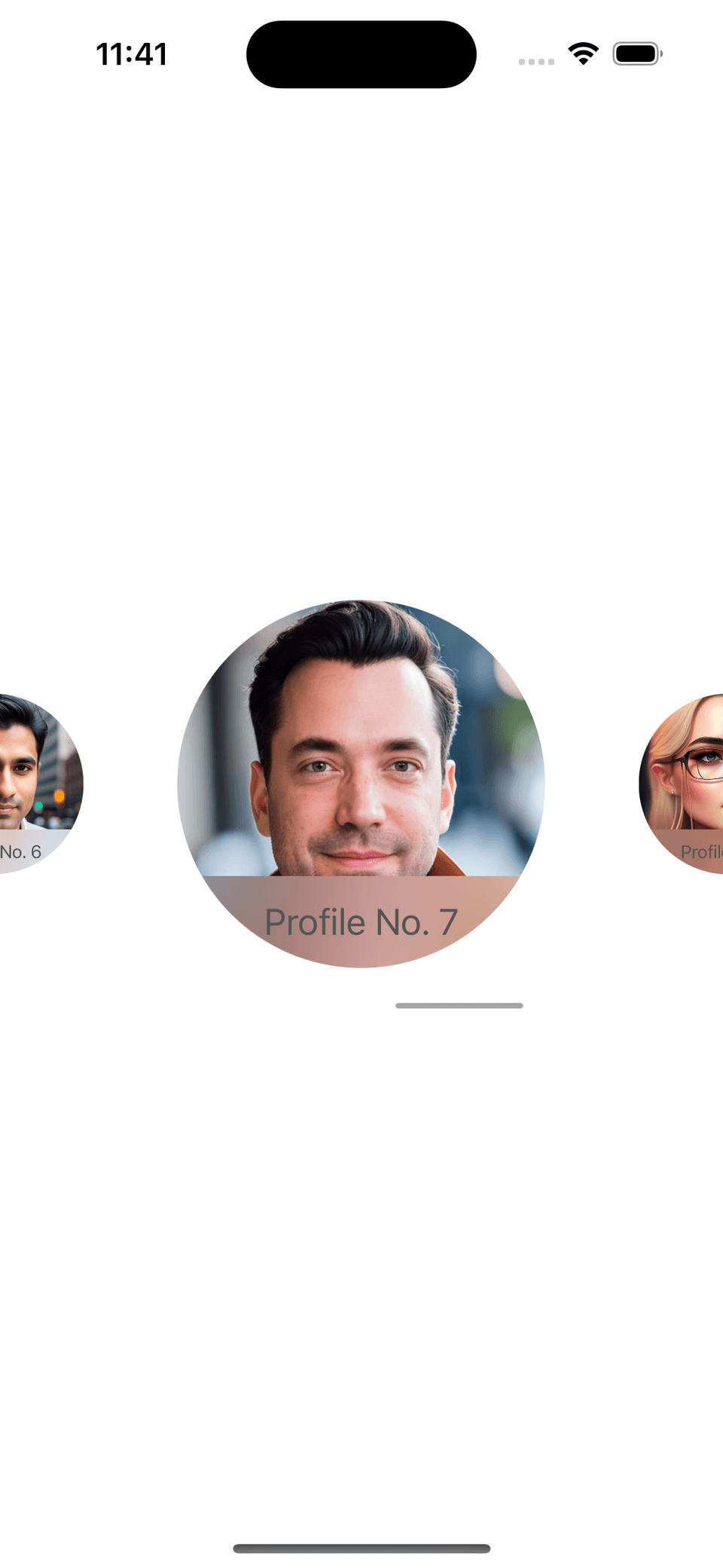
Simulator Screenshot - iPhone 14 Pro - 2023-10-17 at 23.41.24

Awesome drag with paging effect

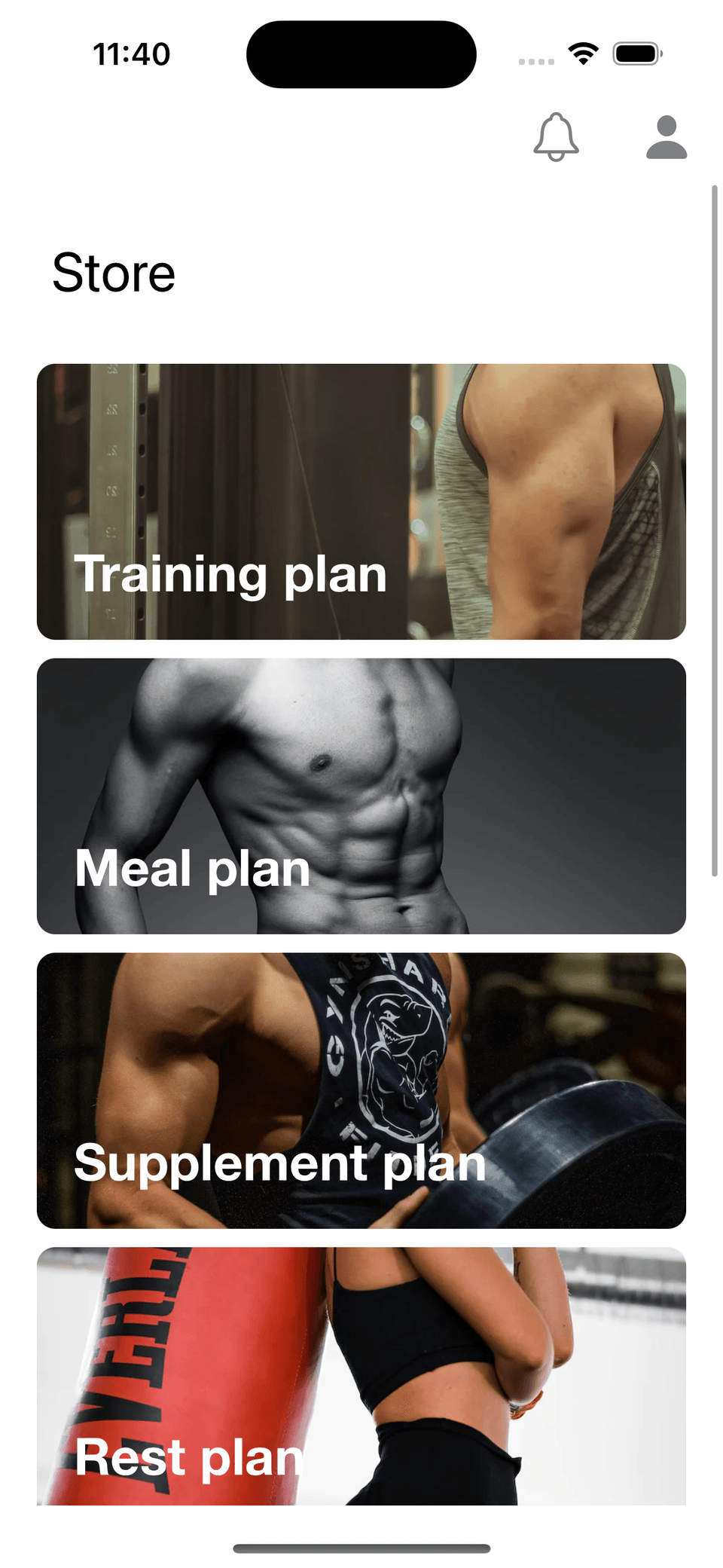
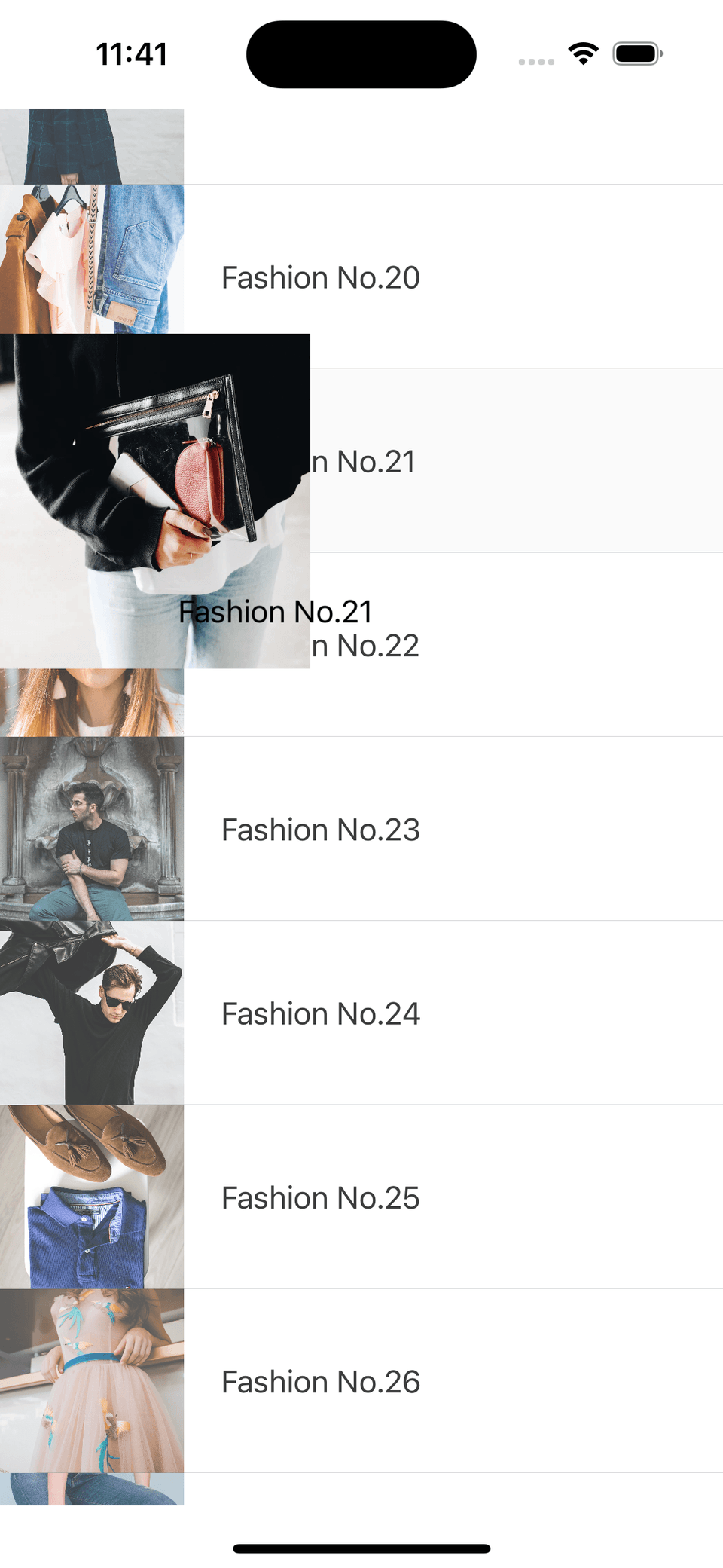
Simulator Screenshot - iPhone 14 Pro - 2023-10-17 at 23.40.01

Understand list implementation perfectly

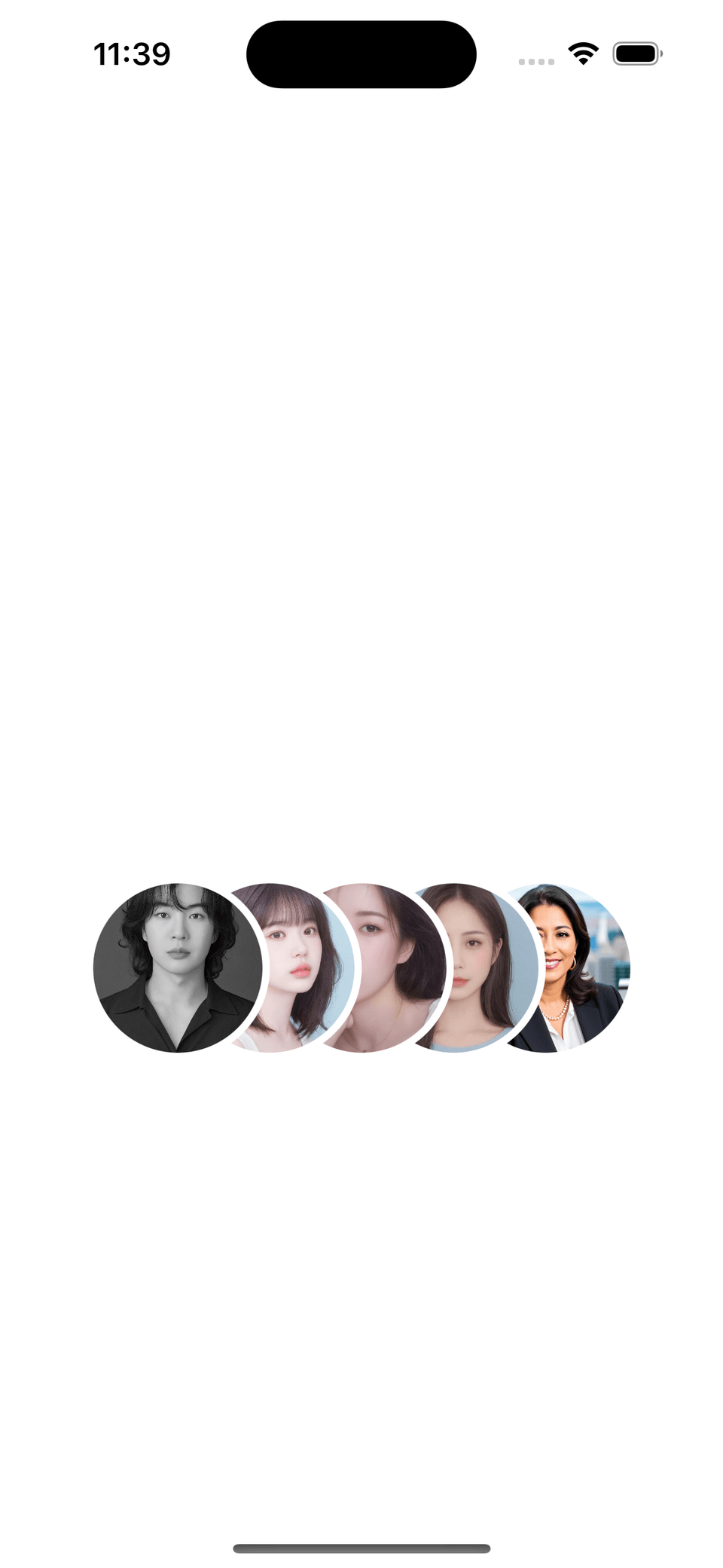
Simulator Screenshot - iPhone 14 Pro - 2023-10-17 at 23.39.31

I also fully understand the image position

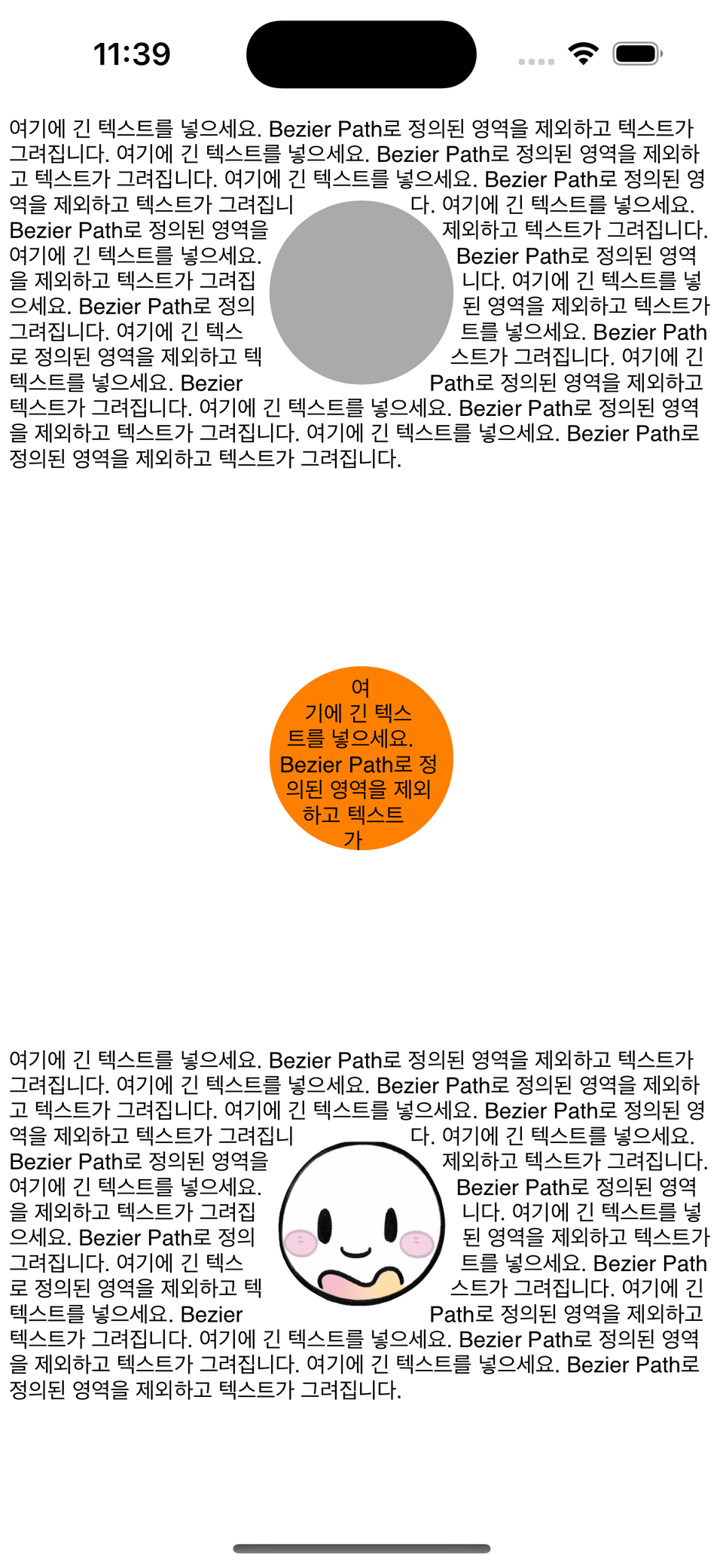
Simulator Screenshot - iPhone 14 Pro - 2023-10-17 at 23.39.10

Understanding the relationship between text and images

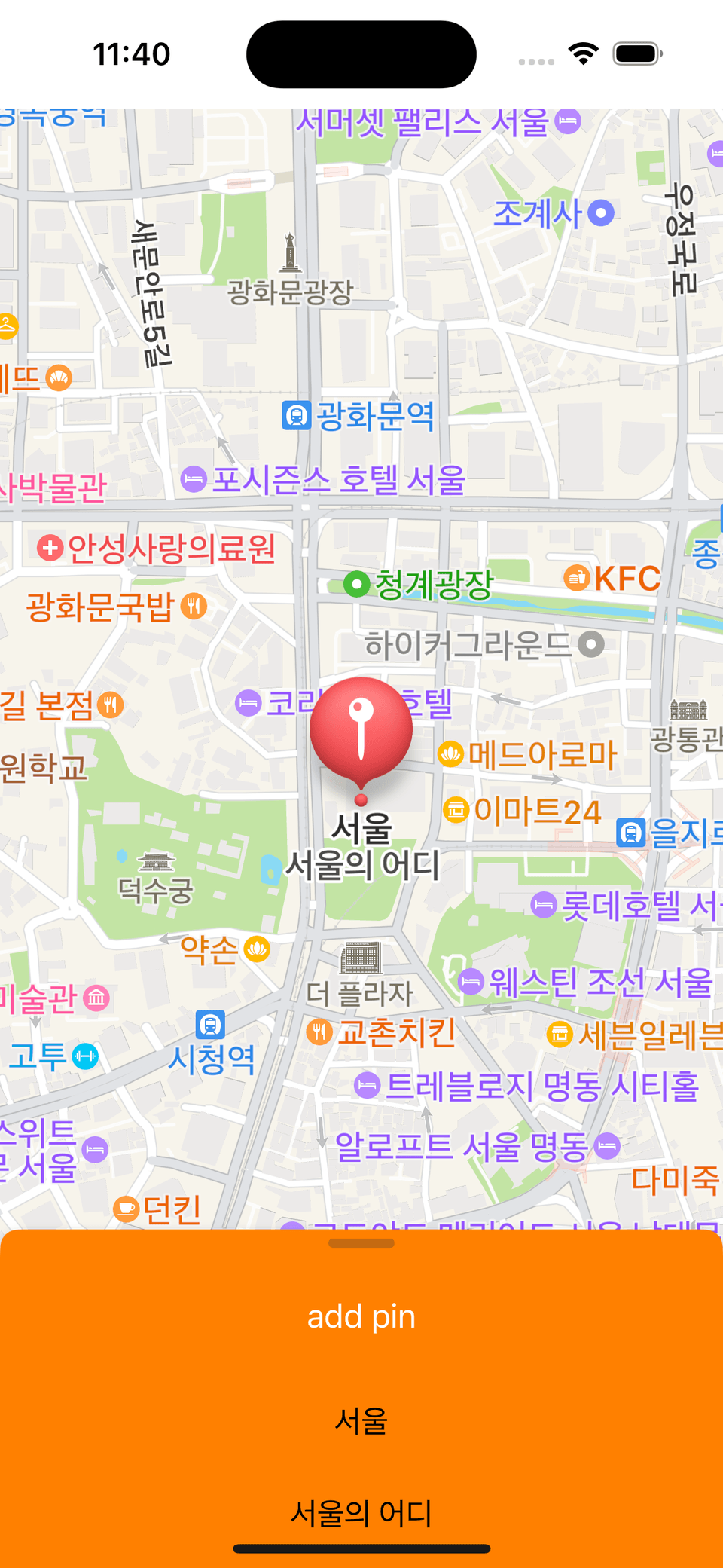
Simulator Screenshot - iPhone 14 Pro - 2023-10-17 at 23.40.18

How to use Sheet properly

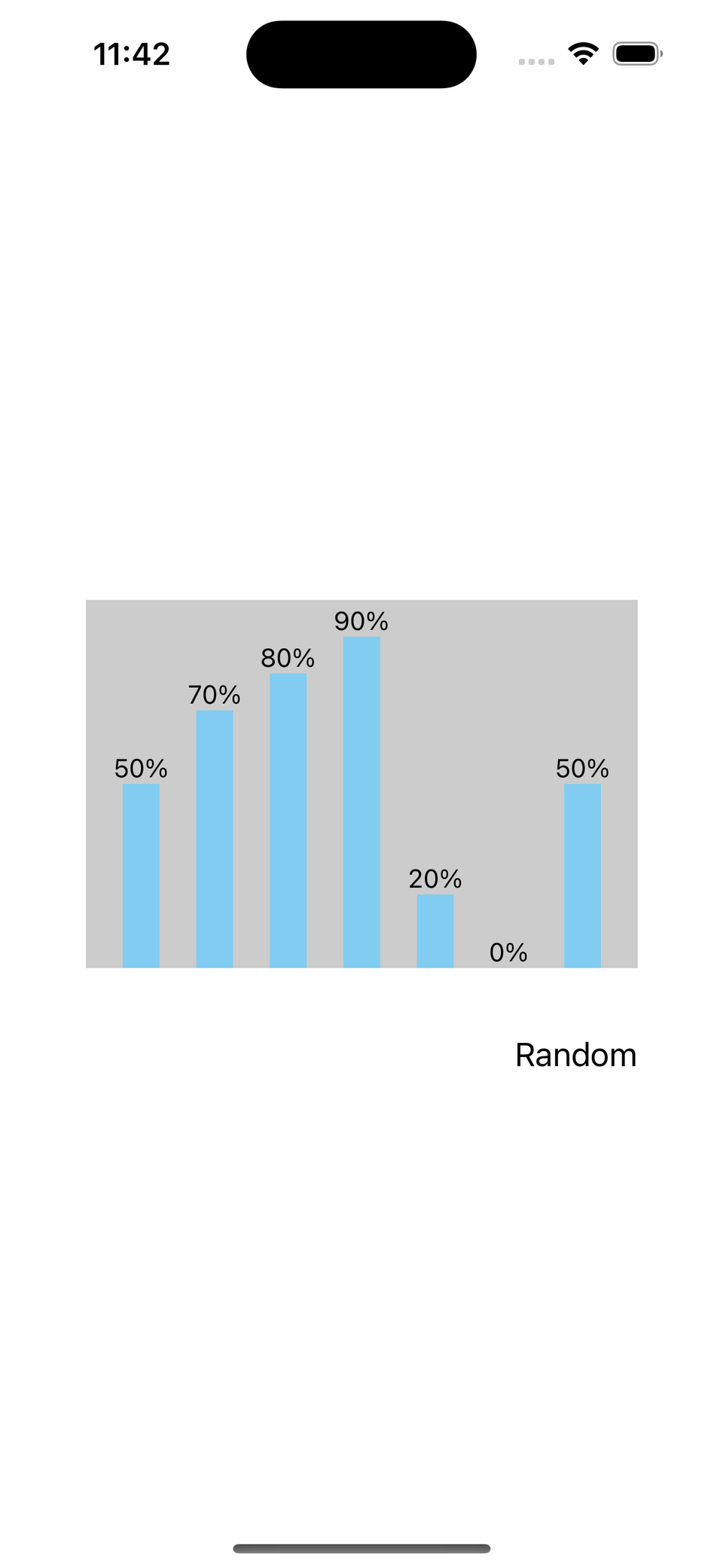
Simulator Screenshot - iPhone 14 Pro - 2023-10-17 at 23.42.25

You can also create your own bar graphs.

Simulator Screenshot - iPhone 14 Pro - 2023-10-17 at 23.41.00

You can make your own heart button!!

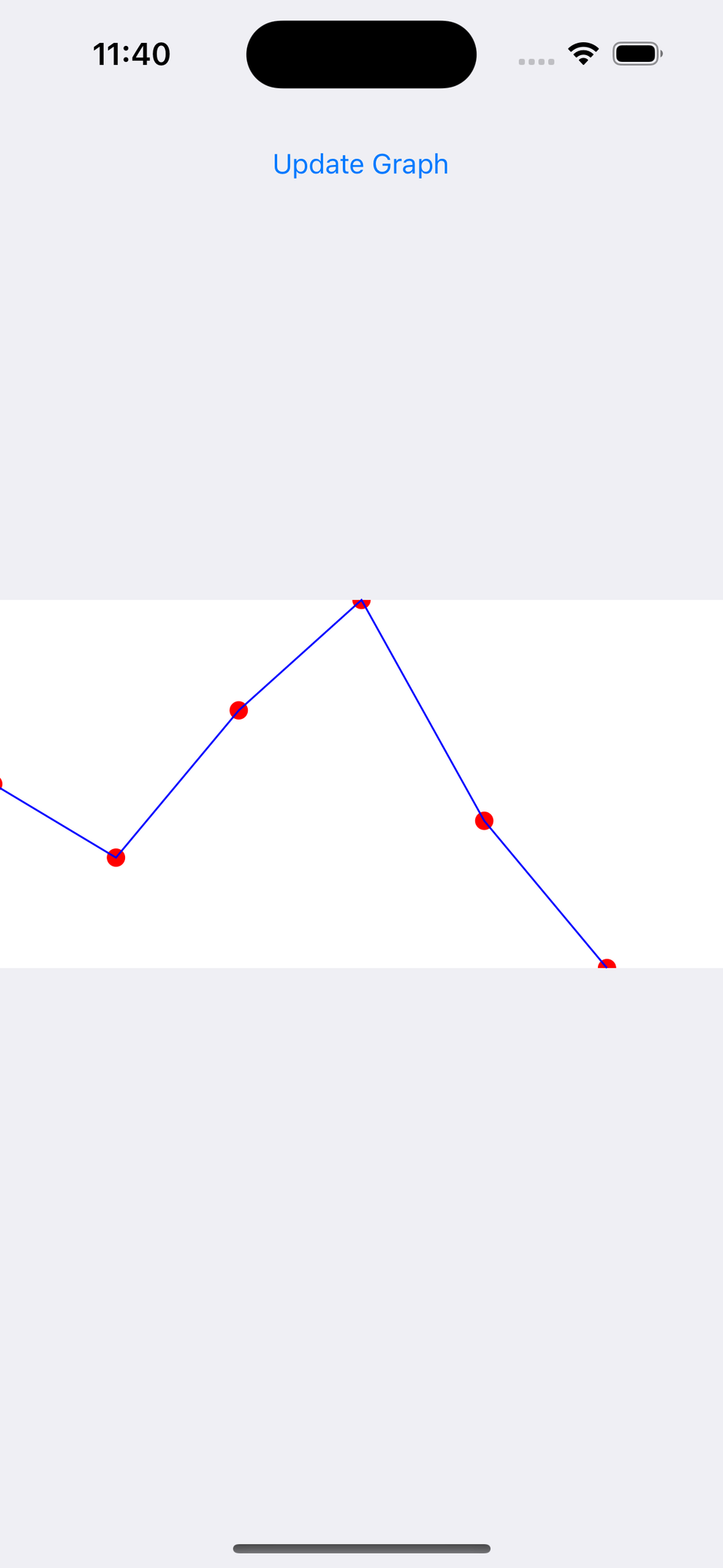
Simulator Screenshot - iPhone 14 Pro - 2023-10-17 at 23.40.41

Line graphs are also possible directly.

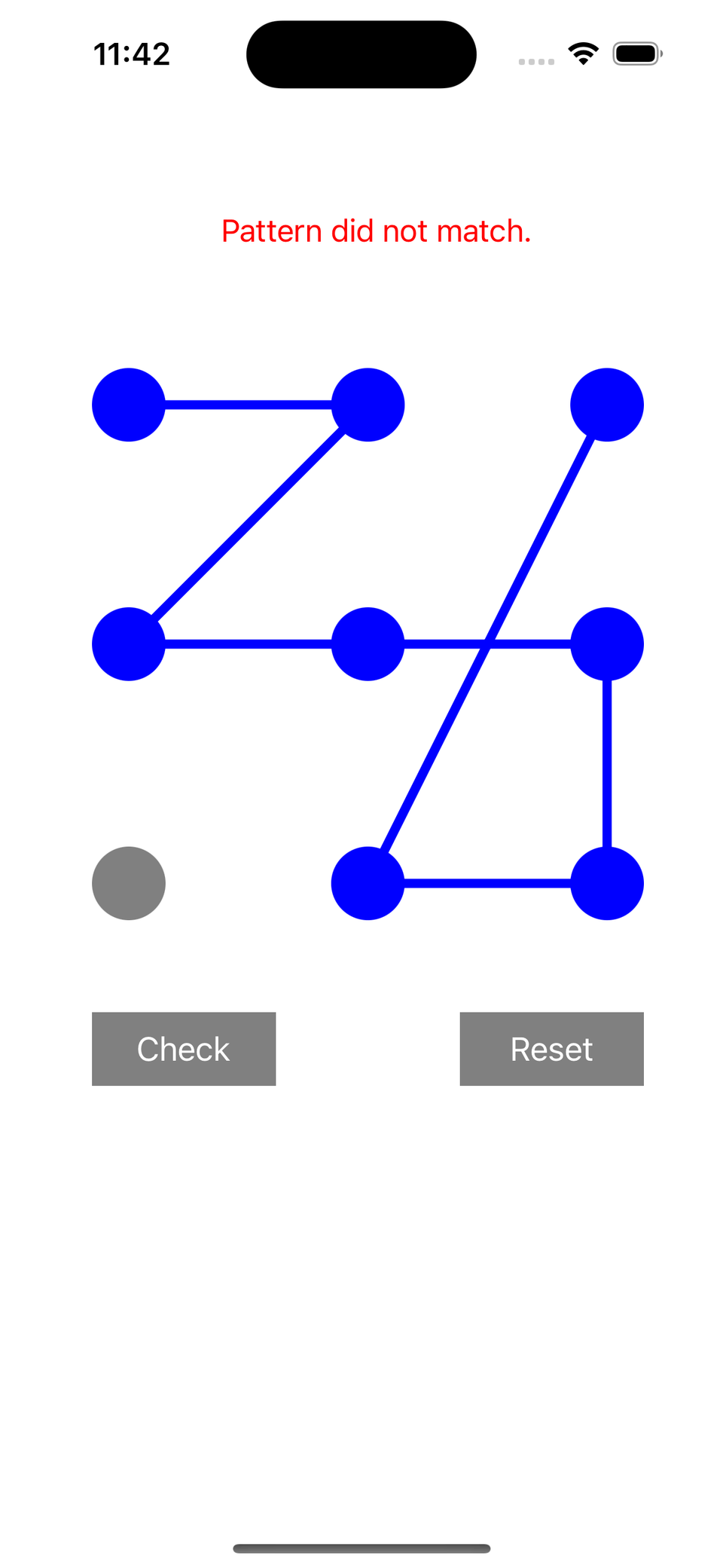
Simulator Screenshot - iPhone 14 Pro - 2023-10-17 at 23.42.36

Implement pattern drawing directly

Simulator Screenshot - iPhone 14 Pro - 2023-10-17 at 23.41.40

Learn cool screen transitions.

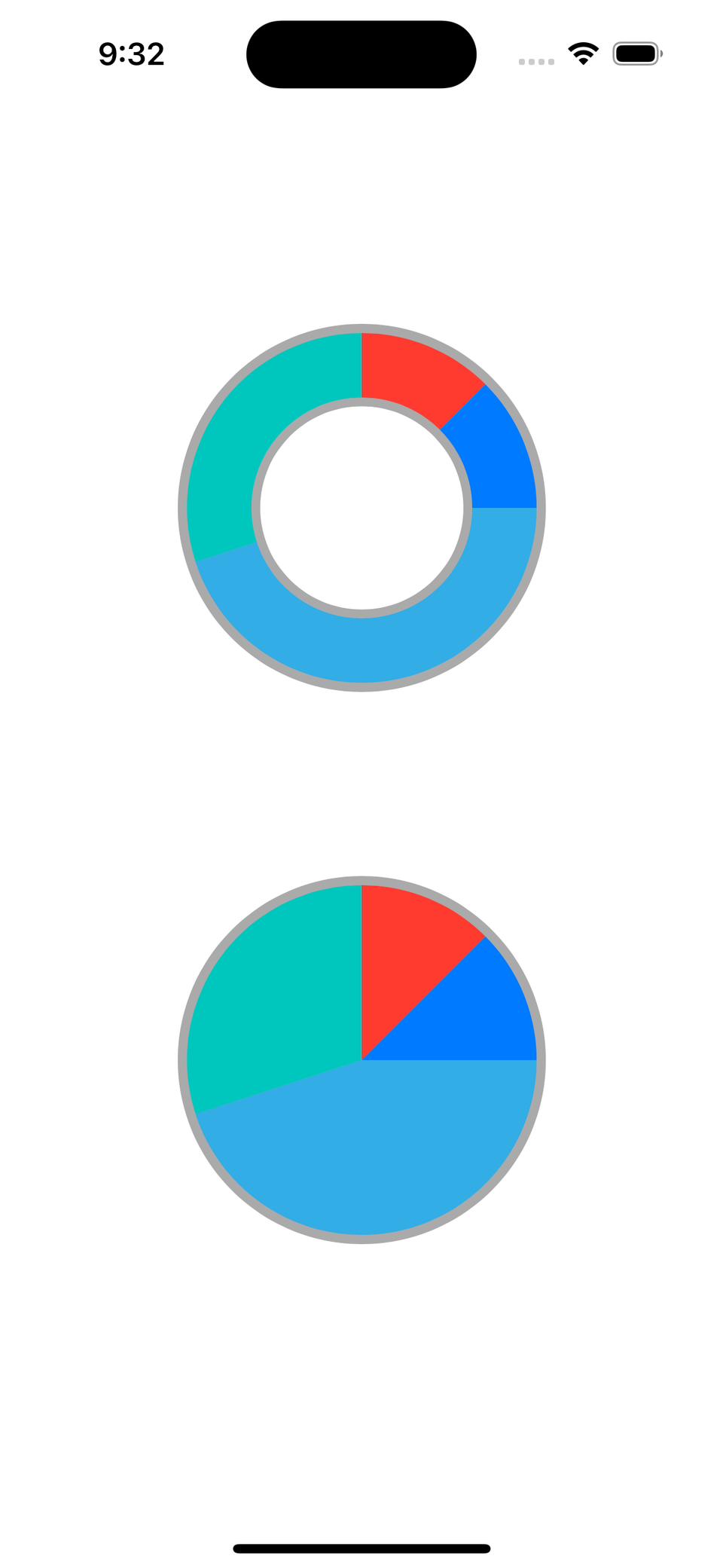
Simulator Screenshot - iPhone 15 Pro - 2023-11-01 at 21.32.44

Pie and donut charts

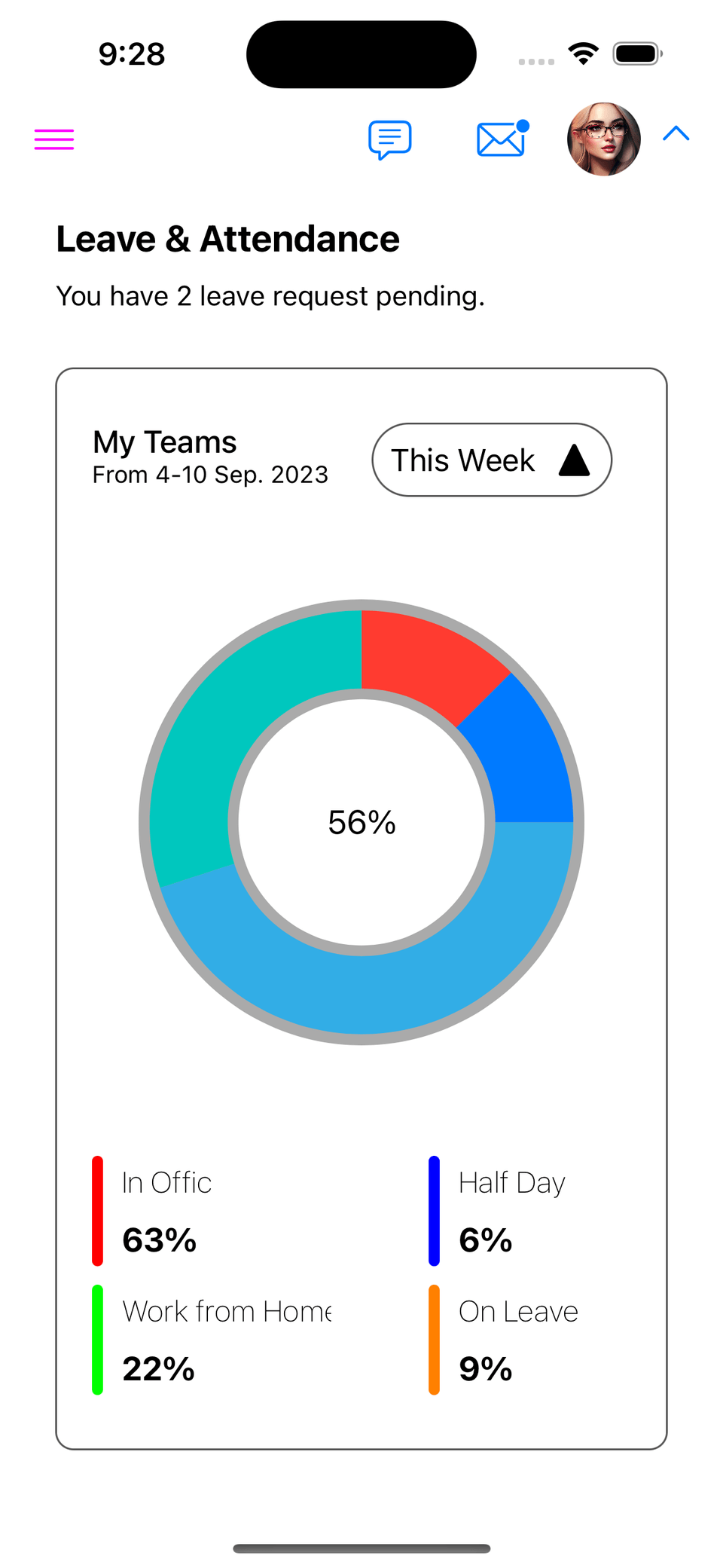
Simulator Screenshot - iPhone 15 Pro - 2023-11-01 at 21.28.06

Building complex design layouts

Simulator Screenshot - iPhone 15 Pro - 2023-11-28 at 00.07.22

Dynamically configure cells

Recommended for
these people

Who is this course right for?

  • If you have started development but are having trouble with the design and layout

  • For those who are not sure how to create a screen

  • For those who want to learn design that is actually used in practice

Need to know before starting?

  • A basic knowledge of what the Swift language is is required.

Hello
This is

3,061

Learners

214

Reviews

271

Answers

4.8

Rating

7

Courses

Hello.

  • If the course fee is a burden, please send the course name to the email address below, and we will send you a discount coupon.

  • apple-developer@kakao.com

It has already been 10 years since I first stepped into the world of iOS development.

Over the years, I have participated in the successful launch of over 100 projects across various environments. Through these diverse experiences, I have been able to gain deep practical know-how and insight.

I have gathered this knowledge to grow alongside developers who share the same passion as mine. I am constantly researching better methods and more efficient paths, sharing those results with you in the form of lectures.

If you are ready to join this journey of growing together, let's get started with me.

Curriculum

All

101 lectures ∙ (36hr 54min)

Course Materials:

Lecture resources
Published: 
Last updated: 

Reviews

All

3 reviews

5.0

3 reviews

  • fnvl10825177님의 프로필 이미지
    fnvl10825177

    Reviews 2

    Average Rating 5.0

    5

    31% enrolled

    • hola님의 프로필 이미지
      hola

      Reviews 23

      Average Rating 4.5

      5

      100% enrolled

      It's great for building a solid foundation, even for complete beginners to iOS.

      • wingwin19884720님의 프로필 이미지
        wingwin19884720

        Reviews 25

        Average Rating 4.2

        Edited

        5

        70% enrolled

        It was only after taking this course that I was finally able to understand UIKit layouts. I feel like there aren't many in-depth courses available, so thank you for creating such a thorough lecture. I hope more people will take it.

        $118.80

        enilv0529's other courses

        Check out other courses by the instructor!

        Similar courses

        Explore other courses in the same field!