![Successful Real iOS Design Guide - [Autolayout With Code]Course Thumbnail](https://cdn.inflearn.com/public/courses/332142/cover/4c1ff99b-27a5-4c1c-b2c1-194b170e5144/332142-eng.png?w=420)
Successful Real iOS Design Guide - [Autolayout With Code]
enilv0529
A practical lecture to learn the iOS UIKit design system - You can learn the real Design Guide from an 11-year developer.
Basic
iOS Autolayout, Mobile App Design, iOS
We analyze the UI of an existing iOS app from various angles to help you create professional-level screen compositions.

Reviews from Early Learners
5.0
박세건
It's very practical and full of great tips. It's short and concise, so it's easy to focus.
5.0
닥지
Good~~
5.0
신원식
The quality is so good!!
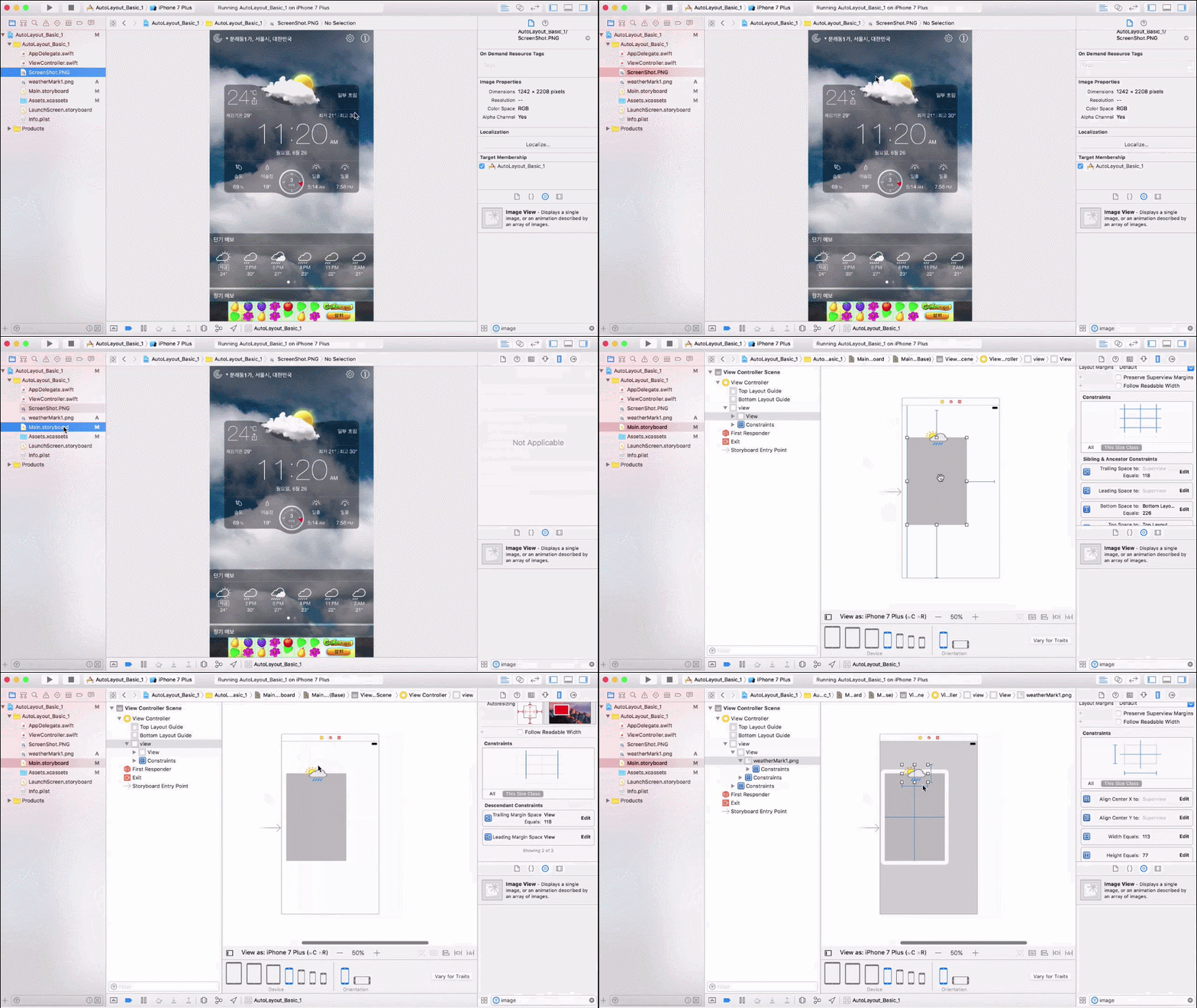
Auto Layout Basics
Implementing a calculator using stack view
Implementing dynamic text and images
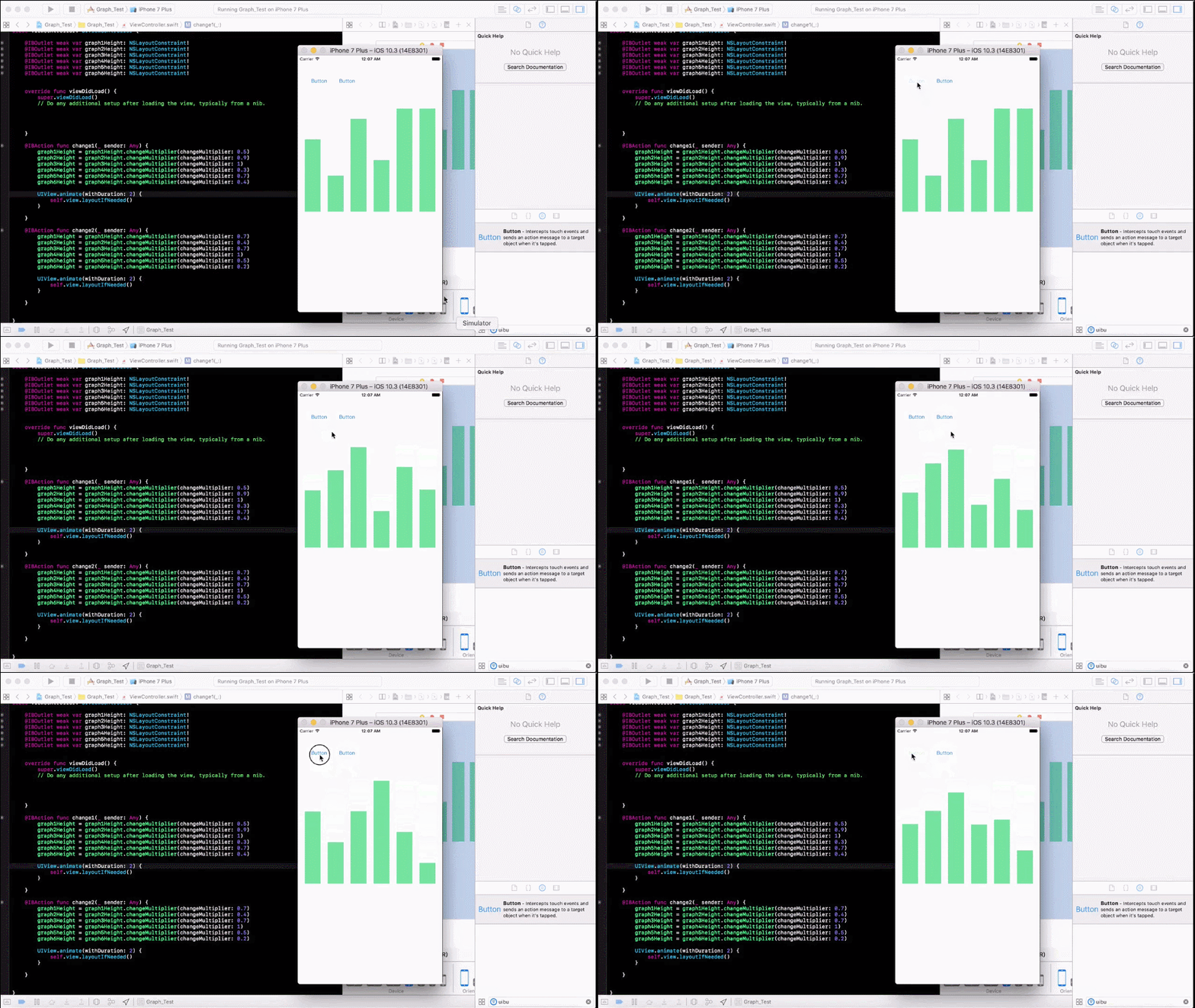
Graph layout and animation
Creating and animating pop-ups
Configuring a table view with dynamic height
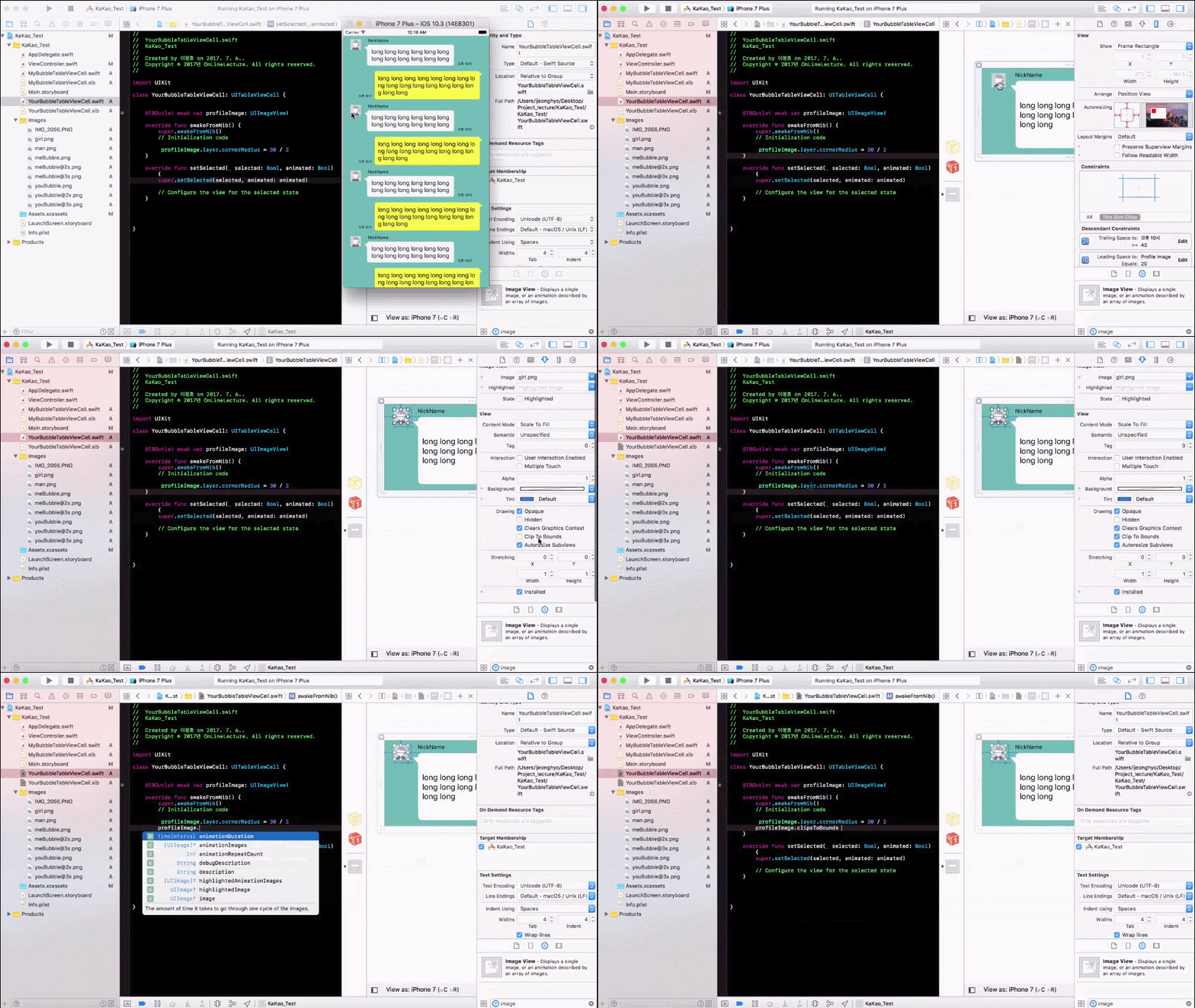
KakaoTalk chat window implementation
Today's development world is one where a developer who can create excellent screens truly elevates the value of their app. Learn practical UI composition strategies using "Auto Layout," create advanced UIs yourself, and elevate the value of your app. For job seekers, this course will equip you with the skills to create a solid portfolio, and for those aspiring to create their own apps, it will empower you to create compelling UIs that appeal to consumers. This course will first teach you the concepts of Auto Layout, building on a solid foundation. You'll then use various methods to create calculators, certificates, graphs, pop-ups, KakaoTalk, and more, enhancing your iOS UI development experience. Just trust me and follow along.
Learning Objectives
Professional-level advanced UI configuration using AutoLayout
This course can be helpful to everyone, from beginners who are just starting out with UI configuration to intermediate and advanced developers who want to improve their skills while working on real-world projects.
Master the features of autolayout by referencing the UI of other apps.
Implement various features such as dynamic text, graphs, animations, and pop-ups.
Master Autolayout perfectly by implementing various UIs yourself.
Lee Jeong-hyo , 2011-present, 3 years of experience in iPhone development teaching
Who is this course right for?
iOS Development Beginner
People interested in UI/UX design
Developers who want to improve their skills through practical projects
People who want to implement advanced UI like KakaoTalk
3,061
Learners
214
Reviews
271
Answers
4.8
Rating
7
Courses
Hello.
If the course fee is a burden, please send the course name to the email address below, and we will send you a discount coupon.
apple-developer@kakao.com
It has already been 10 years since I first stepped into the world of iOS development.
Over the years, I have participated in the successful launch of over 100 projects across various environments. Through these diverse experiences, I have been able to gain deep practical know-how and insight.
I have gathered this knowledge to grow alongside developers who share the same passion as mine. I am constantly researching better methods and more efficient paths, sharing those results with you in the form of lectures.
If you are ready to join this journey of growing together, let's get started with me.

All
43 lectures ∙ (7hr 17min)
1. basic1_start
10:00
6. basic5_multiplier
05:00
7. basic6_multiplier
05:00
8. basic7_multiplier
10:00
12. basic11_align
05:00
13. basic12_align
08:00
14. basic13_Rotate
08:00
16. basic15_margin
09:00
17. Calc_1_StackView
17:00
18. Calc_2_Rotate
11:00
All
42 reviews
4.8
42 reviews
Reviews 9
∙
Average Rating 5.0
Reviews 2
∙
Average Rating 5.0
Reviews 2
∙
Average Rating 4.5
Reviews 4
∙
Average Rating 4.3
Reviews 7
∙
Average Rating 5.0
$13.20
Check out other courses by the instructor!
Explore other courses in the same field!