Data Literacy - The Art of Reading and Writing Data
Reading data turned into money! Even payment receipts thrown in the trash can lead to sales. If you want to turn the data that fills your daily life into results, try developing your data literacy.
Learn data analysis methods using Excel, a tool commonly used in practical business settings.
Learning how to create visualizations that fit the data
Acquire problem-solving methods through data analysis and improve persuasiveness
Gain practical hands-on experience and secure professional skills by working directly with real-world datasets.
It is truly the era of data literacy ✅ Develop your insight for reading and writing data!
💻 What is Data Literacy?
Data literacy refers to the ability to read, understand, analyze, and critically accept and utilize data. Effective data-driven decision-making becomes possible only when one has a sense of purpose regarding where to use the data, and can think about the methods for how to analyze it.
Receipts you used to throw away without thinking, price tags. Are these really just simple objects? Inside receipts and price tags, there is plenty of data about products, such as customers, unit prices, and dates. Since we live amidst such vast amounts of data, data literacy skills are essential.
🙌 Werecommend this tothese people
Those who are unfamiliar with data and have never used it, and want to learn how to view data right away
Data-related concepts as well as those who want to develop the ability to read and utilize data
Those who want to derive business insights based on data design capabilities rather than mathematics
Those who want to effectively evaluate business-related data and perform actionable data analysis
From absolute beginners in data analysis, to those with no statistical background, everyone please focus on our lecture.
Rather than analysis using complex coding, we will help you develop the ability to see, read, and utilize data.
What you need is not aimless coding, but the ability to read data to understand the market.
📖 Course Features
STEP 1. Building a solid foundation, from data concepts to data-driven decision-making
We build up step-by-step from the concepts and types of data so that even those unfamiliar with the word 'data' can start without pressure, ensuring an easy understanding of the importance and meaning of data-driven decision-making and data-centric organizations.
STEP 2. Don't make it difficult; analyze data with familiar Excel
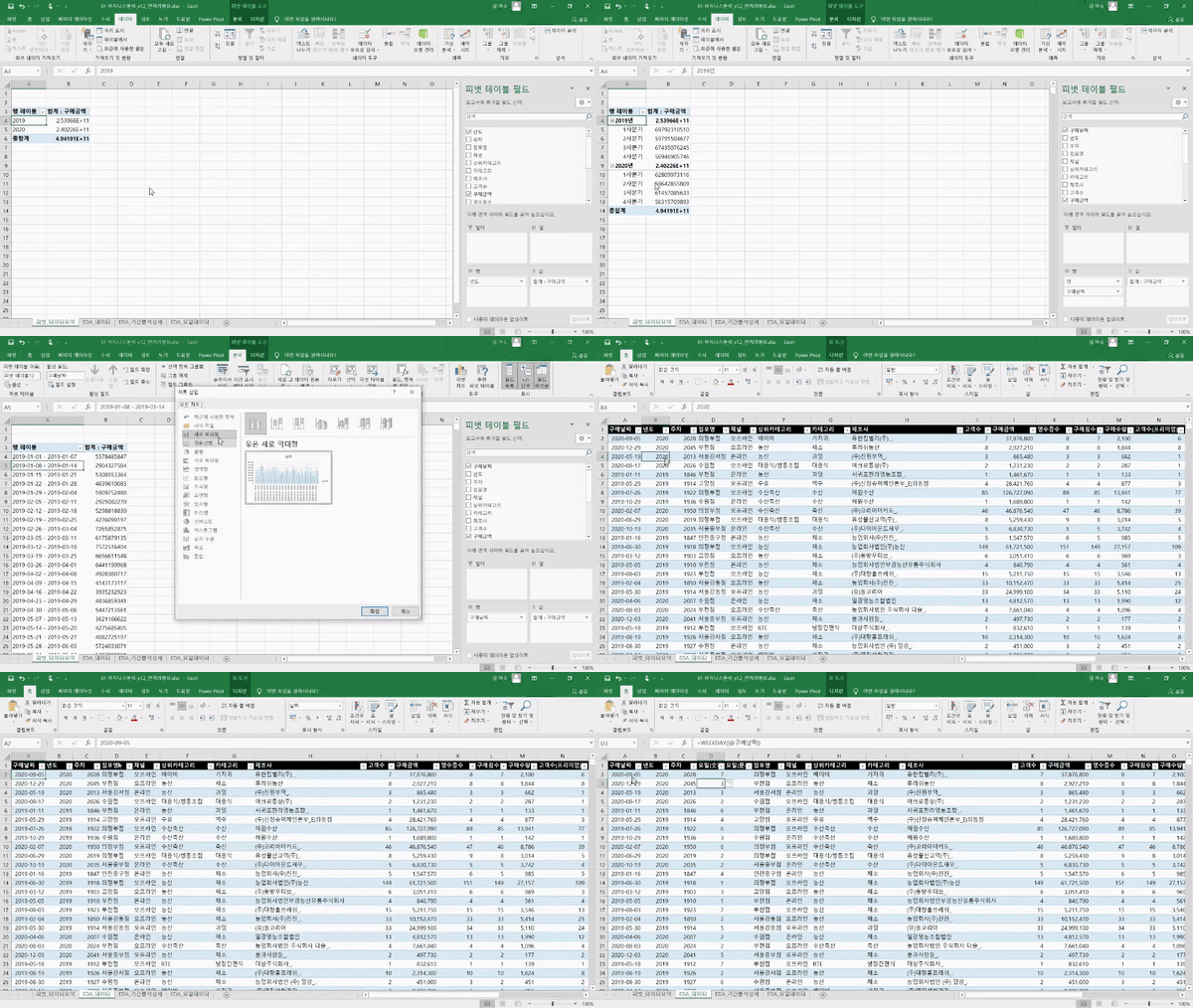
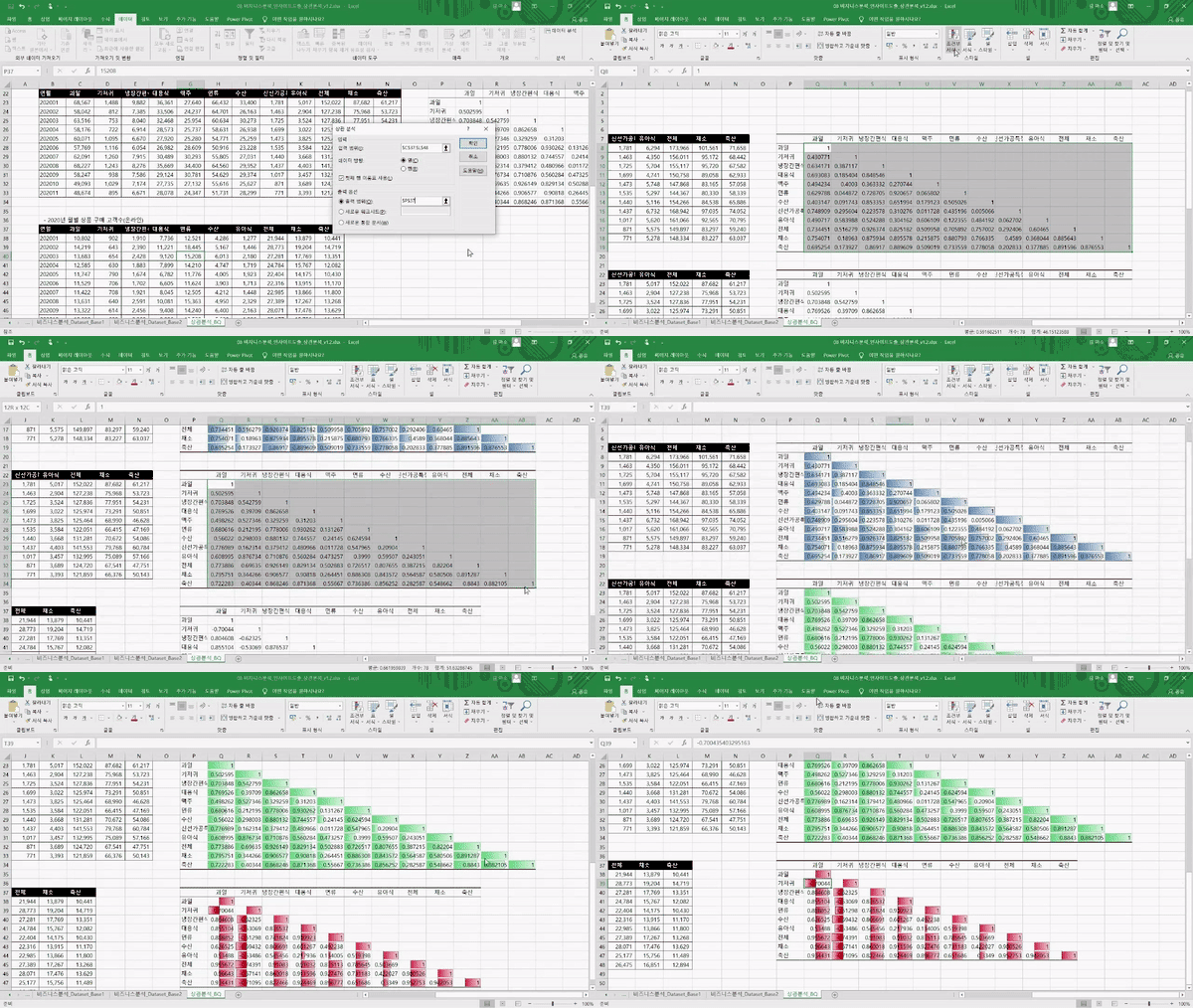
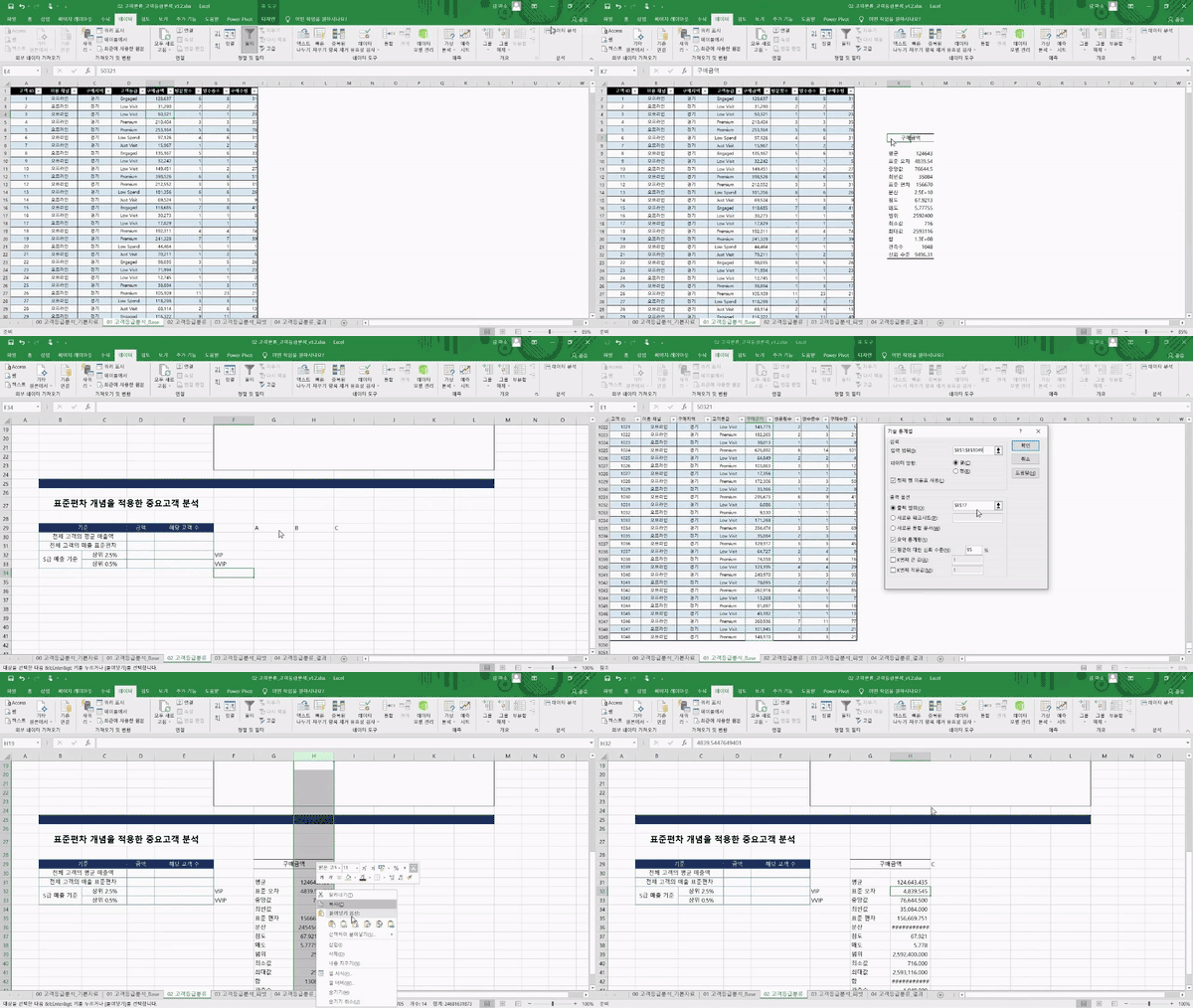
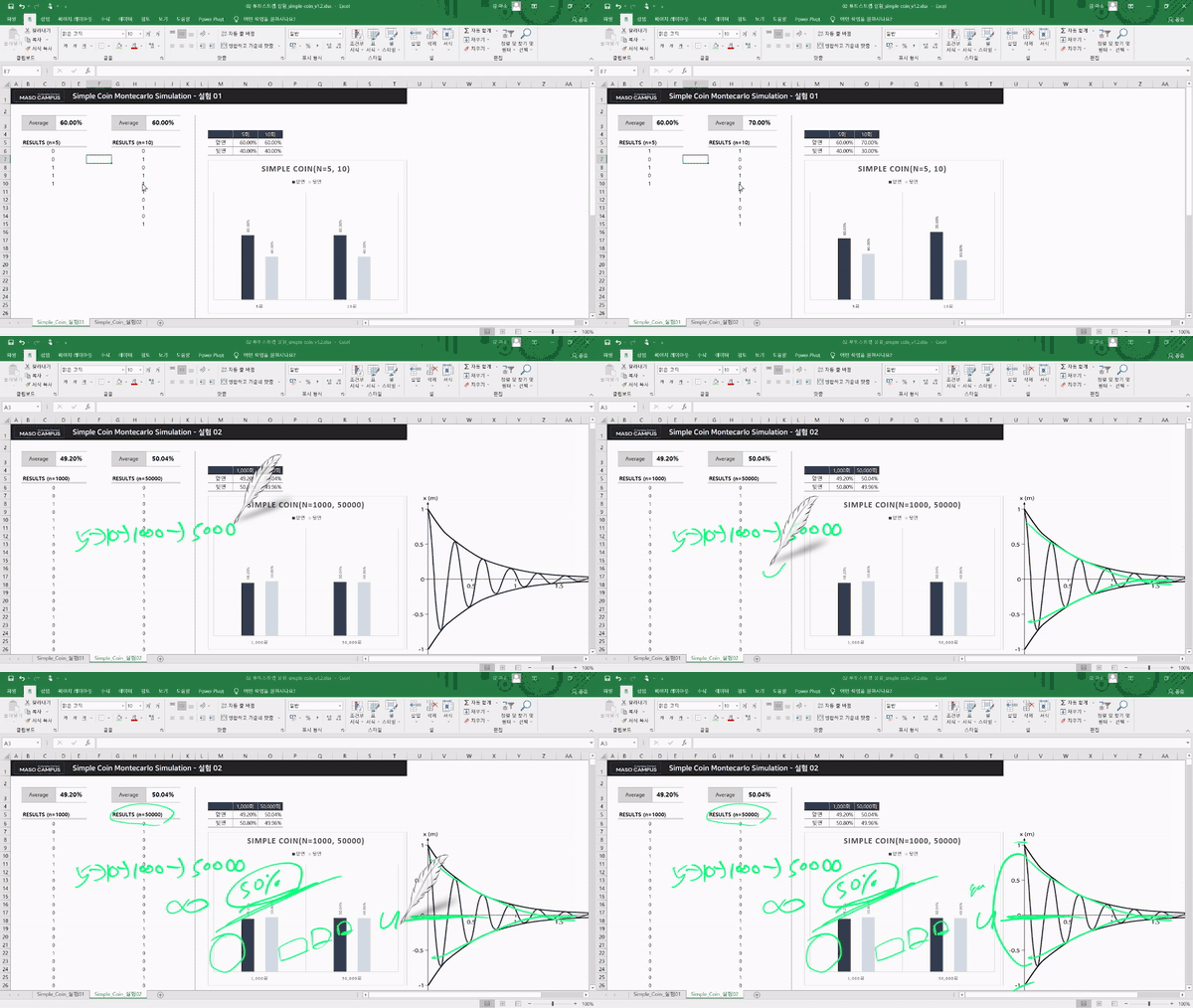
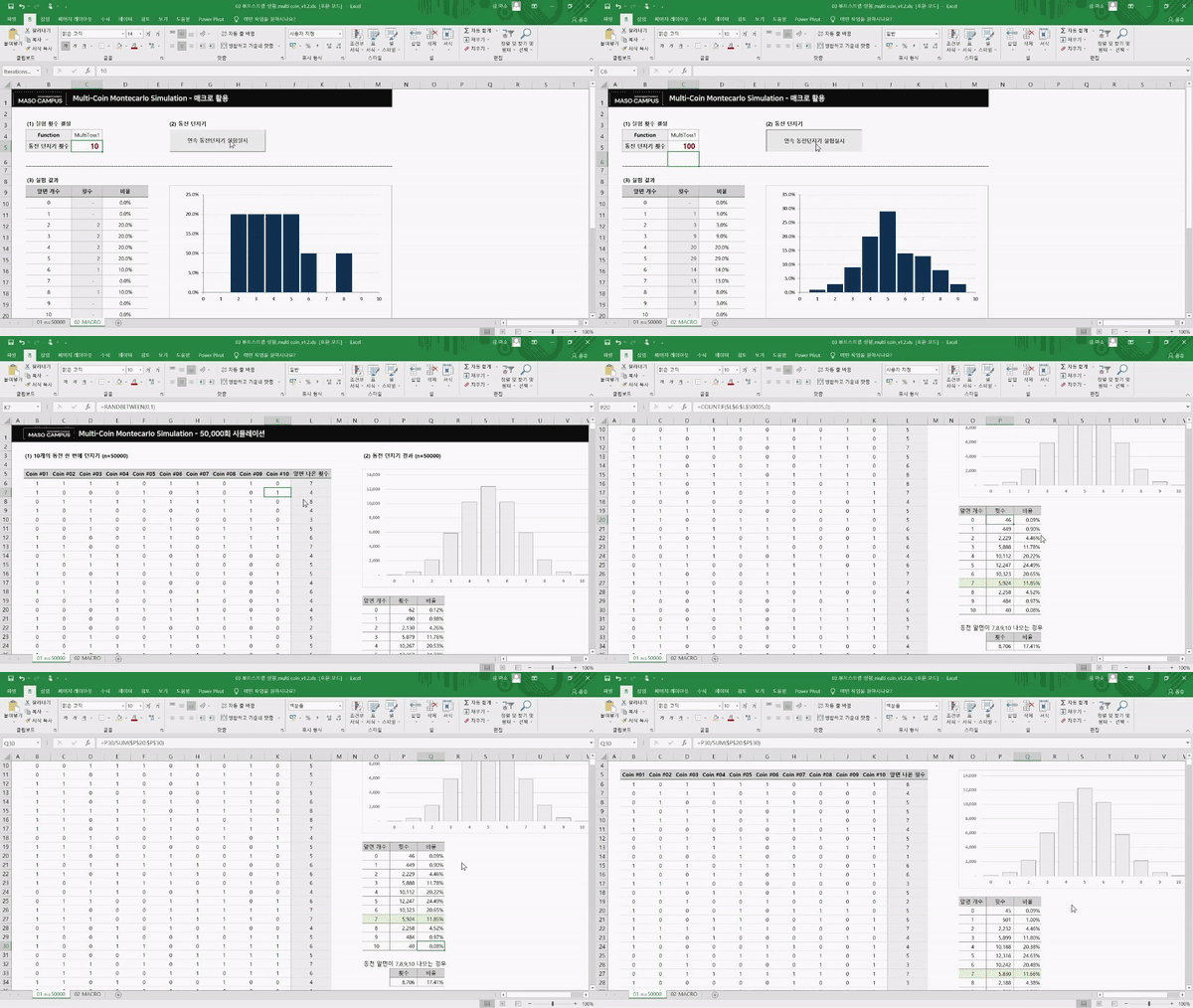
Do you really need to know programming languages like Python or R to perform data analysis? No! We will show you everything from start to finish on how to 'properly' analyze data using Excel, a tool you are already familiar with in the workplace.
STEP 3. What we should focus on, How to use analysis tools❌,Data analysis capabilities⭕
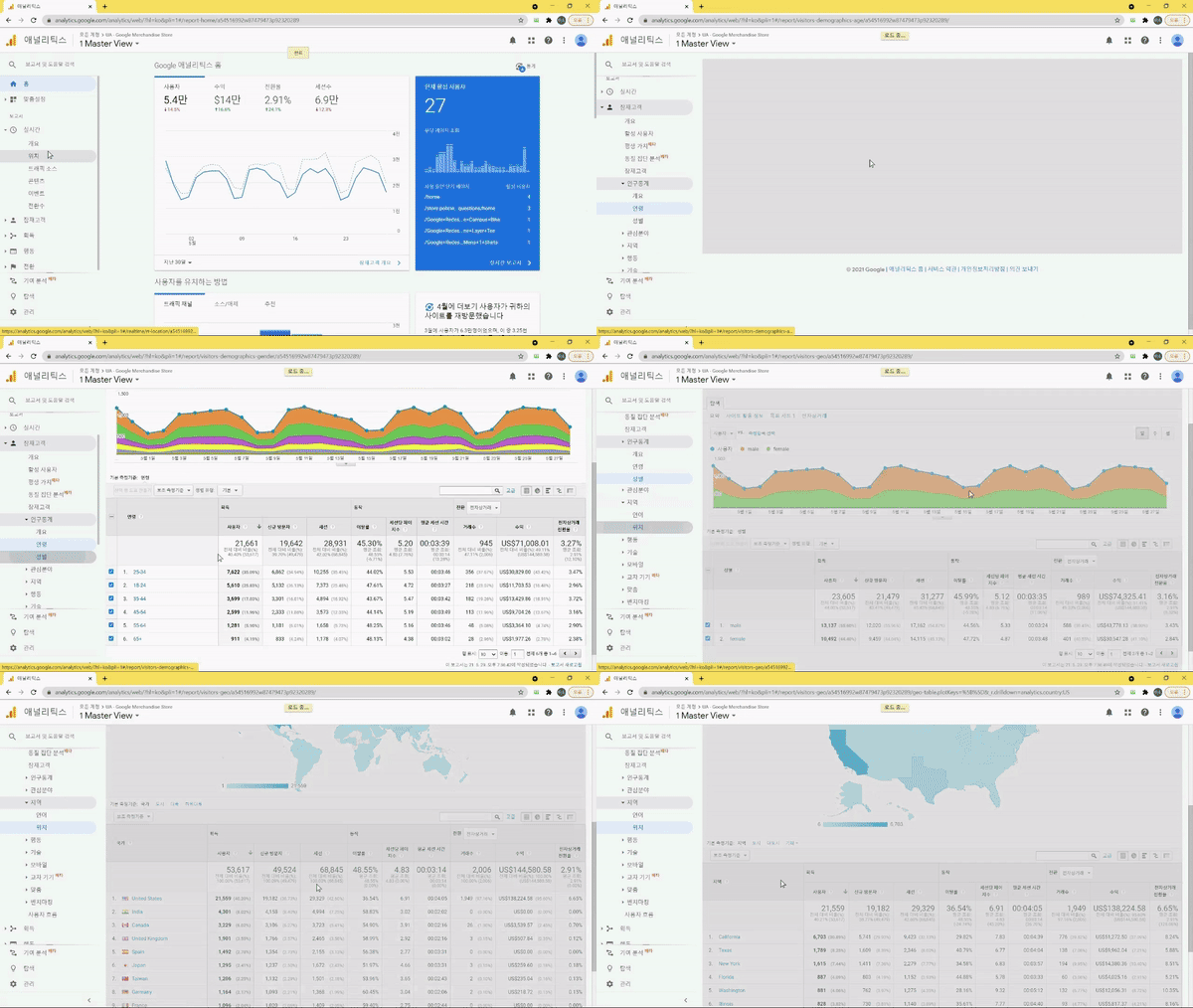
This course is not just about explaining Excel functions. By tackling real business problems encountered at workbased on actual datasets, you will go through data collection, preprocessing, analysis, and visualization all at onceto derive insights and solve problems. You will naturally learn how to view, interpret, and utilize data, and by the end of the course, anyone will be able to think data-driven and immediately apply data analysis skills to their own work.
STEP 4. Hands-on practice lectures in real-world scenarios
Ms. Kim Maso from the Product Planning Team at a Liquor Company : In order to establish a solid position among overflowing competitors, she plans to establish a new product launch strategy that perfectly fits the target needs.
Mr. Son Ma-so from the Sales Management Team of an electronics company : As the flagship product is not selling well, he plans to select the top-tier customers among regulars and issue discount coupons.
By setting up a hypothetical situation like the one above, we have structured the lecture so that students can become more immersed in data analysis.
🏆 AftertakingDataLiteracy
After taking Miso Campus's <Data Literacy-The Art of Reading and Writing Data>course, you will be able to acquire the following competencies.
Data Planning: The ability to plan, execute, and improve the process of collecting, processing, and analyzing data
Data Collection: The ability to selectively extract necessary data
Data Processing: The ability to convert raw data into an analyzable format
Data Analysis: The ability to perform various levels of data analysis both quantitatively, and qualitatively
Data Visualization: The ability to represent data in an intuitive and effective way
You can develop all the essential skills required for the data analysis process. Master data literacy faster, and more solidly than anyone else!
⌛ Curriculum
💬 Frequently Asked Questions Q&A
Q. Do I need prior knowledge of Excel or data analysis? A. None at all. This course provides kind and detailed explanations so that even non-majors and complete Excel beginners can easily follow along. So don't worry and just try taking the course. After finishing the lectures, you will be able to analyze data 'properly' with Excel!
Q. What level of content does the course cover? A. This course is a foundational program focused on understanding the methods and purposes of data-driven thinking/planning/execution/and decision-making to achieve Business Transformation. It emphasizes developing data interpretation skills to utilize data according to specific objectives, and sets the stage for in-depth data analysis using advanced Excel functions in subsequent courses.
Q. Are there any requirements or prerequisites for taking this course? A. Since this is a practice-oriented course, it is recommended to have a dual monitor or an extra device to separate the lecture screen from the practice screen. Also, as the practice sessions are conducted based on Windows OS, we recommend taking the course in a Windows environment.
Q. I'm a complete beginner in data analysis and have never coded before, is it possible for me? A. Of course it is. Instead of using complex coding, this course focuses on using the commonly used Excel to develop your data literacy skills.
✒️ Instructor Introduction
✔ Please check before taking the course!️
Since this is a practice-oriented course, it is recommended to prepare a dual monitor or an extra device so you can separate the lecture screen from the practice screen. Additionally, as the practice sessions are conducted based on Windows OS, we recommend taking the course in a Windows environment.
The lecture materials and practice files are located in the<00. Textbook Download Center> section.
<100. Setting up the Practice Environment> is amanual lecture designed to help you set up your data analysis environment before taking the course. Please watch it before you begin.
Recommended for these people
Who is this course right for?
Those who are unfamiliar with data and want to start by learning how to read it right away.
Those who want to acquire data concepts and develop the ability to read and utilize data.
Those who want to analyze data and derive business insights using Excel, which is frequently used in practice.
Those who want to develop skills that can be directly applied to practical work by analyzing real-world datasets.
Those who dream of "joining a company/job transition/reskilling/talent transformation"
Need to know before starting?
No prior knowledge of data analysis is required.
Knowledge of Excel is helpful, but not required.
Since the practice sessions are based on Windows OS, we recommend taking the course in a Windows environment.
As this is a practice-oriented course, we recommend using dual monitors or an extra device to separate the lecture screen from your practice screen.