강의

멘토링

로드맵

Design

/

UI/UX

UIUX Portfolio Part.2 - Getting a job as a UIUX designer

If you have studied the basics, it is now time to create your own portfolio and move on to employment!

(4.8) 4 reviews

86 learners

Level Basic

Course period Unlimited

  • lizb
Figma
Figma
Content Creation
Content Creation
clone design
clone design
Web Design
Web Design
Mobile App Design
Mobile App Design
Figma
Figma
Content Creation
Content Creation
clone design
clone design
Web Design
Web Design
Mobile App Design
Mobile App Design

Reviews from Early Learners

4.8

5.0

gangsugi

100% enrolled

Even though I took the course without any prior knowledge of Figma, it was very helpful. Repeating the process of creating on a variety of topics helped me become more proficient.

5.0

발할라

100% enrolled

Haha, I was really pissed off because they didn't teach it at Figma Academy, but thank you.

5.0

한승훈

100% enrolled

I enjoyed the lecture. The last part of Part 1 was very helpful for taking Part 2. In terms of technical aspects, I was able to continue practicing AutoLayout and Variant, and I was able to experience various design formats. I am currently aiming to create a portfolio, and I am proud that I have laid the foundation for that. (And Section 7 "Card News Design & Prototype" was listed as number 4 in the downloaded file, so I was a little confused at first. Please fix this part.)

What you will gain after the course

  • Various design exercises using Figma

  • Create card news

  • Practice the promotional event page

  • UIUX Prototype

  • UIUX Design

  • Utilize UIUX design templates for your portfolio

Let's take one step closer to employment!
Let's create various practice examples 💪

Part.2
Make a real portfolio.

If you've laid the groundwork and mastered the fundamentals in Part 1, now it's time to actually create a portfolio for employment. It's time to tackle a variety of tasks that you can experience in the field!

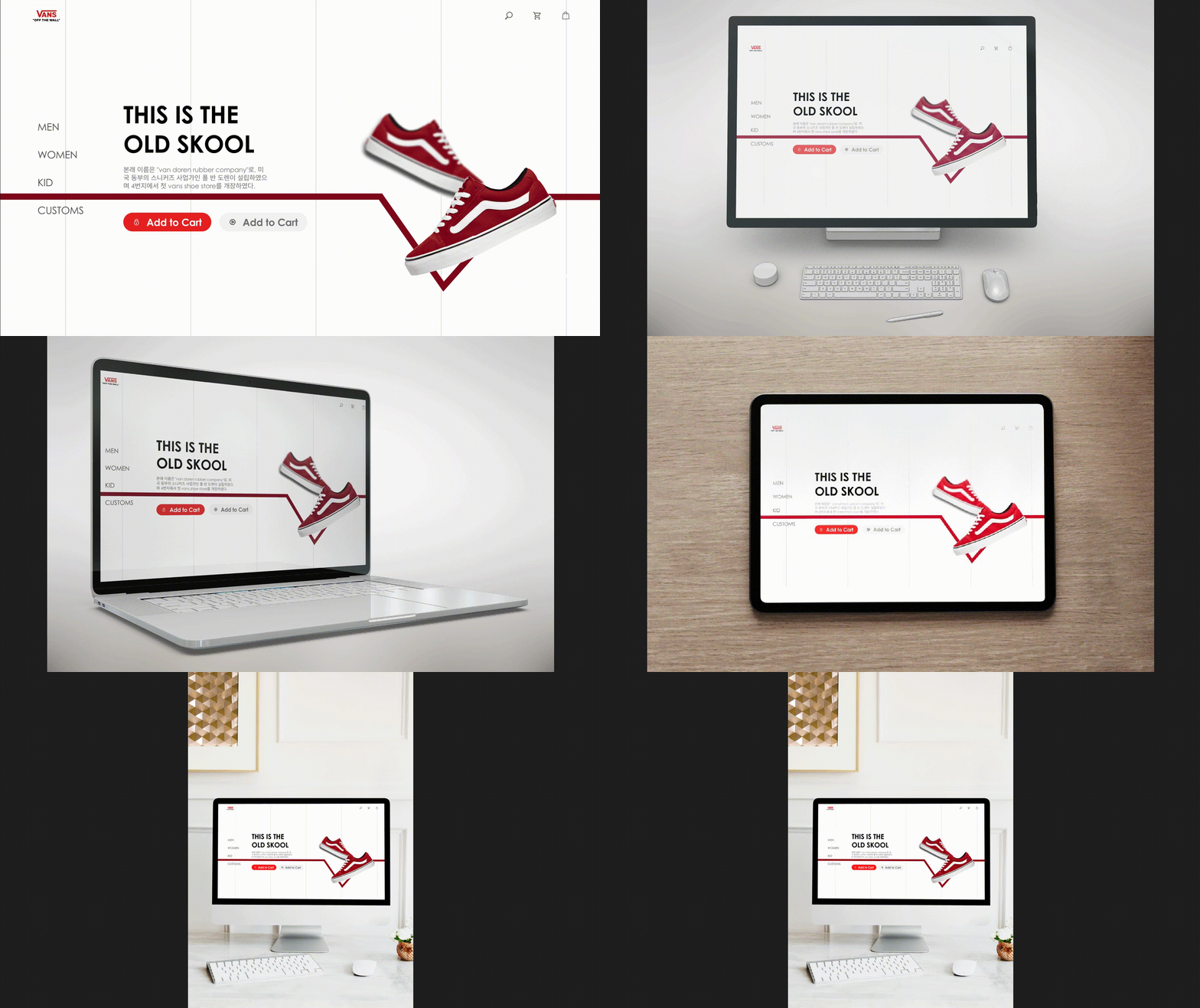
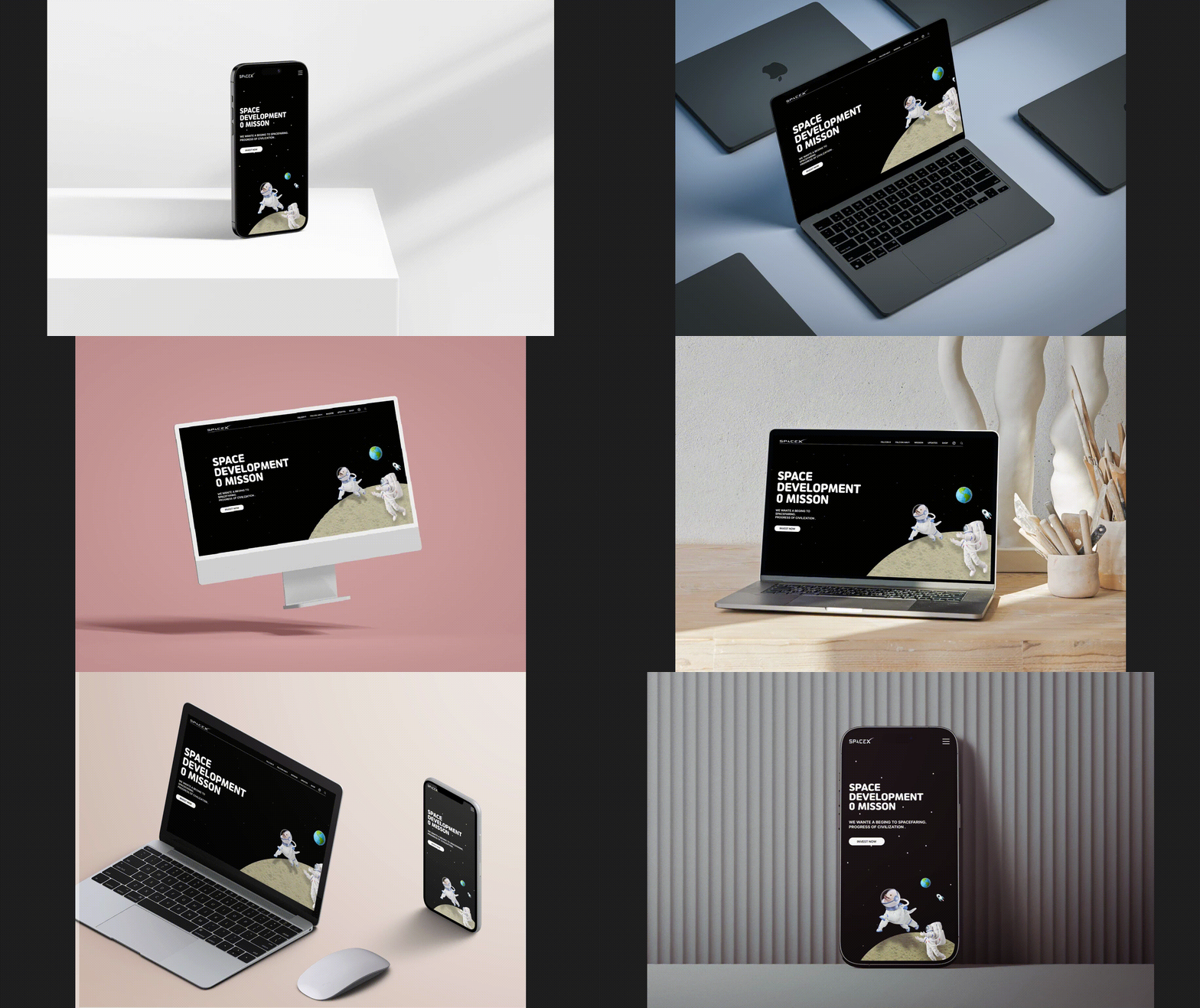
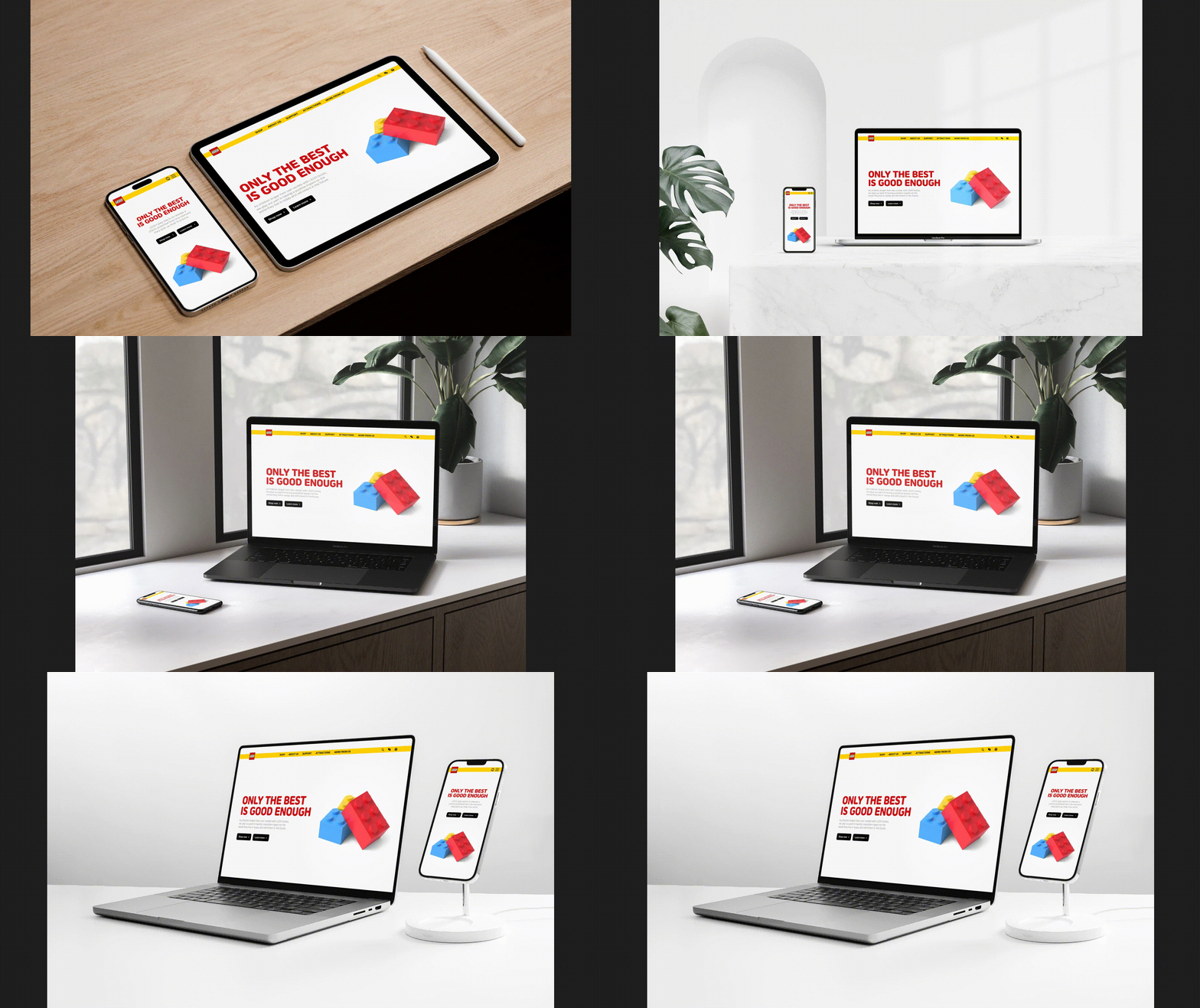
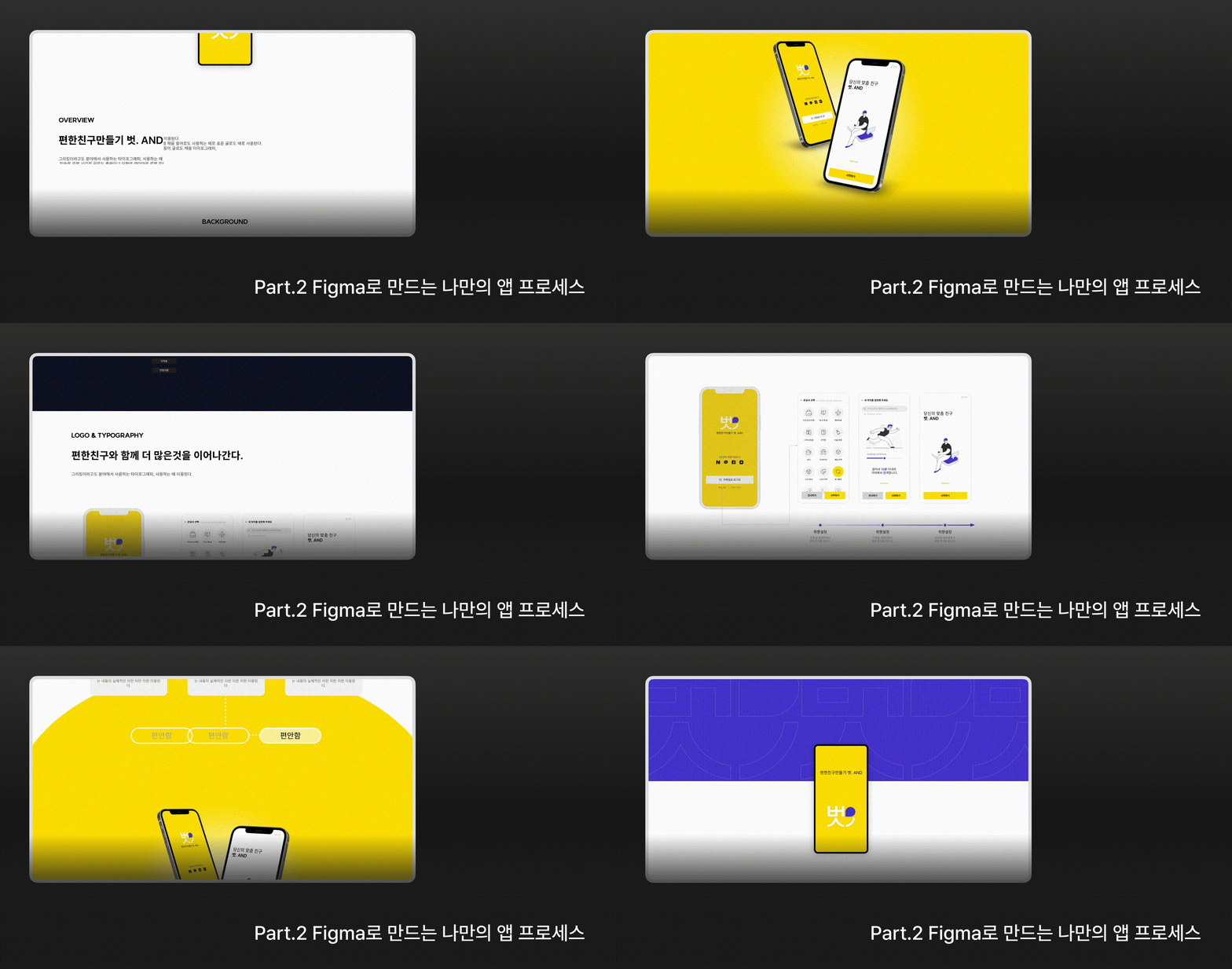
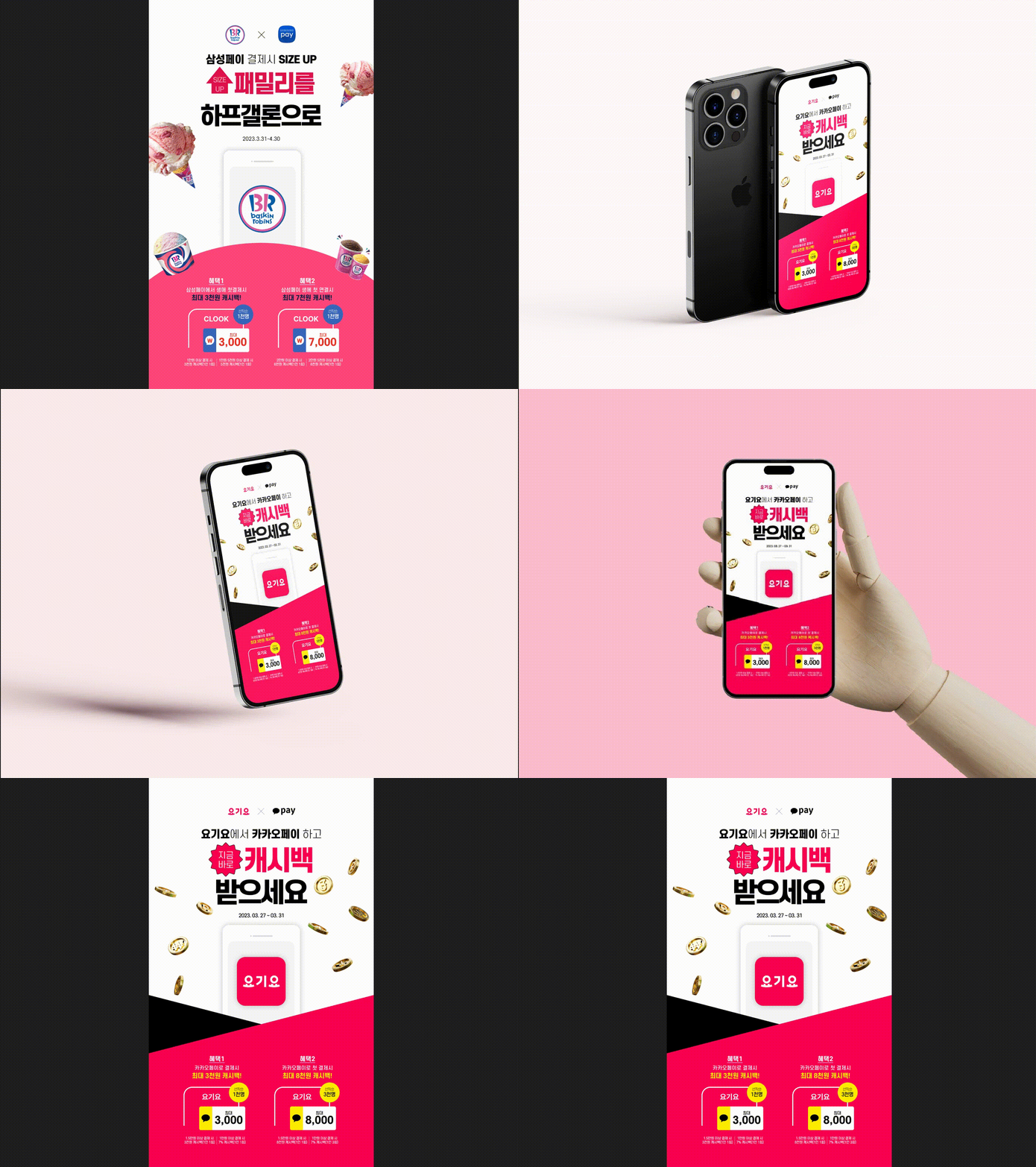
Create your own portfolio through a variety of experiences, including promotional events, card news, mobile UIUX design prototypes, and UI screen design !

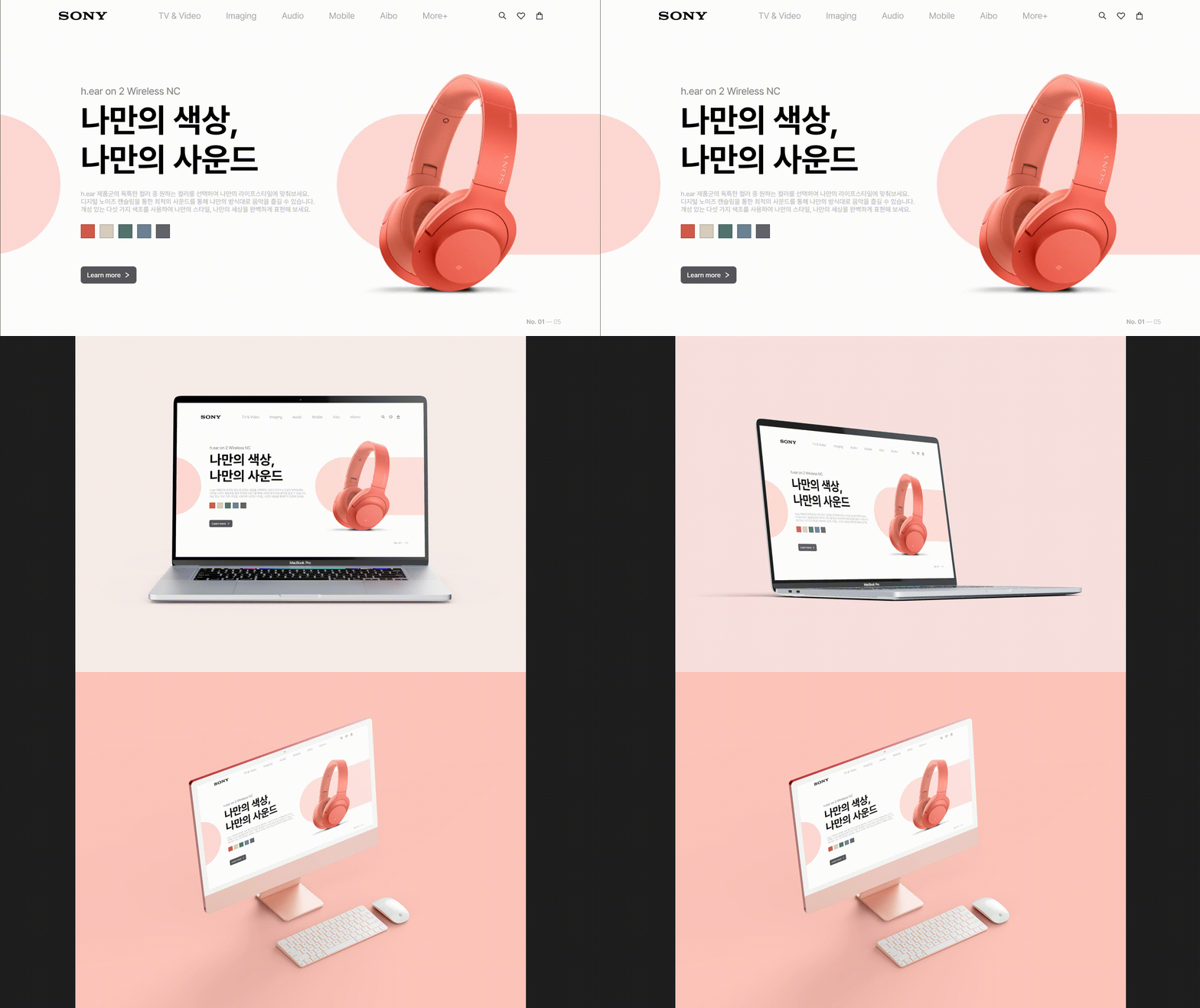
An example of a template created as a portfolio using the above example offline.
(Work period: April 10-May 12, 2023)

My own little botanical garden, PLANET
Special Goals, Special Memories 'Gotsaeng'

Types of students considered by knowledge sharers

As a UIUX designer
Those who want to get a job

Various practical examples
Those who want to experience and create

UIUX Portfolio
Anyone who needs a template


[Special features of this course]

  • In this lecture, you will experience various examples.
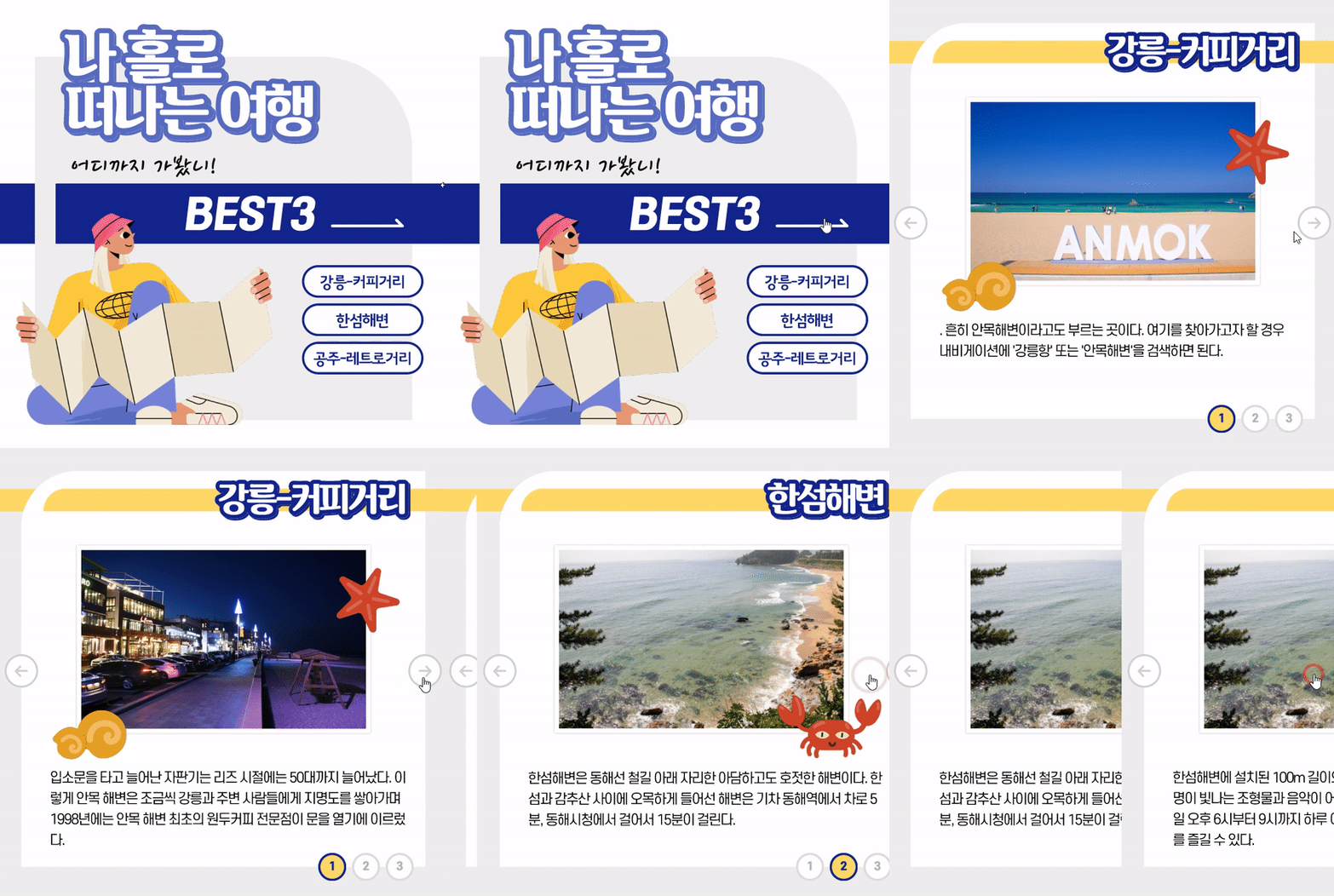
  • We are working on a promotional event page/ card news design prototype.
  • We are sharing a sample UIUX portfolio template.
  • We provide UIUX portfolio design reviews and feedback through mentoring.

[Students who took this course]

  • You can prepare for employment! Create your own portfolio by adapting the content you learned in class.
  • I uploaded my work to the Notion site and started it as a UIUX portfolio.
  • It contains all the resources you need to get a job as a UIUX designer and will definitely lead to a job.

What you'll learn 📚

1. Promotional event design work

I use Figma to design event pages, which are often created in practice.


2. Card mockup design prototype using components

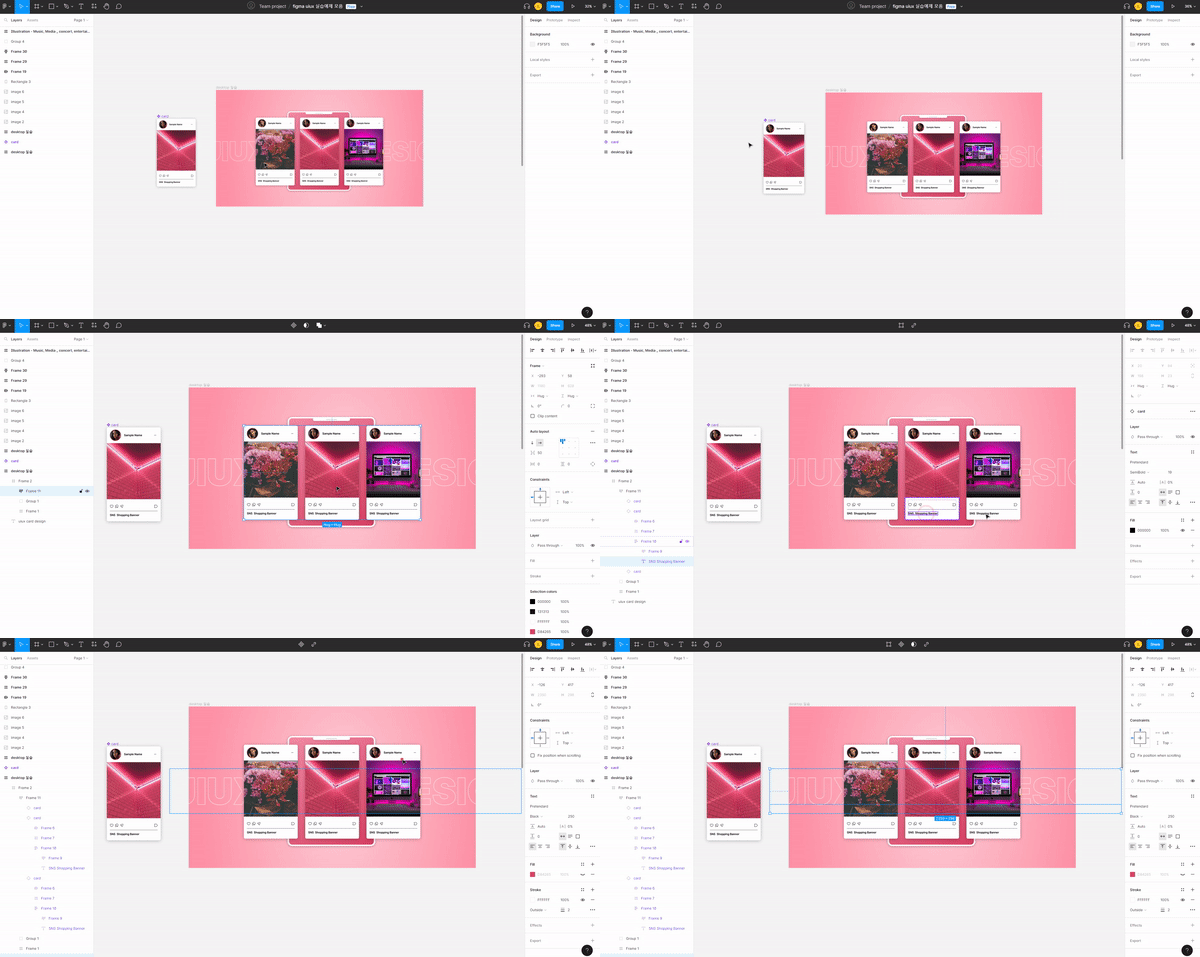
Let's explore UI design using Figma. We'll create a card layout and create a simple prototype.

3. UIUX design prototype

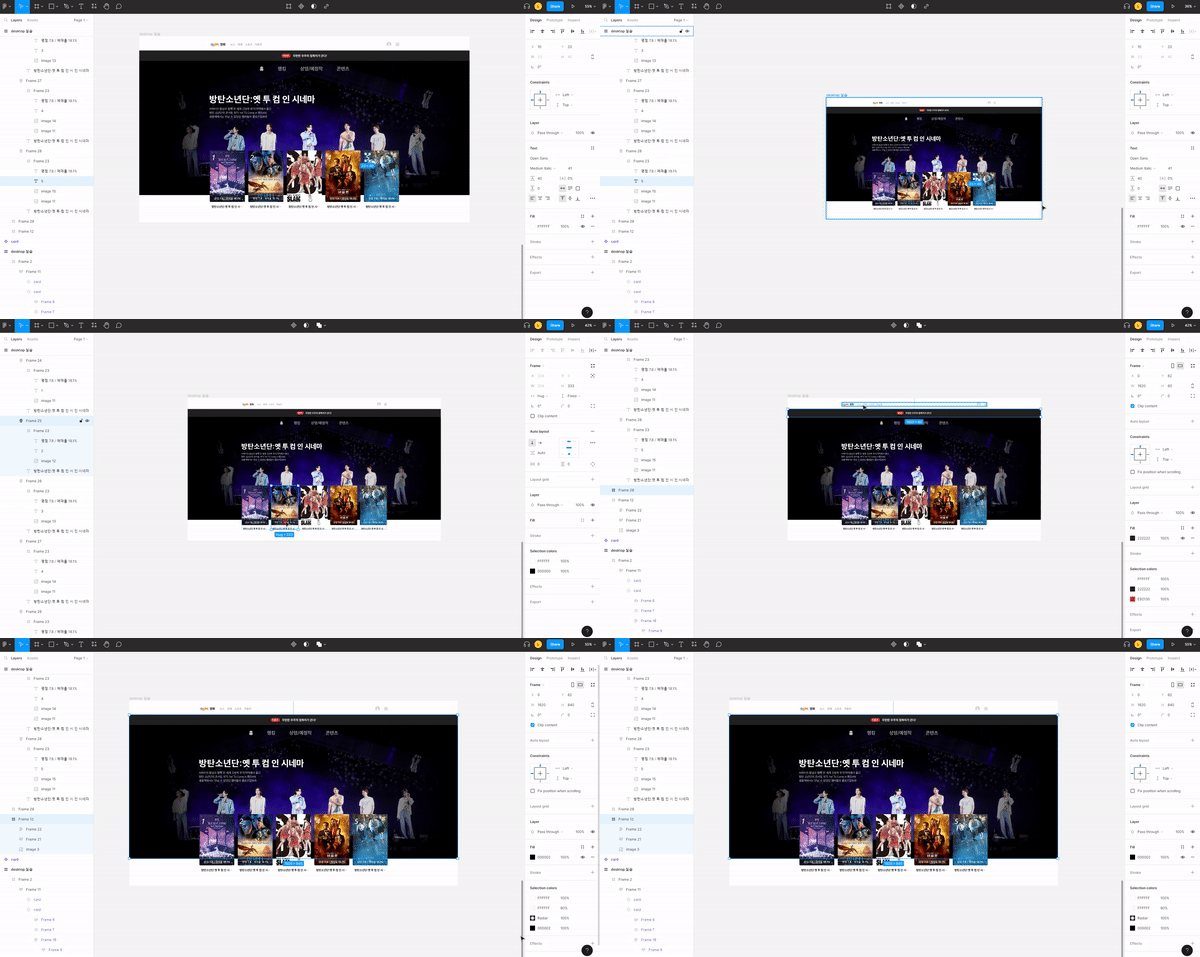
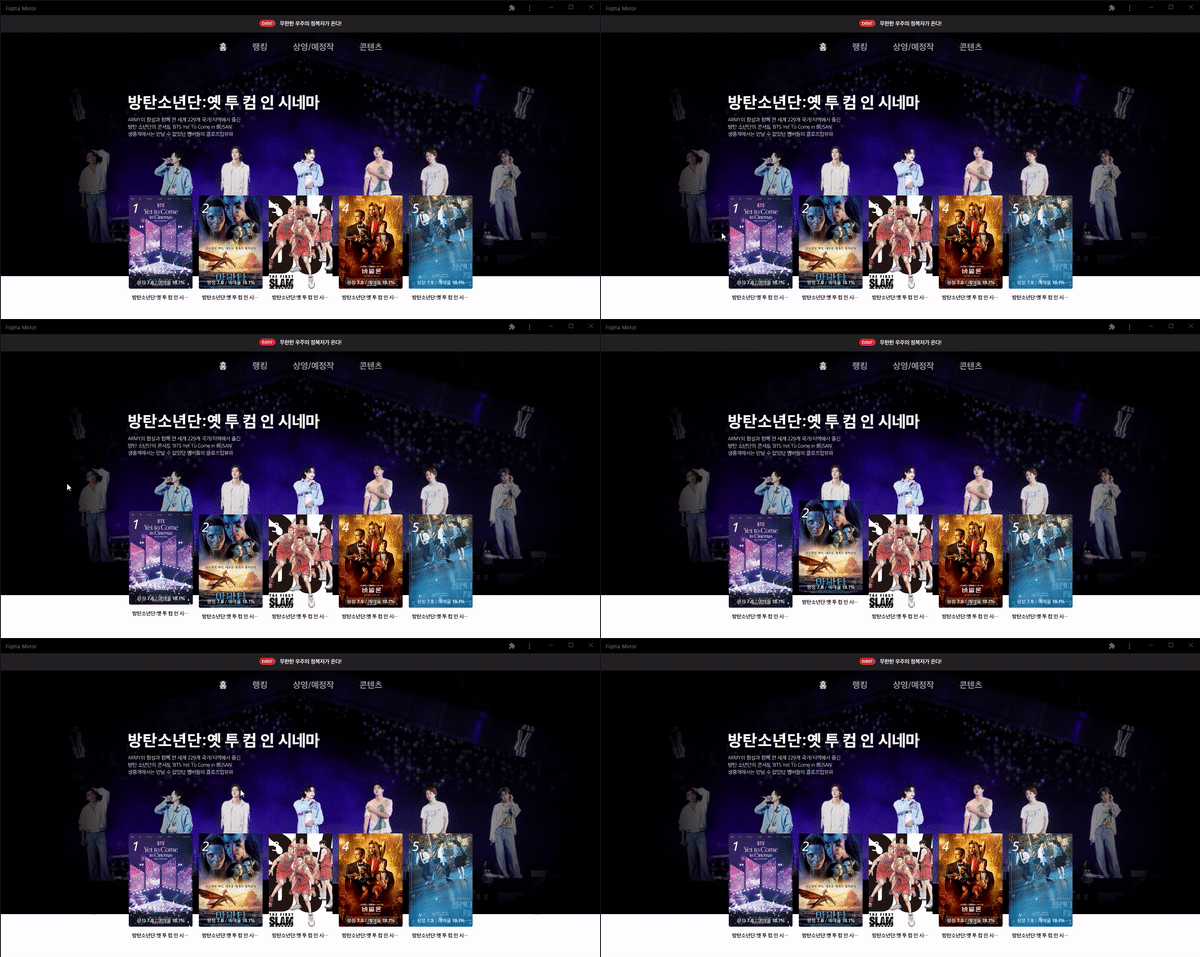
We'll use Figma to clone a movie page from a parent site. We'll create a UI design and a simple prototype.

4. Card News Design Prototype

We'll be working on UI design using Figma. We'll create a card layout and create a simple prototype.

5. Desktop UIUX Design Prototype

Experience designing desktop screens and practice production.


6. Responsive Web UIUX Design Prototype

You will experience the design and prototype of a login page on a mobile screen and practice its production.


Expected Questions Q&A 👈

Q. Won't the class be difficult?

If you take Part 1 of this course first, you won't find it difficult. As with any tool, if you master just a few of its features, you'll be able to use it repeatedly, which will help you get the most out of it.

Q. Will there be a Part 3 lecture?

Yes, we will proceed with cloning and coding a responsive website based on the design work in the web standard responsive website lecture.

Recommended for
these people

Who is this course right for?

  • Anyone who wants to upgrade their Figma skills

  • For those preparing a UIUX portfolio

  • Anyone who wants to get a job as a UIUX designer

  • Those who want to experience and create various practical examples

  • Anyone who needs a UIUX portfolio template

Hello
This is

374

Learners

16

Reviews

92

Answers

4.9

Rating

3

Courses

I am an instructor who conducts practical, hands-on classes covering everything from frontend to backend, teaching web development based on extensive lecturing experience.

Curriculum

All

27 lectures ∙ (3hr 43min)

Course Materials:

Lecture resources
Published: 
Last updated: 

Reviews

All

4 reviews

4.8

4 reviews

  • gangsugi5753님의 프로필 이미지
    gangsugi5753

    Reviews 23

    Average Rating 5.0

    5

    100% enrolled

    Even though I took the course without any prior knowledge of Figma, it was very helpful. Repeating the process of creating on a variety of topics helped me become more proficient.

    • lizb
      Instructor

      Thank you~ I'm glad it helped you! Have a nice day~

  • eridanus933675님의 프로필 이미지
    eridanus933675

    Reviews 3

    Average Rating 5.0

    5

    100% enrolled

    I enjoyed the lecture. The last part of Part 1 was very helpful for taking Part 2. In terms of technical aspects, I was able to continue practicing AutoLayout and Variant, and I was able to experience various design formats. I am currently aiming to create a portfolio, and I am proud that I have laid the foundation for that. (And Section 7 "Card News Design & Prototype" was listed as number 4 in the downloaded file, so I was a little confused at first. Please fix this part.)

    • lizb
      Instructor

      Oh, I'll check the download file and fix it. I'm glad it was helpful. I'll prepare Part 3 well and come back soon~ Thank you.

  • cloudybay님의 프로필 이미지
    cloudybay

    Reviews 3

    Average Rating 4.0

    5

    100% enrolled

    Haha, I was really pissed off because they didn't teach it at Figma Academy, but thank you.

    • jjksss22887017님의 프로필 이미지
      jjksss22887017

      Reviews 1

      Average Rating 4.0

      4

      15% enrolled

      I'm just at the beginning stage of learning, so I wanted to focus mainly on creating various examples and doing practice projects, and this is exactly the curriculum I was hoping for, so it's great. I'll listen through to the end!

      lizb's other courses

      Check out other courses by the instructor!

      Similar courses

      Explore other courses in the same field!