QML is a programming language provided by Qt for creating user interfaces. It resembles JSON and supports JavaScript. By using QML instead of C++, you can easily develop modern, advanced user interfaces without using C++.
It helped me a lot in how I will use QML in the future. I think it would be helpful to have a training course in the future that selects one practical item and implements the entire process, so that I can acquire the know-how.
5.0
이준현
32% enrolled
I'm retaking this course, and it's great.
I'm reviewing the things I learned before but had forgotten.
This Qt lecture is good enough to be worth taking again.
5.0
White
64% enrolled
The screen font size seems to have gotten bigger? I like it
What you will gain after the course
Modern UI Development Using QML
UI Development Using QML and C++
QML for Qt UI development, explained in detail from the basics to hands-on practice.
Implementing UI with the Qt framework, more powerfully with QML!
The QML programming language?
It is a programming language that allows you to easily develop modern, advanced UIs with the Qt framework.
QML (Qt Modeling Language) is a programming language provided by the Qt framework. QML is a programming language that can be used for UI development in the Qt framework, making it easy to implement modern, sophisticated UIs.
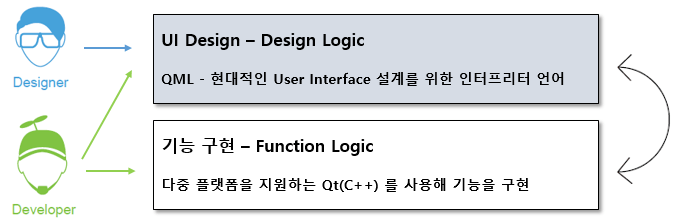
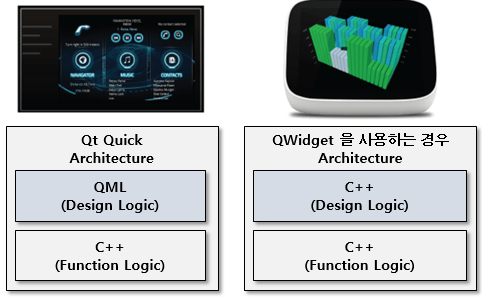
When developing GUI programs using the Qt framework, you can distinguish between the design logic for the UI and the functional logic for the program's functionality. Among these, QML is a language that can be chosen as an alternative to C++ when developing the UI corresponding to the design logic. In particular, developing the UI with QML allows you to completely separate the design logic from the functional logic, increasing source code reusability.
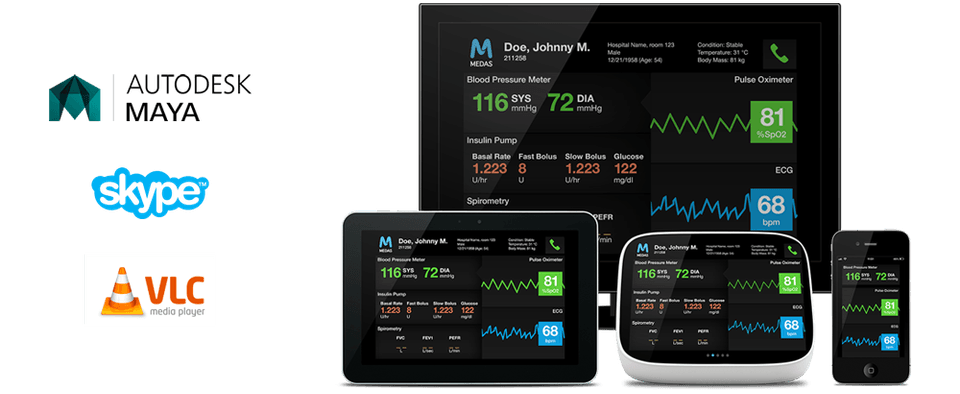
By developing design logic with QML, you can implement UIs much more easily and quickly than with C++. You can also easily apply modern, advanced GUI technologies such as Flickable, Gesture, Animation, and 3D.
Easy syntax and concise readability Experience the advantages of QML.
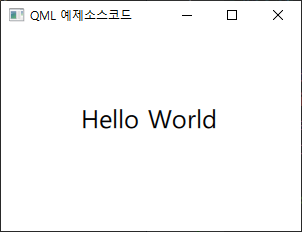
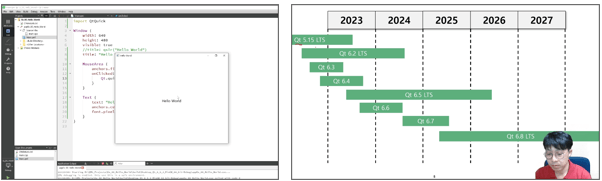
Shall we take a look at the “Hello World” output example commonly used when first learning a programming language? You can easily see how concise a language QML is.
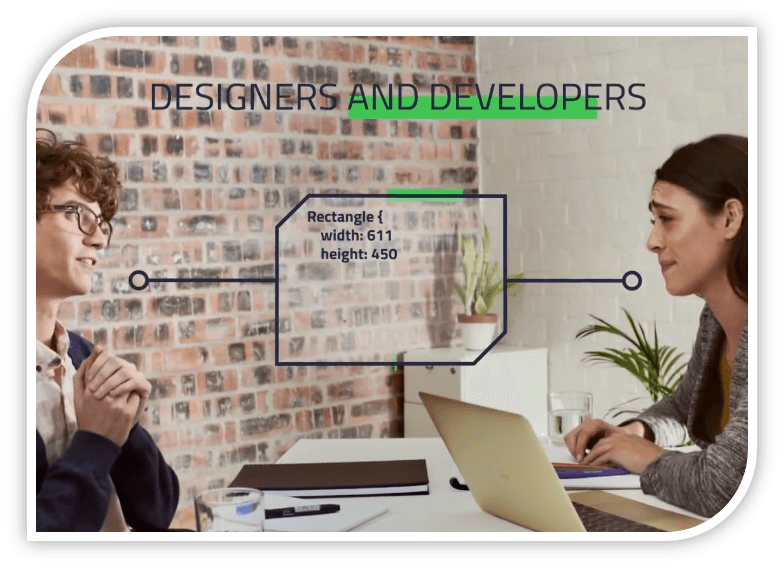
QML is easy and simple. Even non-developers can understand it easily. Therefore, designers and developers can communicate with each other using QML code and share ideas.
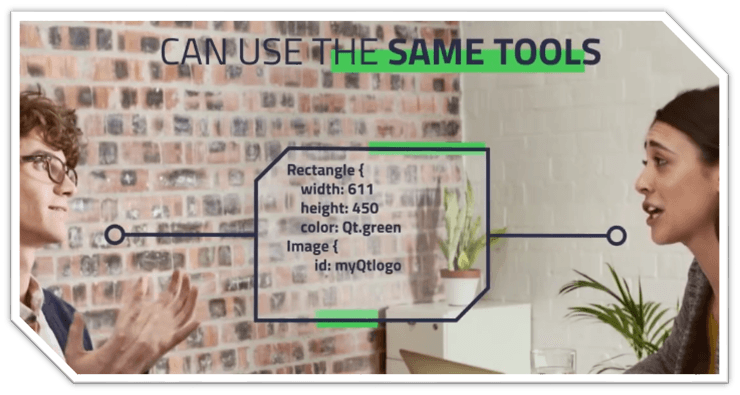
Therefore, by using QML, designers and developers can collaborate with the same development tools and shorten the development period compared to before.
Introduction to QML Programming Recommended for those who 🙋♀️
1️⃣
Those who want to easily implement modern, advanced UI/UX using QML in Qt (developers and designers)
2️⃣
Those who want to improve source code maintainability and reusability by separating design logic from functional logic
✅
You can take this course only if you understand the basics of the C++ language and the Qt framework as prerequisites.
Course Objective 💡
You can learn how to develop modern, advanced UX/UI using QML.
You can learn how to completely separate design logic from functional logic when using QML.
By studying the theory in each section and writing code yourself through a variety of practical examples, you can naturally develop the QML skills needed in the workplace.
What makes this course unique Check it out 📖
Theory and practice all at once
The course is structured to help you improve not only your QML syntax skills but also your practical abilities. After learning the theory in each section, you can enhance your professional skills through lessons featuring hands-on examples that you implement yourself by following along with the course.
Beyond the Barriers of Online Learning
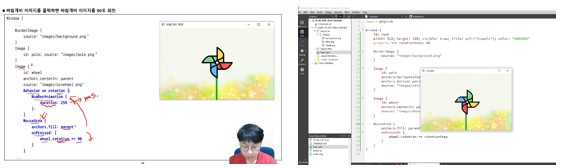
The instructor’s image is included on the lecture screen. Learn anytime, anywhere through classes featuring vivid live coding, creating an experience much like attending an in-person class.
Course structure 📖
Section 1. What is QML QML is an interpreted language provided by the Qt Framework. In this section, we will explore the features and advantages of QML.
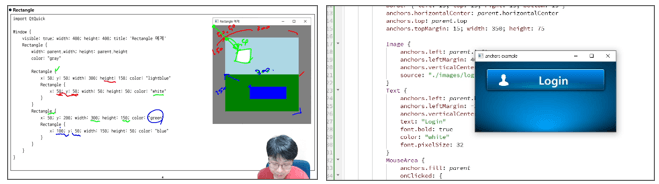
Section 2. QML Syntax and Structure This section teaches the structure and syntax of QML, as well as how to use QML through hands-on examples. Section 3. Types A type is a concept similar to Qt's QWidget. In this section, you will learn what types are and focus on commonly used types provided by QML. You will also implement a button type using the Accessible type through a hands-on example.
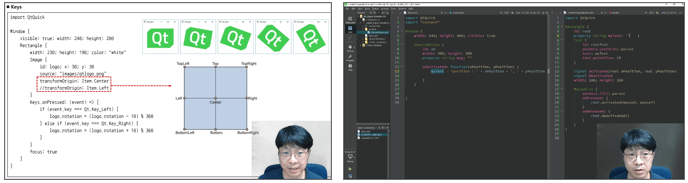
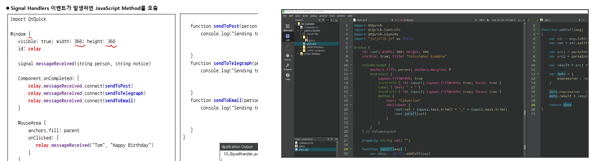
Section 4. Events This section teaches you how to implement event handling for events that occur in the user interface, such as touch, mouse, and keyboard events. You will also learn how to implement Signals in QML. In the practice example, you will learn how to work with Signals in detail by connecting a Signal to a Method (function).
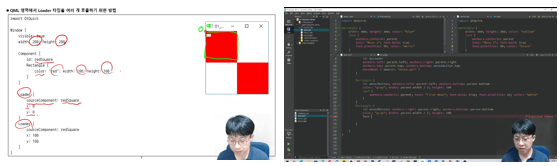
Section 5. Implementing a Dynamic UI Using the Loader Type Learn how to dynamically change a specific area of the UI. For example, you will learn how to switch from GUI screen A to screen B when certain conditions are met. Through this section, you will learn how to implement screens dynamically. In the final hands-on example, we will cover how to dynamically change screens using the Loader type.
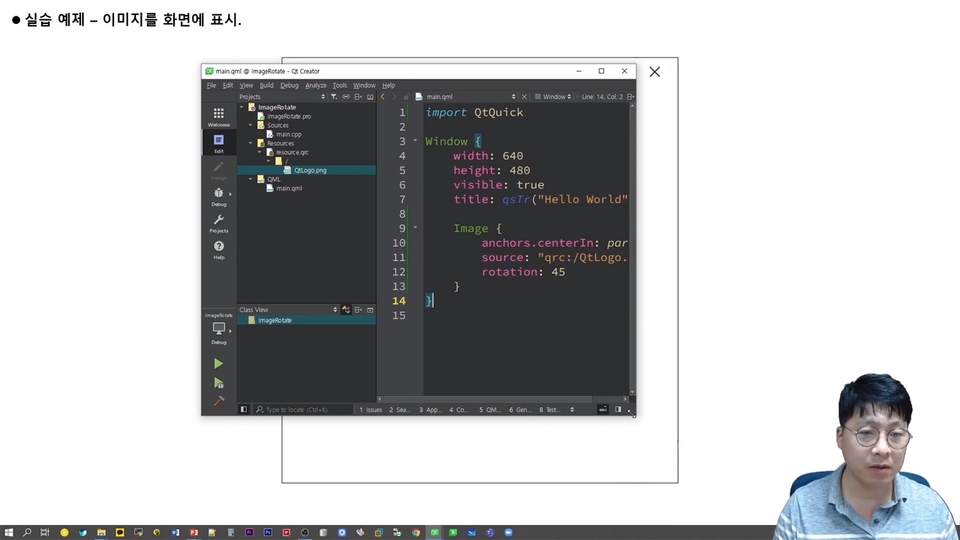
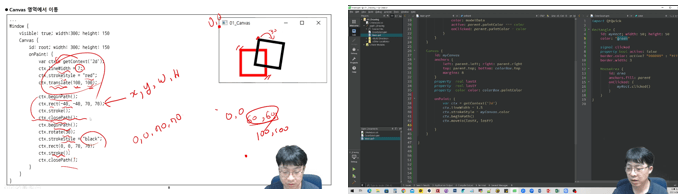
Section 6. Canvas Learn how to display images, lines, shapes, and text on the screen, like in a drawing program. As an example, we will look at how to select a color and draw on a canvas.
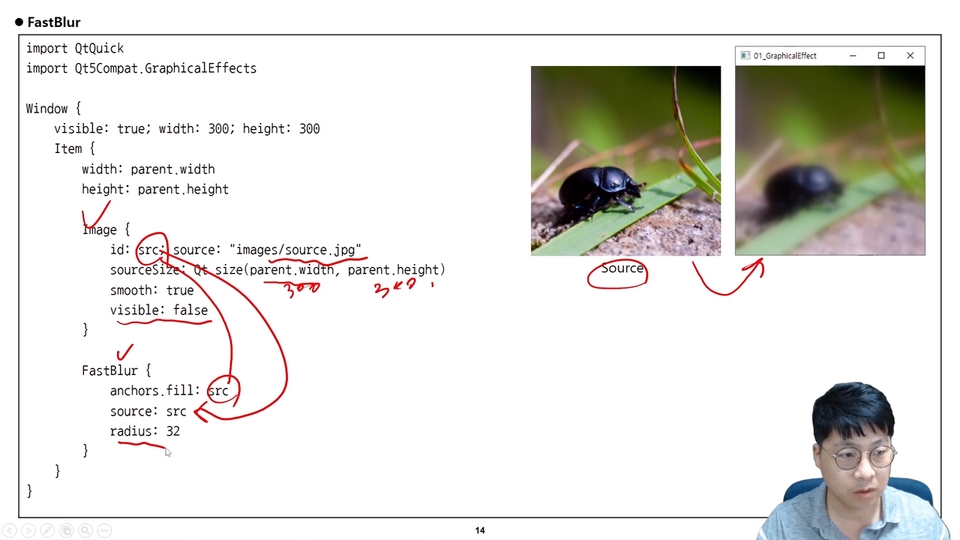
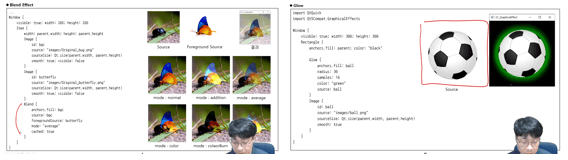
Section 7. Graphic Effects Learn how to apply effects such as Blur, Blend, and Color to images.
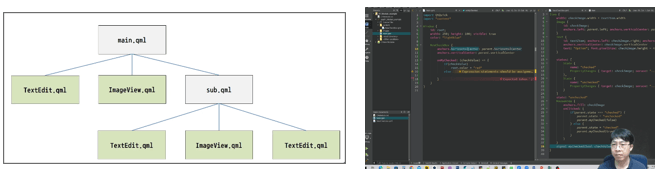
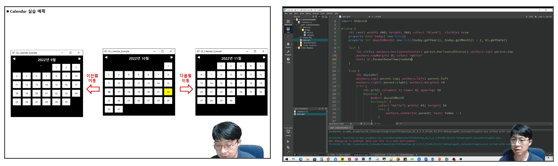
Section 8. Module Programming You will learn how to modularize user-defined types, just as you would modularize modules frequently used in GUIs, such as buttons and combo boxes. You will also learn how to modularize and implement QML through hands-on examples. Section 9. Using JavaScript in QML You will learn how to use JavaScript functions in QML. You will also learn how to import JavaScript files into QML. Through a hands-on calculator implementation, you can learn in detail how to use JavaScript.
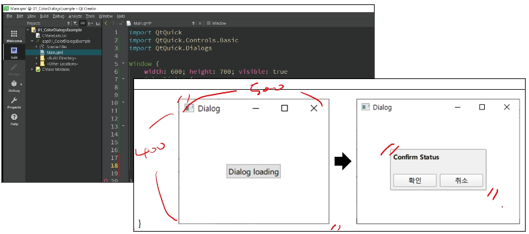
Section 10. Dialog Learn how to use dialogs in QML. In the hands-on example, you will also learn how to use dialogs by implementing a dialog for selecting a color yourself.
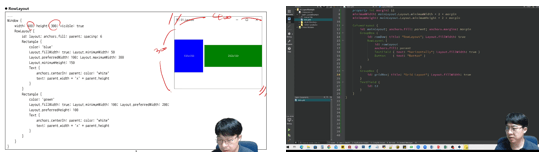
Section 11. Layout In QML, in addition to Anchors, you can use layouts such as RowLayout, ColumnLayout, GridLayout, and Layout. In this lesson, you will learn how to use various layouts.
Section 12. Type Positioning Learn how to display Types on the screen using Type Positioning. For example, learn how to arrange Types horizontally, vertically, or in a grid-like layout.
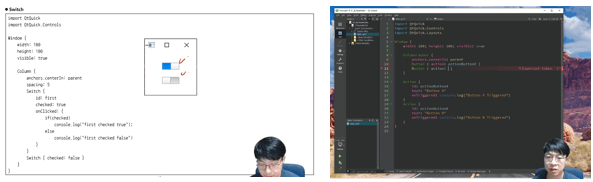
Section 13. Qt Quick Controls Qt Quick Controls provides the GUI interfaces needed to build screens, such as Button, Dial, CheckBox, and BusyIndicator. In this section, you will learn how to use Qt Quick Controls.
Q&A 💬
Q. Will I also be able to work through a variety of practical examples beyond theory and syntax?
Yes, it is possible. After the theoretical lessons in each section, you will code alongside the instructor through examples, allowing you to learn practical know-how for programming with QML in the field.
Q. Are there any reference materials or textbooks for the course content?
I serve as an administrator of the Qt developer community (qt-dev.com). You can find information related to Qt and QML on this site.
Q. Is there anything I should learn before taking the course?
This course requires basic knowledge of C++ and Qt. If you have no experience with Qt, we recommend taking the previous “Qt Programming” course before taking this one.
Work Experience Current: SW Team Leader in the Embedded field LG Electronics, VS Division IVI Advanced Platform/Module Development SW Maestro, SW Mentor
Teaching Experience Samsung Electronics, Qt & QML Lectures LG Electronics, In-house Instructor for Qt & QML Hancom Academy, Qt Guest Lecturer Guest Lecturer for Qt at numerous IT companies
I'm retaking this course, and it's great.
I'm reviewing the things I learned before but had forgotten.
This Qt lecture is good enough to be worth taking again.
It helped me a lot in how I will use QML in the future. I think it would be helpful to have a training course in the future that selects one practical item and implements the entire process, so that I can acquire the know-how.
Junghwan Jeong, thank you so much for your help. Thanks for the great feedback. In the next QML tutorial, I will add implementation of the entire process and include Qt Design Studio.



![[Introduction] Qt 6 Programming Part 1Course Thumbnail](https://cdn.inflearn.com/public/courses/326732/cover/9cda2d92-c82c-474b-810e-58e5cc25bc51/커버이미지_Qt 6 프로그래밍_1편.png?w=420)

![[Introduction] Qt 6 Programming Part 2Course Thumbnail](https://cdn.inflearn.com/public/courses/326823/cover/9c839f33-d59f-422a-9704-64534673a39c/커버이미지_Qt 6 프로그래밍_2편.png?w=420)


![[Beginner] Practical Qt/QML Programming for Stepping Up to Intermediate LevelCourse Thumbnail](https://cdn.inflearn.com/public/courses/334936/cover/4f53471f-7fc8-4602-a102-4bb4872dae35/334936.png?w=420)

![[Beginner] QML Programming Part 2Course Thumbnail](https://cdn.inflearn.com/public/courses/334674/cover/7f8b40af-9435-49f3-a498-d0fb87a8ca43/334674.png?w=420)
![[Level 3] From Beginner to Expert: Practical Application Master Class with Qt and PythonCourse Thumbnail](https://cdn.inflearn.com/public/courses/335355/cover/df1bb1b2-848a-430b-9eb3-087e418d0ffb/335355.png?w=420)
![[Level 2] Python Programming with Qt: QMLCourse Thumbnail](https://cdn.inflearn.com/public/courses/335346/cover/f8e06c2e-03bb-4e02-910d-965ee2e547b8/335346.png?w=420)
![[Level 1] Python Programming with Qt: IntroductionCourse Thumbnail](https://cdn.inflearn.com/public/courses/335089/cover/838ed04b-4bc0-4f9f-bd00-91361fcb6238/335089.png?w=420)